Babysitter Letter Of Payment For A Job
Description
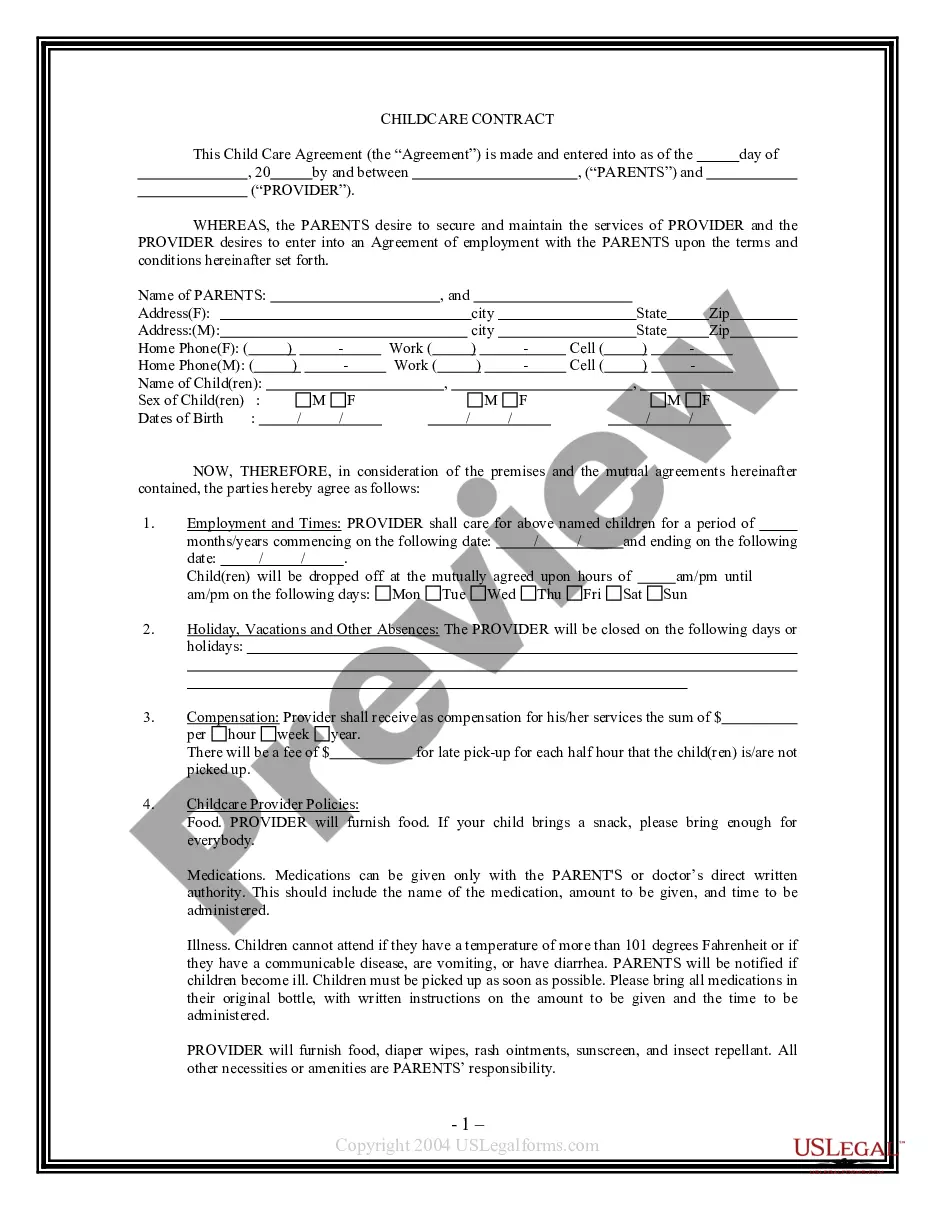
Get your form ready online
Our built-in tools help you complete, sign, share, and store your documents in one place.
Make edits, fill in missing information, and update formatting in US Legal Forms—just like you would in MS Word.
Download a copy, print it, send it by email, or mail it via USPS—whatever works best for your next step.
Sign and collect signatures with our SignNow integration. Send to multiple recipients, set reminders, and more. Go Premium to unlock E-Sign.
If this form requires notarization, complete it online through a secure video call—no need to meet a notary in person or wait for an appointment.
We protect your documents and personal data by following strict security and privacy standards.

Make edits, fill in missing information, and update formatting in US Legal Forms—just like you would in MS Word.

Download a copy, print it, send it by email, or mail it via USPS—whatever works best for your next step.

Sign and collect signatures with our SignNow integration. Send to multiple recipients, set reminders, and more. Go Premium to unlock E-Sign.

If this form requires notarization, complete it online through a secure video call—no need to meet a notary in person or wait for an appointment.

We protect your documents and personal data by following strict security and privacy standards.
Looking for another form?

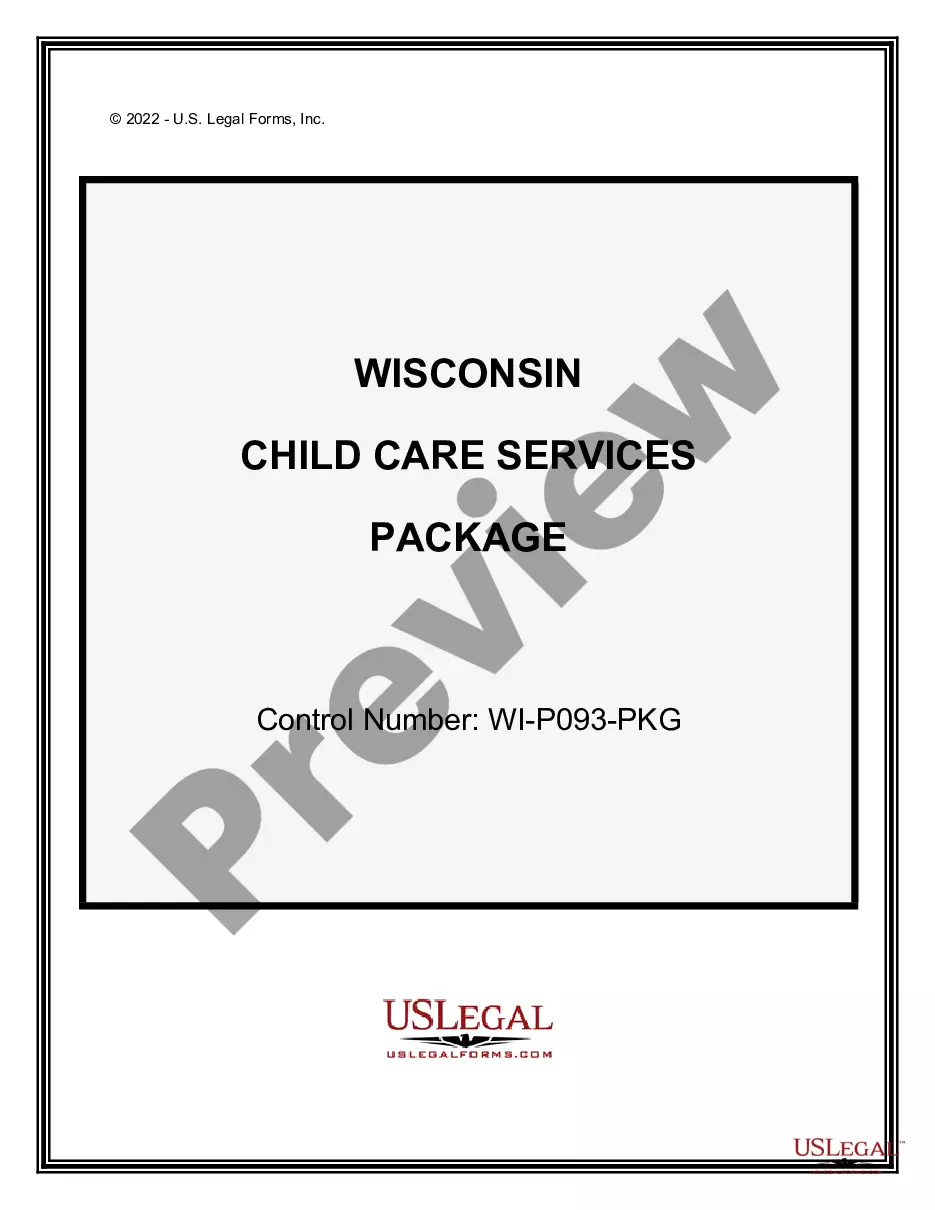
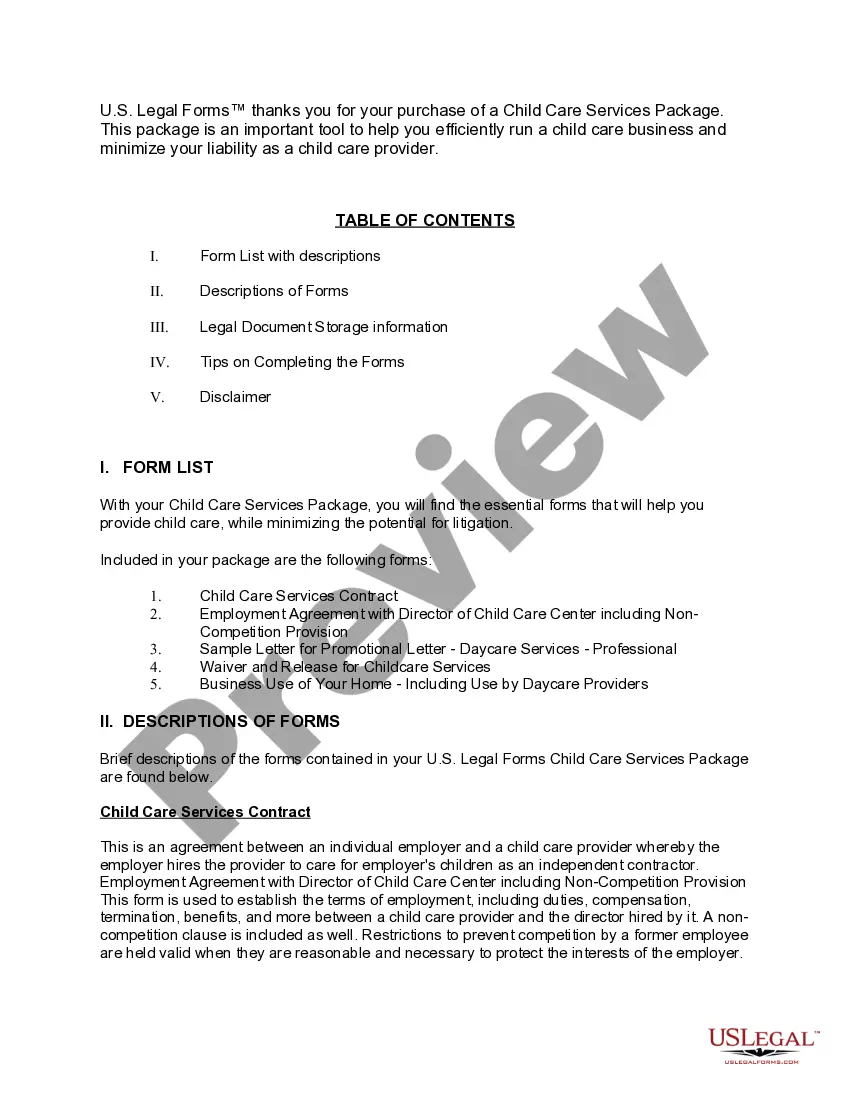
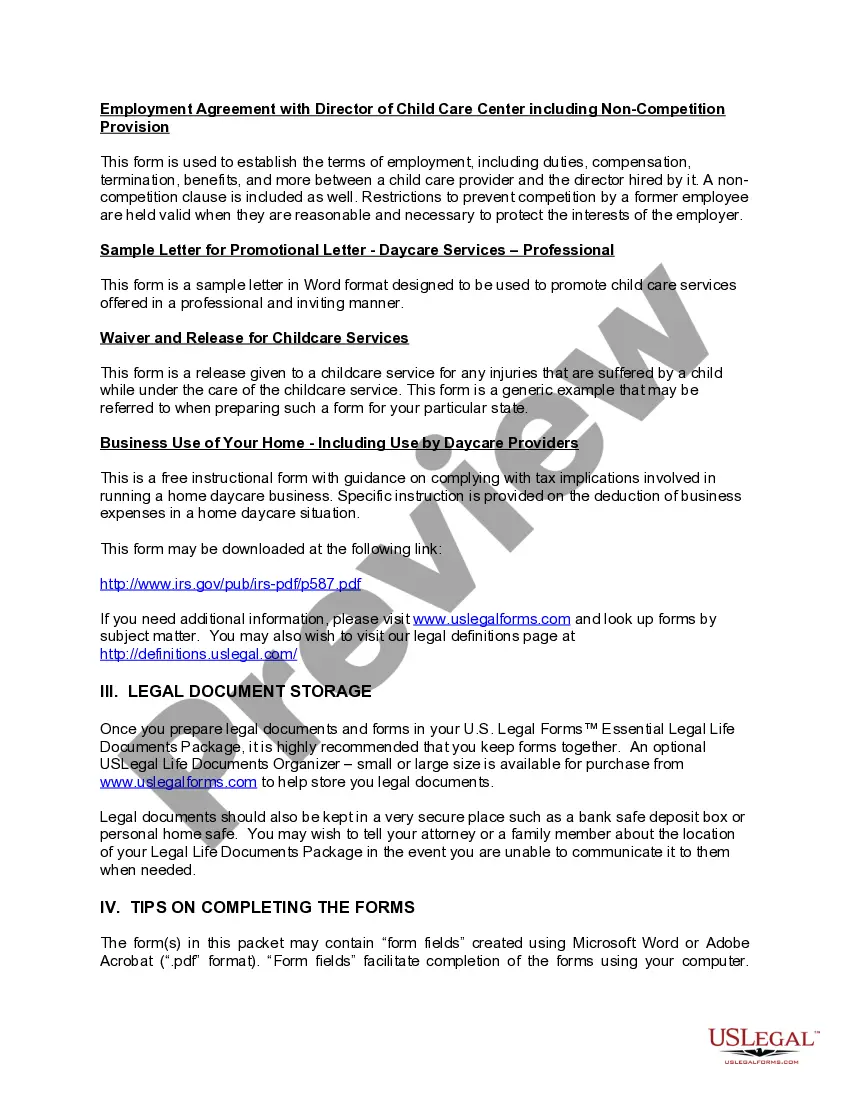
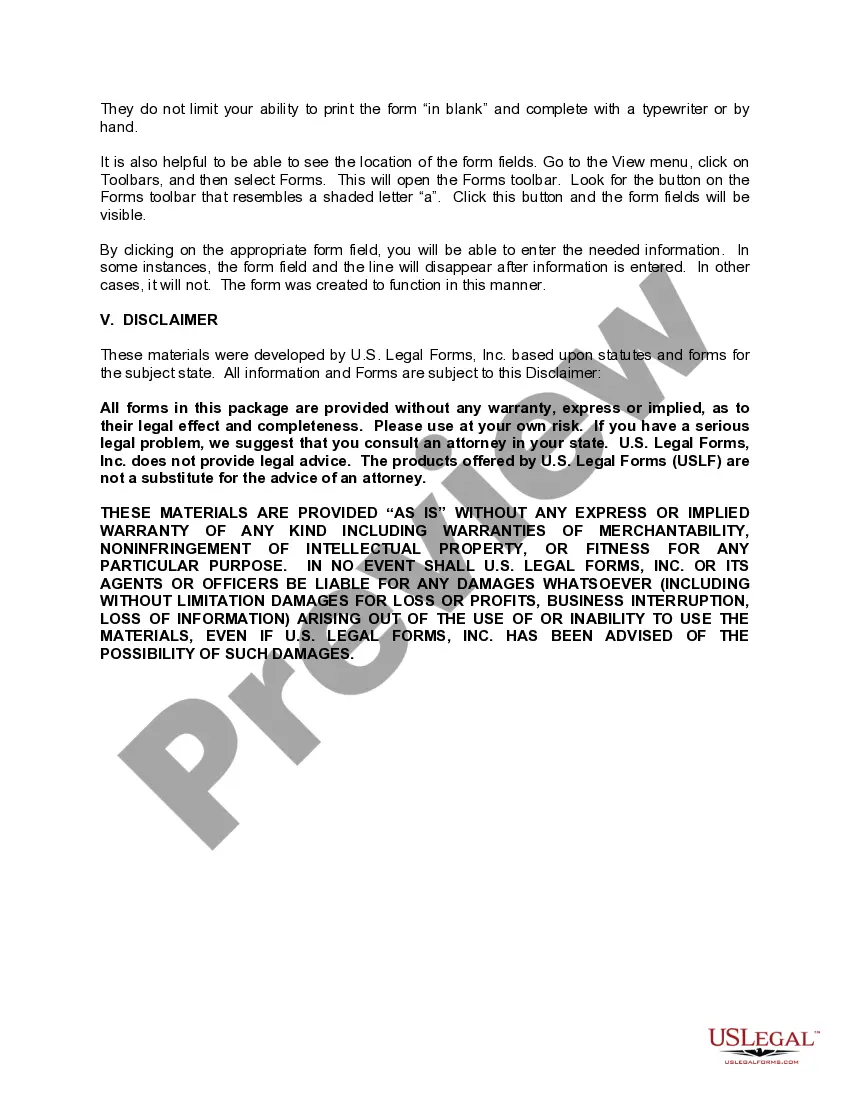
How to fill out Wisconsin Child Care Services Package?
Regardless of whether for corporate intentions or personal matters, everyone encounters legal challenges at some stage in their existence.
Filling out legal documents demands meticulous focus, starting from selecting the correct template example.
With an extensive US Legal Forms library available, you do not need to waste time looking for the suitable template across the internet. Utilize the library’s straightforward navigation to find the right form for any circumstance.
- Locate the template you require by using the search bar or browsing through the catalog.
- Review the document’s details to confirm it suits your circumstances, state, and locality.
- Click on the document’s preview to view it.
- If it's the incorrect form, return to the search tool to find the Babysitter Letter Of Payment For A Job sample you need.
- Download the document if it satisfies your specifications.
- If you already have a US Legal Forms account, simply click Log in to access previously saved documents in My documents.
- In case you don’t have an account yet, you can acquire the form by clicking Buy now.
- Select the correct pricing option.
- Fill out the profile registration form.
- Choose your payment method: utilize a credit card or PayPal account.
- Select the document format you desire and download the Babysitter Letter Of Payment For A Job.
- Once saved, you can complete the form using editing software or print it and fill it out by hand.
Form popularity
FAQ
For each babysitting position, provide information such as the family's name, the number of children you cared for, the children's ages and the dates of employment. It's also good to include if each job was a regular, one-time or occasional gig.
When discussing your desired rate initially, it's important to mention important topics that factor into the rate. Average Rates in Your Area. Nanny rates vary in every state and city. ... Your Experience. ... Education & Certificates. ... Number of Children. ... Duties. ... Your Job Duties Change. ... Time Passes.
Here are six steps you can follow to write a cover letter for a babysitting position: Review the job description. ... Introduce yourself. ... Provide your qualifications. ... Describe your skills. ... Discuss your experience. ... Explain your availability. ... Review example babysitter cover letters. ... Show your personality.
Negotiating Your Pay in the Beginning Average Rates in Your Area. Nanny rates vary in every state and city. ... Your Experience. Your experience and years in the field play a big part in determining your rate. ... Education & Certificates. ... Number of Children. ... Duties. ... Your Job Duties Change. ... Time Passes.
Write your job title: Babysitter or Nanny. If you've been hired by a family, don't put anything extra as an employer name. If you worked through a staffing agency, list them as your employer.