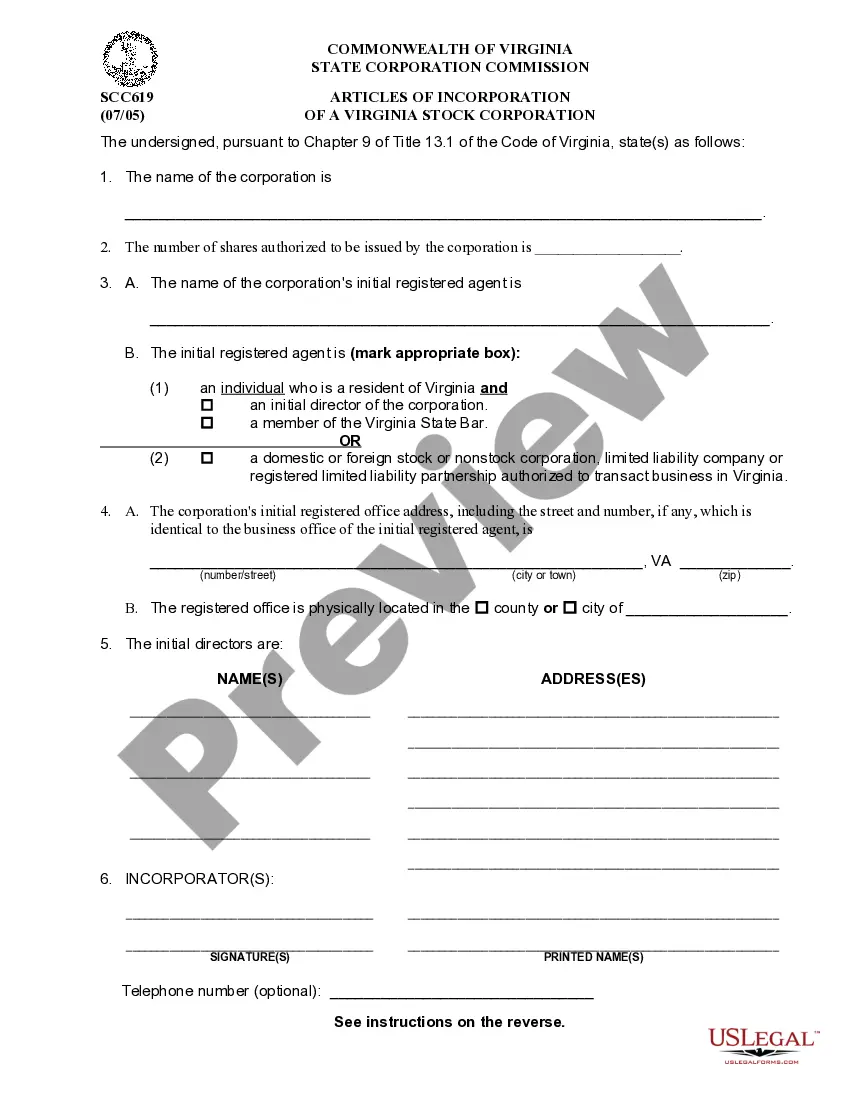
Incorporate In Virginia For Nonprofit
Description
Get your form ready online
Our built-in tools help you complete, sign, share, and store your documents in one place.
Make edits, fill in missing information, and update formatting in US Legal Forms—just like you would in MS Word.
Download a copy, print it, send it by email, or mail it via USPS—whatever works best for your next step.
Sign and collect signatures with our SignNow integration. Send to multiple recipients, set reminders, and more. Go Premium to unlock E-Sign.
If this form requires notarization, complete it online through a secure video call—no need to meet a notary in person or wait for an appointment.
We protect your documents and personal data by following strict security and privacy standards.

Make edits, fill in missing information, and update formatting in US Legal Forms—just like you would in MS Word.

Download a copy, print it, send it by email, or mail it via USPS—whatever works best for your next step.

Sign and collect signatures with our SignNow integration. Send to multiple recipients, set reminders, and more. Go Premium to unlock E-Sign.

If this form requires notarization, complete it online through a secure video call—no need to meet a notary in person or wait for an appointment.

We protect your documents and personal data by following strict security and privacy standards.
Looking for another form?
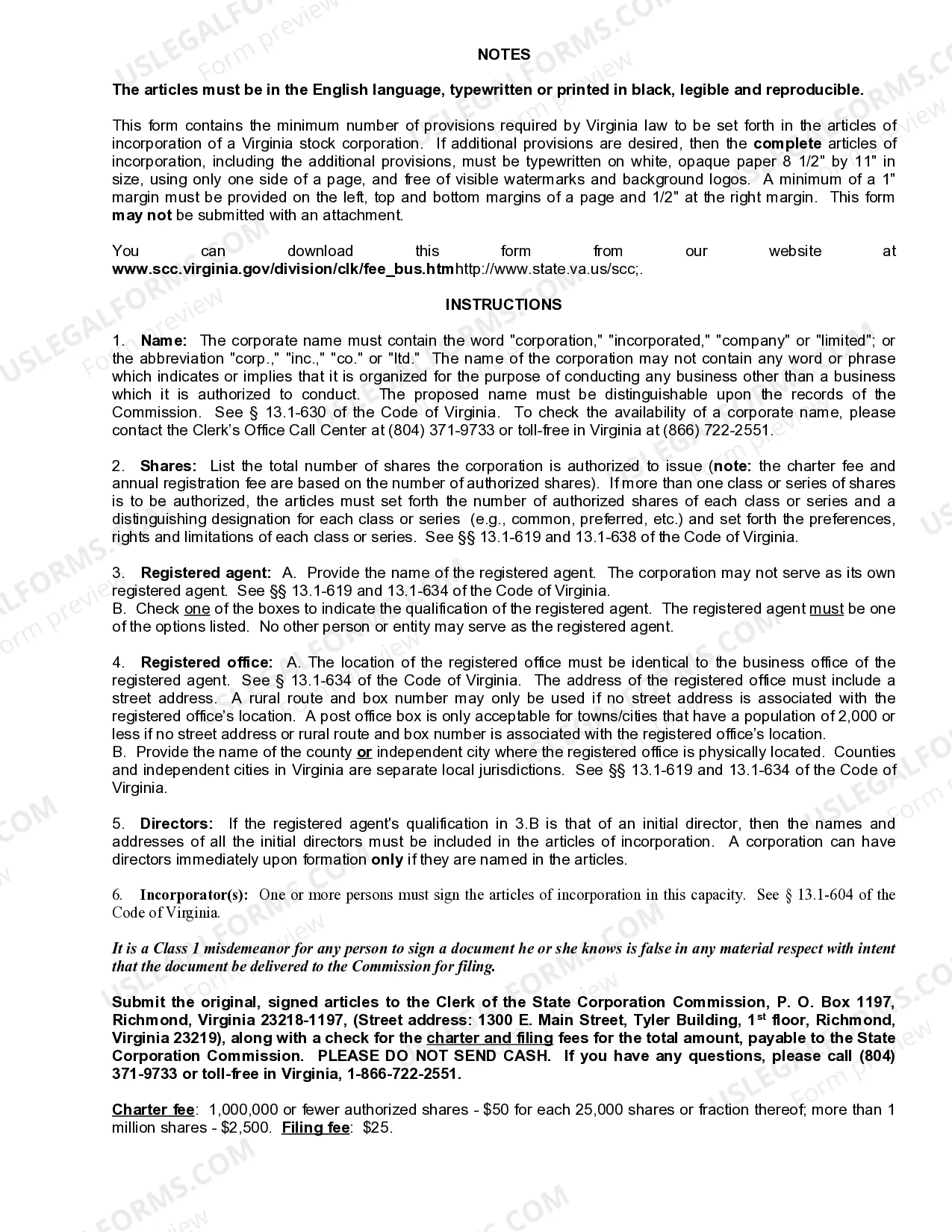
How to fill out Virginia Articles Of Incorporation For Domestic For-Profit Stock Corporation?
Legal document management may be overpowering, even for knowledgeable specialists. When you are looking for a Incorporate In Virginia For Nonprofit and don’t have the time to devote looking for the right and updated version, the operations might be nerve-racking. A robust web form catalogue might be a gamechanger for everyone who wants to take care of these situations successfully. US Legal Forms is a industry leader in web legal forms, with over 85,000 state-specific legal forms accessible to you anytime.
With US Legal Forms, you may:
- Gain access to state- or county-specific legal and business forms. US Legal Forms covers any needs you could have, from personal to organization documents, in one place.
- Utilize advanced resources to finish and control your Incorporate In Virginia For Nonprofit
- Gain access to a resource base of articles, instructions and handbooks and materials connected to your situation and needs
Save time and effort looking for the documents you need, and use US Legal Forms’ advanced search and Preview feature to get Incorporate In Virginia For Nonprofit and get it. For those who have a subscription, log in in your US Legal Forms account, search for the form, and get it. Review your My Forms tab to see the documents you previously downloaded as well as control your folders as you can see fit.
Should it be the first time with US Legal Forms, create an account and acquire unrestricted use of all benefits of the platform. Listed below are the steps for taking after accessing the form you want:
- Validate this is the correct form by previewing it and looking at its information.
- Ensure that the sample is acknowledged in your state or county.
- Select Buy Now when you are ready.
- Choose a monthly subscription plan.
- Pick the file format you want, and Download, complete, eSign, print and deliver your document.
Benefit from the US Legal Forms web catalogue, backed with 25 years of expertise and stability. Enhance your day-to-day document managing in a smooth and easy-to-use process today.
Form popularity
FAQ
How to Start a Nonprofit in VA Step One: Describe Your Nonprofit's Purpose. ... Step Two: Register Your Organization's Name. ... Step Three: Incorporate Your Organization. ... Step Four: Have Your First Organizational Meeting for the Board of Directors. ... Step Five: Obtain an EIN. ... Step Six: Appoint a Registered Agent.
Any non-profit conducting business in Virginia must register as a Non-Stock Corporation or Limited Liability Company (LLC) with the Virginia State Corporation Commission. Procedures for filing as a Non-Stock Corporation can be found in the Code of Virginia Nonstock Corporation Act, Sections 13.1-801 through 13.1-946.
Yes, if your non-profit organization collects solicitations for what could even be mistaken as a charitable purpose, you need to register as a charity with the Virginia Department of Agriculture and Consumer Services.
How to Start a Nonprofit in Virginia Name Your Organization. ... Recruit Incorporators and Initial Directors. ... Appoint a Registered Agent. ... Prepare and File Articles of Incorporation. ... File Initial Report. ... Obtain an Employer Identification Number (EIN) ... Store Nonprofit Records. ... Establish Initial Governing Documents and Policies.
How to Form a Virginia Nonprofit Corporation Choose directors for your nonprofit. Choose a name for your nonprofit. Appoint a registered agent. File Virginia nonprofit Articles of Incorporation. Prepare nonprofit bylaws. Hold a meeting of your board of directors. Obtain an employer identification number (EIN).