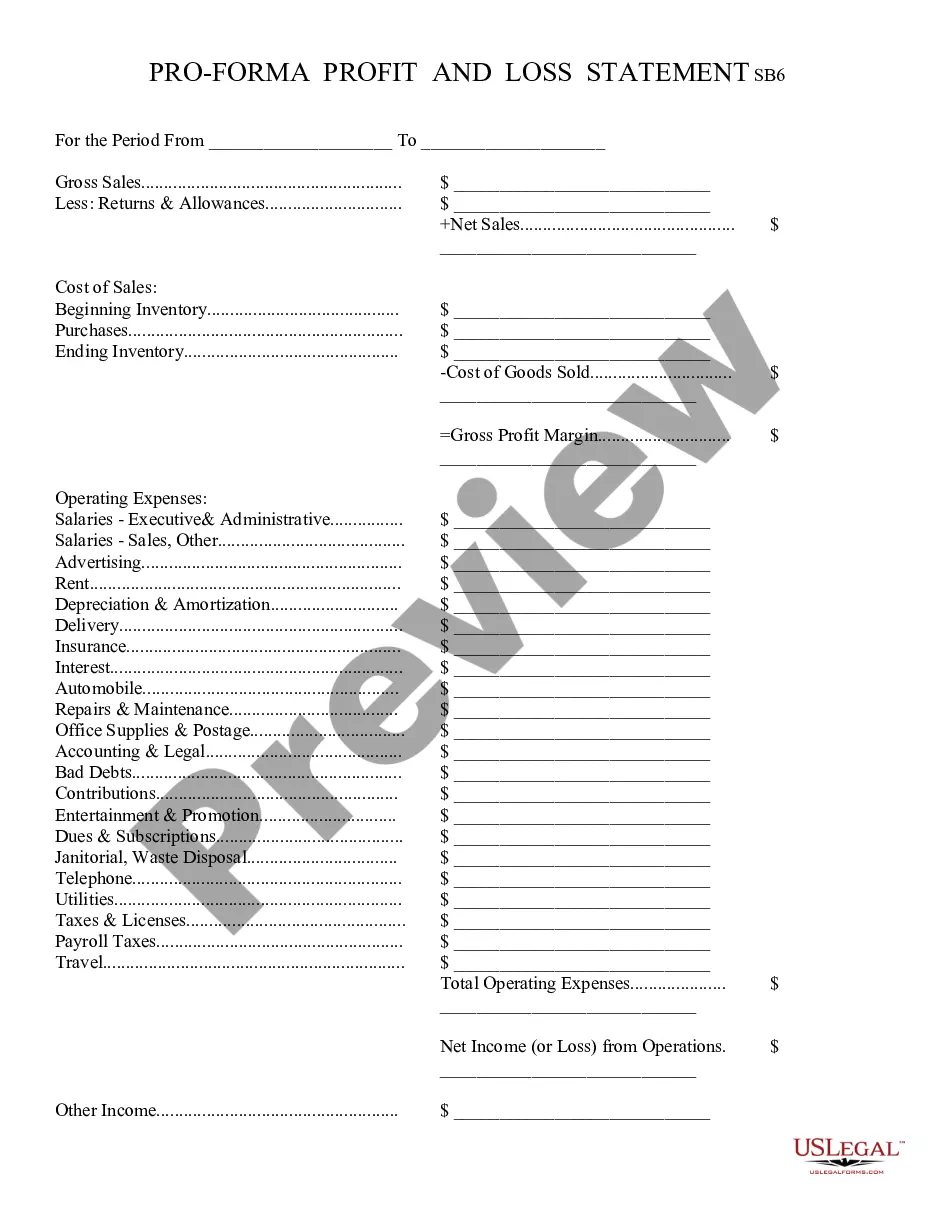
Profit And Loss Statement Template For Church
Description
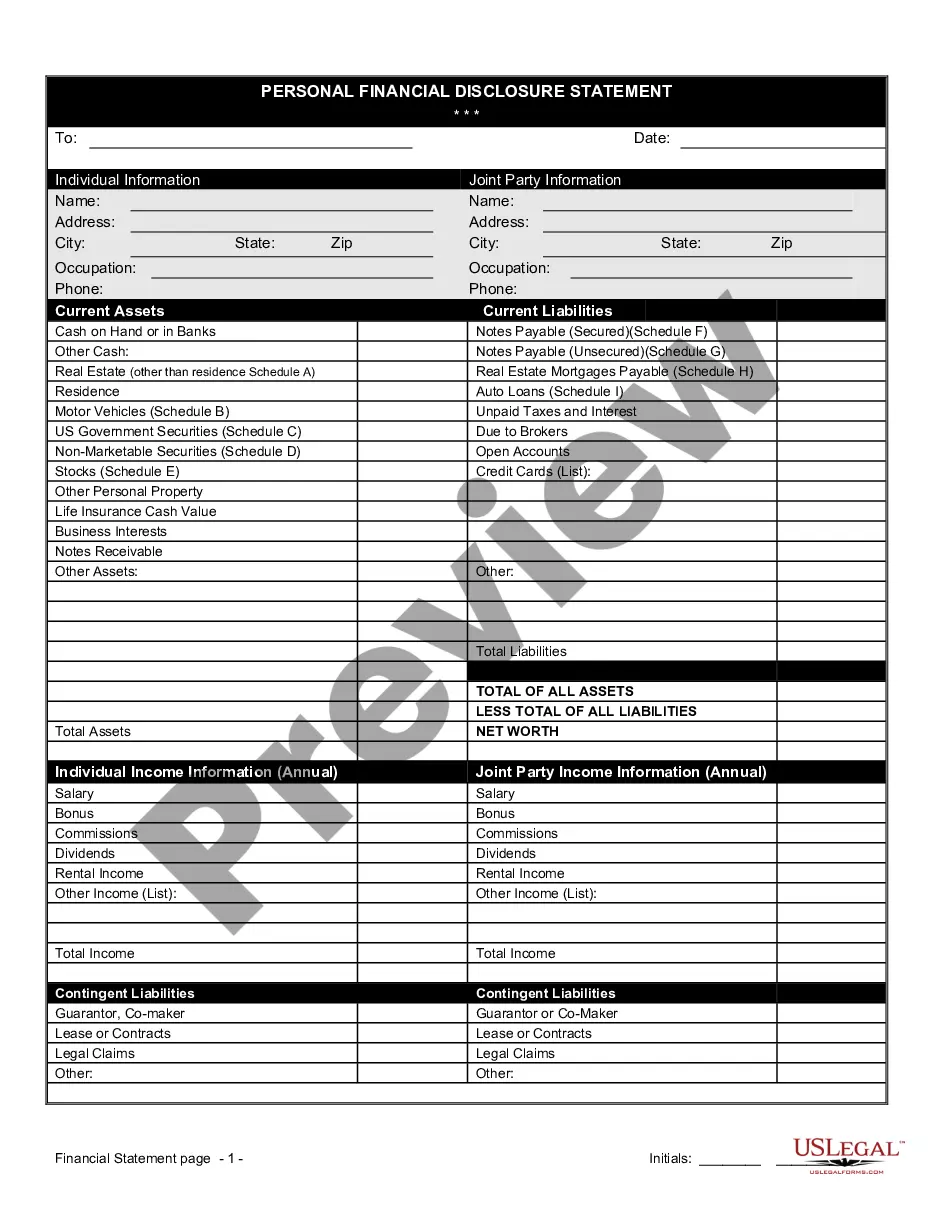
Get your form ready online
Our built-in tools help you complete, sign, share, and store your documents in one place.
Make edits, fill in missing information, and update formatting in US Legal Forms—just like you would in MS Word.
Download a copy, print it, send it by email, or mail it via USPS—whatever works best for your next step.
Sign and collect signatures with our SignNow integration. Send to multiple recipients, set reminders, and more. Go Premium to unlock E-Sign.
If this form requires notarization, complete it online through a secure video call—no need to meet a notary in person or wait for an appointment.
We protect your documents and personal data by following strict security and privacy standards.

Make edits, fill in missing information, and update formatting in US Legal Forms—just like you would in MS Word.

Download a copy, print it, send it by email, or mail it via USPS—whatever works best for your next step.

Sign and collect signatures with our SignNow integration. Send to multiple recipients, set reminders, and more. Go Premium to unlock E-Sign.

If this form requires notarization, complete it online through a secure video call—no need to meet a notary in person or wait for an appointment.

We protect your documents and personal data by following strict security and privacy standards.
Looking for another form?

How to fill out Profit And Loss Statement?
It’s a well-known fact that you can’t become a legal specialist instantly, nor can you learn to swiftly create a Profit And Loss Statement Template For Church without possessing a specific set of expertise.
Assembling legal documents is a lengthy endeavor that requires a certain level of education and proficiency. So why not entrust the development of the Profit And Loss Statement Template For Church to the experts.
With US Legal Forms, one of the most comprehensive legal document repositories, you can obtain everything from court documents to templates for internal business communications. We recognize how vital compliance and adherence to federal and state laws and regulations are.
You can regain access to your documents at any time from the My documents tab. If you’re an existing customer, you can simply Log In and locate and download the template from the same tab.
Regardless of the purpose of your forms—be it financial, legal, or personal—our platform has you covered. Give US Legal Forms a try today!
- Locate the document you need using the search bar at the top of the page.
- Preview it (if this option is available) and read the accompanying description to determine if Profit And Loss Statement Template For Church meets your needs.
- If you require another form, start your search anew.
- Create a free account and choose a subscription option to purchase the form.
- Select Buy now. Once the payment is processed, you can download the Profit And Loss Statement Template For Church, fill it out, print it, and send or mail it to the intended recipients or organizations.
Form popularity
FAQ
The balance sheet indicates the financial health of a church, but the income statements offer more practical information. This is because the income statements outline every source of income and every expense the church has.
Here's the basic process. Step 1: Choose a timeframe. ... Step 2: Gather your financial information. ... Step 3: Use a P&L Statement template. ... Step 4: List your revenues. ... Step 5: List your cost of goods sold. ... Step 6: List your expenses. ... Step 7: List interest, taxes, depreciation, and amortization. ... Step 8: Calculate net income or loss.
5 Easy Steps to Create Impressive Church Income and Expense Statement Step 1: For making a statement of Income and Expenses. ... Step 2: Statement of cash flow and fund balance report. ... Step 3: Preparation of Balance Sheet. ... Step 4: Make the list of assets. ... Step 5: Liabilities are also major part.
How To Create a Profit and Loss Statement Track Operating Revenue. ... Record Cost of Sales. ... Calculate Gross Profit. ... Determine Overhead. ... Add Up Operating Income. ... Consider Other Income and Expenses. ... Finally Arrive at Your Net Profit.
A church's chart of accounts is a list of all of its financial transactions divided into five buckets or categories. Find out more. ? What sections does a church chart of accounts have? A church's chart of accounts should have five buckets: assets, liabilities, equity, income, and expenses.