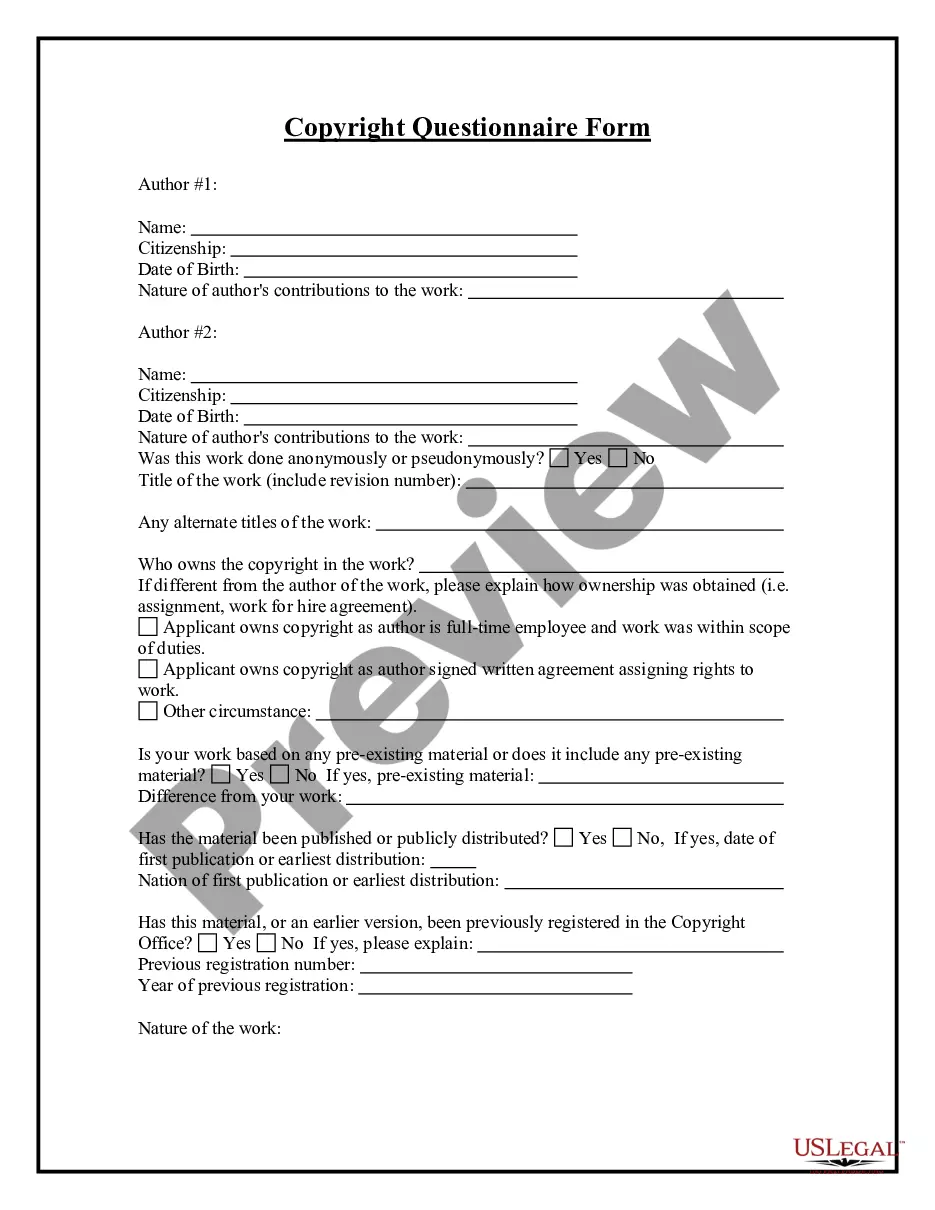
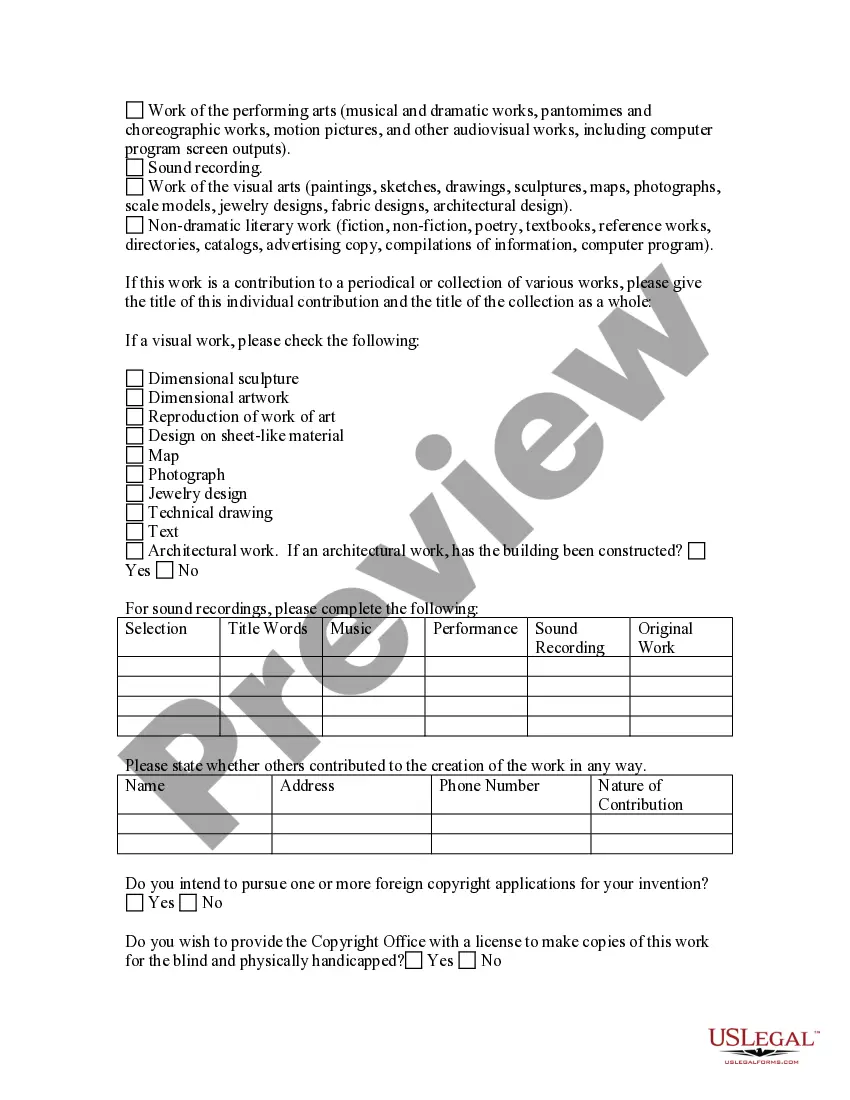
Copyright Statements Examples With Source Code
Description

Get your form ready online
Our built-in tools help you complete, sign, share, and store your documents in one place.
Make edits, fill in missing information, and update formatting in US Legal Forms—just like you would in MS Word.
Download a copy, print it, send it by email, or mail it via USPS—whatever works best for your next step.
Sign and collect signatures with our SignNow integration. Send to multiple recipients, set reminders, and more. Go Premium to unlock E-Sign.
If this form requires notarization, complete it online through a secure video call—no need to meet a notary in person or wait for an appointment.
We protect your documents and personal data by following strict security and privacy standards.

Make edits, fill in missing information, and update formatting in US Legal Forms—just like you would in MS Word.

Download a copy, print it, send it by email, or mail it via USPS—whatever works best for your next step.

Sign and collect signatures with our SignNow integration. Send to multiple recipients, set reminders, and more. Go Premium to unlock E-Sign.

If this form requires notarization, complete it online through a secure video call—no need to meet a notary in person or wait for an appointment.

We protect your documents and personal data by following strict security and privacy standards.
Looking for another form?

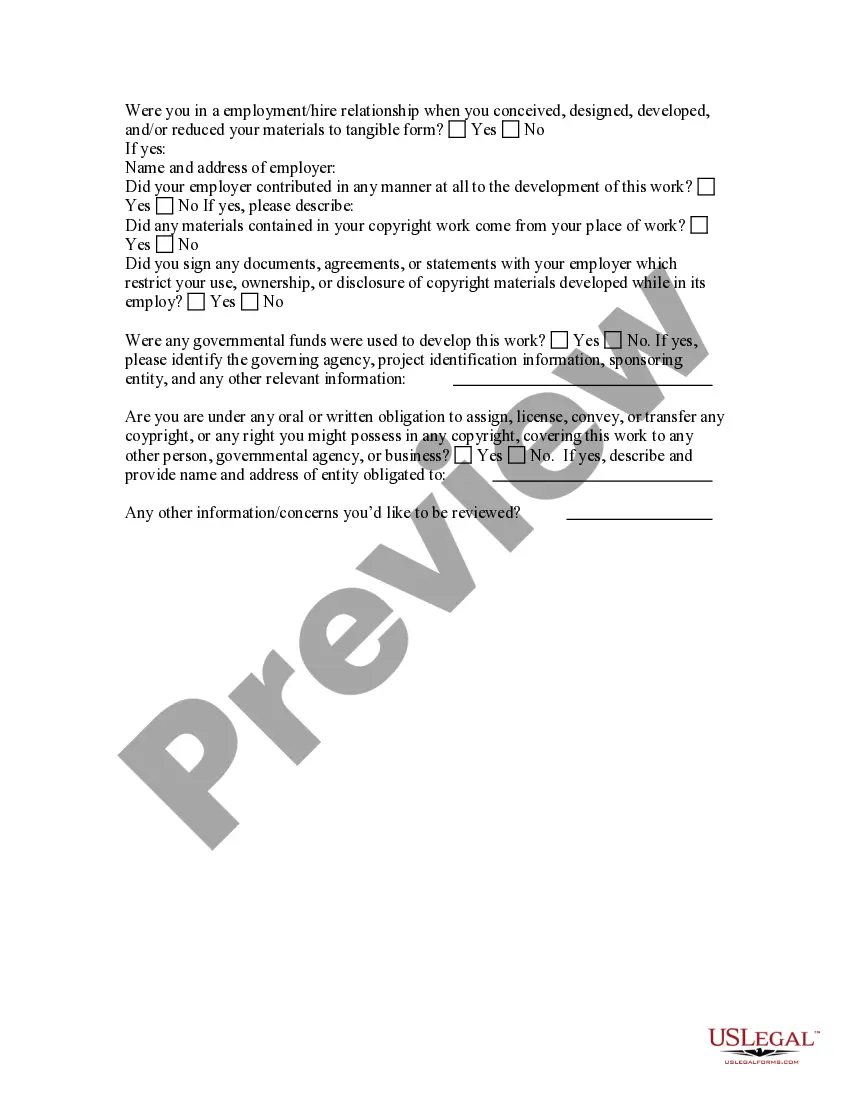
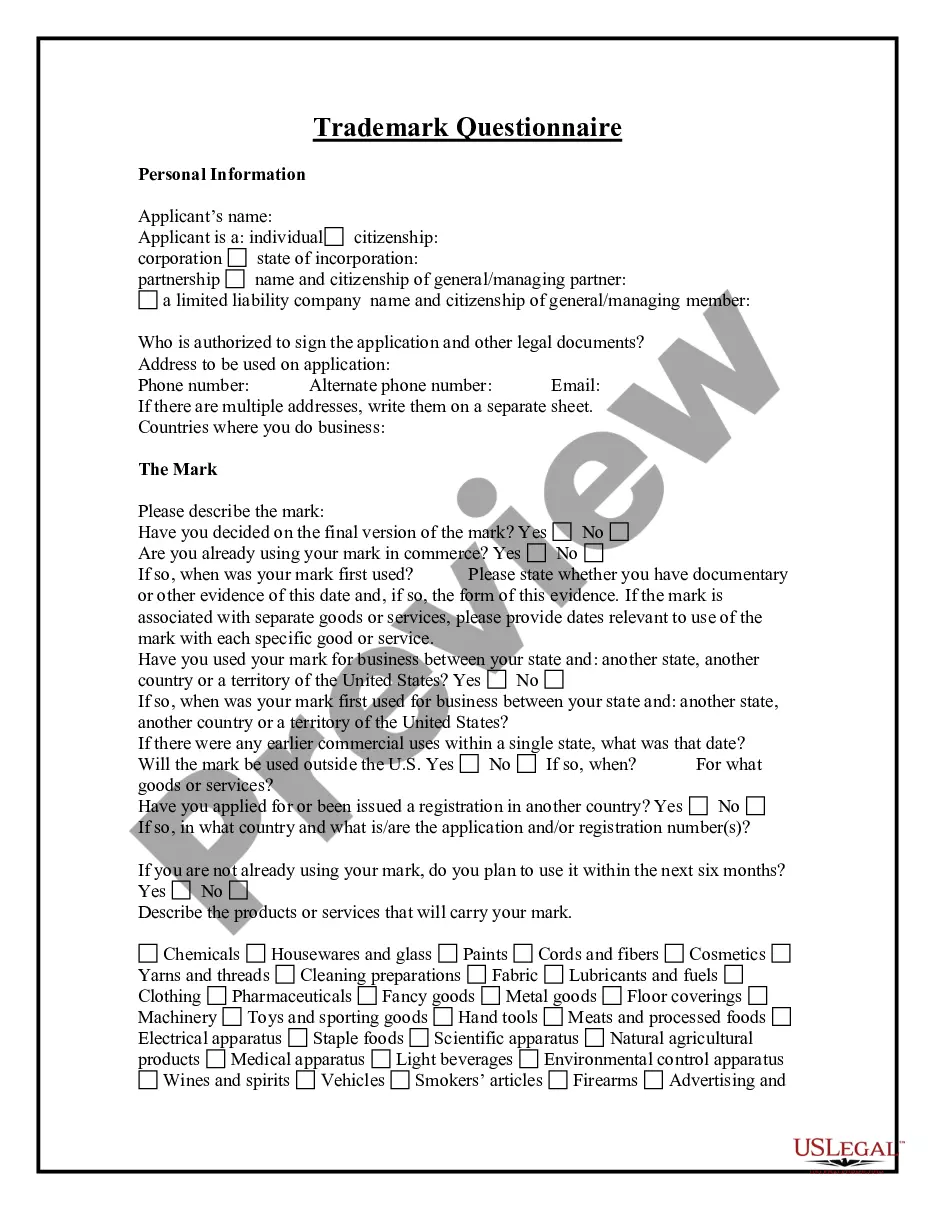
How to fill out Copyright Questionnaire?
Legal document managing can be mind-boggling, even for experienced specialists. When you are interested in a Copyright Statements Examples With Source Code and don’t have the a chance to commit in search of the appropriate and updated version, the processes might be nerve-racking. A robust web form library can be a gamechanger for anyone who wants to take care of these situations effectively. US Legal Forms is a market leader in web legal forms, with over 85,000 state-specific legal forms available at any moment.
With US Legal Forms, it is possible to:
- Gain access to state- or county-specific legal and business forms. US Legal Forms covers any demands you may have, from individual to enterprise papers, all in one spot.
- Employ innovative tools to complete and deal with your Copyright Statements Examples With Source Code
- Gain access to a useful resource base of articles, guides and handbooks and materials related to your situation and requirements
Save effort and time in search of the papers you will need, and make use of US Legal Forms’ advanced search and Preview tool to get Copyright Statements Examples With Source Code and download it. If you have a membership, log in in your US Legal Forms profile, look for the form, and download it. Review your My Forms tab to see the papers you previously saved and also to deal with your folders as you see fit.
Should it be your first time with US Legal Forms, register a free account and have unrestricted use of all advantages of the platform. Listed below are the steps for taking after getting the form you need:
- Verify it is the correct form by previewing it and reading through its description.
- Ensure that the sample is accepted in your state or county.
- Pick Buy Now when you are all set.
- Choose a subscription plan.
- Pick the format you need, and Download, complete, eSign, print and send out your document.
Take advantage of the US Legal Forms web library, supported with 25 years of experience and reliability. Transform your everyday document management in a easy and user-friendly process right now.
Form popularity
FAQ
A good copyright statement should consist of the following information: start with the © sign; the year of the first publication ? a good date would be the year in which you created the file and then do not touch that date anymore;
Under copyright law, source code is a literary work (like a book). And, just like any other writing, it is immediately copyrighted regardless of the author registering it with the U.S. Copyright Office.
DISCLAIMER: I hereby declare that I do not own the rights to this music/song. All rights belong to the owner. No Copyright Infringement Intended.
To add copyright symbols to web pages, you can use HTML code. The code includes HTML entity names or numbers like © and ©.
Copyright HTML Operating System Reference Operating SystemMethodSymbolWindowsHold down the Alt and type 0169 on the numeric keypad©MacHold down the Option key and press G©