File Format Business Card
Description
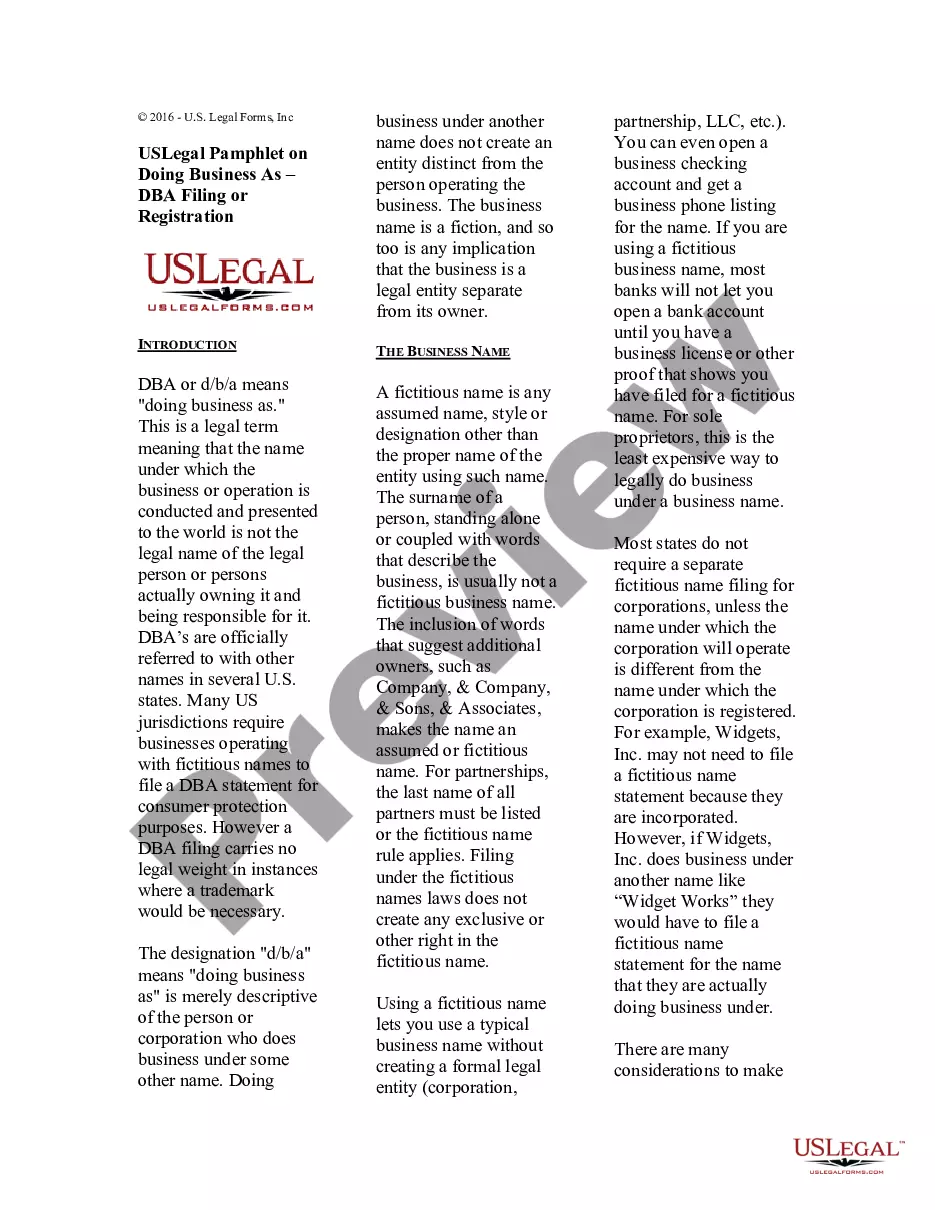
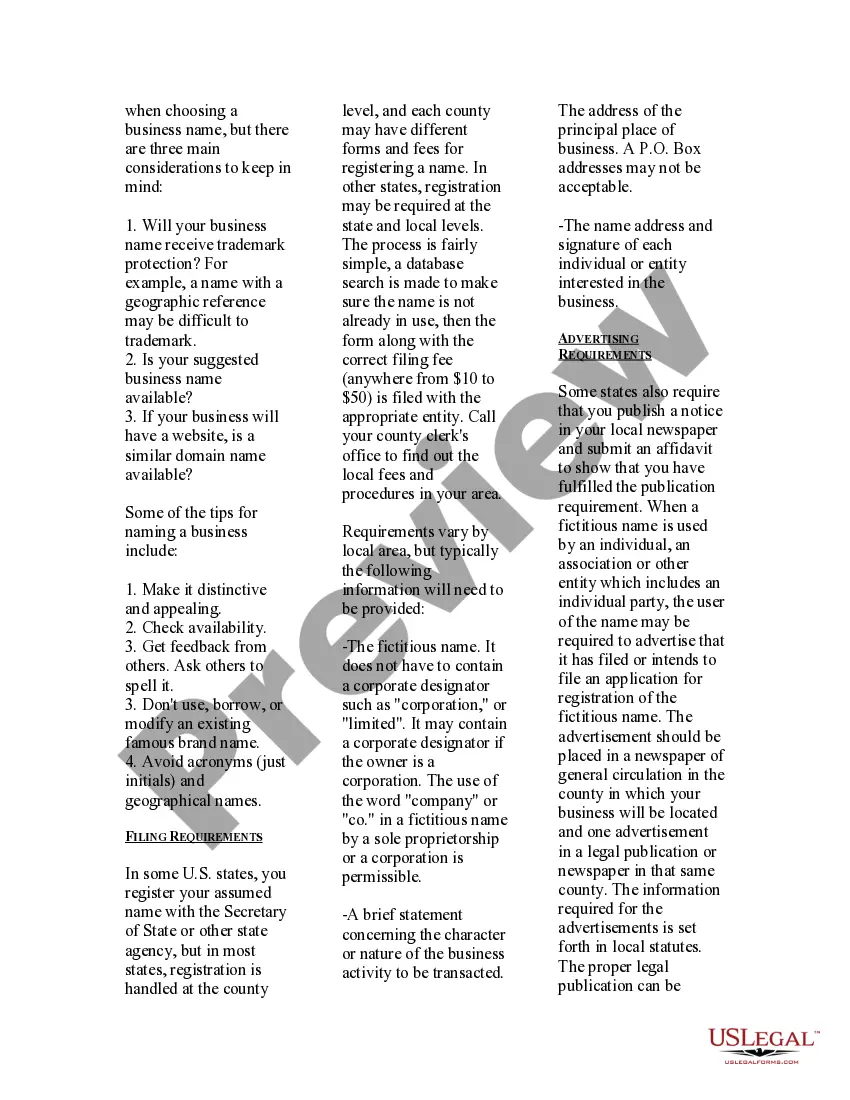

Get your form ready online
Our built-in tools help you complete, sign, share, and store your documents in one place.
Make edits, fill in missing information, and update formatting in US Legal Forms—just like you would in MS Word.
Download a copy, print it, send it by email, or mail it via USPS—whatever works best for your next step.
Sign and collect signatures with our SignNow integration. Send to multiple recipients, set reminders, and more. Go Premium to unlock E-Sign.
If this form requires notarization, complete it online through a secure video call—no need to meet a notary in person or wait for an appointment.
We protect your documents and personal data by following strict security and privacy standards.

Make edits, fill in missing information, and update formatting in US Legal Forms—just like you would in MS Word.

Download a copy, print it, send it by email, or mail it via USPS—whatever works best for your next step.

Sign and collect signatures with our SignNow integration. Send to multiple recipients, set reminders, and more. Go Premium to unlock E-Sign.

If this form requires notarization, complete it online through a secure video call—no need to meet a notary in person or wait for an appointment.

We protect your documents and personal data by following strict security and privacy standards.
Looking for another form?







How to fill out USLegal Pamphlet On Doing Business As DBA Filing Or Registration?
It’s well known that you cannot transform into a legal expert in a single night, nor can you easily learn how to swiftly create a File Format Business Card without a specialized skill set.
Assembling legal documents is an elaborate undertaking that demands specific education and expertise. So why not entrust the creation of the File Format Business Card to the experts.
With US Legal Forms, which boasts one of the most extensive legal template collections, you can discover anything from judicial documents to templates for internal business correspondence.
If you require another form, start your search again.
Create a free account and choose a subscription plan to procure the form. Select Buy now. After the transaction is complete, you can acquire the File Format Business Card, fill it out, print it, and send or deliver it to the designated individuals or organizations.
- We understand how crucial compliance and adherence to federal and local laws and regulations are.
- That’s why, on our platform, all forms are location-specific and updated.
- Here’s how to begin with our site and obtain the form you need in just a few minutes.
- Identify the form you require by using the search bar located at the top of the page.
- Preview it (if this feature is available) and review the accompanying description to determine if the File Format Business Card meets your needs.
Form popularity
FAQ
When you or your designer work on a business card, the best format to save it in is the PDF format. The reason for that is because working with PDF formats allows editing, sharing, collaborating on a file and higher security with digital documents.
Here's a quick 7-step tutorial to help you create your editable PDF. Create the design in Illustrator, Photoshop or InDesign. ... Save your design as a PDF file. ... Open the file in Adobe Acrobat Pro and add text fields. ... Edit your Text Field Properties. ... Save it as an editable template. ... Test your template and send it to your client.
If you're printing business cards, brochures, clothing, and the like, then you should use SVGs if they're accepted by the printer you're using; if not, then use an EPS or PDF file. The best file format for a transparent background is PNG.
The best logo file formats for printing business cards, brochures, clothing, swag, and more, are vector files. Use SVGs if they're accepted by the printer you're using ? if not, send an EPS or PDF. The best logo file format for a transparent background is PNG and SVG.
The digital vCard, is a vcf file and contains, just like the paper business card, information about a person or a company. Common standards for vCard use were established in 1996 by Apple, AT&T, IBM and Siemens in the so-called Versit Consortium.