Dba Registration In South Carolina
Description
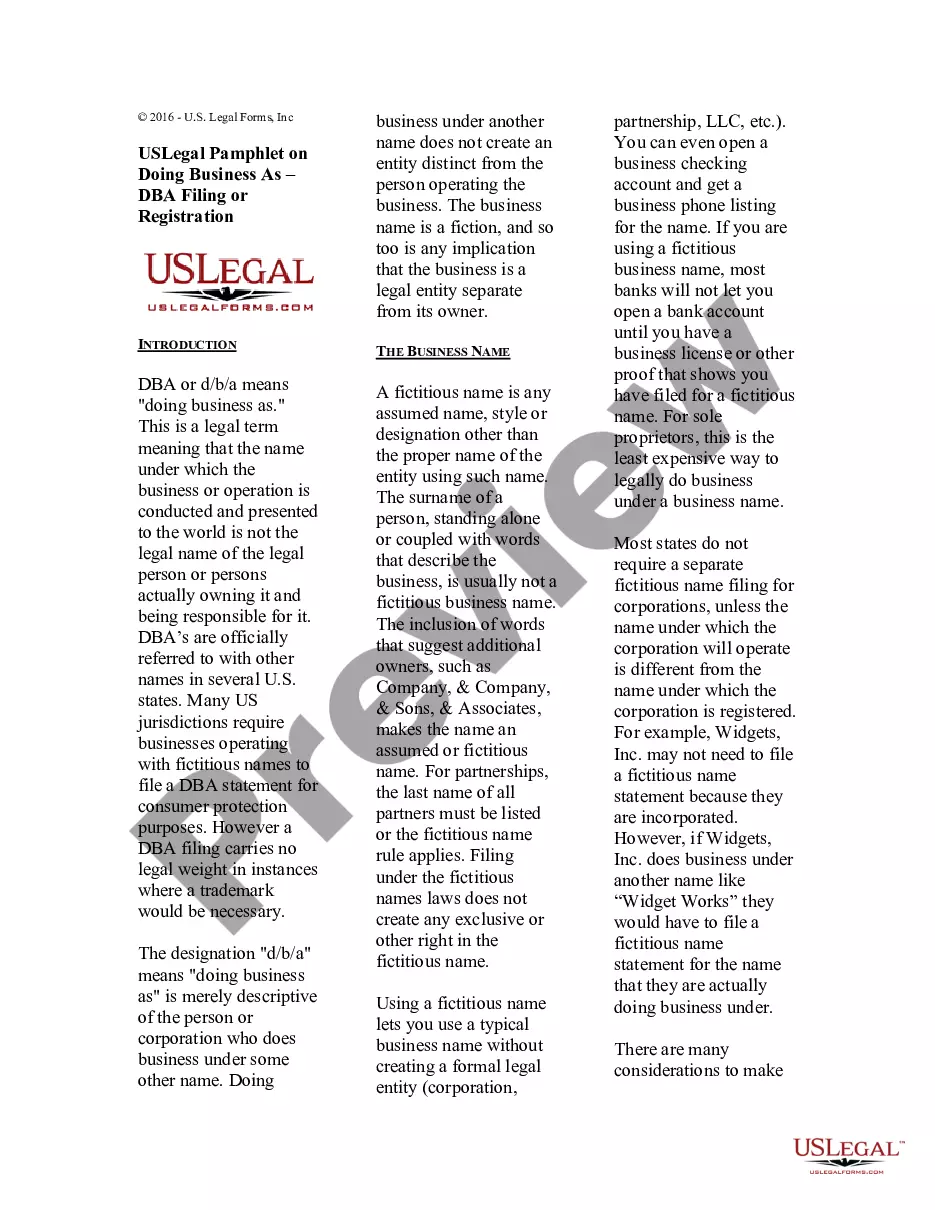
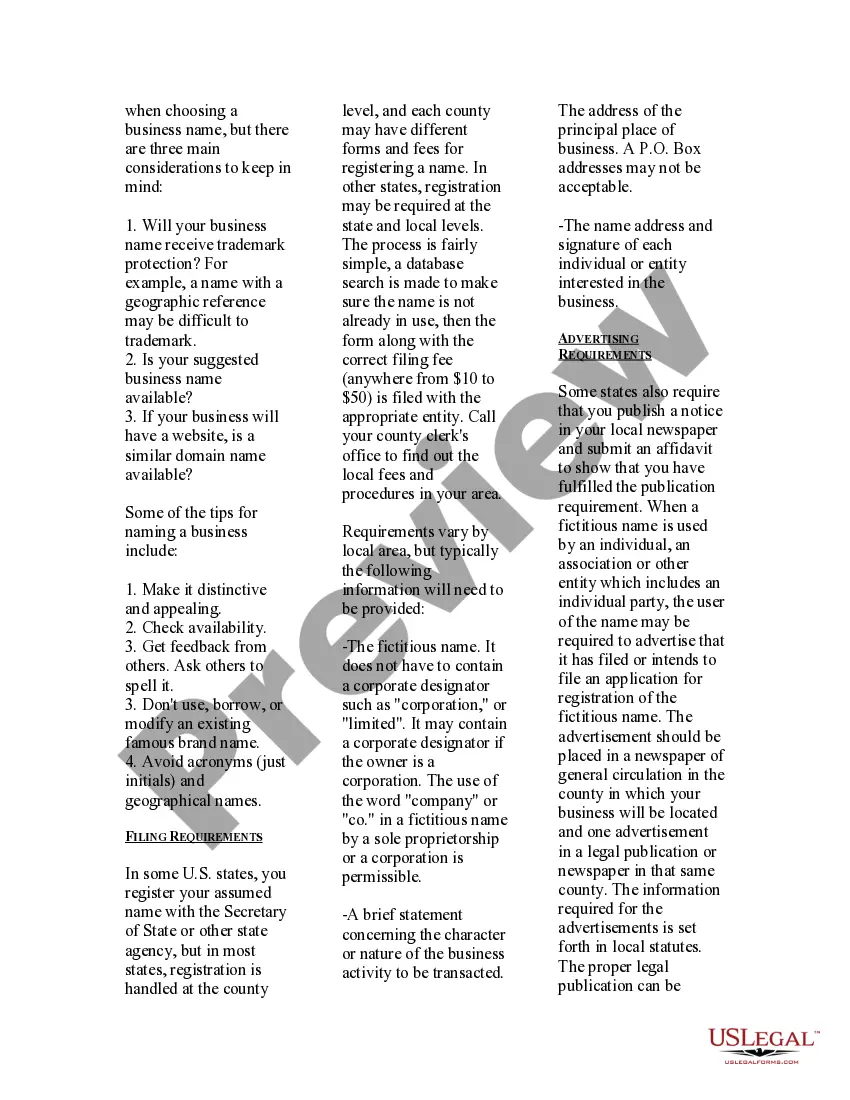
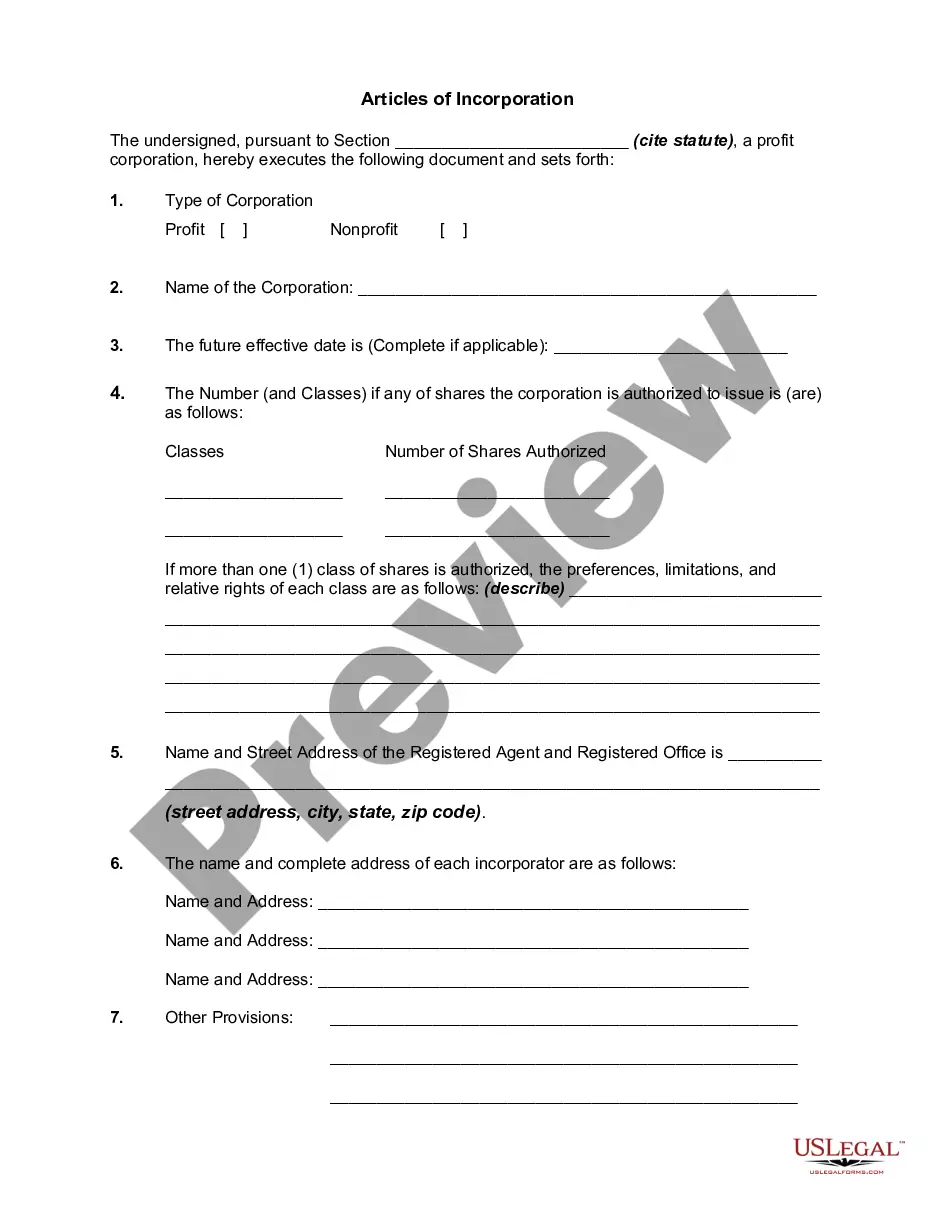

Get your form ready online
Our built-in tools help you complete, sign, share, and store your documents in one place.
Make edits, fill in missing information, and update formatting in US Legal Forms—just like you would in MS Word.
Download a copy, print it, send it by email, or mail it via USPS—whatever works best for your next step.
Sign and collect signatures with our SignNow integration. Send to multiple recipients, set reminders, and more. Go Premium to unlock E-Sign.
If this form requires notarization, complete it online through a secure video call—no need to meet a notary in person or wait for an appointment.
We protect your documents and personal data by following strict security and privacy standards.

Make edits, fill in missing information, and update formatting in US Legal Forms—just like you would in MS Word.

Download a copy, print it, send it by email, or mail it via USPS—whatever works best for your next step.

Sign and collect signatures with our SignNow integration. Send to multiple recipients, set reminders, and more. Go Premium to unlock E-Sign.

If this form requires notarization, complete it online through a secure video call—no need to meet a notary in person or wait for an appointment.

We protect your documents and personal data by following strict security and privacy standards.
Looking for another form?





How to fill out USLegal Pamphlet On Doing Business As DBA Filing Or Registration?
The Dba Registration In South Carolina that you see on this page is a versatile official template created by experienced attorneys in accordance with national and state laws and regulations.
For over 25 years, US Legal Forms has offered individuals, companies, and legal experts more than 85,000 authenticated, state-specific forms for any business or personal need. It’s the fastest, simplest, and most trustworthy method to acquire the documents you require, as the service ensures bank-grade data security and anti-malware safeguards.
Register for US Legal Forms to have authenticated legal templates for all of life’s situations readily available.
- Search for the document you require and review it.
- Browse through the file you searched and preview it or examine the form description to confirm it meets your needs. If it does not, use the search bar to find the correct one. Click Buy Now once you have located the template you need.
- Select and Log In.
- Choose the pricing plan that fits you and register for an account. Use PayPal or a credit card to facilitate a swift payment. If you already possess an account, Log In and verify your subscription to continue.
- Obtain the editable template.
- Select the format you desire for your Dba Registration In South Carolina (PDF, Word, RTF) and save the example on your device.
- Complete and sign the documents.
- Print the template to fill it out by hand. Alternatively, take advantage of an online multi-functional PDF editor to efficiently and accurately complete and sign your form with a valid signature.
- Redownload your documents one more time.
- Utilize the same document again as needed. Access the My documents tab in your profile to redownload any previously acquired forms.
Form popularity
FAQ
Application for Change of Name Adult CC-1411 - YouTube YouTube Start of suggested clip End of suggested clip And mother in parts 5 & 6. Step 5 check the appropriate box in part 7. Indicating whether or not youMoreAnd mother in parts 5 & 6. Step 5 check the appropriate box in part 7. Indicating whether or not you've ever been convicted of a felony if. You check yes in part 8. Include the name of your facility.
If your lawsuit is for more than $200, the filing fee is $26, plus $12 for each person or business you are suing. If your lawsuit is for $200 or less, the filing fee is $21, plus $12 for each person or business you are suing. If you win, the judgment will include your filing and service fees.
The processing time is approximately six to eight weeks. For more information on name changes, contact the Circuit Court at 703-228-7010.
In order to initiate a name change, a notarized application prepared in ance with the Code of Virginia and Rules of the Virginia Supreme Court must be filed. The petitioner must also provide an order for consideration by the judge.
How do I change my name? File in the Circuit Court of the county in which you live. Pay the $41 filing fee.
A hearing shall be held by the court, as provided herein, and the court shall rule on any such motions not later than forty-five days after the date of judgment, not including the date of entry of such judgment.
You have a right to attend most court proceedings in Virginia state courts. However, your right of access is not absolute, and a court can restrict your access under certain circumstances.
To change it with the Supreme Court of Virginia, please contact them at (804) 786-2251 or download their attorney name change form. To change your name with the Board of Bar Examiners please contact them at (804) 367-0412.