Amended Complaint Civil Sample Without Cause
Description
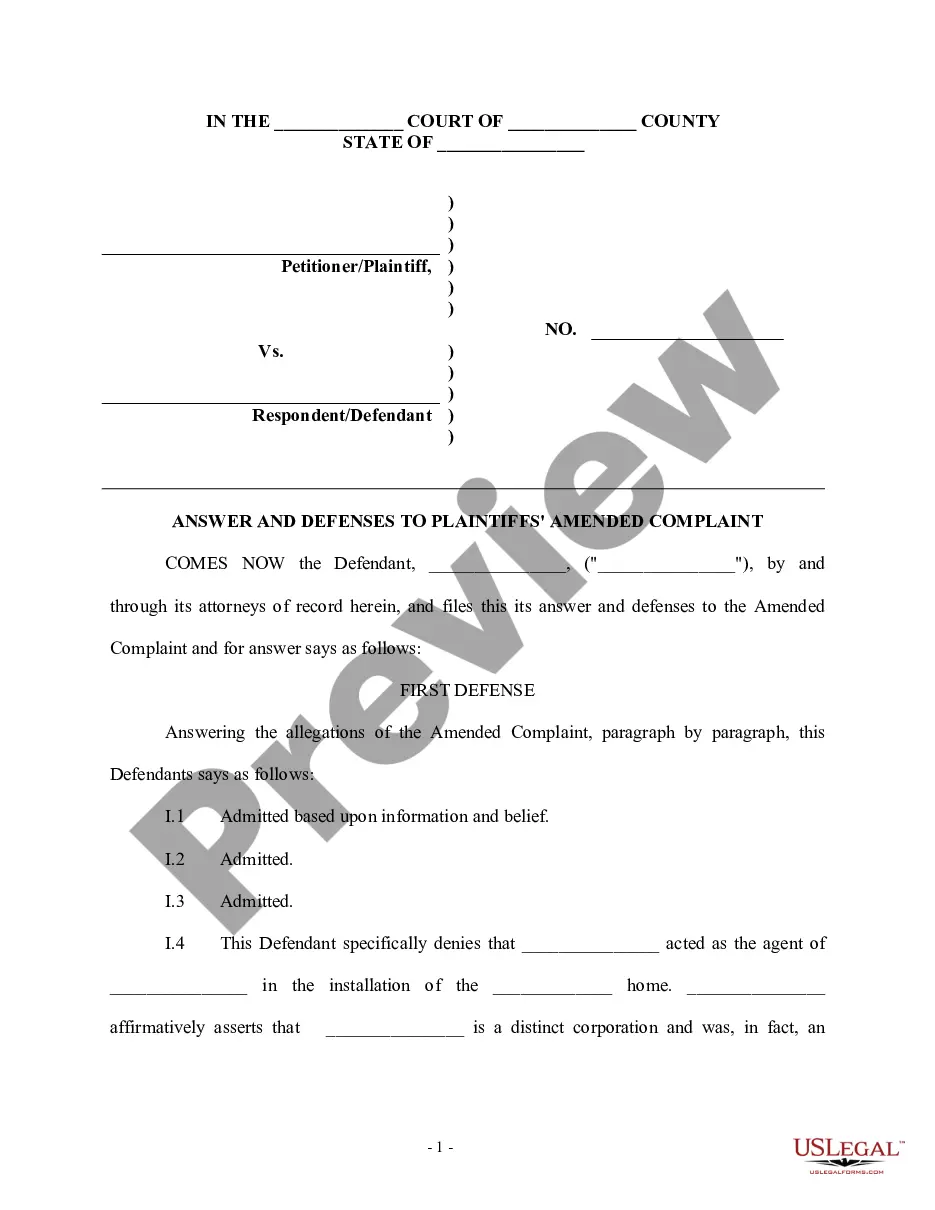
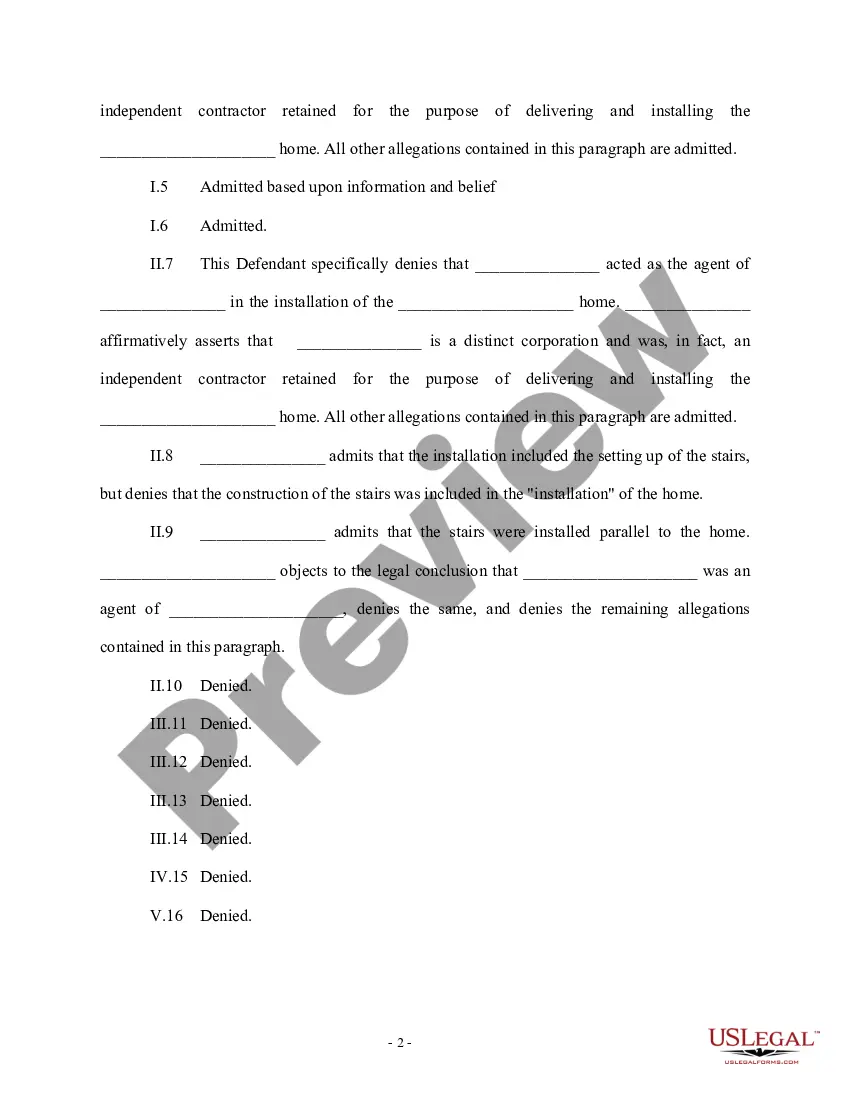
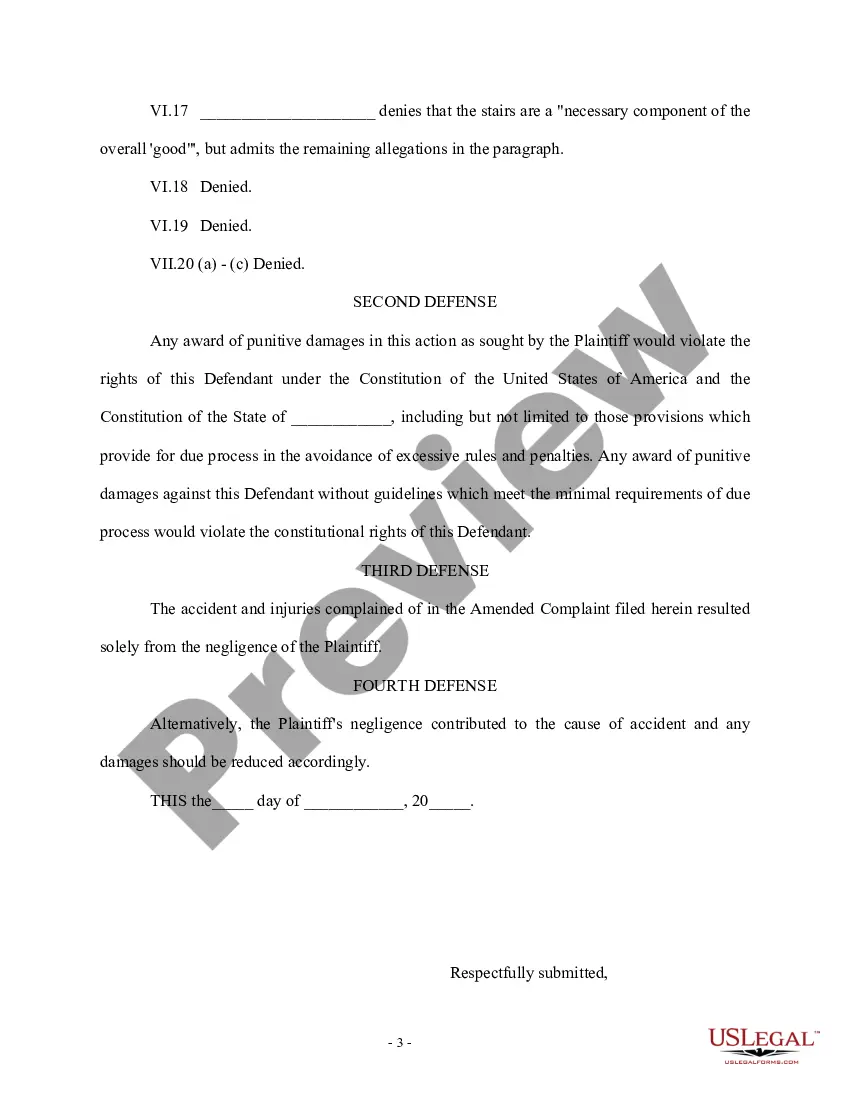
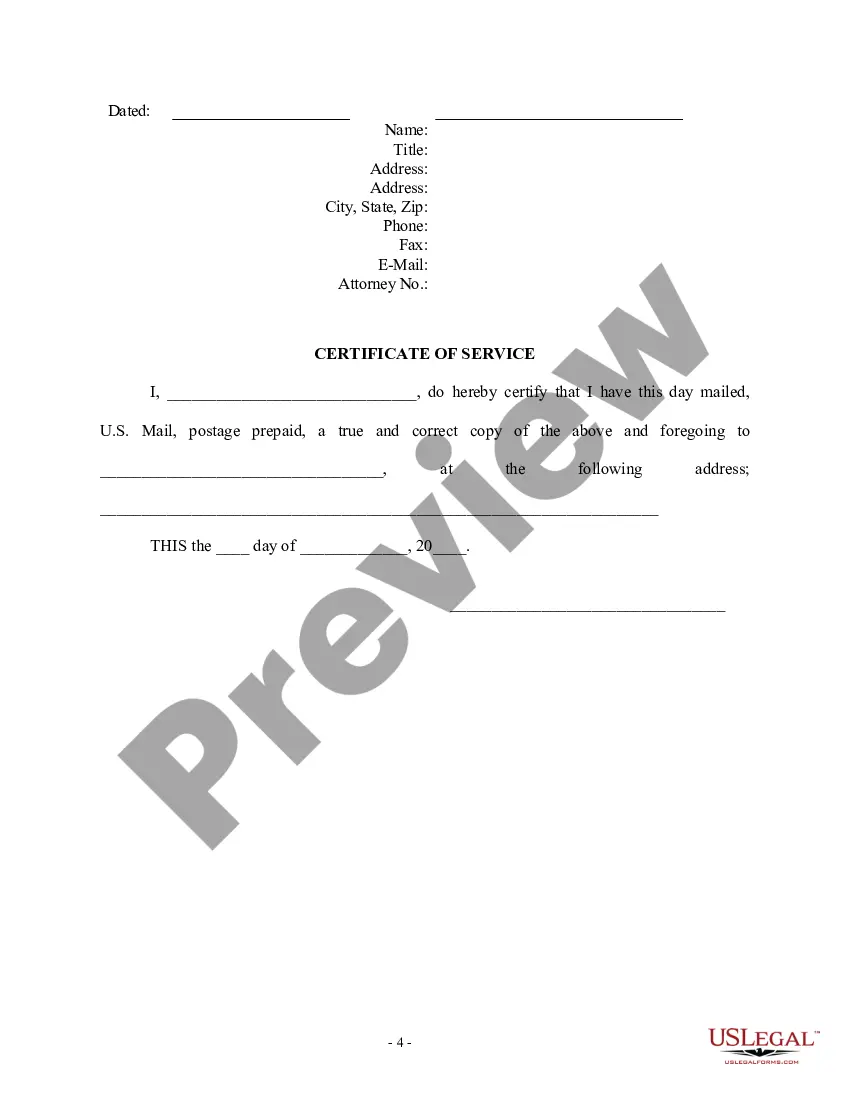

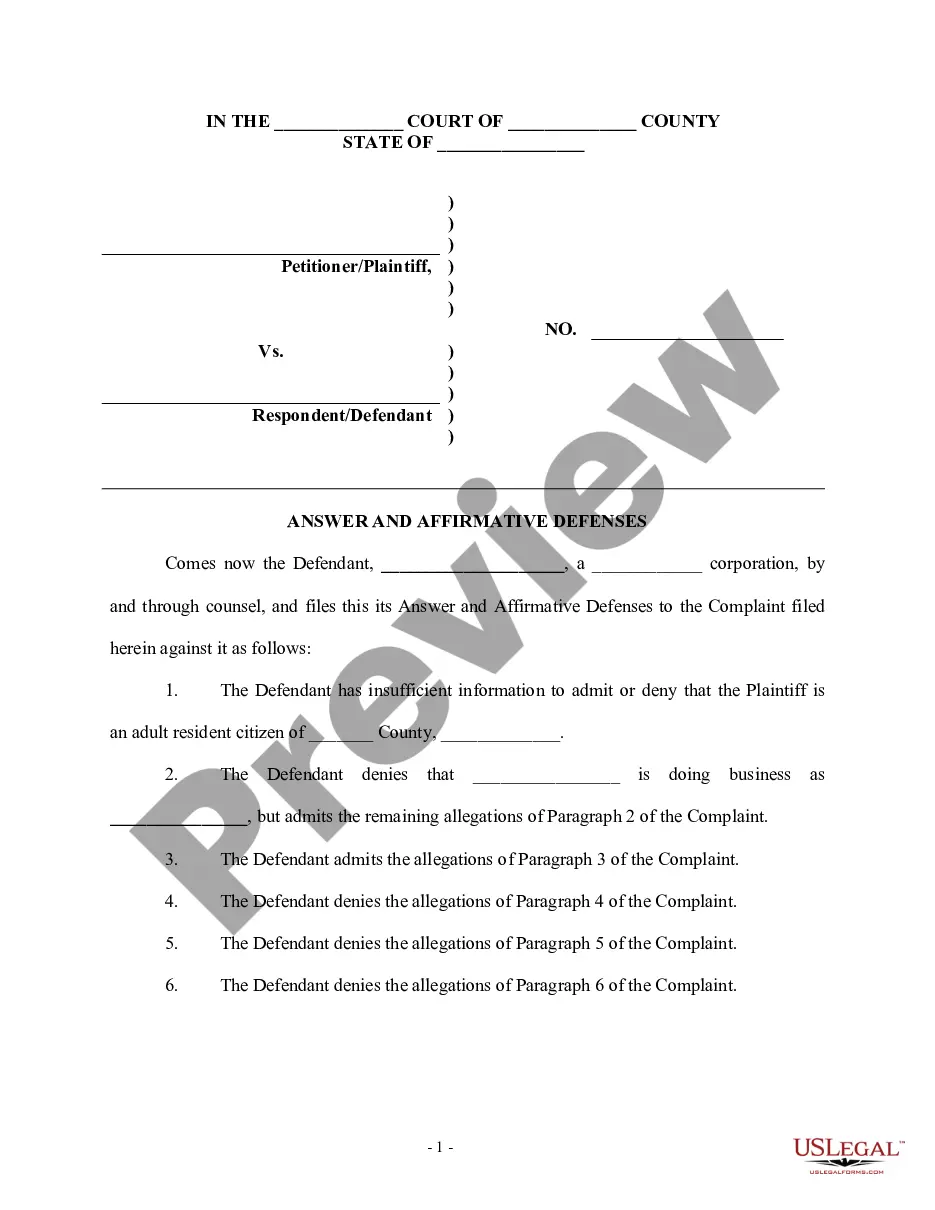
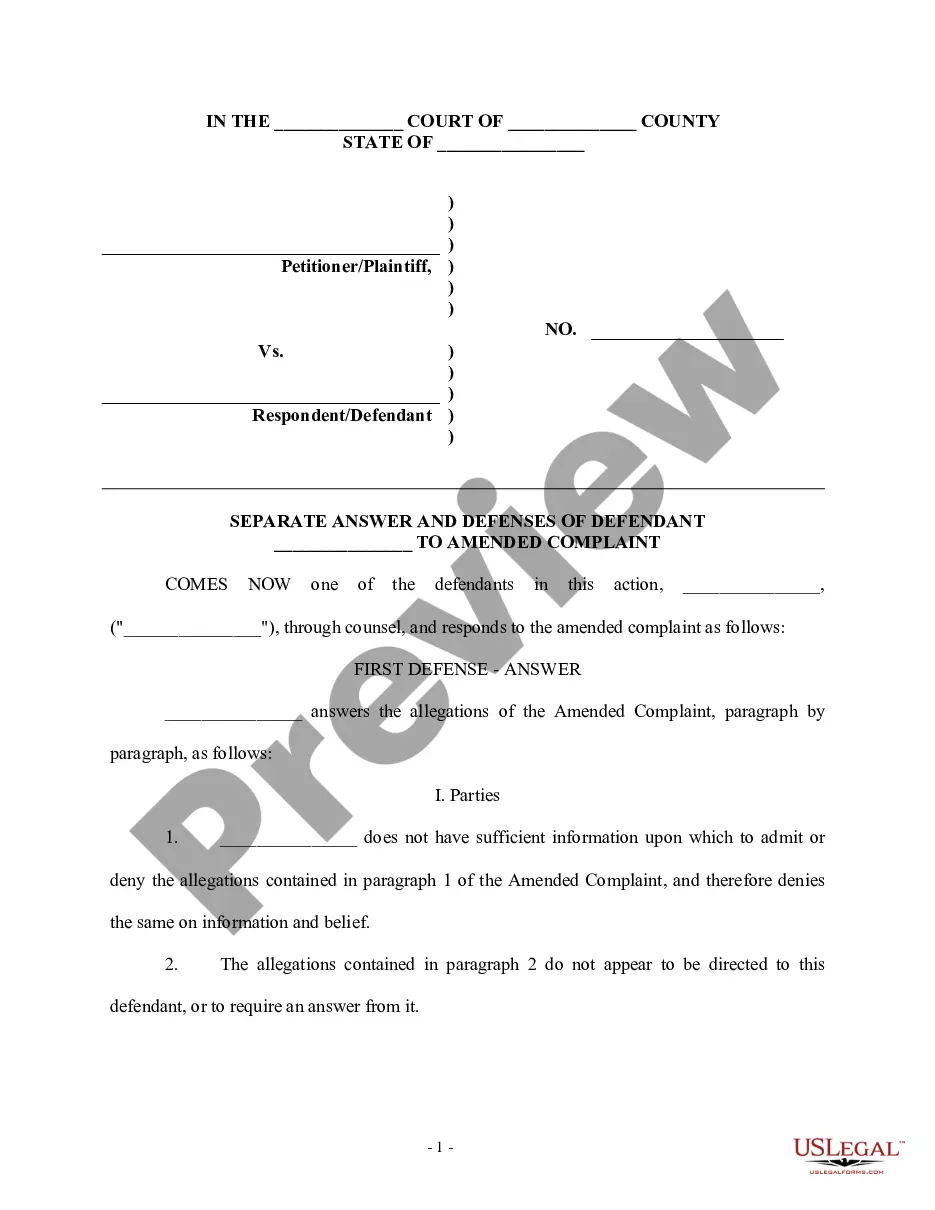
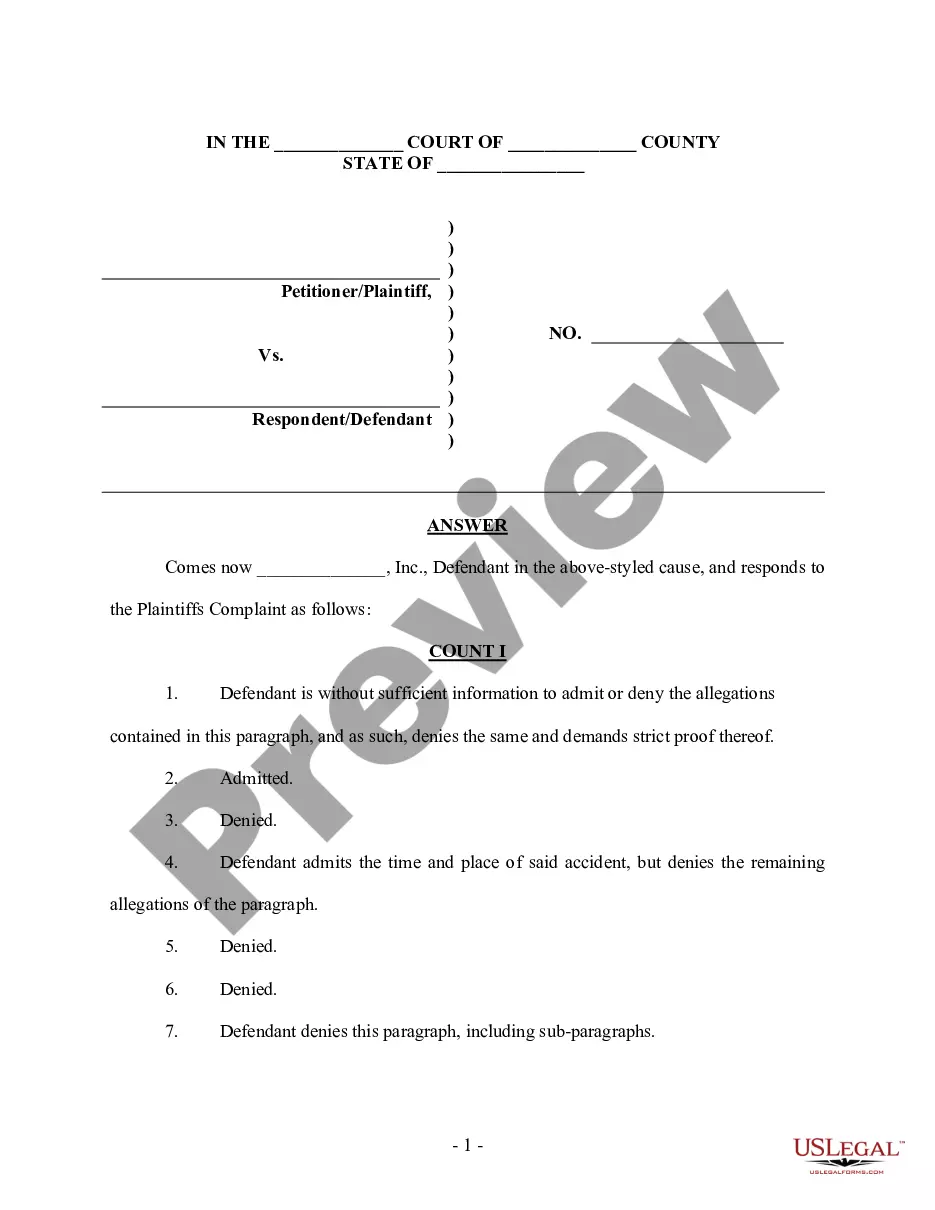
Get your form ready online
Our built-in tools help you complete, sign, share, and store your documents in one place.
Make edits, fill in missing information, and update formatting in US Legal Forms—just like you would in MS Word.
Download a copy, print it, send it by email, or mail it via USPS—whatever works best for your next step.
Sign and collect signatures with our SignNow integration. Send to multiple recipients, set reminders, and more. Go Premium to unlock E-Sign.
If this form requires notarization, complete it online through a secure video call—no need to meet a notary in person or wait for an appointment.
We protect your documents and personal data by following strict security and privacy standards.

Make edits, fill in missing information, and update formatting in US Legal Forms—just like you would in MS Word.

Download a copy, print it, send it by email, or mail it via USPS—whatever works best for your next step.

Sign and collect signatures with our SignNow integration. Send to multiple recipients, set reminders, and more. Go Premium to unlock E-Sign.

If this form requires notarization, complete it online through a secure video call—no need to meet a notary in person or wait for an appointment.

We protect your documents and personal data by following strict security and privacy standards.
Looking for another form?

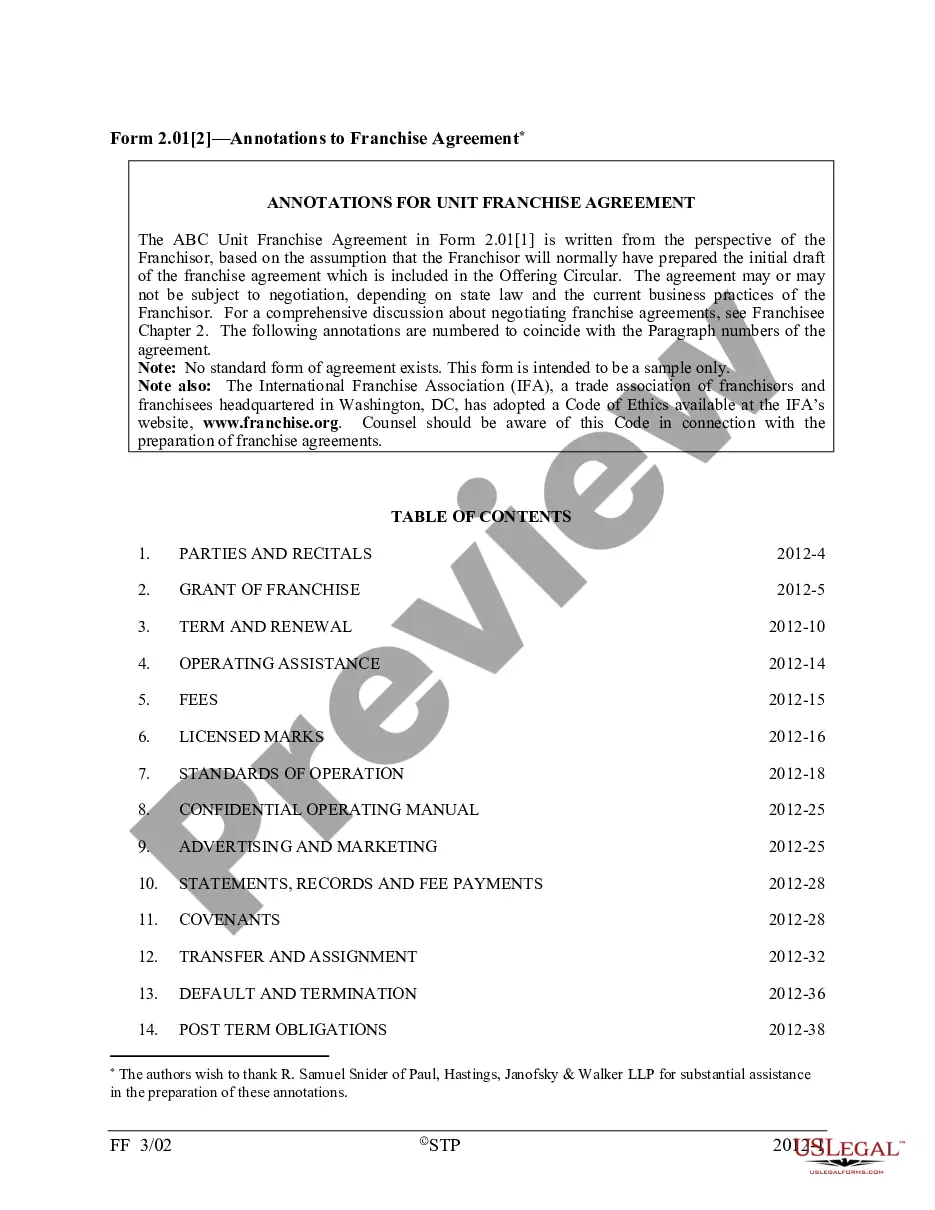


How to fill out Answer And Defenses To Amended Complaint?
The Revised Legal Document Sample Without Justification that you observe on this page is a repeatable official format crafted by expert attorneys in accordance with national and local regulations.
For over 25 years, US Legal Forms has supplied individuals, enterprises, and lawyers with more than 85,000 authenticated, state-specific documents for every commercial and personal circumstance. It’s the quickest, easiest, and most reliable method to procure the paperwork you require, as the service assures the utmost level of data protection and anti-malware safeguards.
Select the format you desire for your Revised Legal Document Sample Without Justification (PDF, Word, RTF) and download the template onto your device.
- Search for the document you require and examine it.
- Browse through the file you looked up and preview it or check the document description to confirm it meets your requirements. If it does not, utilize the search bar to locate the appropriate one. Click Buy Now once you have identified the template you need.
- Register and Log Into your account.
- Choose the subscription plan that fits you and create an account. Use PayPal or a debit/credit card to make a speedy payment. If you possess an account already, Log In and verify your subscription to proceed.
- Obtain the editable template.
Form popularity
FAQ
A South Carolina limited power of attorney form is a legal document that lets a principal address specific and limited monetary powers that they wish to grant to an agent known as an ?attorney-in-fact.? The document may not be configured as durable, meaning that it will cease to be effective if the principal becomes ...
The specific requirements and restrictions for PoA forms will vary in each state; however, in South Carolina, your Power of Attorney will require notarization and the signatures of two witnesses. If your agent will manage real estate transactions, the Power of Attorney must be notarized and recorded with your county.
Steps for Making a Financial Power of Attorney in South Carolina Create the POA Using Software or an Attorney. ... Sign the POA in the Presence of Two Witnesses and Get It Notarized. ... File a Copy With the Land Records Office. ... Store the Original POA in a Safe Place. ... Give a Copy to Your Agent or Attorney-in-Fact.
Does a Medical Power of Attorney need to be notarized, witnessed, or recorded in South Carolina? The specifications and restrictions for PoA forms are different in each state; however, in South Carolina, your Power of Attorney will require the signatures of two witnesses and a notary public.
The POA cannot transfer the responsibility to another Agent at any time. The POA cannot make any legal or financial decisions after the death of the Principal, at which point the Executor of the Estate would take over. The POA cannot distribute inheritances or transfer assets after the death of the Principal.
Power of Attorney in a Marriage Many people assume that a spouse automatically has these rights. But this isn't always the case. You and your spouse may have a joint checking account, but you and your spouse may be limited in the decisions that can be made relative to that account.