Motion To Intervene Form With Court
Description
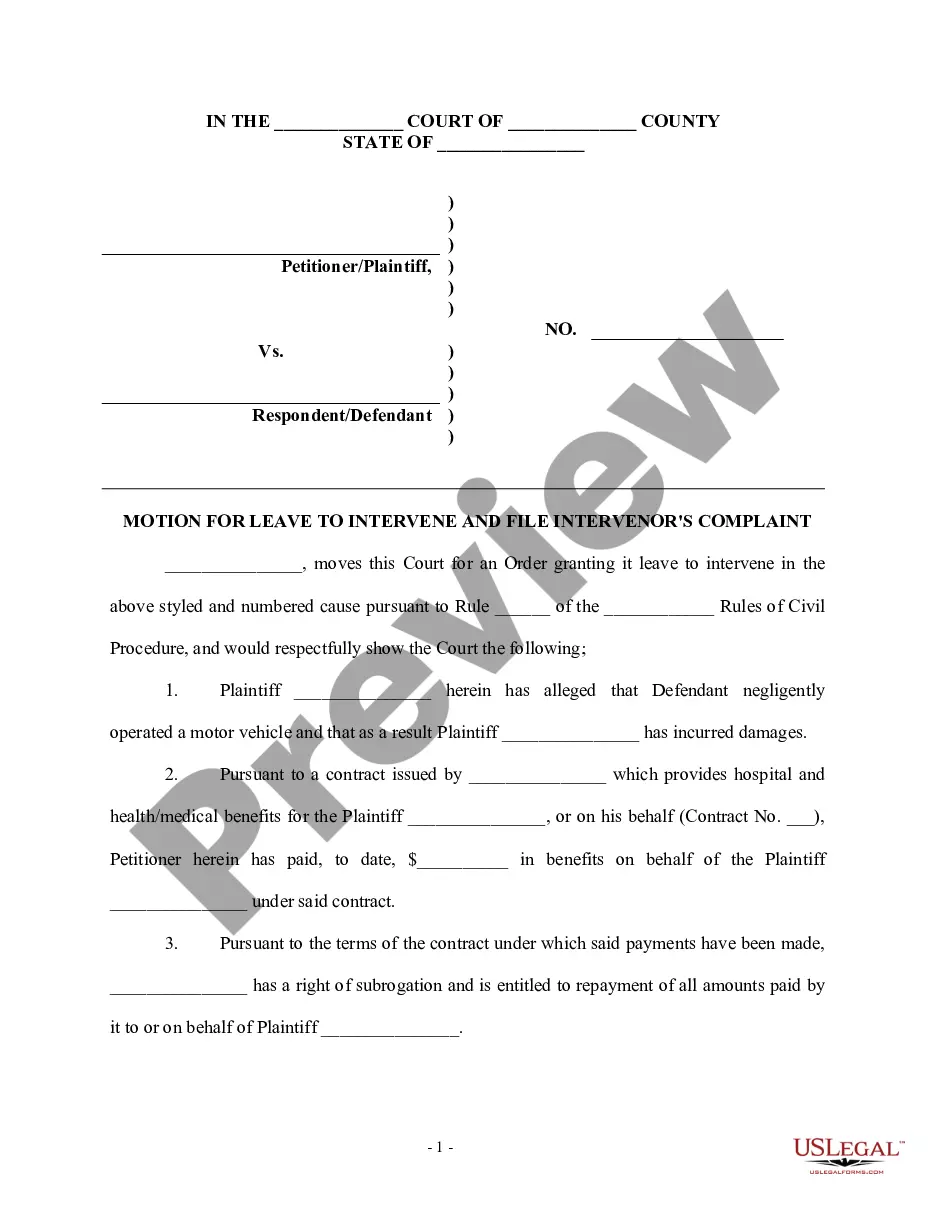
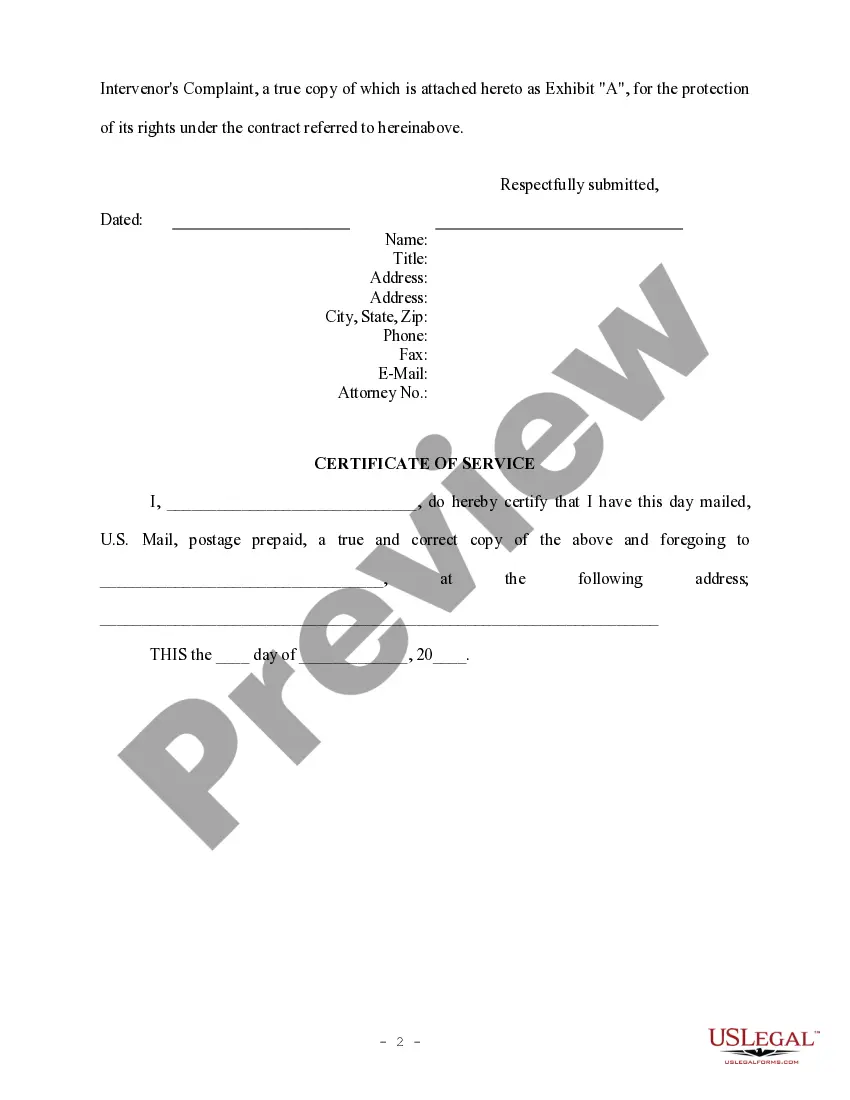
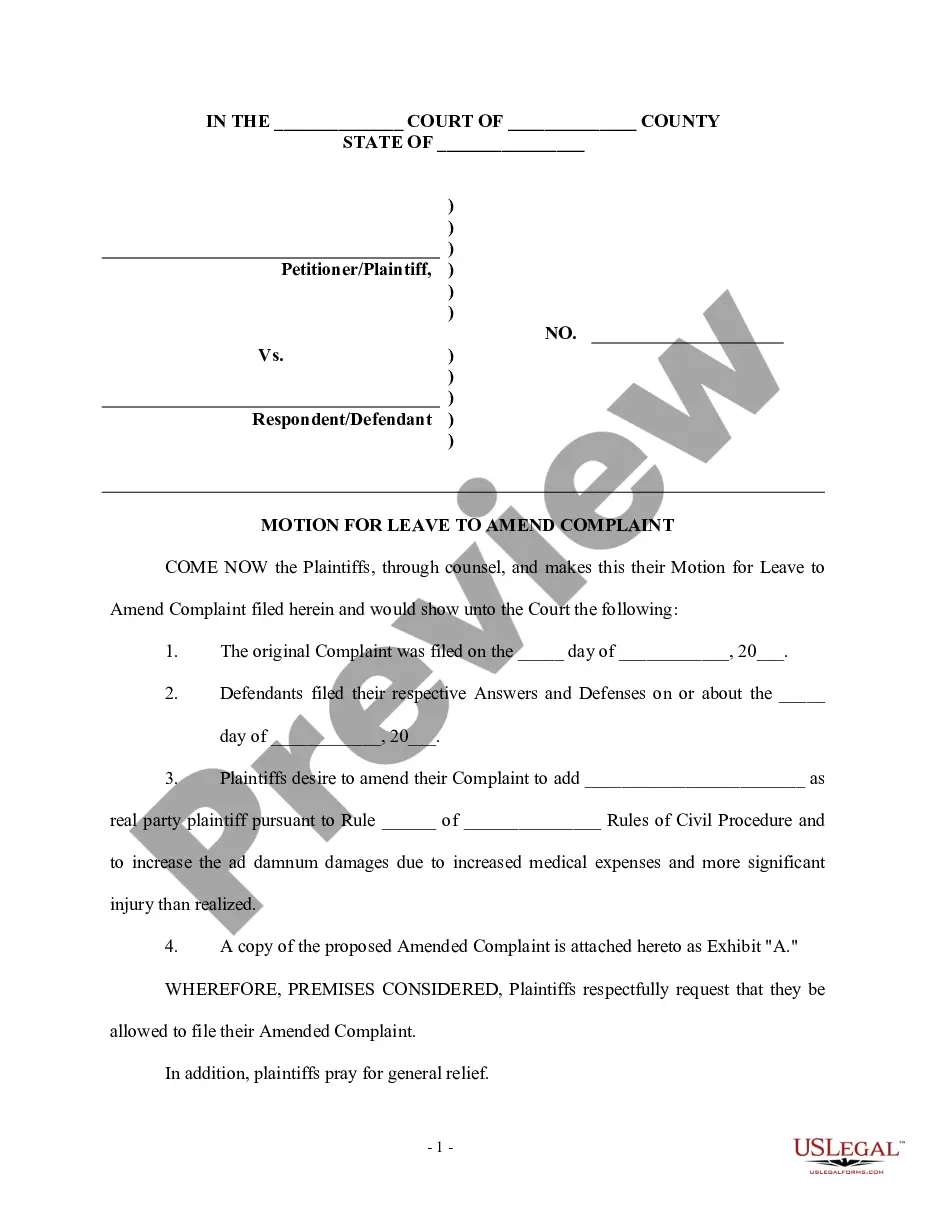
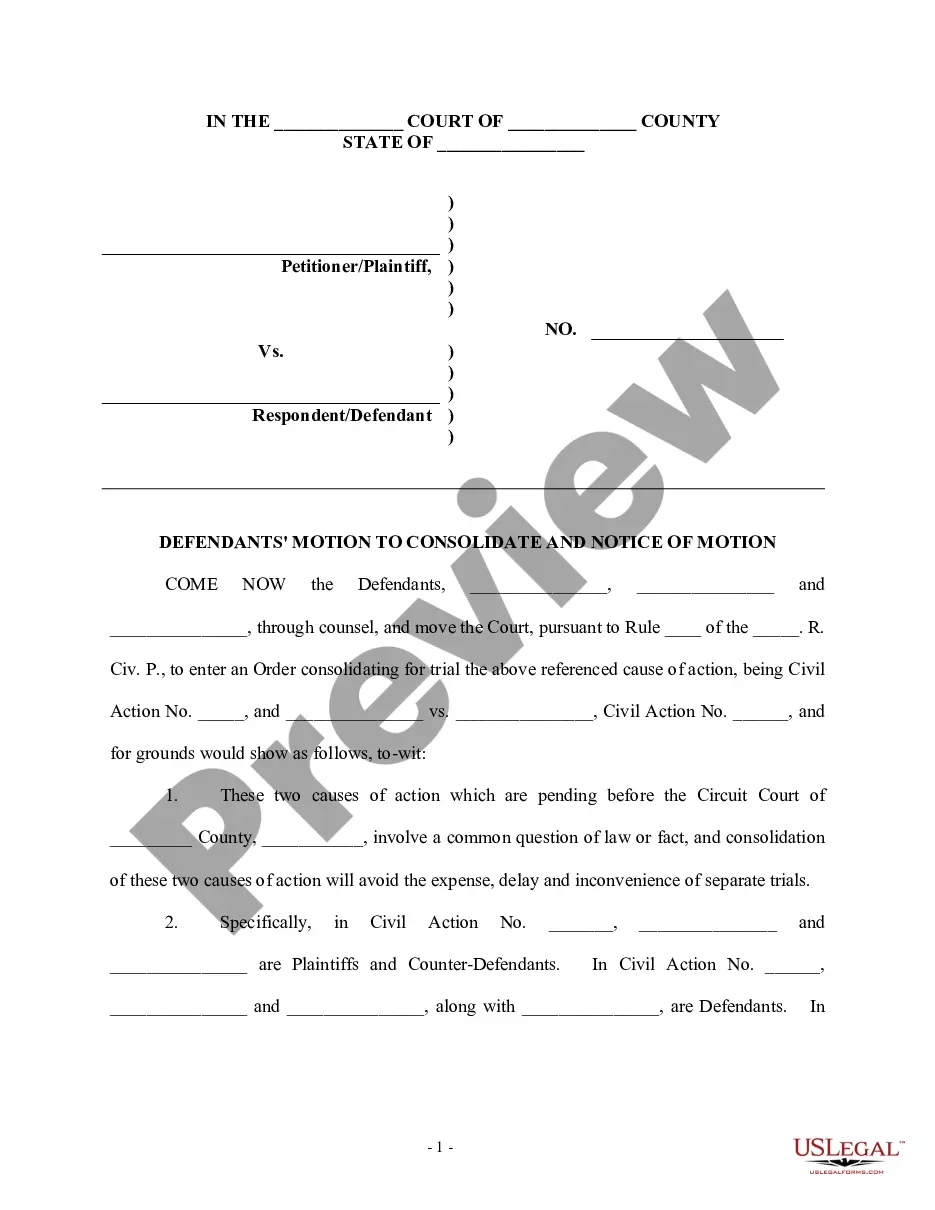
Get your form ready online
Our built-in tools help you complete, sign, share, and store your documents in one place.
Make edits, fill in missing information, and update formatting in US Legal Forms—just like you would in MS Word.
Download a copy, print it, send it by email, or mail it via USPS—whatever works best for your next step.
Sign and collect signatures with our SignNow integration. Send to multiple recipients, set reminders, and more. Go Premium to unlock E-Sign.
If this form requires notarization, complete it online through a secure video call—no need to meet a notary in person or wait for an appointment.
We protect your documents and personal data by following strict security and privacy standards.

Make edits, fill in missing information, and update formatting in US Legal Forms—just like you would in MS Word.

Download a copy, print it, send it by email, or mail it via USPS—whatever works best for your next step.

Sign and collect signatures with our SignNow integration. Send to multiple recipients, set reminders, and more. Go Premium to unlock E-Sign.

If this form requires notarization, complete it online through a secure video call—no need to meet a notary in person or wait for an appointment.

We protect your documents and personal data by following strict security and privacy standards.
Looking for another form?
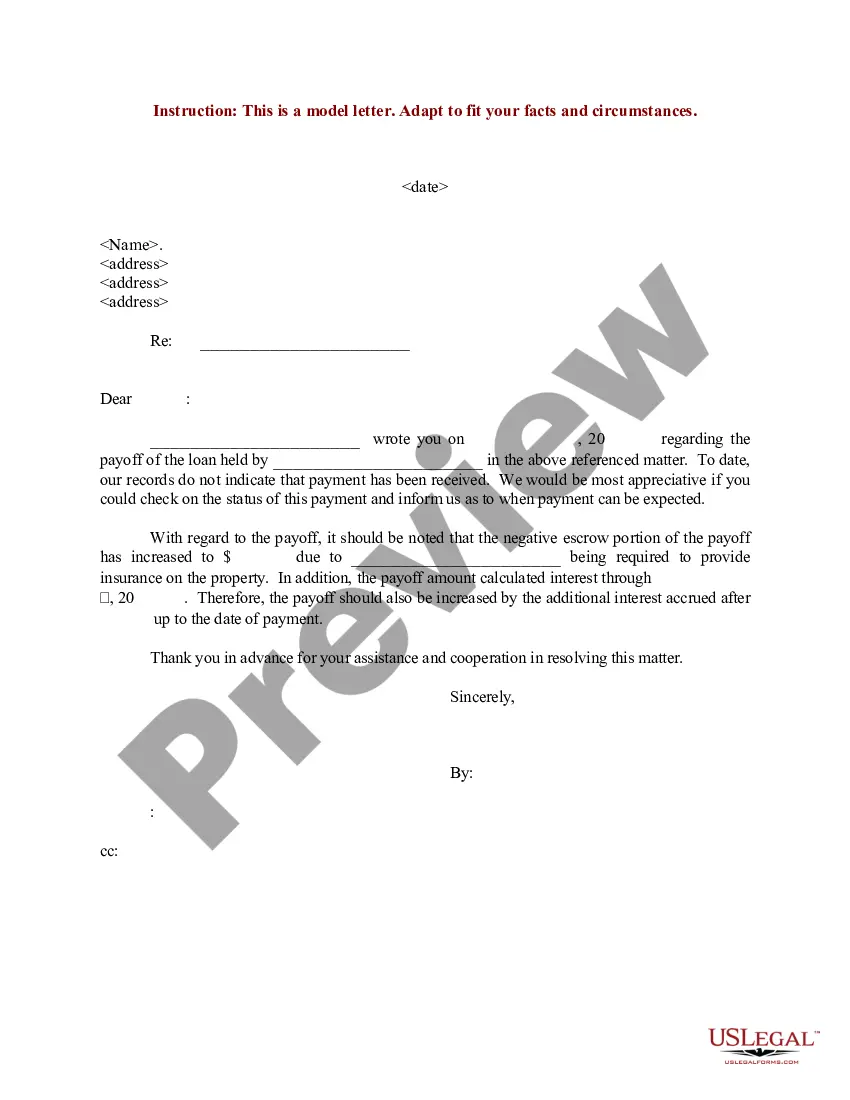
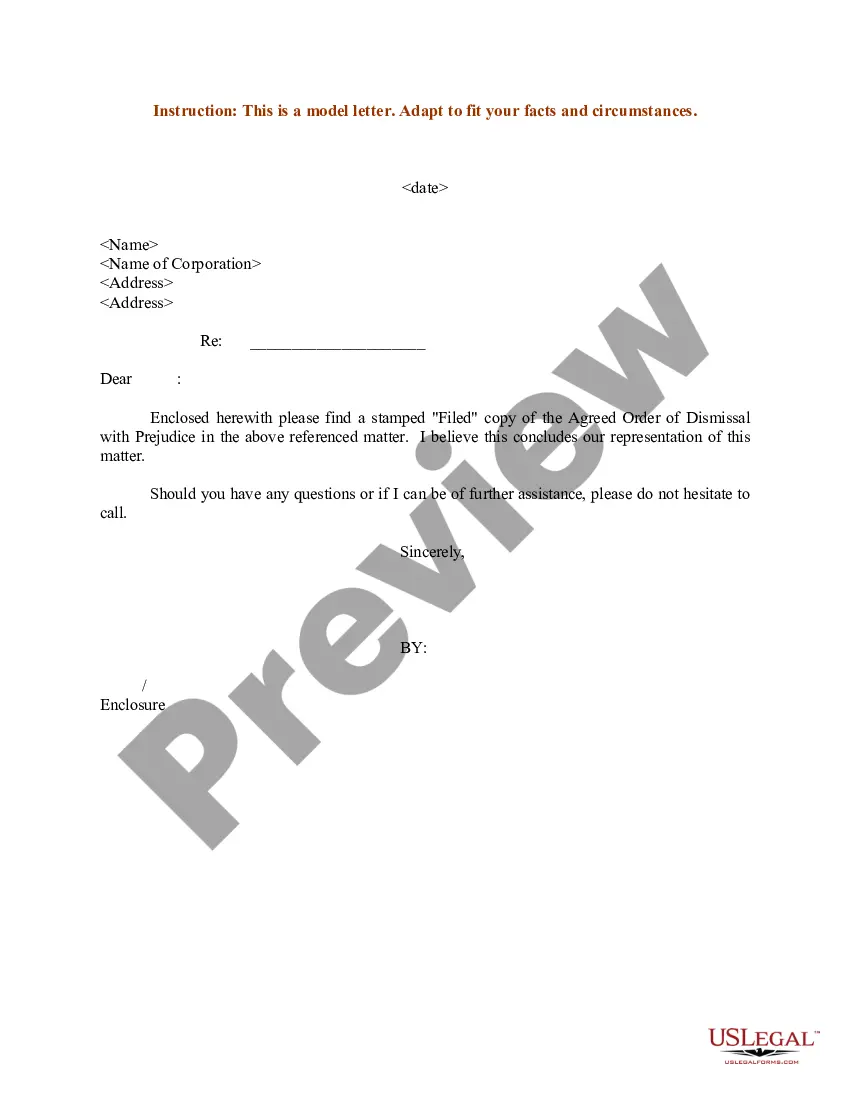
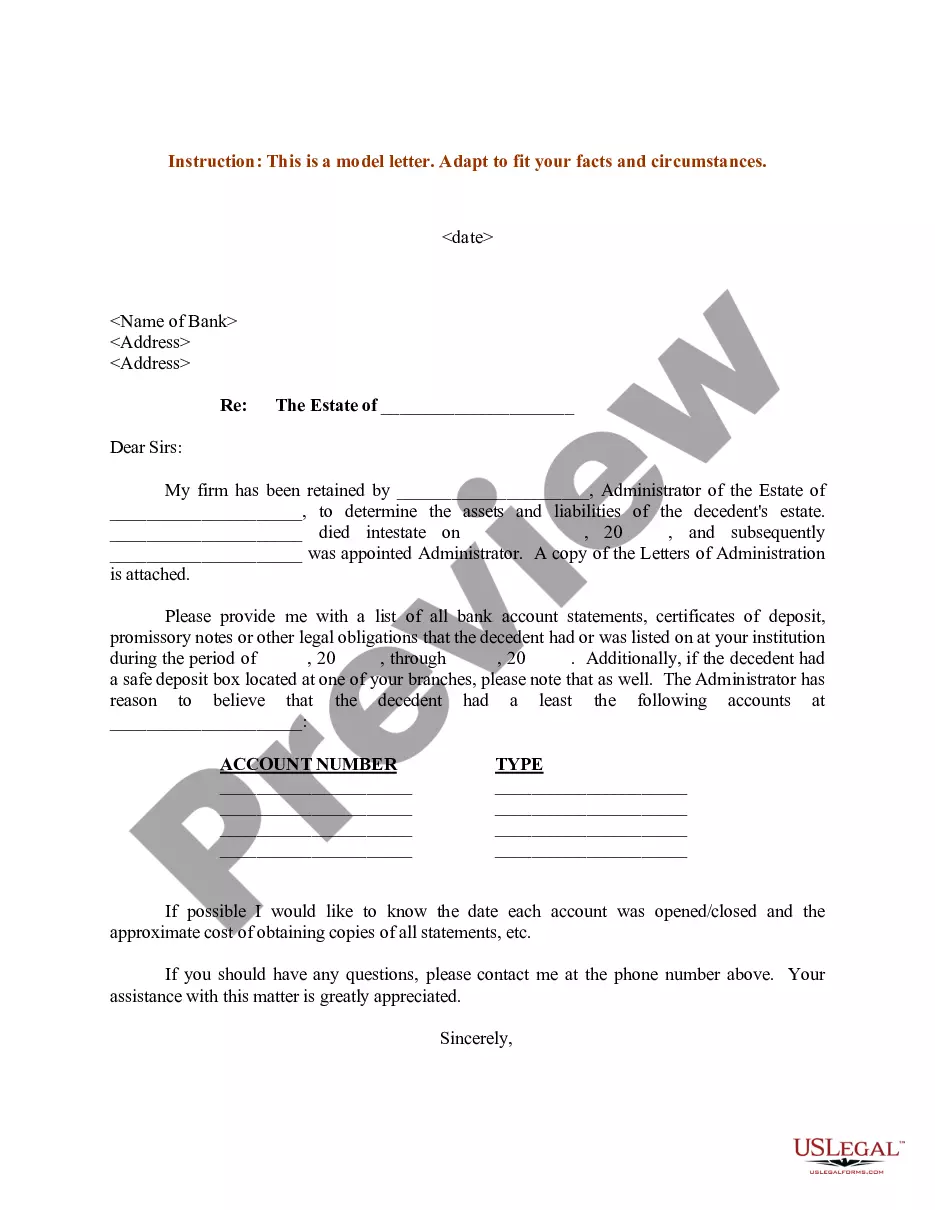
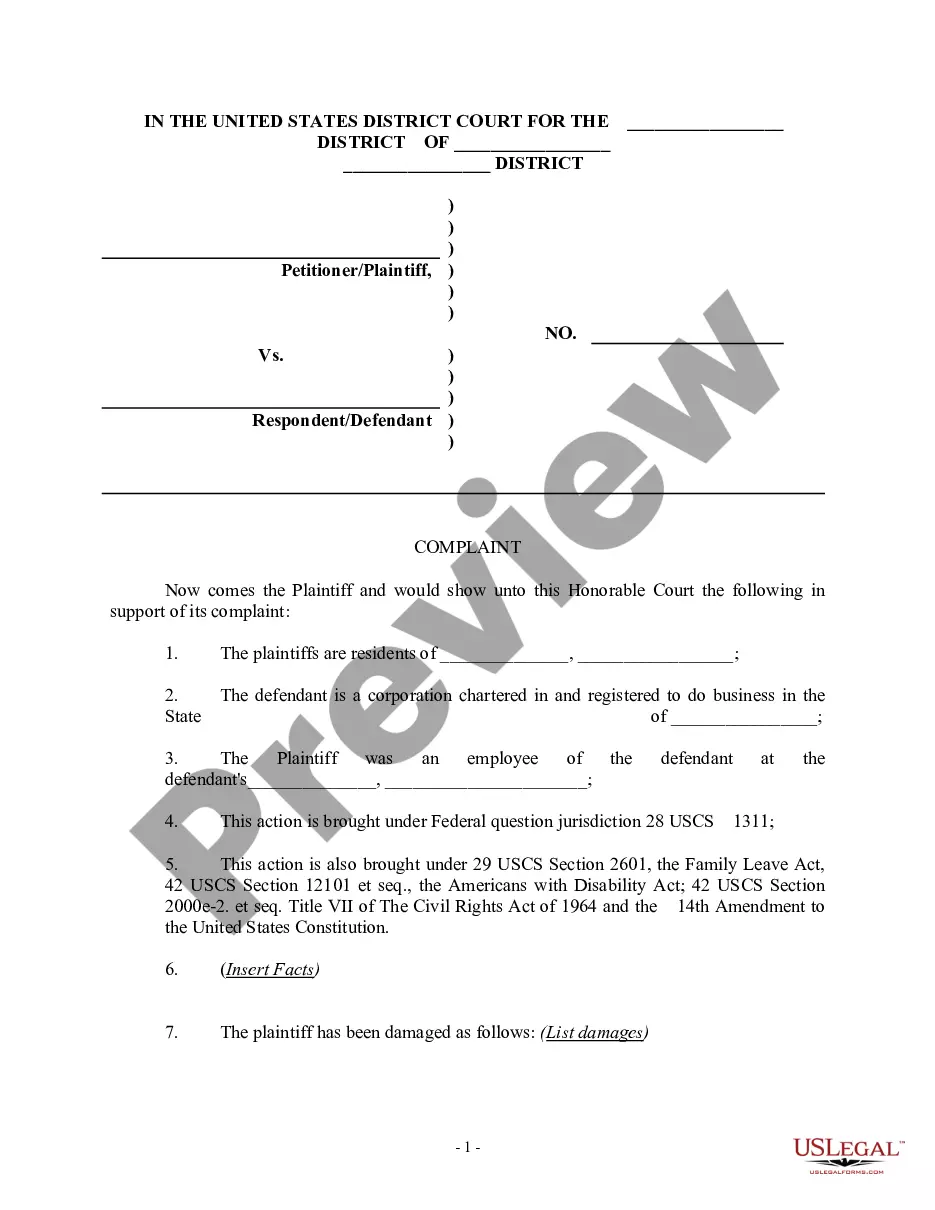
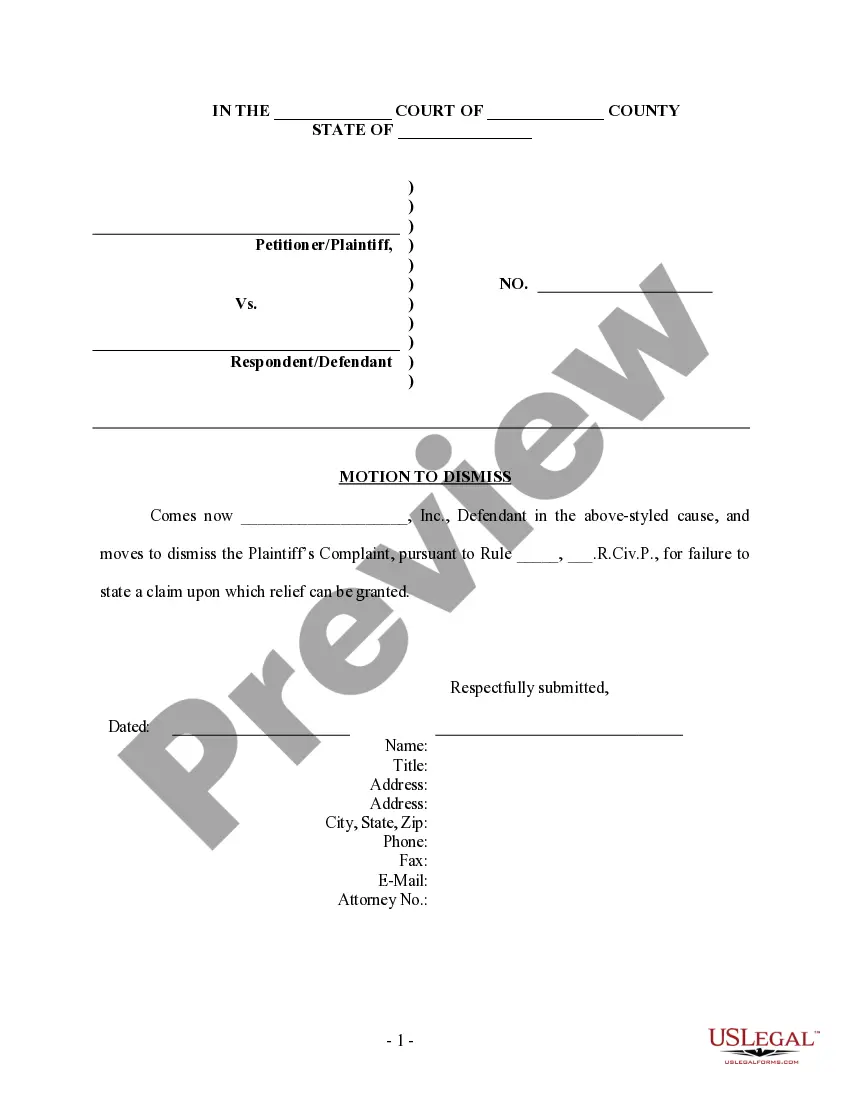
How to fill out Motion To Intervene - Personal Injury?
Identifying a reliable location to obtain the most up-to-date and suitable legal documents is a significant part of managing administrative processes.
Finding the correct legal documentation demands accuracy and carefulness, which is why it is essential to acquire samples of the Motion To Intervene Form With Court exclusively from trustworthy providers, such as US Legal Forms. An incorrect template can squander your time and delay your ongoing situation. With US Legal Forms, you can have minimal concerns.
Eliminate the complications associated with your legal documentation. Explore the vast US Legal Forms catalog to discover legal templates, review their applicability to your situation, and download them instantly.
- Use the catalog navigation or the search function to find your template.
- Review the document’s details to ensure it meets the requirements of your state and locality.
- Check the form preview, if accessible, to confirm that it is indeed the document you need.
- Return to the search tool and find the correct form if the Motion To Intervene Form With Court does not correspond to your requirements.
- Once you are certain of the form’s suitability, download it.
- If you are an authenticated user, click Log in to verify your identity and access your selected templates in My documents.
- If you haven’t created an account yet, click Buy now to acquire the form.
- Select the pricing option that aligns with your requirements.
- Proceed to the registration process to complete your purchase.
- Complete your transaction by choosing a payment method (credit card or PayPal).
- Select the file format for downloading the Motion To Intervene Form With Court.
- Once you have the document on your device, you can edit it with the editor or print it to complete manually.
Form popularity
FAQ
An order to intervene is a court's approval for a third party to join an ongoing legal case. This order allows the intervener to participate actively in the proceedings and present their arguments. The request typically starts with a motion to intervene form with court, which must meet the court's requirements. Understanding this process can help protect your legal interests.
In court, intervention refers to the process where a third party requests to join ongoing legal proceedings. This party usually has a vested interest in the case's outcome and seeks to protect their rights. The court must grant permission for this intervention to occur. Completing a motion to intervene form with court is the first step to initiate this process.
A motion is a written request to the court to ask for a decision. There are many reasons to file a motion. Motions ask the court to enter an order to ask for the court's permission to do something or to require the other side to do something. Either side in a case can file a motion.
File the original and 1 copy of your Motion, and the Certification, with the clerk's office in person or by mail. o To e-file, create an account with an e-filing service provider. Visit efile.illinoiscourts.gov/service-providers.htm to select a service provider.
If you want to file a motion, the process is generally something like this: You write your motion. You file your motion with the court clerk. The court clerk inserts the date and time your motion will be heard by the judge. You ?serve? (mail) your motion to the other side.
What it means to file a motion: A motion, in its simplest form is a list of requests that you are asking the Court grant on your behalf. You, or your attorney on your behalf, will file a Notice of Motion which includes a list of requests for the court to rule upon.
Write your legal argument by stating the rule and explaining how your facts apply to it. Then, add your signature, a Certificate of Service, and a Notice of Hearing. File your motion with the clerk of court overseeing your case. Then, give copies to each defendant.