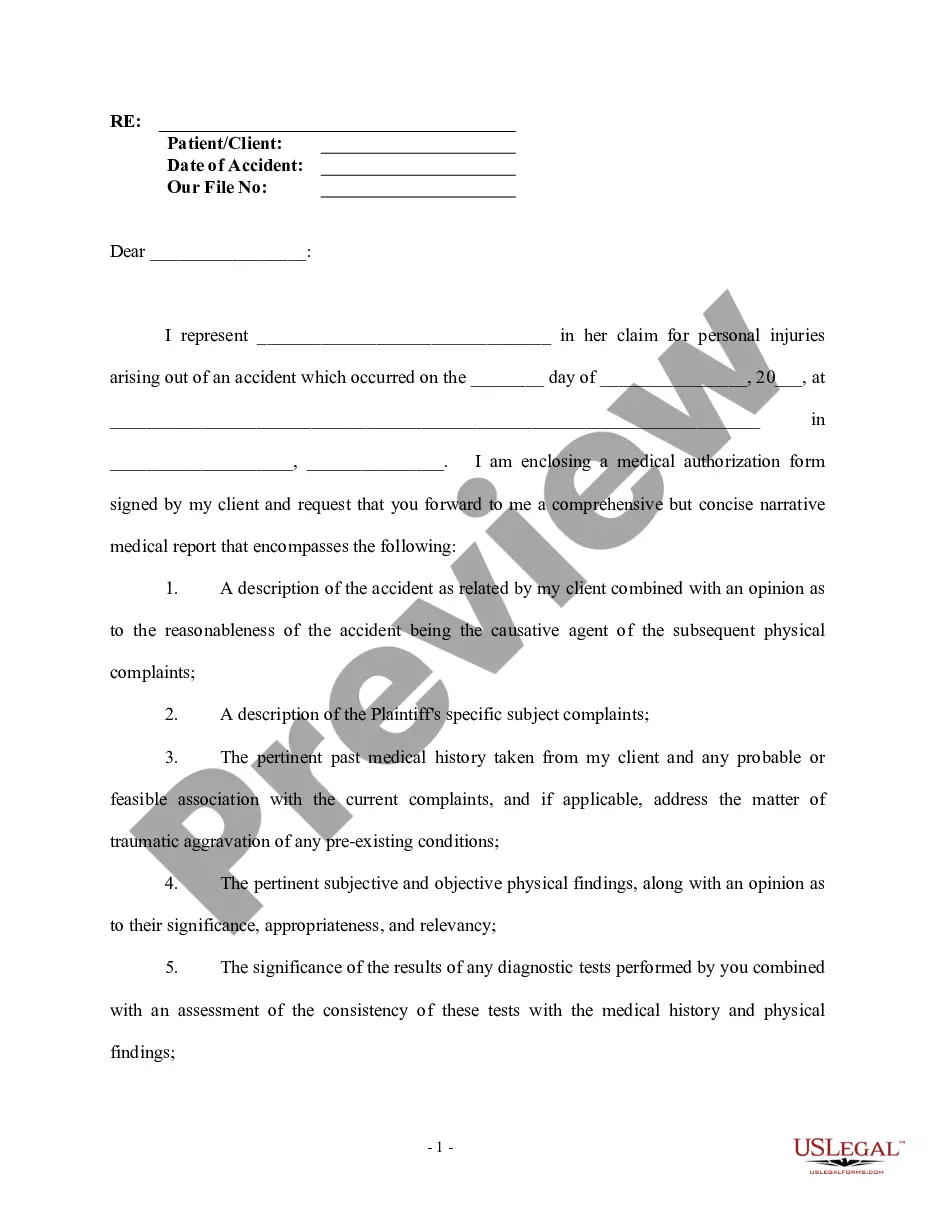
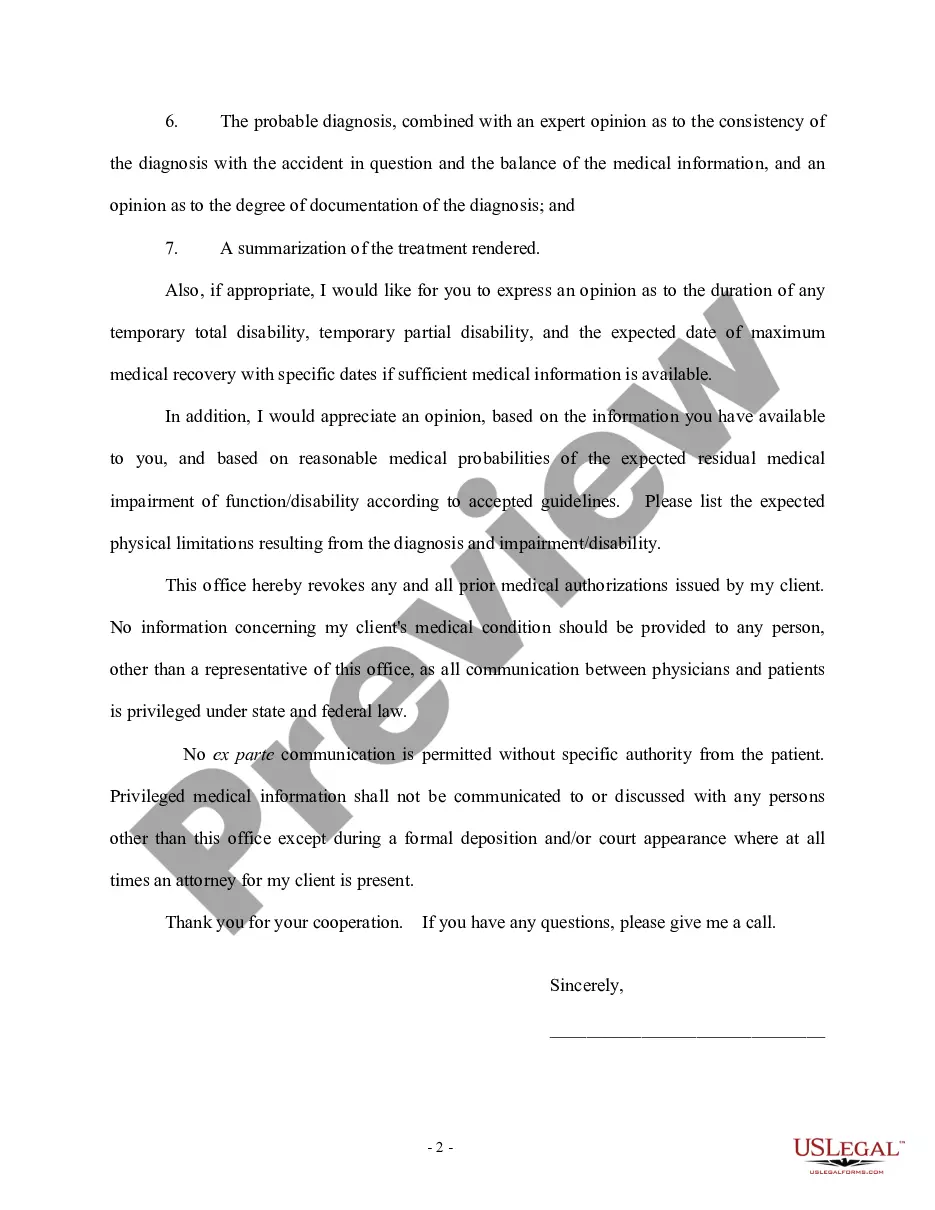
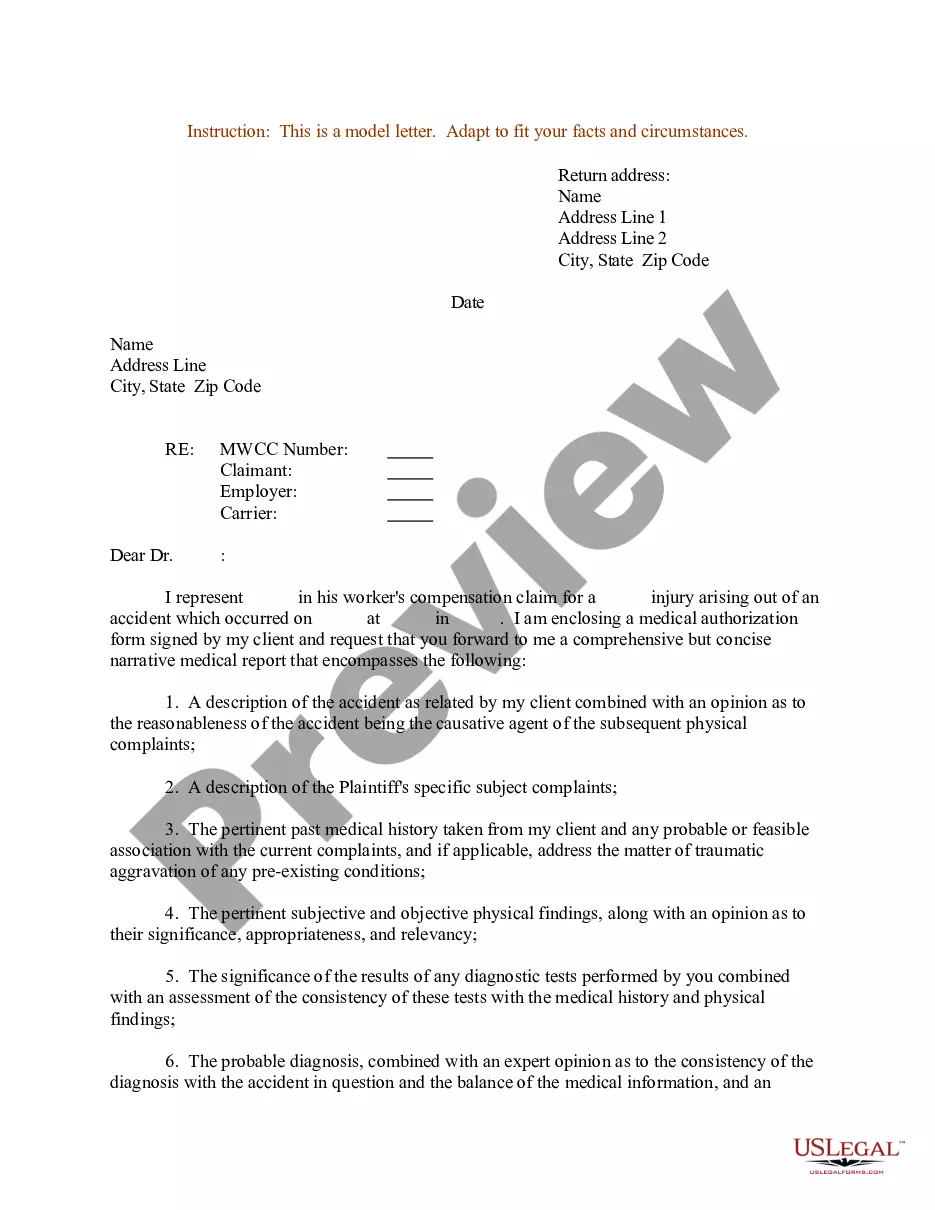
Letter Request For Medical Leave
Description
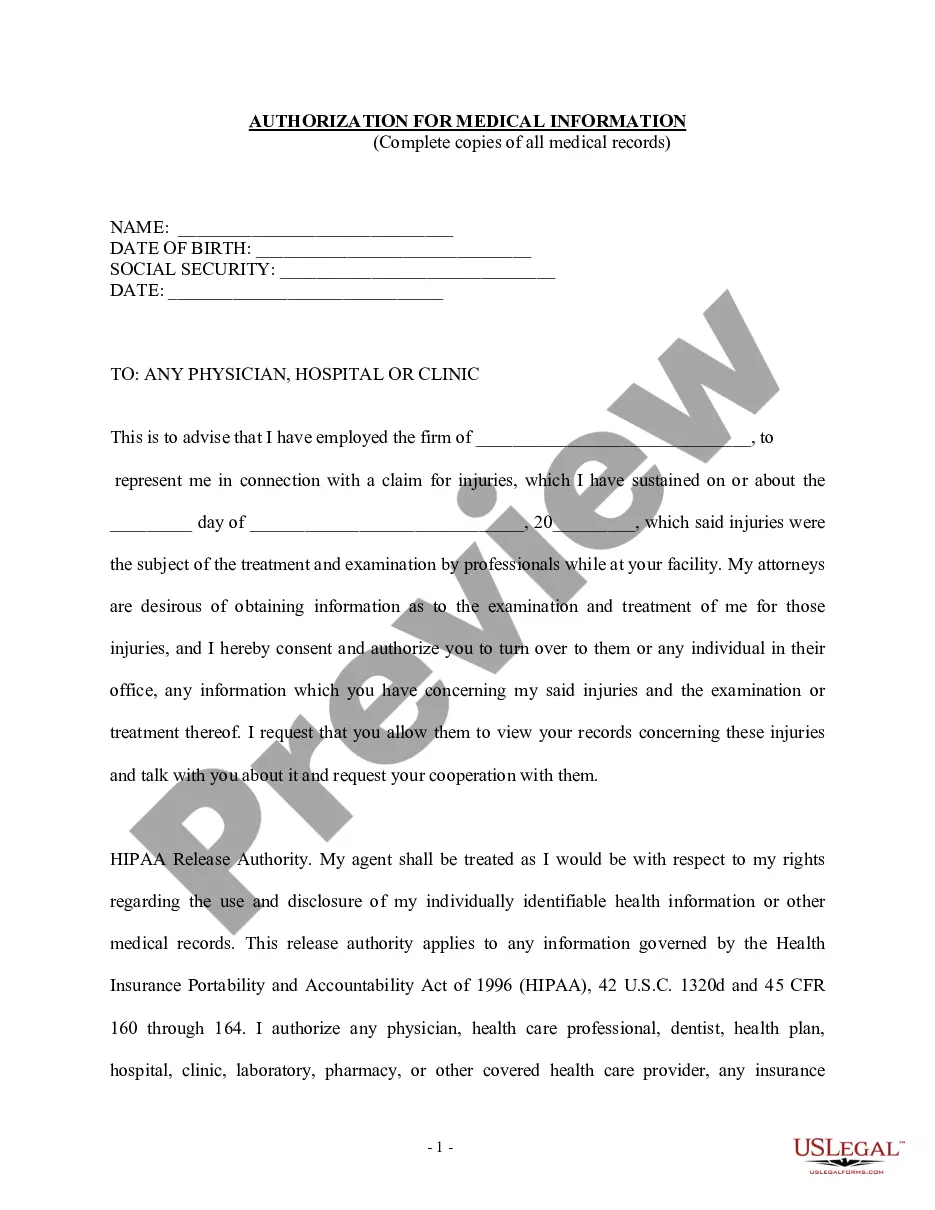
Get your form ready online
Our built-in tools help you complete, sign, share, and store your documents in one place.
Make edits, fill in missing information, and update formatting in US Legal Forms—just like you would in MS Word.
Download a copy, print it, send it by email, or mail it via USPS—whatever works best for your next step.
Sign and collect signatures with our SignNow integration. Send to multiple recipients, set reminders, and more. Go Premium to unlock E-Sign.
If this form requires notarization, complete it online through a secure video call—no need to meet a notary in person or wait for an appointment.
We protect your documents and personal data by following strict security and privacy standards.

Make edits, fill in missing information, and update formatting in US Legal Forms—just like you would in MS Word.

Download a copy, print it, send it by email, or mail it via USPS—whatever works best for your next step.

Sign and collect signatures with our SignNow integration. Send to multiple recipients, set reminders, and more. Go Premium to unlock E-Sign.

If this form requires notarization, complete it online through a secure video call—no need to meet a notary in person or wait for an appointment.

We protect your documents and personal data by following strict security and privacy standards.
Looking for another form?
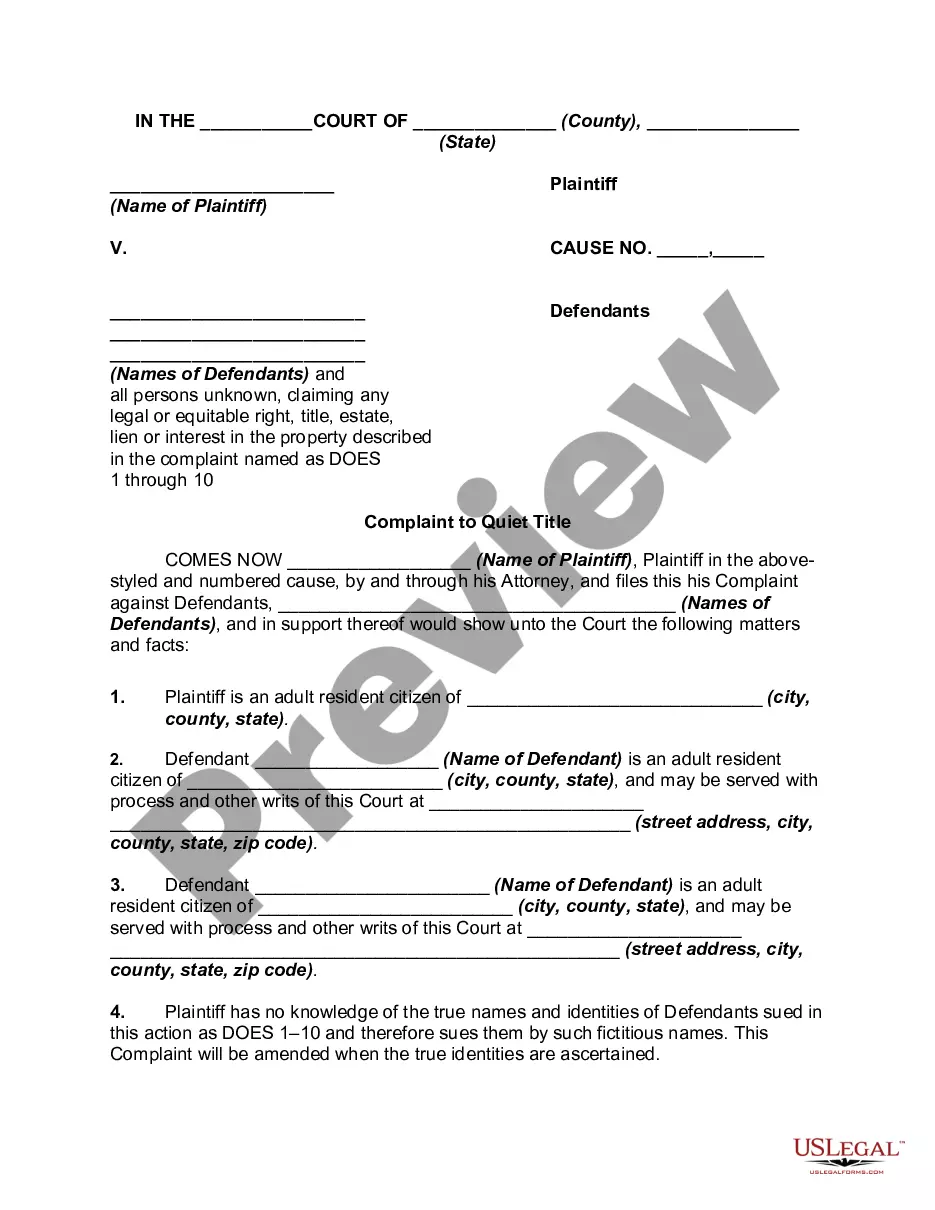

How to fill out Letter To Doctor Requesting Client's Medical Information?
Creating legal documents from scratch can occasionally be somewhat daunting.
Certain cases may require extensive research and significant financial investment.
If you’re seeking a simpler and more cost-effective method for generating Letter Request For Medical Leave or any other forms without unnecessary complications, US Legal Forms is always available to assist you.
Our online catalog, featuring over 85,000 current legal documents, covers nearly every aspect of your financial, legal, and personal needs. With just a few clicks, you can immediately access templates that are compliant with state and county regulations, meticulously prepared by our legal professionals.
US Legal Forms has a strong reputation and over 25 years of expertise. Join us today and make the process of completing forms effortless and efficient!
- Utilize our website whenever you require a dependable and trustworthy service to swiftly locate and download the Letter Request For Medical Leave.
- If you’re already familiar with our services and have an account, simply Log In, choose the template you need, and download it, or re-download it at any time later from the My documents section.
- New to us? No problem. Setting up an account takes mere minutes and will allow you to explore our catalog.
- Before you begin downloading the Letter Request For Medical Leave, please follow these suggestions.
- Review the form preview and descriptions to ensure you’ve located the correct form.
Form popularity
FAQ
How To Write An Emergency Leave Letter? Talk to your manager. Tell your manager or leader over the phone that you are required to take a leave because of an emergency. ... Use the letter format followed by your company. ... Be honest and proactive. ... State the period. ... State your contact information. ... Provide necessary details only.
Personal leave of absence reasons include: Experiencing a medical condition that makes you chronically ill or in pain. Having a baby and taking maternity leave. Address mental health issues or mental illness. Supporting a loved one or family member in need. Undergoing major life changes like moving cities or getting married.
Dear (Supervisor / HR Manager): Please be advised that I hereby request an FMLA leave for a period of (number of weeks) in connection with my serious health condition. The leave is to start on (date). Attached is my medical note reflecting the need for FMLA leave.
To tell your boss you're taking FMLA, or Family Medical Leave of Absence, you need to first check your company's FMLA policies, schedule a meeting with your boss, and put your request for FMLA in writing.
I am writing to inform you that I am feeling unwell and will not be able to come into the office tomorrow, [date]. I have seen a doctor who has advised me to take a day off to rest and recover. Therefore, I would like to request a sick leave for one day.