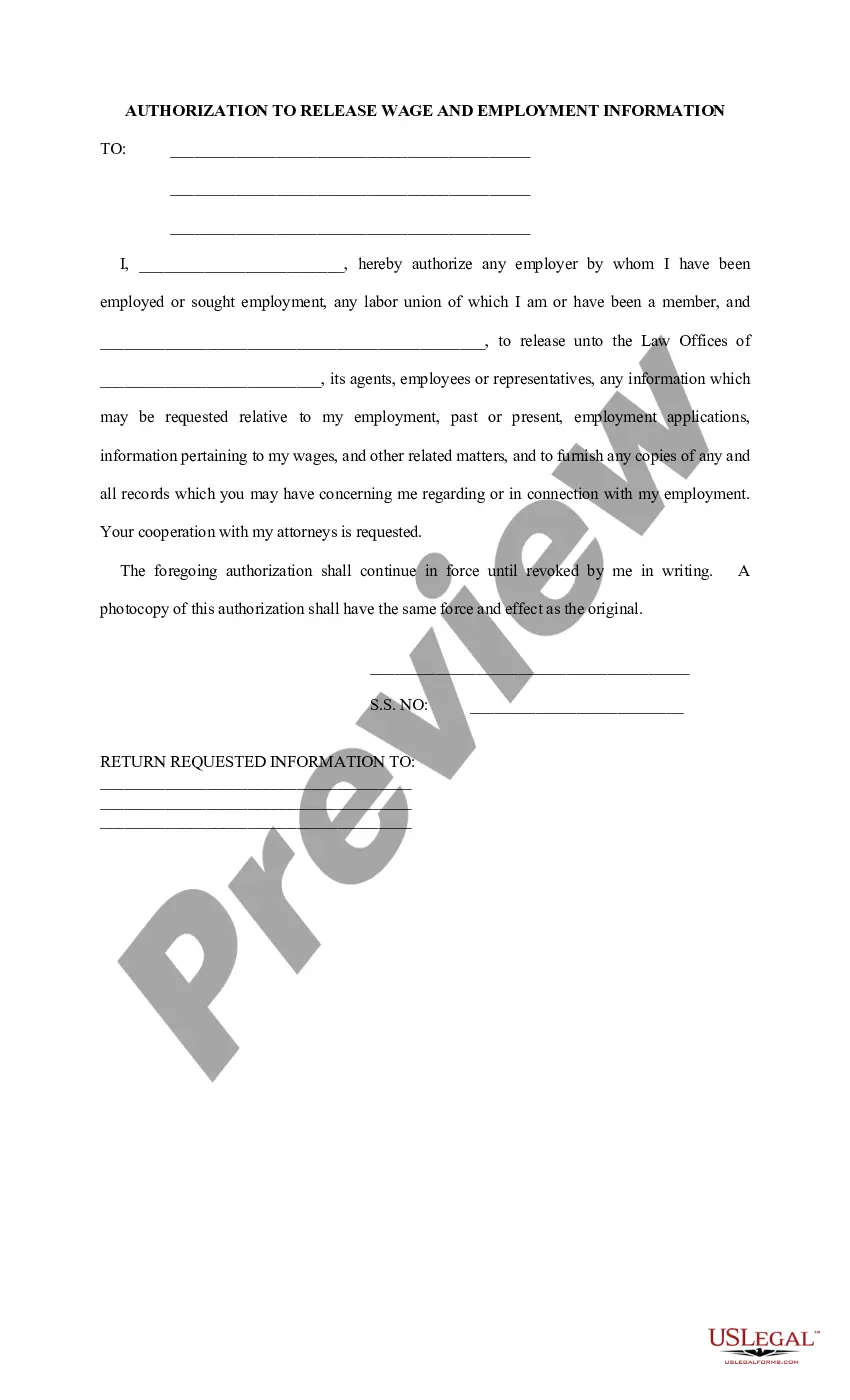
Release Of Employee Information
Description
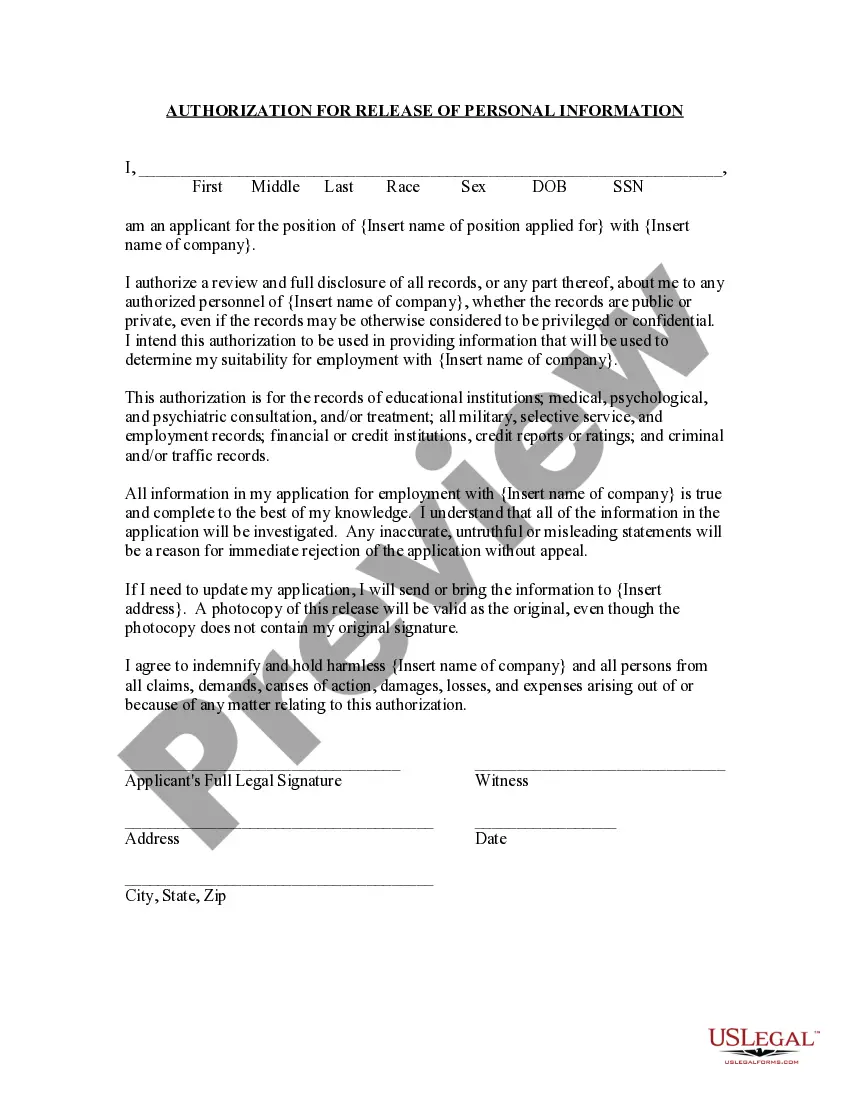
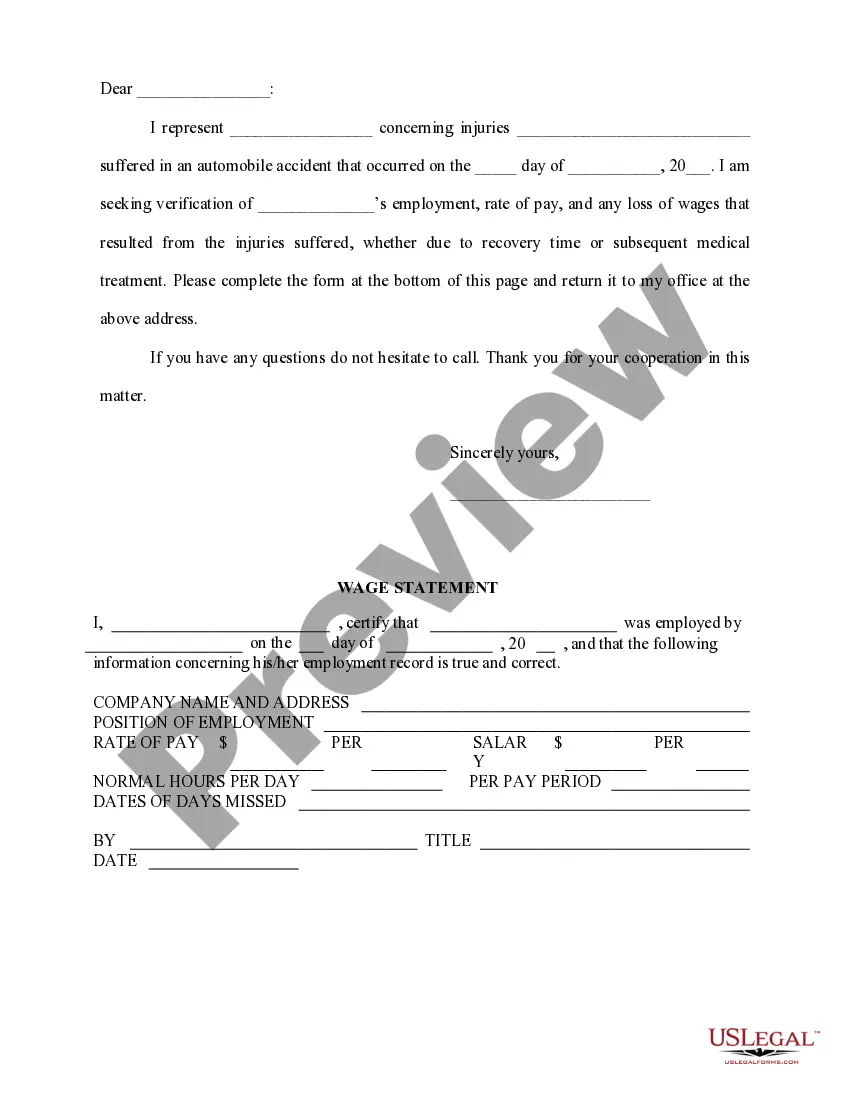
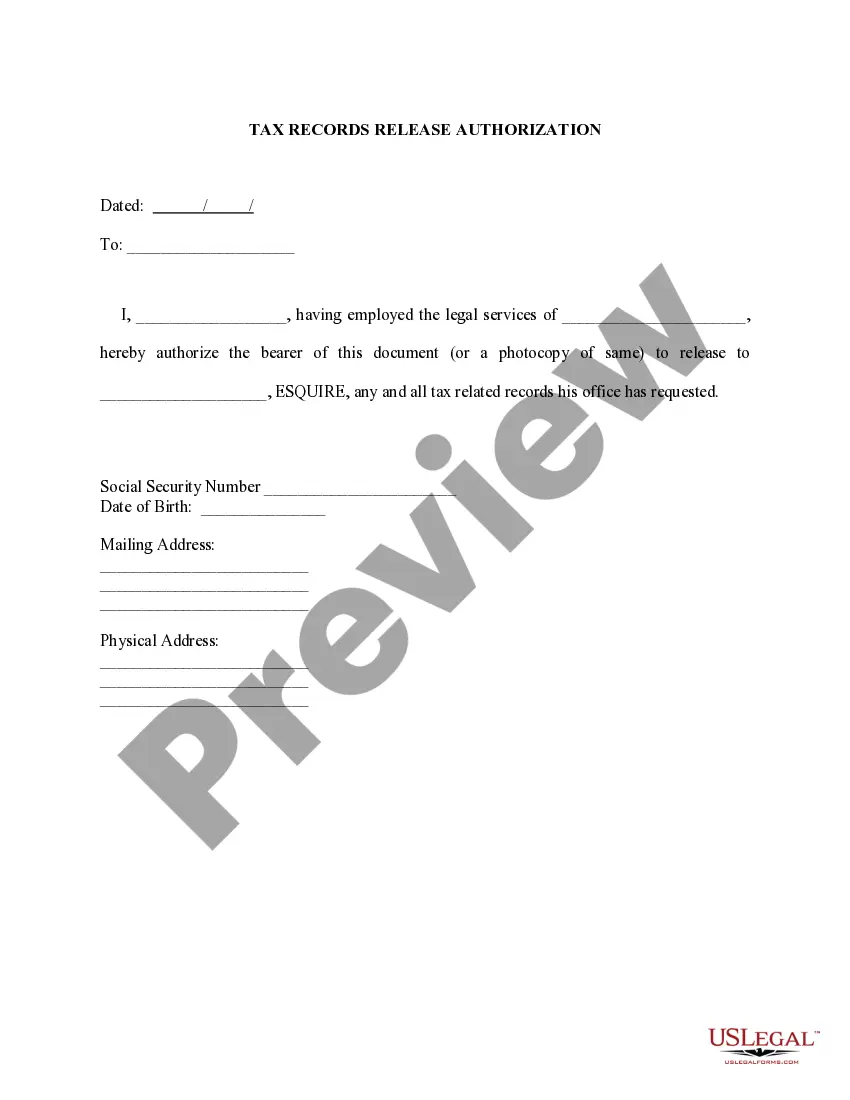
Get your form ready online
Our built-in tools help you complete, sign, share, and store your documents in one place.
Make edits, fill in missing information, and update formatting in US Legal Forms—just like you would in MS Word.
Download a copy, print it, send it by email, or mail it via USPS—whatever works best for your next step.
Sign and collect signatures with our SignNow integration. Send to multiple recipients, set reminders, and more. Go Premium to unlock E-Sign.
If this form requires notarization, complete it online through a secure video call—no need to meet a notary in person or wait for an appointment.
We protect your documents and personal data by following strict security and privacy standards.

Make edits, fill in missing information, and update formatting in US Legal Forms—just like you would in MS Word.

Download a copy, print it, send it by email, or mail it via USPS—whatever works best for your next step.

Sign and collect signatures with our SignNow integration. Send to multiple recipients, set reminders, and more. Go Premium to unlock E-Sign.

If this form requires notarization, complete it online through a secure video call—no need to meet a notary in person or wait for an appointment.

We protect your documents and personal data by following strict security and privacy standards.
Looking for another form?


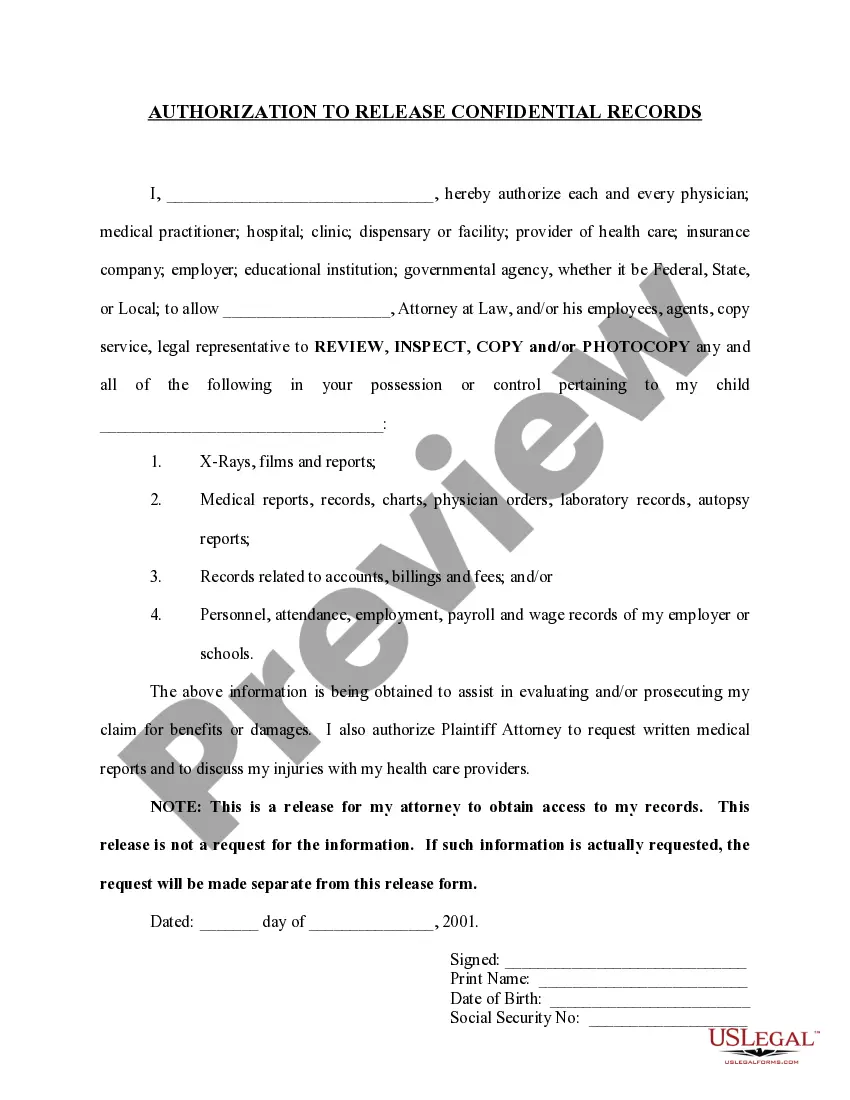
How to fill out Authorization To Release Wage And Employment Information?
Legal document managing may be overpowering, even for the most experienced experts. When you are interested in a Release Of Employee Information and don’t get the a chance to spend looking for the appropriate and updated version, the procedures could be demanding. A strong web form library could be a gamechanger for anyone who wants to deal with these situations effectively. US Legal Forms is a industry leader in web legal forms, with over 85,000 state-specific legal forms available to you whenever you want.
With US Legal Forms, you are able to:
- Gain access to state- or county-specific legal and organization forms. US Legal Forms covers any needs you could have, from individual to organization paperwork, in one spot.
- Employ innovative tools to accomplish and control your Release Of Employee Information
- Gain access to a resource base of articles, guides and handbooks and resources connected to your situation and requirements
Save effort and time looking for the paperwork you will need, and use US Legal Forms’ advanced search and Review tool to find Release Of Employee Information and get it. For those who have a monthly subscription, log in to the US Legal Forms account, search for the form, and get it. Review your My Forms tab to view the paperwork you previously saved as well as control your folders as you see fit.
Should it be your first time with US Legal Forms, make a free account and acquire unlimited use of all benefits of the platform. Listed below are the steps to consider after accessing the form you want:
- Validate this is the correct form by previewing it and reading its information.
- Be sure that the sample is approved in your state or county.
- Choose Buy Now once you are all set.
- Select a subscription plan.
- Find the file format you want, and Download, complete, eSign, print out and deliver your papers.
Enjoy the US Legal Forms web library, backed with 25 years of expertise and reliability. Enhance your everyday papers managing in a easy and user-friendly process today.
Form popularity
FAQ
If the job applicant signs this document, it authorizes outside parties to release information about the applicant to you, the employer. An Employment Information Release is generally restricted to information about academic qualifications and information relating to the applicant's ability to perform the job.
Employment release forms are used by HR departments for a variety of purposes, from photo releases, to equipment releases, to release waivers. Explore Jotform's ready-made Employment Release Forms to create an online form for your needs in a few easy clicks!
Ask all new employees to give you a signed Form W-4 when they start work. Make the form effective with the first wage payment. If employees claim exemption from income tax withholding, then they must indicate this on their W-4.
A good employee information form should be comprehensive yet straightforward. It should include: Personal Information: Full name, address, contact details, marital status, and spouse's details. Job Information: Title, department, supervisor, work location, start date, and salary.
1. Enter Personal Information: Start by entering your name, address, phone number, and email address. 2. Enter Employment Information: Include your start date, position, department, and supervisor, as well as details about your pay and any benefits you are eligible for.