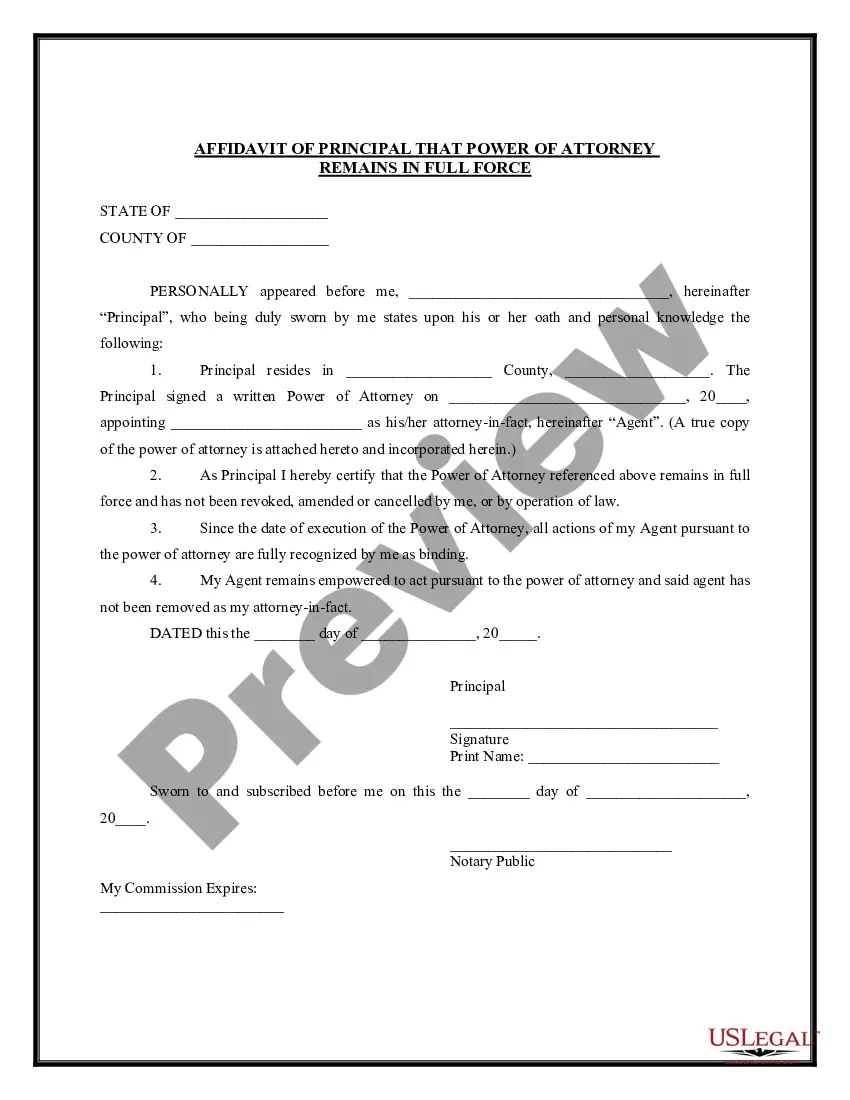
Power Of Attorney Revocation Form California
Description
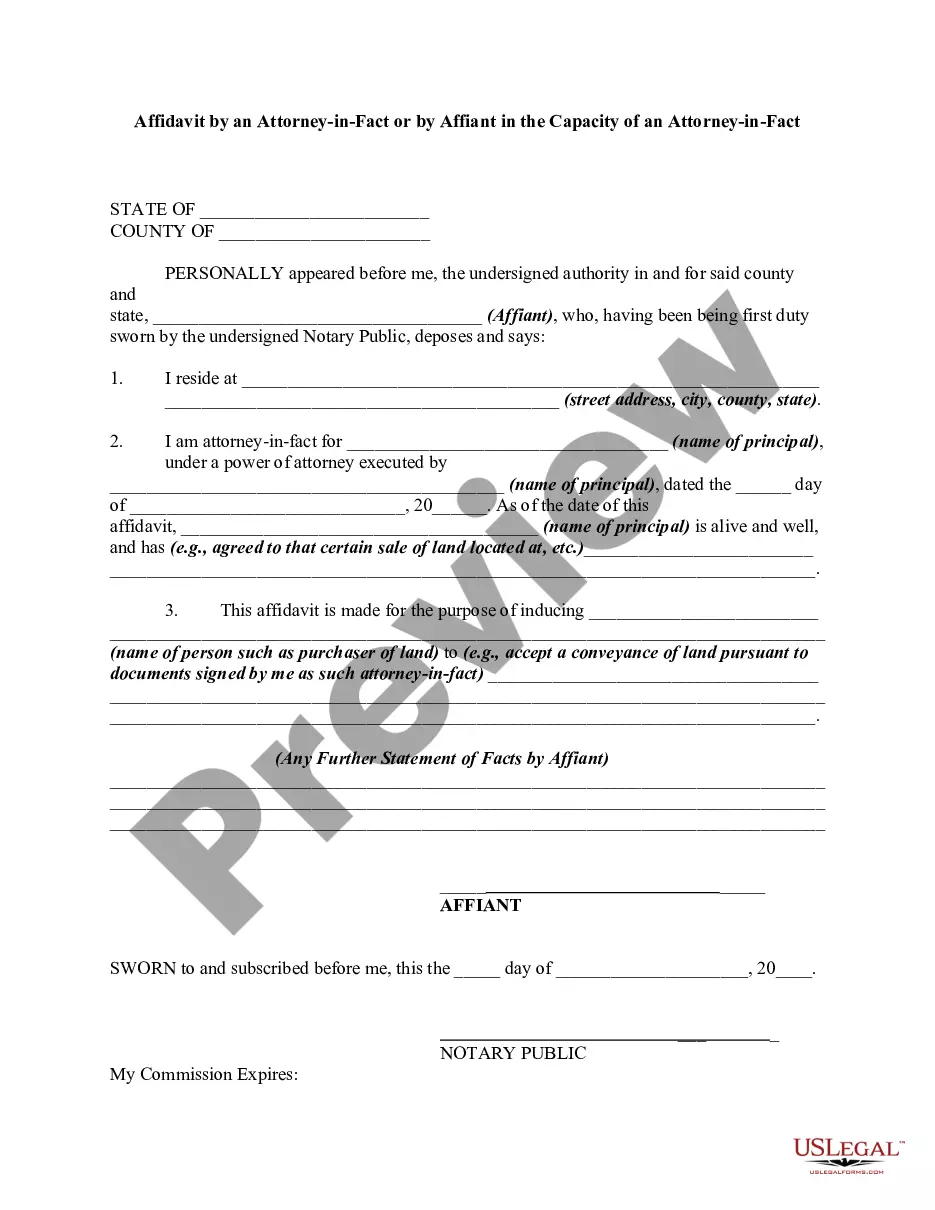
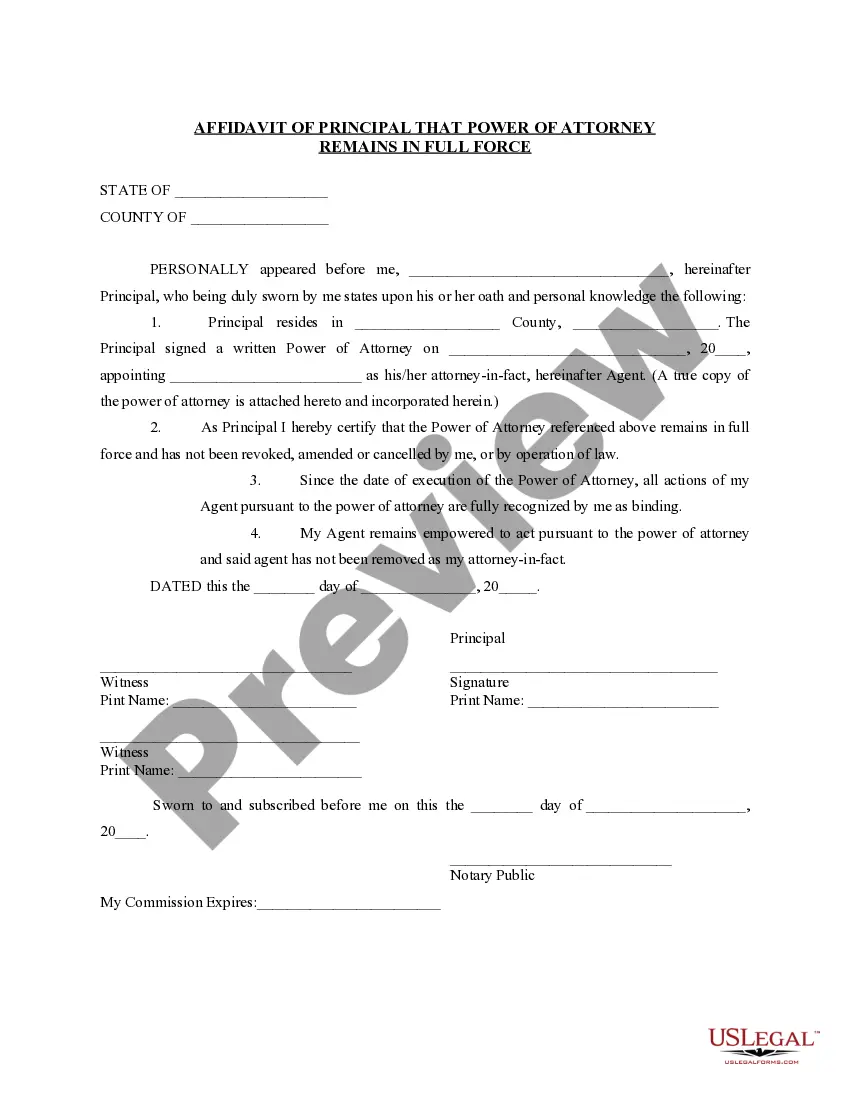
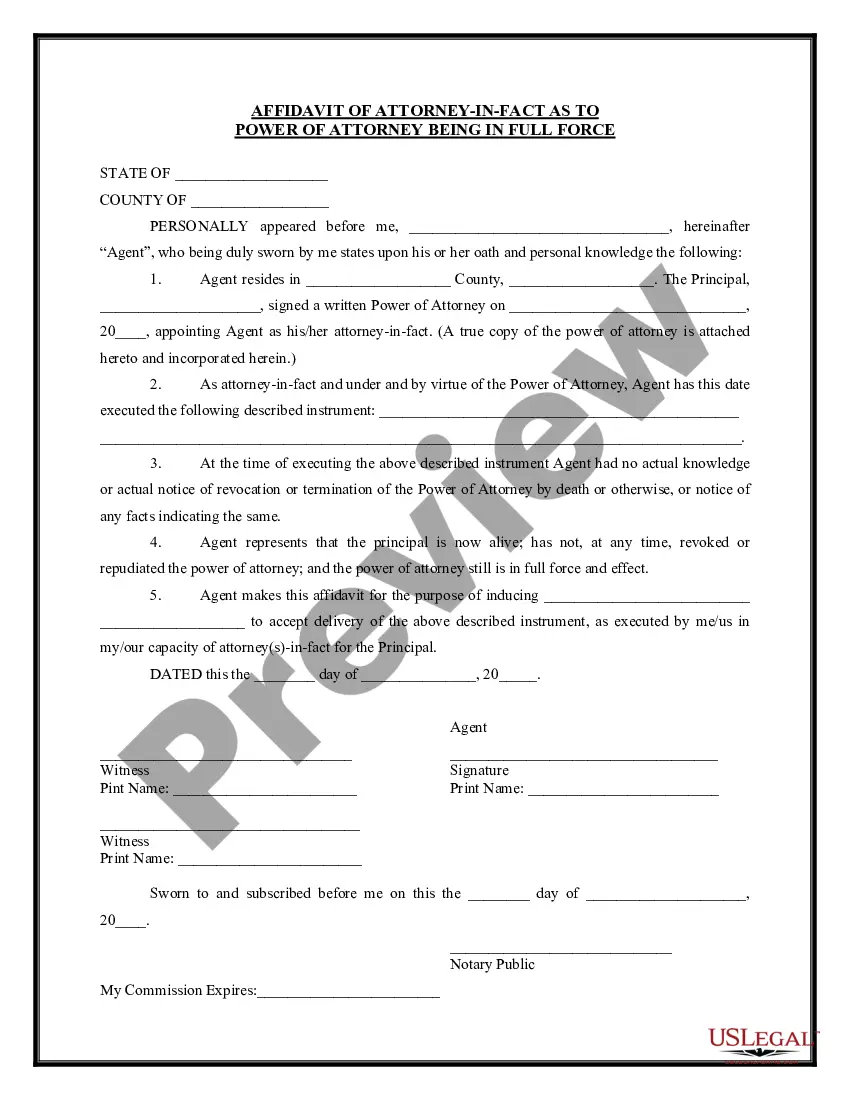
Get your form ready online
Our built-in tools help you complete, sign, share, and store your documents in one place.
Make edits, fill in missing information, and update formatting in US Legal Forms—just like you would in MS Word.
Download a copy, print it, send it by email, or mail it via USPS—whatever works best for your next step.
Sign and collect signatures with our SignNow integration. Send to multiple recipients, set reminders, and more. Go Premium to unlock E-Sign.
If this form requires notarization, complete it online through a secure video call—no need to meet a notary in person or wait for an appointment.
We protect your documents and personal data by following strict security and privacy standards.

Make edits, fill in missing information, and update formatting in US Legal Forms—just like you would in MS Word.

Download a copy, print it, send it by email, or mail it via USPS—whatever works best for your next step.

Sign and collect signatures with our SignNow integration. Send to multiple recipients, set reminders, and more. Go Premium to unlock E-Sign.

If this form requires notarization, complete it online through a secure video call—no need to meet a notary in person or wait for an appointment.

We protect your documents and personal data by following strict security and privacy standards.
Looking for another form?








How to fill out Affidavit Of Principal That Power Of Attorney Not Revoked And In Full Force?
Creating legal documents from the ground up can occasionally be overwhelming. Some situations may require extensive research and significant financial investment.
If you’re seeking a simpler and more economical method of preparing the Power Of Attorney Revocation Form California or any other documentation without unnecessary complications, US Legal Forms is always available to assist you.
Our online library of over 85,000 current legal documents covers nearly every facet of your financial, legal, and personal affairs. With just a few clicks, you can promptly obtain state- and county-compliant forms meticulously crafted for you by our legal professionals.
Utilize our website whenever you require trusted and dependable services through which you can swiftly locate and download the Power Of Attorney Revocation Form California. If you’re already familiar with our services and have previously created an account with us, simply Log In to your account, find the template, and download it or re-download it at any moment in the My documents section.
Verify that the template you choose complies with the regulations and laws of your state and county. Select the most suitable subscription option to acquire the Power Of Attorney Revocation Form California. Download the form, then complete, certify, and print it out. US Legal Forms has an impeccable reputation and over 25 years of experience. Join us today and make document execution a straightforward and efficient process!
- Not registered yet? No problem.
- It takes only a few minutes to sign up and browse the catalog.
- But before directly downloading the Power Of Attorney Revocation Form California, consider these suggestions.
- Review the form preview and descriptions to ensure you have located the form you need.
Form popularity
FAQ
The POA cannot transfer the responsibility to another Agent at any time. The POA cannot make any legal or financial decisions after the death of the Principal, at which point the Executor of the Estate would take over. The POA cannot distribute inheritances or transfer assets after the death of the Principal.
The principal's family members or loved ones petition the court to revoke the power of attorney's duties. The principal can revoke the power of attorney's responsibilities by completing a revocation form. The principal's court-appointed guardian can request the power of attorney privileges be revoked by the court.
Use form FTB 3520-RVK to revoke an entire POA Declaration prior to expiration, which is generally six years from the date the POA Declaration is signed. Mail form FTB 3520-RVK. Paper submissions result in longer processing time frames.
Is It Possible to Revoke the Power of Attorney? In California, you can revoke power of attorney for any reason, so long as you are deemed of sound mind. However, it is vital to note that you must have a notary present to witness the process so they can legally notarize the document.
Changing a power of attorney involves notifying the person who presently has power of attorney, making a written record of the modification, including all necessary wording, notarizing and, if required, recording the document, and notifying all parties involved.