Legal Forms Website For Texas
Description
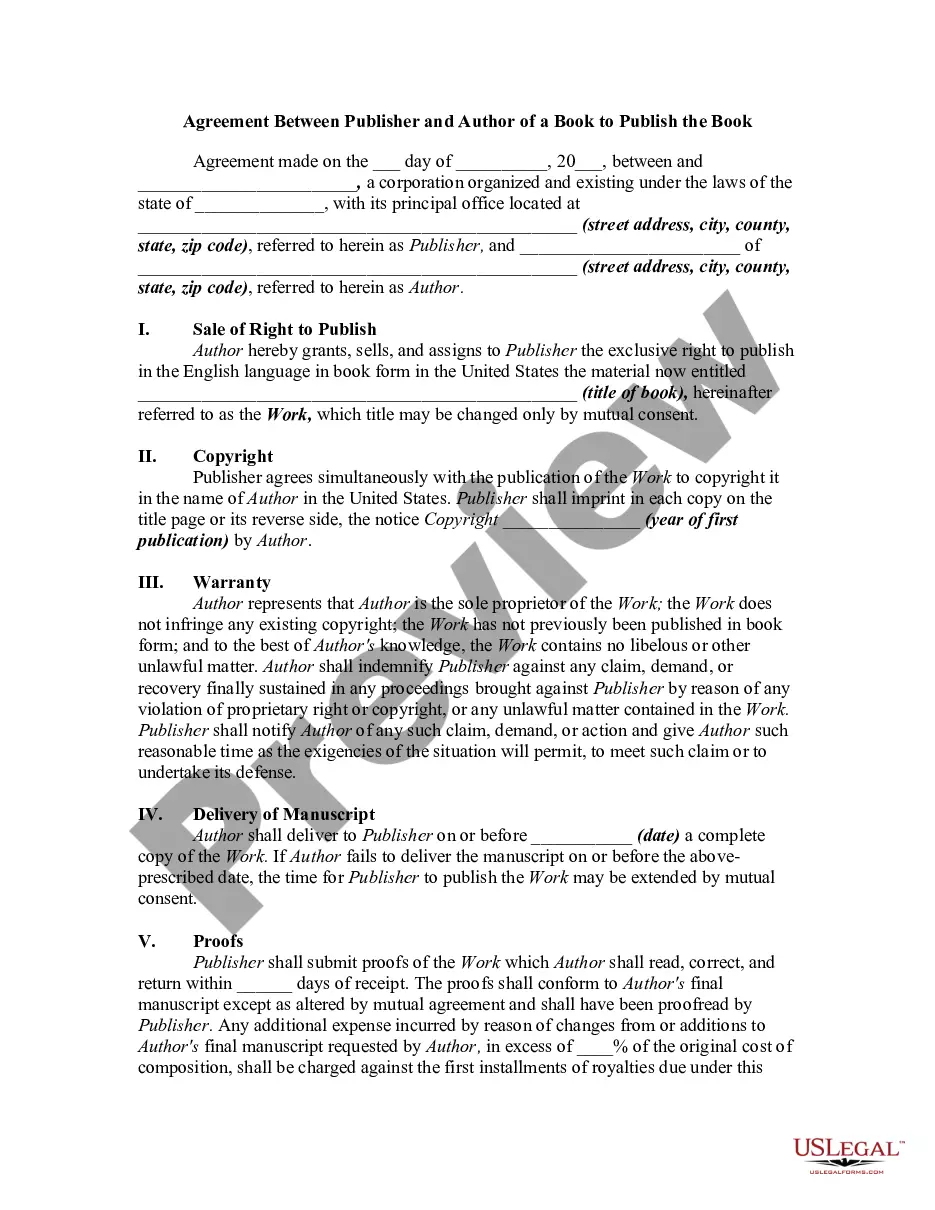
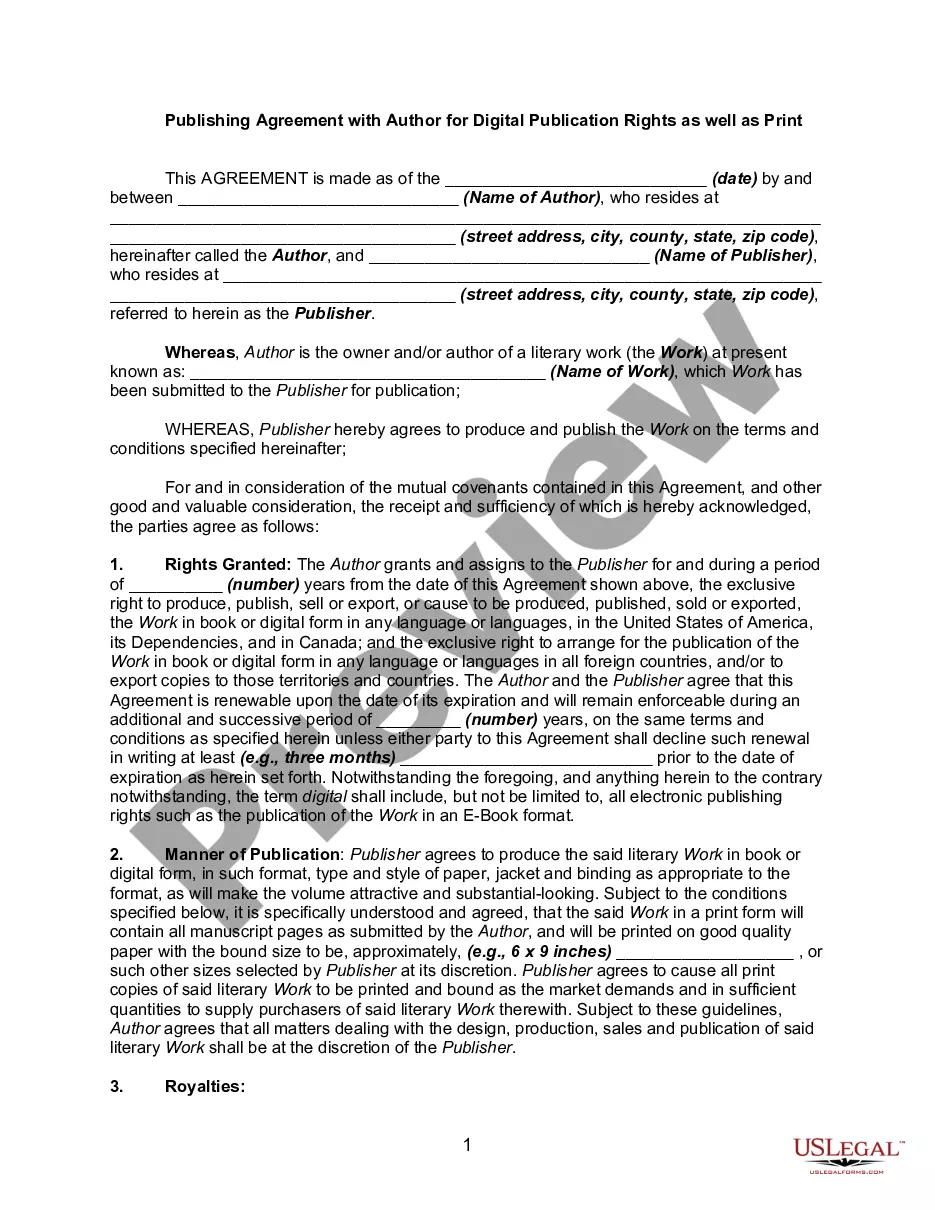

Get your form ready online
Our built-in tools help you complete, sign, share, and store your documents in one place.
Make edits, fill in missing information, and update formatting in US Legal Forms—just like you would in MS Word.
Download a copy, print it, send it by email, or mail it via USPS—whatever works best for your next step.
Sign and collect signatures with our SignNow integration. Send to multiple recipients, set reminders, and more. Go Premium to unlock E-Sign.
If this form requires notarization, complete it online through a secure video call—no need to meet a notary in person or wait for an appointment.
We protect your documents and personal data by following strict security and privacy standards.

Make edits, fill in missing information, and update formatting in US Legal Forms—just like you would in MS Word.

Download a copy, print it, send it by email, or mail it via USPS—whatever works best for your next step.

Sign and collect signatures with our SignNow integration. Send to multiple recipients, set reminders, and more. Go Premium to unlock E-Sign.

If this form requires notarization, complete it online through a secure video call—no need to meet a notary in person or wait for an appointment.

We protect your documents and personal data by following strict security and privacy standards.
Looking for another form?







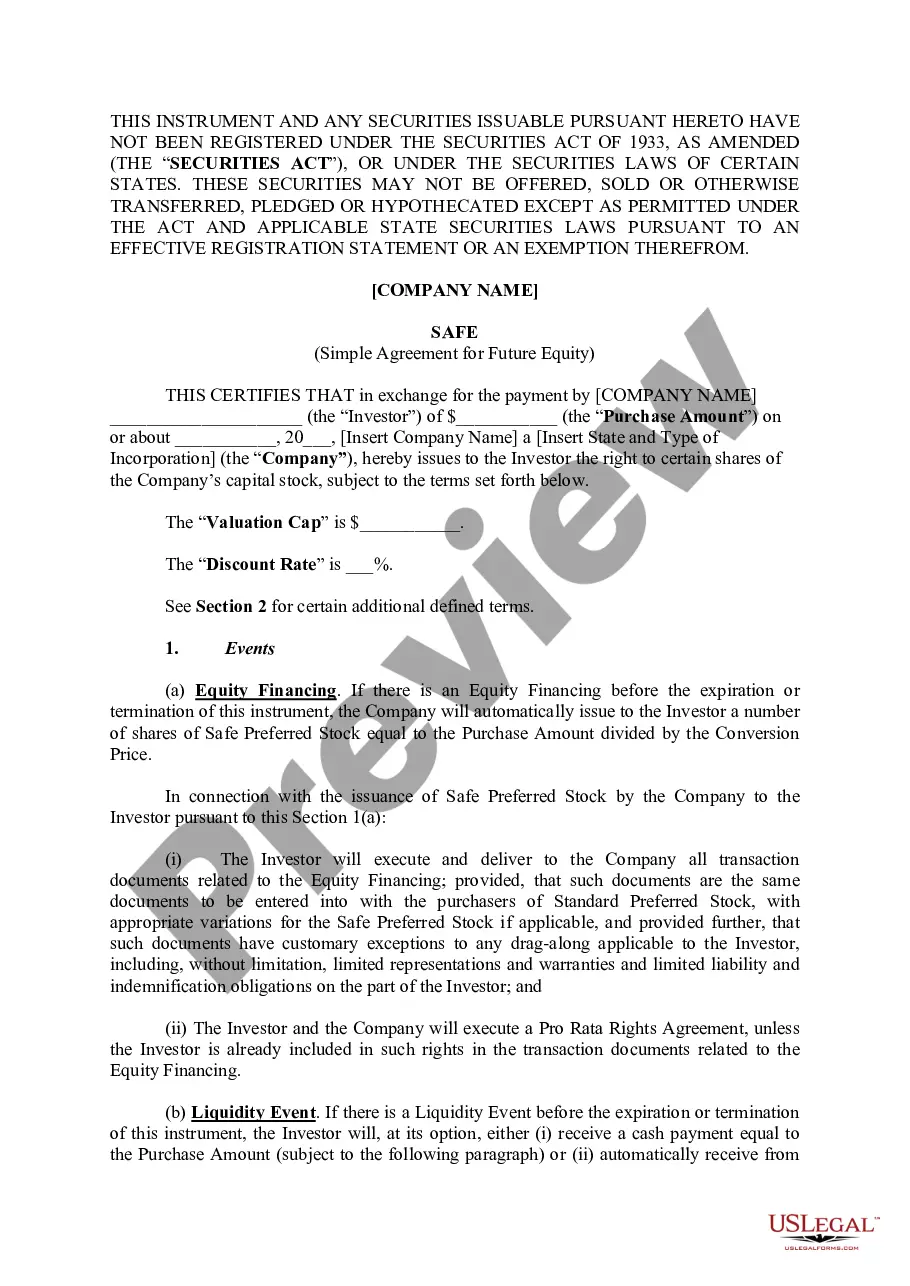
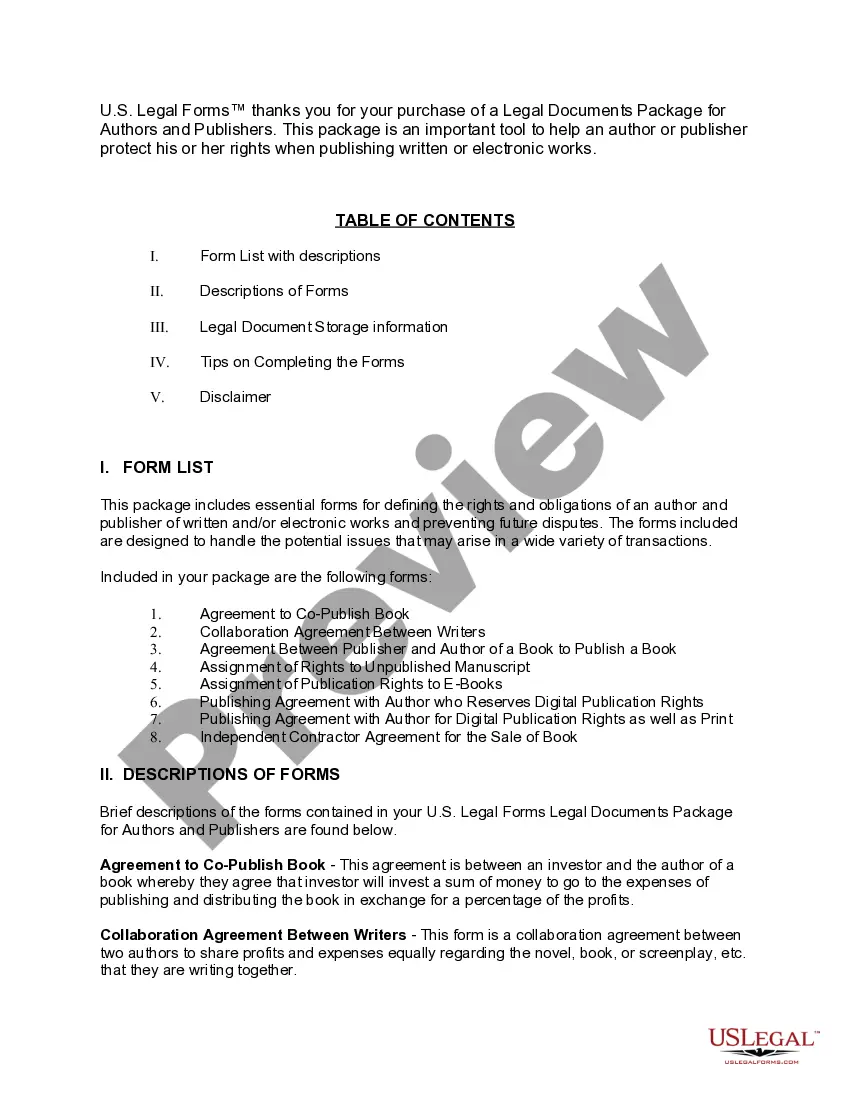
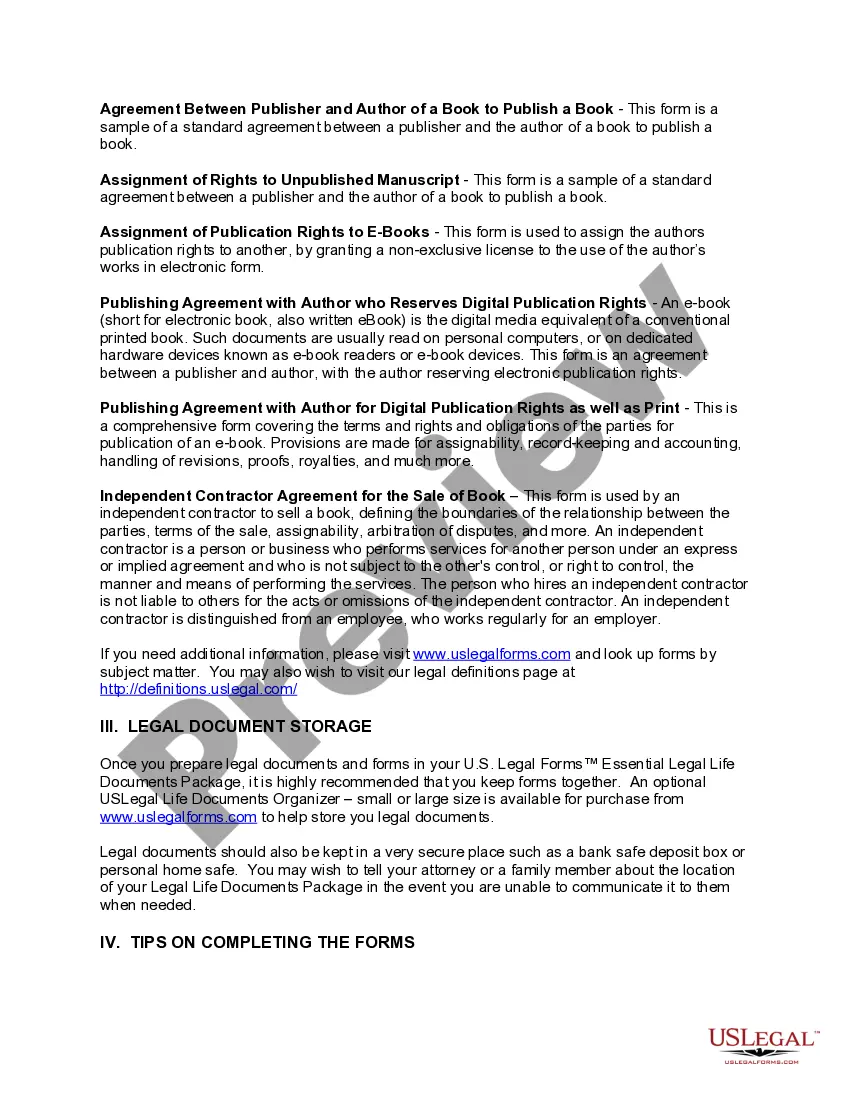
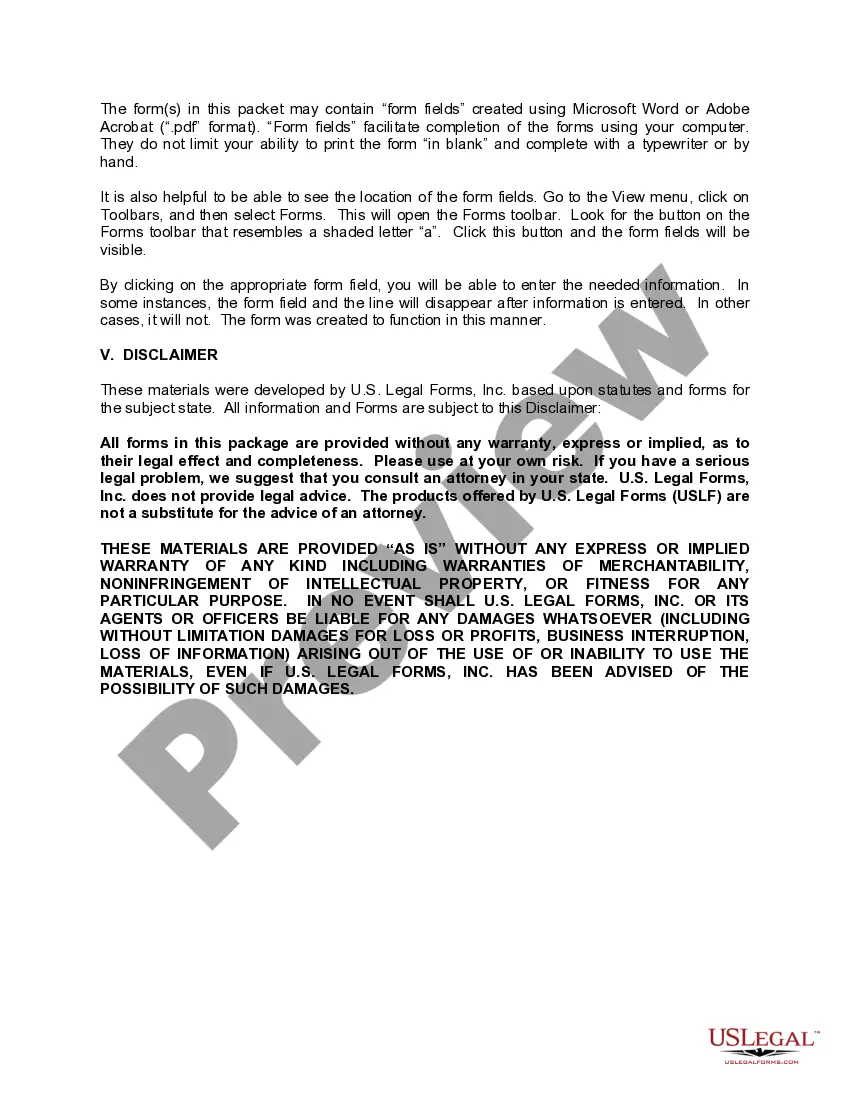
How to fill out Legal Documents Package For Authors And Publishers?
Handling legal documents can be overwhelming, even for experienced experts.
When searching for a Legal Forms Website For Texas and lacking the time to dedicate to finding the appropriate and current version, the experience can become taxing.
Tap into a valuable database of articles, tutorials, handbooks, and resources that pertain to your circumstances and requirements.
Conserve time and effort when seeking the documents you require, and employ US Legal Forms’ sophisticated search and Review feature to find Legal Forms Website For Texas and download it.
Take advantage of the US Legal Forms online library, which is supported by 25 years of experience and reliability. Transform your routine document management into a seamless and user-friendly experience today.
- If you possess a monthly subscription, Log In to your US Legal Forms account, locate the form, and download it.
- Examine your My documents section to view the documents you saved previously and manage your folders as desired.
- If it’s your first time using US Legal Forms, create an account to gain unlimited access to all the library benefits.
- Below are the steps to take after acquiring the form you need.
- Confirm this is the correct form by previewing it and reviewing its details.
- Ensure that the template is validated in your state or county.
- Click Buy Now when you are ready.
- Choose a monthly subscription option.
- Select your preferred file format, then Download, fill it in, eSign, print, and send your document.
- Access state- or county-specific legal and business documents.
- US Legal Forms meets all your needs, from personal to corporate documentation, all in one location.
- Utilize advanced tools to complete and manage your Legal Forms Website For Texas.
Form popularity
FAQ
Online legal documents can be out of date, inaccurate or downright wrong which makes them flawed and could be legally rejected. "While a form may be OK, it may not be recognized, depending on the institution and the person behind the desk there," said a estate planning attorney from New York.
To file online, go to E-File Texas ( ) [11] and follow the instructions. To file in person, take your answer (and copies) to the district clerk's office in the county where the plaintiff filed the case. At the clerk's office: Turn in your answer form (and copies).
Only attorneys can give legal advice. Paralegals, legal assistants , and notary publics are all nonlawyers. They cannot prepare documents on your behalf. Paralegals and other legal staff in a law office may be able to assist with legal work, but it must be under the supervision of a licensed attorney.
Holographic wills, also called handwritten wills, are accepted in Texas. To be valid, a holographic will must be written entirely in your handwriting and signed by you. As long as you follow these two requirements, you don't need witnesses to make your holographic will valid.
If you're asking whether you need a lawyer to draft a contract, legally, the answer is no. Anyone can draft a contract on their own and as long as the elements above are included and both parties are legally competent and consent to the agreement, it is generally lawful.