Employee Confidentiality Agreement With Consultant
Description
Get your form ready online
Our built-in tools help you complete, sign, share, and store your documents in one place.
Make edits, fill in missing information, and update formatting in US Legal Forms—just like you would in MS Word.
Download a copy, print it, send it by email, or mail it via USPS—whatever works best for your next step.
Sign and collect signatures with our SignNow integration. Send to multiple recipients, set reminders, and more. Go Premium to unlock E-Sign.
If this form requires notarization, complete it online through a secure video call—no need to meet a notary in person or wait for an appointment.
We protect your documents and personal data by following strict security and privacy standards.

Make edits, fill in missing information, and update formatting in US Legal Forms—just like you would in MS Word.

Download a copy, print it, send it by email, or mail it via USPS—whatever works best for your next step.

Sign and collect signatures with our SignNow integration. Send to multiple recipients, set reminders, and more. Go Premium to unlock E-Sign.

If this form requires notarization, complete it online through a secure video call—no need to meet a notary in person or wait for an appointment.

We protect your documents and personal data by following strict security and privacy standards.
Looking for another form?

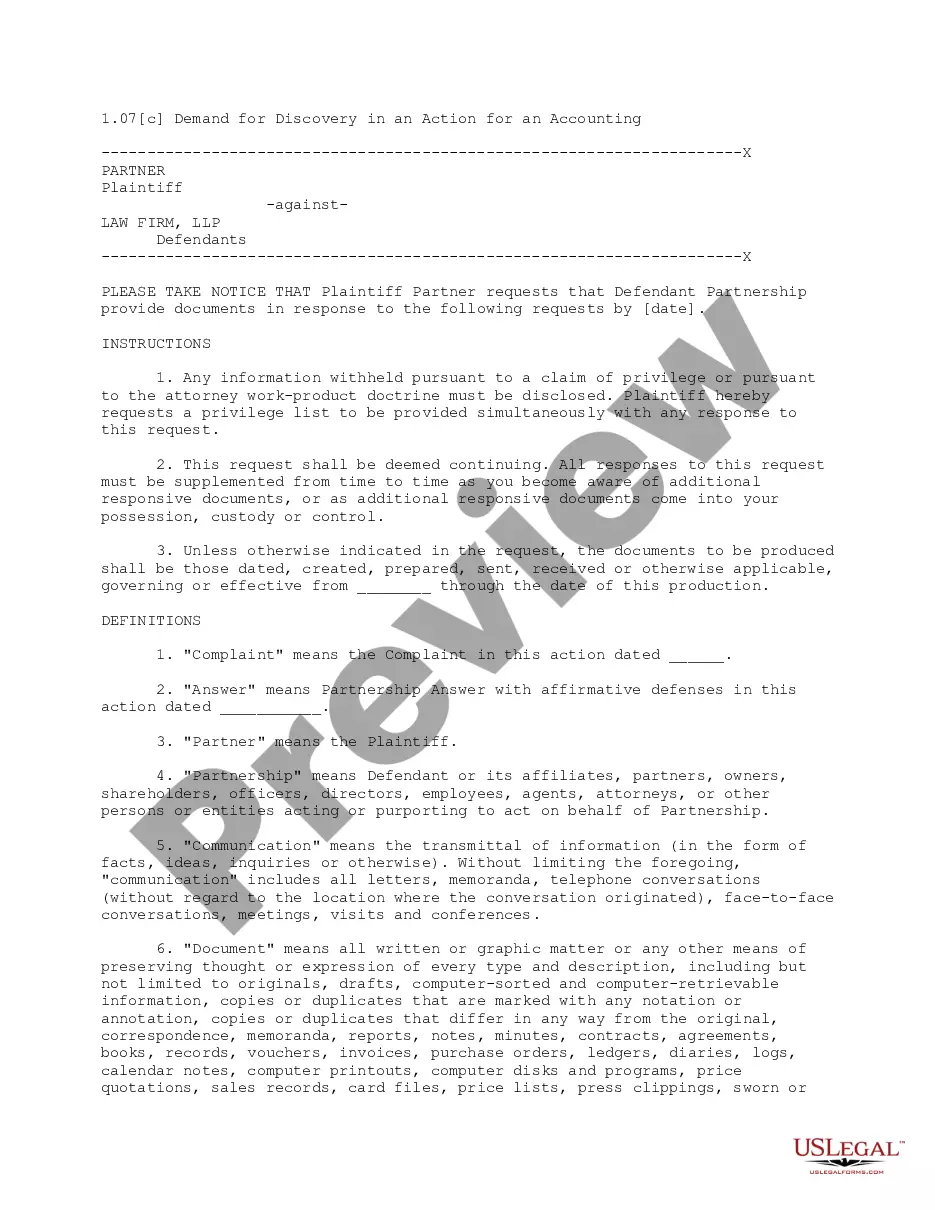

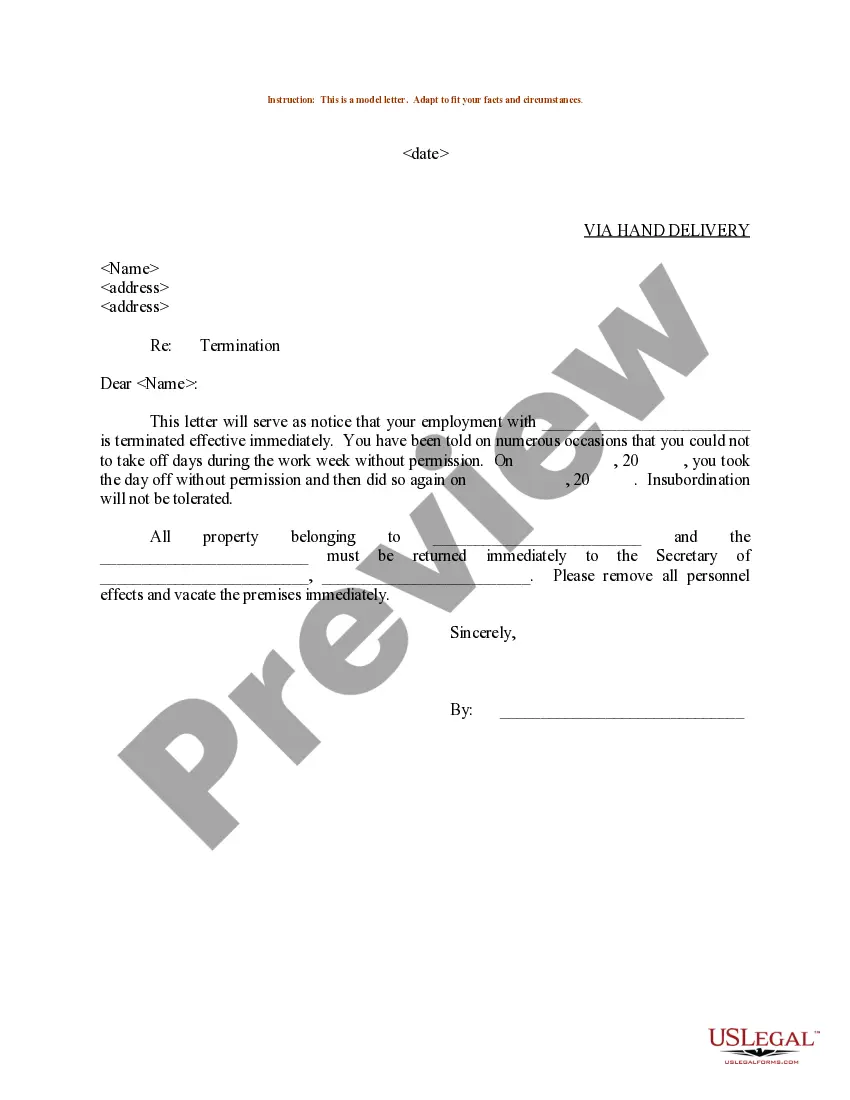
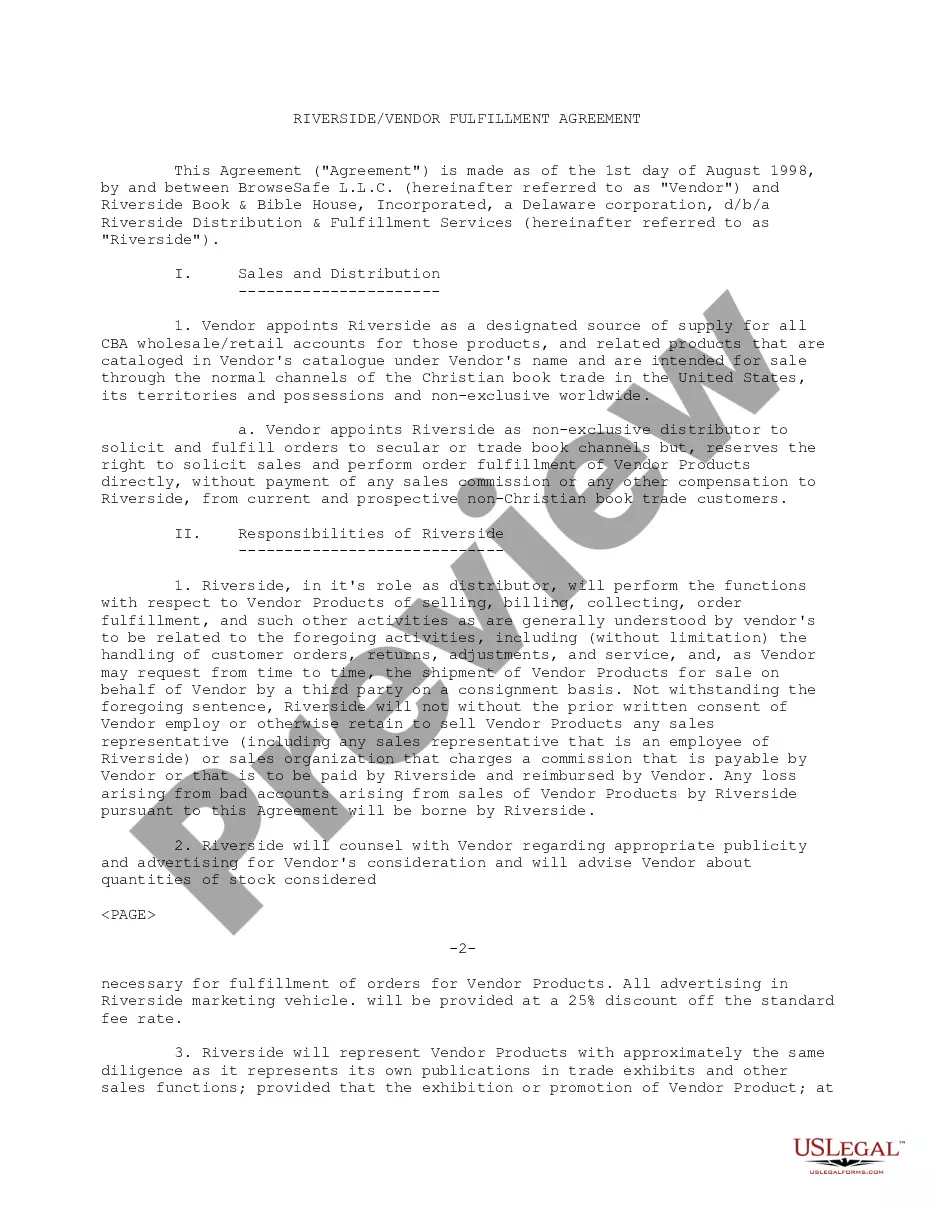

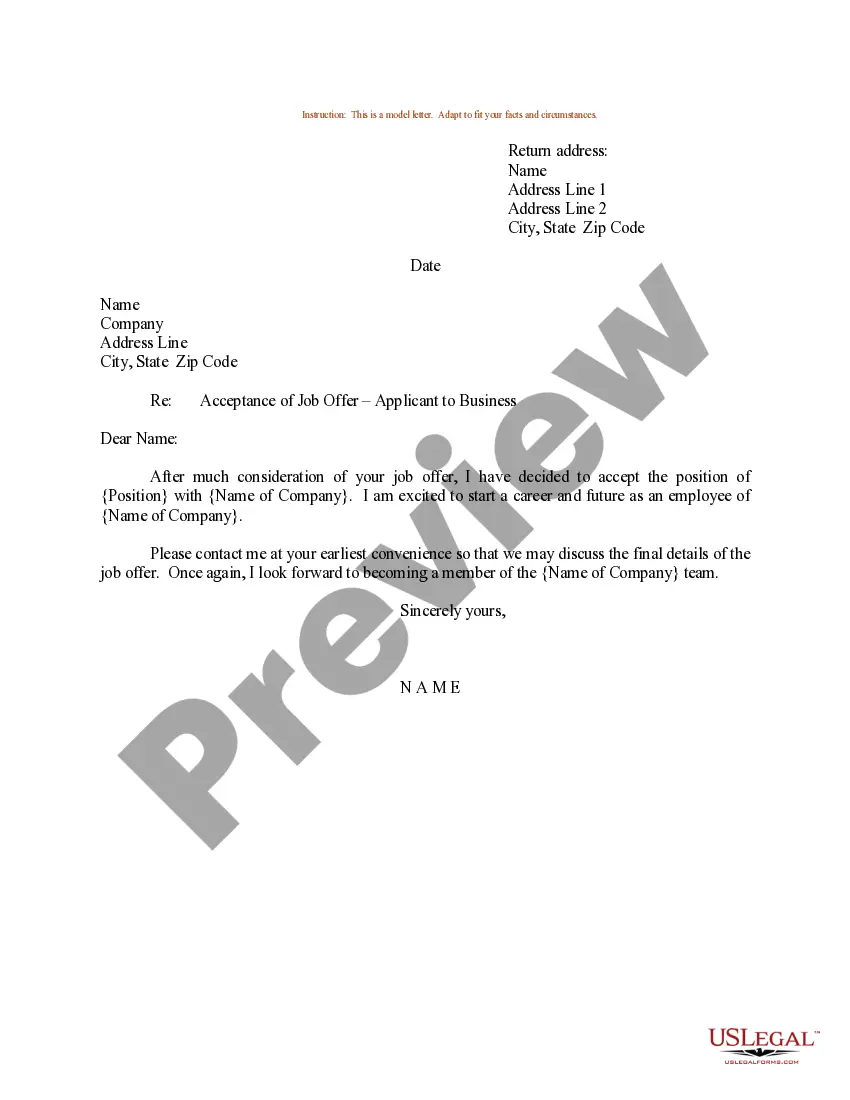
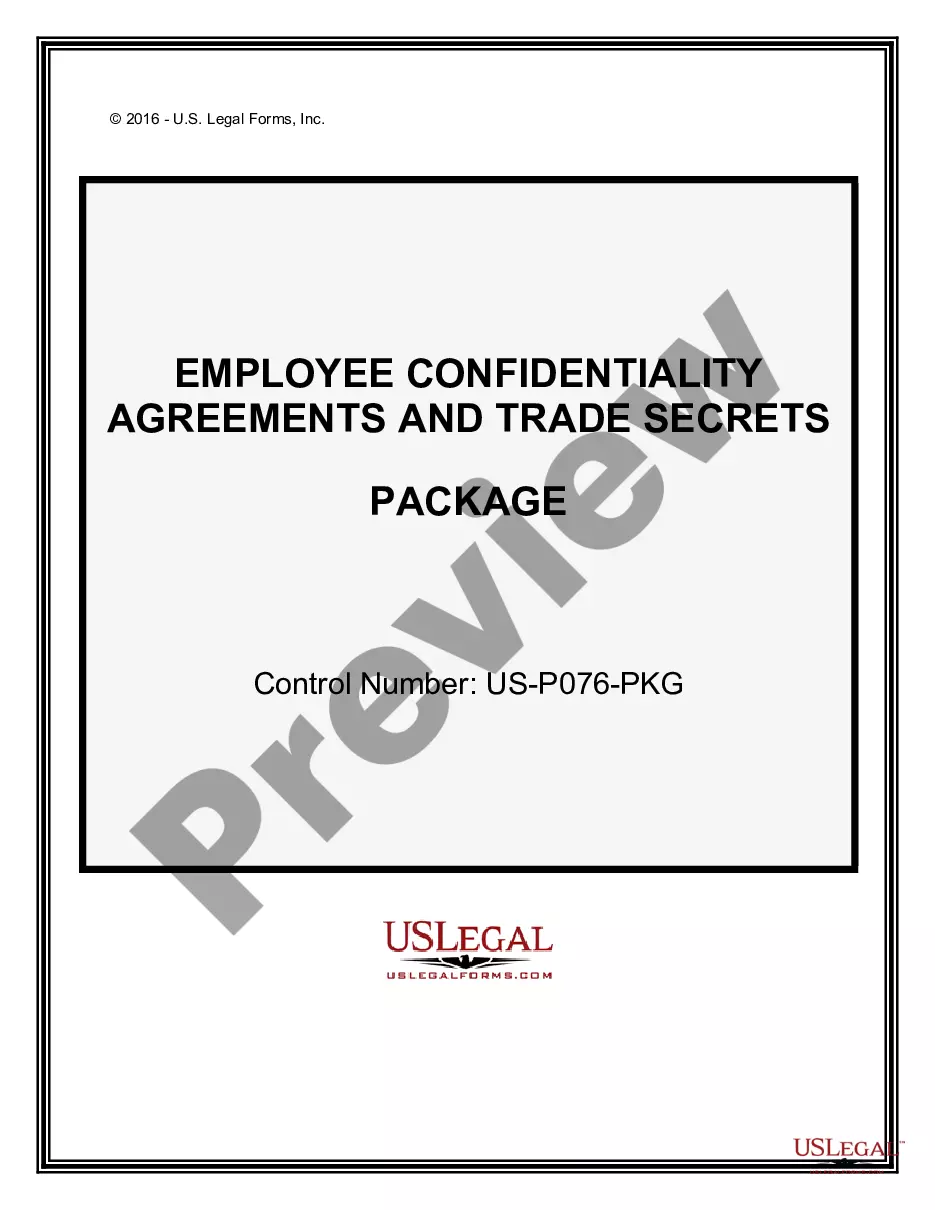
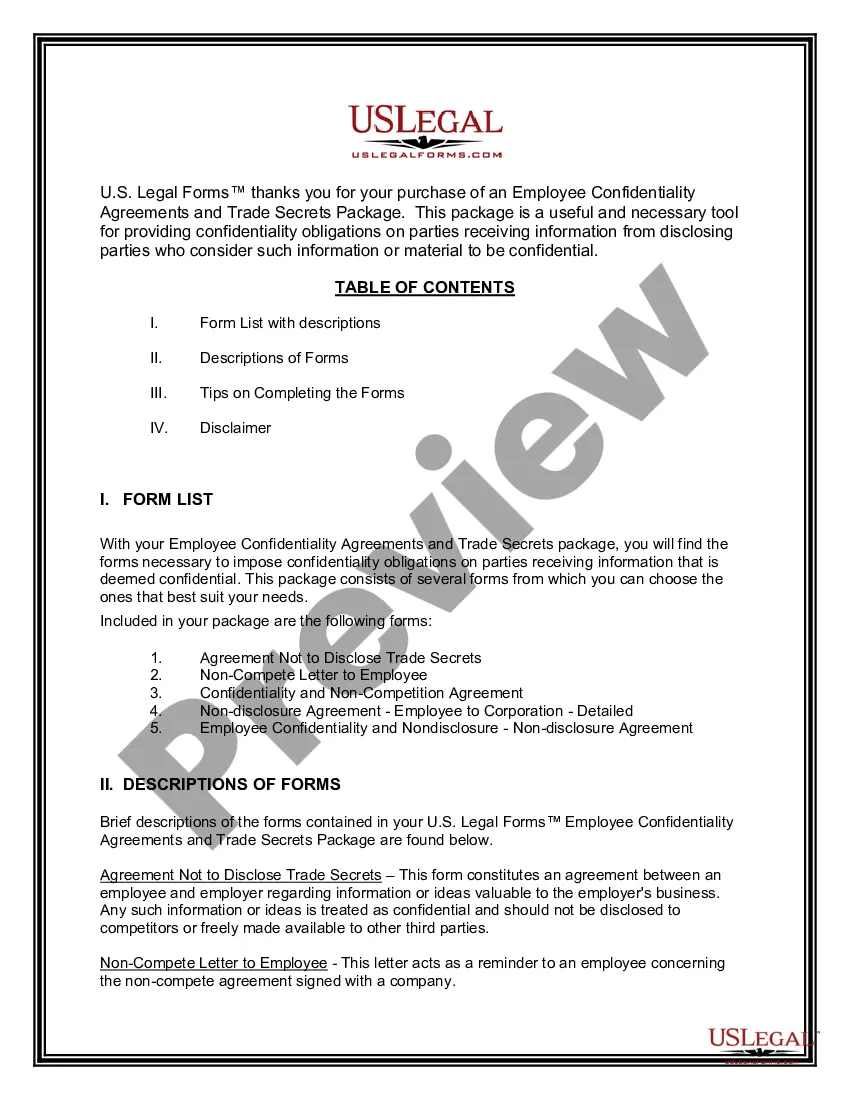
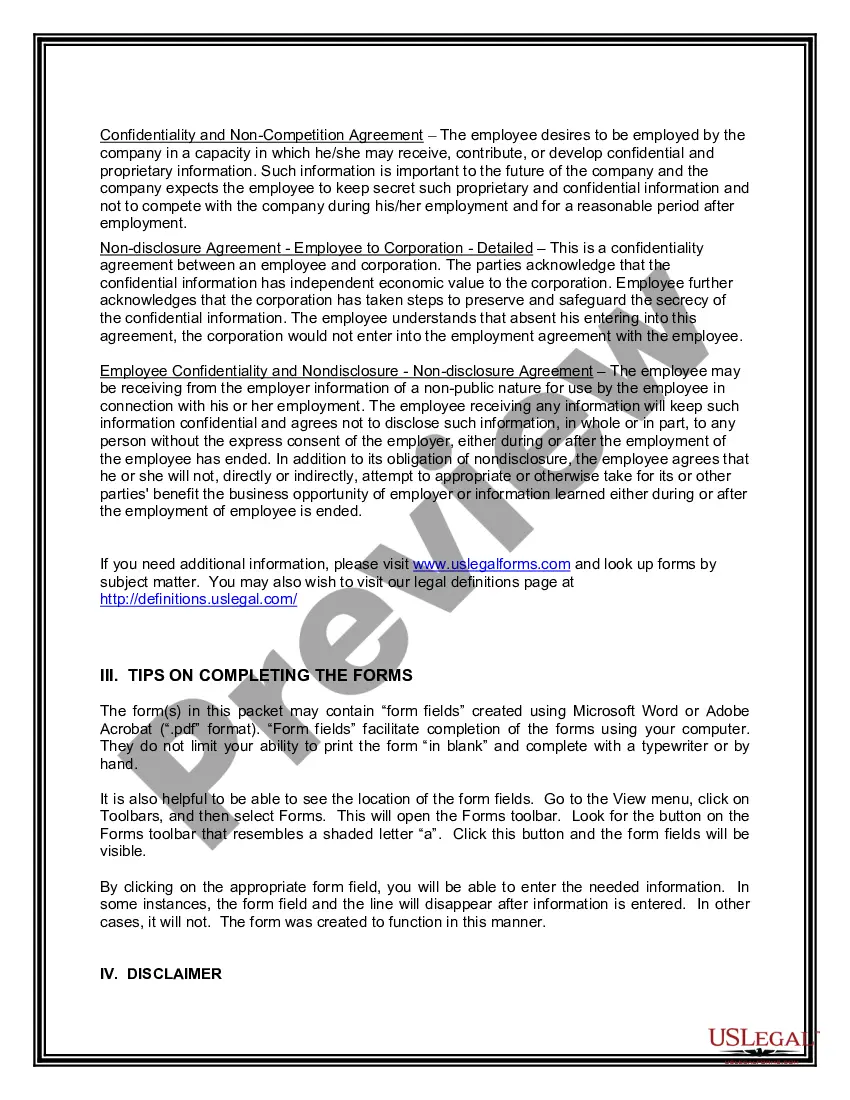
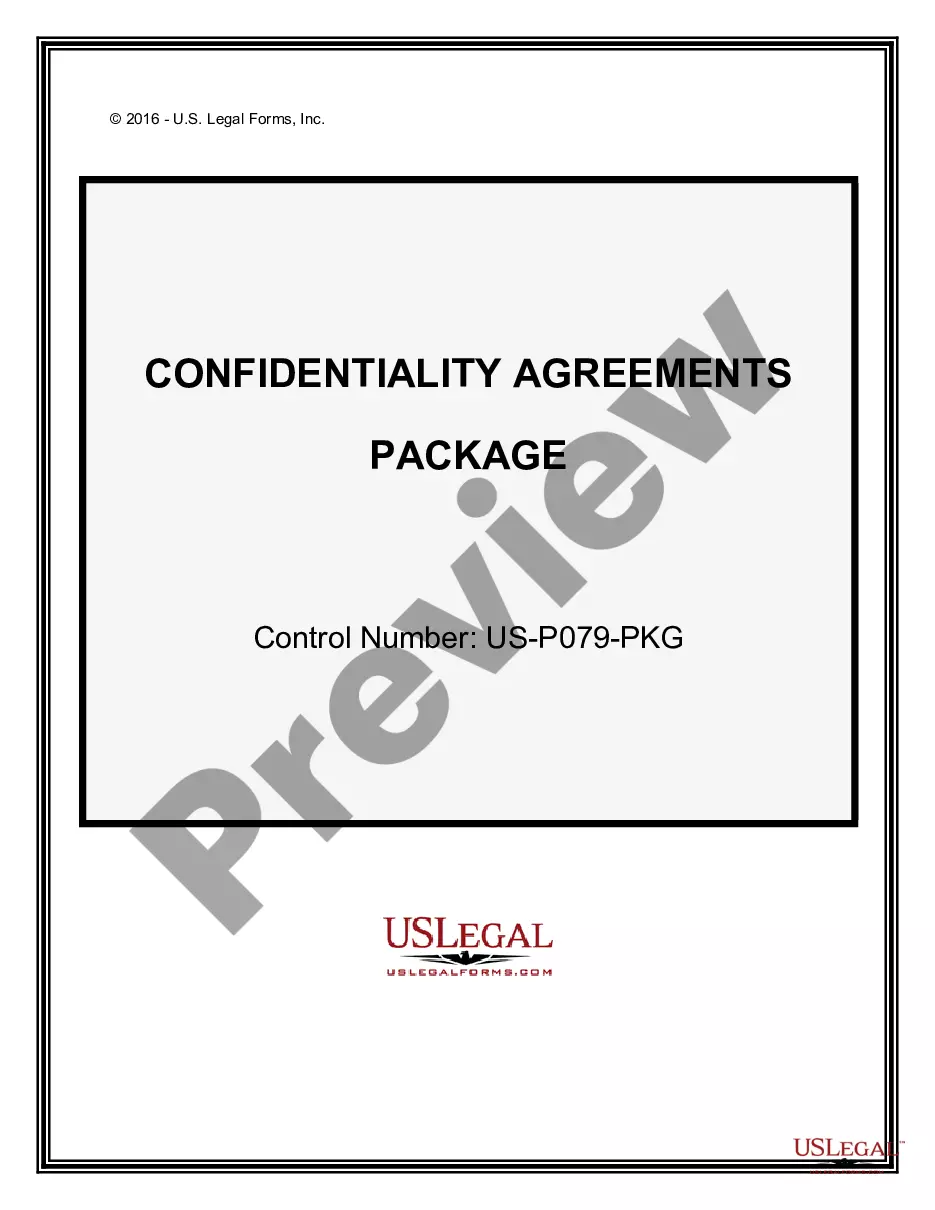
How to fill out Employee Confidentiality Agreements And Trade Secrets Package?
Securing a reliable source for obtaining the most up-to-date and pertinent legal templates constitutes a significant part of navigating bureaucracy. Locating the appropriate legal documents demands accuracy and meticulousness, which is why it is essential to acquire samples of Employee Confidentiality Agreement With Consultant exclusively from trustworthy establishments, such as US Legal Forms. An incorrect template will squander your time and delay your current situation. With US Legal Forms, there is little to worry about. You can access and review all the information regarding the document’s applicability and relevance to your circumstances and within your state or locality.
Consider the outlined steps to finalize your Employee Confidentiality Agreement With Consultant.
Once you have the form on your device, you can modify it with the editor or print it and complete it manually. Remove the stress associated with your legal documentation. Explore the vast US Legal Forms library to discover legal templates, verify their relevance to your situation, and download them instantly.
- Utilize the library navigation or search bar to locate your template.
- Examine the form’s details to confirm if it meets the criteria of your state and county.
- View the form preview, if available, to ensure the template is the one you are seeking.
- Continue the search and identify the appropriate document if the Employee Confidentiality Agreement With Consultant does not meet your requirements.
- If you are confident about the form’s applicability, download it.
- If you are a registered user, click Log in to verify and access your selected templates in My documents.
- If you do not possess a profile yet, click Buy now to acquire the form.
- Choose the pricing plan that aligns with your preferences.
- Proceed to the registration to complete your transaction.
- Conclude your purchase by selecting a payment method (credit card or PayPal).
- Choose the file format for downloading Employee Confidentiality Agreement With Consultant.
Form popularity
FAQ
Consultant shall hold confidential and proprietary information of third parties gained in the course of Company's business in the strictest confidence and shall not disclose it to any person, firm or company (except as to carry out the Company's business as consistent with Company's agreement with such third party) or ...
Ingly, to protect the Confidential Information that will be disclosed during employment, the Employee agrees as follows: Employee will hold the Confidential Information received from [Company Name] in strict confidence and will exercise a reasonable degree of care to prevent disclosure to others.
Consultants often work with sensitive information, such as trade secrets, financial information, and client lists. Unsurprisingly, consultants are typically required to sign non-disclosure agreements (NDAs) that prevent them from disclosing confidential information.
A confidentiality agreement should include a clear definition of the confidential information, scope of the agreement, obligations of the receiving party, the duration of the contract, any exceptions to confidentiality, and the consequences of a breach of the contract.
Consultant shall hold confidential and proprietary information of third parties gained in the course of Company's business in the strictest confidence and shall not disclose it to any person, firm or company (except as to carry out the Company's business as consistent with Company's agreement with such third party) or ...