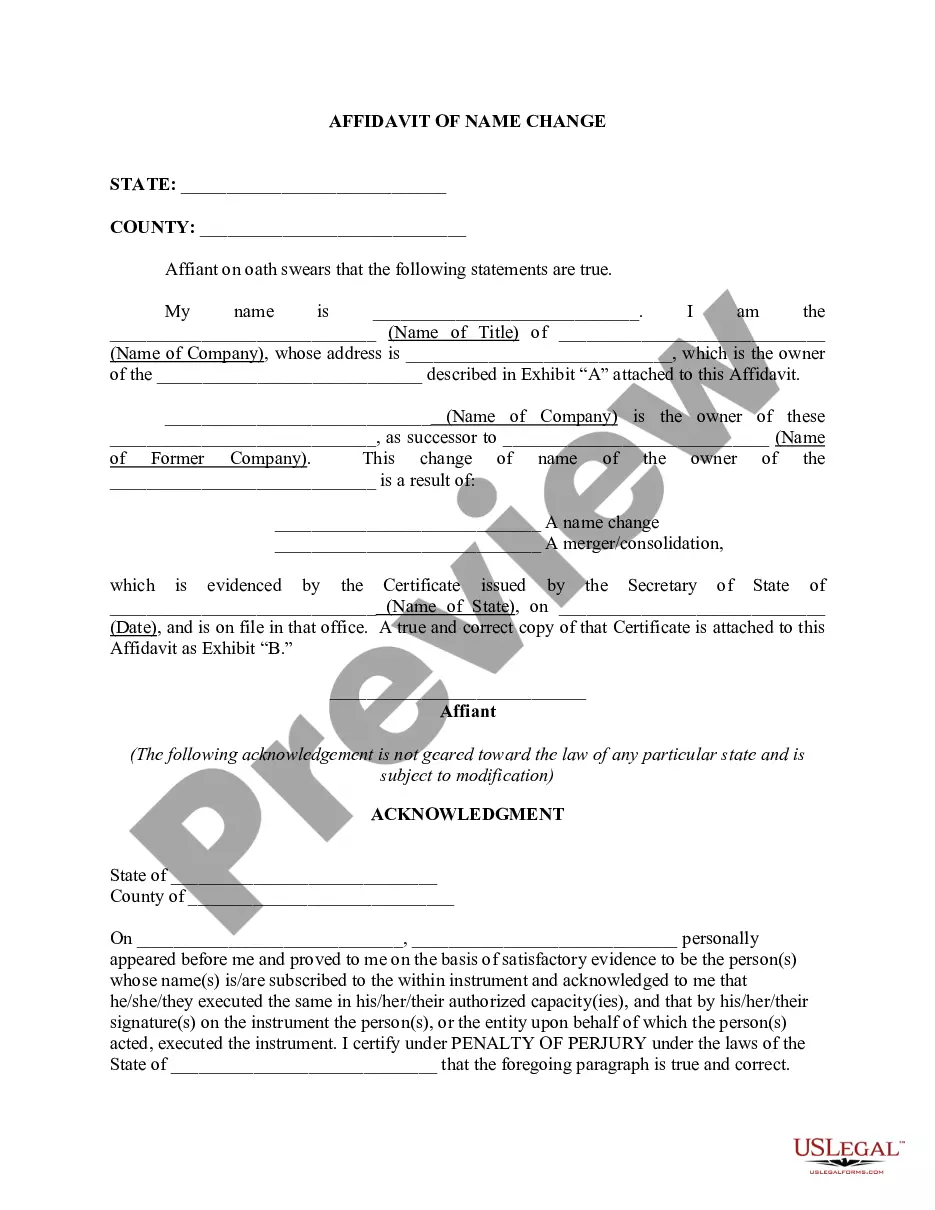
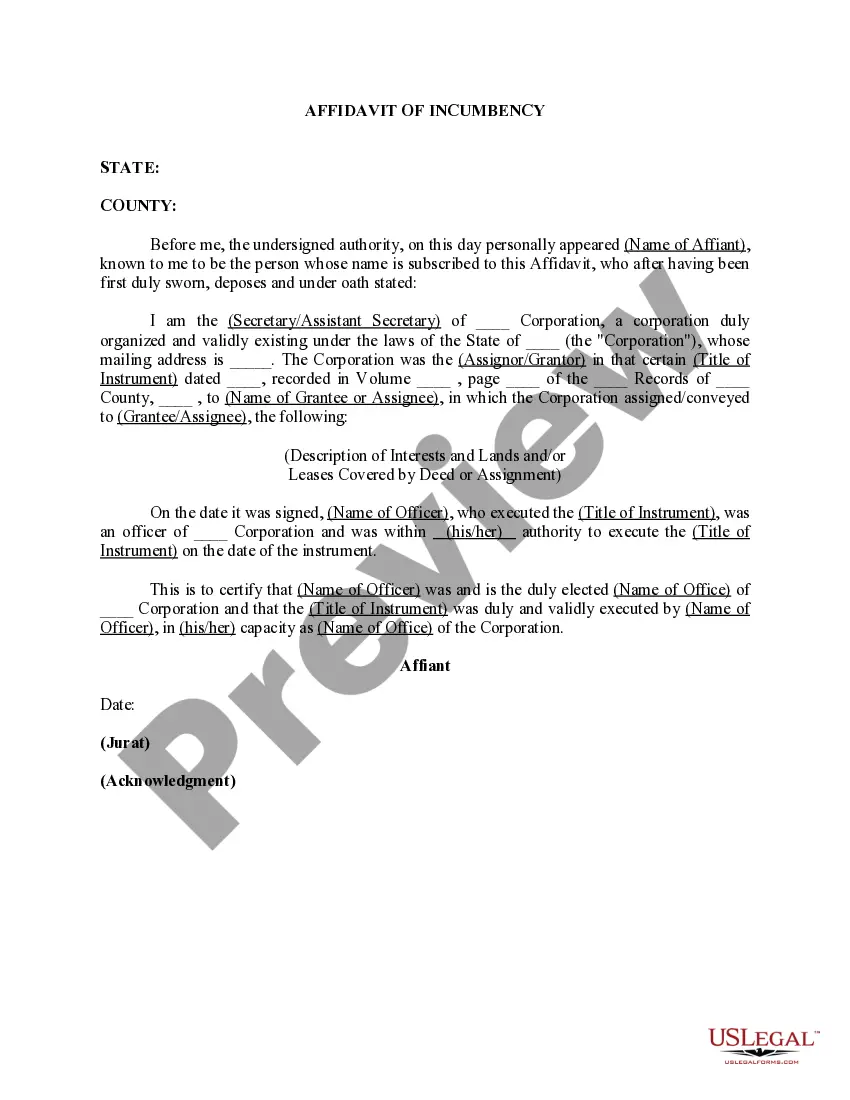
Company Name Change Affidavit Format With Uscis
Description
Get your form ready online
Our built-in tools help you complete, sign, share, and store your documents in one place.
Make edits, fill in missing information, and update formatting in US Legal Forms—just like you would in MS Word.
Download a copy, print it, send it by email, or mail it via USPS—whatever works best for your next step.
Sign and collect signatures with our SignNow integration. Send to multiple recipients, set reminders, and more. Go Premium to unlock E-Sign.
If this form requires notarization, complete it online through a secure video call—no need to meet a notary in person or wait for an appointment.
We protect your documents and personal data by following strict security and privacy standards.

Make edits, fill in missing information, and update formatting in US Legal Forms—just like you would in MS Word.

Download a copy, print it, send it by email, or mail it via USPS—whatever works best for your next step.

Sign and collect signatures with our SignNow integration. Send to multiple recipients, set reminders, and more. Go Premium to unlock E-Sign.

If this form requires notarization, complete it online through a secure video call—no need to meet a notary in person or wait for an appointment.

We protect your documents and personal data by following strict security and privacy standards.
Looking for another form?



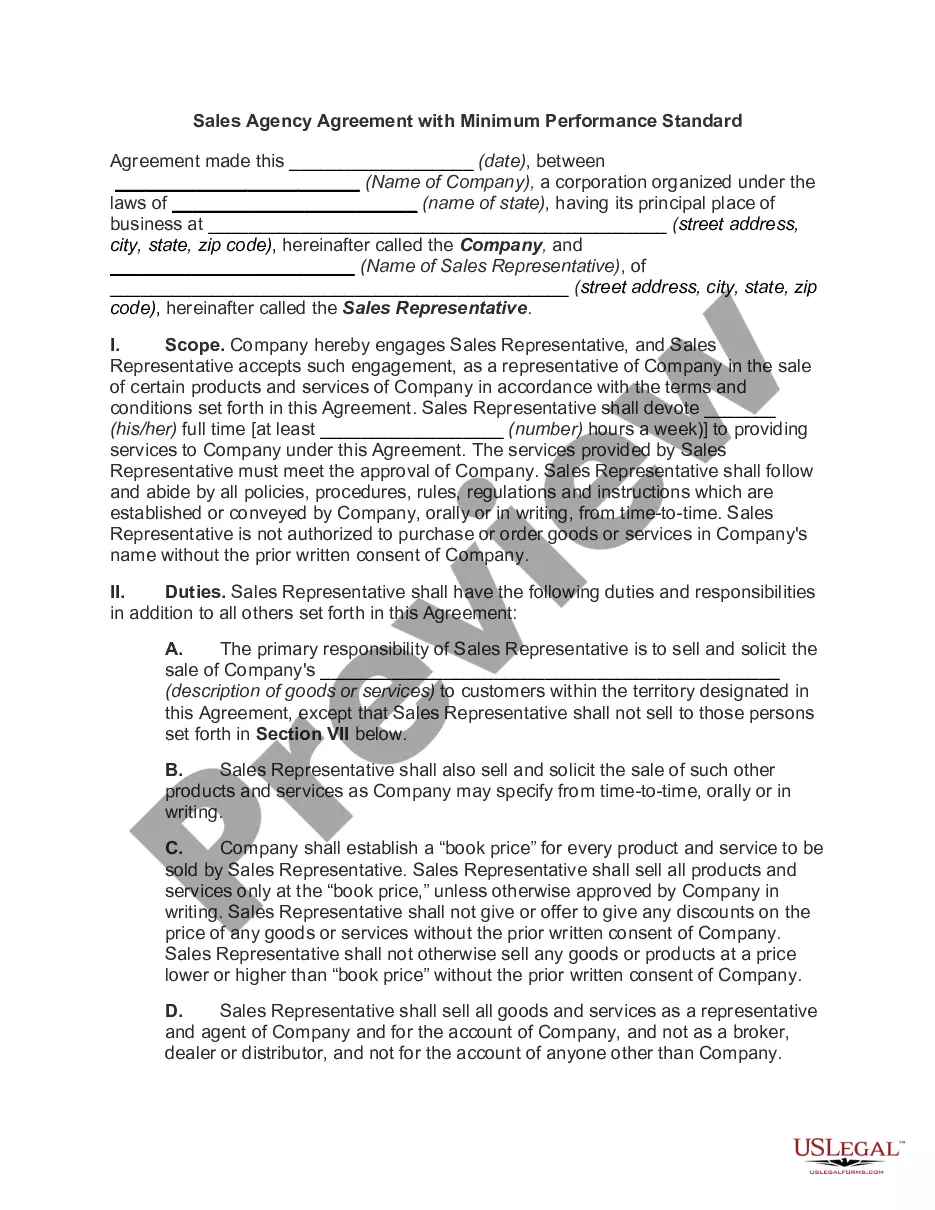
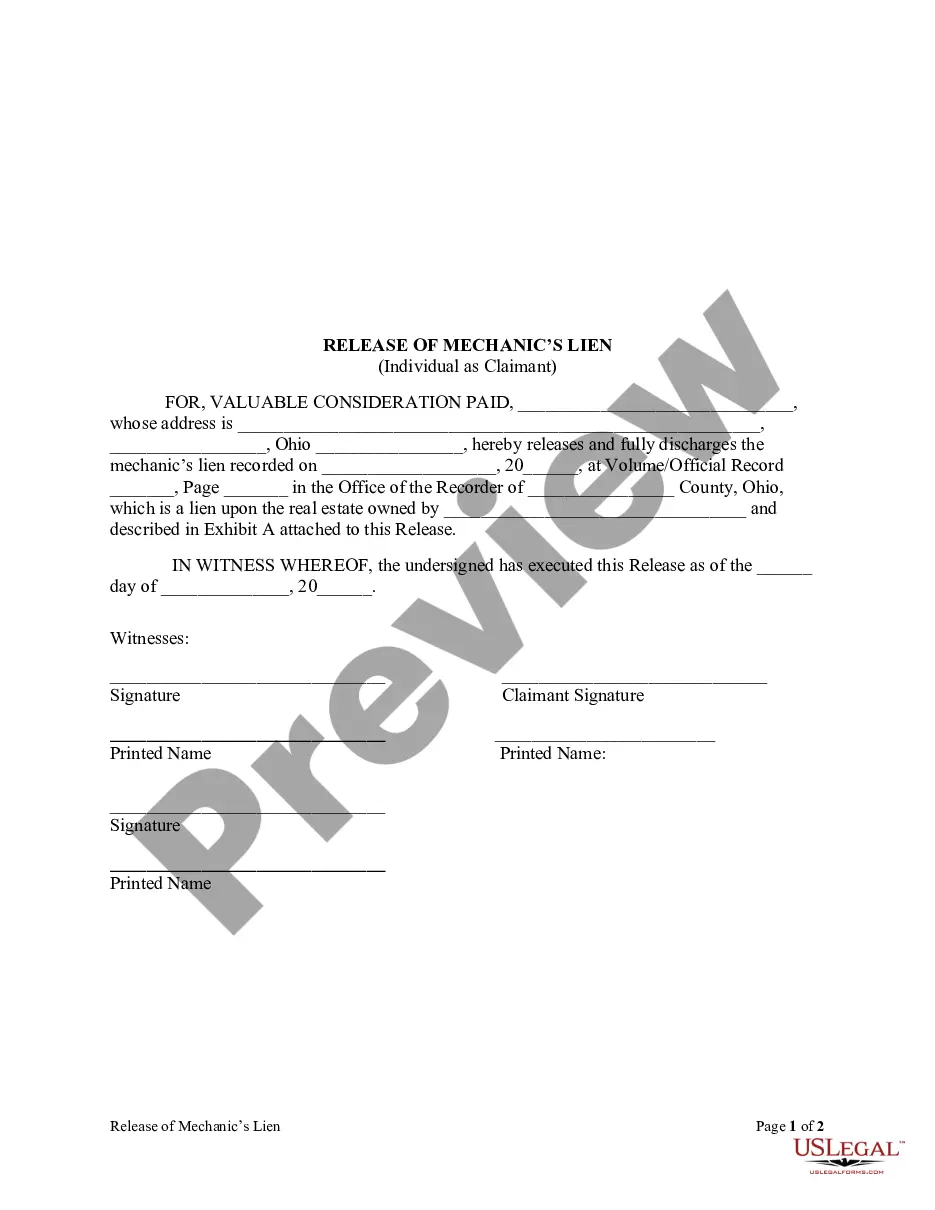


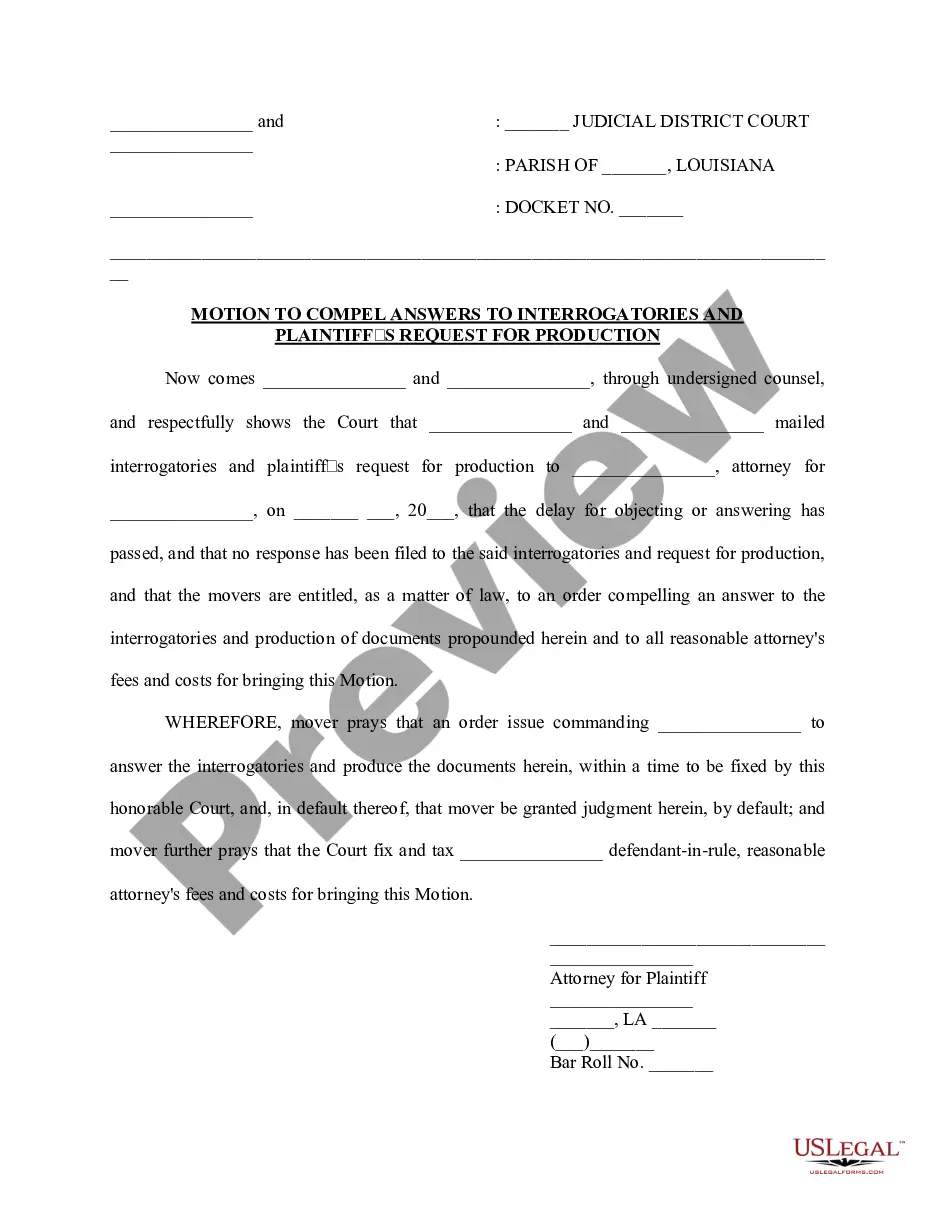

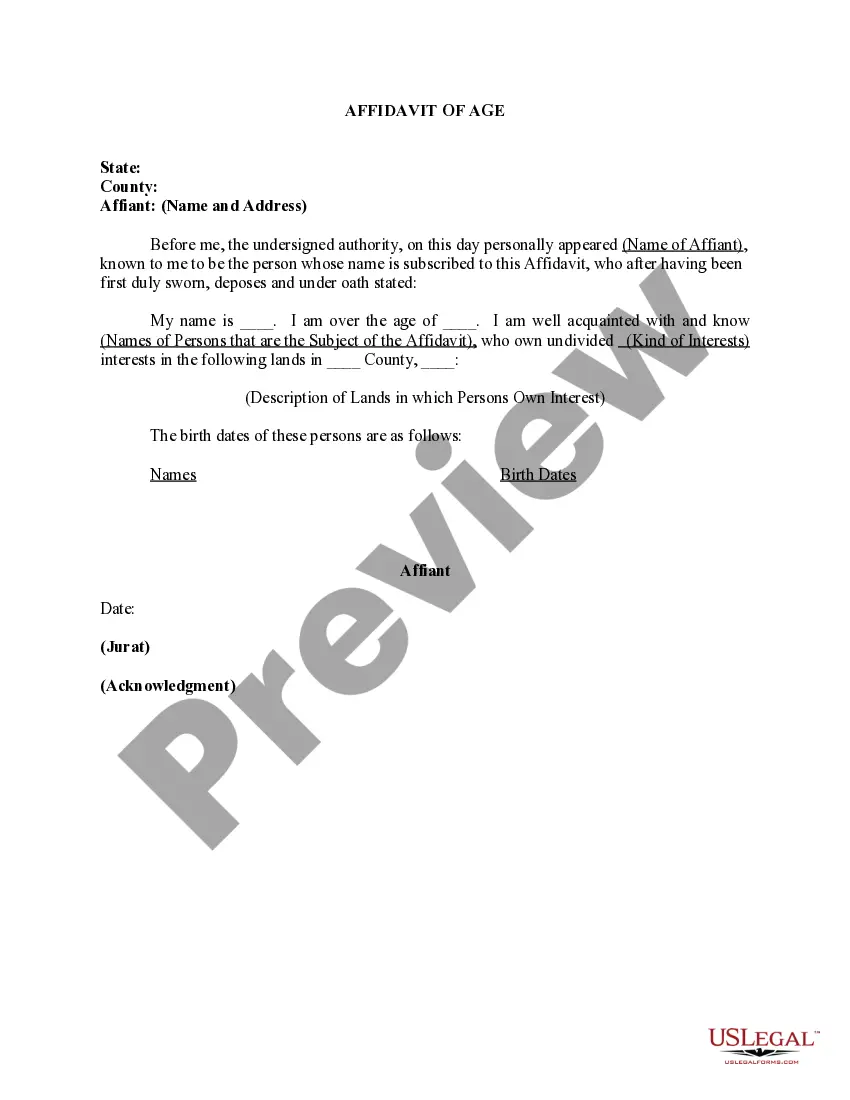
How to fill out Affidavit Of Company Name Change?
Legal document management might be mind-boggling, even for the most skilled specialists. When you are looking for a Company Name Change Affidavit Format With Uscis and do not have the a chance to spend searching for the correct and updated version, the processes might be nerve-racking. A strong web form library could be a gamechanger for everyone who wants to deal with these situations successfully. US Legal Forms is a industry leader in web legal forms, with over 85,000 state-specific legal forms available to you at any time.
With US Legal Forms, you can:
- Access state- or county-specific legal and business forms. US Legal Forms handles any needs you may have, from personal to enterprise papers, all-in-one location.
- Utilize innovative resources to accomplish and manage your Company Name Change Affidavit Format With Uscis
- Access a useful resource base of articles, tutorials and handbooks and resources related to your situation and needs
Help save effort and time searching for the papers you need, and employ US Legal Forms’ advanced search and Review tool to get Company Name Change Affidavit Format With Uscis and download it. If you have a subscription, log in to your US Legal Forms profile, search for the form, and download it. Review your My Forms tab to see the papers you previously downloaded as well as to manage your folders as you see fit.
If it is your first time with US Legal Forms, register an account and obtain unrestricted access to all benefits of the library. Listed below are the steps to take after downloading the form you want:
- Confirm this is the proper form by previewing it and reading through its description.
- Be sure that the sample is acknowledged in your state or county.
- Select Buy Now once you are all set.
- Choose a subscription plan.
- Find the file format you want, and Download, complete, sign, print out and send your document.
Take advantage of the US Legal Forms web library, supported with 25 years of expertise and reliability. Change your day-to-day document management in a easy and intuitive process today.
Form popularity
FAQ
All USCIS applications and petitions require an original ?wet ink? signature. That means that a photocopy of a signed form or a typewritten name in place of a signature is not acceptable. Use black ink and sign with the name and style you would use for any other legal document.
What Should My USCIS Cover Letter Include? The USCIS filing location or lockbox address to which you're sending your application. The date of filing. An appropriate subject (re:) ... A greeting. A short introductory paragraph to describe the contents of your letter and package.
All forms and supporting documents submitted must be single-sided, standard 8½ x 11 letter-size pages. Please do not submit evidence using digital media, photo albums, scrapbooks, or binders, which cannot be processed and will be returned to you.
Email USCIS-updategenderinfo@uscis.dhs.gov and request to change your name or gender or both.
Information Title. ... Regular U.S. Postal Delivery: U.S. Citizen and Immigration Services (USCIS), P.O. Box 660867, Dallas, Texas 75266 Express Mail Delivery (e.g. Federal Express, USPS, DHS): U.S. Citizenship and Immigration Services (USCIS), ATTN: AOS, 2501 S. ... what-is-the-mailing-address-for-the-USCIS.