Motion To Lift Restraining Order Form For Shirts
Description
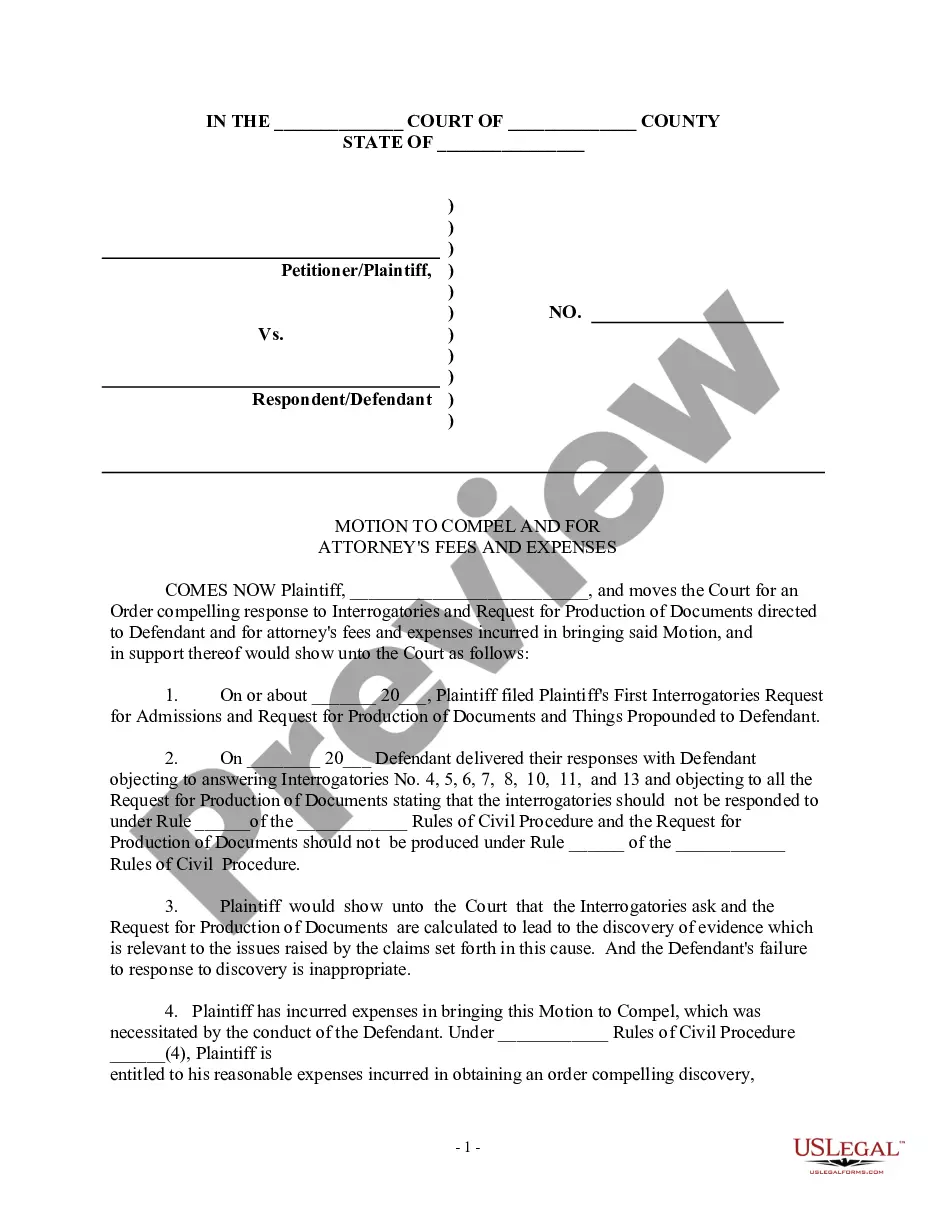
Get your form ready online
Our built-in tools help you complete, sign, share, and store your documents in one place.
Make edits, fill in missing information, and update formatting in US Legal Forms—just like you would in MS Word.
Download a copy, print it, send it by email, or mail it via USPS—whatever works best for your next step.
Sign and collect signatures with our SignNow integration. Send to multiple recipients, set reminders, and more. Go Premium to unlock E-Sign.
If this form requires notarization, complete it online through a secure video call—no need to meet a notary in person or wait for an appointment.
We protect your documents and personal data by following strict security and privacy standards.

Make edits, fill in missing information, and update formatting in US Legal Forms—just like you would in MS Word.

Download a copy, print it, send it by email, or mail it via USPS—whatever works best for your next step.

Sign and collect signatures with our SignNow integration. Send to multiple recipients, set reminders, and more. Go Premium to unlock E-Sign.

If this form requires notarization, complete it online through a secure video call—no need to meet a notary in person or wait for an appointment.

We protect your documents and personal data by following strict security and privacy standards.
Looking for another form?



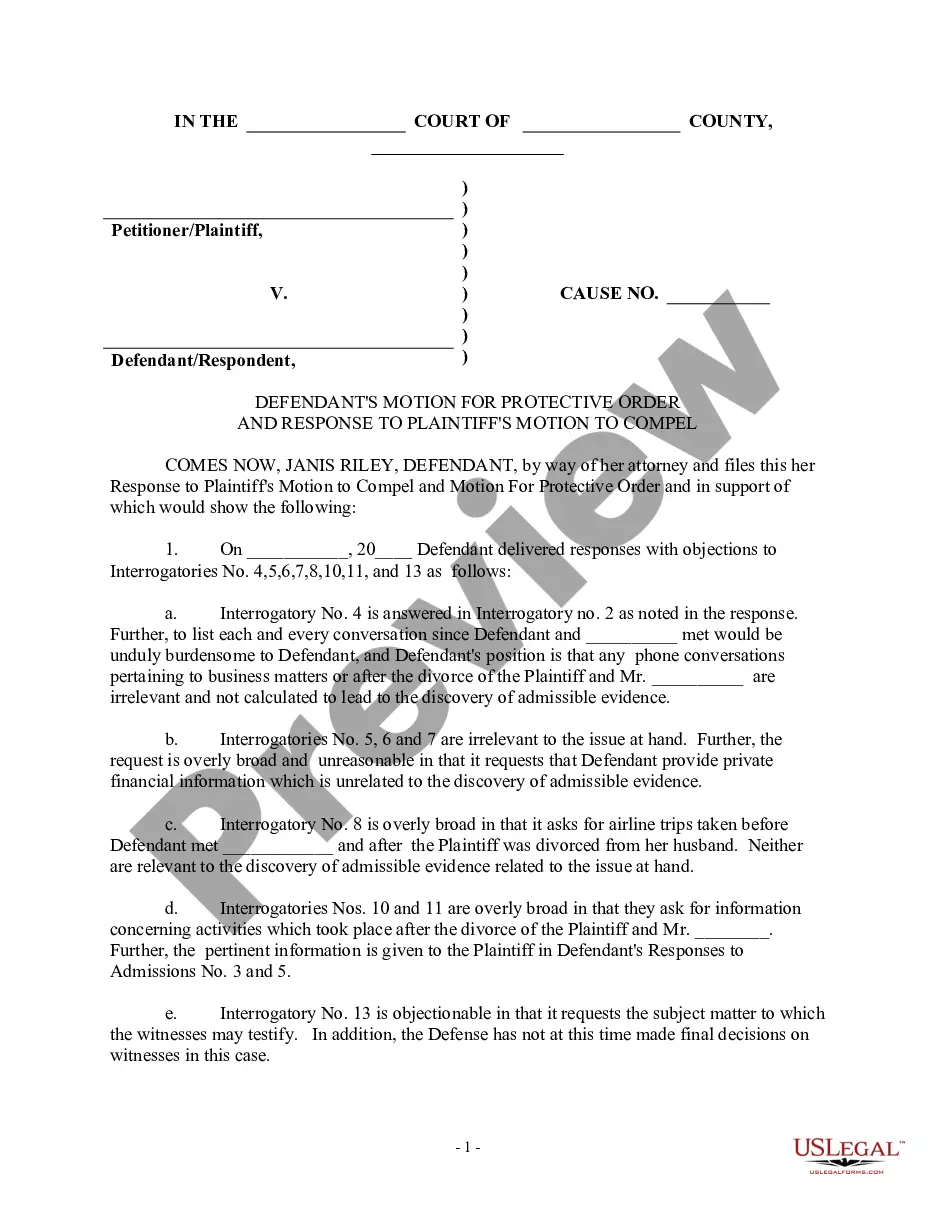
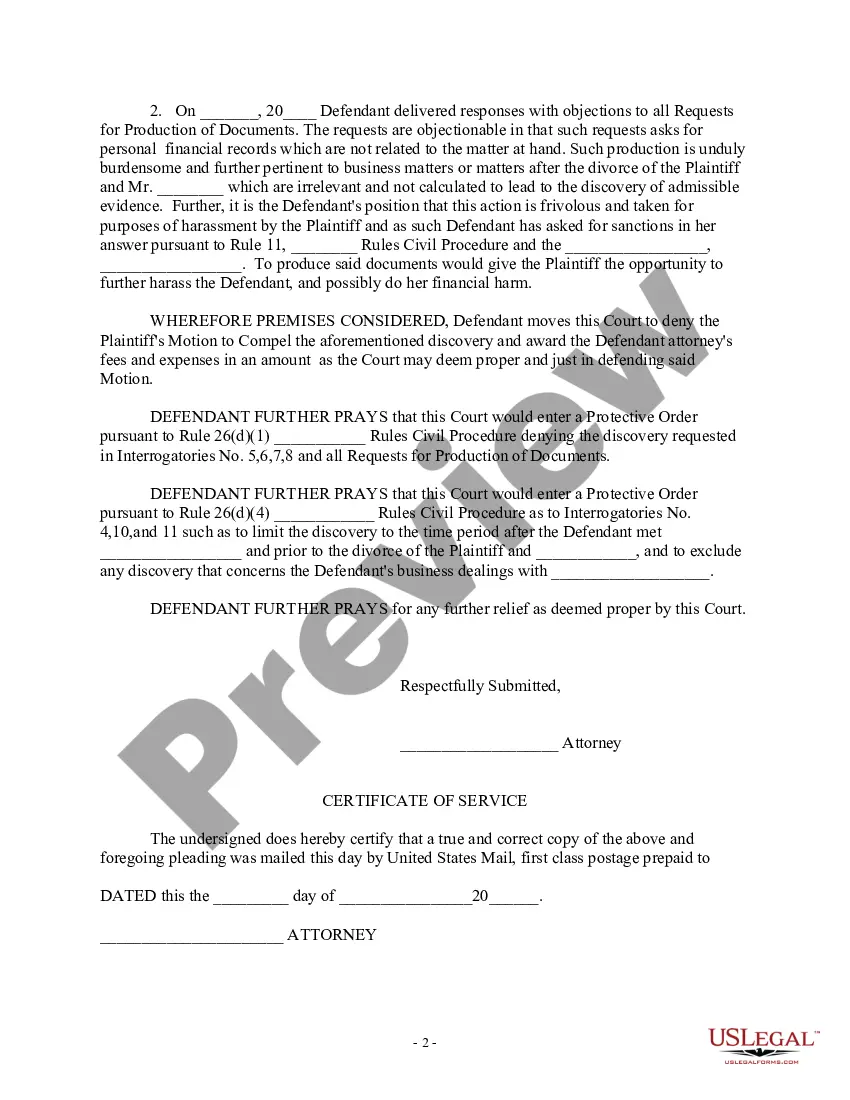
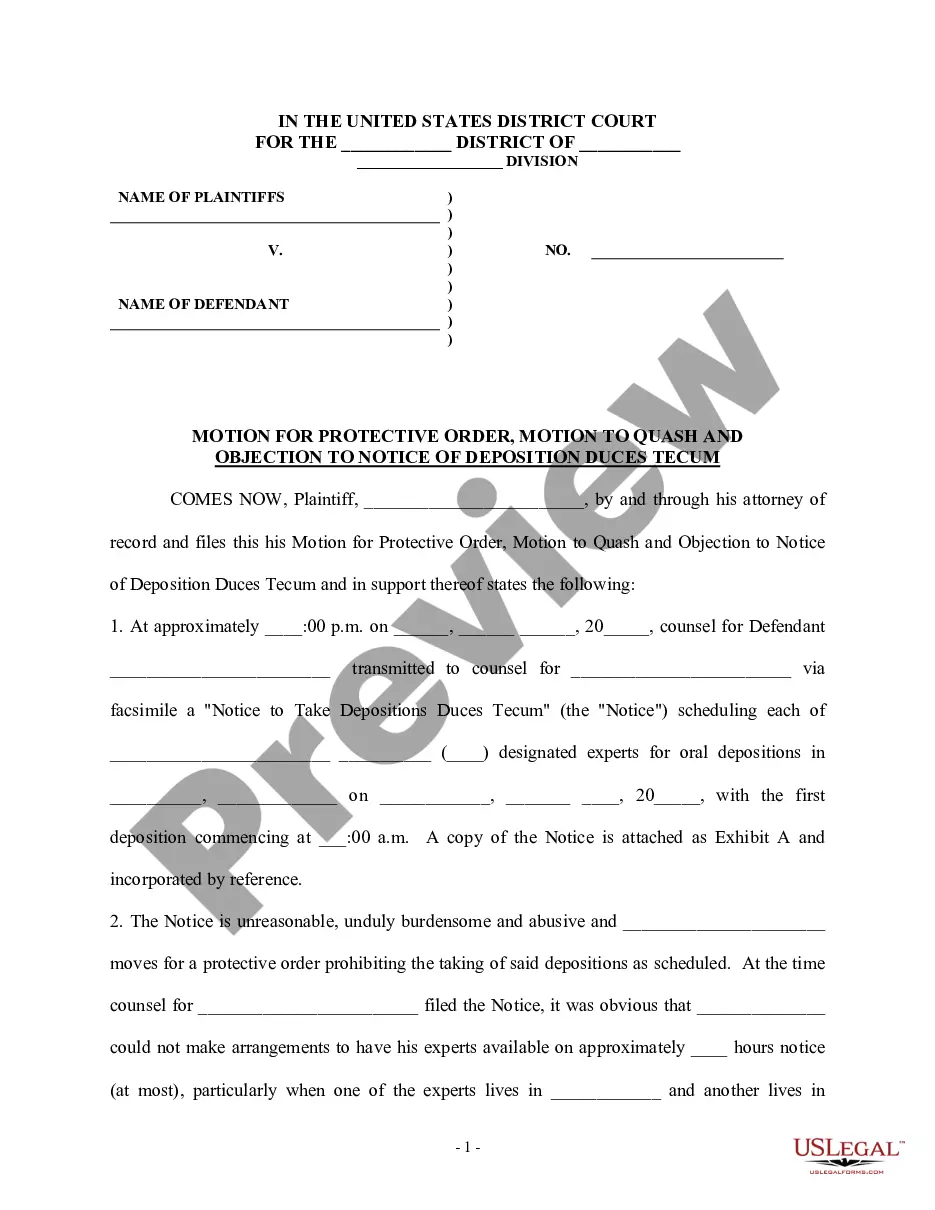
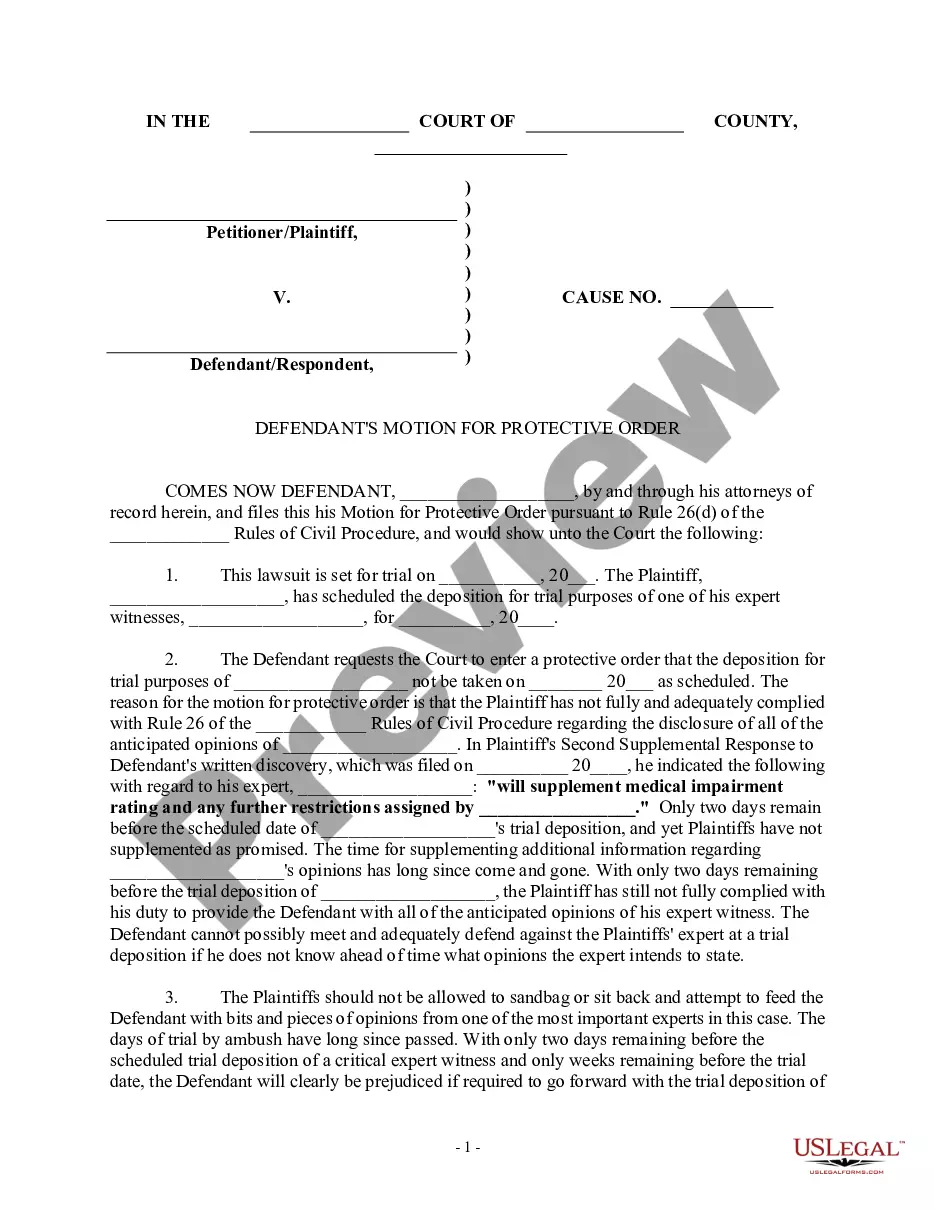
How to fill out Defendant's Motion For Protective Order And Response To Plaintiff's Motion To Compel?
Locating a reliable source for the latest and suitable legal templates is a significant part of navigating bureaucracy.
Selecting the appropriate legal documents requires precision and careful consideration, which is why it’s crucial to source the Motion To Lift Restraining Order Form For Shirts solely from credible providers like US Legal Forms. An incorrect template could squander your time and hinder your situation.
Eliminate the complexity associated with your legal paperwork. Discover the extensive US Legal Forms archive to locate legal samples, verify their suitability to your situation, and download them immediately.
- Utilize the library navigation or search function to locate your template.
- Read the description of the form to determine if it fulfills the requirements of your state and county.
- Check the form preview, if available, to confirm that the form is indeed what you need.
- If the Motion To Lift Restraining Order Form For Shirts does not meet your criteria, return to the search to find the correct template.
- Once you are certain of the form’s appropriateness, download it.
- If you are an existing customer, click Log in to verify and access your selected forms in My documents.
- If you do not possess an account yet, click Buy now to acquire the template.
- Select the payment plan that fits your requirements.
- Proceed to registration to finalize your purchase.
- Complete your transaction by choosing a payment method (credit card or PayPal).
- Select the file format for downloading the Motion To Lift Restraining Order Form For Shirts.
- After downloading the form to your device, you can edit it using the editor or print it out and complete it manually.
Form popularity
FAQ
Begin With Simple Online Searches Before spending any money on a trademark search firm, the Internet provides an extremely helpful and free resource for finding conflicting trademarks. Most likely, you can do a fairly reliable online search by reviewing the products or services offered within your industry.
The Trademark Electronic Search System (TESS) contains the records of all active and inactive trademark registrations and applications. You can search this database for any applied-for or registered trademarks to see if any are conflicting with your trademark.
You can search all applied-for and registered trademarks free using the U.S. Patent and Trademark Office's Trademark Electronic Search System (TESS). You may also visit the USPTO's Public Search Facility or a Patent and Trademark Resource Center to look up trademarks. These resources are free to the public.
You must have a uspto.gov account to access MyUSPTO. If you don't have an account, you can create one for free. The Trademark Electronic Search System (TESS) contains the records of all active and inactive trademark registrations and applications.
How to Conduct a Trademark Search Open the USPTO Trademark Electronic Search System online. ... Select "Word and/or Design Mark Search (Free Form)". ... Try the obvious first. ... Make sure you're covering all the bases. ... Expand the field of search. ... Combining terms. ... Narrow the search to reduce distractions. ... Review the records you found.
You may conduct a free online search of the USPTO database at the Public Search Facility (Madison East, 1st Floor; 600 Dulany Street, Alexandria, Virginia) between a.m. and p.m. USPTO personnel may not conduct trademark searches for the public. Private trademark search firms will conduct searches for a fee.
You cannot register a trademark for free because every application filed with the U.S. Patent and Trademark Office (?USPTO?) must be accompanied by a non-refundable filing fee. This fee is mandatory and is non-refundable. The USPTO filing fee is $250 or $350 per class of goods or services.