Wrongful Death Form Application With Database Example
Description
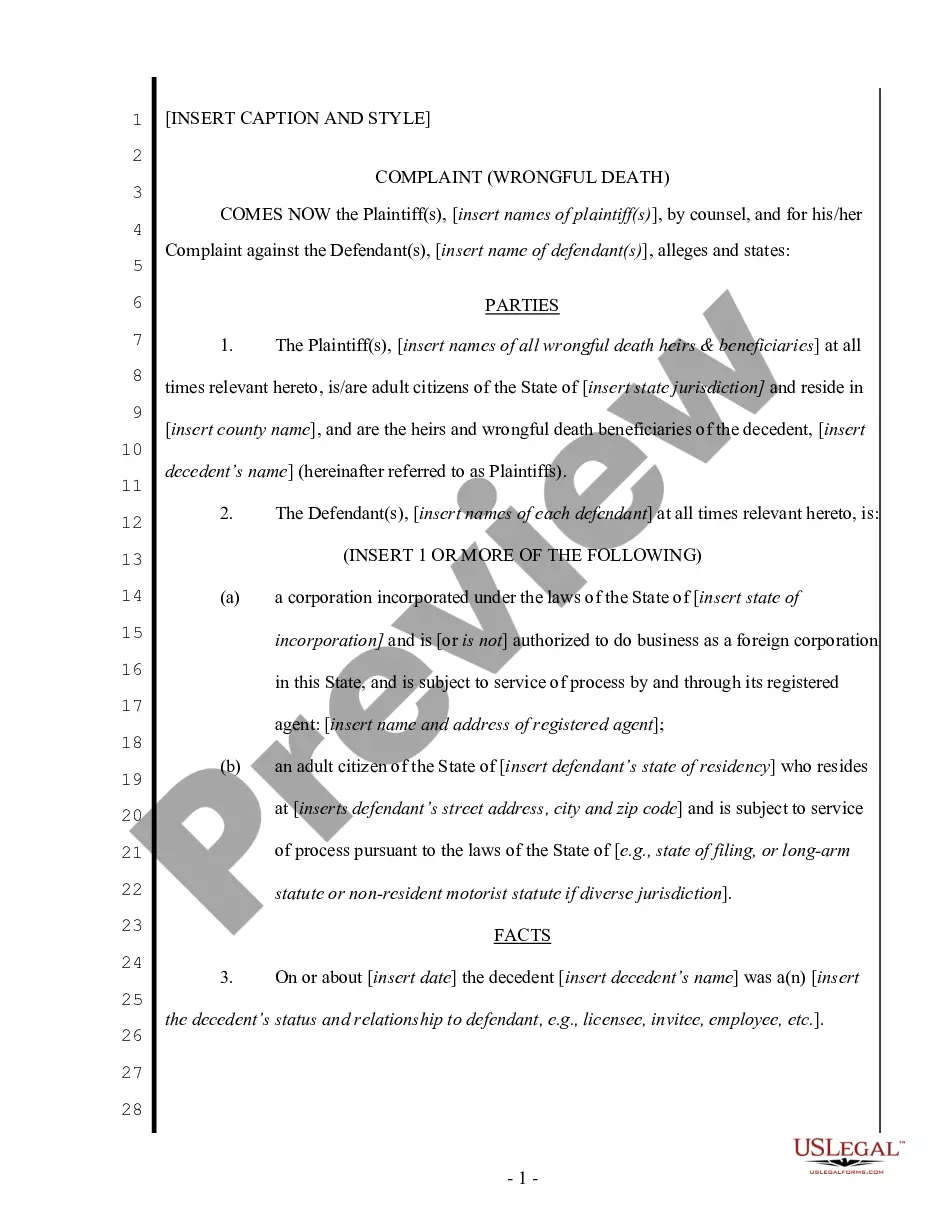
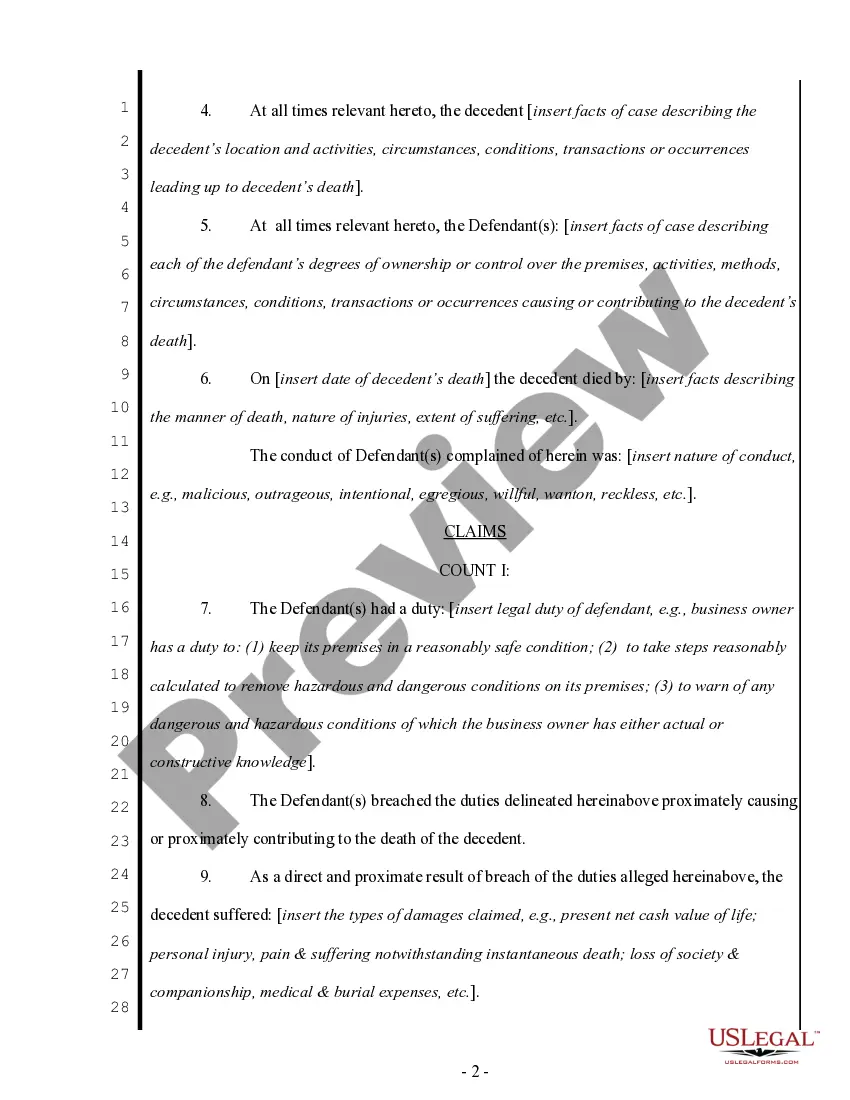
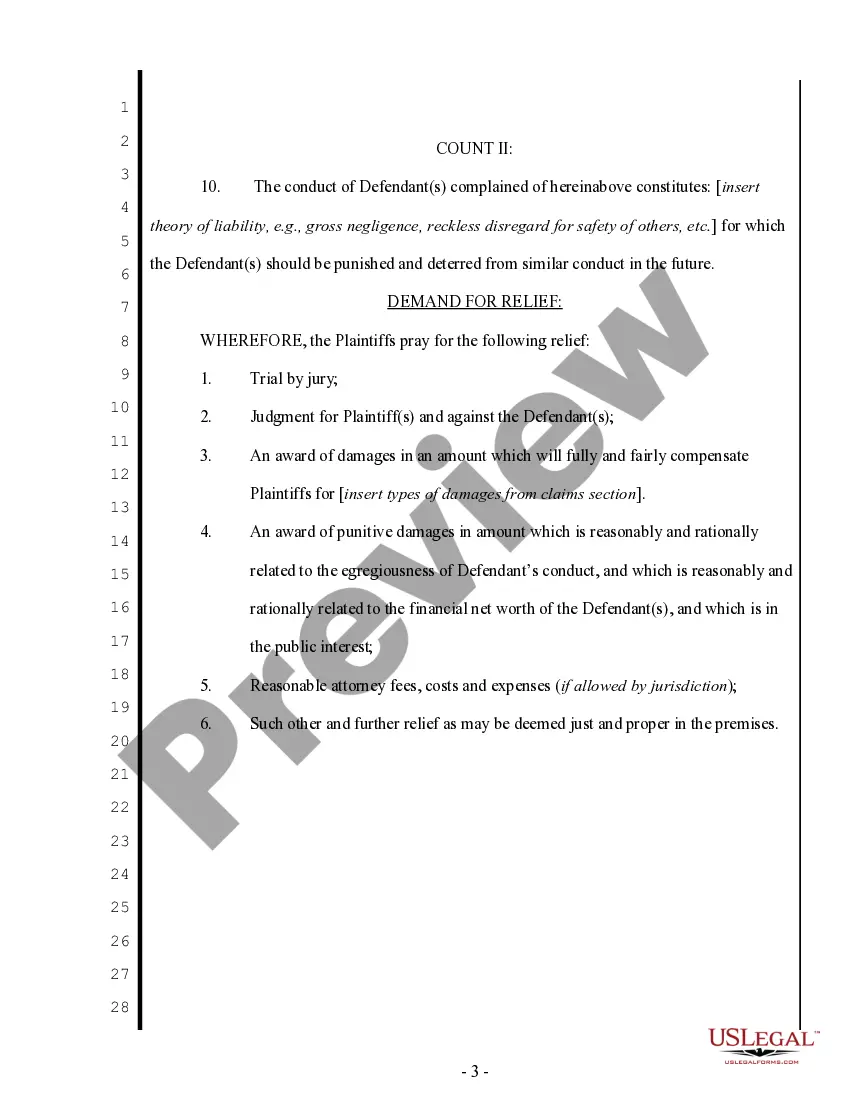
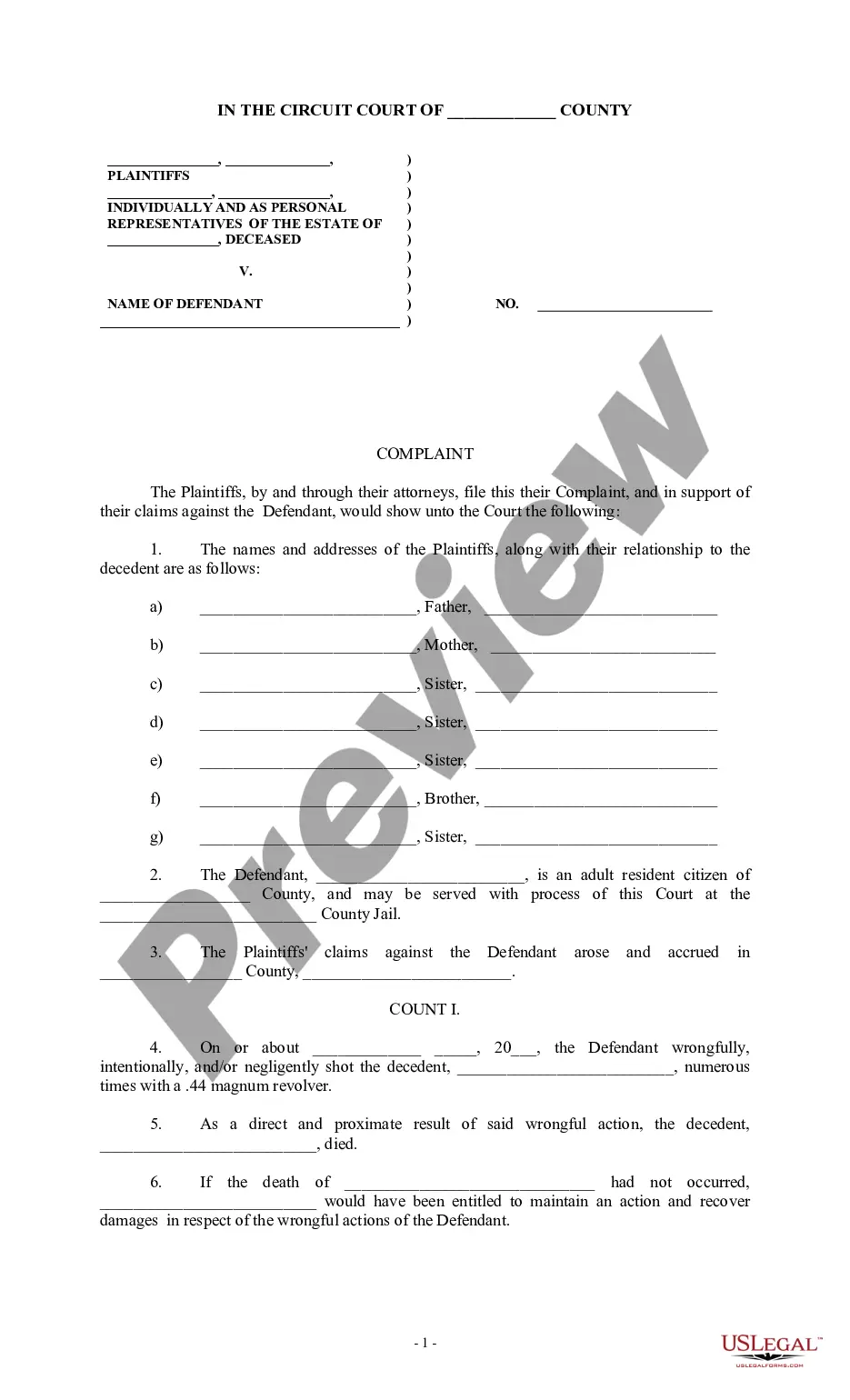

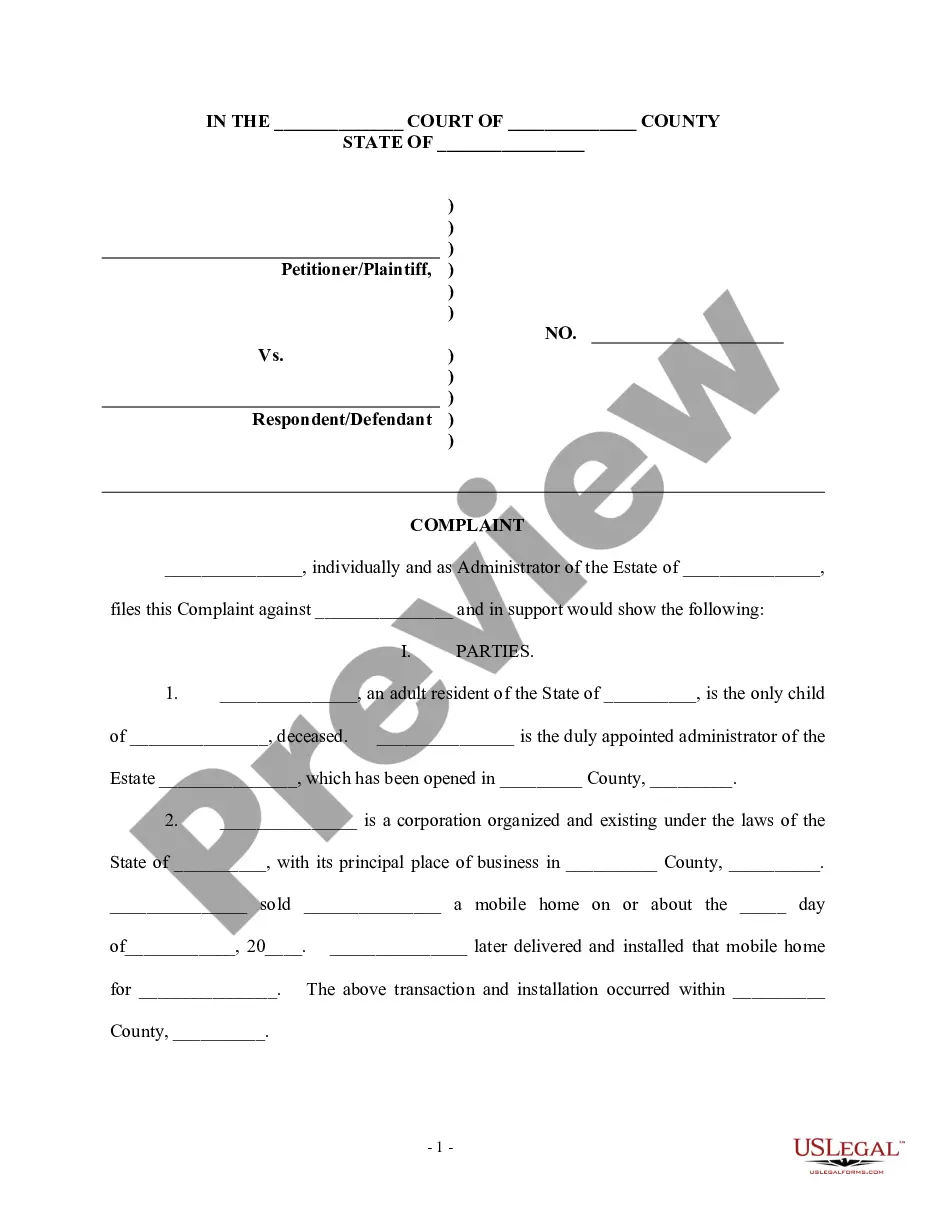

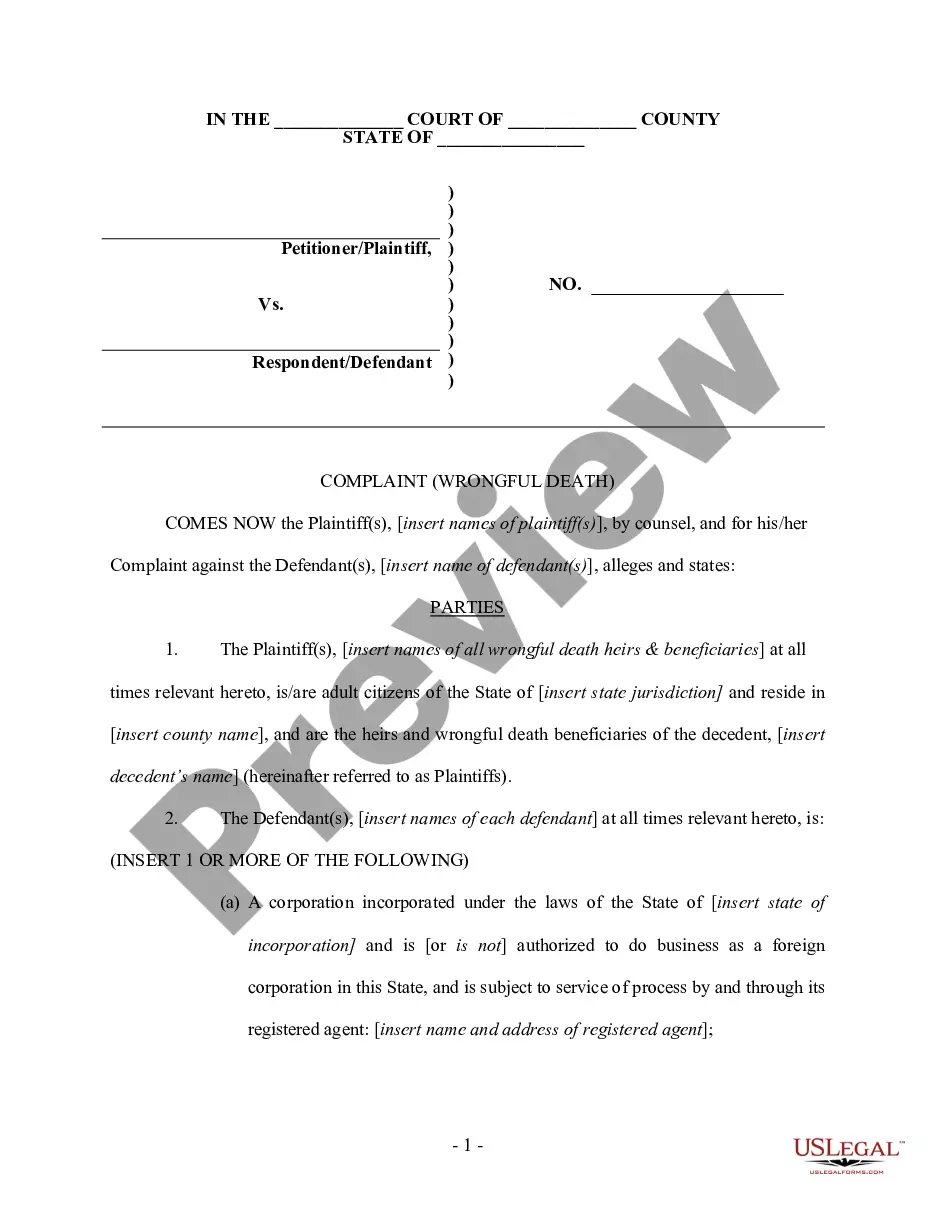
Get your form ready online
Our built-in tools help you complete, sign, share, and store your documents in one place.
Make edits, fill in missing information, and update formatting in US Legal Forms—just like you would in MS Word.
Download a copy, print it, send it by email, or mail it via USPS—whatever works best for your next step.
Sign and collect signatures with our SignNow integration. Send to multiple recipients, set reminders, and more. Go Premium to unlock E-Sign.
If this form requires notarization, complete it online through a secure video call—no need to meet a notary in person or wait for an appointment.
We protect your documents and personal data by following strict security and privacy standards.

Make edits, fill in missing information, and update formatting in US Legal Forms—just like you would in MS Word.

Download a copy, print it, send it by email, or mail it via USPS—whatever works best for your next step.

Sign and collect signatures with our SignNow integration. Send to multiple recipients, set reminders, and more. Go Premium to unlock E-Sign.

If this form requires notarization, complete it online through a secure video call—no need to meet a notary in person or wait for an appointment.

We protect your documents and personal data by following strict security and privacy standards.
Looking for another form?

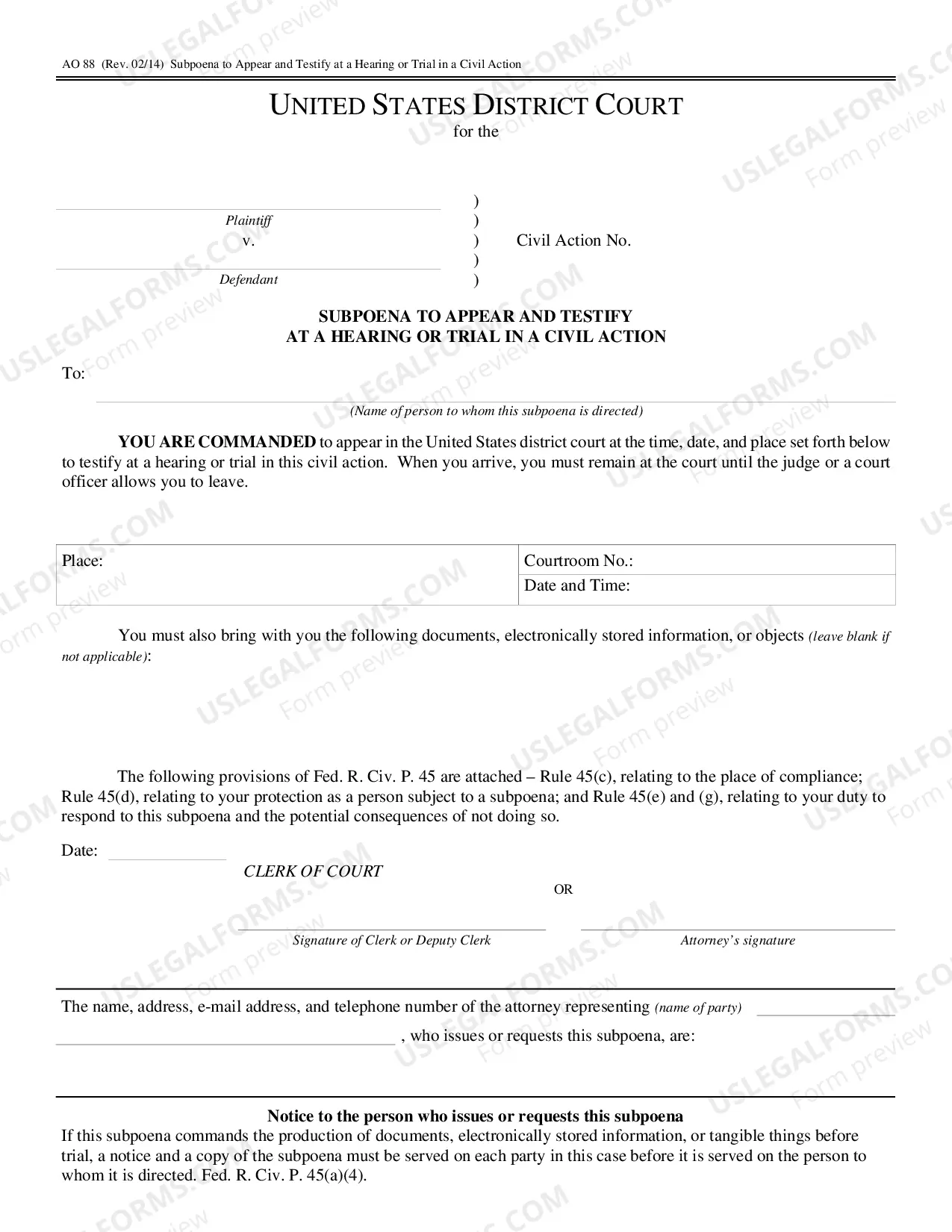
How to fill out Complaint For Wrongful Death - Multiple Counts?
It’s obvious that you can’t become a law professional immediately, nor can you grasp how to quickly draft Wrongful Death Form Application With Database Example without the need of a specialized background. Putting together legal documents is a time-consuming process requiring a specific training and skills. So why not leave the preparation of the Wrongful Death Form Application With Database Example to the pros?
With US Legal Forms, one of the most comprehensive legal template libraries, you can find anything from court paperwork to templates for internal corporate communication. We know how crucial compliance and adherence to federal and state laws are. That’s why, on our platform, all templates are location specific and up to date.
Here’s how you can get started with our website and get the document you require in mere minutes:
- Discover the form you need by using the search bar at the top of the page.
- Preview it (if this option available) and check the supporting description to determine whether Wrongful Death Form Application With Database Example is what you’re looking for.
- Begin your search again if you need any other template.
- Register for a free account and choose a subscription plan to purchase the template.
- Pick Buy now. As soon as the payment is complete, you can get the Wrongful Death Form Application With Database Example, fill it out, print it, and send or send it by post to the designated individuals or organizations.
You can re-access your documents from the My Forms tab at any time. If you’re an existing customer, you can simply log in, and locate and download the template from the same tab.
No matter the purpose of your paperwork-be it financial and legal, or personal-our website has you covered. Try US Legal Forms now!
Form popularity
FAQ
The first step to maintaining patient records is categorising them into different sections like medical history, current medications, allergies, etc. You can also create sub-sections if you wish to. This way, the records are organised, and it is easy to access them whenever necessary.
Connect to your database In Visual Studio Code, press Ctrl + Shift + P (or F1) to open the Command Palette. Type connect and then choose MS SQL:Connect. Select + Create Connection Profile. Follow the prompts to specify the new profile's connection properties. After specifying each value, press Enter to continue.
Create a dataset for an . mdb file Open a Windows Forms or WPF application project in Visual Studio. On the View menu, select Other Windows > Data Sources. In the Data Sources window, click Add New Data Source. ... Select Database on the Choose a Data Source Type page, and then select Next.
To connect to your SQL Server database in Visual Studio start a new project and bring up Server Explorer either by clicking on the tab next to the Toolbox or by going to View > Server Explorer. Right click on 'Data Connections' then click 'Add Connection'.
Step 1: Create the form template On the File menu, click Design a Form Template. Under Design a new, in the Design a Form Template dialog box, click Form template. In the Based on list, click Database. If you are designing a browser-compatible form template, select the Enable browser-compatible features only check box.