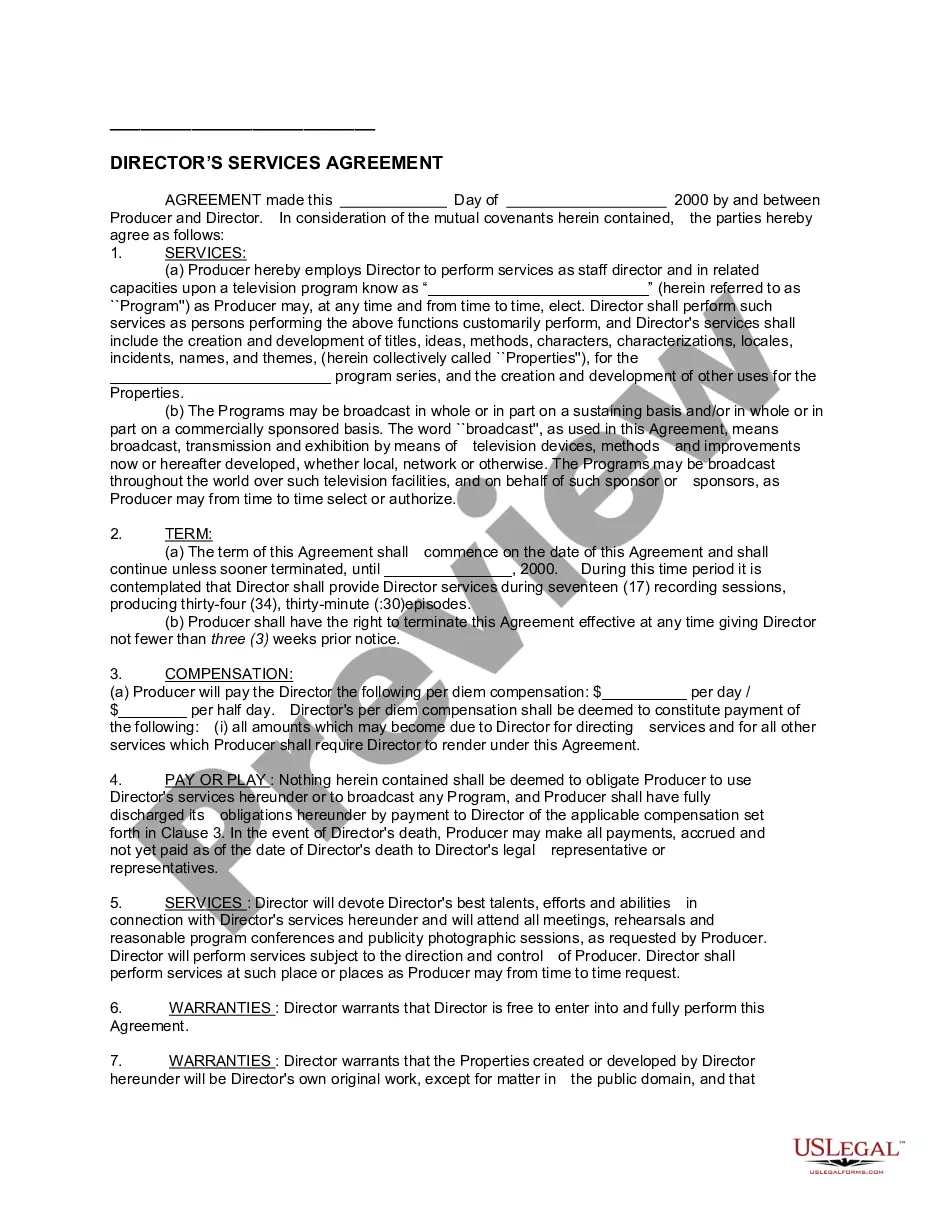
Medical Director Agreement For Medical Spa
Description



Get your form ready online
Our built-in tools help you complete, sign, share, and store your documents in one place.
Make edits, fill in missing information, and update formatting in US Legal Forms—just like you would in MS Word.
Download a copy, print it, send it by email, or mail it via USPS—whatever works best for your next step.
Sign and collect signatures with our SignNow integration. Send to multiple recipients, set reminders, and more. Go Premium to unlock E-Sign.
If this form requires notarization, complete it online through a secure video call—no need to meet a notary in person or wait for an appointment.
We protect your documents and personal data by following strict security and privacy standards.

Make edits, fill in missing information, and update formatting in US Legal Forms—just like you would in MS Word.

Download a copy, print it, send it by email, or mail it via USPS—whatever works best for your next step.

Sign and collect signatures with our SignNow integration. Send to multiple recipients, set reminders, and more. Go Premium to unlock E-Sign.

If this form requires notarization, complete it online through a secure video call—no need to meet a notary in person or wait for an appointment.

We protect your documents and personal data by following strict security and privacy standards.
Looking for another form?

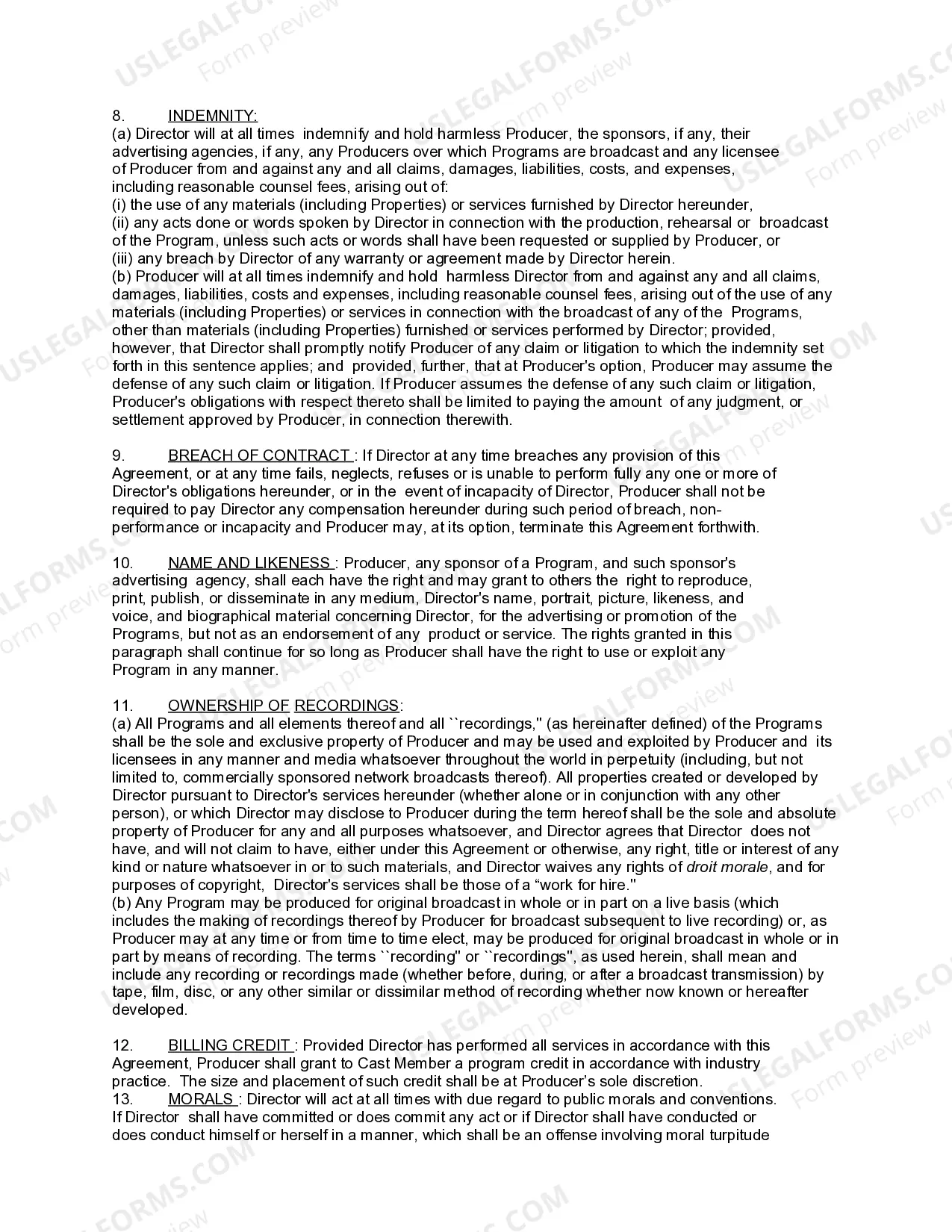
How to fill out Director's Services Agreement?
Creating legal documents from scratch can at times be overwhelming.
Certain situations might entail extensive hours of research and significant financial investment.
If you're looking for a simpler and more cost-effective method of preparing the Medical Director Agreement for Medical Spa or any other paperwork without extensive hurdles, US Legal Forms is always available to assist you.
Our online collection of over 85,000 current legal documents covers nearly every aspect of your financial, legal, and personal affairs. With just a few clicks, you can swiftly access templates specific to your state and county, meticulously assembled for you by our legal experts.
Examine the form preview and descriptions to verify that you have located the document you're seeking.
- Utilize our platform whenever you require dependable and trustworthy services to efficiently locate and download the Medical Director Agreement For Medical Spa.
- If you are a returning user and have previously set up an account with us, simply Log In to your account, find the template, and download it or retrieve it again anytime in the My documents section.
- Not registered yet? No worries. It only takes a few minutes to create an account and browse the library.
- Before proceeding directly to download the Medical Director Agreement For Medical Spa, consider these recommendations.
Form popularity
FAQ
How to Create Your Own Service Agreement Identify the customer and the service provider. Add both parties' contact information. Describe the services that will be provided. ... Outline a schedule for payments. ... Establish any necessary legal terms. ... If the services are creative, decide who owns the creative product.
Important clauses Professional component and Medical administrative services. ... Management services and duties. ... Compensation. ... Relationship of the Parties. ... No Connection to Referrals. ... Term and Termination. ... Proprietor Confidential Information and Trade Secrets. ... Assignment.
Yes, you can write your own contract service agreement. A contract service agreement template can also help make sure you cover all the important points, but it's recommended that you consult a lawyer to ensure the contract meets all legal requirements.
Here are the steps to write a letter of agreement: Title the document. Add the title at the top of the document. ... List your personal information. ... Include the date. ... Add the recipient's personal information. ... Address the recipient. ... Write an introduction paragraph. ... Write your body. ... Conclude the letter.
A Service Agreement is a written or verbal contract between a service provider and a client that outlines the terms of their professional relationship. Generally, the client agrees to pay the service provider for work on a single job or an ongoing project.