Self Employed Without A Contract
Description
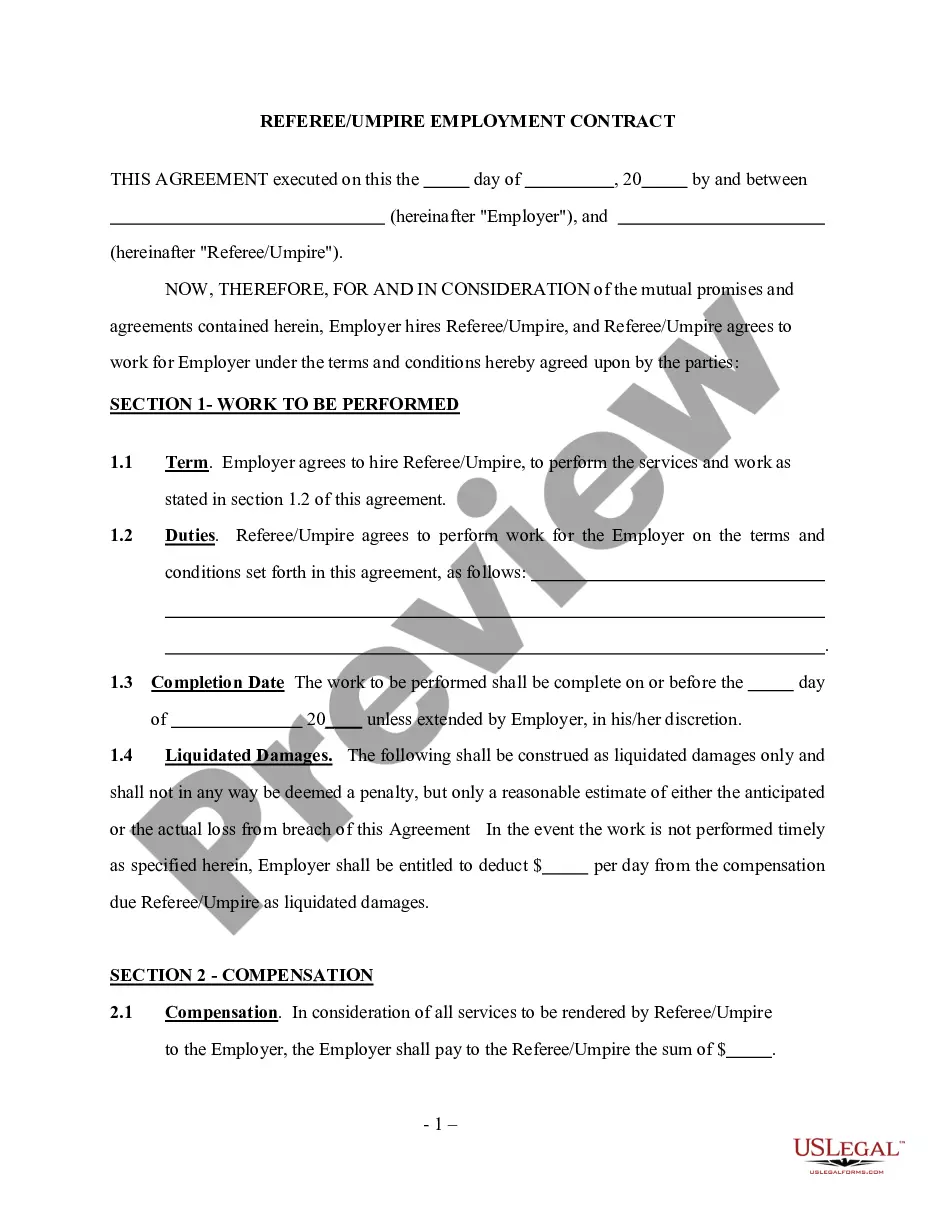
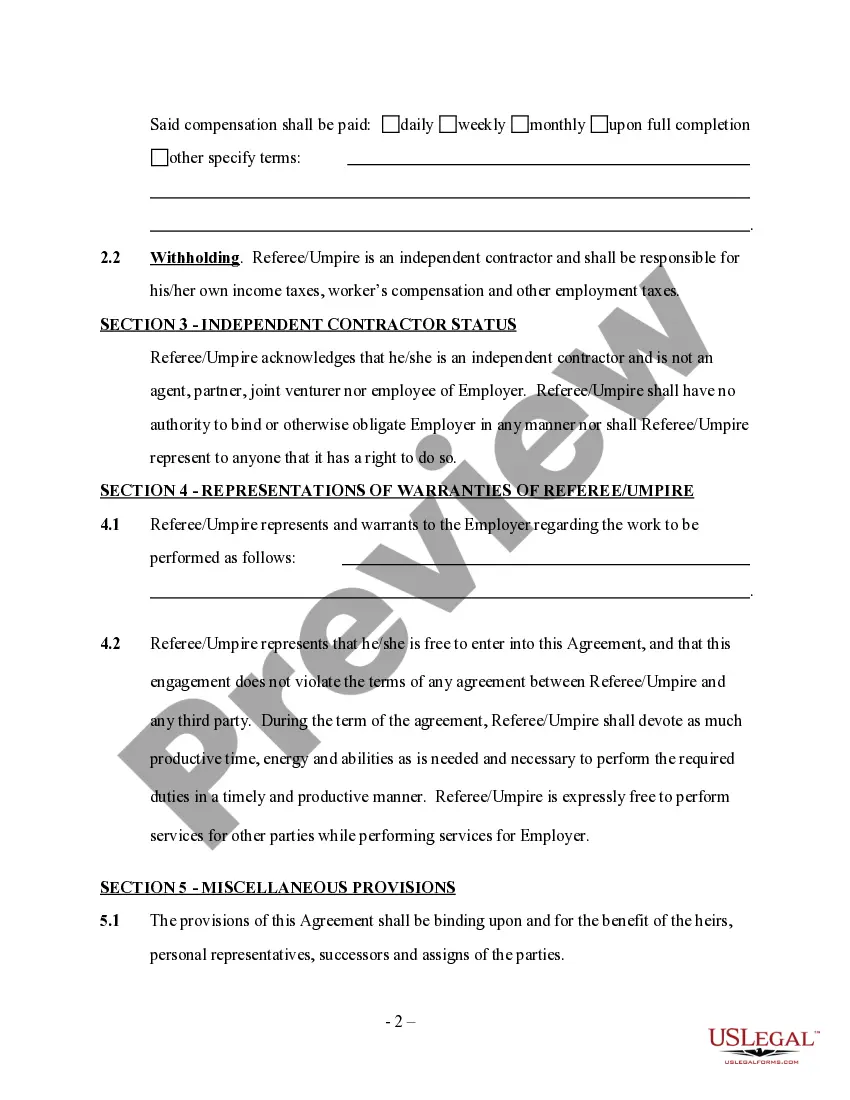
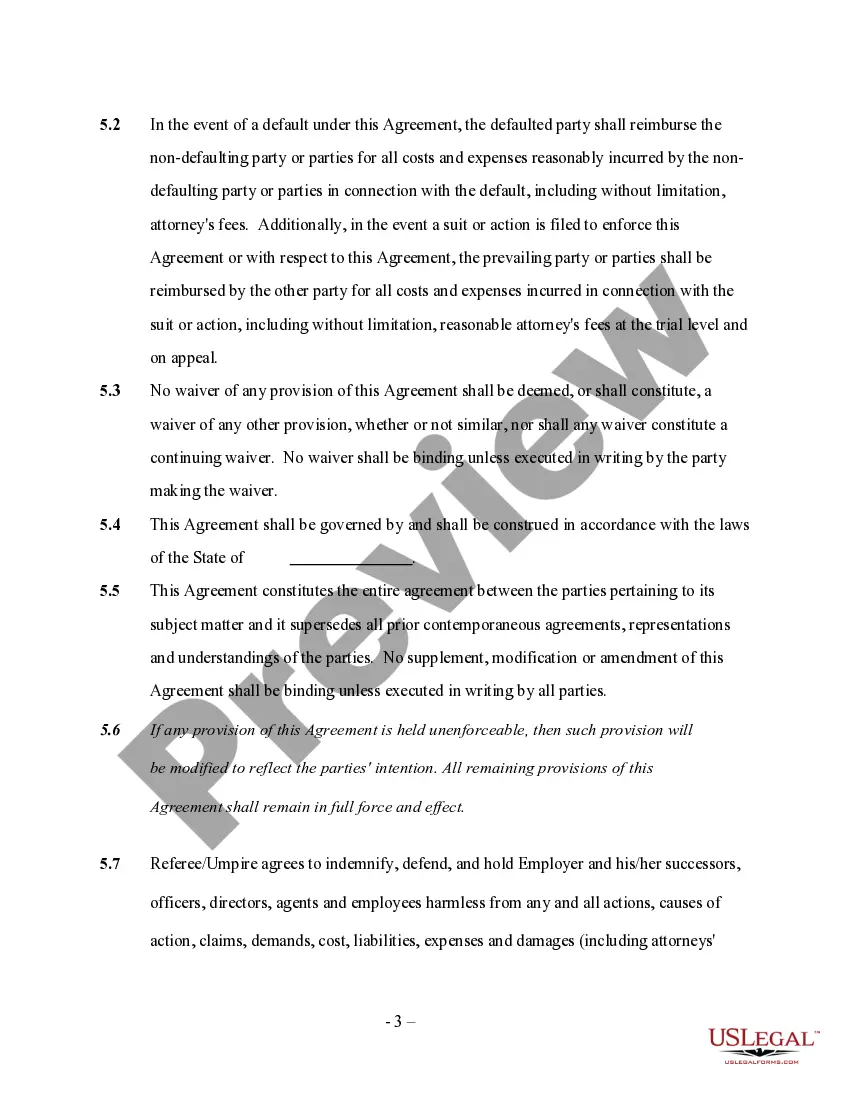
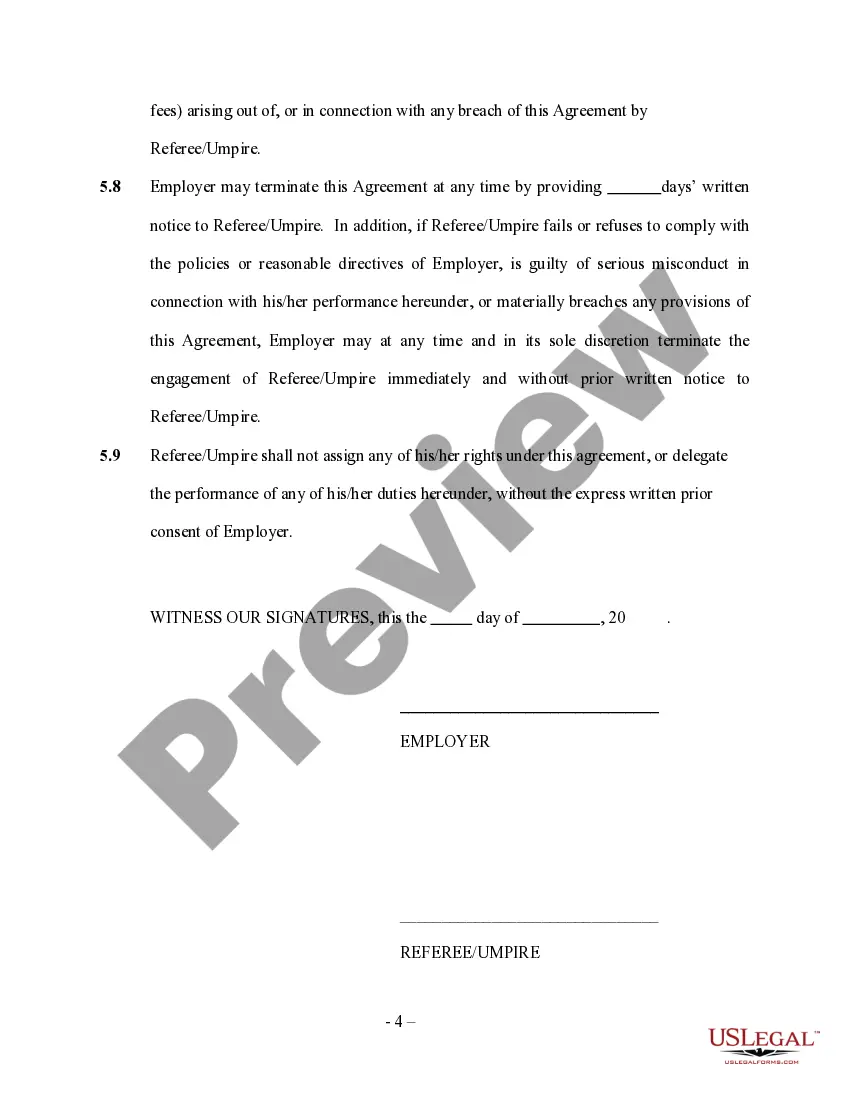
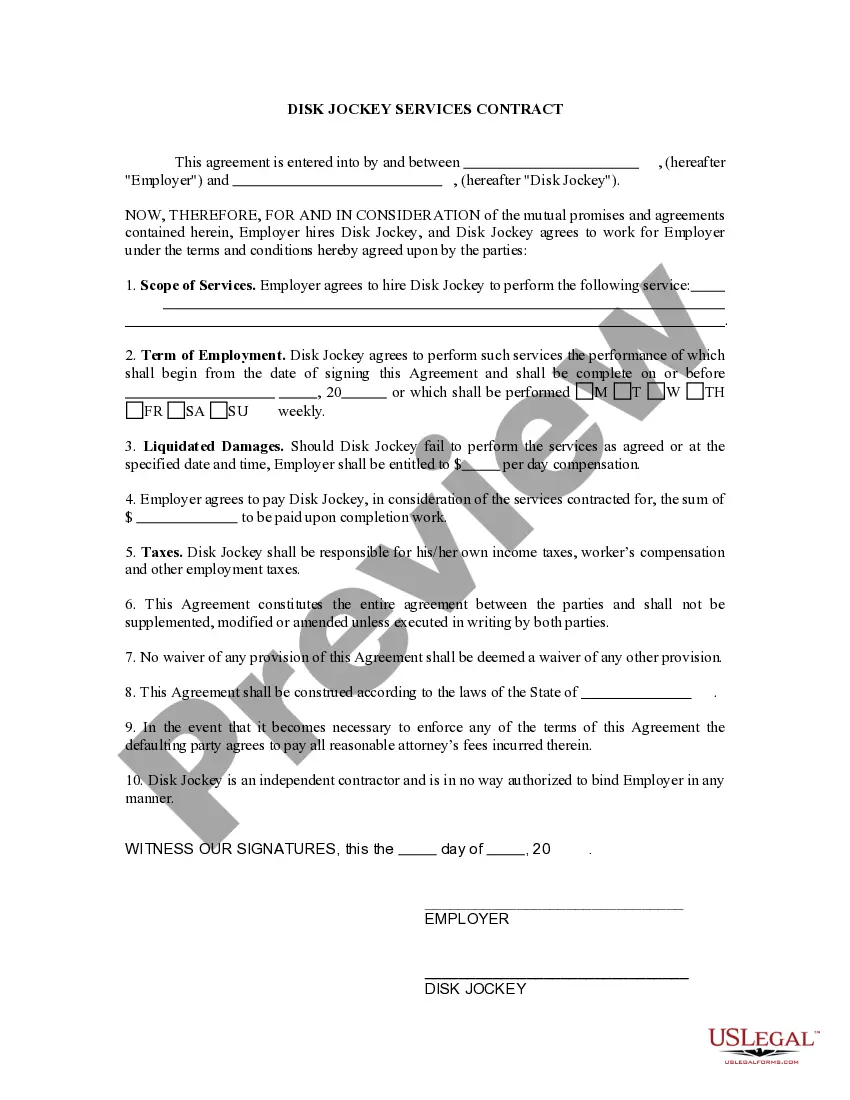
Get your form ready online
Our built-in tools help you complete, sign, share, and store your documents in one place.
Make edits, fill in missing information, and update formatting in US Legal Forms—just like you would in MS Word.
Download a copy, print it, send it by email, or mail it via USPS—whatever works best for your next step.
Sign and collect signatures with our SignNow integration. Send to multiple recipients, set reminders, and more. Go Premium to unlock E-Sign.
If this form requires notarization, complete it online through a secure video call—no need to meet a notary in person or wait for an appointment.
We protect your documents and personal data by following strict security and privacy standards.

Make edits, fill in missing information, and update formatting in US Legal Forms—just like you would in MS Word.

Download a copy, print it, send it by email, or mail it via USPS—whatever works best for your next step.

Sign and collect signatures with our SignNow integration. Send to multiple recipients, set reminders, and more. Go Premium to unlock E-Sign.

If this form requires notarization, complete it online through a secure video call—no need to meet a notary in person or wait for an appointment.

We protect your documents and personal data by following strict security and privacy standards.
Looking for another form?
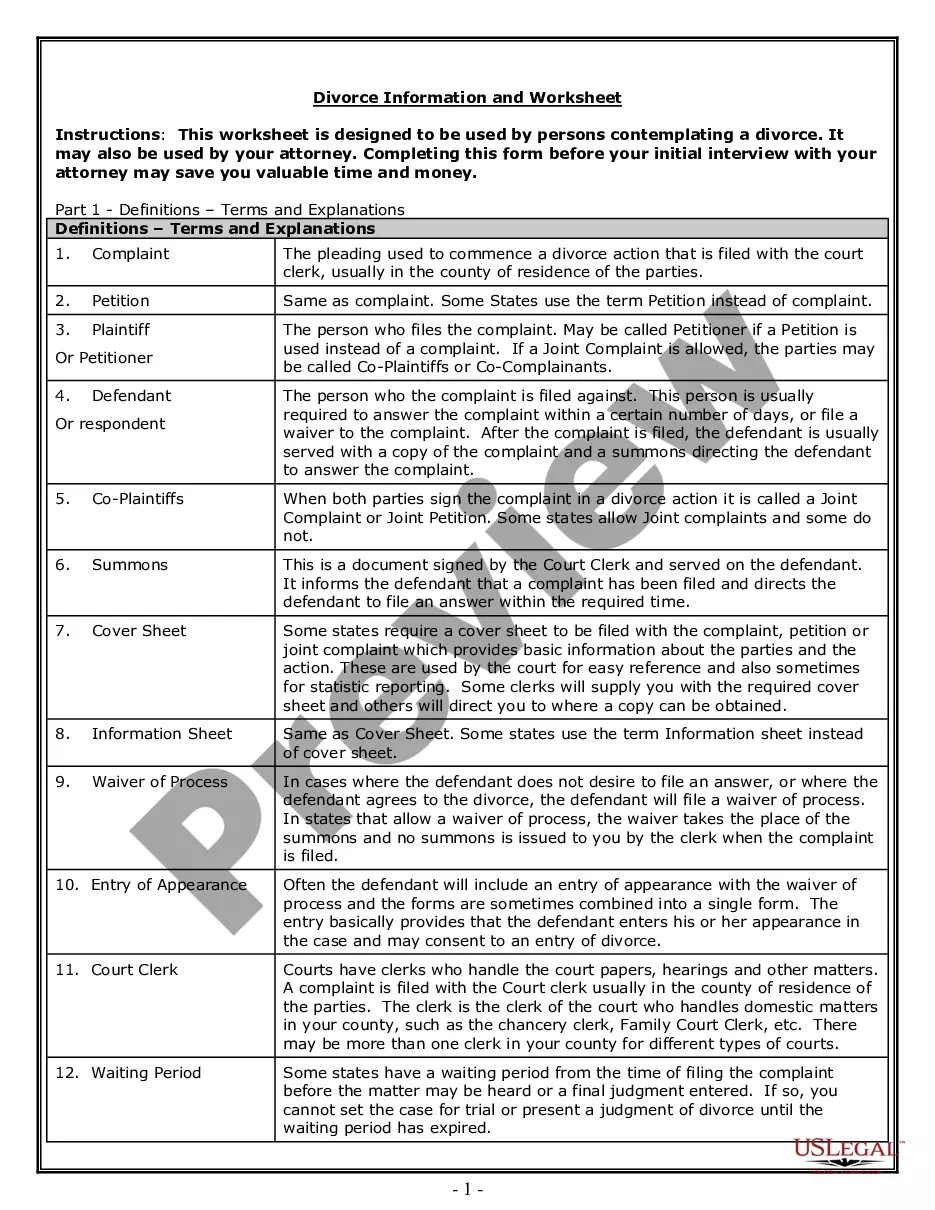





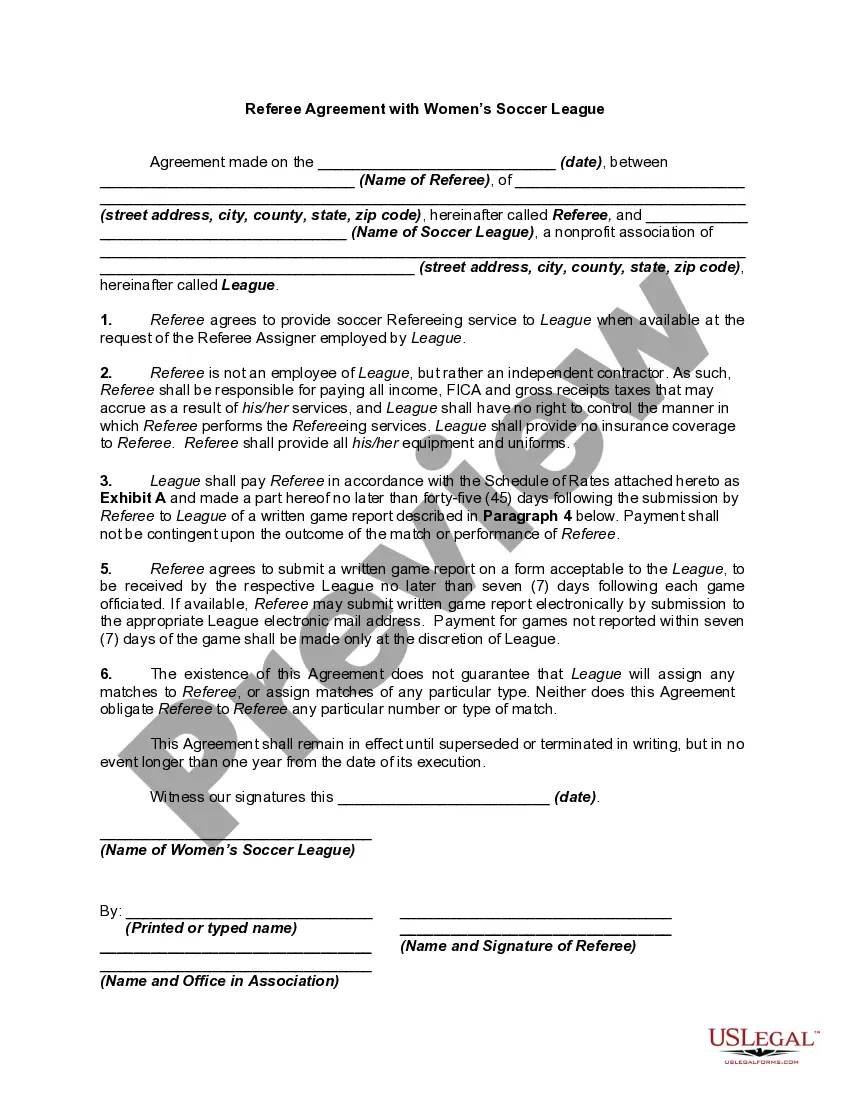
How to fill out Self-Employed Referee Or Umpire Employment Contract?
What is the most trustworthy service to acquire the Self Employed Without A Contract and other current versions of legal documents? US Legal Forms is your solution! It's the biggest collection of legal forms for any purpose.
Each template is skillfully crafted and verified for alignment with federal and local regulations. They are categorized by industry and location, so locating the one you require is straightforward.
US Legal Forms is an ideal choice for anyone needing legal documentation. Premium users can benefit even more as they can fill out and sign the previously saved documents electronically at any time within the built-in PDF editing tool. Explore it today!
- Experienced users of the site only need to Log In to the platform, confirm if their subscription is active, and click the Download button next to the Self Employed Without A Contract to access it.
- Once saved, the template remains accessible for future use in the My documents section of your profile.
- If you haven't registered with us yet, follow these steps to create an account.
- Document compliance verification. Before obtaining any template, ensure it meets your usage requirements and the laws of your state or county. Review the template description and use the Preview option if available.
Form popularity
FAQ
Self-employed persons, including direct sellers, report their income on Schedule C (Form 1040), Profit or Loss from Business (Sole Proprietorship). Use Schedule SE (Form 1040), Self-Employment Tax if the net earnings from self-employment are $400 or more.
A 1099 employee is a US self-employed worker that reports their income to the IRS on a 1099 tax form. Freelancers, gig workers, and independent contractors are all considered 1099 employees. In contrast, actual company employees are considered W-2 employees.
Filing Cash Payments If you wanted to disclose the income without a 1099 form, all you would need to do is total up the gross total from your 1099 and your cash payments. For instance, in this example, you would report $9,500 in your tax return.
If you are an independent contractor, then you are self-employed. The earnings of a person who is working as an independent contractor are subject to self-employment tax. To find out what your tax obligations are, visit the Self-Employed Individuals Tax Center.
Becoming an independent contractor is one of the many ways to be classified as self-employed. By definition, an independent contractor provides work or services on a contractual basis, whereas, self-employment is simply the act of earning money without operating within an employee-employer relationship.