Lance Chef Contract Template For Adults
Description
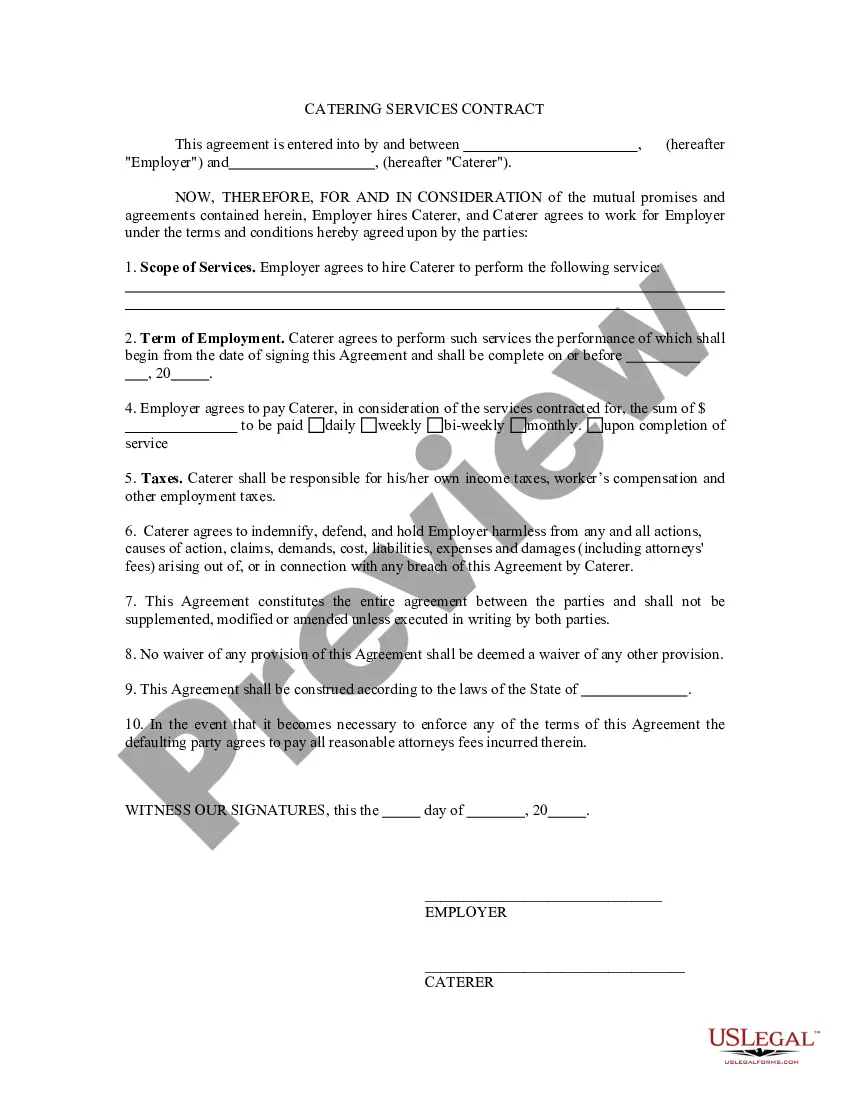
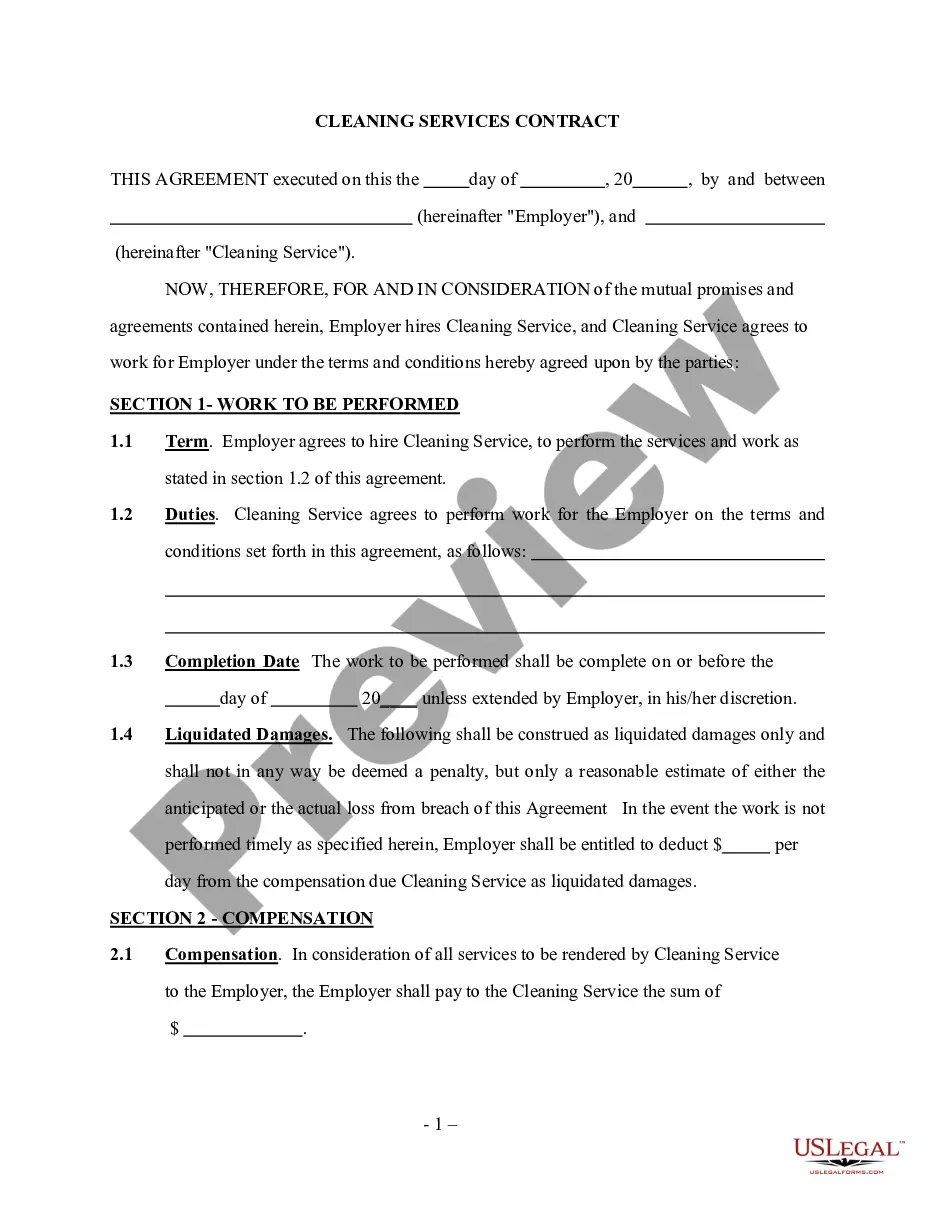
Get your form ready online
Our built-in tools help you complete, sign, share, and store your documents in one place.
Make edits, fill in missing information, and update formatting in US Legal Forms—just like you would in MS Word.
Download a copy, print it, send it by email, or mail it via USPS—whatever works best for your next step.
Sign and collect signatures with our SignNow integration. Send to multiple recipients, set reminders, and more. Go Premium to unlock E-Sign.
If this form requires notarization, complete it online through a secure video call—no need to meet a notary in person or wait for an appointment.
We protect your documents and personal data by following strict security and privacy standards.

Make edits, fill in missing information, and update formatting in US Legal Forms—just like you would in MS Word.

Download a copy, print it, send it by email, or mail it via USPS—whatever works best for your next step.

Sign and collect signatures with our SignNow integration. Send to multiple recipients, set reminders, and more. Go Premium to unlock E-Sign.

If this form requires notarization, complete it online through a secure video call—no need to meet a notary in person or wait for an appointment.

We protect your documents and personal data by following strict security and privacy standards.
Looking for another form?
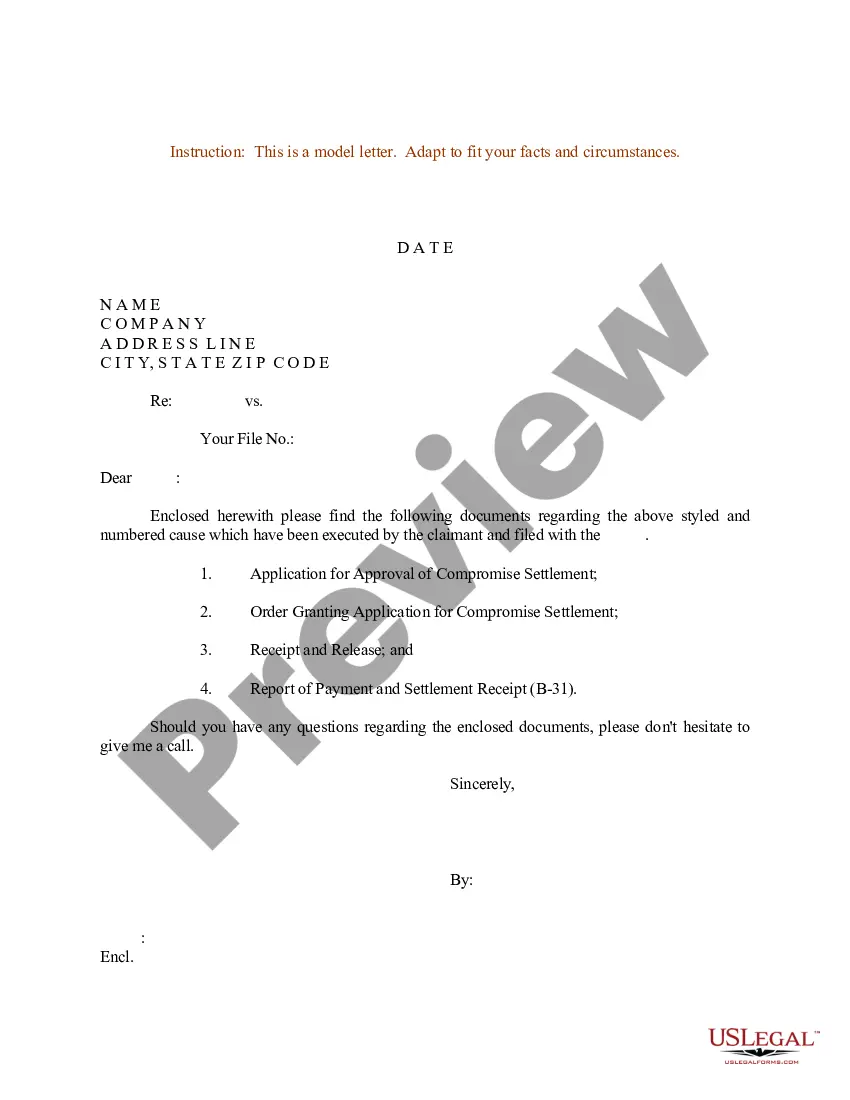


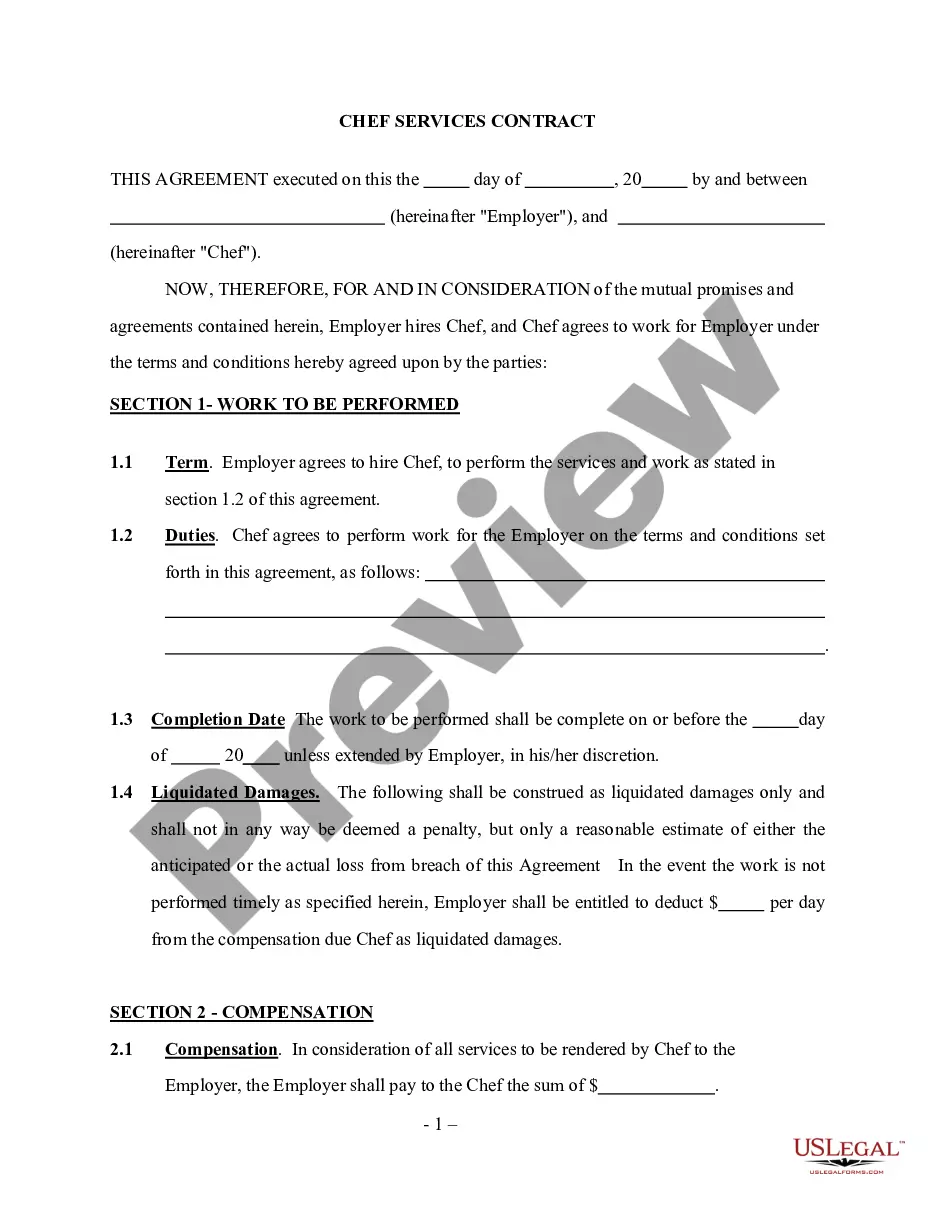
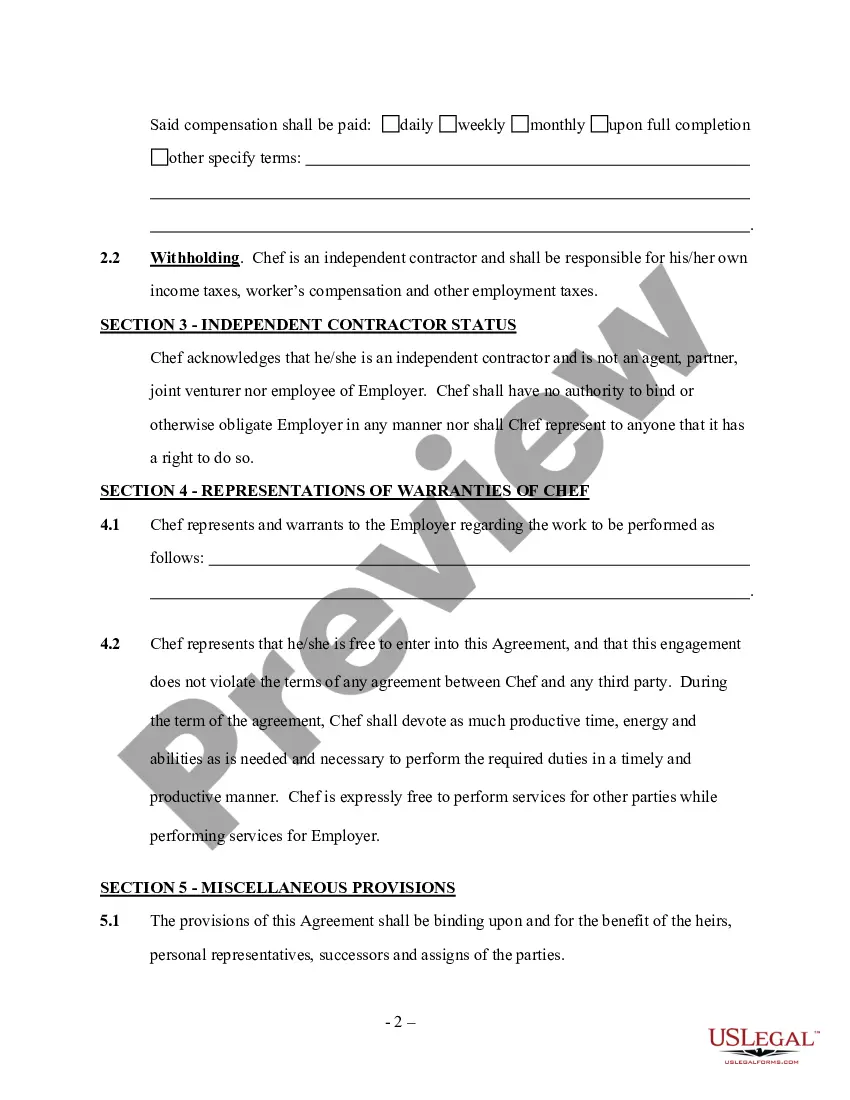
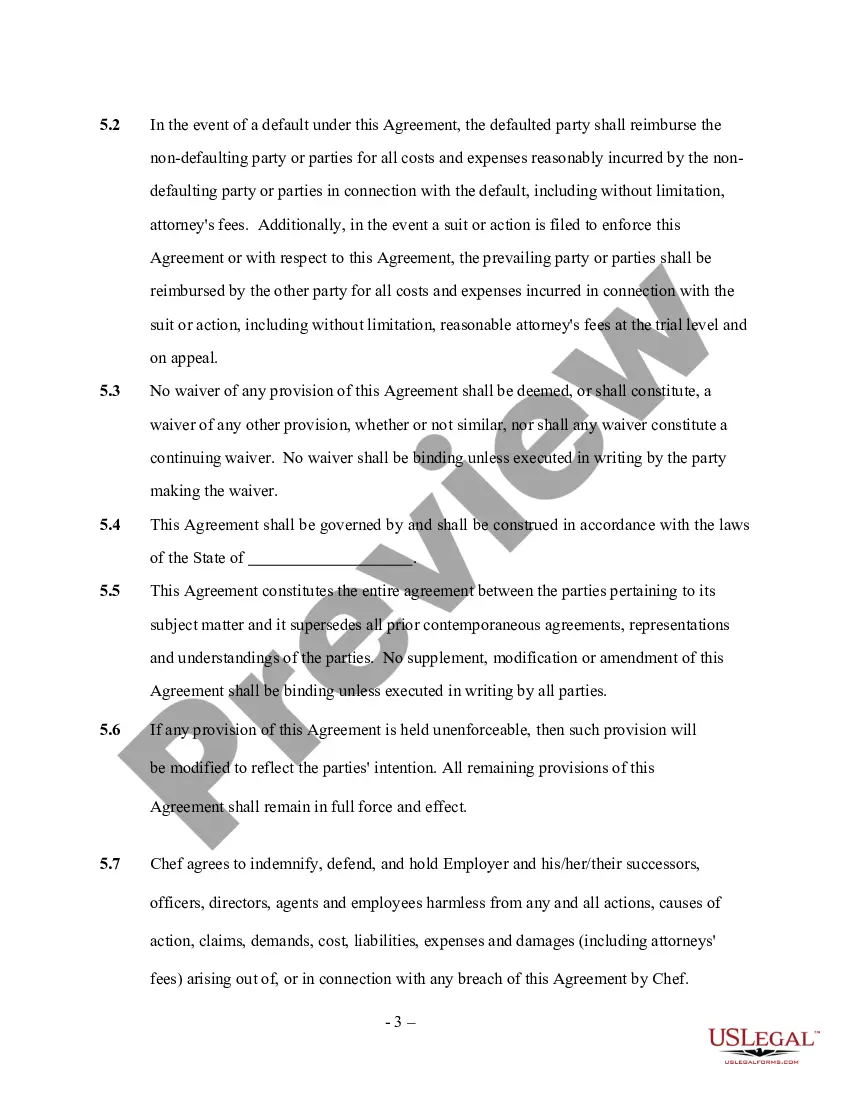
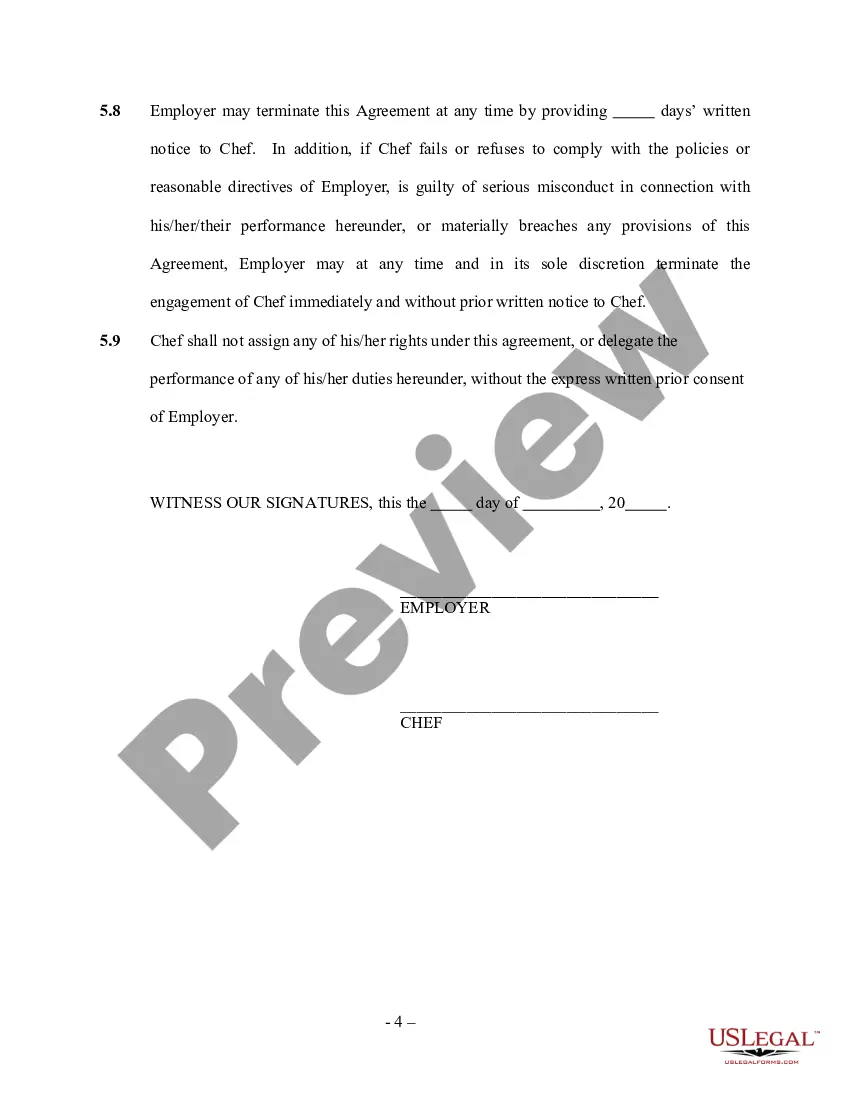
How to fill out Chef Services Contract - Self-Employed?
It’s well known that you cannot transform into a legal expert instantly, nor can you learn how to swiftly assemble the Lance Chef Contract Template For Adults without possessing a specific set of abilities.
Creating legal documents is a lengthy process that demands particular training and expertise. Therefore, why not entrust the development of the Lance Chef Contract Template For Adults to the specialists.
With US Legal Forms, one of the most extensive legal document repositories, you can find anything from court paperwork to templates for internal company communications. We recognize how vital compliance and adherence to federal and local laws and regulations are.
You can regain access to your documents from the My documents section at any time. If you’re already a customer, you can simply Log In and find and download the template from the same section.
Regardless of the intention behind your paperwork—whether it's financial, legal, or personal—our website has you assisted. Give US Legal Forms a try now!
- Find the document you need using the search bar located at the top of the page.
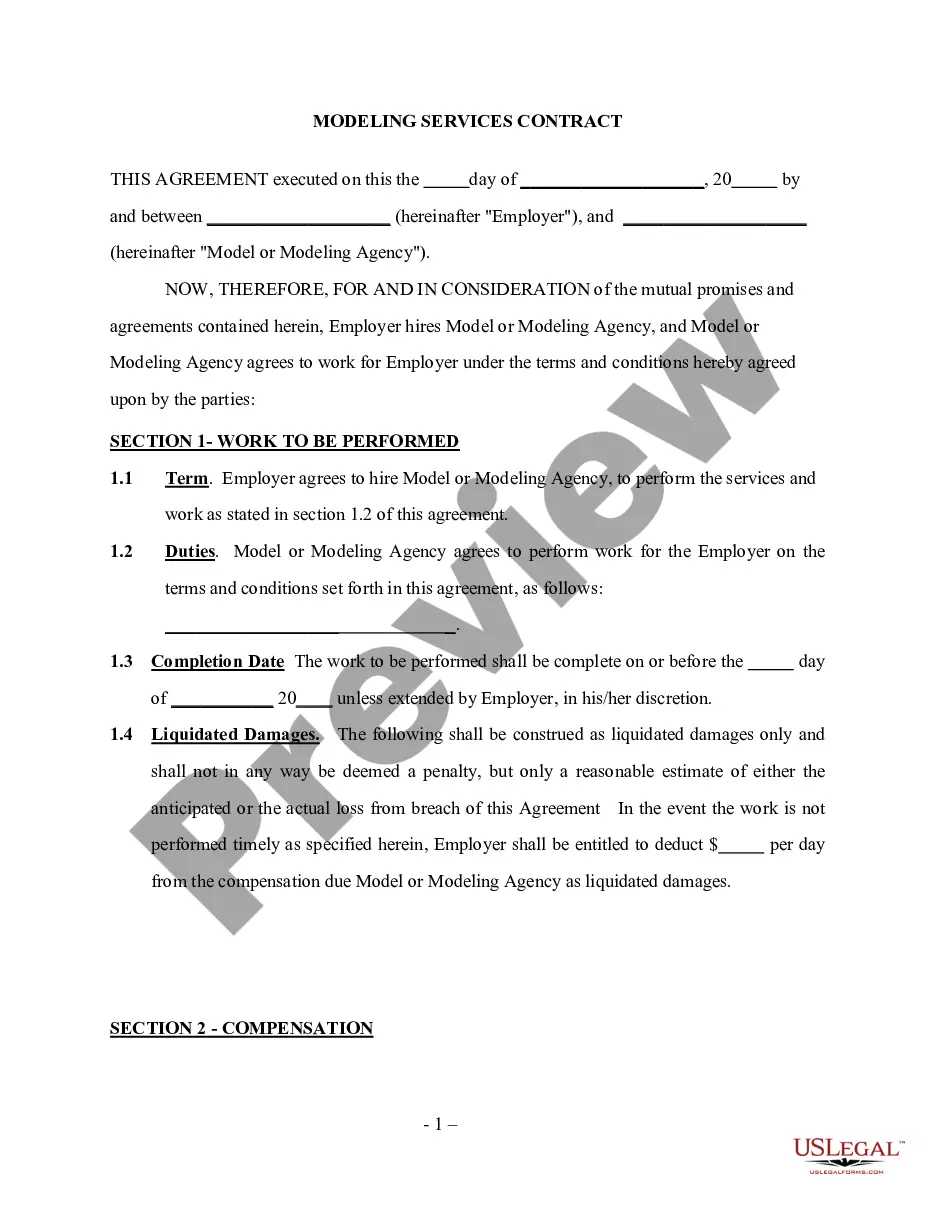
- Preview it (if this option is available) and read the accompanying description to confirm whether the Lance Chef Contract Template For Adults is what you’re looking for.
- Start your search again if you require a different document.
- Create a free account and choose a subscription plan to purchase the document.
- Click Buy now. After the payment is processed, you will be able to acquire the Lance Chef Contract Template For Adults, fill it out, print it, and either deliver it or mail it to the appropriate parties or entities.
Form popularity
FAQ
Contract templates: The basics The intention of the contract: why do they enter into a business relationship. The agreement: what is the object of the business relationship. The consideration: what is the remuneration for the object. The agreement: Declaration of agreement of the agreed content.
How can I use Google Docs contracts? It's simple. Download a contract template by adding it to your Google Drive folder, open it and start typing. Once you're done, re-check it all and save it.
Consider the 5 steps below for writing a comprehensive contractor agreement: Outline Services Provided. The contractor agreement should list all services the contractor will provide. ... Document Duration of the Work. ... Outline Payment Terms. ... Outline Confidentiality Agreement. ... Consult with a Lawyer.
Contracts are drafted in Microsoft Word or Google Docs using contract templates found in Google Drive.
Your contract service agreement should include information on services being provided, compensation, taxes, terms and conditions of service, confidentiality clauses, warranties, force majeure clauses, indemnification clauses, limitation of liability clauses, and governing law and dispute resolution clauses.