Independent Contractor Form Agreement For Truck Drivers
Description
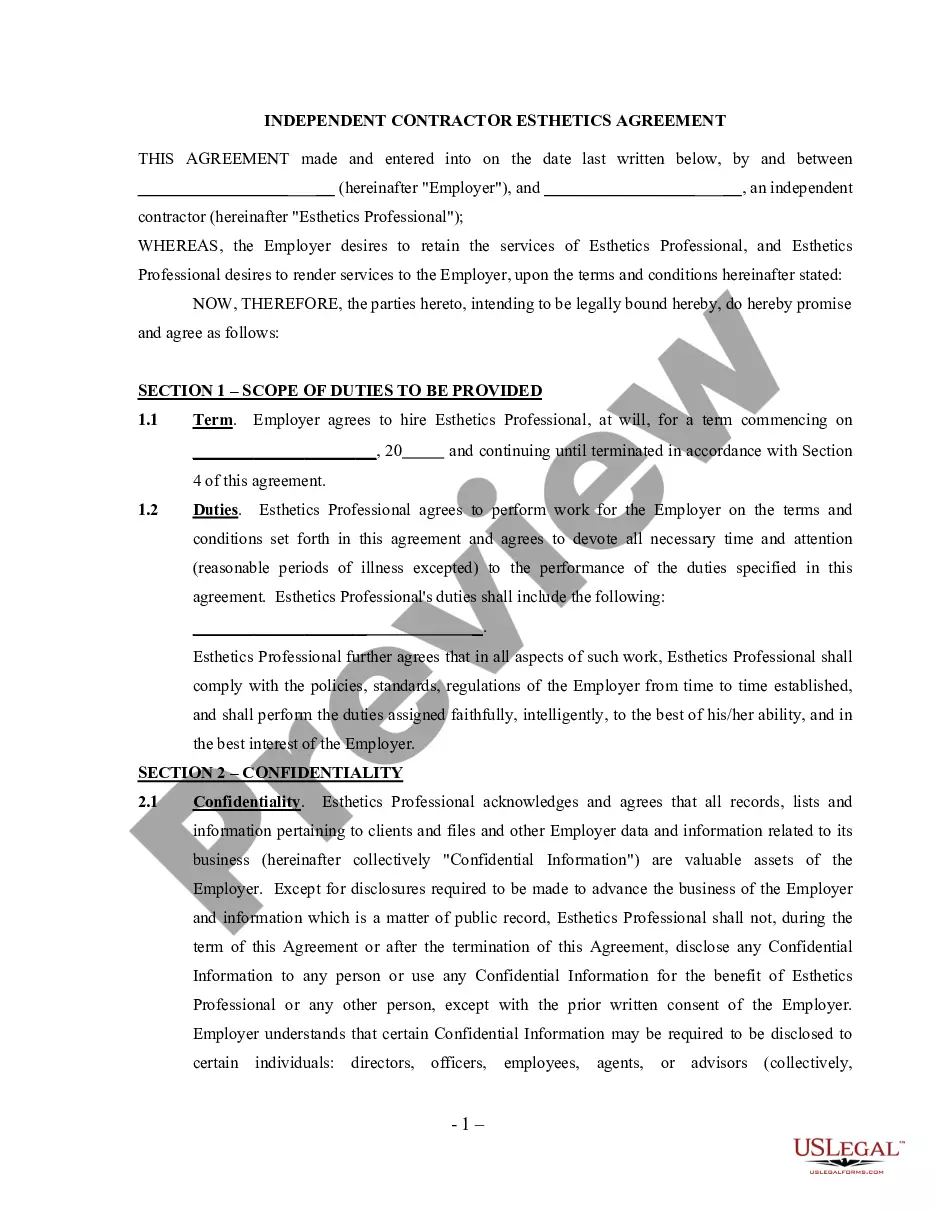
Get your form ready online
Our built-in tools help you complete, sign, share, and store your documents in one place.
Make edits, fill in missing information, and update formatting in US Legal Forms—just like you would in MS Word.
Download a copy, print it, send it by email, or mail it via USPS—whatever works best for your next step.
Sign and collect signatures with our SignNow integration. Send to multiple recipients, set reminders, and more. Go Premium to unlock E-Sign.
If this form requires notarization, complete it online through a secure video call—no need to meet a notary in person or wait for an appointment.
We protect your documents and personal data by following strict security and privacy standards.

Make edits, fill in missing information, and update formatting in US Legal Forms—just like you would in MS Word.

Download a copy, print it, send it by email, or mail it via USPS—whatever works best for your next step.

Sign and collect signatures with our SignNow integration. Send to multiple recipients, set reminders, and more. Go Premium to unlock E-Sign.

If this form requires notarization, complete it online through a secure video call—no need to meet a notary in person or wait for an appointment.

We protect your documents and personal data by following strict security and privacy standards.
Looking for another form?
How to fill out Self-Employed Independent Contractor Esthetics Agreement?
How to obtain expert legal documents that comply with your state's regulations and prepare the Independent Contractor Form Agreement for Truck Drivers without consulting a lawyer.
Numerous online services offer templates to address various legal scenarios and requirements. However, it may require time to determine which available samples meet both your use case and legal standards.
US Legal Forms is a trustworthy service that assists you in locating official documentation created according to the most recent updates in state law, allowing you to save on legal fees.
Review the webpage you have accessed and confirm if the form aligns with your needs. Utilize the form description and preview options if they are available. Search for another template in the header indicating your state if required. Press the Buy Now button once you identify the appropriate document. Select the most suitable pricing plan, then Log In or create an account. Choose the payment method (credit card or PayPal). Adjust the file format for your Independent Contractor Form Agreement for Truck Drivers and click Download. The acquired documents remain yours, and you can always revisit them in the My documents tab of your profile. Register for our platform and create legal documents independently like a seasoned legal professional!
- US Legal Forms isn't just a typical online directory; it's a compilation of over 85,000 verified templates for diverse business and life situations.
- All documents are organized by field and state to streamline your search process.
- Additionally, it connects with powerful solutions for PDF editing and electronic signatures, allowing users with a Premium subscription to effortlessly fill out their forms online.
- Acquiring the needed paperwork takes minimal time and effort.
- If you already possess an account, Log In and verify that your subscription is active.
- Download the Independent Contractor Form Agreement for Truck Drivers by clicking the relevant button adjacent to the file name.
- If you do not have an account with US Legal Forms, follow the instructions below.
Form popularity
FAQ
Generally speaking, companies can only classify truck drivers as independent contractors if the truckers have control over how and when they perform their duties.
In trucking, your 1099 employee would be an owner-operator or an independent contractor. A 1099 employee is not a company driver, so that means you don't provide benefits for them (say, such as health insurance). You also don't take out any government taxes from their pay.
Ten Tips for Making Solid Business Agreements and ContractsGet it in writing.Keep it simple.Deal with the right person.Identify each party correctly.Spell out all of the details.Specify payment obligations.Agree on circumstances that terminate the contract.Agree on a way to resolve disputes.More items...
The IRS considers 1099 workers as self-employed individuals. Therefore, you can claim higher tax deductions compared to W2 employees. For example, you can claim expenses such as business mileage, meal deductions, home office expenses, repair expenses for your trucks.
How do I create an Independent Contractor Agreement?State the location.Describe the type of service required.Provide the contractor's and client's details.Outline compensation details.State the agreement's terms.Include any additional clauses.State the signing details.