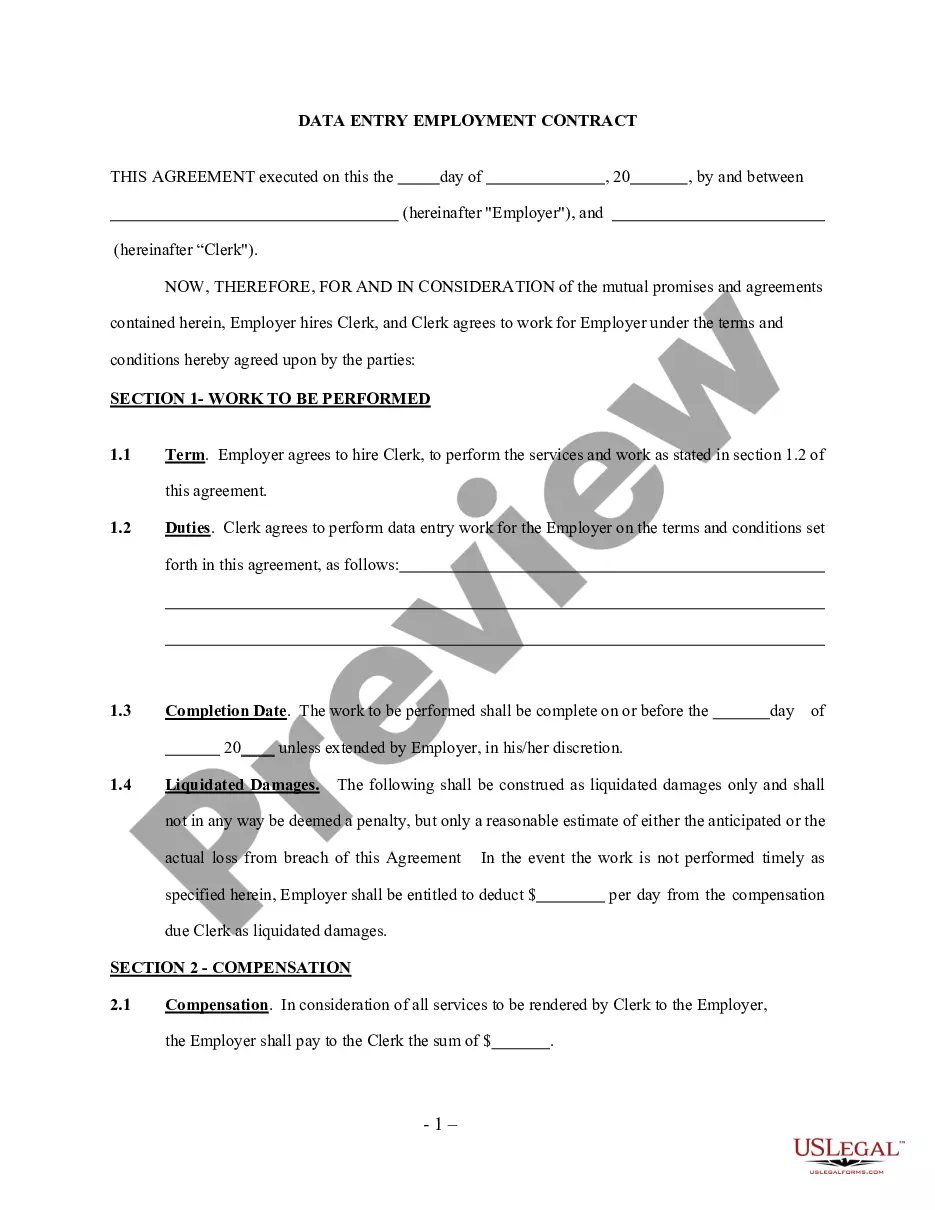
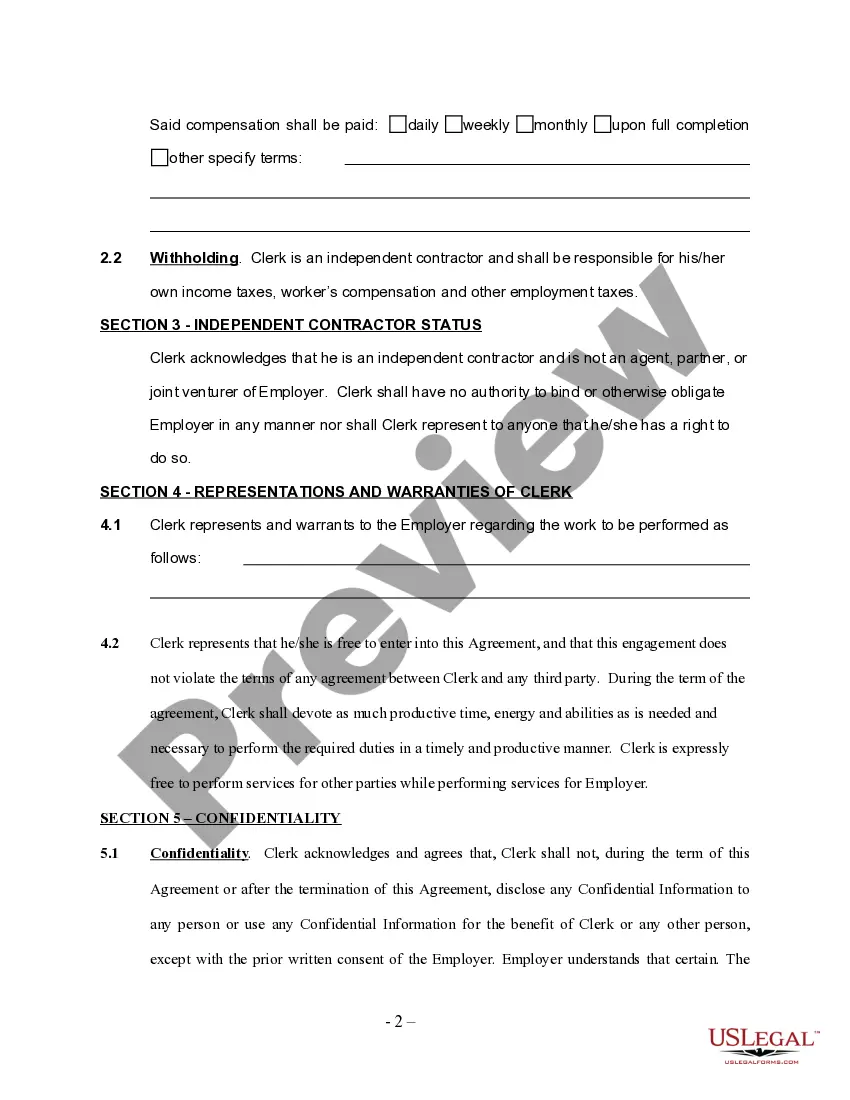
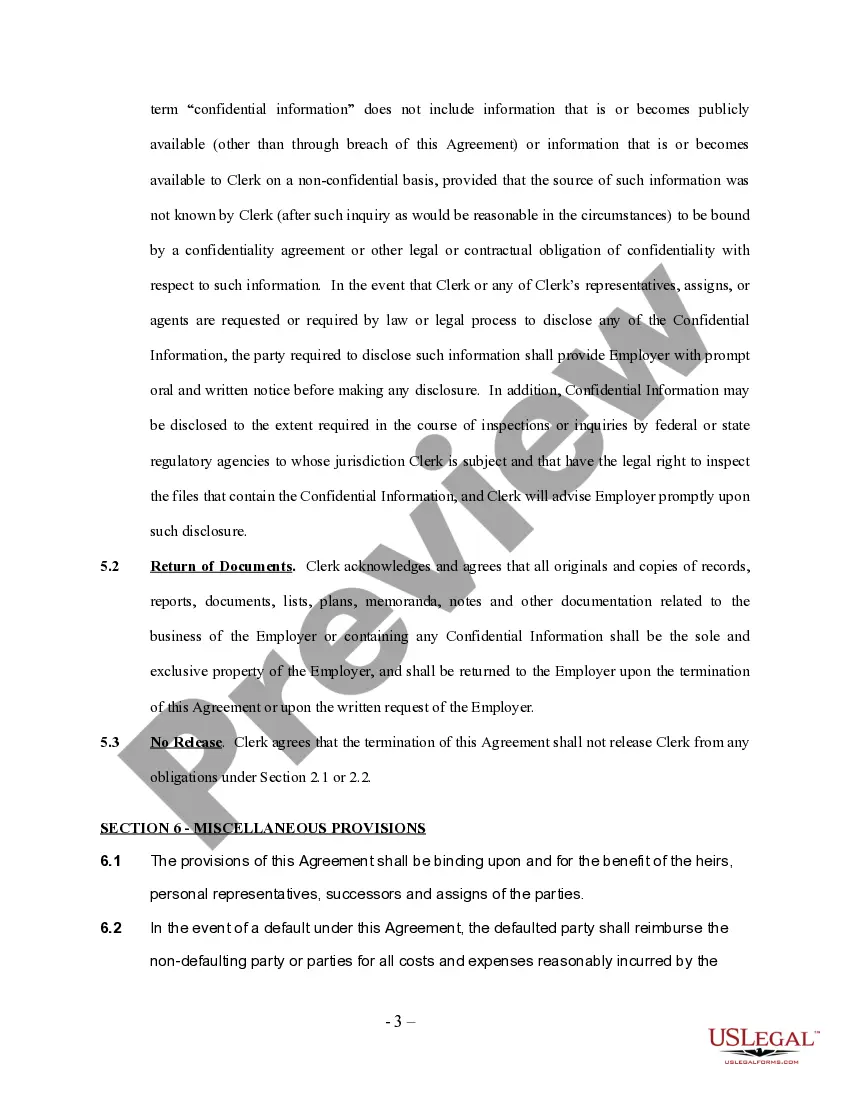
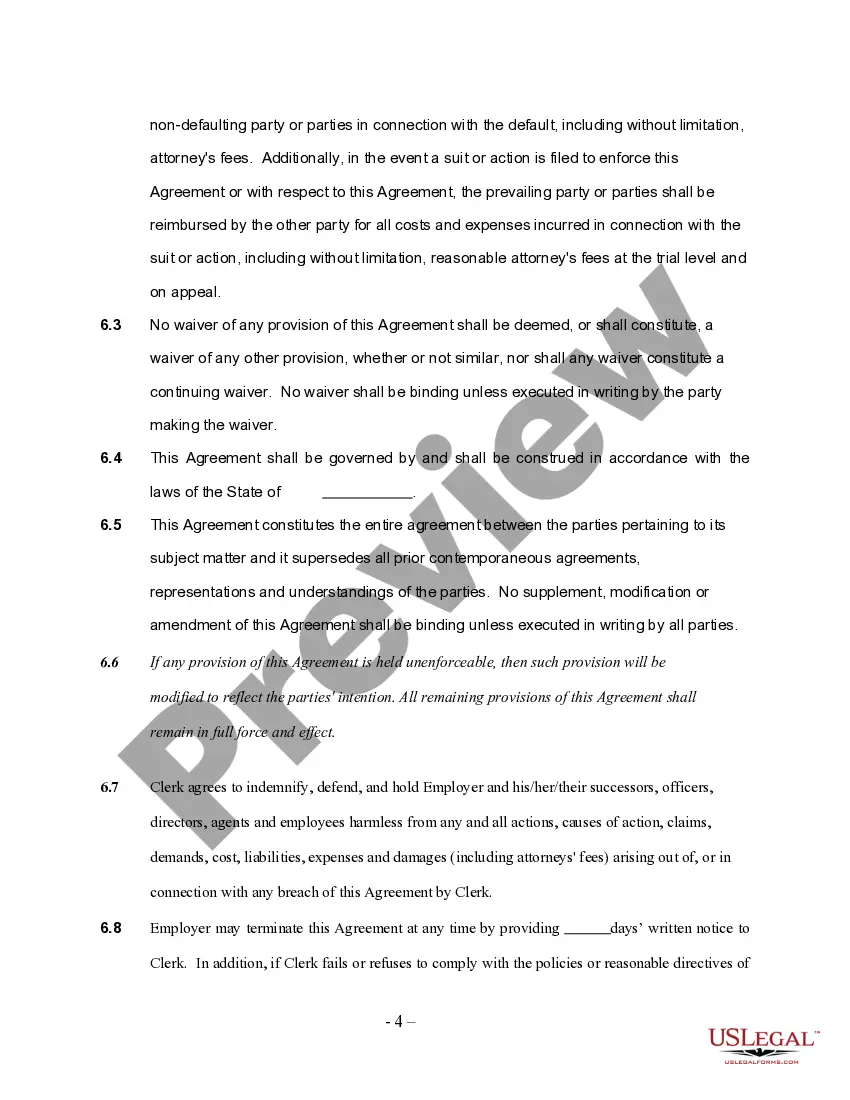
Independent Contractor Employment Form
Description
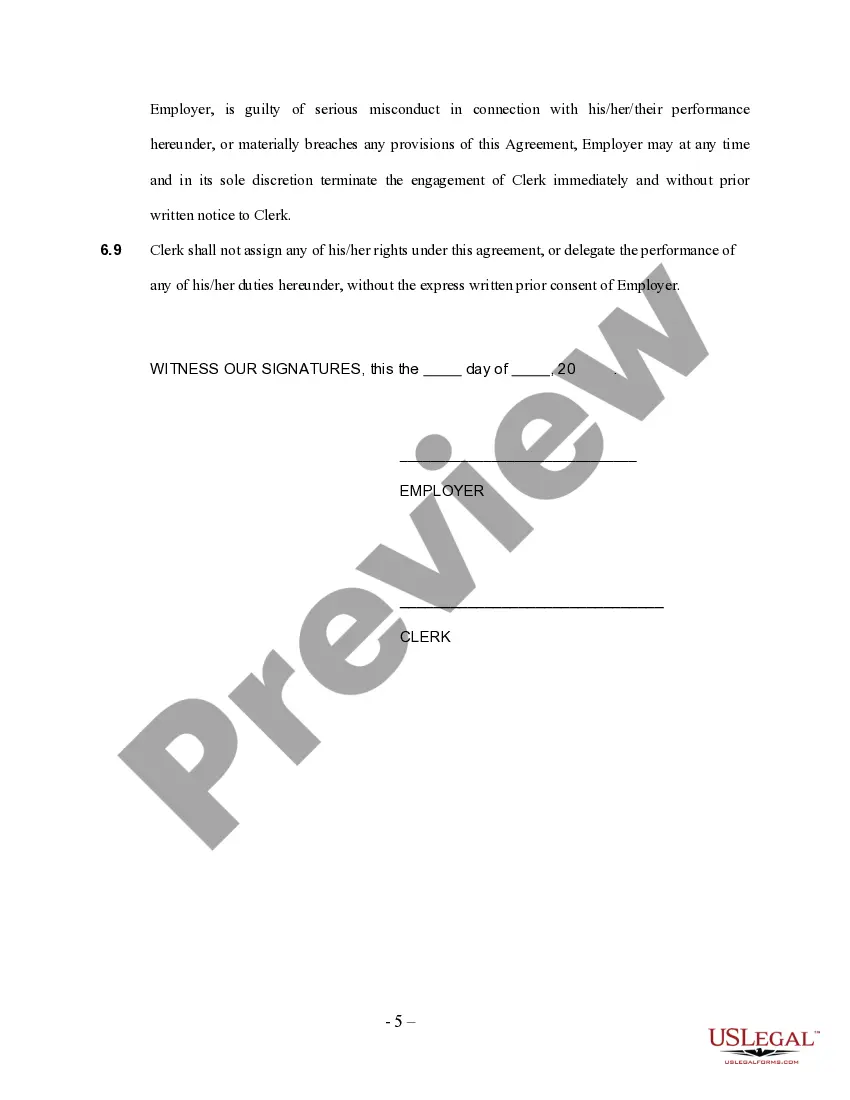
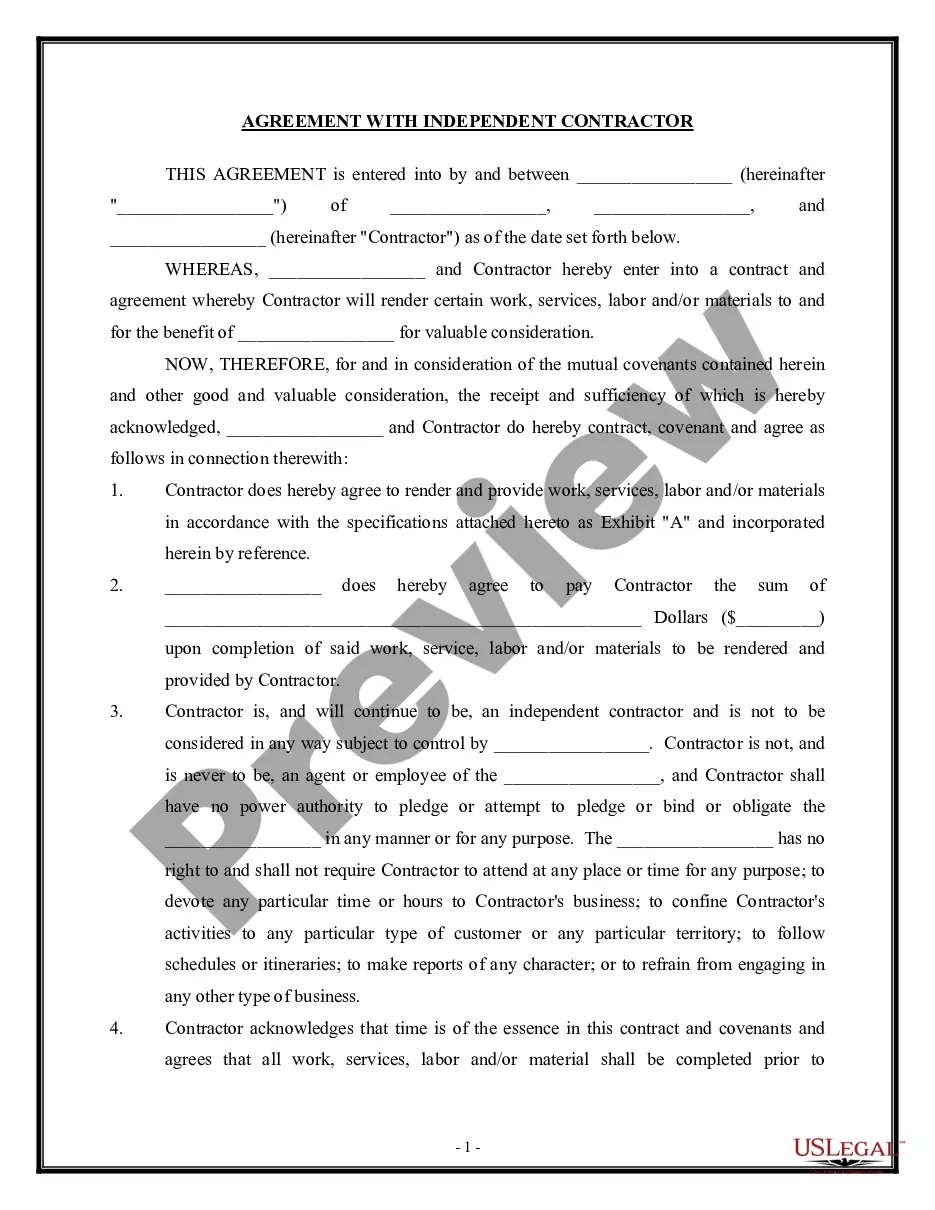
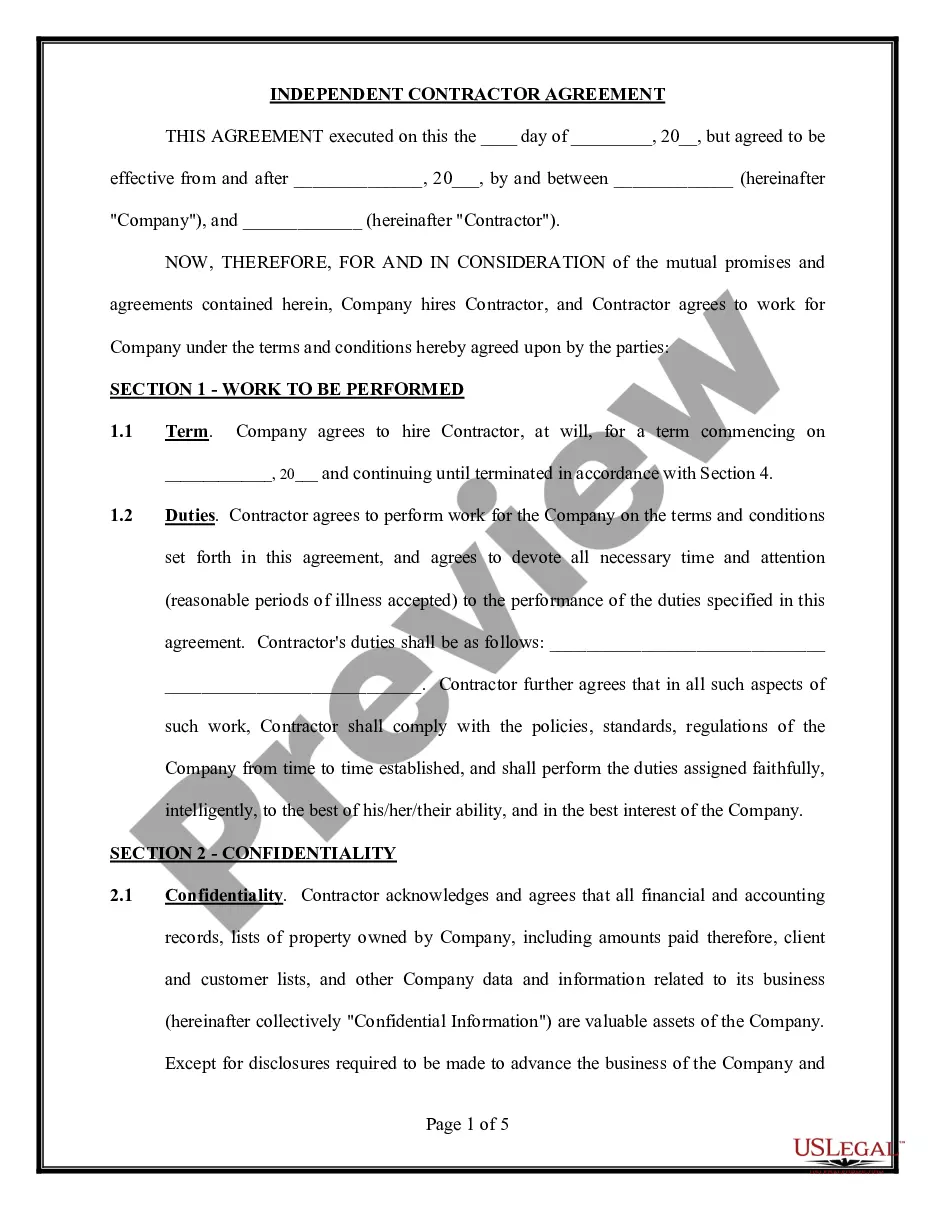
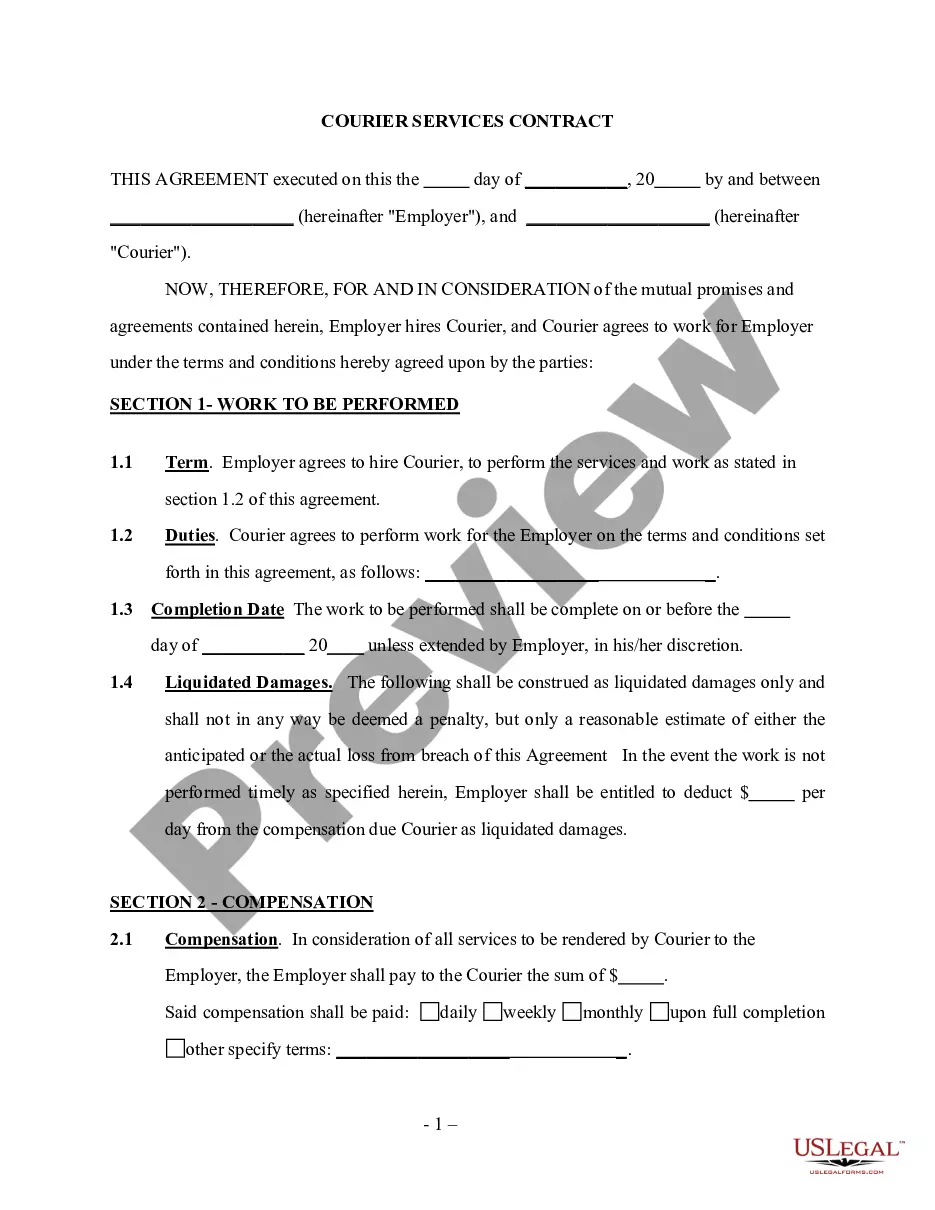
Get your form ready online
Our built-in tools help you complete, sign, share, and store your documents in one place.
Make edits, fill in missing information, and update formatting in US Legal Forms—just like you would in MS Word.
Download a copy, print it, send it by email, or mail it via USPS—whatever works best for your next step.
Sign and collect signatures with our SignNow integration. Send to multiple recipients, set reminders, and more. Go Premium to unlock E-Sign.
If this form requires notarization, complete it online through a secure video call—no need to meet a notary in person or wait for an appointment.
We protect your documents and personal data by following strict security and privacy standards.

Make edits, fill in missing information, and update formatting in US Legal Forms—just like you would in MS Word.

Download a copy, print it, send it by email, or mail it via USPS—whatever works best for your next step.

Sign and collect signatures with our SignNow integration. Send to multiple recipients, set reminders, and more. Go Premium to unlock E-Sign.

If this form requires notarization, complete it online through a secure video call—no need to meet a notary in person or wait for an appointment.

We protect your documents and personal data by following strict security and privacy standards.
Looking for another form?
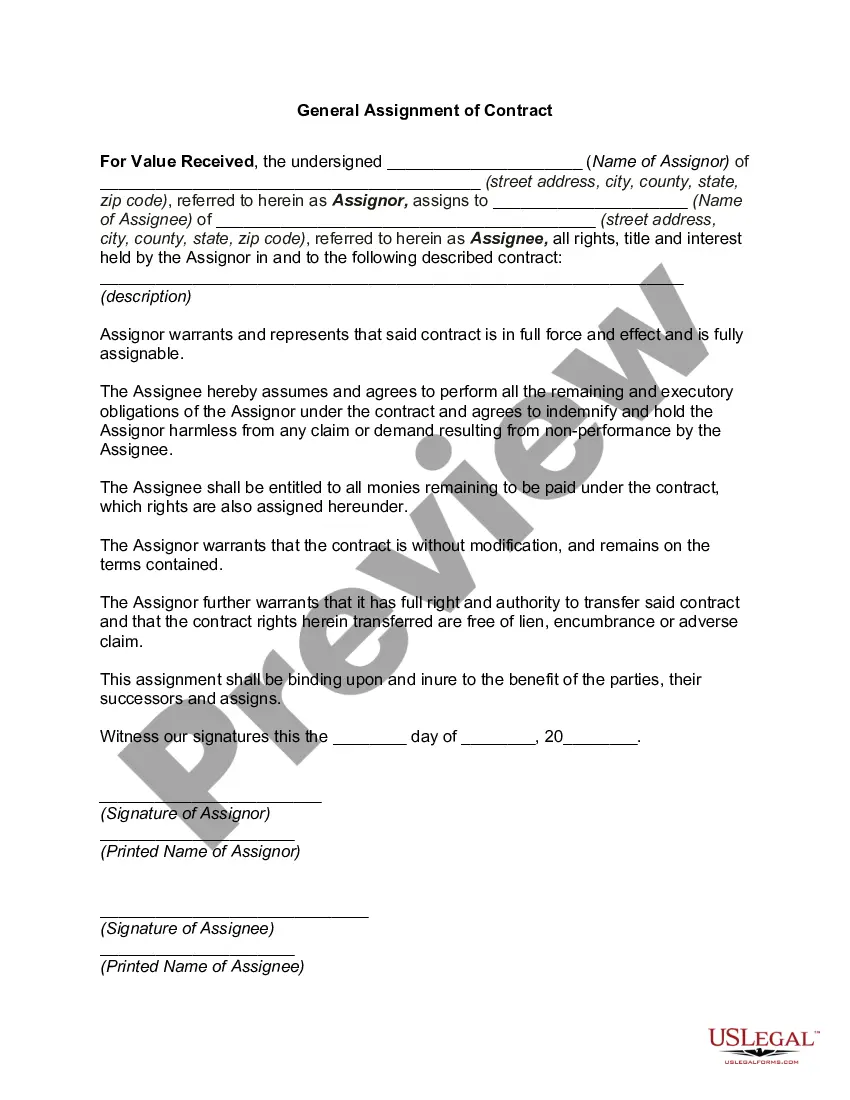

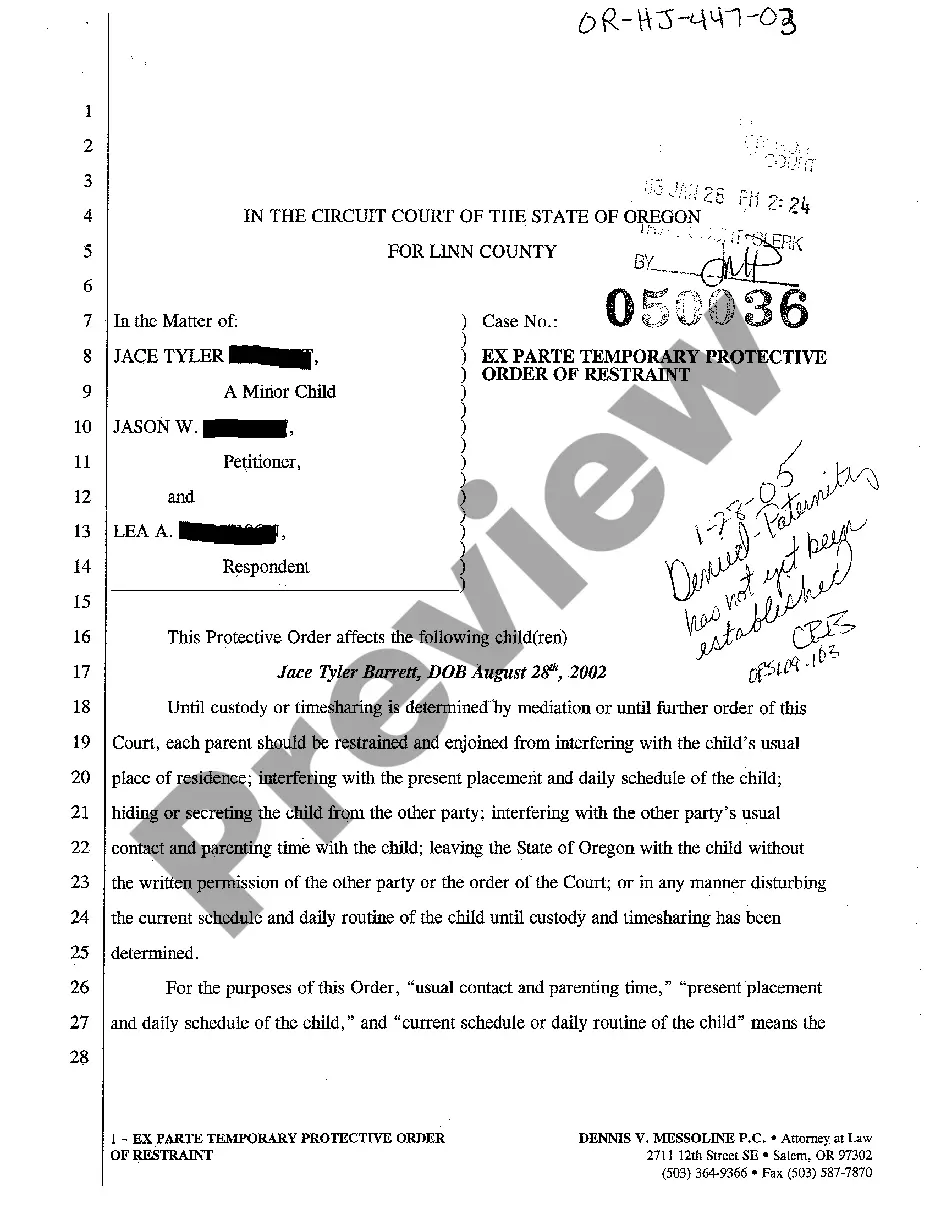

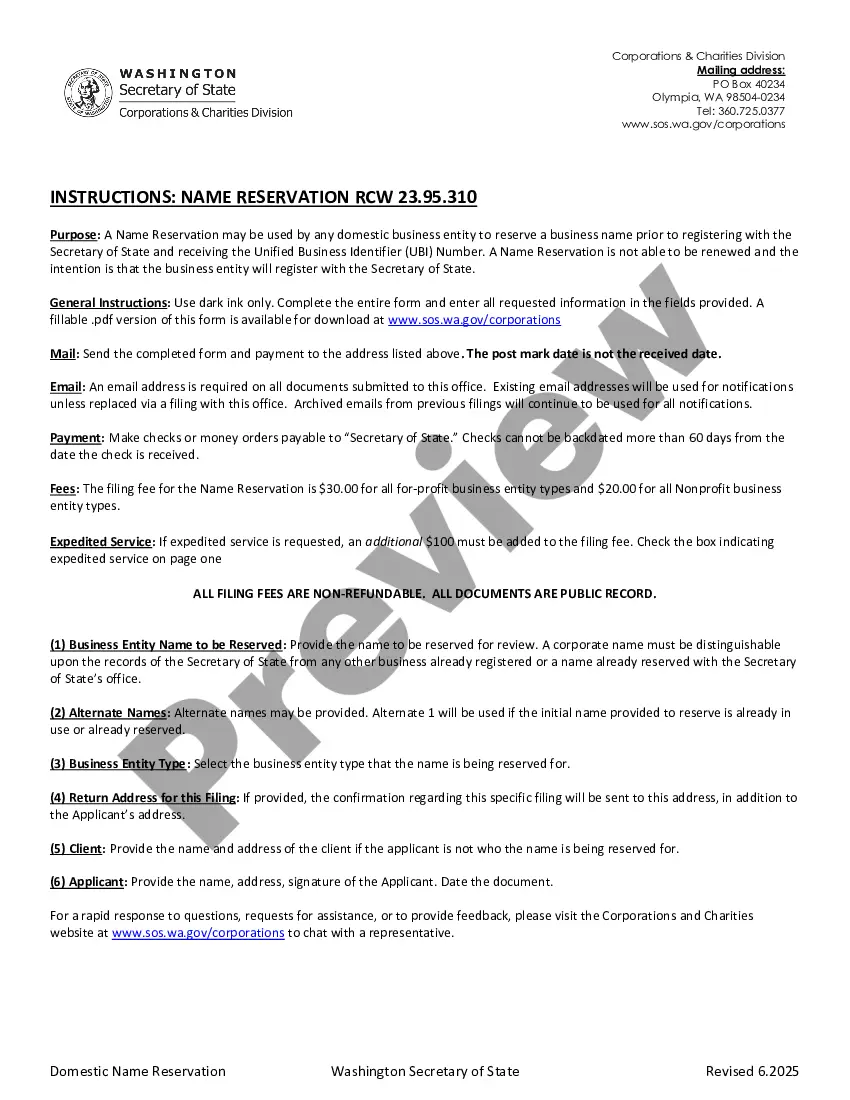

How to fill out Data Entry Employment Contract - Self-Employed Independent Contractor?
Individuals typically link legal documentation with something intricate that solely a professional can manage.
In some respects, this is accurate, as creating an Independent Contractor Employment Form demands significant expertise in subject standards, including state and county laws.
Nonetheless, with US Legal Forms, matters have become more manageable: pre-made legal templates for any personal and business event tailored to state regulations are compiled in a single online repository and are now accessible to everyone.
- US Legal Forms provides over 85,000 current forms categorized by state and area of application, so finding the Independent Contractor Employment Form or any specific template takes only a few minutes.
- Previously registered users with an active subscription must Log In to their account and click Download to obtain the form.
- New users to the platform will first need to create an account and subscribe before they can store any documents.
- Here is a detailed guide on how to obtain the Independent Contractor Employment Form.
- Review the page content carefully to ensure it meets your needs.
- Examine the form description or view it through the Preview option.
- If the previous one does not meet your requirements, find another sample using the Search bar above.
- Once you locate the appropriate Independent Contractor Employment Form, click Buy Now.
- Choose the pricing plan that suits your needs and budget.
- Create an account or Log In to move forward to the payment page.
- Complete payment for your subscription via PayPal or with your credit card.
- Select the format for your file and click Download.
- Print your document or upload it to an online editor for quicker completion.
- All samples in our library are reusable: once purchased, they remain saved in your profile.
- You can access them anytime needed through the My documents tab.
- Discover all the benefits of using the US Legal Forms platform. Subscribe today!
Form popularity
FAQ
Generally, if you're an independent contractor you're considered self-employed and should report your income (nonemployee compensation) on Schedule C (Form 1040), Profit or Loss From Business (Sole Proprietorship).
9 Form InstructionsLine 1 Name.Line 2 Business name.Line 3 Federal tax classification.Line 4 Exemptions.Lines 5 & 6 Address, city, state, and ZIP code.Line 7 Account number(s)Part I Taxpayer Identification Number (TIN)Part II Certification.
9 Form InstructionsLine 1 Name.Line 2 Business name.Line 3 Federal tax classification.Line 4 Exemptions.Lines 5 & 6 Address, city, state, and ZIP code.Line 7 Account number(s)Part I Taxpayer Identification Number (TIN)Part II Certification.
How to Fill Out a 1099 for a Contractor. The 1099-NEC requires the business/payor's name, address, phone number, and employer identification number. It also requires the payee's name, address and tax identification number. For nonemployee compensation, the total amount paid for the year goes in box 1 of the 1099-NEC.
How to Fill Out a 1099-MISC FormEnter your information in the 'payer' section.Fill in your tax ID number.As a business owner, enter the contractor's tax ID number which is found on their form W-9.Fill out the account number you have assigned to the independent contractor.More items...