Uslegal Disabled Print With 0
Description
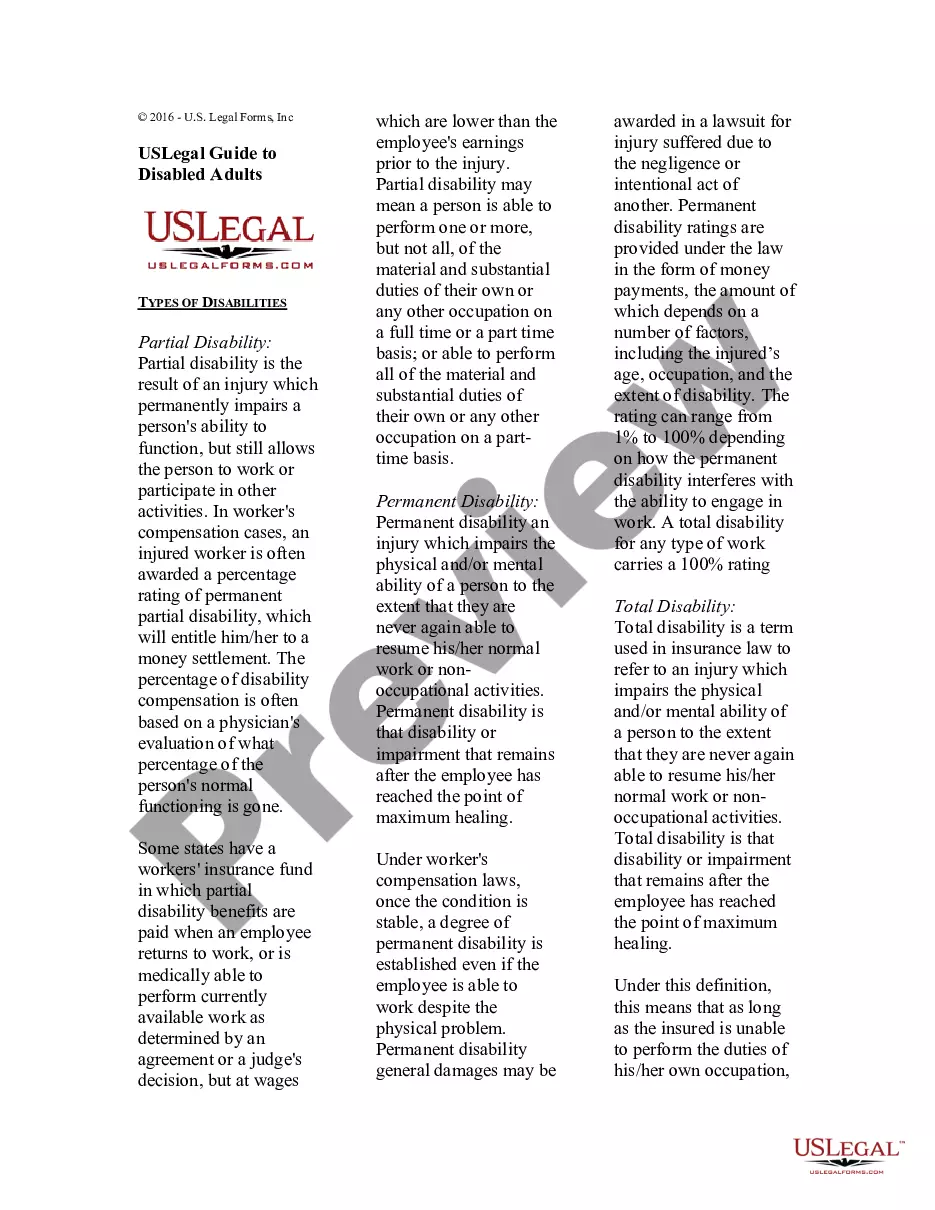
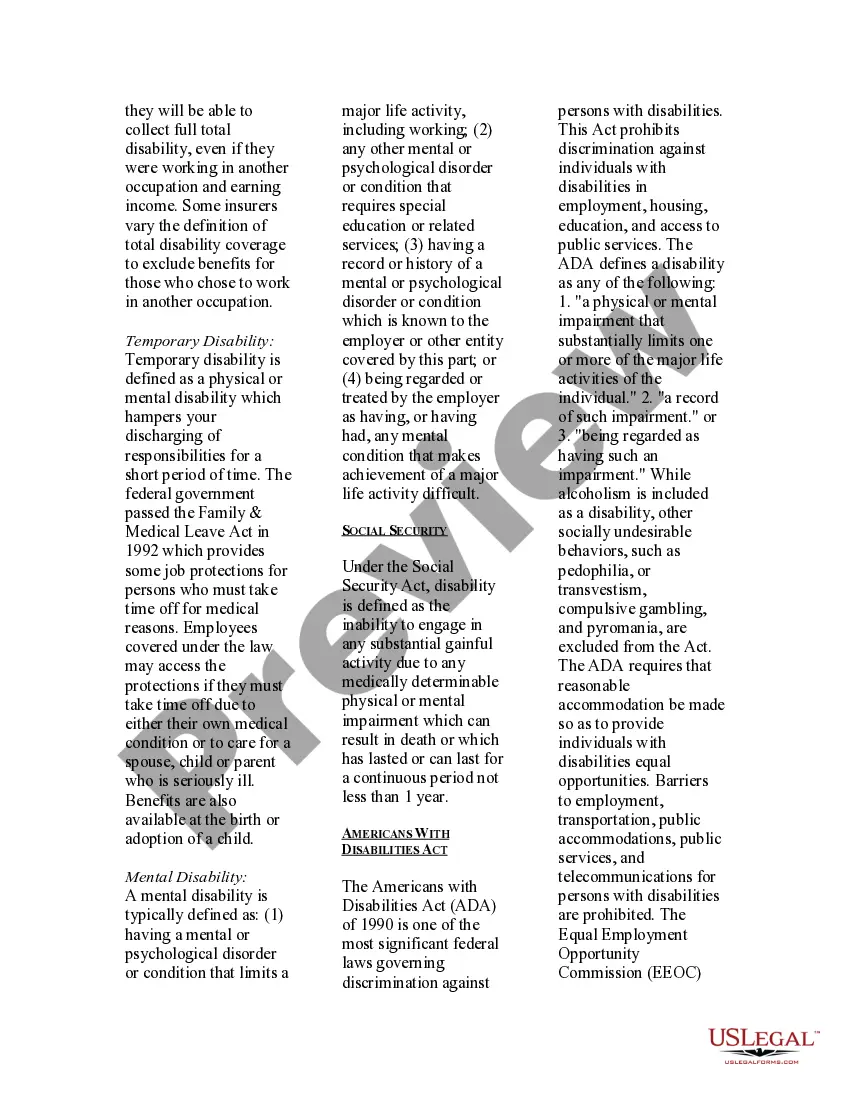
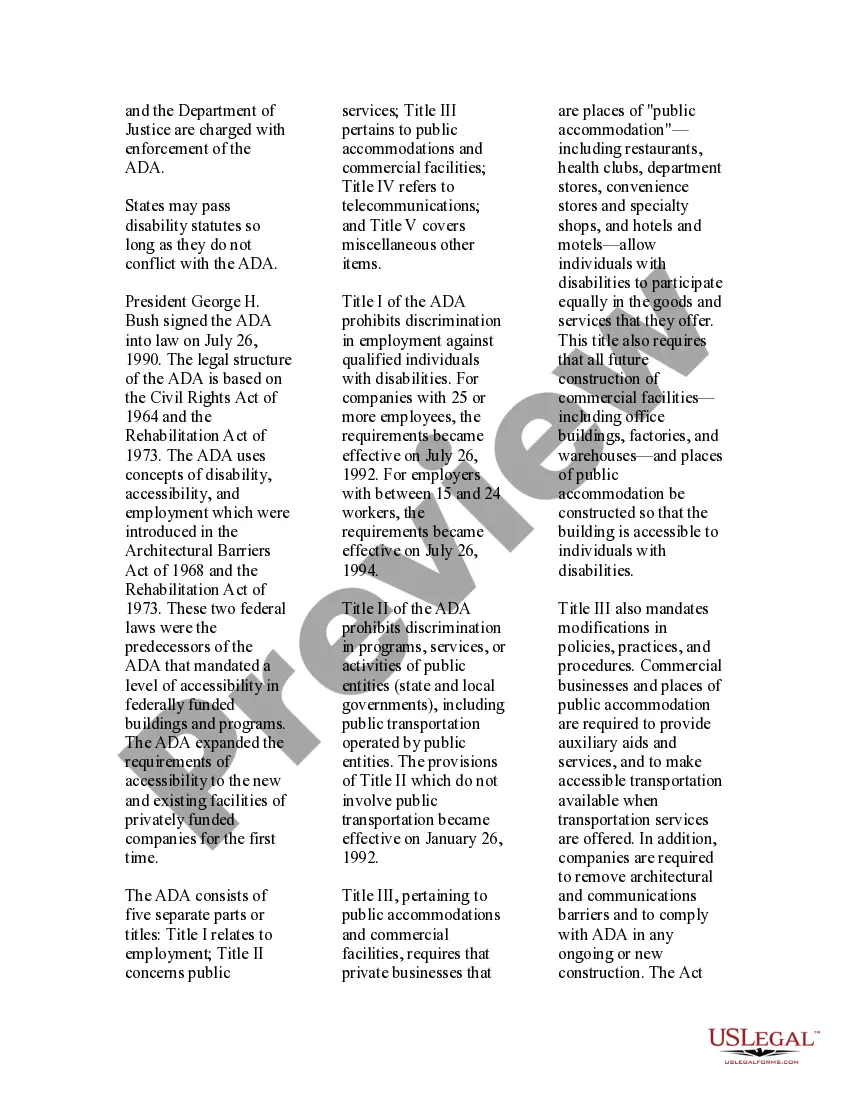
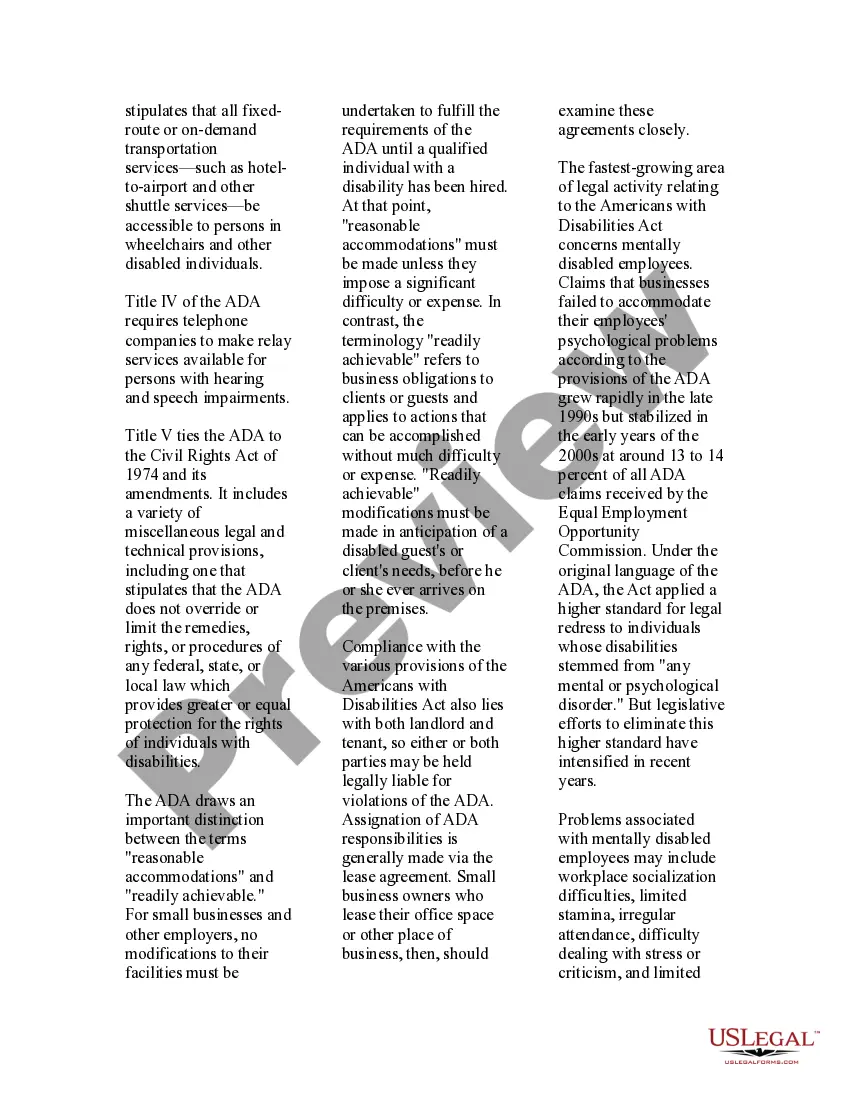
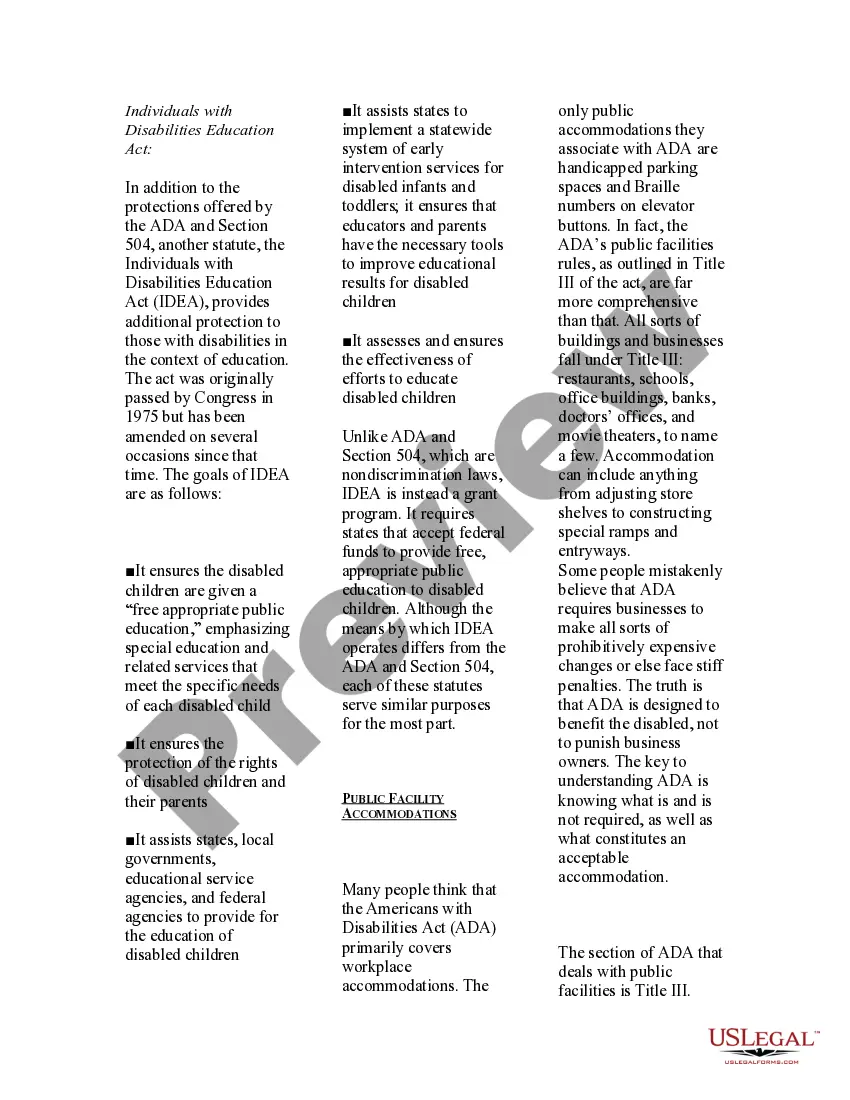
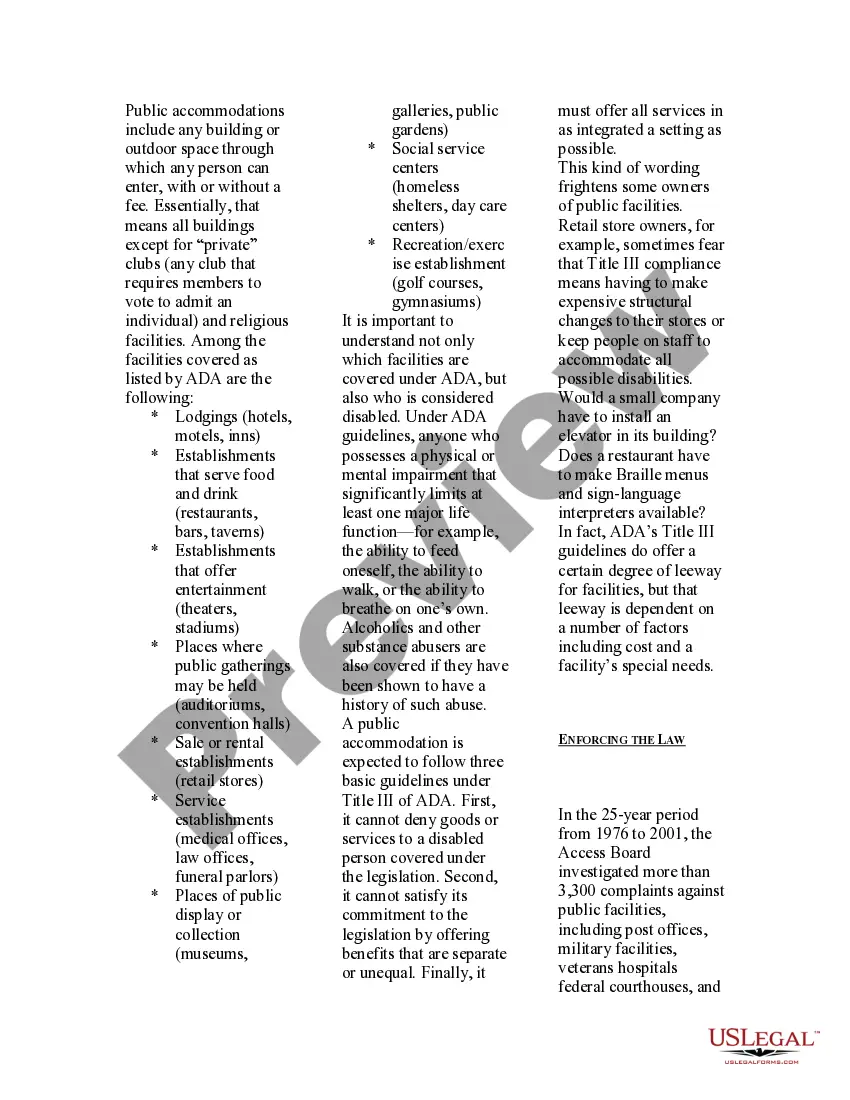


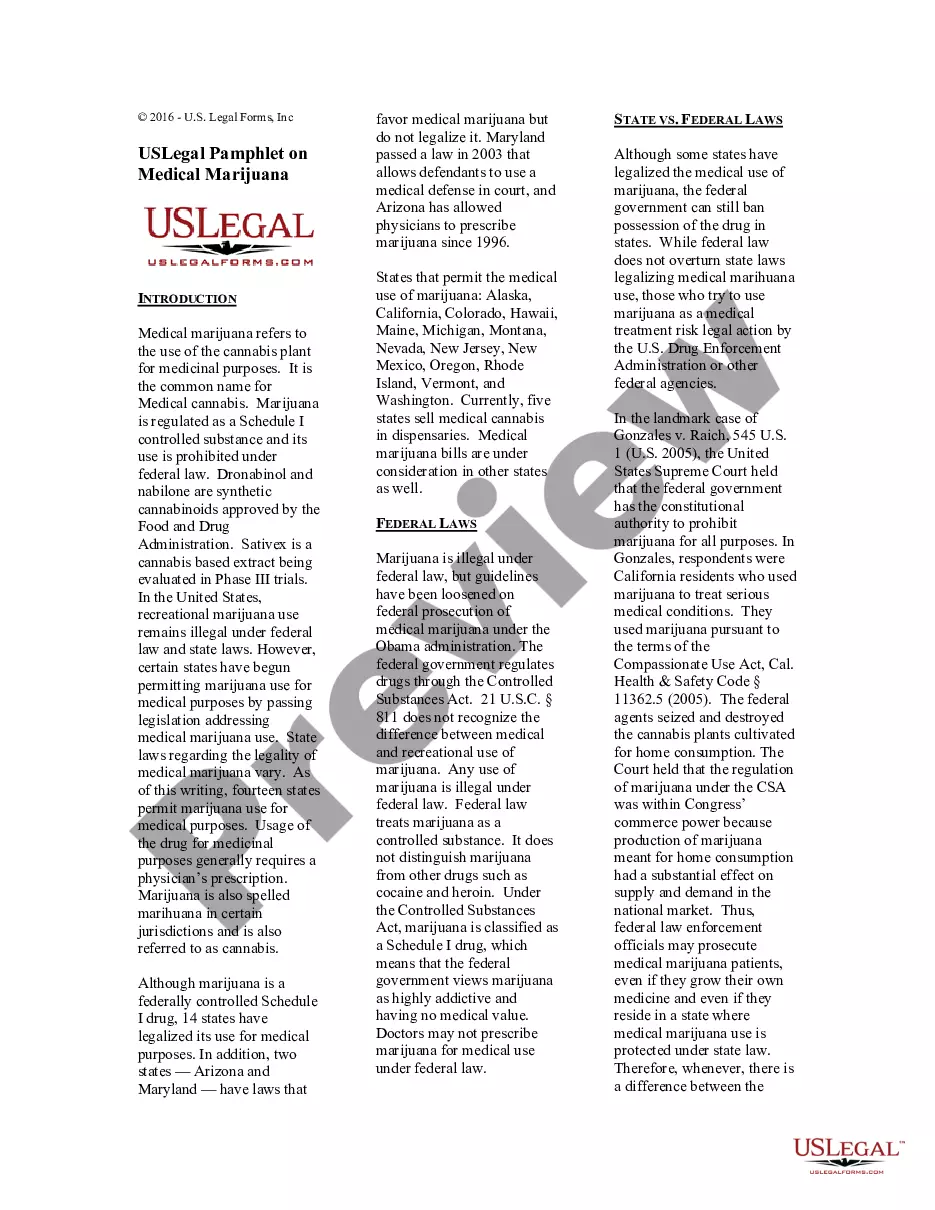
Get your form ready online
Our built-in tools help you complete, sign, share, and store your documents in one place.
Make edits, fill in missing information, and update formatting in US Legal Forms—just like you would in MS Word.
Download a copy, print it, send it by email, or mail it via USPS—whatever works best for your next step.
Sign and collect signatures with our SignNow integration. Send to multiple recipients, set reminders, and more. Go Premium to unlock E-Sign.
If this form requires notarization, complete it online through a secure video call—no need to meet a notary in person or wait for an appointment.
We protect your documents and personal data by following strict security and privacy standards.

Make edits, fill in missing information, and update formatting in US Legal Forms—just like you would in MS Word.

Download a copy, print it, send it by email, or mail it via USPS—whatever works best for your next step.

Sign and collect signatures with our SignNow integration. Send to multiple recipients, set reminders, and more. Go Premium to unlock E-Sign.

If this form requires notarization, complete it online through a secure video call—no need to meet a notary in person or wait for an appointment.

We protect your documents and personal data by following strict security and privacy standards.
Looking for another form?








How to fill out USLegal Guide To Disabled Adults?
- If you have previously accessed US Legal Forms, log in to your account and download your required form template by clicking the Download button. Ensure that your subscription is active, and renew it if necessary based on your plan.
- For first-time users, start by examining the Preview mode and form descriptions. Confirm that you've selected a document that meets your specific needs and adheres to your local jurisdiction.
- If there's a mismatch, utilize the Search function above to locate the appropriate template that suits your requirements.
- Proceed to purchase your document by clicking the Buy Now button and selecting your desired subscription plan. You’ll need to create an account to access the forms library.
- Complete your purchase by entering your credit card details or logging into your PayPal account for payment.
- Finally, download your selected form. Save it to your device and find it later in the My Forms section of your profile.
In conclusion, US Legal Forms offers a vast library of legal resources that empower users to navigate the complexities of legal documentation with ease. With a robust collection of over 85,000 editable forms and access to premium assistance, you're set for success.
Visit US Legal Forms today and take charge of your legal needs!
Form popularity
FAQ
For Google Docs where printing is disabled, you can download the document as a PDF or Word file and then print it when your print options are available. Sometimes, adjusting the sharing settings can also unlock printing features. Uslegal forms provides templates that can be downloaded in various formats, mitigating challenges with print restrictions.
If printing is not allowed for your PDF, try to extract the content and save it in a new format that enables printing, like Word. There are many programs and tools available to help in these situations. Utilizing Uslegal forms ensures that you can create documents tailored for your needs without stumbling over restrictions.
When print is disabled for PDFs, consider using online tools to convert or share the document digitally. You could also use software that allows for editing or converting PDFs into an accessible format. Uslegal forms can provide specific documents designed to ease such situations, even when faced with restrictions.
To force enable the print release function, you may need to adjust settings on your print server or individual printer. Check your print management console for user permissions or group policies that might restrict printing. If you face challenges, remember that Uslegal forms can help manage your documents more effectively.
Disabling the printer properties option involves accessing the printer settings on your computer. Navigate to the printer management section, choose your printer, and disable specific functions in the settings. This is especially useful if you are working with Uslegal disabled print with 0 and want more control over your printing capabilities.
When printing is disabled, you might explore other options such as saving your document as a PDF and using a different device that allows prints. Verify your settings as well; they may restrict printing. Uslegal forms provides different formats that can help you access printed documents even when options seem limited.
Yes, you can disable a print spooler on your device. First, access the services menu on your computer, locate the print spooler service, and stop it from running. If you find that you need to disable prints frequently, consider using Uslegal forms to streamline your document processing.
To print paper in legal size, first, ensure you have the legal size paper loaded into the printer. Next, select the proper printing settings on your computer before hitting print. Set the paper size to 'Legal' in your print dialog box. Following these steps helps maintain efficiency and ensures that Uslegal disabled print with 0 is catered for in your workflow.
To add legal paper size to your printer, navigate to the 'Print Setup' option in your computer's printing preferences. Select the option to create a new paper size and enter the dimensions for legal paper. Save your settings and select this paper size whenever you're printing documents requiring it. By using this method, you can effectively manage Uslegal disabled print with 0.
The PDF print option may be disabled due to insufficient printer drivers or incorrect settings within your printing software. Ensure that all necessary drivers are up-to-date and check printer properties for any misconfigurations. By understanding the potential impacts on Uslegal disabled print with 0, you can explore better solutions and streamline your printing process.