Sign Over Parental Rights Forms South Carolina
Description
Get your form ready online
Our built-in tools help you complete, sign, share, and store your documents in one place.
Make edits, fill in missing information, and update formatting in US Legal Forms—just like you would in MS Word.
Download a copy, print it, send it by email, or mail it via USPS—whatever works best for your next step.
Sign and collect signatures with our SignNow integration. Send to multiple recipients, set reminders, and more. Go Premium to unlock E-Sign.
If this form requires notarization, complete it online through a secure video call—no need to meet a notary in person or wait for an appointment.
We protect your documents and personal data by following strict security and privacy standards.

Make edits, fill in missing information, and update formatting in US Legal Forms—just like you would in MS Word.

Download a copy, print it, send it by email, or mail it via USPS—whatever works best for your next step.

Sign and collect signatures with our SignNow integration. Send to multiple recipients, set reminders, and more. Go Premium to unlock E-Sign.

If this form requires notarization, complete it online through a secure video call—no need to meet a notary in person or wait for an appointment.

We protect your documents and personal data by following strict security and privacy standards.
Looking for another form?
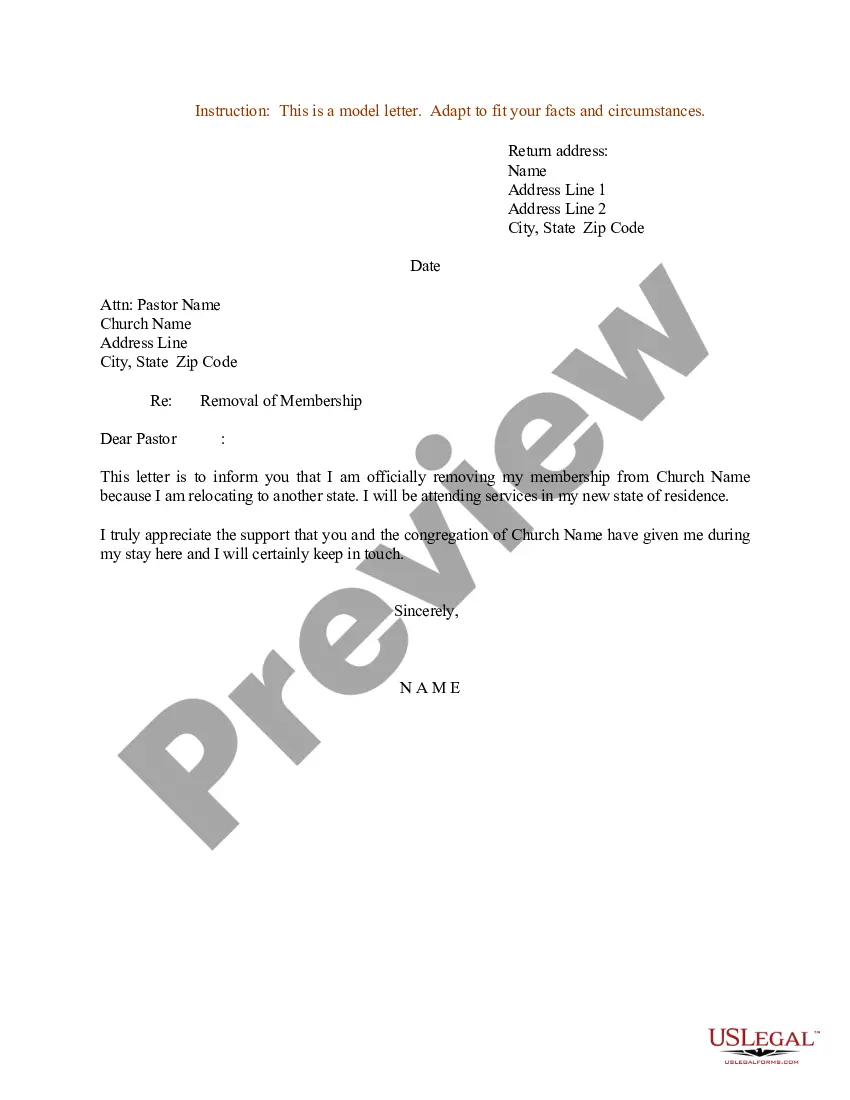

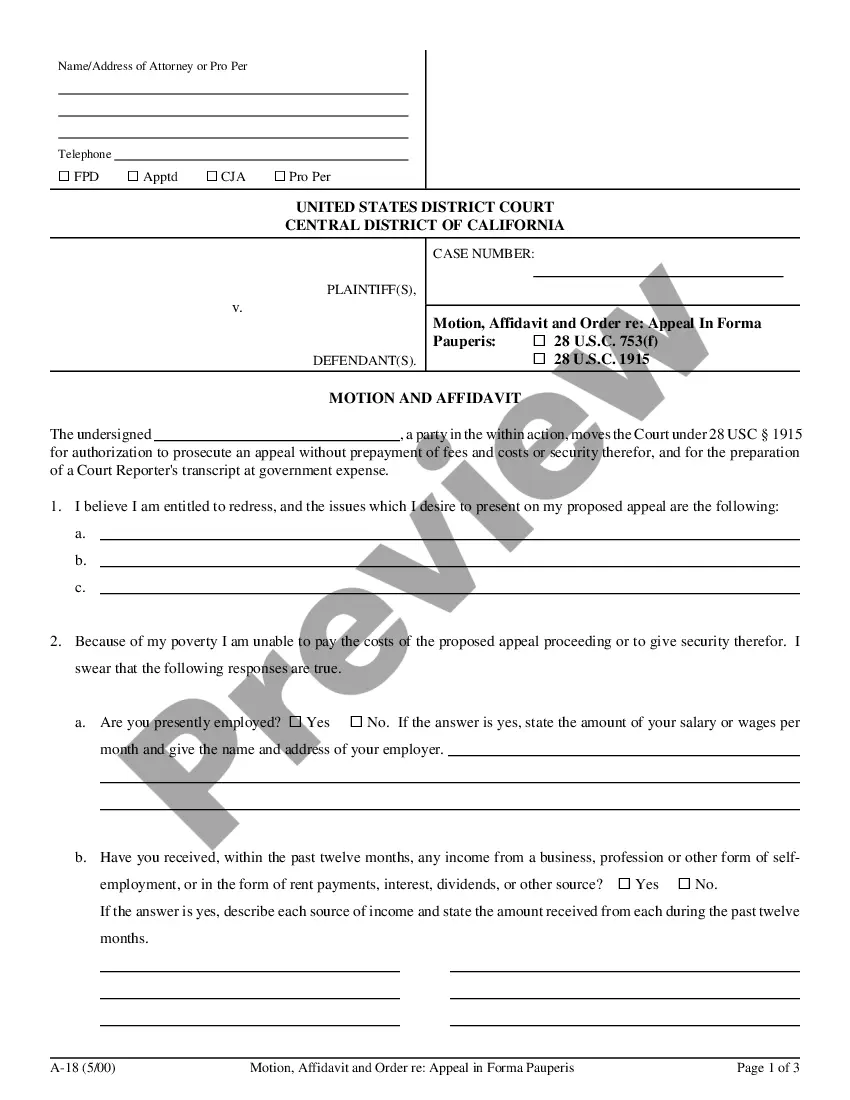
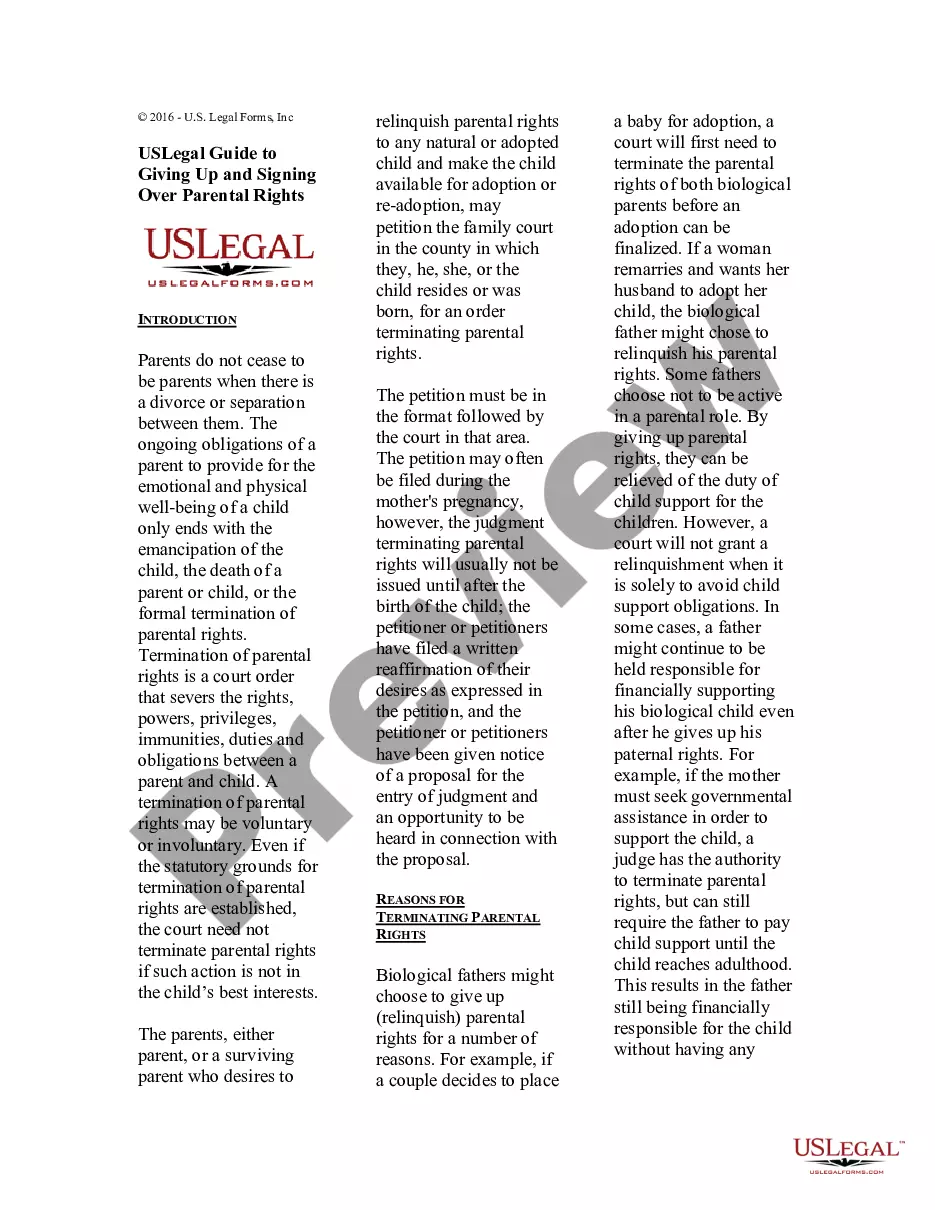
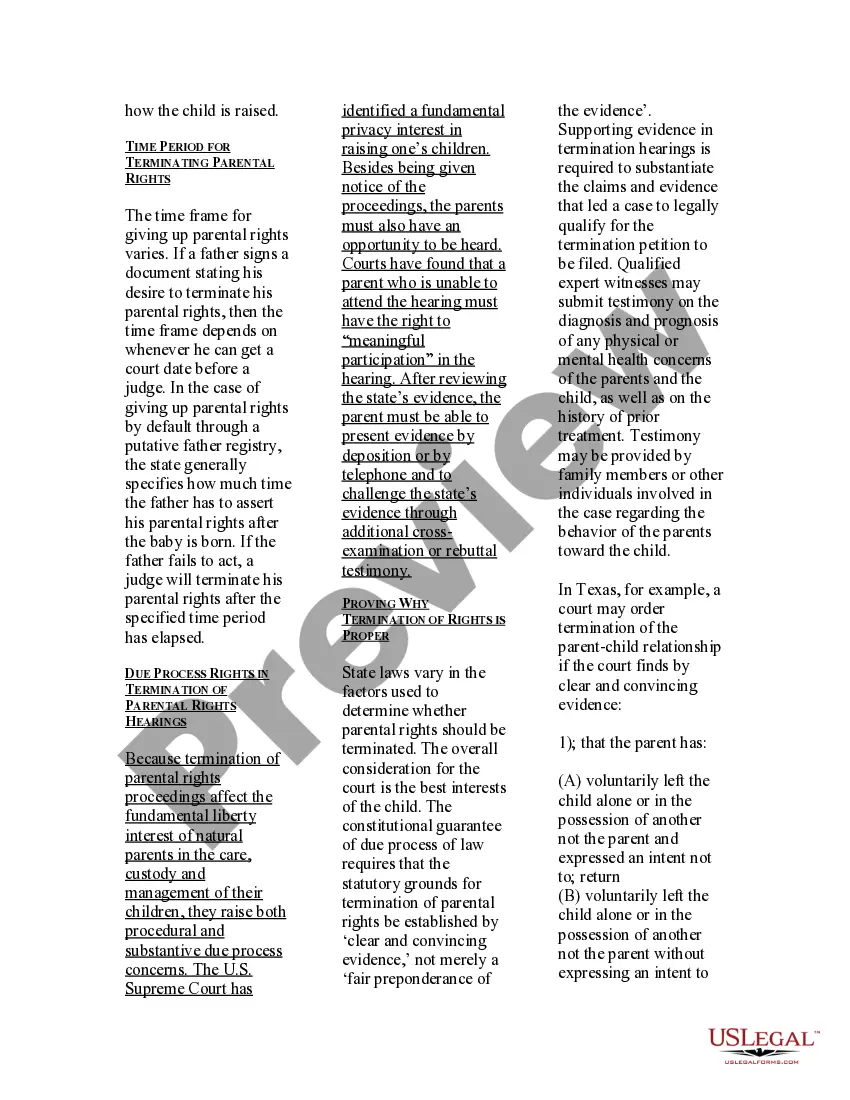
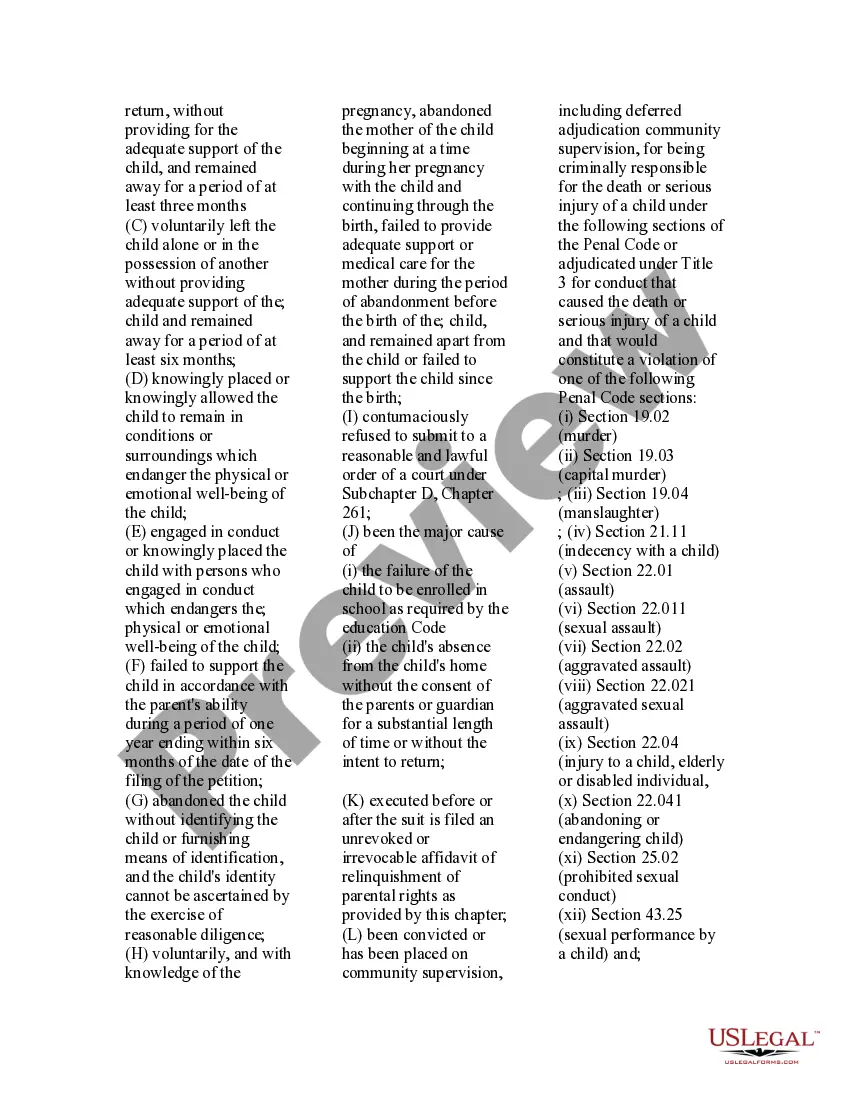
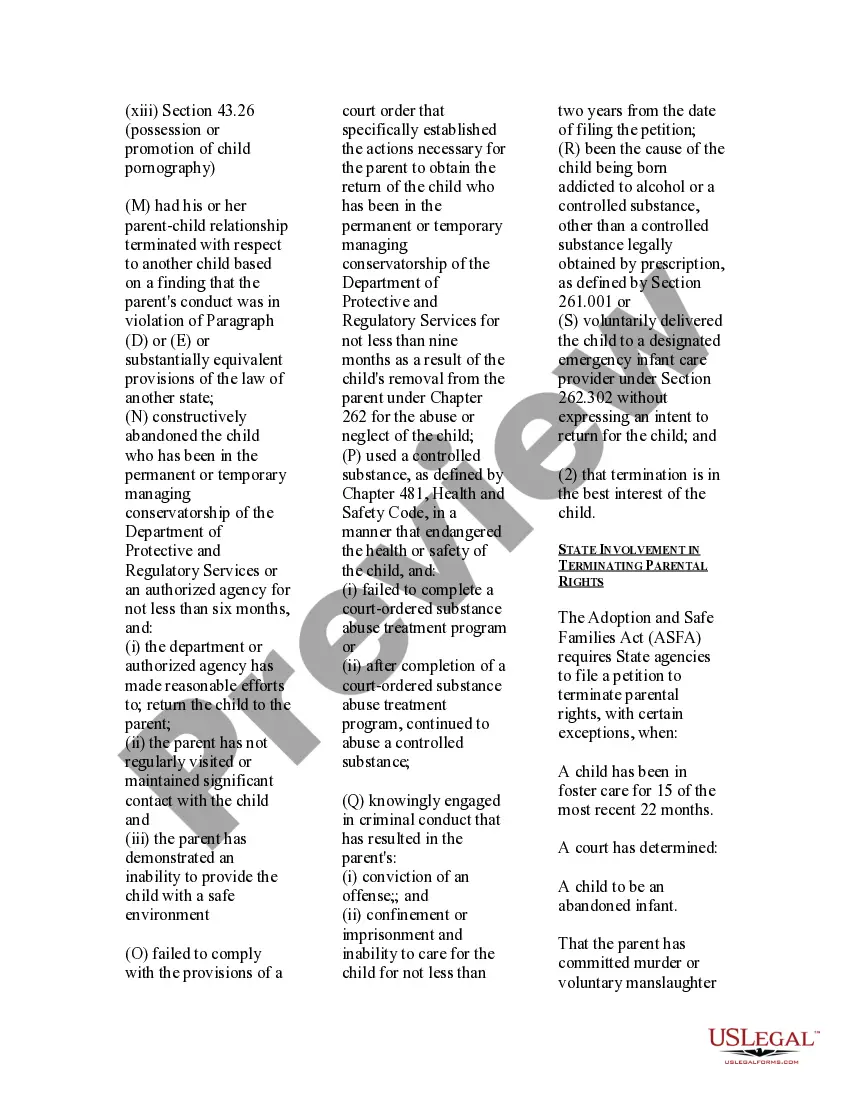
How to fill out USLegal Guide To Giving Up And Signing Over Parental Rights?
It’s well-known that you cannot transform into a legal expert in a single night, nor can you swiftly learn how to prepare Sign Over Parental Rights Forms South Carolina without possessing a particular set of abilities.
Compiling legal documents is a lengthy endeavor that demands certain education and expertise. So, why not assign the preparation of the Sign Over Parental Rights Forms South Carolina to the experts.
With US Legal Forms, one of the most extensive legal template collections, you can access everything from court documents to templates for internal corporate communication.
If you need any other form, restart your search.
Create a free account and select a subscription plan to buy the template. Choose Buy now. After the payment is completed, you can obtain the Sign Over Parental Rights Forms South Carolina, fill it out, print it, and send or mail it to the appropriate individuals or organizations.
- We understand how critical compliance and adherence to federal and state regulations are.
- That’s why, on our site, all forms are specific to locations and current.
- Start off with our platform and acquire the document you need in just a few minutes.
- Locate the document you require by using the search bar at the top of the webpage.
- Preview it (if this option is available) and review the accompanying description to confirm whether Sign Over Parental Rights Forms South Carolina is what you’re looking for.
Form popularity
FAQ
Rule 1-089 - Entry of appearance; withdrawal or substitution of attorneys A. Entry of appearance. When an attorney represents a party, the attorney shall file an entry of appearance, unless the court filed an order appointing the attorney.
If an attorney makes a "general appearance" he or she is telling the court that the client is definitely his or hers and the court can proceed. In the future that attorney will be required to represent the client.
Requesting Copies of Records If you do not have your case number or document number, please contact the Records Section for the necessary information. If placing your copy request at the Clerk's office, you may use the public computers to search the court's database at no cost.
Filing Motions A motion must be in writing and must specifically state the grounds for the motion and the relief sought. The party filing the motion (the ?movant?) must request concurrence of each party at least three working days before filing the motion.
Entry of Appearance for Represented Parties Within 14 days after a new case is docketed, counsel must file an Entry of Appearance. For counsel retained after the case is docketed, counsel must file an Entry of Appearance within 14 days after being retained or admitted to the Federal Circuit's bar. See Fed. Cir.
Public Access to Court Records As provided by the New Mexico Supreme Court Order and the Case Access Policy for Online Court Records, there are three ways to access New Mexico public court records: Case Lookup for the general public. Secured Odyssey Public Access (SOPA) for registered users.
An Entry of Appearance is a legal document that says that an attorney represents one party in a case. It is a representation to the court that an attorney represents one party or the other.
Whenever counsel undertakes to represent a defendant in any criminal action, he will file a written entry of appearance in the cause, unless he has been appointed by written order of the court. For the purpose of this rule, the filing of any pleading signed by counsel constitutes an entry of appearance.