Restraining Orders Document With Iphone
Description
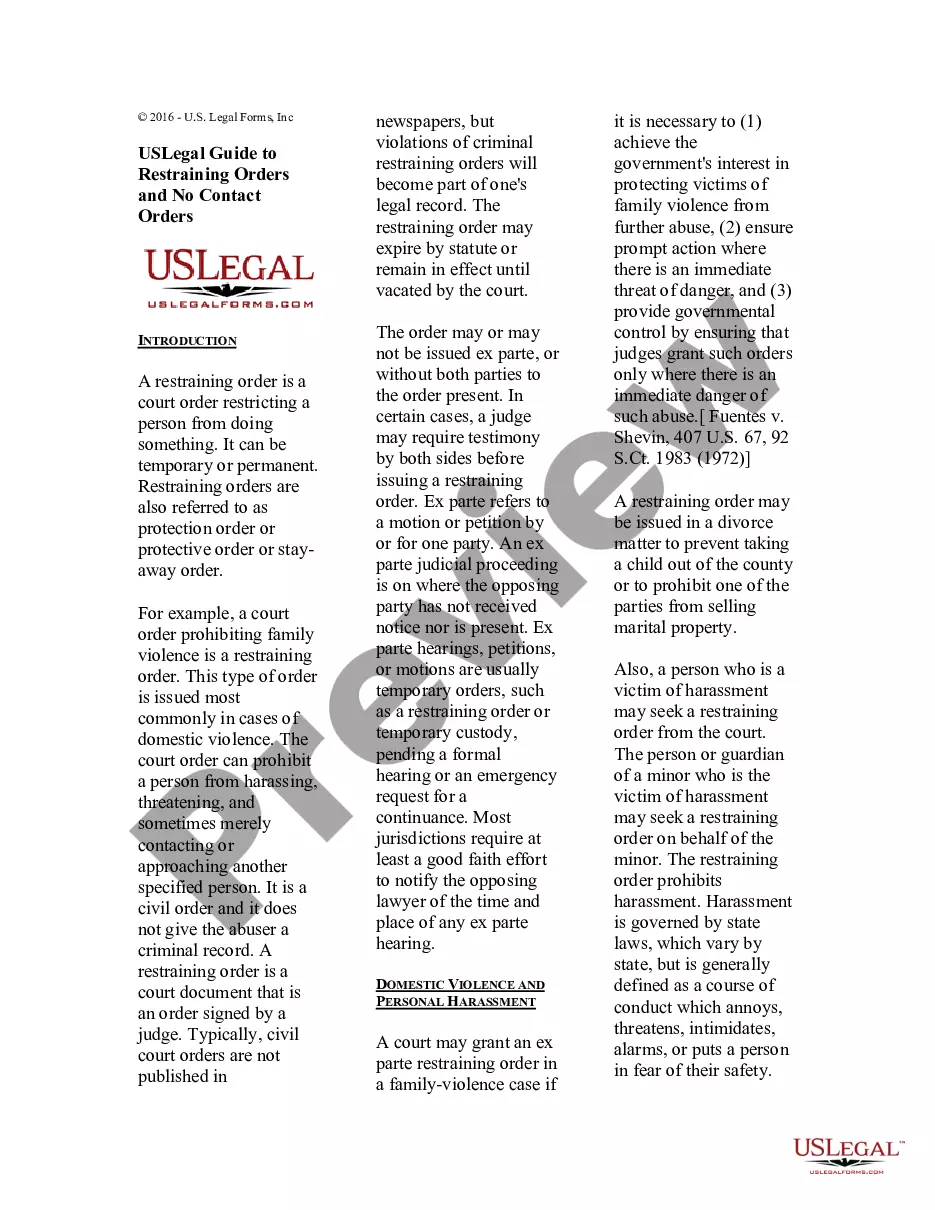
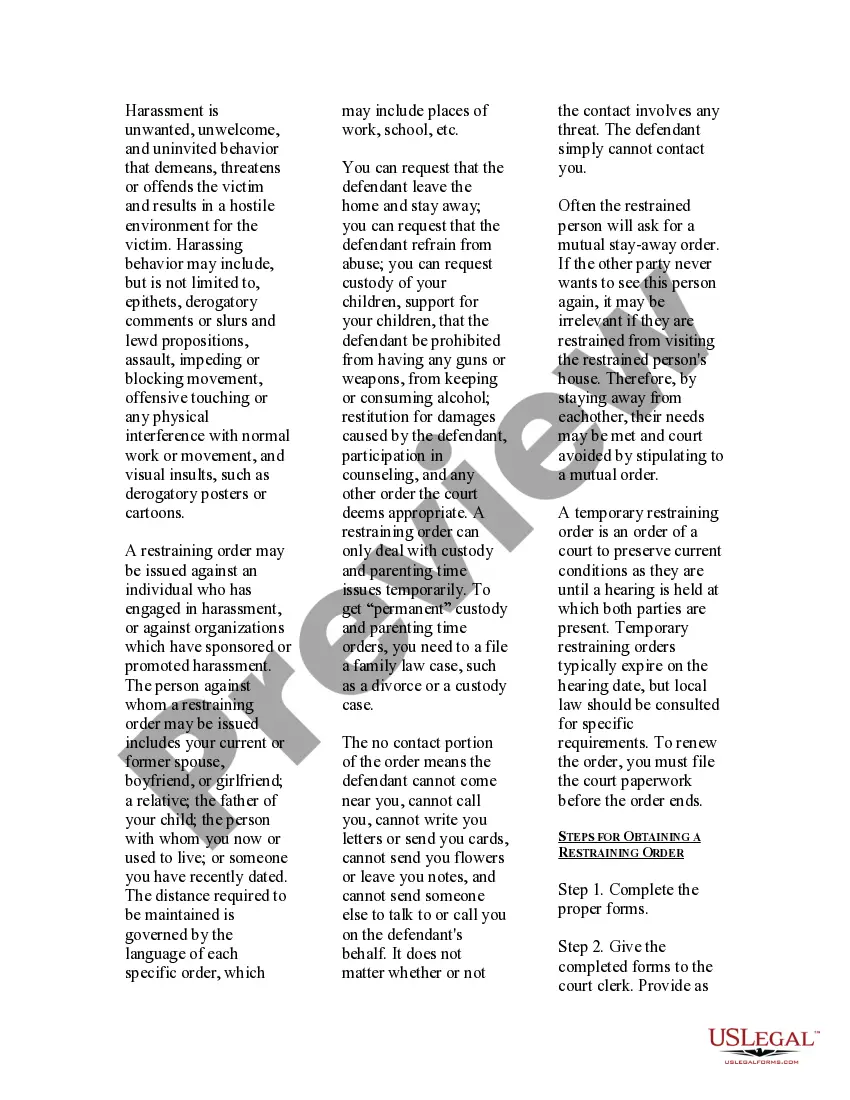
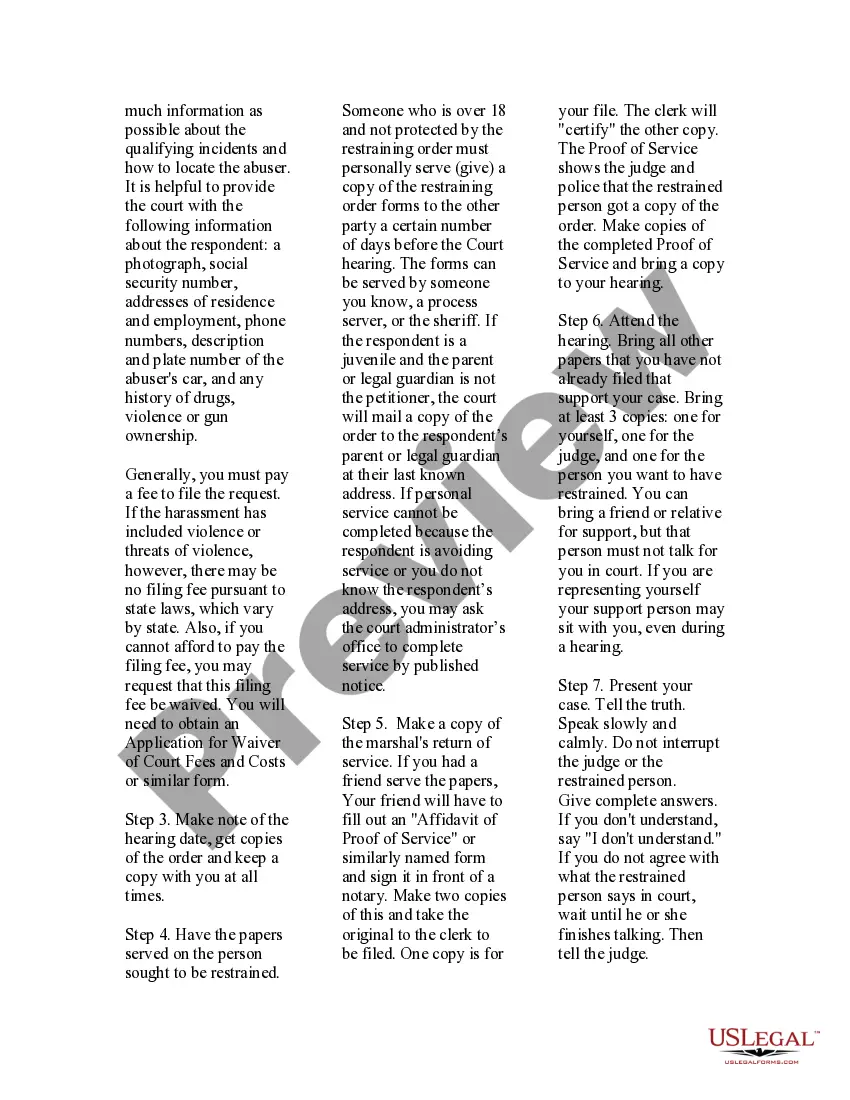

Get your form ready online
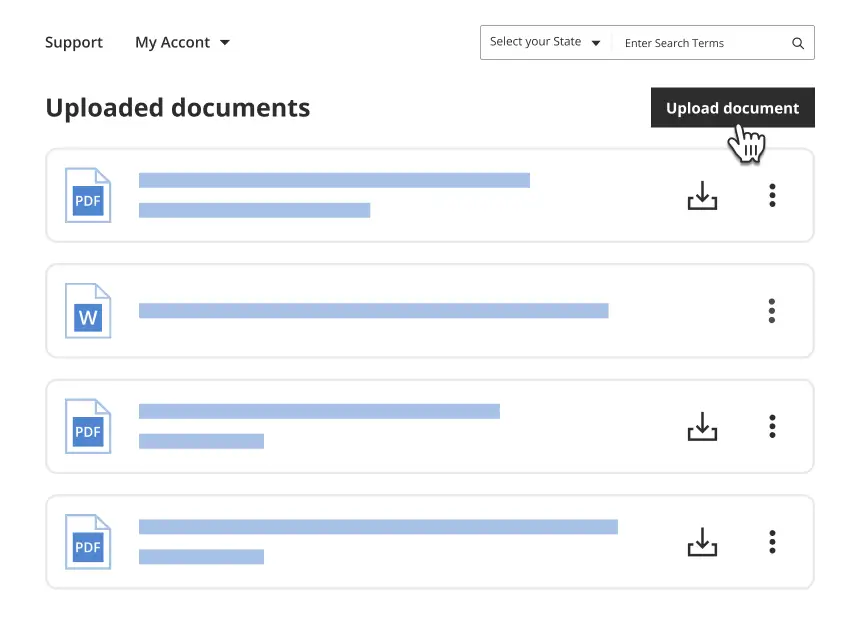
Our built-in tools help you complete, sign, share, and store your documents in one place.
Make edits, fill in missing information, and update formatting in US Legal Forms—just like you would in MS Word.
Download a copy, print it, send it by email, or mail it via USPS—whatever works best for your next step.
Sign and collect signatures with our SignNow integration. Send to multiple recipients, set reminders, and more. Go Premium to unlock E-Sign.
If this form requires notarization, complete it online through a secure video call—no need to meet a notary in person or wait for an appointment.
We protect your documents and personal data by following strict security and privacy standards.
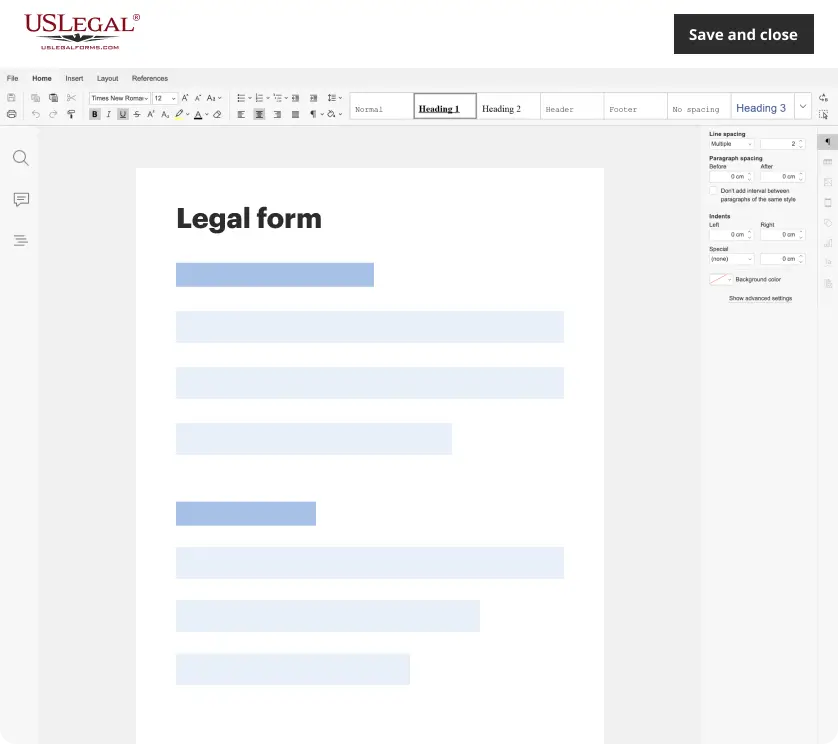
Make edits, fill in missing information, and update formatting in US Legal Forms—just like you would in MS Word.
Download a copy, print it, send it by email, or mail it via USPS—whatever works best for your next step.
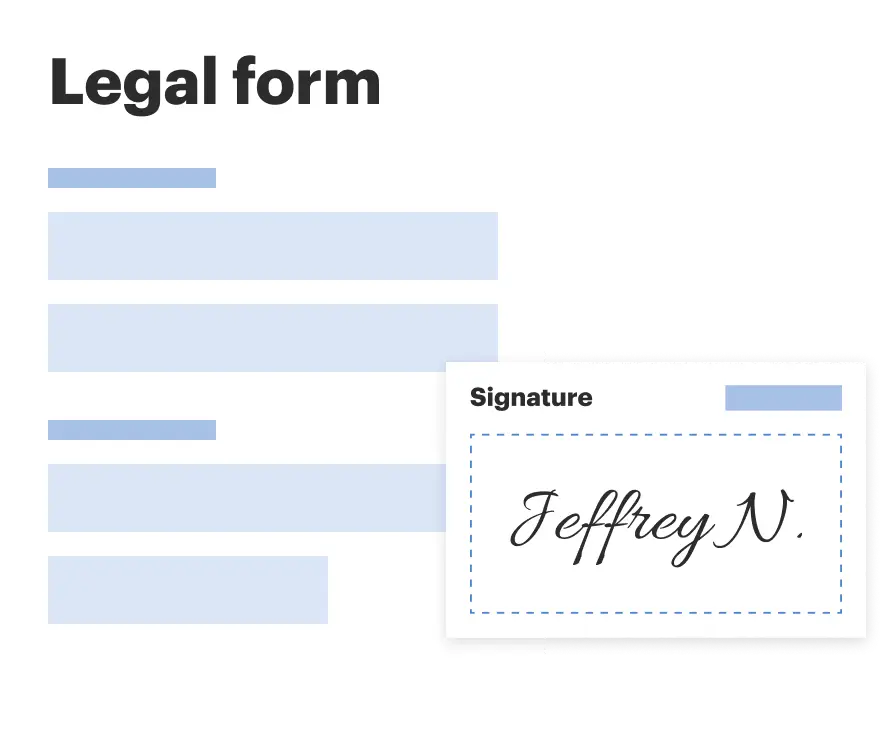
Sign and collect signatures with our SignNow integration. Send to multiple recipients, set reminders, and more. Go Premium to unlock E-Sign.
If this form requires notarization, complete it online through a secure video call—no need to meet a notary in person or wait for an appointment.
We protect your documents and personal data by following strict security and privacy standards.
Looking for another form?
How to fill out USLegal Guide On Restraining Orders And No Contact Orders?
Locating a preferred resource to retrieve the latest and pertinent legal forms constitutes a significant part of navigating through bureaucracy.
Identifying the appropriate legal documents necessitates precision and meticulousness, which is why it is crucial to obtain samples of Restraining Orders Document With Iphone exclusively from dependable sources, such as US Legal Forms.
Eliminate the hassle associated with your legal documentation. Explore the comprehensive US Legal Forms catalog to discover legal templates, assess their applicability to your situation, and download them immediately.
- Utilize the directory browsing or search function to discover your template.
- Access the document’s details to verify if it meets the stipulations of your state and region.
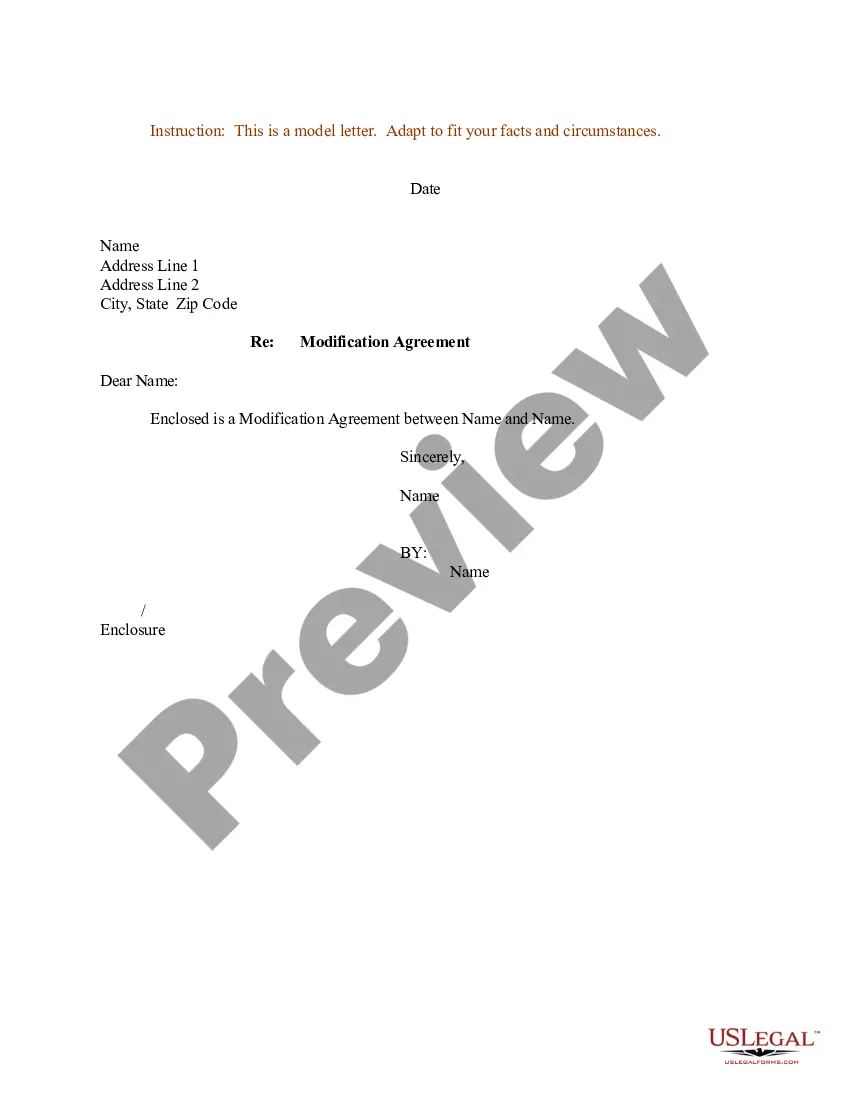
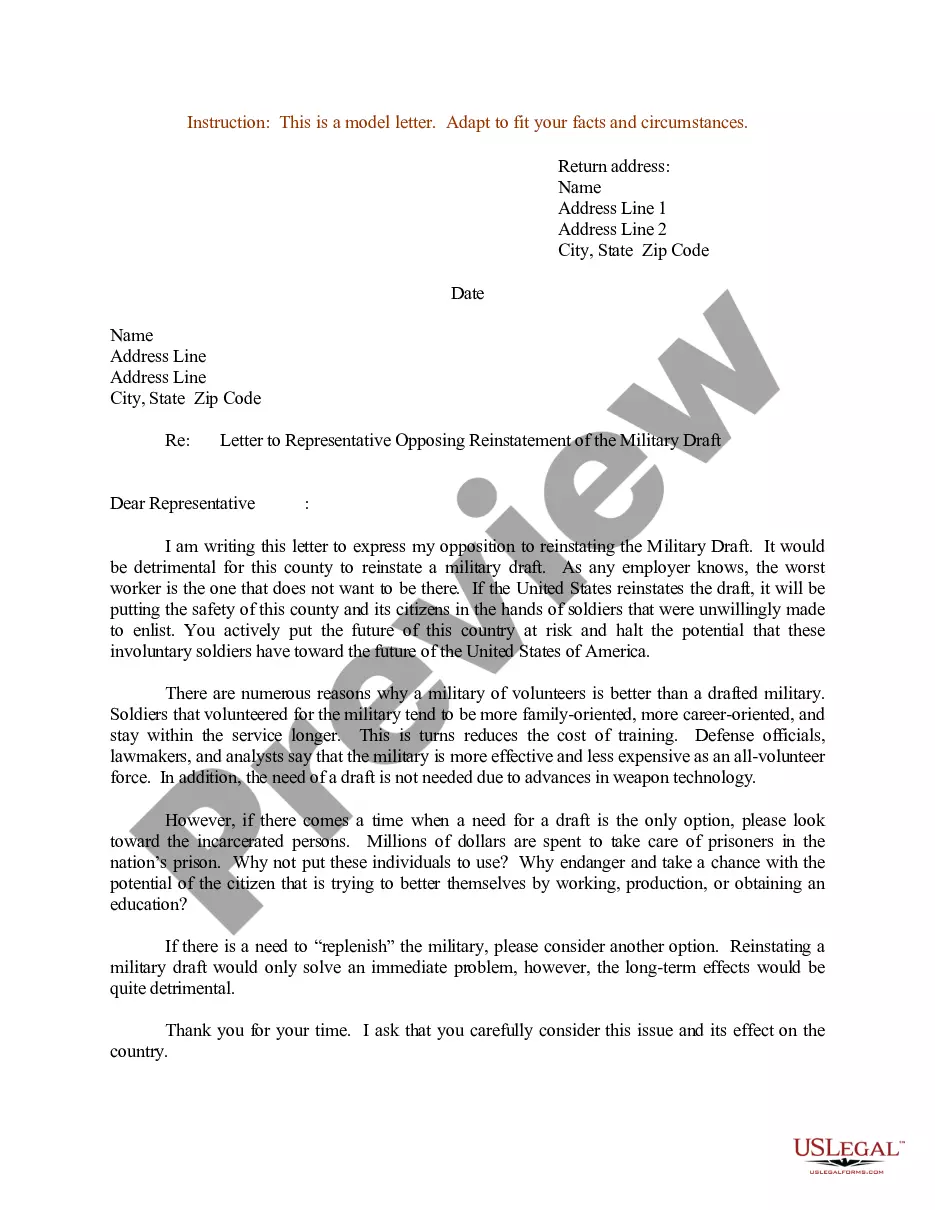
- View the document preview, if available, to confirm that the form aligns with your requirements.
- Return to the search if the Restraining Orders Document With Iphone does not satisfy your needs and look for the correct template.
- Once you are confident about the document’s applicability, download it.
- If you are a registered user, click Log in to verify and access your selected templates in My documents.
- If you do not possess an account yet, click Buy now to acquire the template.
- Choose the pricing option that suits your preferences.
- Proceed to the registration process to complete your purchase.
- Finalize your transaction by selecting a payment method (credit card or PayPal).
- Select the document format for downloading Restraining Orders Document With Iphone.
- After acquiring the form on your device, you can modify it using the editor or print it out and complete it by hand.
Form popularity
FAQ
Yes, some jurisdictions now offer virtual restraining orders. This allows individuals to file for protection digitally, making the process quicker and more accessible. If you need to manage or access your restraining orders document with iPhone, look for local resources or platforms that support virtual filings.
You can obtain a copy of your restraining order by reaching out to the courthouse where the order was issued. Many courts allow you to submit requests online or via phone. If you prefer a more streamlined approach, consider using services like USLegalForms, which can help you request a restraining orders document with iPhone easily.
To obtain a copy of your restraining order, you typically need to contact the court that issued it. You can request a copy in person, by mail, or sometimes online. Using your iPhone, you can visit the court's website or use legal document services like USLegalForms to make this process easier.
Yes, restraining orders are generally considered public documents. This means that anyone can access them unless a court seals the records for specific reasons. If you're looking for a restraining orders document with iPhone, you can navigate to your local court's online portal for more detailed information.
Yes, restraining orders can often be found online, depending on the state and local laws. Many court systems provide access to public records via their websites. You can search for restraining orders documents with iPhone through these online resources, ensuring you have the latest information at your fingertips.
The easiest way to file a restraining order is to gather all required documents and submit them through the court's online system, if available. Many courts have user-friendly platforms that allow you to complete and file the restraining orders document with iPhone, making the process more efficient. Additionally, seeking help from legal professionals or organizations can provide further support. Always ensure you understand the specific requirements in your area to avoid any delays.
No, you cannot file a restraining order over the phone in most jurisdictions. You typically need to submit the restraining orders document in person or online, depending on local laws. However, some courts may offer guidance over the phone to assist you with the process. Utilizing the restraining orders document with iPhone can streamline your filing experience and help ensure you have all necessary information ready.
Yes, a restraining order can apply to phone calls. If the order prohibits contact, this includes any form of communication, such as phone calls, text messages, and social media interactions. It is essential to understand that violating this order can lead to serious legal consequences. For those needing to manage restraining orders, the restraining orders document with iPhone can help you stay organized and informed.
Yes, many courts permit the filing of digital restraining orders through their online systems. This method allows you to streamline the application process, making it more accessible and efficient. Utilizing a restraining orders document with iPhone enables you to fill out the necessary forms and submit them directly from your device. Always verify your local court's rules to ensure you follow the correct procedures.
For text harassment, you should collect all relevant text messages that display the harassment, along with timestamps. Screenshots are a practical way to preserve this evidence, and keeping a record of when and how often these messages occur is crucial. A restraining orders document with iPhone can help you organize and present this information effectively when filing your application. Clear evidence will make it easier for the court to understand the situation.