Ao Requirements
Description
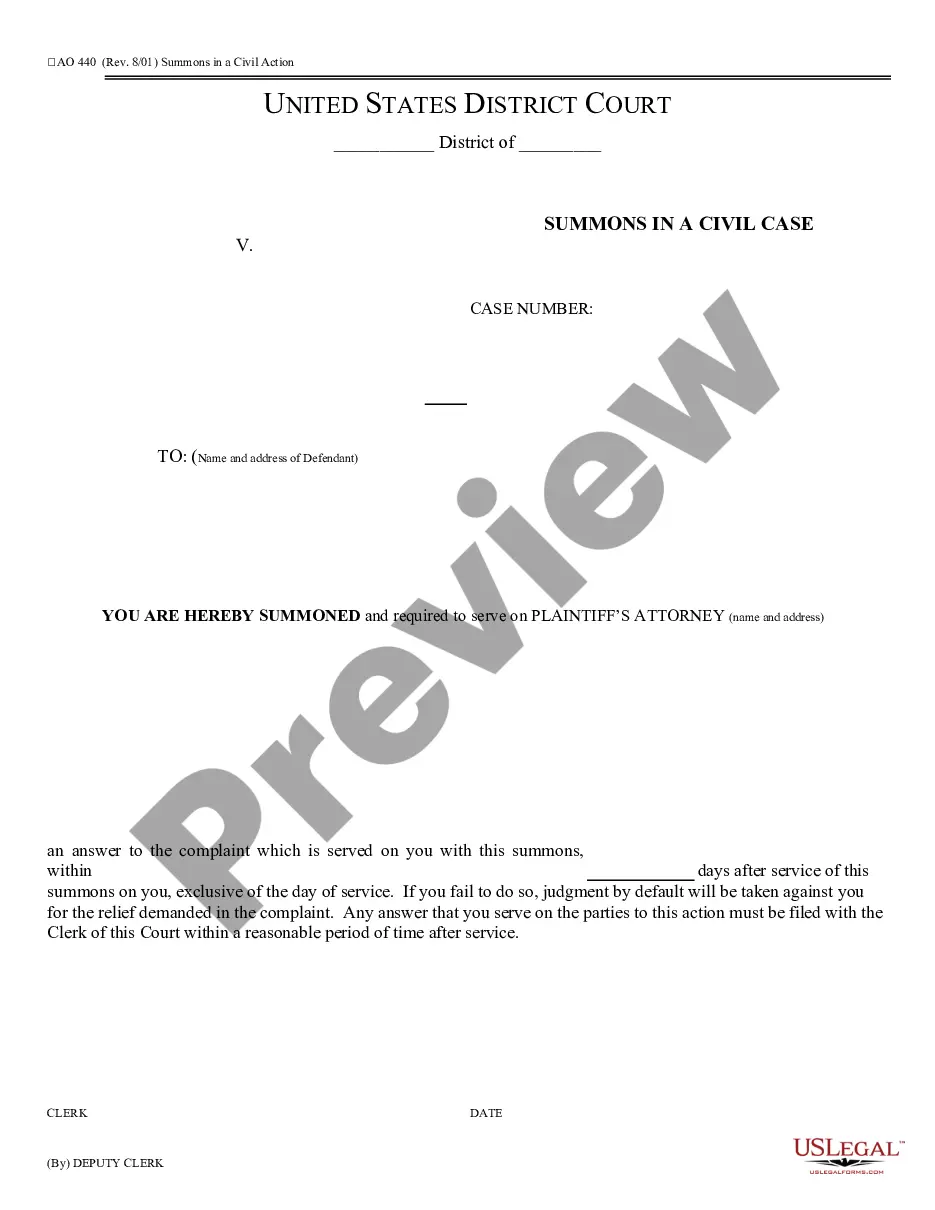
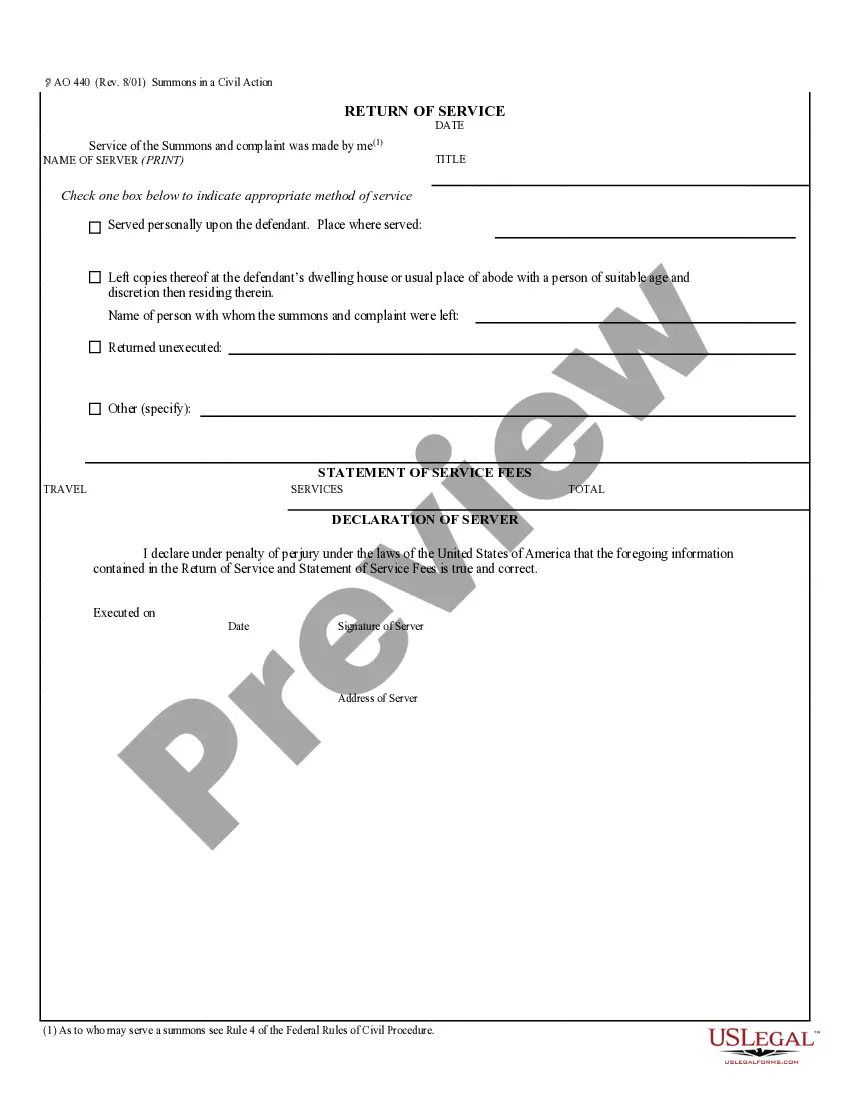
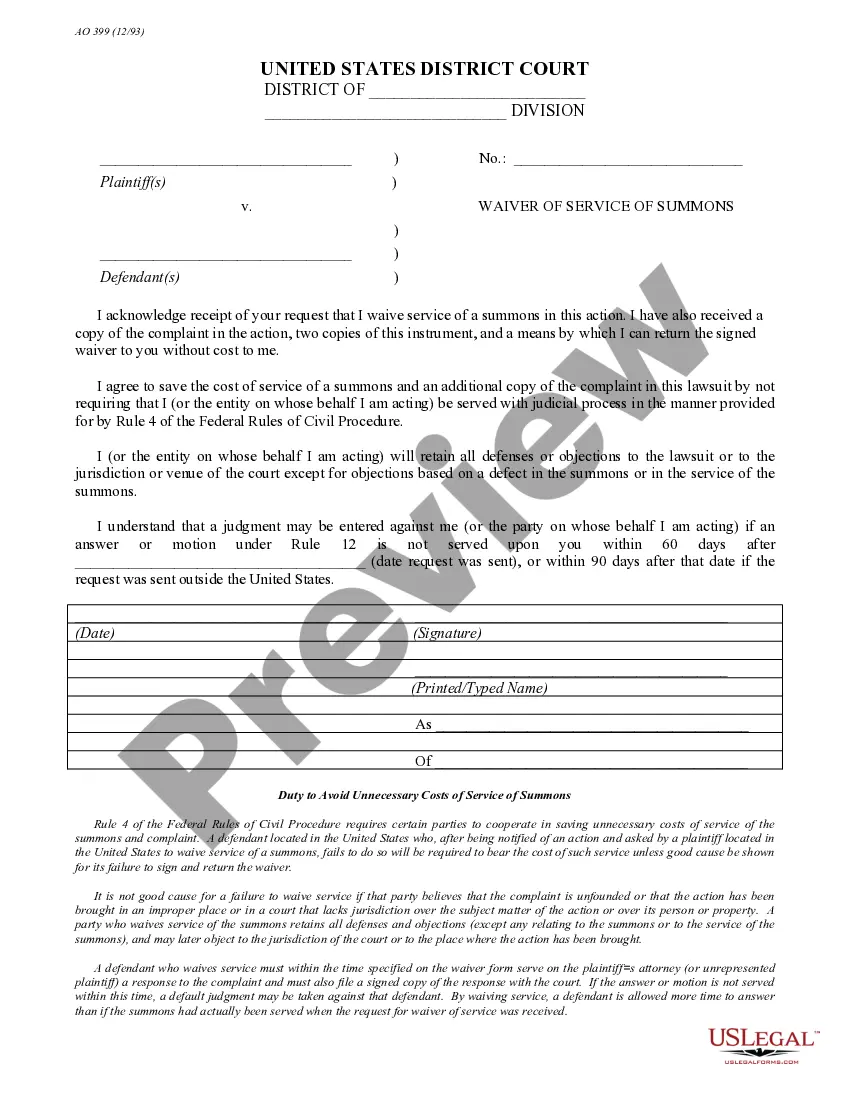
Get your form ready online
Our built-in tools help you complete, sign, share, and store your documents in one place.
Make edits, fill in missing information, and update formatting in US Legal Forms—just like you would in MS Word.
Download a copy, print it, send it by email, or mail it via USPS—whatever works best for your next step.
Sign and collect signatures with our SignNow integration. Send to multiple recipients, set reminders, and more. Go Premium to unlock E-Sign.
If this form requires notarization, complete it online through a secure video call—no need to meet a notary in person or wait for an appointment.
We protect your documents and personal data by following strict security and privacy standards.

Make edits, fill in missing information, and update formatting in US Legal Forms—just like you would in MS Word.

Download a copy, print it, send it by email, or mail it via USPS—whatever works best for your next step.

Sign and collect signatures with our SignNow integration. Send to multiple recipients, set reminders, and more. Go Premium to unlock E-Sign.

If this form requires notarization, complete it online through a secure video call—no need to meet a notary in person or wait for an appointment.

We protect your documents and personal data by following strict security and privacy standards.
Looking for another form?



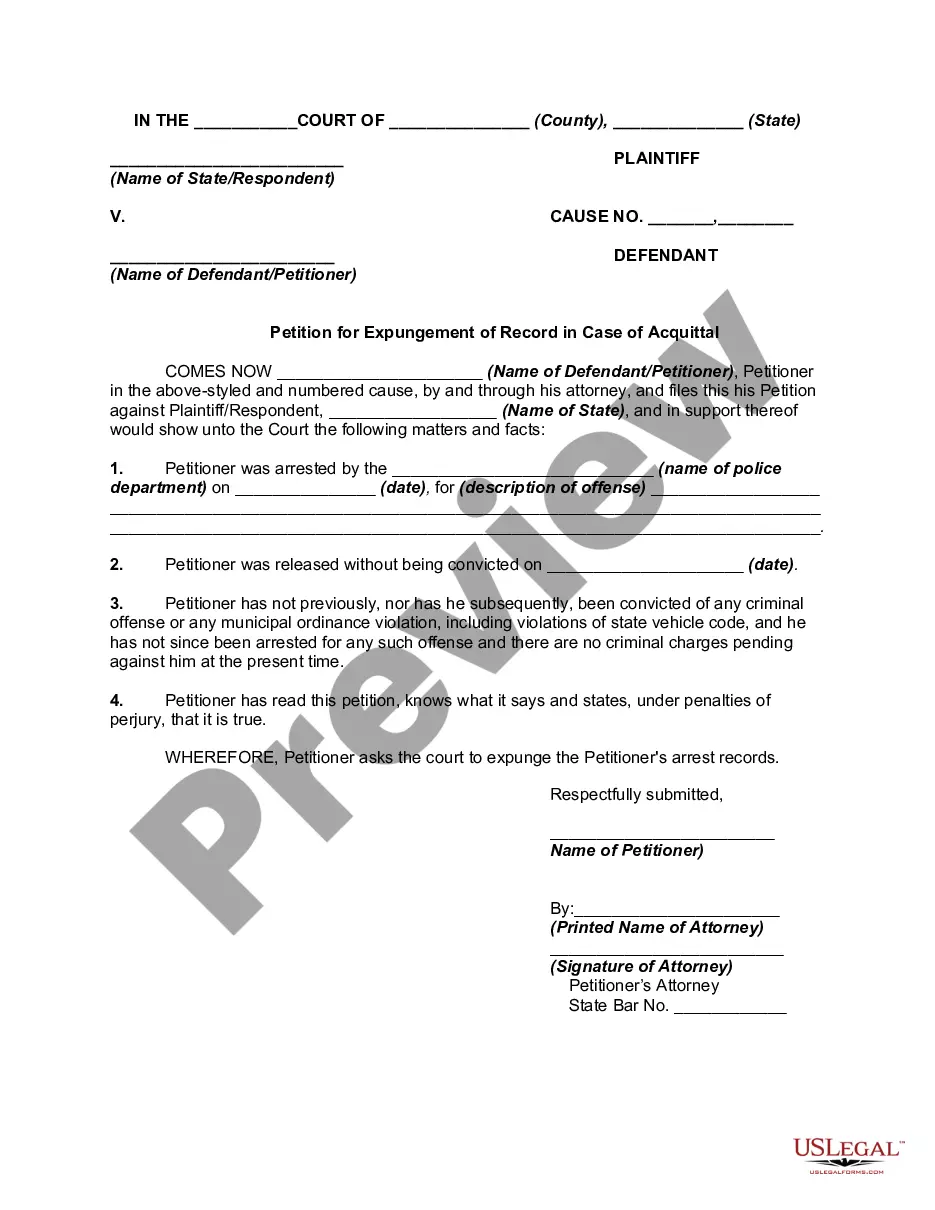


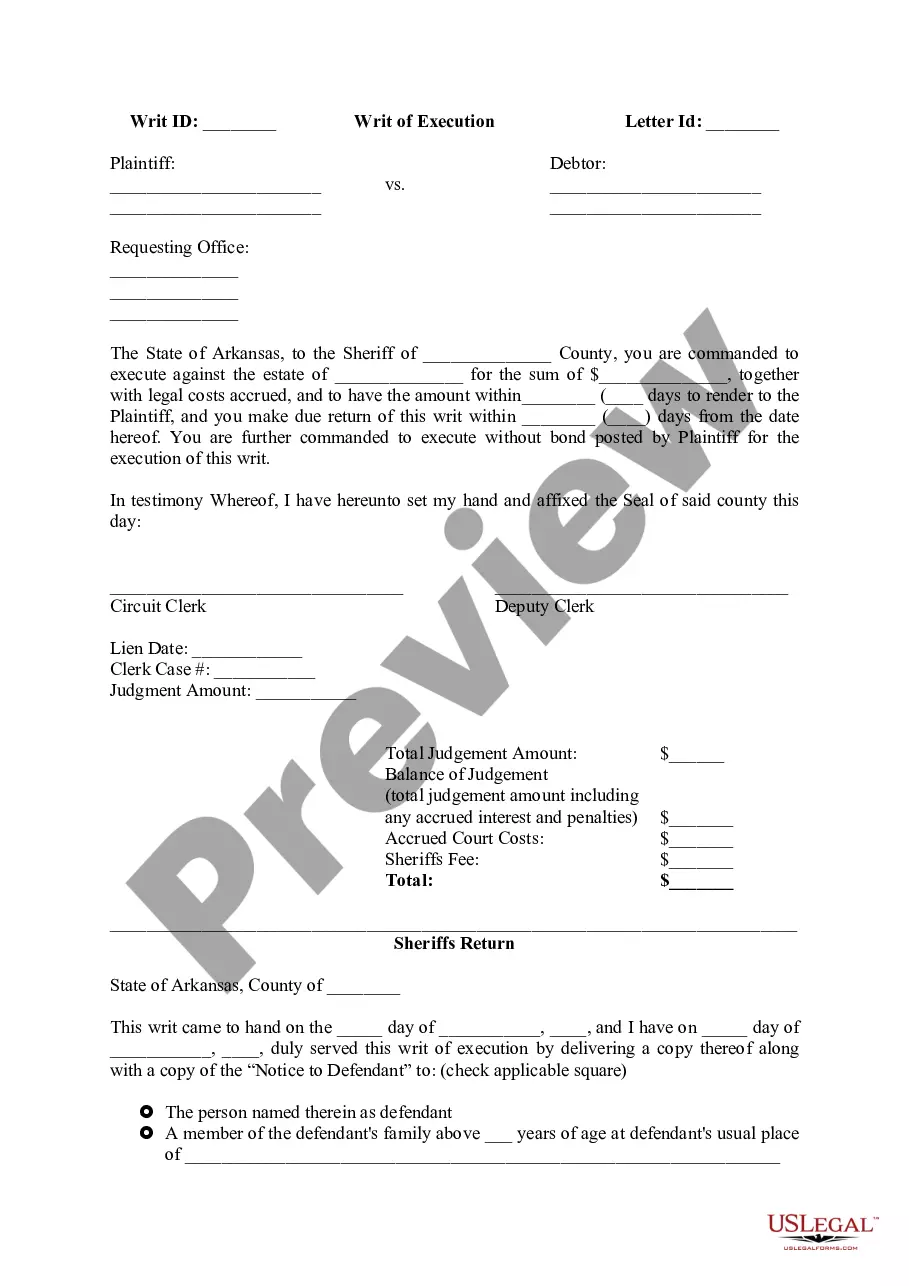


How to fill out AO-440 Summons In A Civil Action?
Whether for professional reasons or personal affairs, everyone must confront legal matters at some point in their lives.
Completing legal forms requires precise focus, beginning with selecting the correct form template. For example, if you choose an incorrect version of the Ao Requirements, it will be rejected once submitted.
With a comprehensive library of US Legal Forms available, you will not have to waste time searching for the correct sample online. Utilize the library’s user-friendly navigation to find the appropriate form for any situation.
- Obtain the sample you require by using the search bar or catalog navigation.
- Review the description of the form to ensure it aligns with your situation, state, and county.
- Click on the form’s preview to view it.
- If it is the incorrect form, return to the search option to find the Ao Requirements template you need.
- Download the template if it satisfies your criteria.
- If you possess a US Legal Forms account, click Log in to retrieve previously saved templates in My documents.
- If you do not yet have an account, you may acquire the form by clicking Buy now.
- Select the suitable pricing option.
- Complete the account registration form.
- Choose your payment method: either a credit card or PayPal account.
- Select the file format you prefer and download the Ao Requirements.
- After downloading, you can fill out the form using editing software or print it to complete manually.
Form popularity
FAQ
Authorizing Official only: Determine if the security and privacy risk from operating a system or using a system, service, or application from an external provider is acceptable. Knowledge of the organization's core business/mission processes. Knowledge of emerging security issues, risks, and vulnerabilities.
Authorizing Official (AO). This individual must be appointed in writing and be responsible for determining the necessity of trips and funds availability, authorizing travel, assigning the proper LOA prior to authorization, and approving/certifying travel claims for validity after completion of travel.
Non-DTS Entry Agent (NDEA). An NDEA is a non-accountable official who may be a military member, DoD employee or contractor, designated in writing by the local command authority, responsible for the input of trip requests and claims for reimbursement in DTS for travelers without reasonable access to DTS.
A voucher is a request for reimbursement of expenses incurred during travel. After travel, a traveler creates a voucher from an authorization (auth) to update the estimated costs with actual costs incurred on the trip.
Performs the non-financial administrative functions that allow an organization's travelers and Reviewing Officials to execute travel in DTS. This includes, but is not limited to, creating and maintaining organizations, personal profiles, routing lists, and groups.