Administration Agreement Administrative Withdrawal
Description
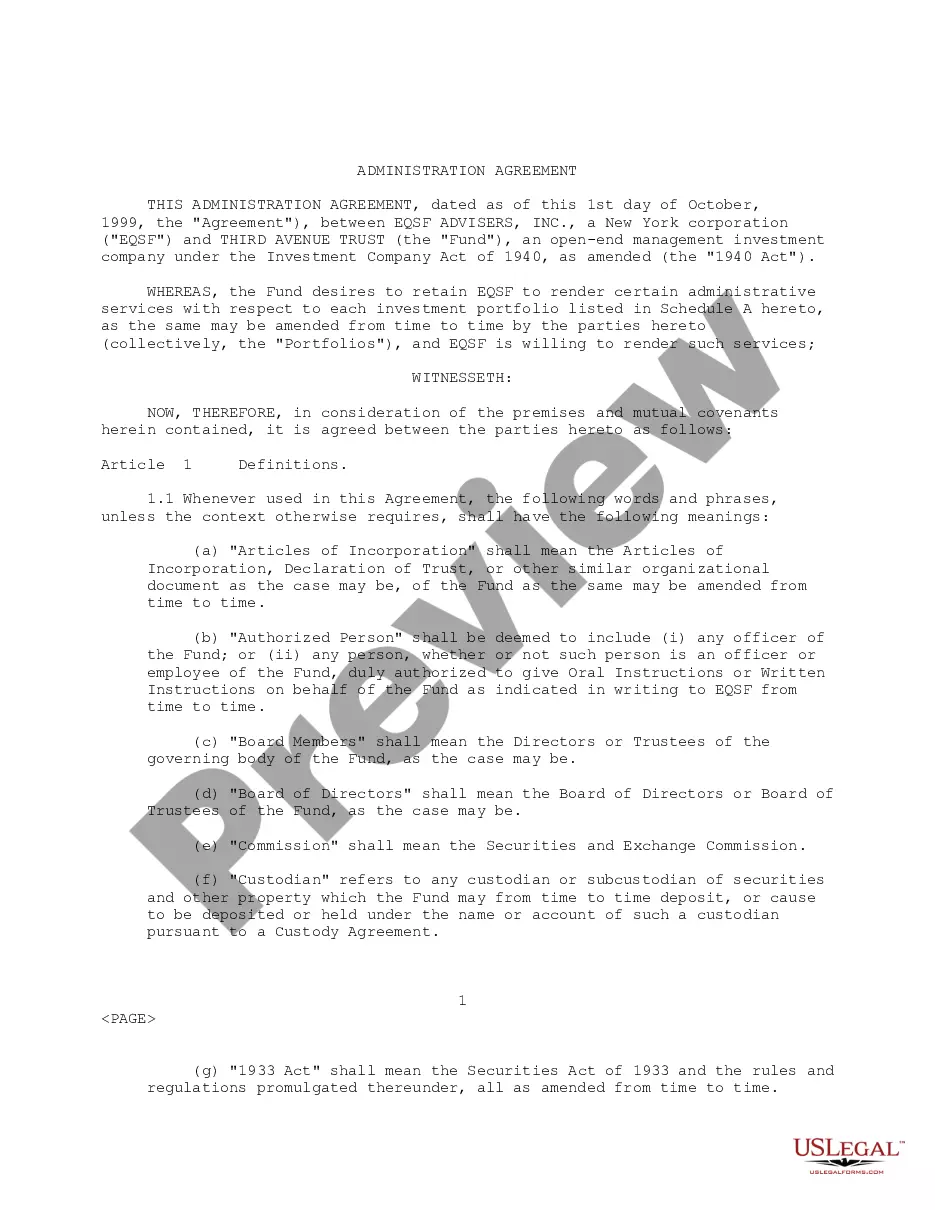
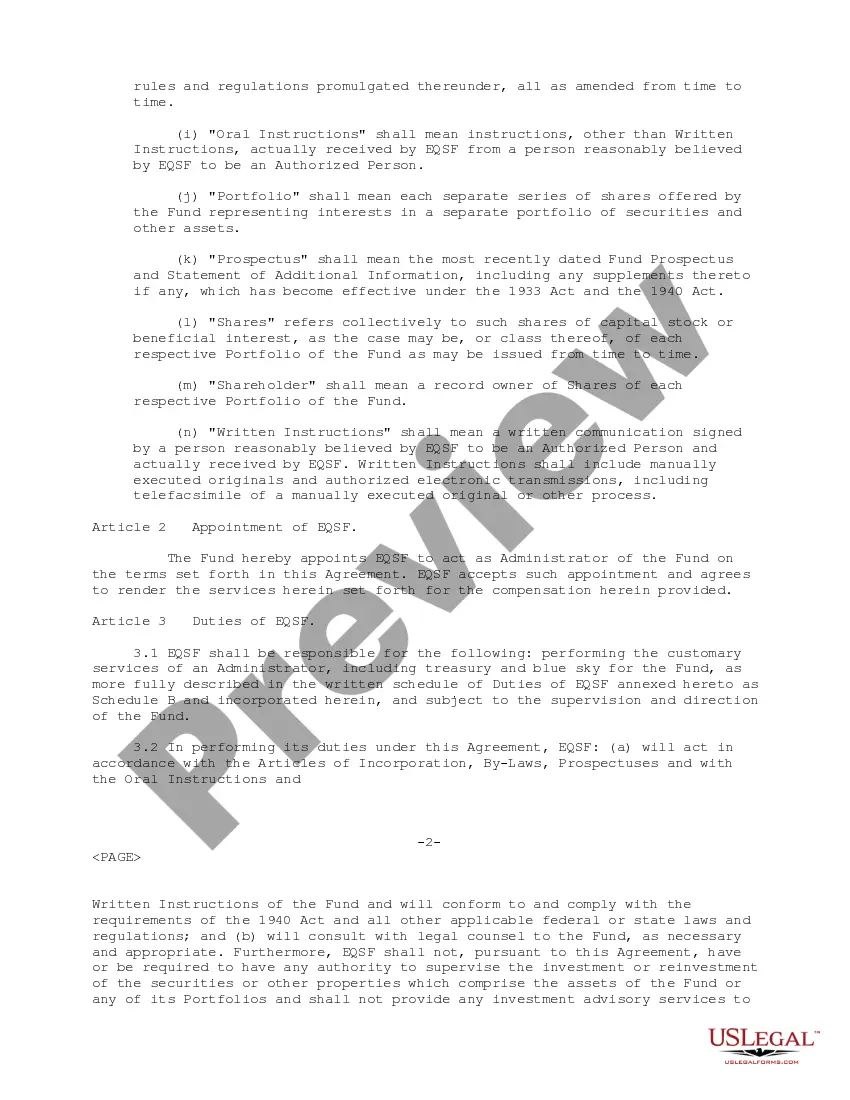
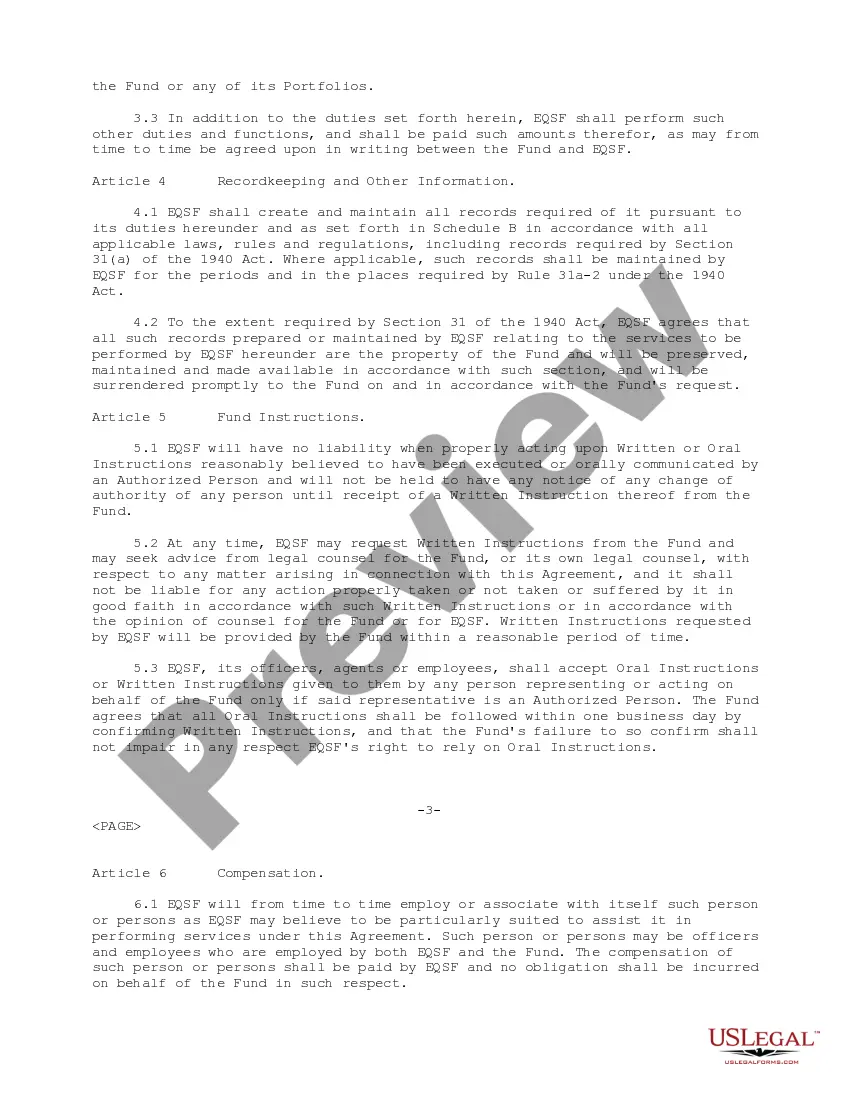
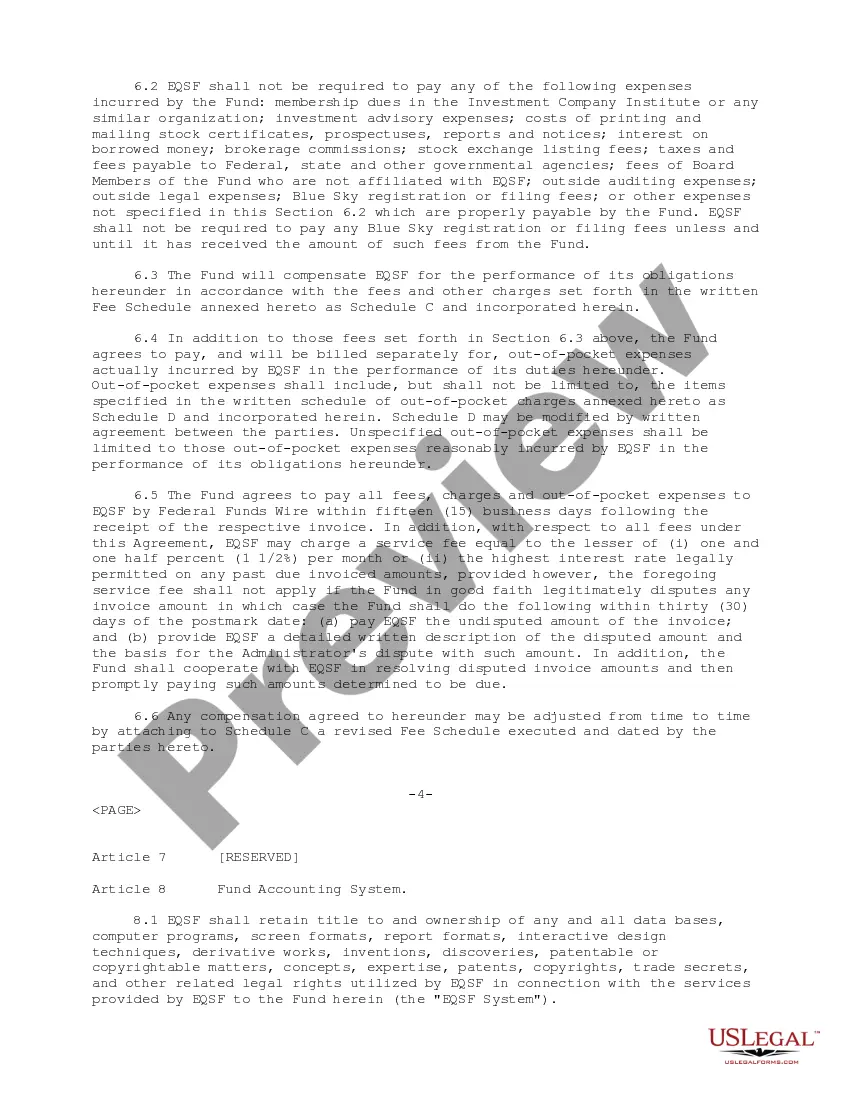

Get your form ready online
Our built-in tools help you complete, sign, share, and store your documents in one place.
Make edits, fill in missing information, and update formatting in US Legal Forms—just like you would in MS Word.
Download a copy, print it, send it by email, or mail it via USPS—whatever works best for your next step.
Sign and collect signatures with our SignNow integration. Send to multiple recipients, set reminders, and more. Go Premium to unlock E-Sign.
If this form requires notarization, complete it online through a secure video call—no need to meet a notary in person or wait for an appointment.
We protect your documents and personal data by following strict security and privacy standards.

Make edits, fill in missing information, and update formatting in US Legal Forms—just like you would in MS Word.

Download a copy, print it, send it by email, or mail it via USPS—whatever works best for your next step.

Sign and collect signatures with our SignNow integration. Send to multiple recipients, set reminders, and more. Go Premium to unlock E-Sign.

If this form requires notarization, complete it online through a secure video call—no need to meet a notary in person or wait for an appointment.

We protect your documents and personal data by following strict security and privacy standards.
Looking for another form?








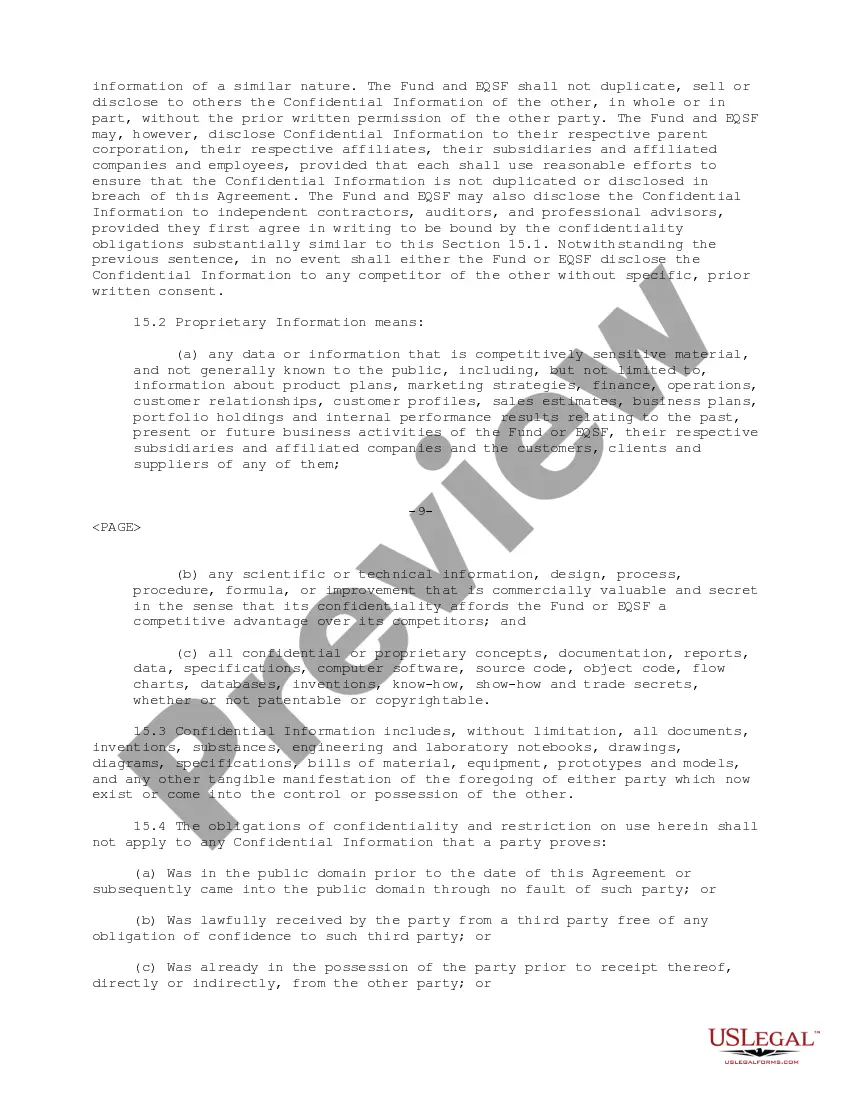
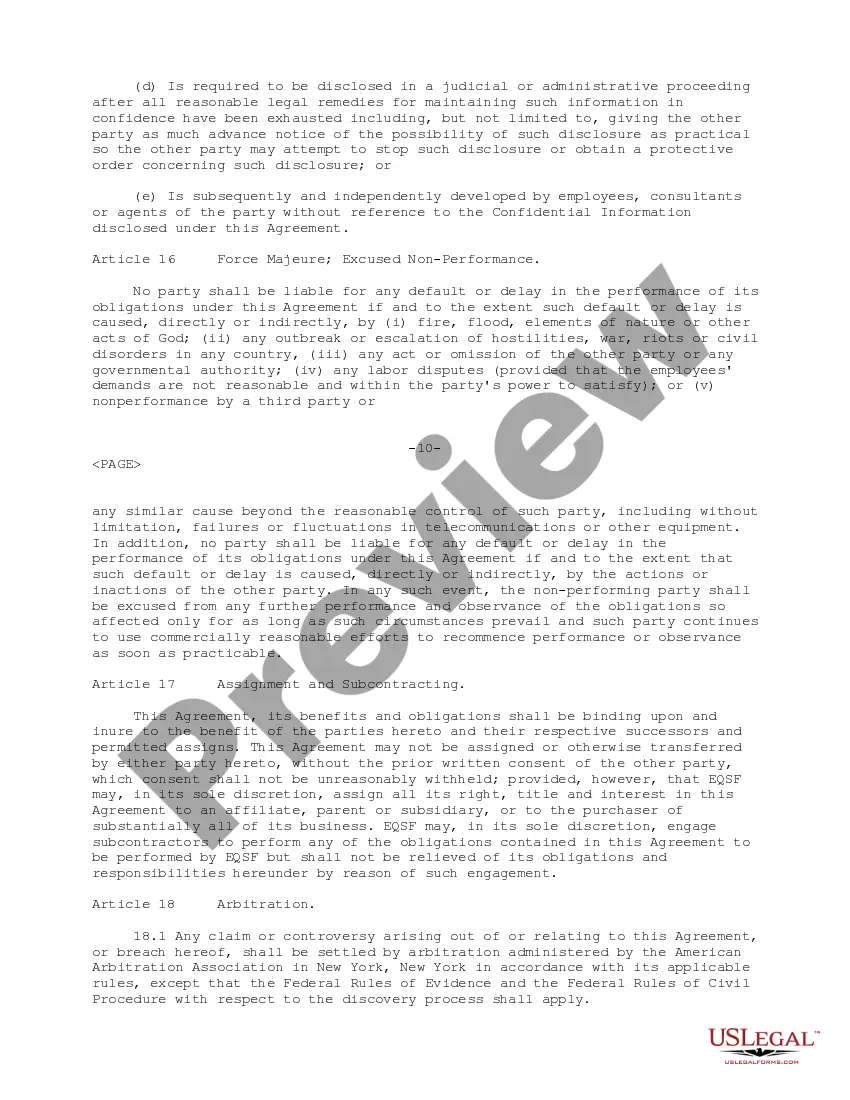
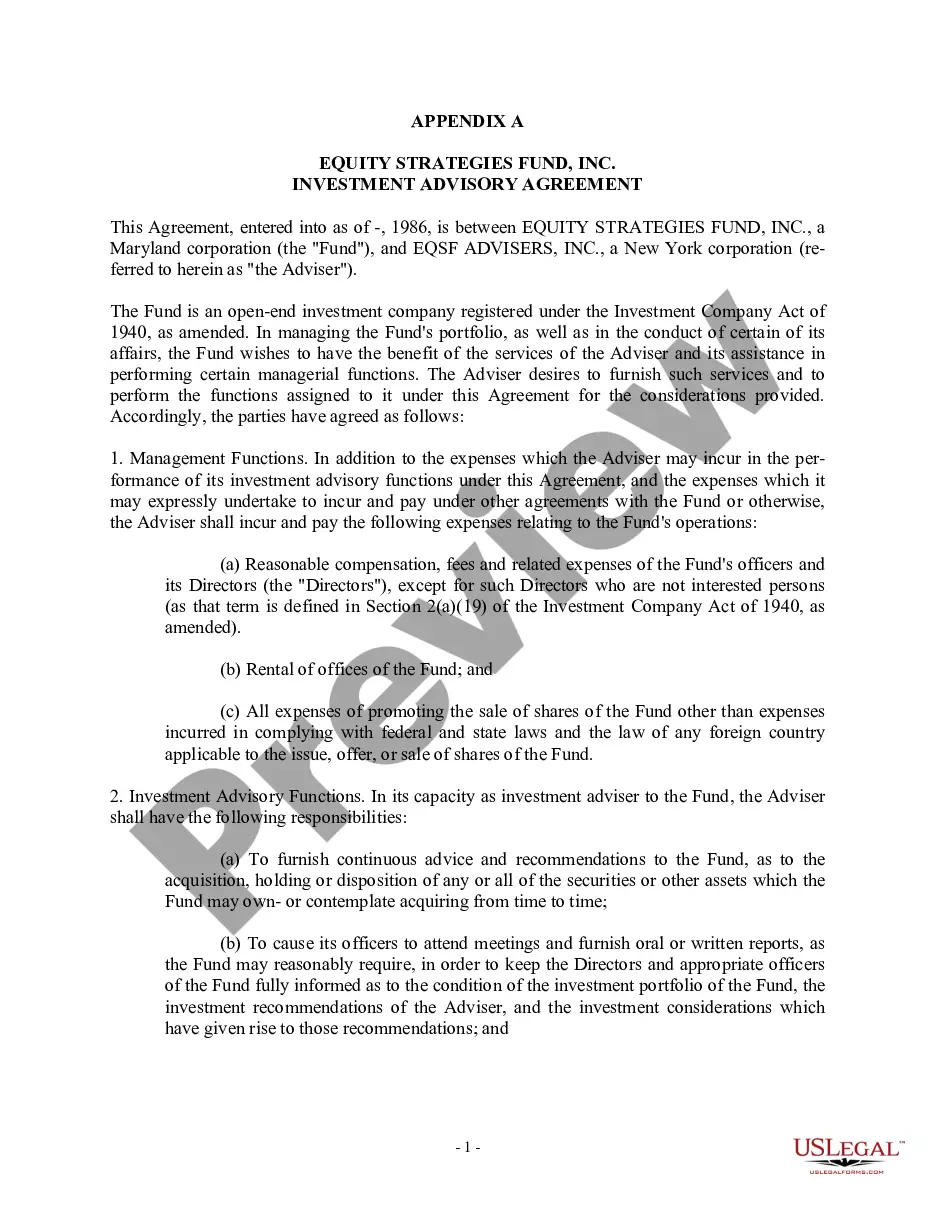
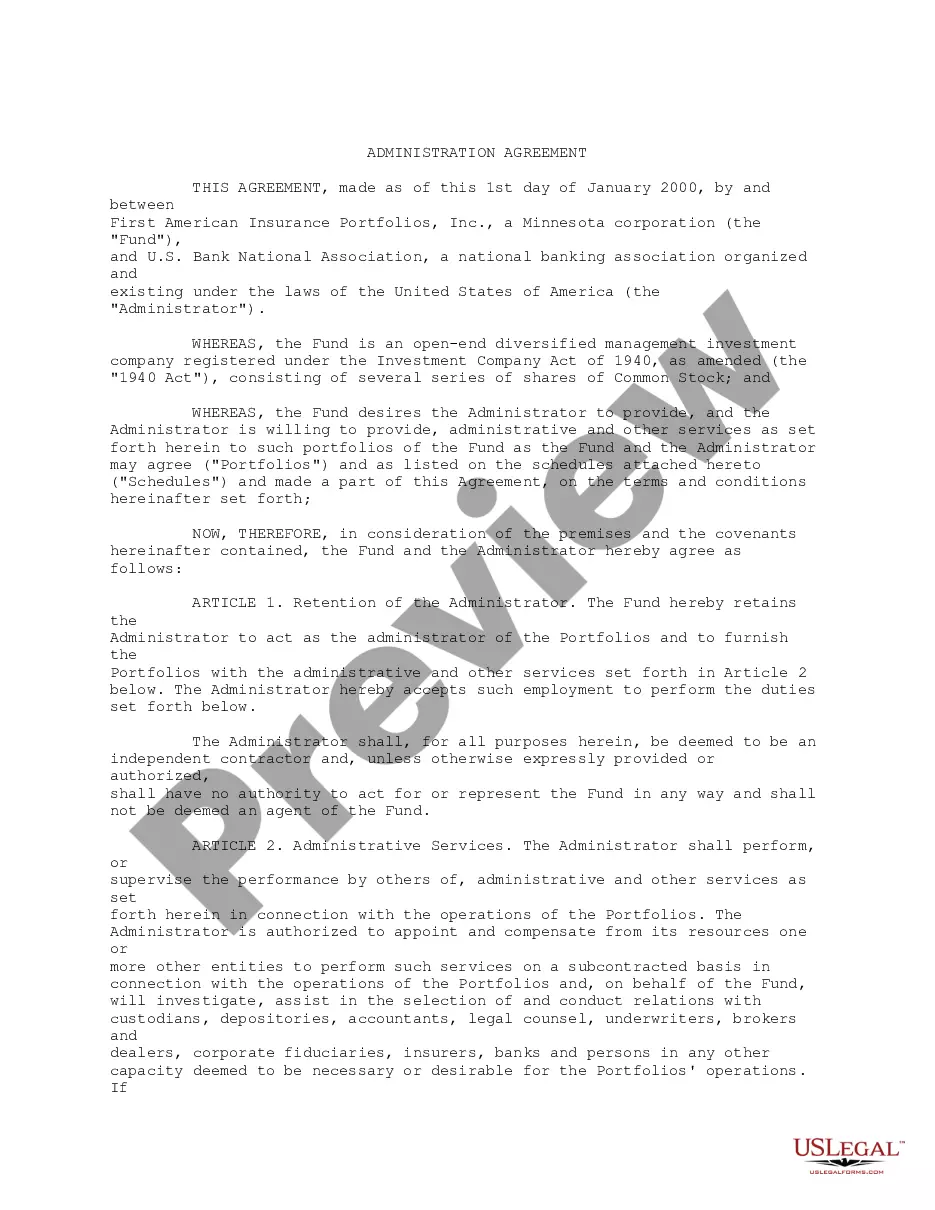
How to fill out Administration Agreement Between EQSF Advisors, Inc. And Third Avenue Trust Regarding Retaining EQSF To Render Administrative Services With Respect To Investment?
It’s well-known that you cannot transform into a legal expert instantly, nor can you learn how to swiftly prepare an Administration Agreement Administrative Withdrawal without possessing a specialized skill set.
Drafting legal documents is a lengthy process that demands specific training and expertise. So why not entrust the creation of the Administration Agreement Administrative Withdrawal to the professionals.
With US Legal Forms, one of the most extensive legal document collections, you can access everything from court filings to templates for internal communications.
If you need another template, restart your search.
Create a free account and select a subscription plan to buy the form. Click Buy now. Once the payment is processed, you can obtain the Administration Agreement Administrative Withdrawal, complete it, print it, and deliver or send it to the appropriate individuals or entities.
- We understand how essential compliance with federal and local regulations is.
- That’s why, on our site, all templates are region-specific and current.
- Here’s how you can begin with our platform and acquire the document you require in just minutes.
- Find the form you need by utilizing the search feature at the top of the page.
- Preview it (if this option is available) and review the accompanying description to ascertain if the Administration Agreement Administrative Withdrawal is what you’re looking for.
Form popularity
FAQ
Hear this out loud PauseHow and When to Withdraw. No approvals are necessary to drop classes online through myNorthridge from the start of registration through the close of Late Registration. Learn how at Drop or Swap Classes. Formal approval is required after the fourth week of the fall and spring semesters.
Hear this out loud PauseThe Administrative Withdrawal is a process whereby ALL grades, high or low, for a given semester are changed to the grade of "W".
Hear this out loud PauseAdministrative withdrawal is defined as the instructor or other college-personnel dis-enrolling a student from a class due to lack of attendance.
Hear this out loud Pausean on-line form (whether from home or in the school/college office) and submit it to the student's home school/college. Students who are physically unable to contact the university may designate someone to act on their behalf. The student's official withdrawal date will be the date the form is received by that office.
When a class is dropped after the no-penalty date and before the final withdraw date, tuition is assessed a grade of W is assigned. No withdrawal may be made after the 70% point in time.