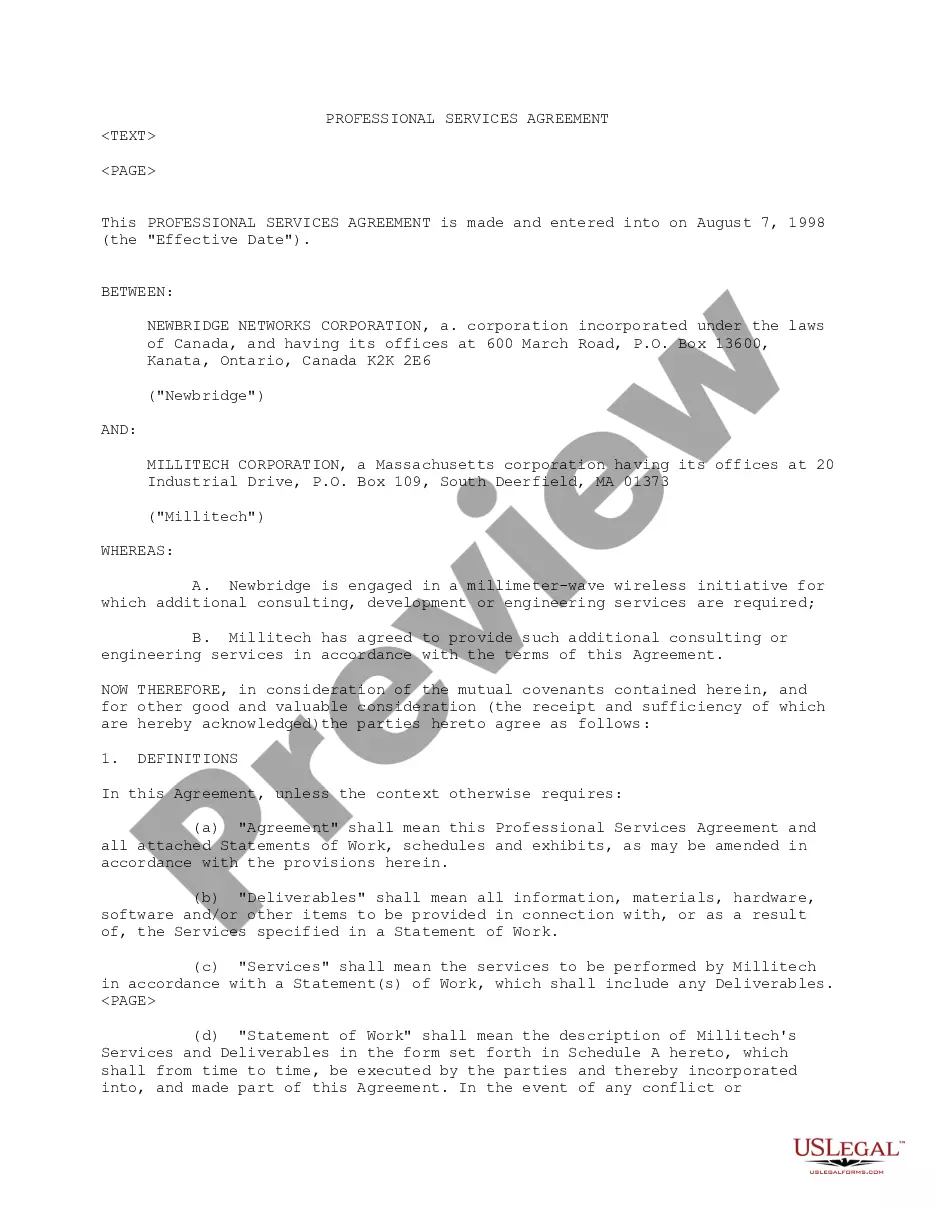
Professional Warranty Service Corporation Form 117
Description


Get your form ready online
Our built-in tools help you complete, sign, share, and store your documents in one place.
Make edits, fill in missing information, and update formatting in US Legal Forms—just like you would in MS Word.
Download a copy, print it, send it by email, or mail it via USPS—whatever works best for your next step.
Sign and collect signatures with our SignNow integration. Send to multiple recipients, set reminders, and more. Go Premium to unlock E-Sign.
If this form requires notarization, complete it online through a secure video call—no need to meet a notary in person or wait for an appointment.
We protect your documents and personal data by following strict security and privacy standards.

Make edits, fill in missing information, and update formatting in US Legal Forms—just like you would in MS Word.

Download a copy, print it, send it by email, or mail it via USPS—whatever works best for your next step.

Sign and collect signatures with our SignNow integration. Send to multiple recipients, set reminders, and more. Go Premium to unlock E-Sign.

If this form requires notarization, complete it online through a secure video call—no need to meet a notary in person or wait for an appointment.

We protect your documents and personal data by following strict security and privacy standards.
Looking for another form?
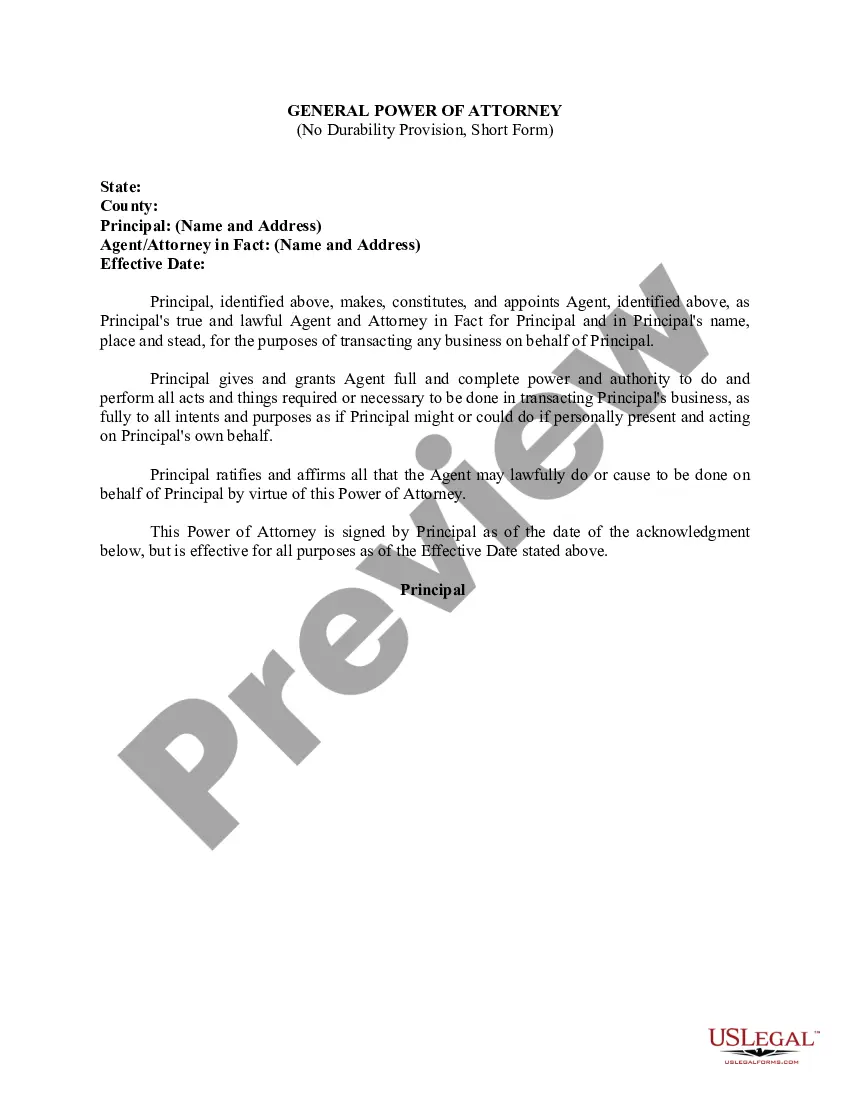
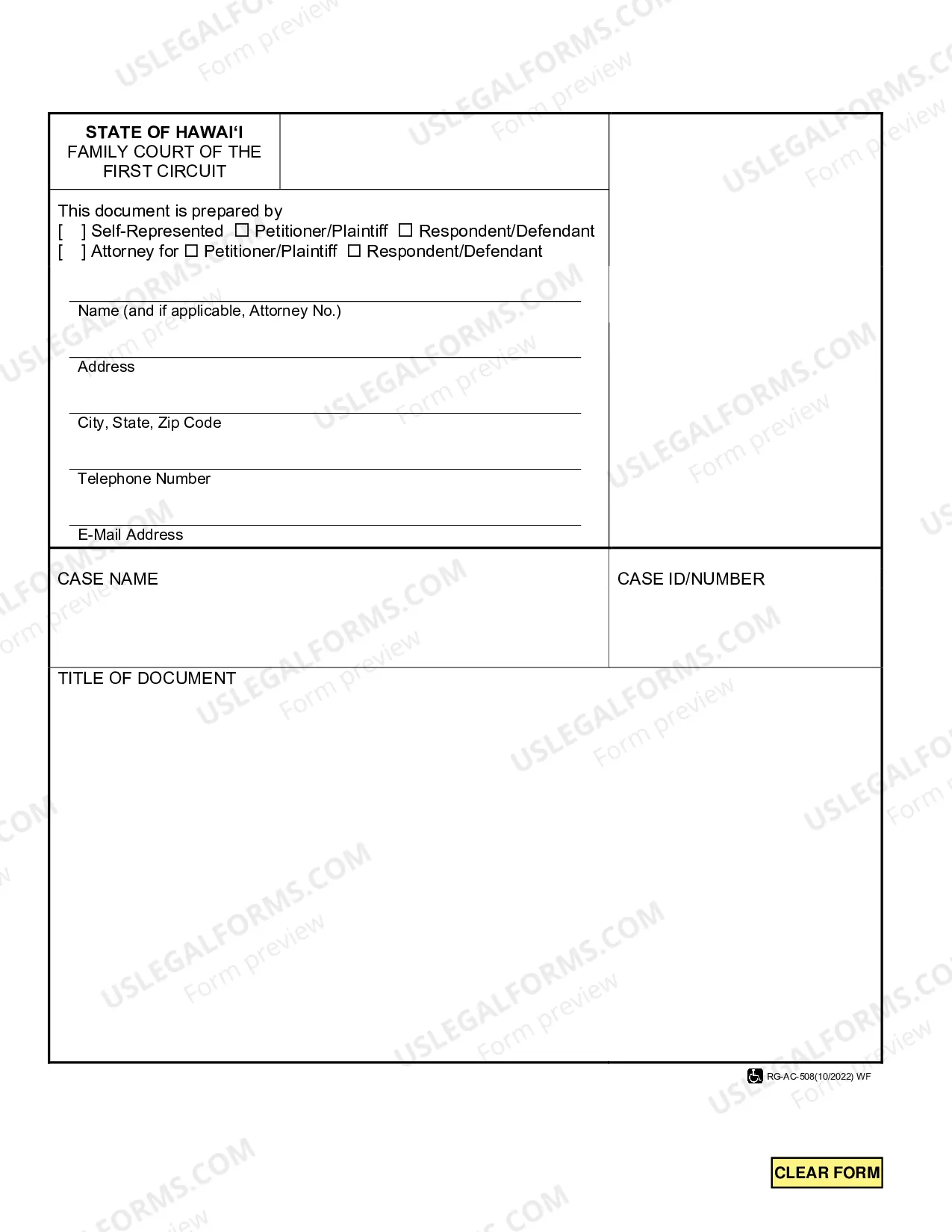
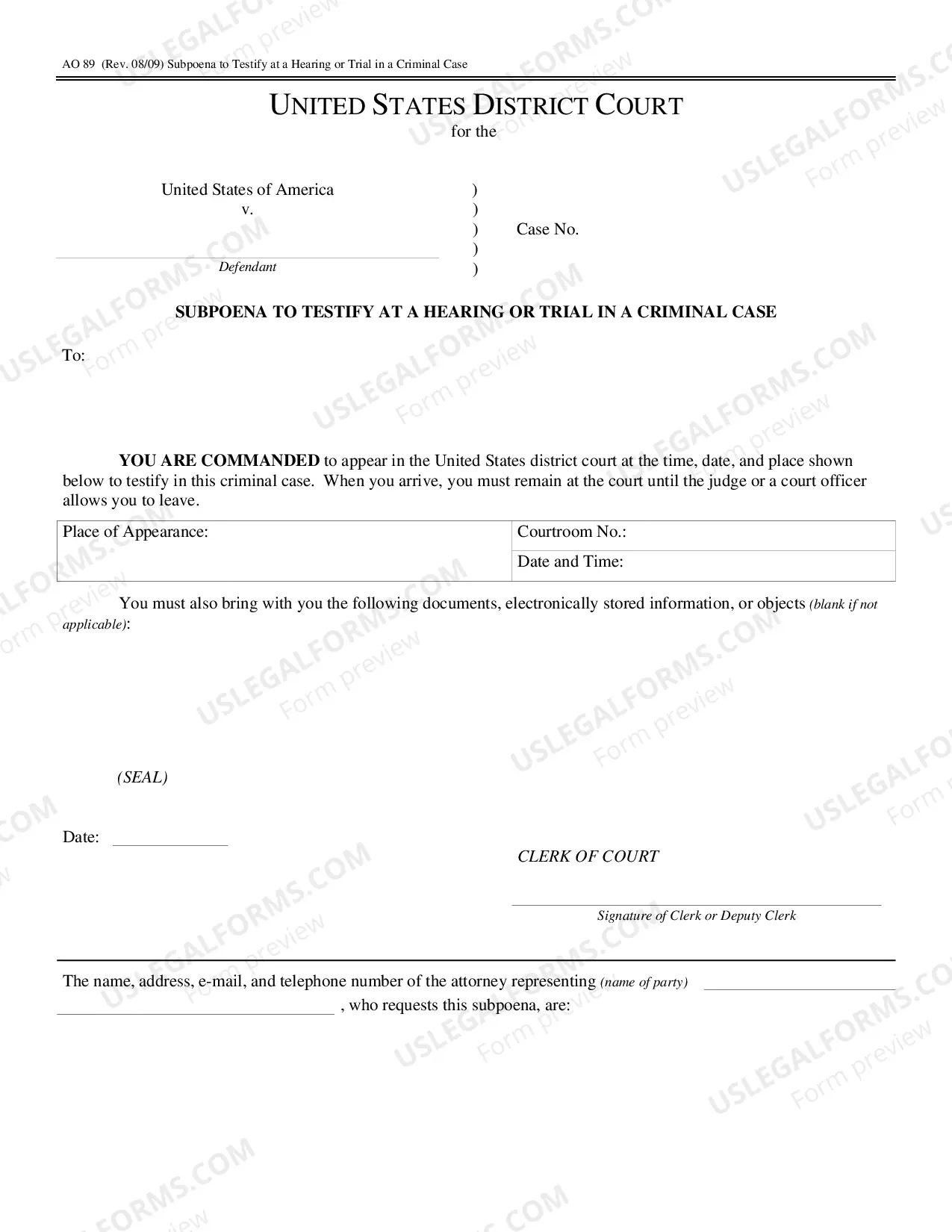
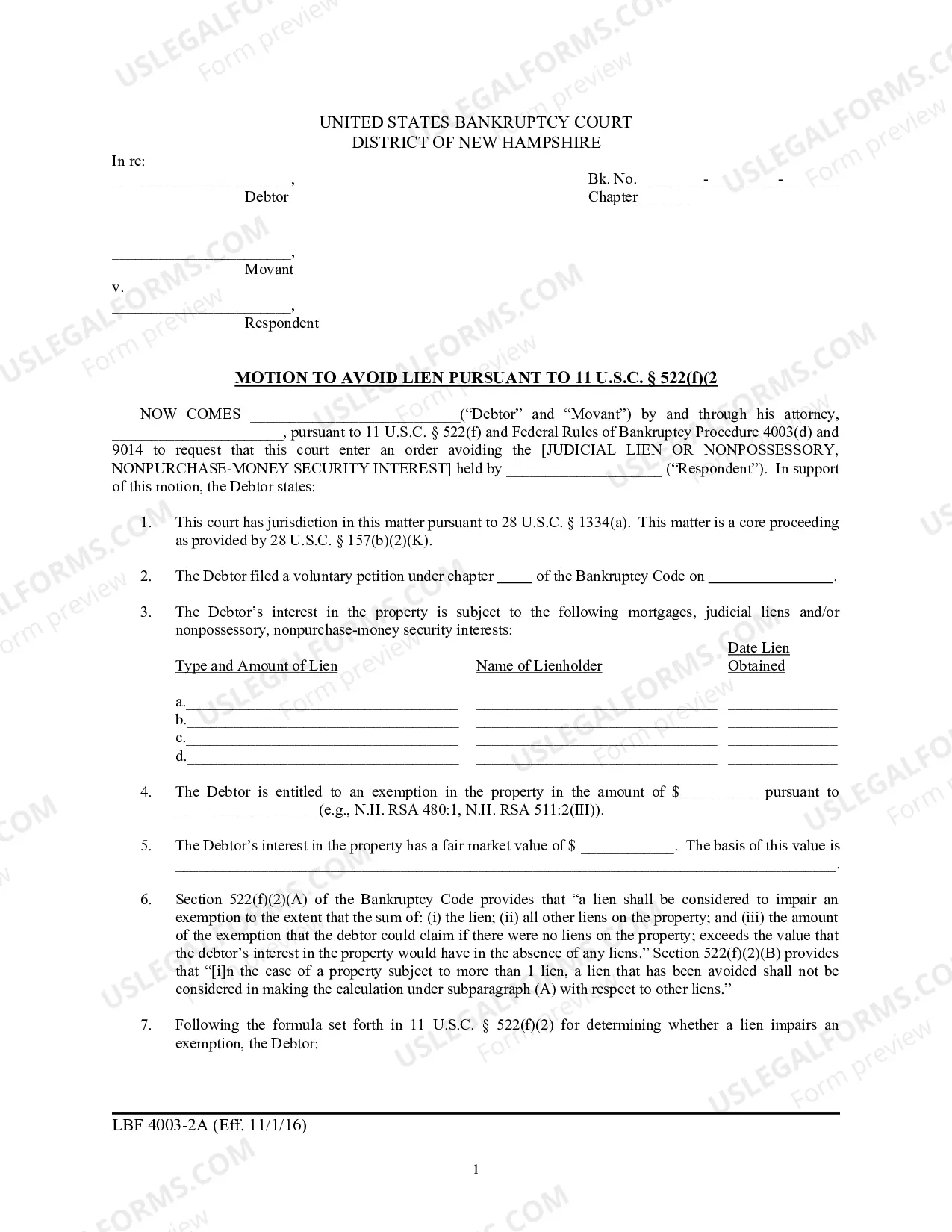
How to fill out Professional Services Agreement Between Newbridge Networks Corporation And Millitech Corp Regarding Providing Consulting And Engineering Services?
Creating legal documents from the ground up can frequently be daunting.
Certain situations may require extensive research and significant financial investment.
If you're searching for a simpler and more economical method of preparing the Professional Warranty Service Corporation Form 117 or any other paperwork without unnecessary obstacles, US Legal Forms is always accessible to you.
Our online repository of over 85,000 current legal documents covers nearly every aspect of your financial, legal, and personal matters.
Examine the form preview and descriptions to ensure you have located the form you need.
- With just a few clicks, you can immediately acquire state- and county-specific templates carefully crafted for you by our legal professionals.
- Utilize our website whenever you need a dependable and trustworthy service through which you can effortlessly find and download the Professional Warranty Service Corporation Form 117.
- If you're already familiar with our services and have made an account with us previously, simply Log In to your account, choose the template, and download it or retrieve it anytime later in the My documents section.
- Not registered yet? No problem. It only takes a few minutes to sign up and browse the catalog.
- Before you rush to download the Professional Warranty Service Corporation Form 117, follow these suggestions.
Form popularity
FAQ
A 'limited warranty' restricts the scope of coverage, meaning it may only apply to certain parts or issues, and might exclude others. For instance, a manufacturer may provide limited coverage for specific components while not covering general wear and tear. This kind of warranty allows businesses to offer customer assurance while maintaining some control over their liabilities. To ensure clarity, consider referencing the Professional warranty service corporation form 117 for detailed explanations.
Step 1: Upload or open an existing PDF file in Google Drive and go to Open with > CloudConvert. Step 2: Since CloudConvert allows conversion between dozens of formats, to find the suitable conversion option, navigate to the Presentation menu and select PPT or PPTX to convert PDF to PowerPoint.
How it works Open the document you want to transform into a presentation in Word for the web. ... Go to File > Export > Export to PowerPoint presentation. In the Export to presentation window, choose a design theme for your presentation, and then select Export.
What is the AI that converts text to PowerPoint? The AI that converts text to PowerPoint presentations is SlidesAI. SlidesAI is a tool that uses AI to create professional and engaging slides from any text, saving users time and effort in manual slide creation. It requires no design skills and can be set up in seconds.
How to convert PDF to PPT Click the Select a file button above, or drag and drop files into the PDF drop zone. Select the PDF file you want to turn into a PPTX file. Watch Acrobat automatically convert your file from PDF to PPT. Download the converted PowerPoint file or sign in to share it.
You don't need any other software to convert a PDF to Microsoft Word when you use the Acrobat online tool. Just open the tool in your preferred browser on any operating system, select your file, and let Acrobat complete the conversion online.
How to convert PDF file into PowerPoint: Open a PDF document in Acrobat. Click on the ?Export PDF? tool in the right pane. Choose ?Microsoft PowerPoint? as your export format.
How to convert PDF to PPT Open Canva. Launch Canva on a web browser or app to access our PDF converter to PPT. Upload your PDF file. Select the PDF you want to convert from your device, or simply drag and drop it onto the page. ... Edit your file. ... Convert PDF to PPT for free. ... Share your PowerPoint presentation.