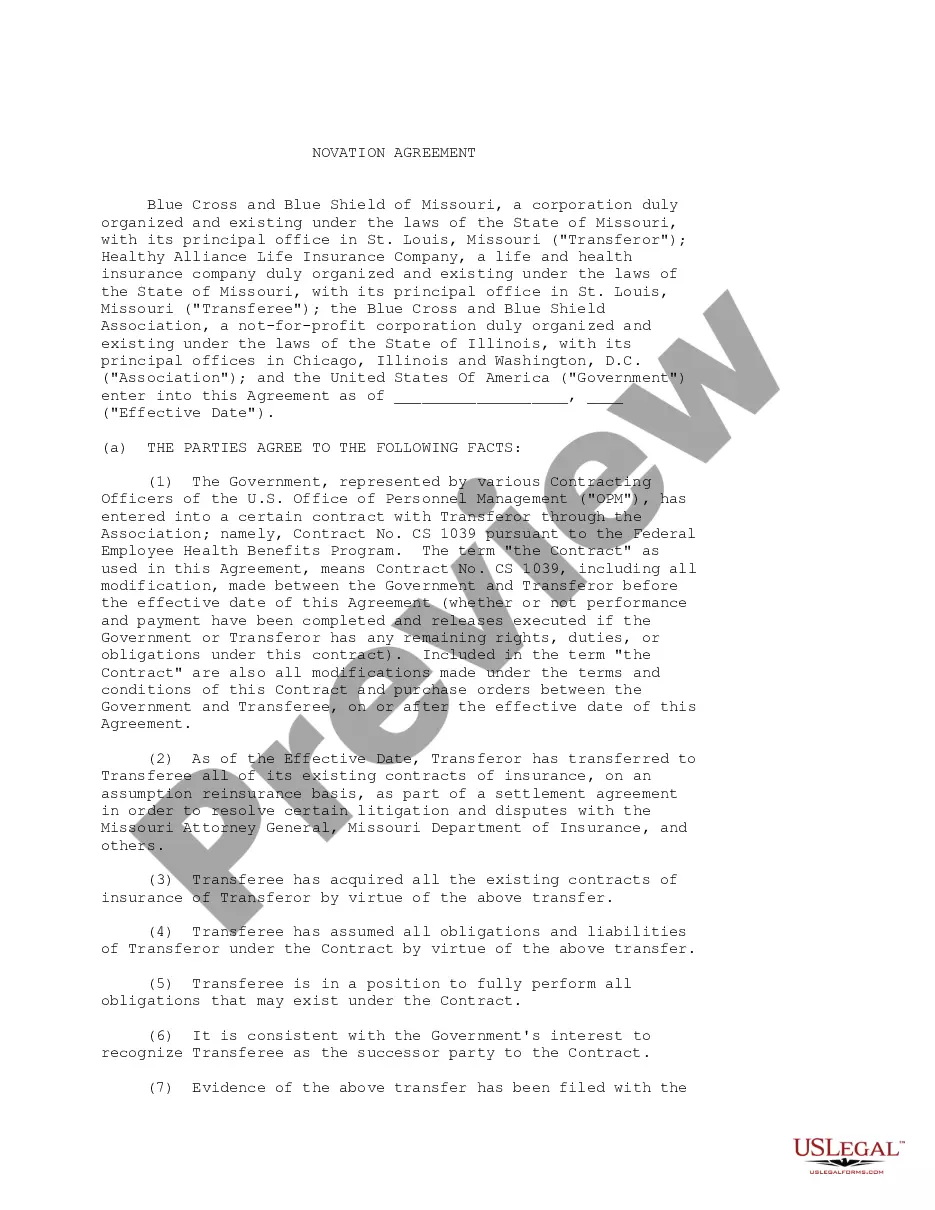
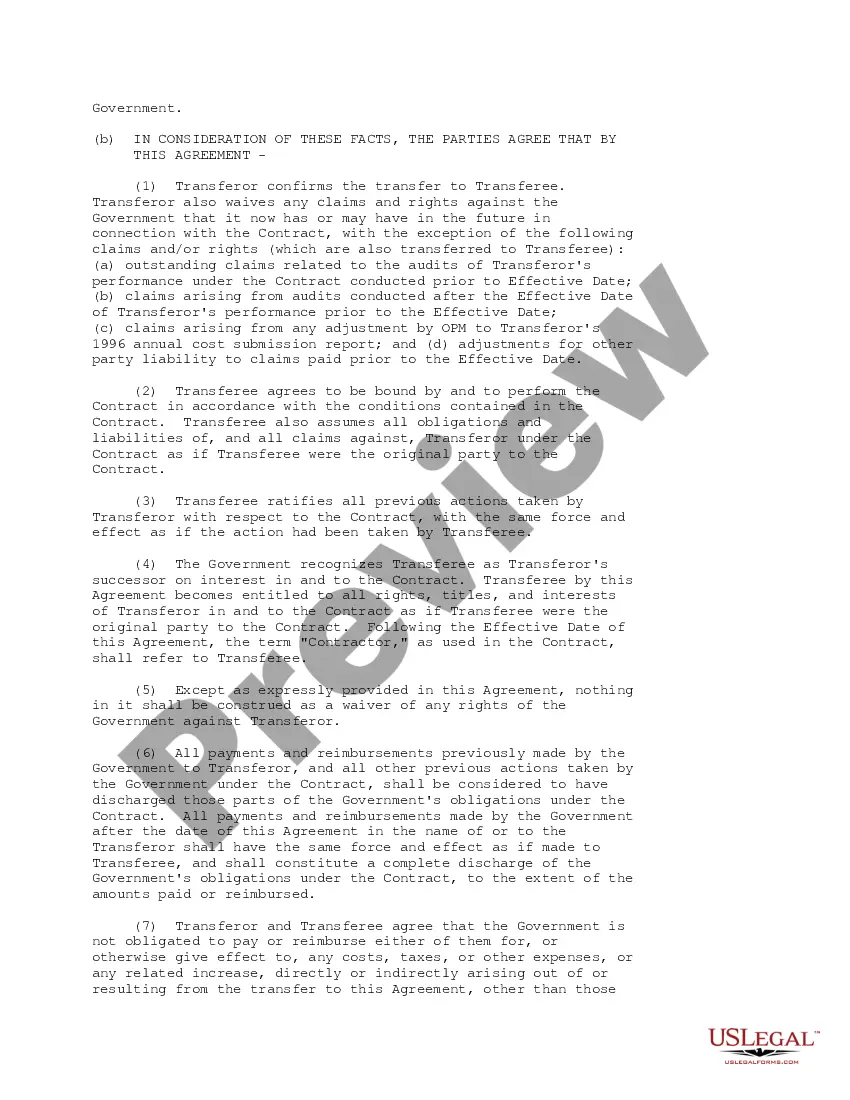
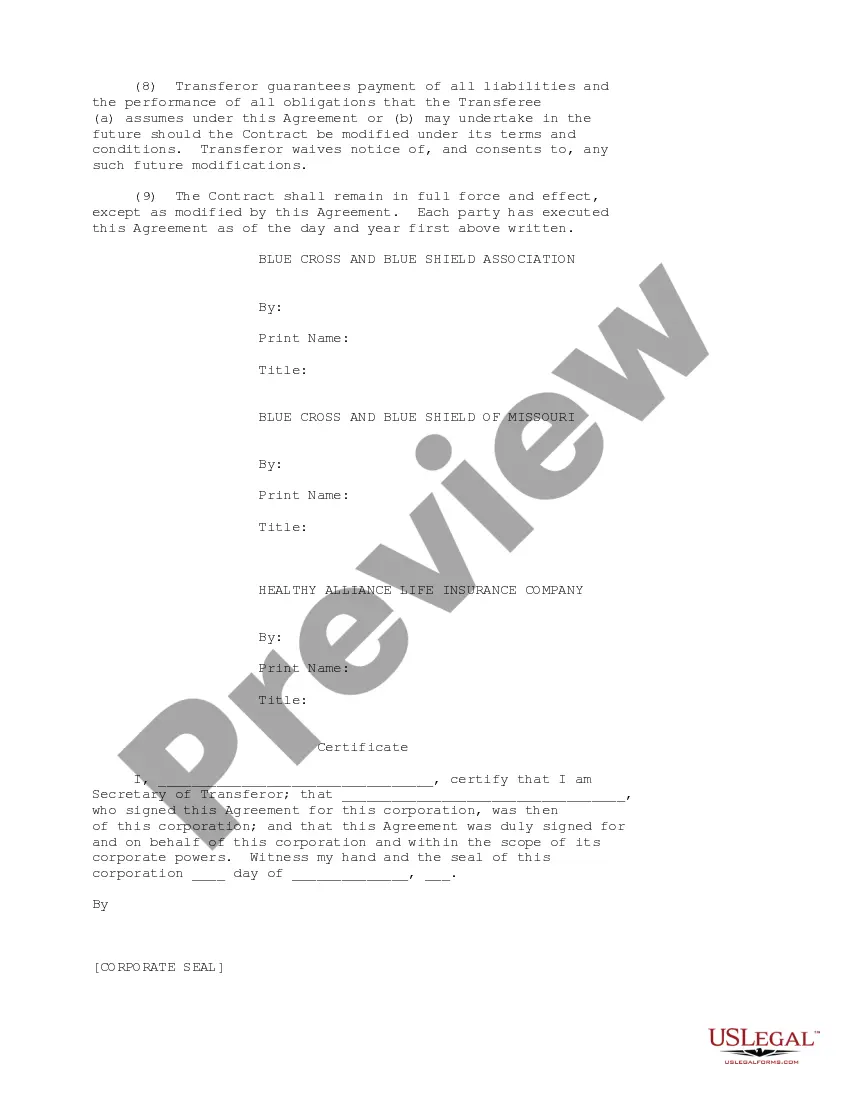
Novation Agreement With Amendment
Description
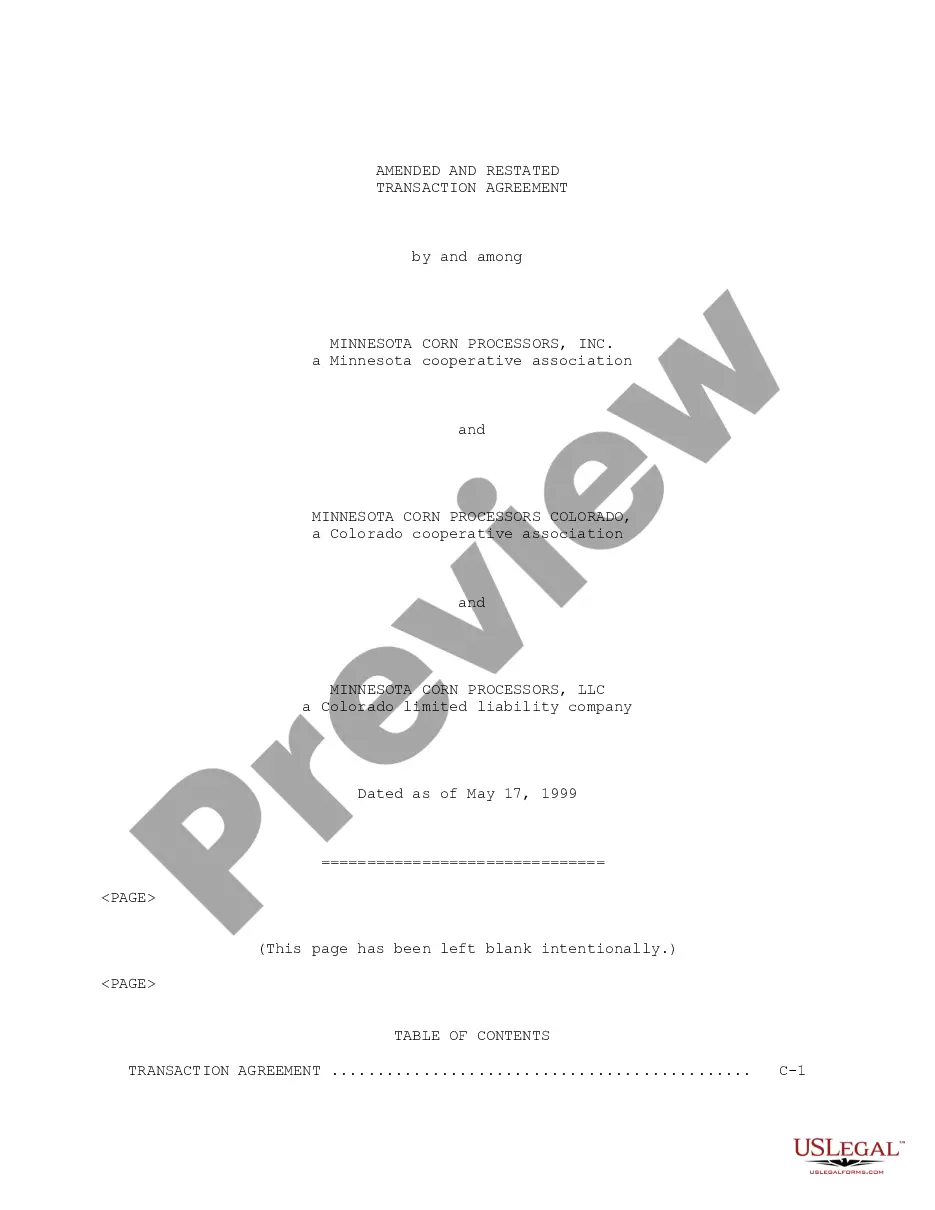
Get your form ready online
Our built-in tools help you complete, sign, share, and store your documents in one place.
Make edits, fill in missing information, and update formatting in US Legal Forms—just like you would in MS Word.
Download a copy, print it, send it by email, or mail it via USPS—whatever works best for your next step.
Sign and collect signatures with our SignNow integration. Send to multiple recipients, set reminders, and more. Go Premium to unlock E-Sign.
If this form requires notarization, complete it online through a secure video call—no need to meet a notary in person or wait for an appointment.
We protect your documents and personal data by following strict security and privacy standards.

Make edits, fill in missing information, and update formatting in US Legal Forms—just like you would in MS Word.

Download a copy, print it, send it by email, or mail it via USPS—whatever works best for your next step.

Sign and collect signatures with our SignNow integration. Send to multiple recipients, set reminders, and more. Go Premium to unlock E-Sign.

If this form requires notarization, complete it online through a secure video call—no need to meet a notary in person or wait for an appointment.

We protect your documents and personal data by following strict security and privacy standards.
Looking for another form?
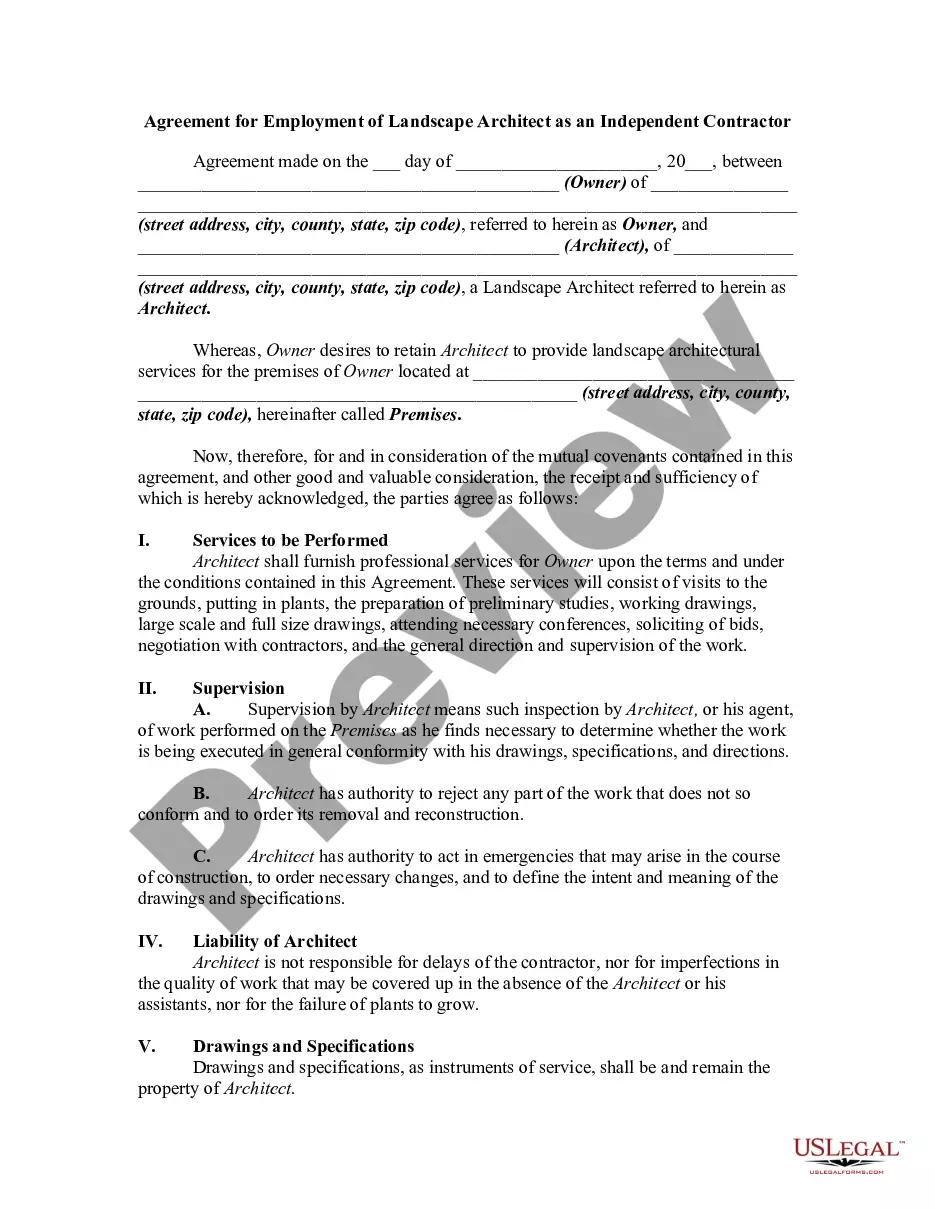





How to fill out Novation Agreement?
How to obtain official legal documents that adhere to your state’s regulations and draft the Novation Agreement With Amendment without consulting a lawyer.
Numerous services online offer templates for various legal situations and formalities. However, it may require time to determine which of the provided samples meet both your use case and legal standards.
US Legal Forms is a dependable platform that assists you in locating official documents crafted in alignment with the latest updates in state law and helps you save on legal costs.
If you do not have a US Legal Forms account, please follow the instructions below: Browse the opened webpage and verify if the form meets your requirements. Utilize the form description and preview options if accessible. If needed, search for another template in the header by providing your state. When you find the appropriate document, click the Buy Now button. Select the most appropriate pricing plan, then Log In or create an account. Choose your payment method (credit card or PayPal). Change the file format for your Novation Agreement With Amendment and click Download. The acquired documents stay in your possession: you can always revisit them in the My documents section of your account. Register for our platform and prepare legal documents independently like a seasoned legal expert!
- US Legal Forms is not an ordinary web directory.
- It's an assemblage of over 85,000 verified templates for various business and personal circumstances.
- All documents are categorized by sector and state to enhance your search experience.
- Furthermore, it incorporates powerful tools for PDF modification and electronic signatures, enabling Premium subscribers to swiftly complete their paperwork online.
- It requires minimal effort and time to acquire the necessary documents.
- If you already possess an account, Log In and verify that your subscription is active.
- Download the Novation Agreement With Amendment by clicking the relevant button next to the document title.
Form popularity
FAQ
How do I write a novation agreement? Preamble of the agreement. Novation. Further assurances. Counterparts. Mutual Release. No Third-Party Rights Under Agreements. Governing Law.
Completing the AmendmentIntroductory paragraph. Type your name or the name of your company and the other side's name (an individual or a company).Describe the amendment(s).The concluding paragraph.Proofread and sign your amendment.Managing Amendments.
Novation Amendment means an amendment of a Covered Treaty in substantially the form attached as Exhibit D to the Master Agreement under which the Retrocessionaire will be contractually substituted for the Company as respects such Covered Treaty.
A contract amendment is a change, correction, clarification, or deletion to an agreement you have already signed. An amendment leaves your original agreement substantially intact.
On August 23, 2016, the U.S. Court of Appeals for the Sixth Circuit held in the Chapter 7 bankruptcy case In re Fair Finance Company that an amendment and restatement of a loan and security agreement may have been a novation of the initial agreement and therefore extinguished the lender's existing security interest.
