Restricted Stock Between Foreign Companies
Description
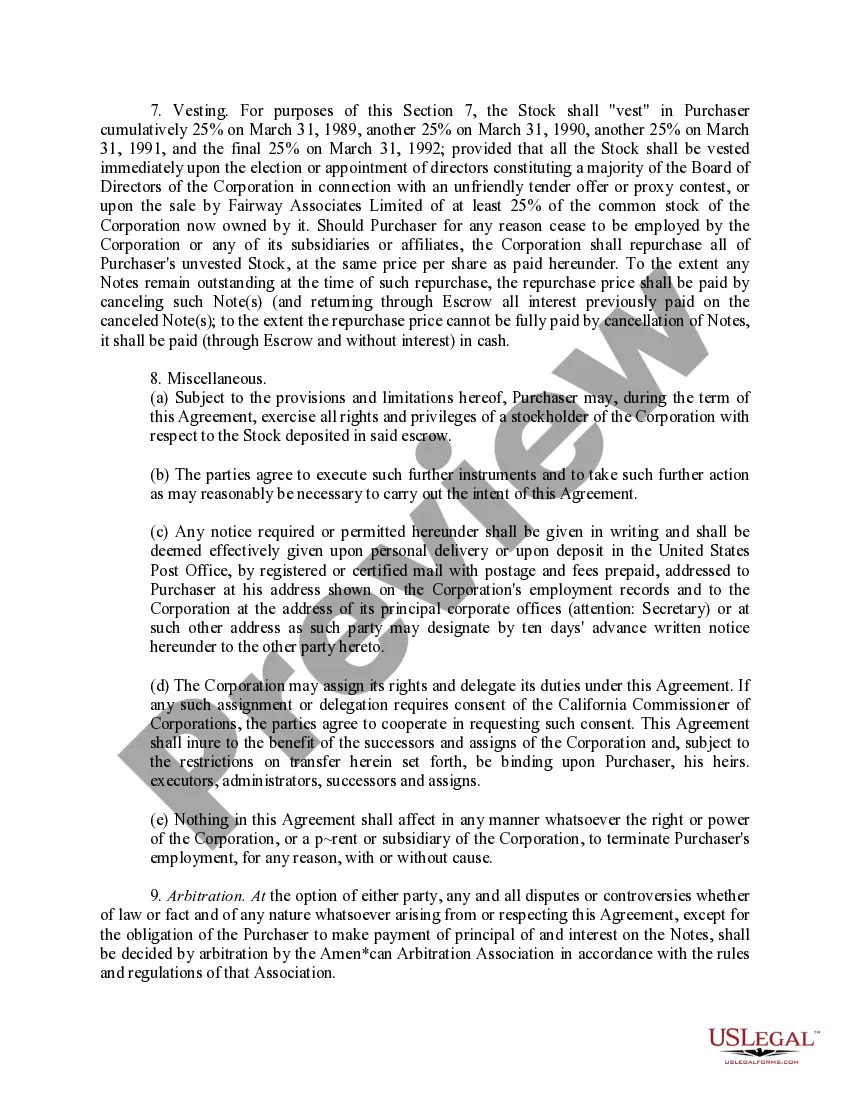
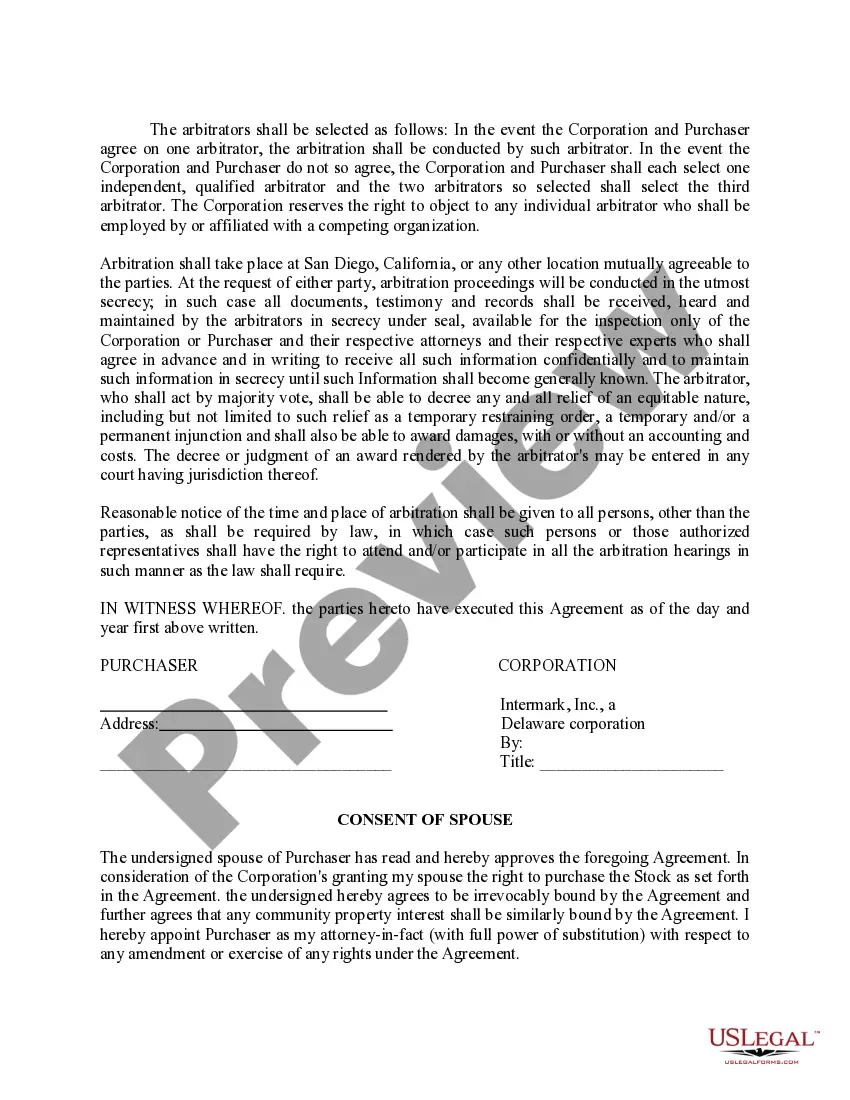

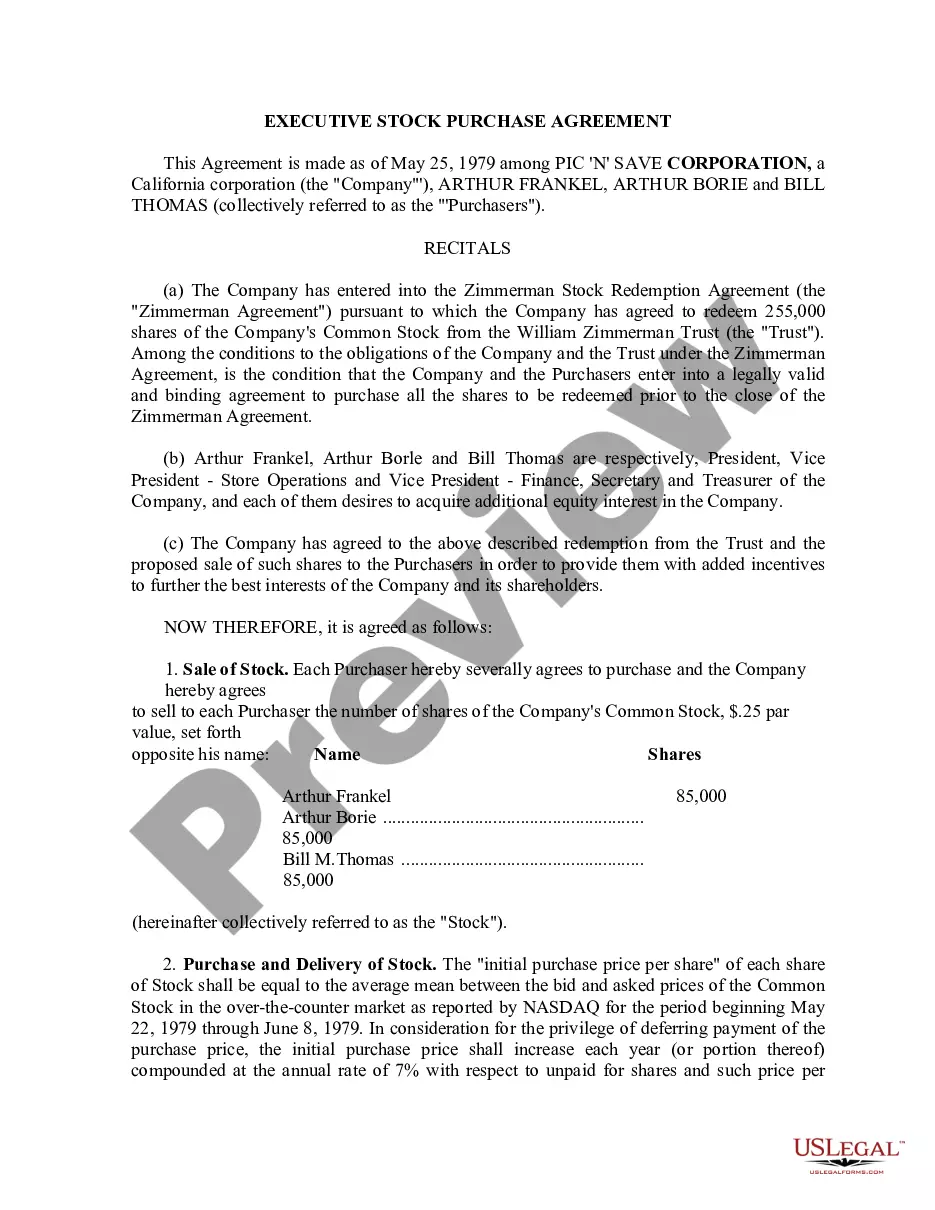
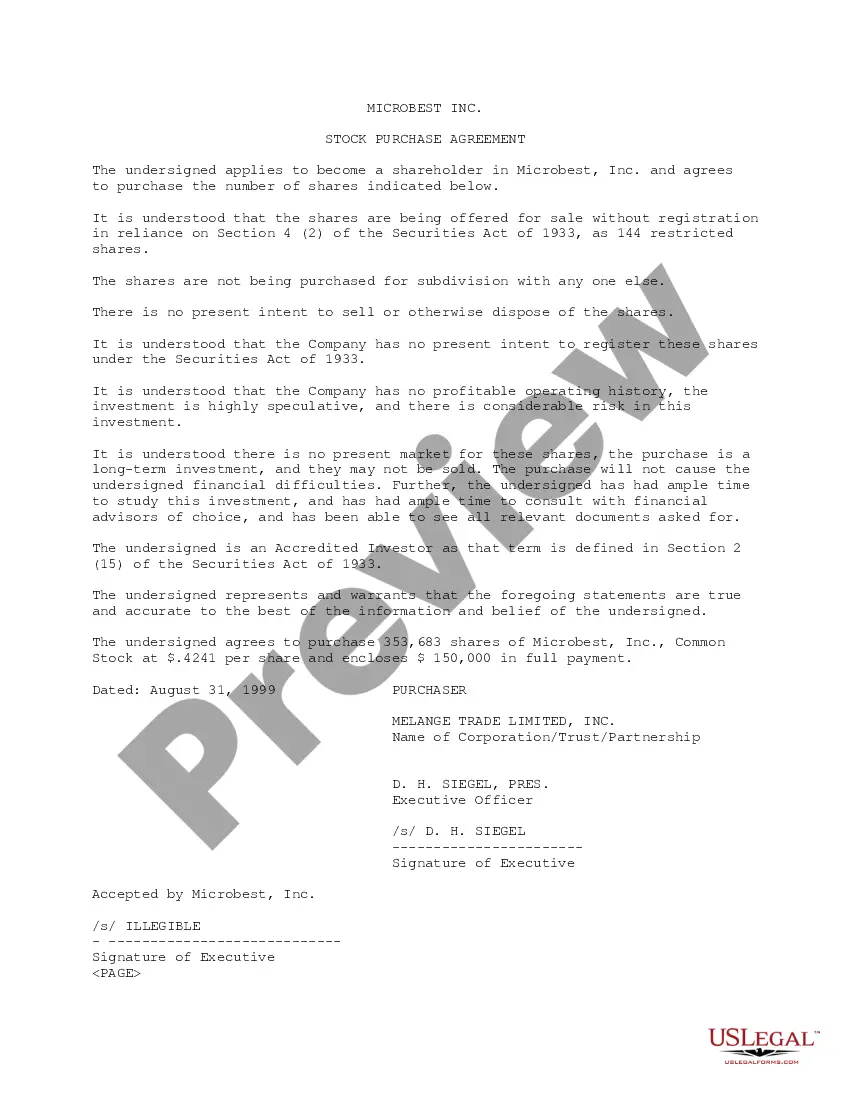
Get your form ready online
Our built-in tools help you complete, sign, share, and store your documents in one place.
Make edits, fill in missing information, and update formatting in US Legal Forms—just like you would in MS Word.
Download a copy, print it, send it by email, or mail it via USPS—whatever works best for your next step.
Sign and collect signatures with our SignNow integration. Send to multiple recipients, set reminders, and more. Go Premium to unlock E-Sign.
If this form requires notarization, complete it online through a secure video call—no need to meet a notary in person or wait for an appointment.
We protect your documents and personal data by following strict security and privacy standards.

Make edits, fill in missing information, and update formatting in US Legal Forms—just like you would in MS Word.

Download a copy, print it, send it by email, or mail it via USPS—whatever works best for your next step.

Sign and collect signatures with our SignNow integration. Send to multiple recipients, set reminders, and more. Go Premium to unlock E-Sign.

If this form requires notarization, complete it online through a secure video call—no need to meet a notary in person or wait for an appointment.

We protect your documents and personal data by following strict security and privacy standards.
Looking for another form?

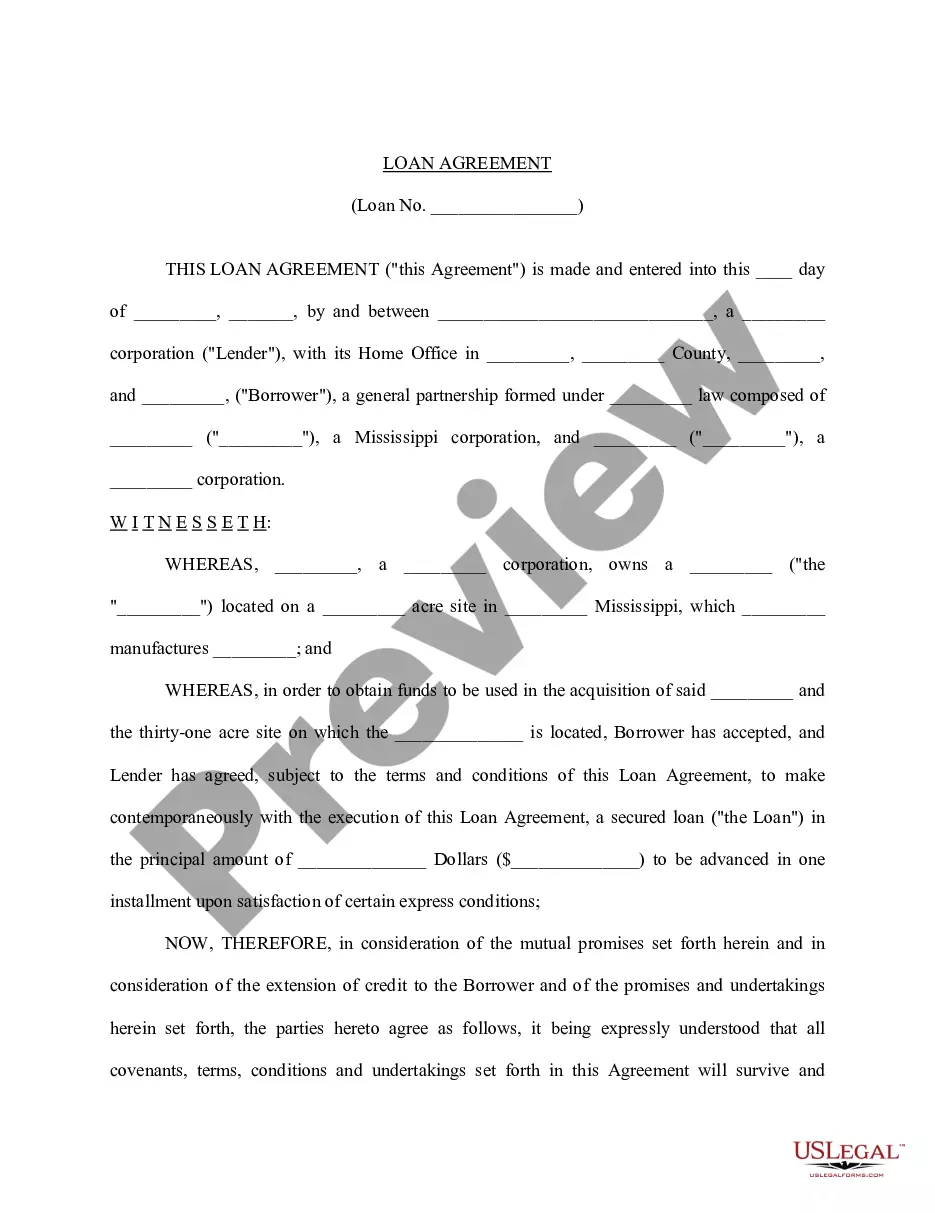
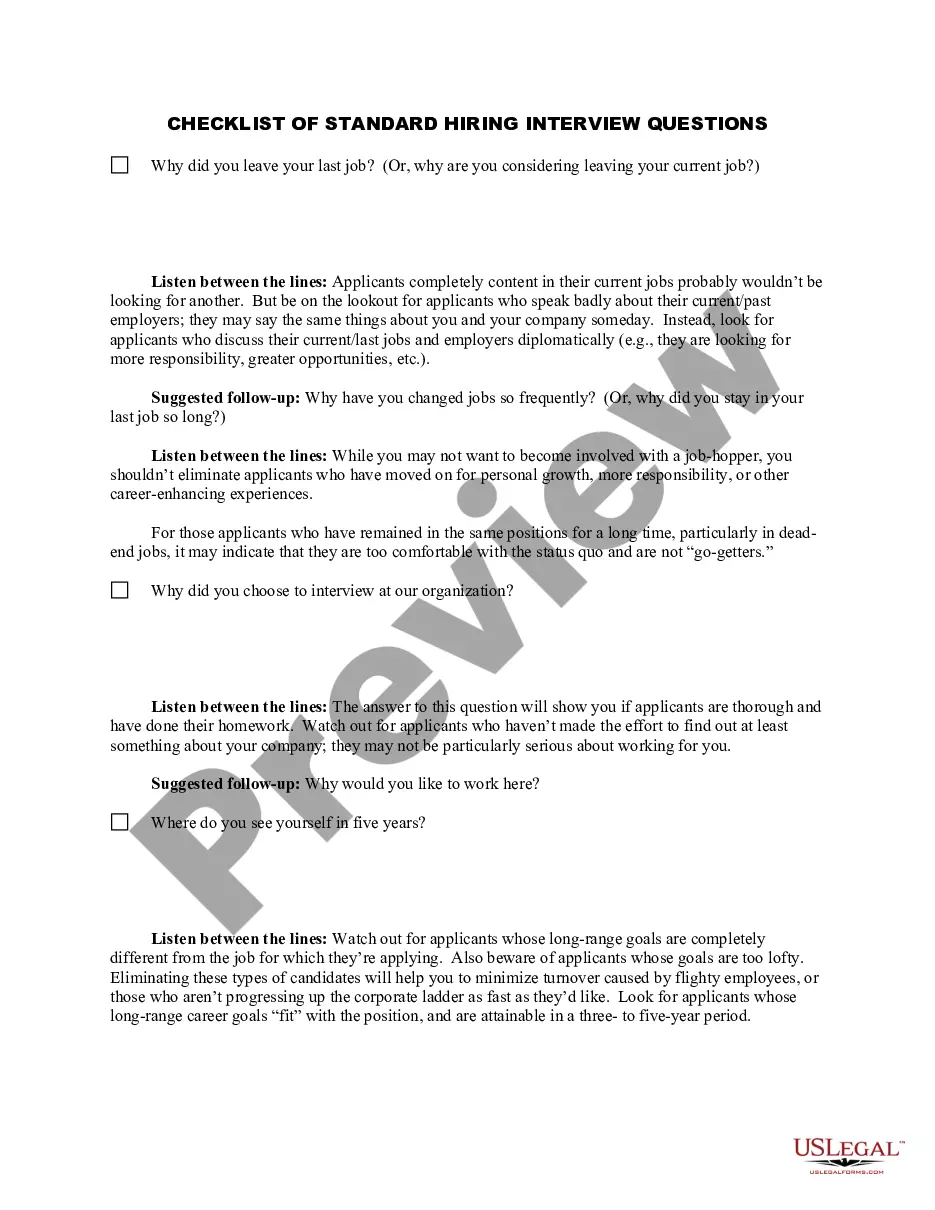
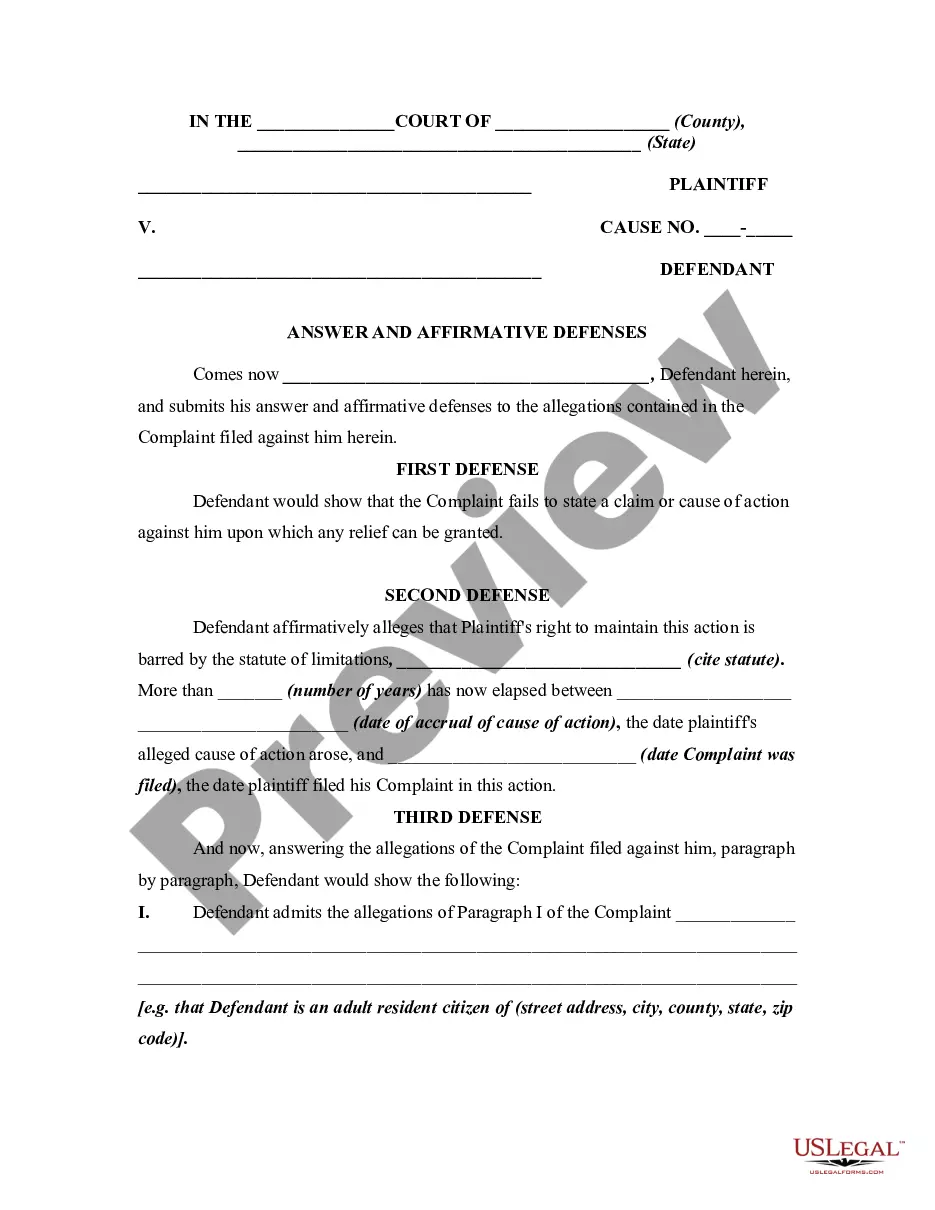




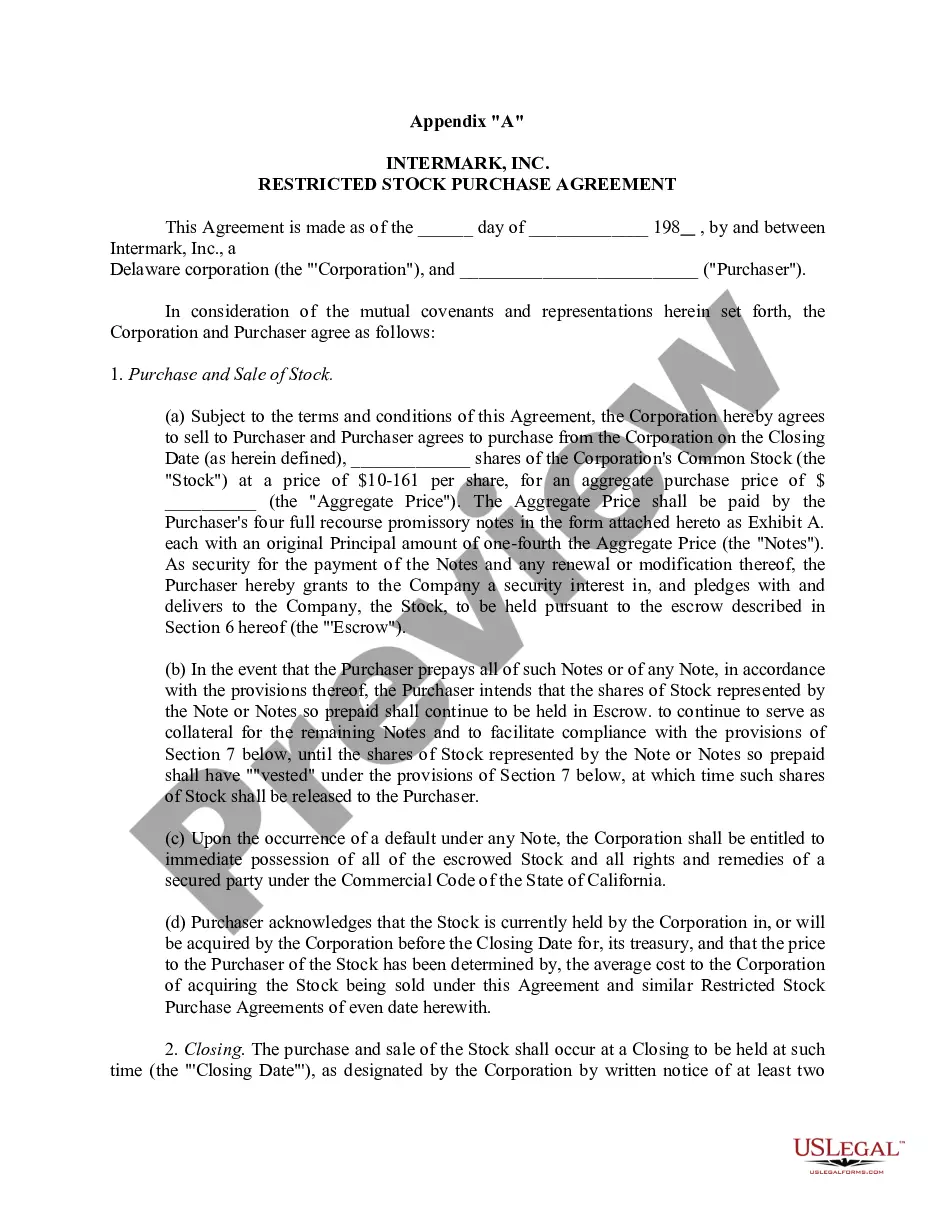
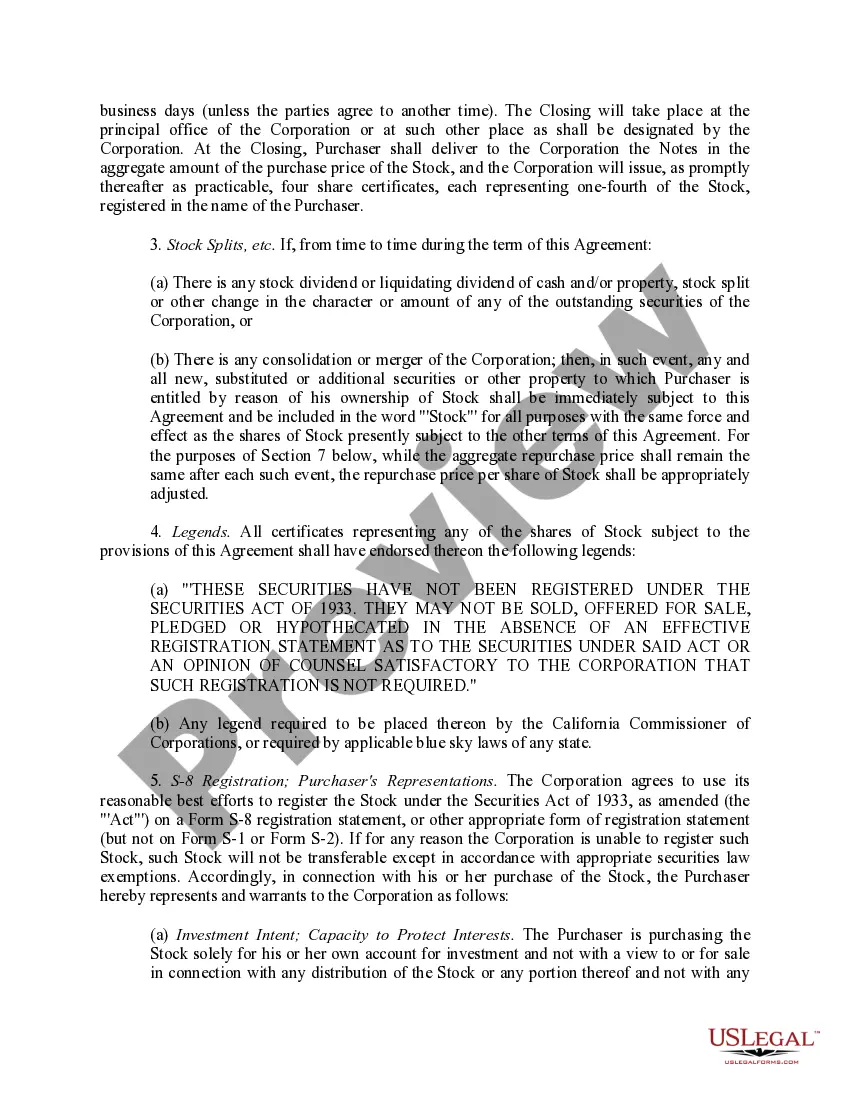
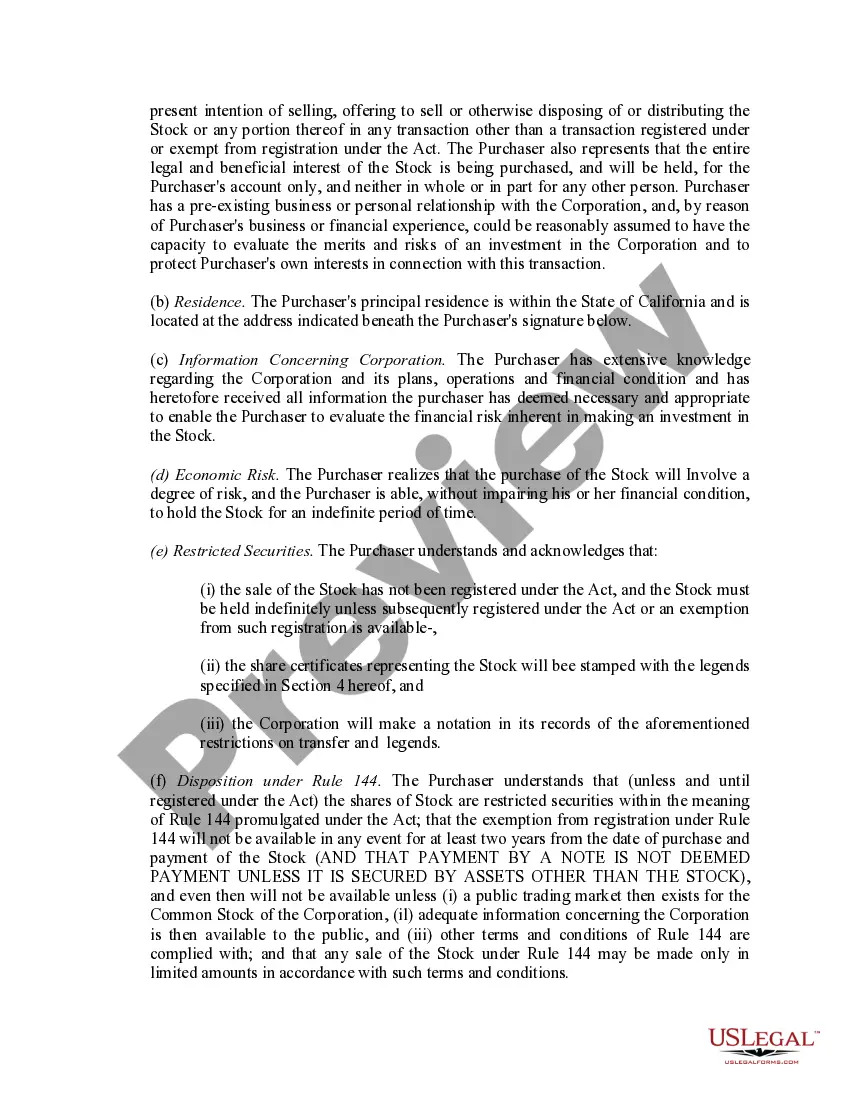
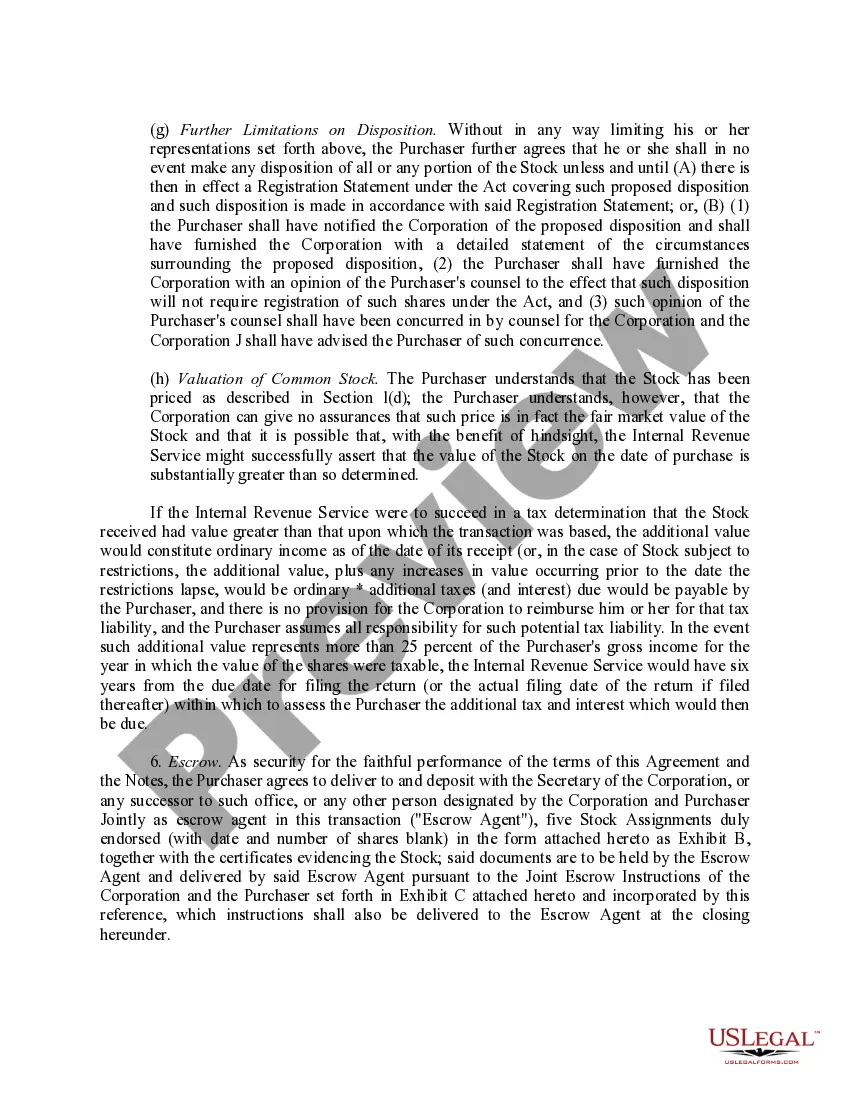
How to fill out Sample Restricted Stock Purchase Agreement Between Intermark, Inc. And Purchasers?
Managing legal documents and processes can be an intricate addition to your daily routine.
Restricted Stock Between Foreign Companies and similar documents typically necessitate you to search for them and comprehend how to fill them out efficiently.
As a result, whether you are handling financial, legal, or personal issues, possessing a thorough and functional online resource of forms readily available will significantly help.
US Legal Forms is the top online resource for legal templates, featuring over 85,000 state-specific documents and various tools to assist you in completing your paperwork with ease.
Simply Log In to your account, search for Restricted Stock Between Foreign Companies, and obtain it instantly within the My documents section. You can also revisit previously downloaded documents.
- Browse the collection of pertinent papers available with a single click.
- US Legal Forms offers you state- and county-specific documents available for download at any time.
- Protect your document management processes with a superior service that enables you to create any document in minutes without additional or concealed fees.
Form popularity
FAQ
Taxation of RSUs The amount reported will equal the fair market value of the stock on the date of vesting, which is also the date of delivery in this case. Therefore, the value of the stock is reported as ordinary income in the year the stock becomes vested.
If you have RSUs the amount should be shown in box 14 of your W-2 copy. This amount should also be included in the wages (box 1) of your W-2. Box 14 is used by employers to list various items and there is not a standard list of codes, you can use the options for "Other Not Listed Here" in place of RSU Gain.
The value of RSUs is typically recorded in Box 14 of the W-2, which is labeled "Other." Box 14 doesn't have a standard list of codes, thus allowing employers to enter any description they like. You might see the value of your vested stock followed by "RSU."
Locate Supplemental Tax Documentation Don't rely only on the 1099-B form. Instead, supply proof of the true cost basis of the restricted stock unit so you only pay taxes on what you owe. Some documentation may include the following: Records from your company supporting the vesting date and number of shares.
Income in the form of RSUs will typically be listed on the taxpayer's W-2 in the ?Other? category (Box 14). Taxpayers will simply translate the figure listed in Box 14 to their federal tax return and, if applicable, state tax return(s).