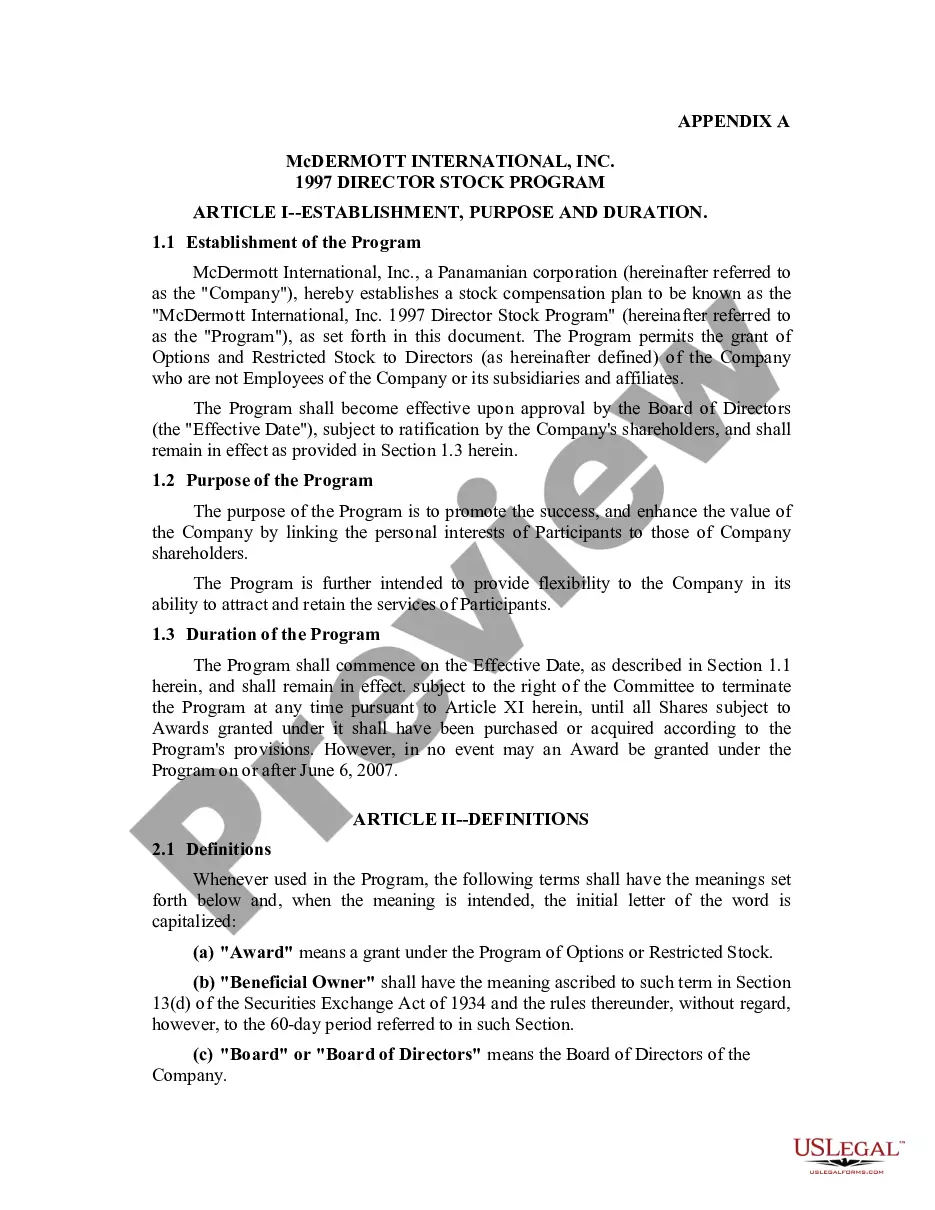
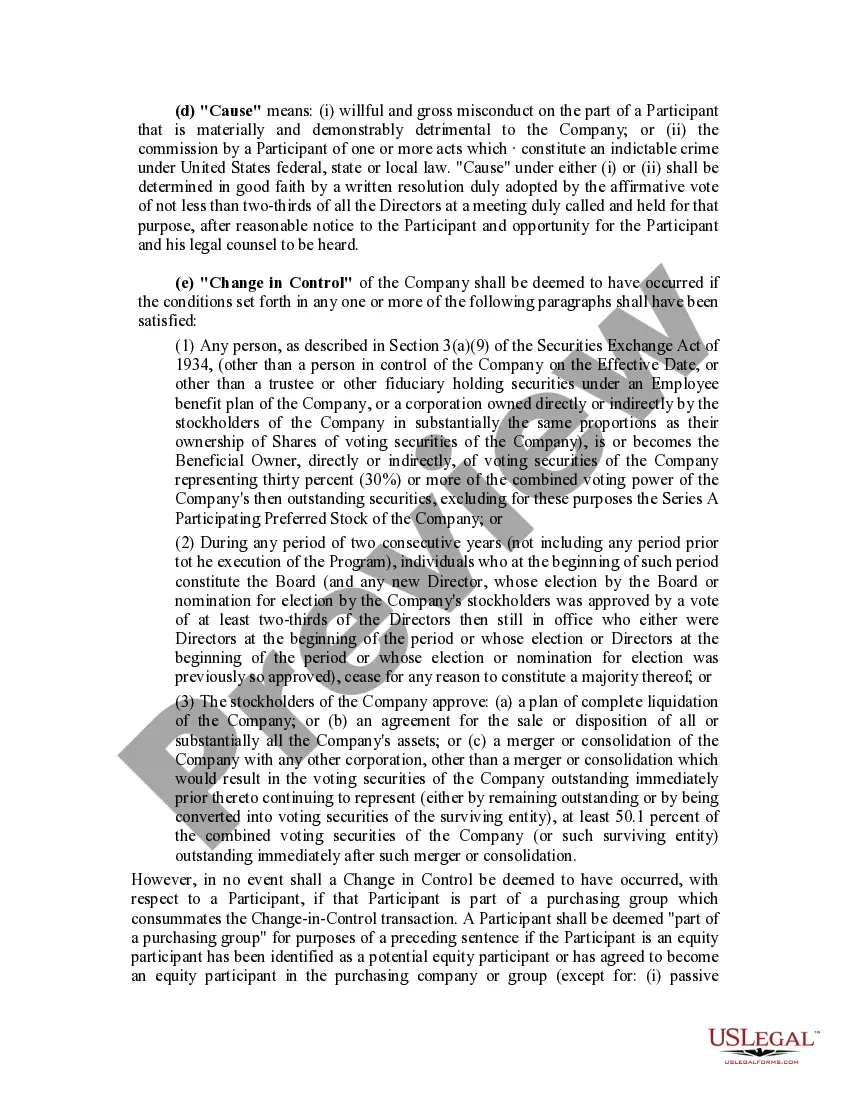
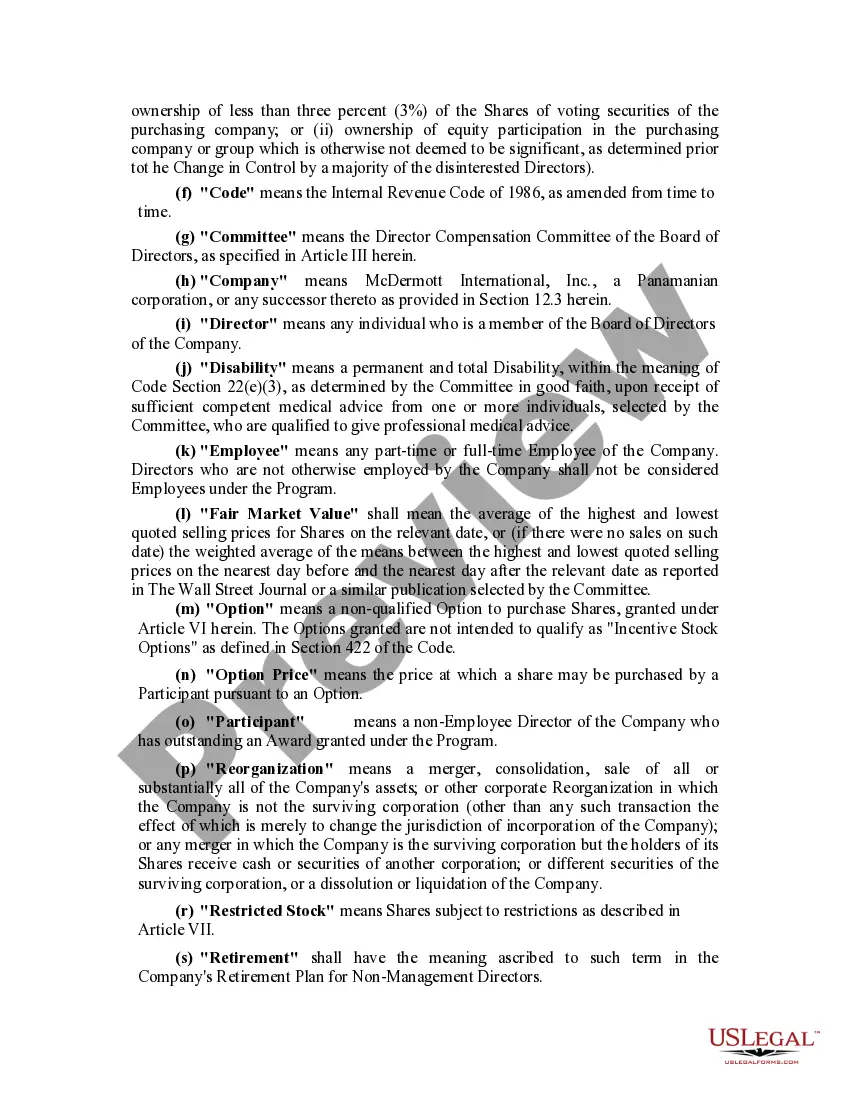
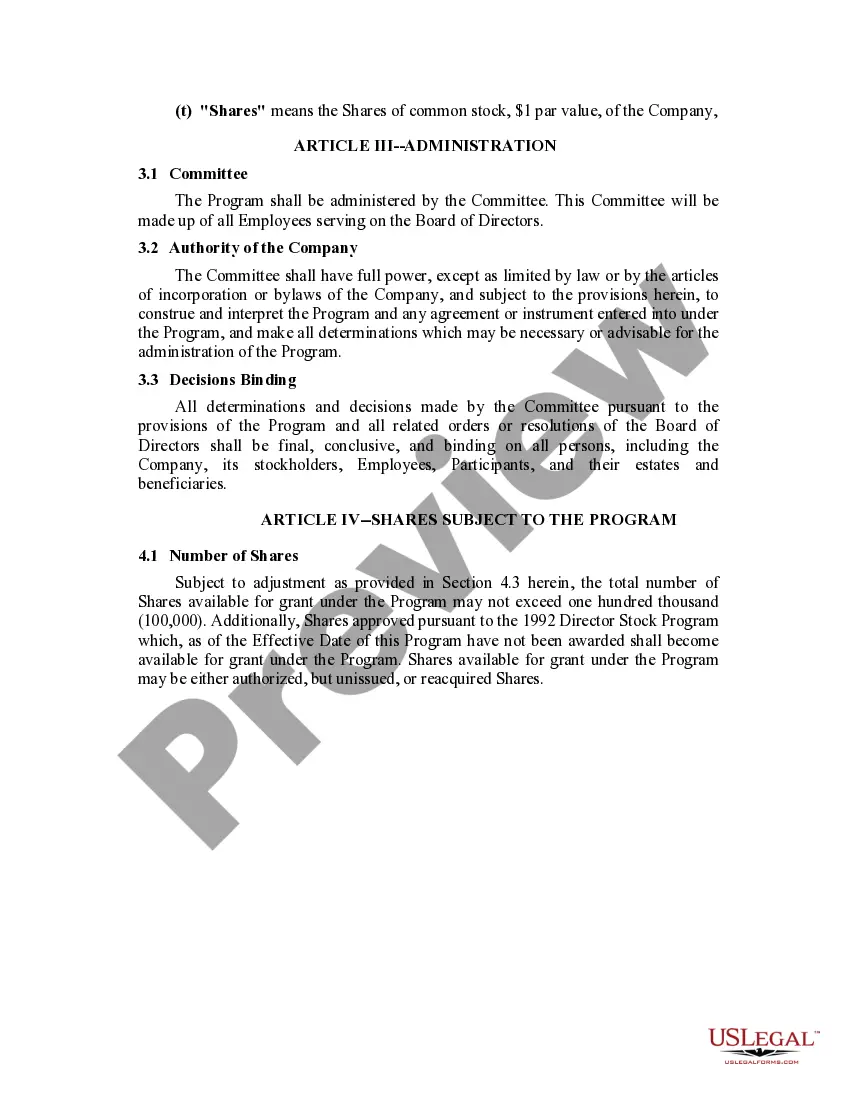
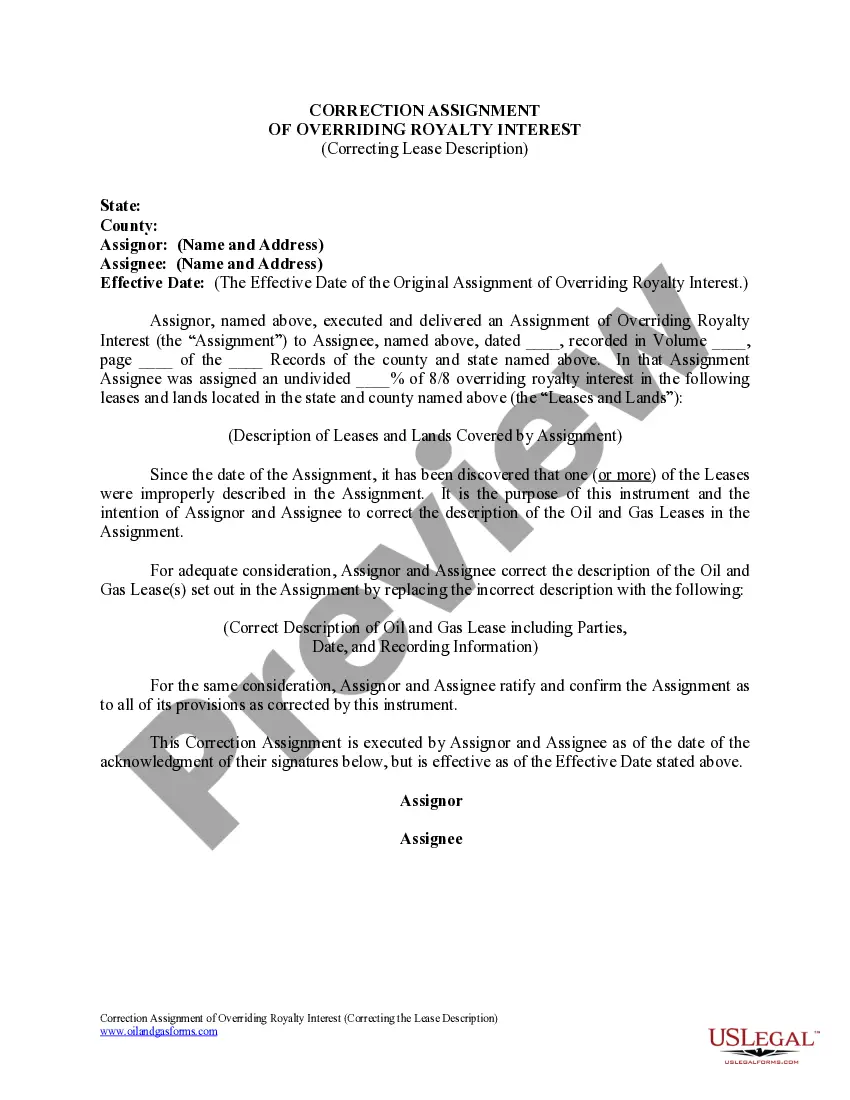
Director Stock Purchase With 40
Description




Get your form ready online
Our built-in tools help you complete, sign, share, and store your documents in one place.
Make edits, fill in missing information, and update formatting in US Legal Forms—just like you would in MS Word.
Download a copy, print it, send it by email, or mail it via USPS—whatever works best for your next step.
Sign and collect signatures with our SignNow integration. Send to multiple recipients, set reminders, and more. Go Premium to unlock E-Sign.
If this form requires notarization, complete it online through a secure video call—no need to meet a notary in person or wait for an appointment.
We protect your documents and personal data by following strict security and privacy standards.

Make edits, fill in missing information, and update formatting in US Legal Forms—just like you would in MS Word.

Download a copy, print it, send it by email, or mail it via USPS—whatever works best for your next step.

Sign and collect signatures with our SignNow integration. Send to multiple recipients, set reminders, and more. Go Premium to unlock E-Sign.

If this form requires notarization, complete it online through a secure video call—no need to meet a notary in person or wait for an appointment.

We protect your documents and personal data by following strict security and privacy standards.
Looking for another form?

How to fill out Director Stock Program?
Handling legal documents and processes can be a lengthy addition to your entire day.
Director Stock Purchase With 40 and similar forms usually require you to search for them and understand how to fill them out correctly.
Consequently, whether you are managing financial, legal, or personal issues, having an extensive and efficient online repository of forms readily available will significantly help.
US Legal Forms is the leading online platform for legal templates, boasting over 85,000 state-specific forms and a range of resources that will support you in completing your documents effortlessly.
Simply Log In to your account, locate Director Stock Purchase With 40, and download it instantly from the My documents section. You can also retrieve previously downloaded forms.
- Explore the repository of relevant documents accessible with just a single click.
- US Legal Forms provides state- and county-specific forms available for download at any time.
- Safeguard your document management processes with top-tier support that enables you to compile any form in a matter of minutes without any additional or concealed fees.
Form popularity
FAQ
A person may apply to the appropriate prosecuting attorney to approve the expungement of his/her FDLE juvenile criminal history record if the subject has not been charged with or found to have committed any criminal offense (including the one that you are seeking to expunge) within the preceding 5 years.
Court-Ordered Sealing or Expungement ? a person may apply to FDLE for a Certificate of Eligibility to Seal or Expunge his/her criminal history record. This is the required first step toward obtaining the court-ordered sealing or expungement of that record.
Sealing and Expunging Criminal Records Step 1: Obtaining and Completing the Application. ... Step 2: Submit Application to the State Attorney's Office. ... Step 3: Submit completed application to FDLE. ... Step 4: Complete and File a ?Petition and Affidavit to Expunge or Seal? ... Step 5: Filing the Petition.
In Florida, it can take up to six months to complete the process of sealing or expunging criminal records.
Because of the required process, it typically takes up to 9 months to have your record sealed or expunged. This is because the first step in the process that everyone must go through is obtaining a Certificate of Eligibility from the Florida Department of Law Enforcement.
In the state of Florida, you typically can only have your case sealed and expunged once in a lifetime.
In Florida the cost for an expungement petition is $75. This doesn't mean that you just pay your money and you're done. You have to make sure you have filled out the proper forms and you have all the relevant documentation. This is where an experienced lawyer can help move the process along.
There is no requirement that you have an attorney in order to request a seal or an expungement of your criminal history record. However, because the process sometimes involves complex legal issues, an attorney's advice and assistance may well be helpful in many cases.