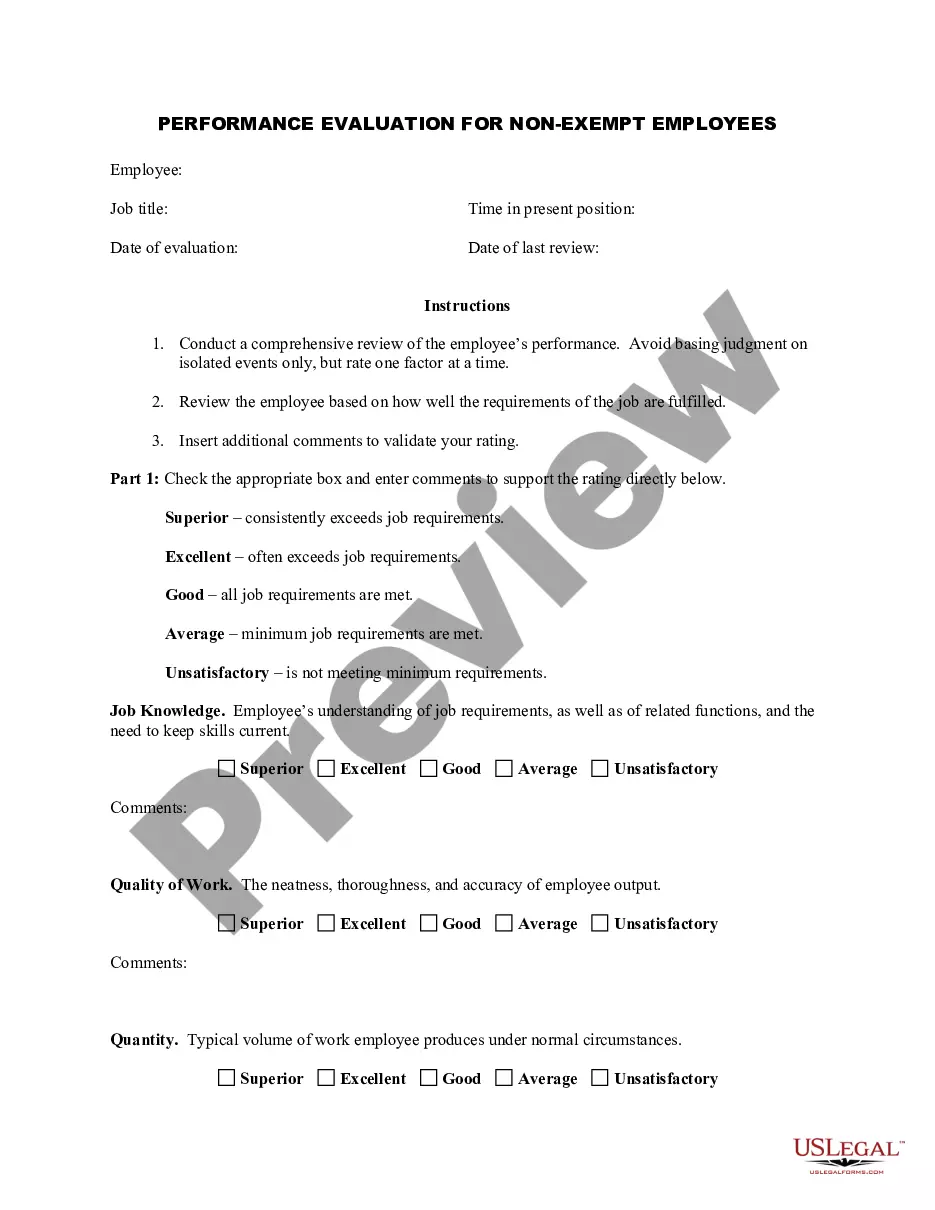
Dental Employee Evaluation Form With Answers
Description
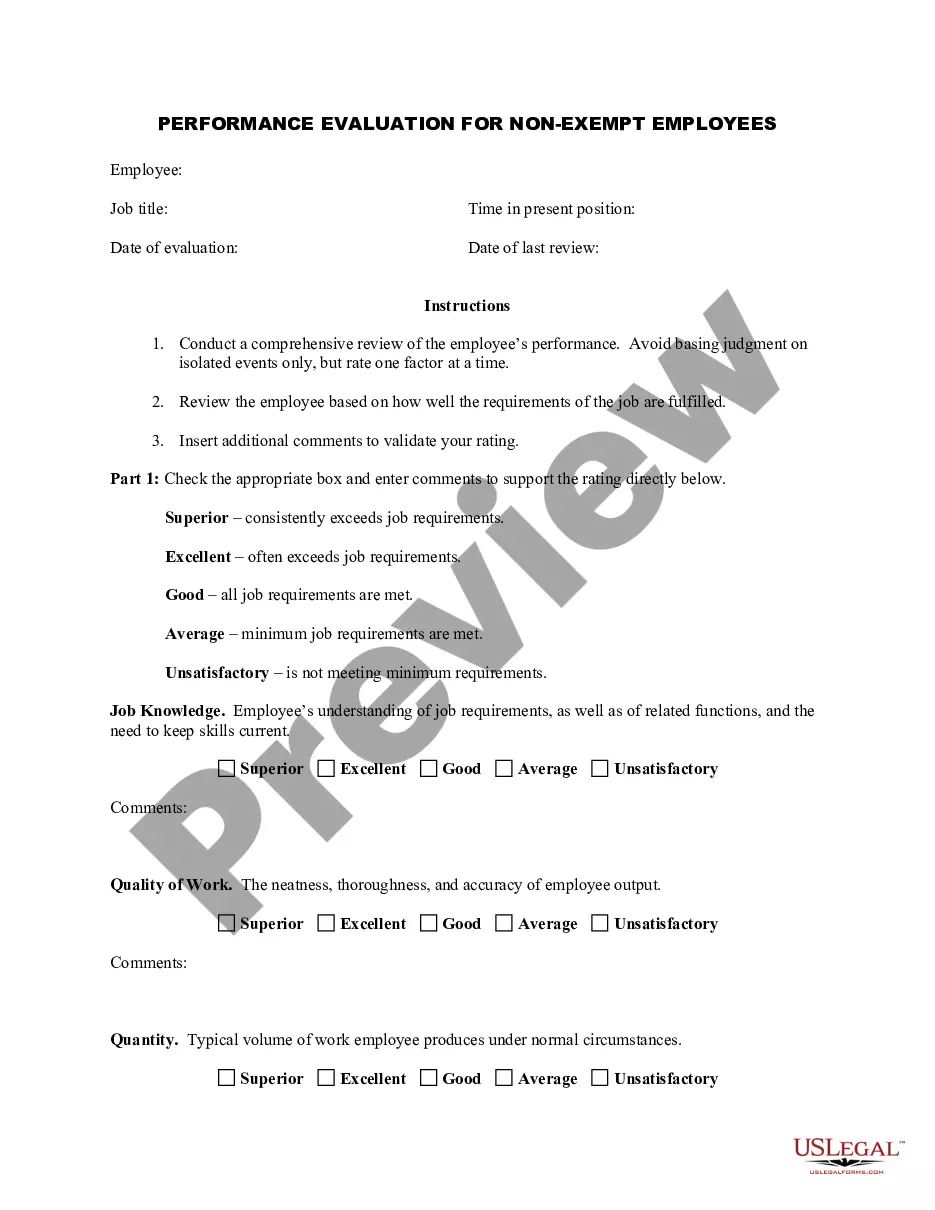
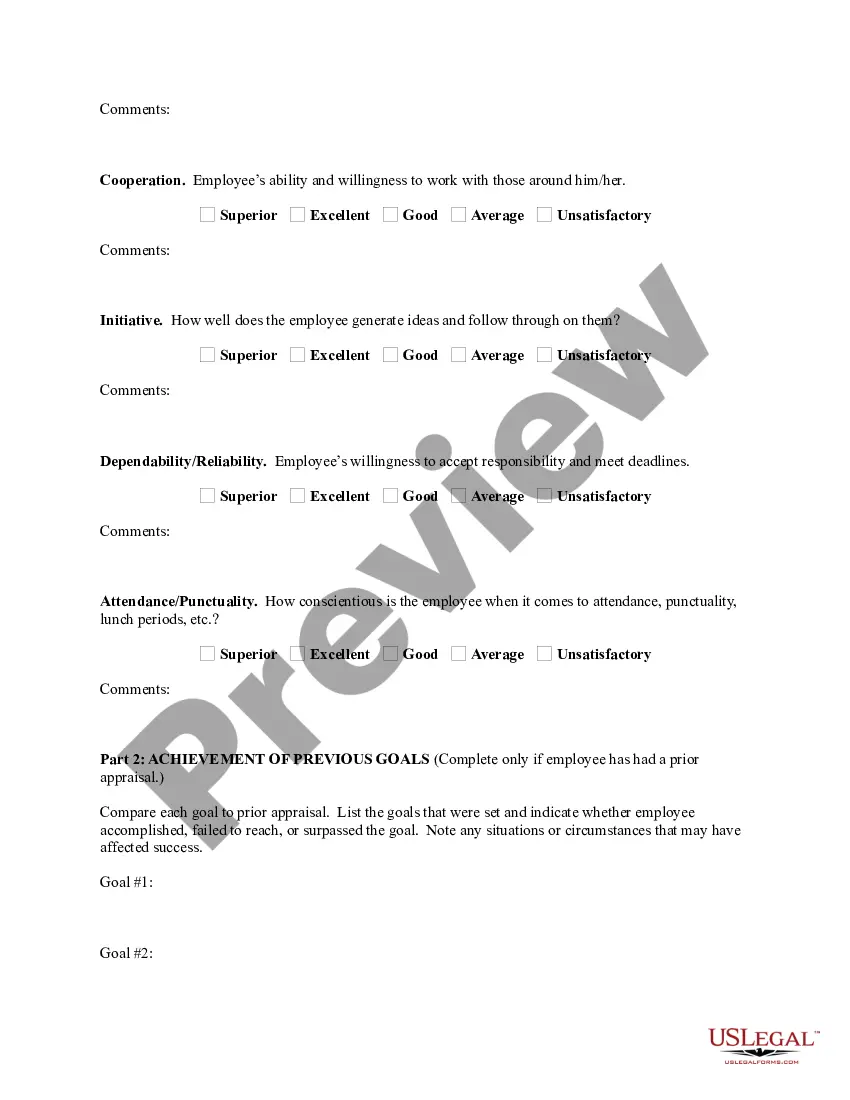
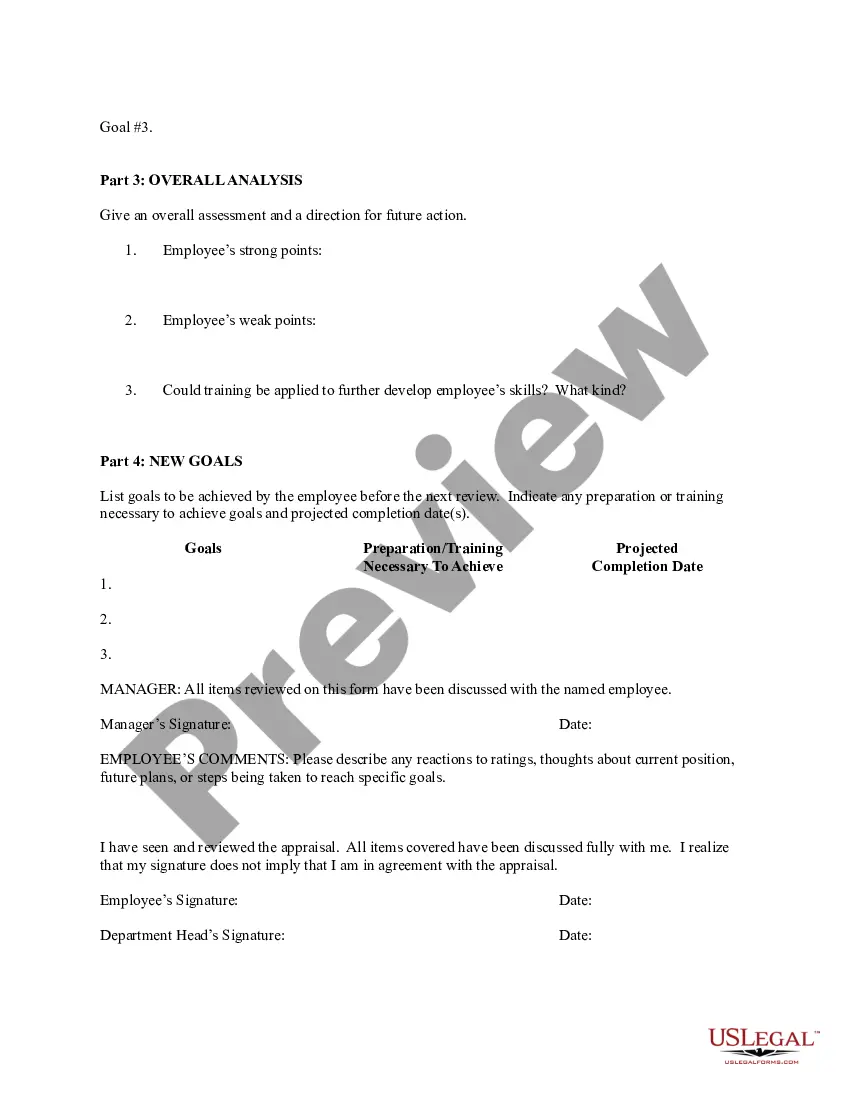
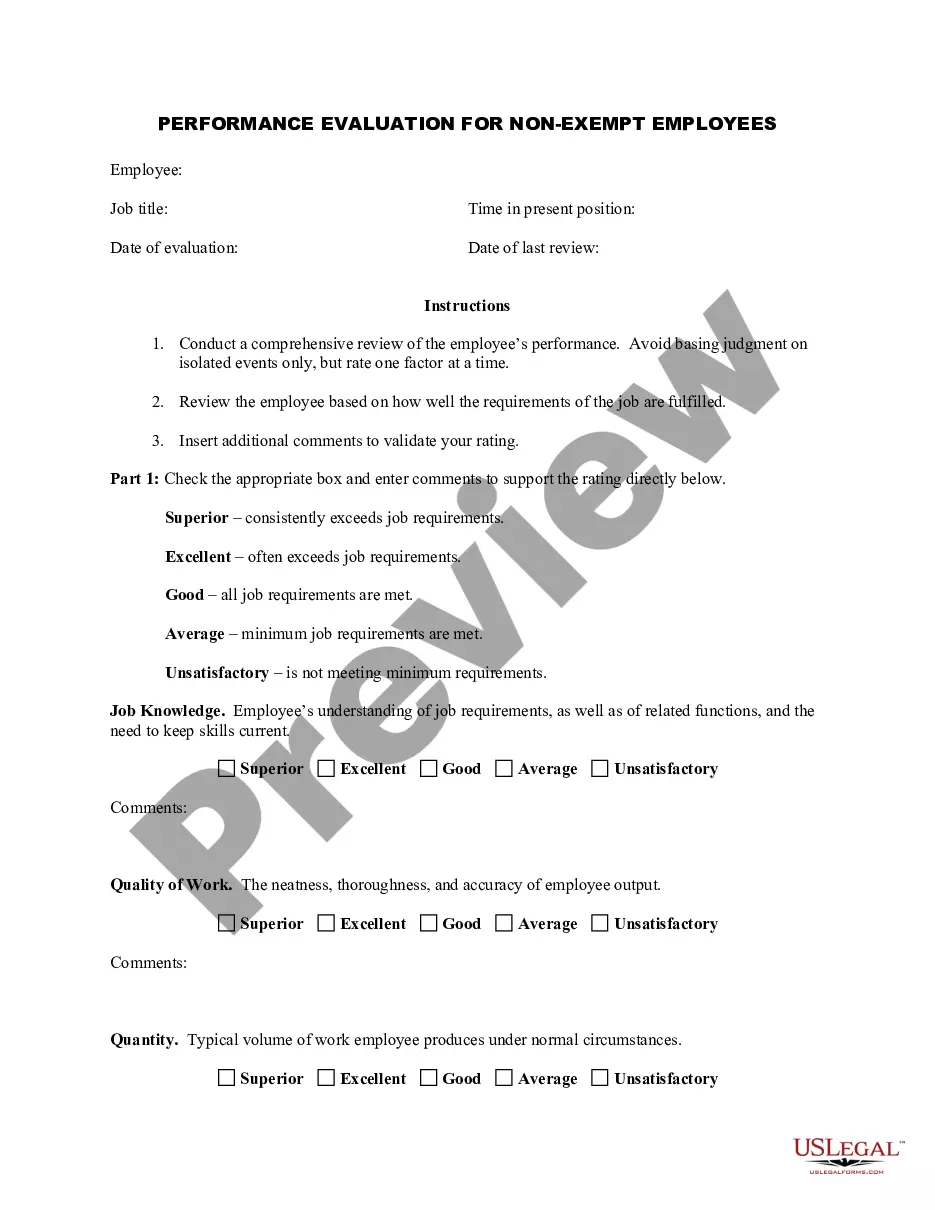
Get your form ready online
Our built-in tools help you complete, sign, share, and store your documents in one place.
Make edits, fill in missing information, and update formatting in US Legal Forms—just like you would in MS Word.
Download a copy, print it, send it by email, or mail it via USPS—whatever works best for your next step.
Sign and collect signatures with our SignNow integration. Send to multiple recipients, set reminders, and more. Go Premium to unlock E-Sign.
If this form requires notarization, complete it online through a secure video call—no need to meet a notary in person or wait for an appointment.
We protect your documents and personal data by following strict security and privacy standards.

Make edits, fill in missing information, and update formatting in US Legal Forms—just like you would in MS Word.

Download a copy, print it, send it by email, or mail it via USPS—whatever works best for your next step.

Sign and collect signatures with our SignNow integration. Send to multiple recipients, set reminders, and more. Go Premium to unlock E-Sign.

If this form requires notarization, complete it online through a secure video call—no need to meet a notary in person or wait for an appointment.

We protect your documents and personal data by following strict security and privacy standards.
Looking for another form?

How to fill out Employee Evaluation Form For Dentist?
Locating a reliable source to obtain the most up-to-date and suitable legal templates is a significant part of managing bureaucracy.
Selecting the appropriate legal documents requires accuracy and careful consideration, which is why it is crucial to obtain samples of the Dental Employee Evaluation Form With Answers solely from trustworthy sources, such as US Legal Forms. An incorrect template can squander your time and delay your current situation. With US Legal Forms, you have minimal concerns.
Once you have the form on your device, you can edit it using the editor or print it out and complete it manually. Eliminate the hassle associated with your legal paperwork. Browse the extensive US Legal Forms catalog to discover legal templates, evaluate their suitability for your needs, and download them instantly.
- Utilize the library navigation or search box to find your template.
- Examine the document’s details to ensure it aligns with the standards of your state and locality.
- Preview the form, if available, to confirm it is the template you need.
- Return to the search and seek the appropriate template if the Dental Employee Evaluation Form With Answers does not meet your specifications.
- If you are certain about the document’s relevance, download it.
- If you are a registered user, click Log in to verify and access your selected forms in My documents.
- If you haven't created an account yet, click Buy now to obtain the form.
- Choose the pricing option that suits your requirements.
- Proceed with the registration to finalize your purchase.
- Complete your transaction by selecting a payment method (credit card or PayPal).
- Select the document format for downloading the Dental Employee Evaluation Form With Answers.
Form popularity
FAQ
Tips for answering questions during a performance review Use natural responses. ... Review yourself first. ... Know your achievements. ... Take a moment. ... Have solutions ready. ... Ask your own questions. ... Request a review summary. ... What is your proudest accomplishment from the past year?
"I am proud of my ability to lead by example and consistently demonstrate a positive attitude and strong work ethic. I have inspired my team to work towards common goals, increasing productivity and morale." "I have successfully led multiple projects this year, ensuring they were completed on time and within budget.
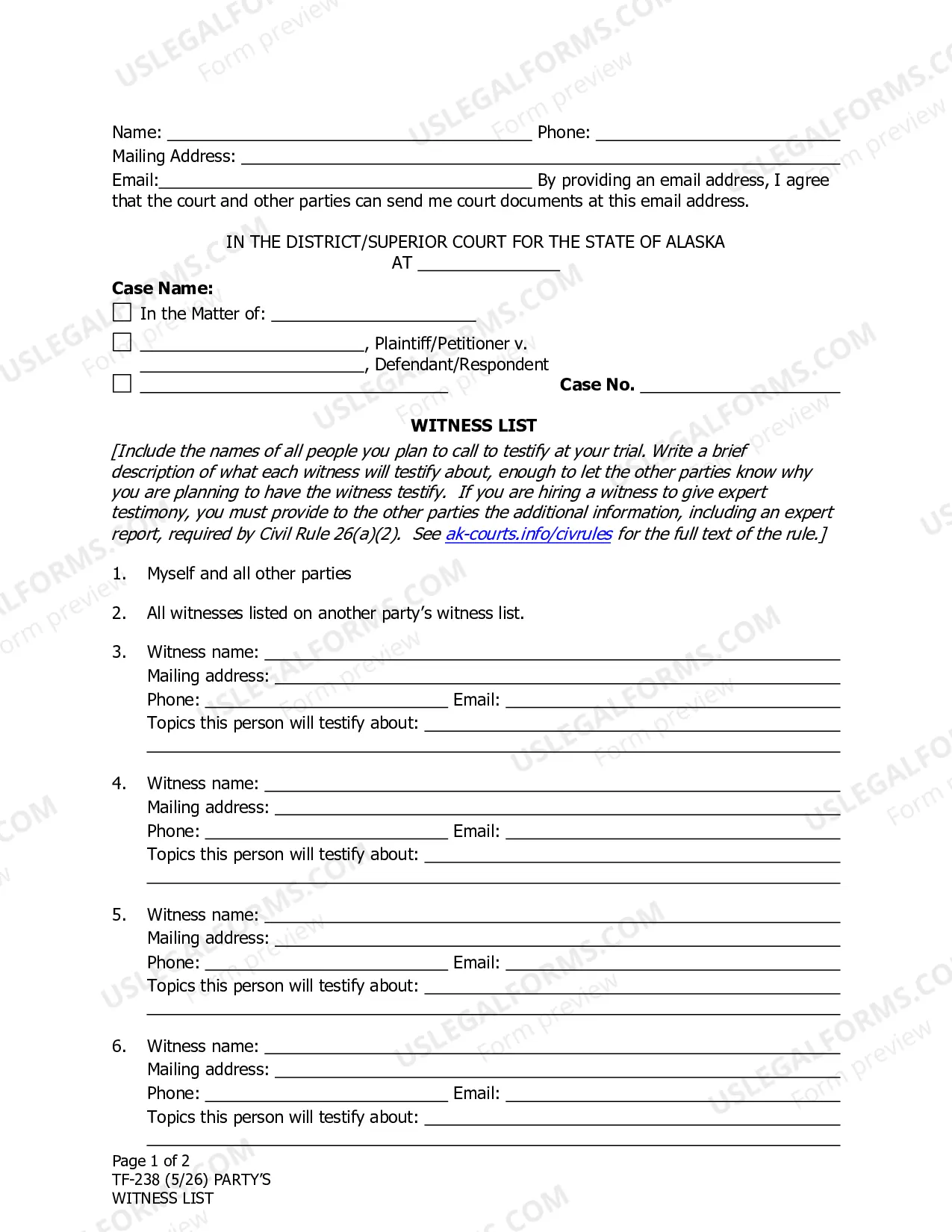
You can follow these steps to create an effective employee evaluation: Review the employee's job description. ... Highlight areas of improvement. ... Compare strengths and weaknesses. ... Recommend actionable goals. ... Provide constructive feedback. ... Welcome employee input.
Talk about your achievements Performance reviews give you the opportunity to talk about your recent achievements and highlight your strengths. Talking about your achievements can show employers that you're committed to the company and are excited to learn how to improve.
How to write an effective performance evaluation comment Review past and present performance. If you only do formal reviews once a year, it's easy to provide feedback only for things that are fresh in your mind. ... Be honest and clear. ... Provide concrete examples. ... Choose your words carefully. ... End on a positive note.