Employee
Description
Get your form ready online
Our built-in tools help you complete, sign, share, and store your documents in one place.
Make edits, fill in missing information, and update formatting in US Legal Forms—just like you would in MS Word.
Download a copy, print it, send it by email, or mail it via USPS—whatever works best for your next step.
Sign and collect signatures with our SignNow integration. Send to multiple recipients, set reminders, and more. Go Premium to unlock E-Sign.
If this form requires notarization, complete it online through a secure video call—no need to meet a notary in person or wait for an appointment.
We protect your documents and personal data by following strict security and privacy standards.

Make edits, fill in missing information, and update formatting in US Legal Forms—just like you would in MS Word.

Download a copy, print it, send it by email, or mail it via USPS—whatever works best for your next step.

Sign and collect signatures with our SignNow integration. Send to multiple recipients, set reminders, and more. Go Premium to unlock E-Sign.

If this form requires notarization, complete it online through a secure video call—no need to meet a notary in person or wait for an appointment.

We protect your documents and personal data by following strict security and privacy standards.
Looking for another form?
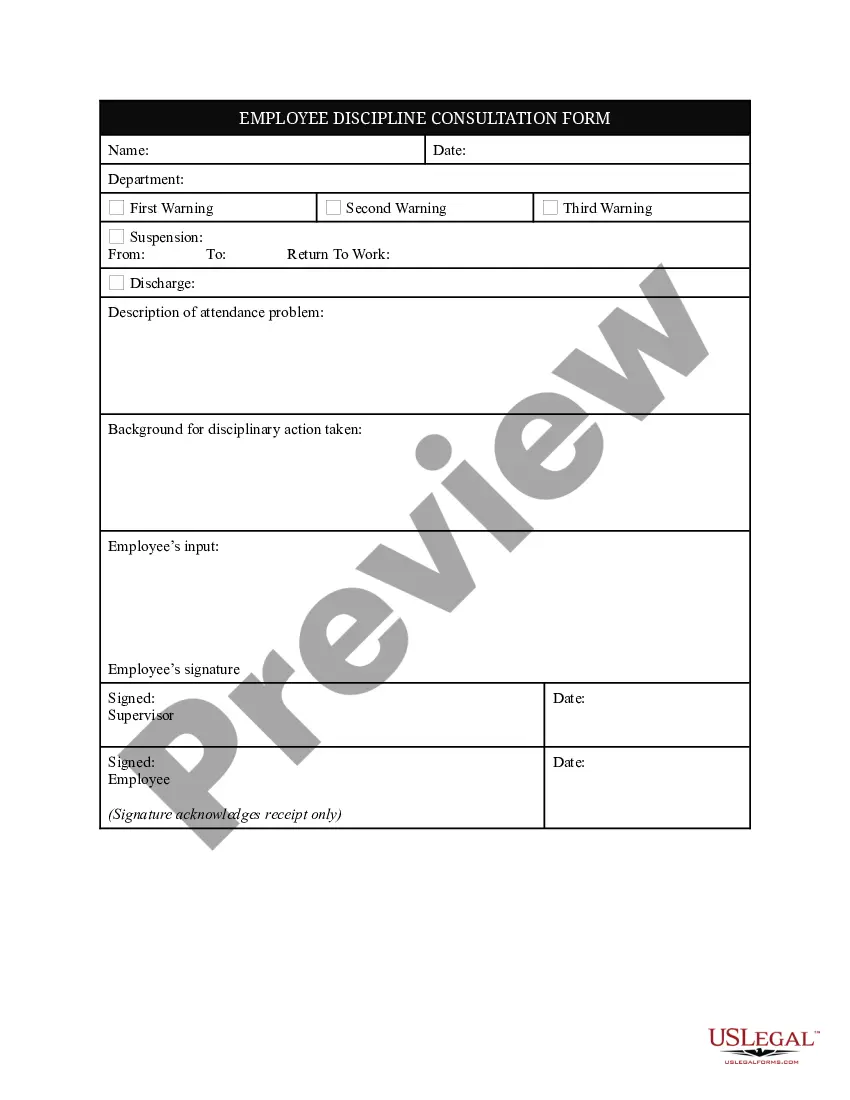
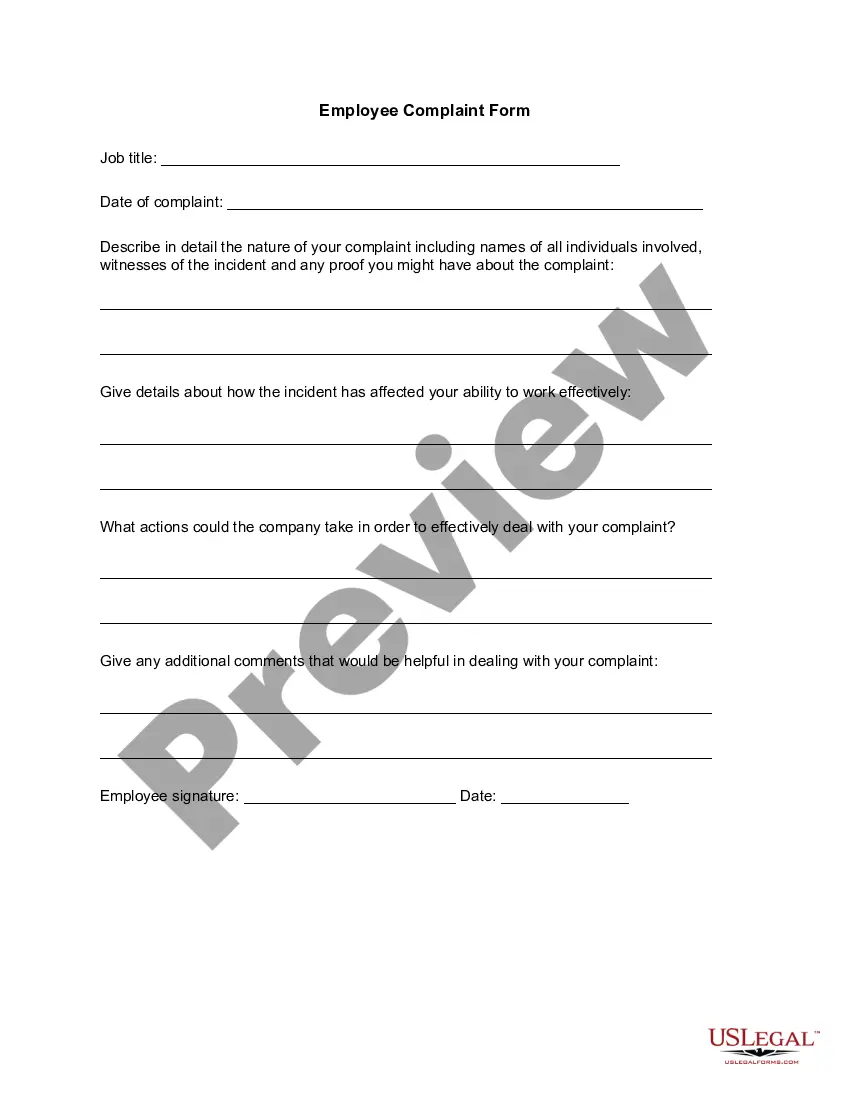
How to fill out Employee Discipline Consultation Form?
- Visit the US Legal Forms website and log in to your account if you're a returning user. Make sure your subscription is active; renew it if necessary.
- For first-time users, start by browsing the extensive library to find the appropriate form. You can preview each form to ensure it meets your specific needs.
- If you do not find the needed document, use the search bar to look for alternative templates until you locate the correct one.
- Once you’ve found the right form, click on the 'Buy Now' button. You'll need to create an account to access the full range of forms.
- Proceed to complete your purchase by entering your payment details, either via credit card or PayPal.
- After the transaction, download the form to your device. You can also access it anytime through the 'My Forms' section in your account.
By following these steps, employees can easily navigate the legal landscape with confidence. The user-friendly interface and extensive library empower you to manage all your legal documentation needs effectively.
Don't wait any longer—take advantage of the comprehensive resources at US Legal Forms today!
Form popularity
FAQ
The primary form employees need to fill out is the W-4. This form is vital for ensuring appropriate tax withholding based on your personal tax situation. Additionally, depending on your employer's requirements, you might need other forms related to state taxes or benefits. Always check with your HR department for any additional paperwork you may need.
Employees fill out the W-4 form, not the W-9 form. The W-4 tells your employer how much tax to withhold, while the W-9 form is typically used by independent contractors to provide their tax identification number to employers. If you are an employee, focus on completing the W-4 accurately to ensure proper tax withholdings. Resources on the US Legal Forms platform can guide you in this process.
Deciding whether to be a 1099 contractor or a W-2 employee can significantly affect your tax situation. As a W-2 employee, your employer handles tax withholdings and provides benefits, while a 1099 contractor is responsible for paying their own taxes. Consider your job stability, benefits, and income when making this decision. US Legal Forms provides helpful insights on understanding these classifications.
The choice between form 941 and form 944 depends on your payroll tax situation as an employee. Form 941 is for employers that report payroll taxes quarterly, while form 944 is for smaller employers with an annual reporting requirement. If you are unsure which form applies to you, it’s best to consult your employer or seek guidance from a tax professional. Resources on the US Legal Forms platform can simplify this process.
As an employee, you typically fill out the W-4 form to let your employer know how much tax to withhold from your paycheck. This form is crucial for calculating your federal tax withholdings. Depending on your circumstances, you may also need to complete other forms, such as a state tax withholding form. Always verify with your employer to ensure you have the correct forms filled out.
To correctly fill out a W-4 form as an employee, start by providing your name, address, and Social Security number. Then, indicate your filing status and whether you have dependents. Make sure to complete the worksheets on the form to determine the number of allowances. For convenient filling, you can find detailed instructions on the IRS website or consult the US Legal Forms platform for additional resources.
When you fill out your W-4 form as an employee, you must decide if you will claim 0 or 1. Claiming 0 means more taxes will be withheld from your paycheck, while claiming 1 allows for less withholding. It’s important to consider your personal tax situation and dependents. You can use the IRS withholding calculator for guidance or talk to a financial advisor.
An employee example could be a software engineer who is hired by a technology firm to develop applications. In this role, the software engineer completes projects outlined by the employer within a specified timeframe. This scenario illustrates the typical relationship and function of an employee within a business.
The full meaning of employee encompasses an individual who is employed by an organization under a formal agreement. This agreement typically includes compensation, tasks to be performed, and benefits associated with the job. Knowing the complete definition of an employee can help clarify your rights and responsibilities in the workplace.
Being an employee means you have a contractual agreement with an employer to carry out specified tasks in exchange for compensation. This arrangement often comes with rights, benefits, and obligations that protect both parties involved. A clear understanding of your status as an employee can greatly enhance your work experience.