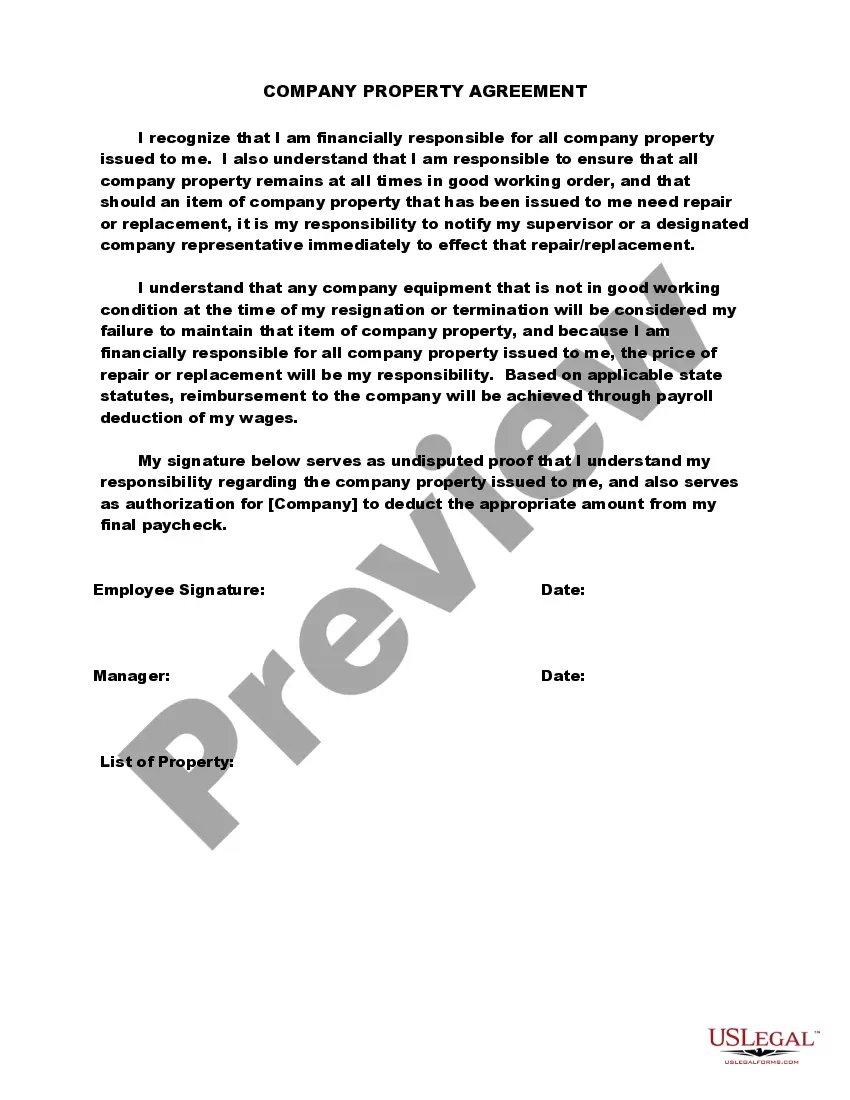
Company Property Agreement Template With Employee
Description
Get your form ready online
Our built-in tools help you complete, sign, share, and store your documents in one place.
Make edits, fill in missing information, and update formatting in US Legal Forms—just like you would in MS Word.
Download a copy, print it, send it by email, or mail it via USPS—whatever works best for your next step.
Sign and collect signatures with our SignNow integration. Send to multiple recipients, set reminders, and more. Go Premium to unlock E-Sign.
If this form requires notarization, complete it online through a secure video call—no need to meet a notary in person or wait for an appointment.
We protect your documents and personal data by following strict security and privacy standards.

Make edits, fill in missing information, and update formatting in US Legal Forms—just like you would in MS Word.

Download a copy, print it, send it by email, or mail it via USPS—whatever works best for your next step.

Sign and collect signatures with our SignNow integration. Send to multiple recipients, set reminders, and more. Go Premium to unlock E-Sign.

If this form requires notarization, complete it online through a secure video call—no need to meet a notary in person or wait for an appointment.

We protect your documents and personal data by following strict security and privacy standards.
Looking for another form?
How to fill out Company Property Agreement?
Individuals frequently link legal documentation with something intricate that solely an expert can handle.
In a certain sense, this is accurate, as creating a Company Property Agreement Template With Employee requires extensive understanding of subject matters, including state and county laws.
However, with US Legal Forms, the process has become significantly more straightforward: pre-designed legal templates for every life and business scenario specific to state regulations are compiled in a single online catalog and are now accessible to everyone.
Print your document or upload it to an online editor for quicker completion. All templates in our catalog are reusable: once obtained, they remain saved in your profile. You can access them anytime needed via the My documents tab. Experience all the benefits of using the US Legal Forms platform. Subscribe today!
- US Legal Forms provides over 85,000 current documents categorized by state and application, making the search for a Company Property Agreement Template With Employee or any other specific template quick and easy.
- Current registered users with an active subscription must Log In to their account and click Download to access the form.
- New users to the platform need to create an account and subscribe prior to downloading any files.
- Here’s a step-by-step guide on how to obtain the Company Property Agreement Template With Employee.
- Review the content on the page closely to ensure it meets your requirements.
- Read the form description or examine it using the Preview feature.
- If the previous template isn’t suitable, find another using the Search bar above.
- Once you identify the correct Company Property Agreement Template With Employee, click Buy Now.
- Select a subscription plan that suits your needs and budget.
- Create an account or Log In to continue to the payment page.
- Complete your subscription purchase using PayPal or your credit card.
- Choose the format for your template and click Download.
Form popularity
FAQ
Here are some steps you may use to guide you when you write an employment contract:Title the employment contract.Identify the parties.List the term and conditions.Outline the job responsibilities.Include compensation details.Use specific contract terms.Consult with an employment lawyer.Employment.More items...?
An employee equipment agreement allows an employee to use and take company equipment out into the field or to their home. The employee will be fully responsible for the equipment, except for normal wear-and-tear.
7 things you need to include in an employment contractLegal disclaimer.Job information.Compensation and benefits.Time off, sick days and vacation policy.Employee classification.The schedule and employment period.Confidentiality, privacy and responsibility.Termination, severance and survival.More items...?
You can start this off by saying: "Per company policy, employees must return all property back to the organization in insert number of days after a termination/layoff/etc." This gets right to the point. Like all communication like this, you need to jump right in.
An equipment use agreement, sometimes called an equipment lease agreement, is a legal contract that allows a lessee to lease a piece of equipment from the owner or lessor. The lessee will be required to make periodic payments for the use of the equipment throughout the duration of the agreement.