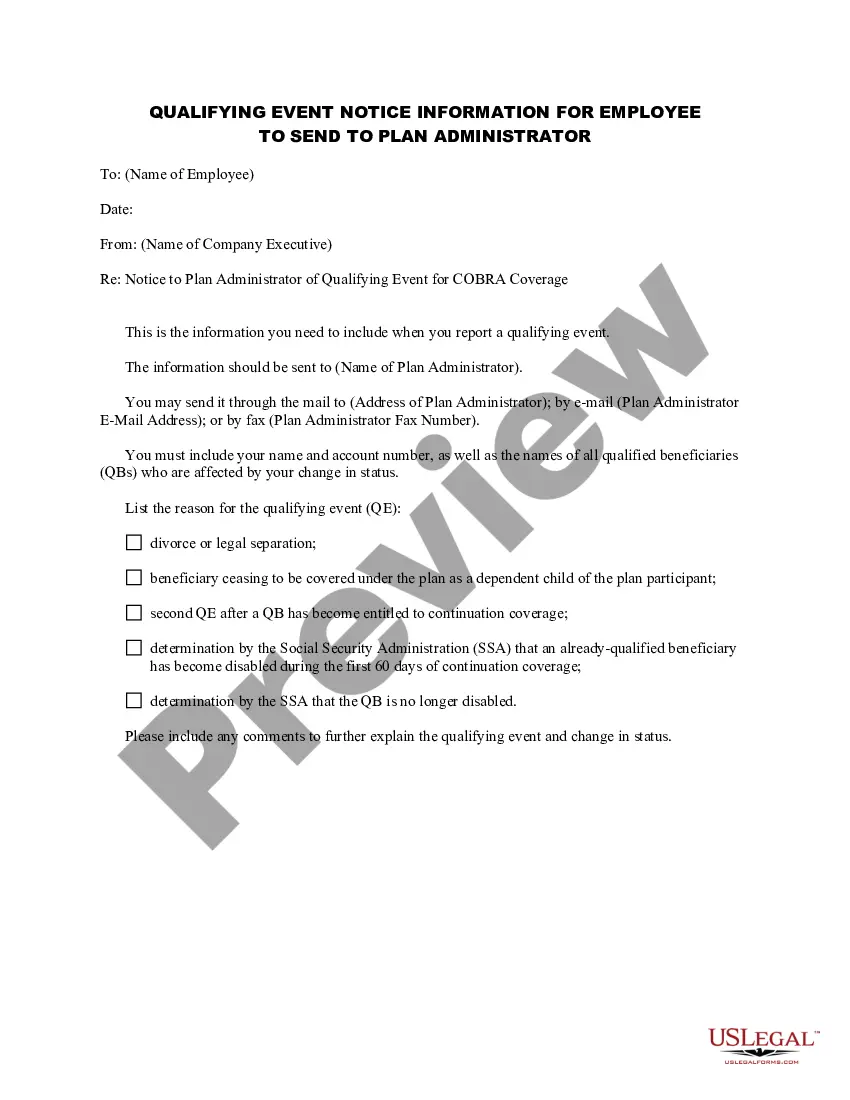
Qualifying Notice Employer Withdrawal
Description
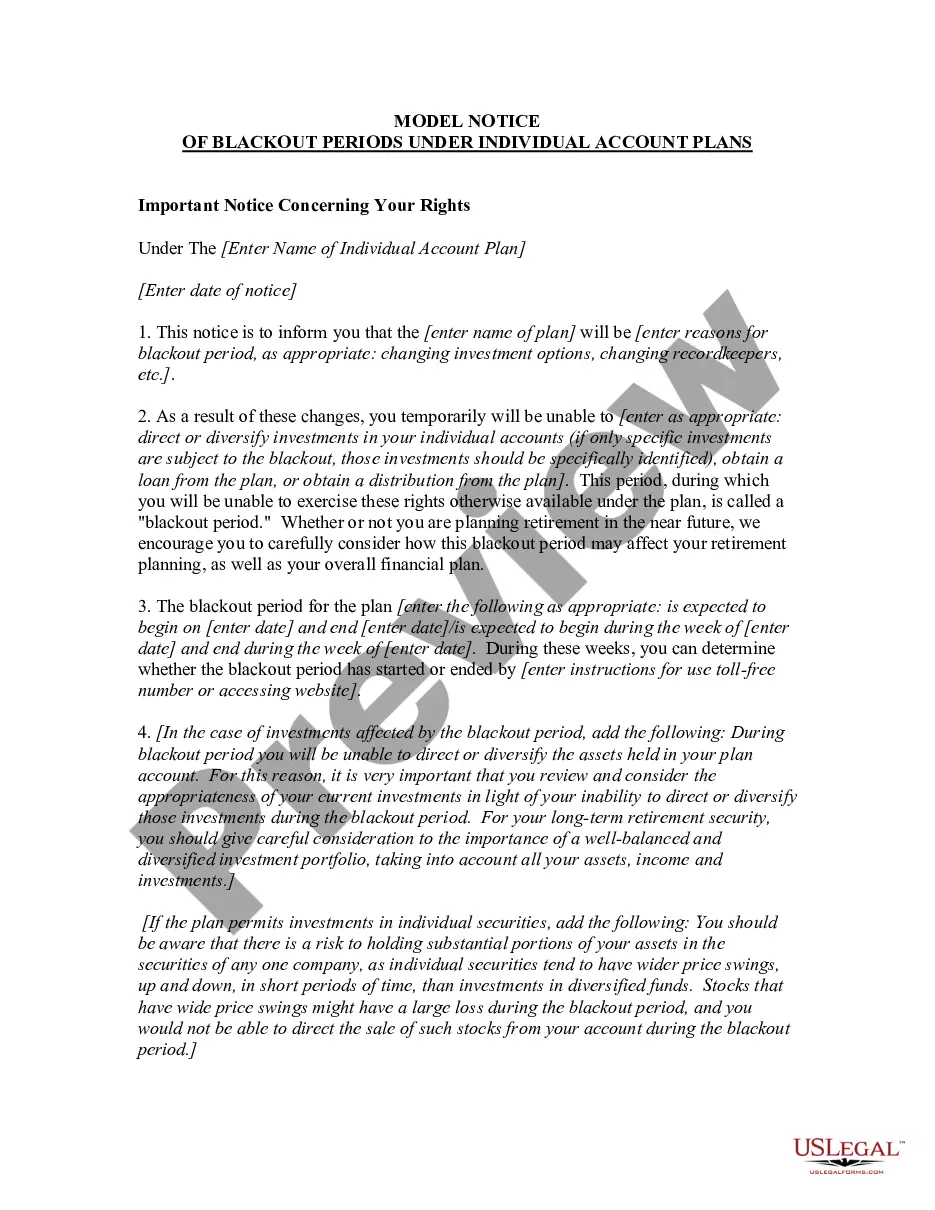
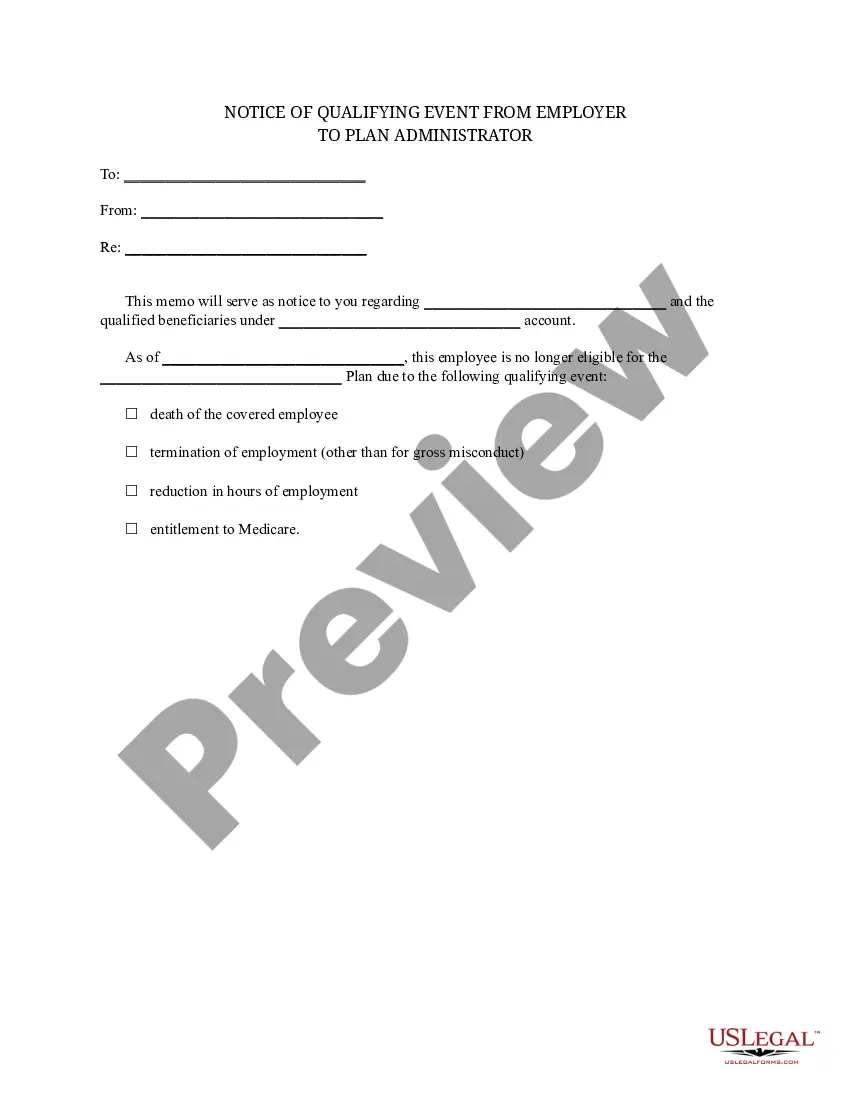
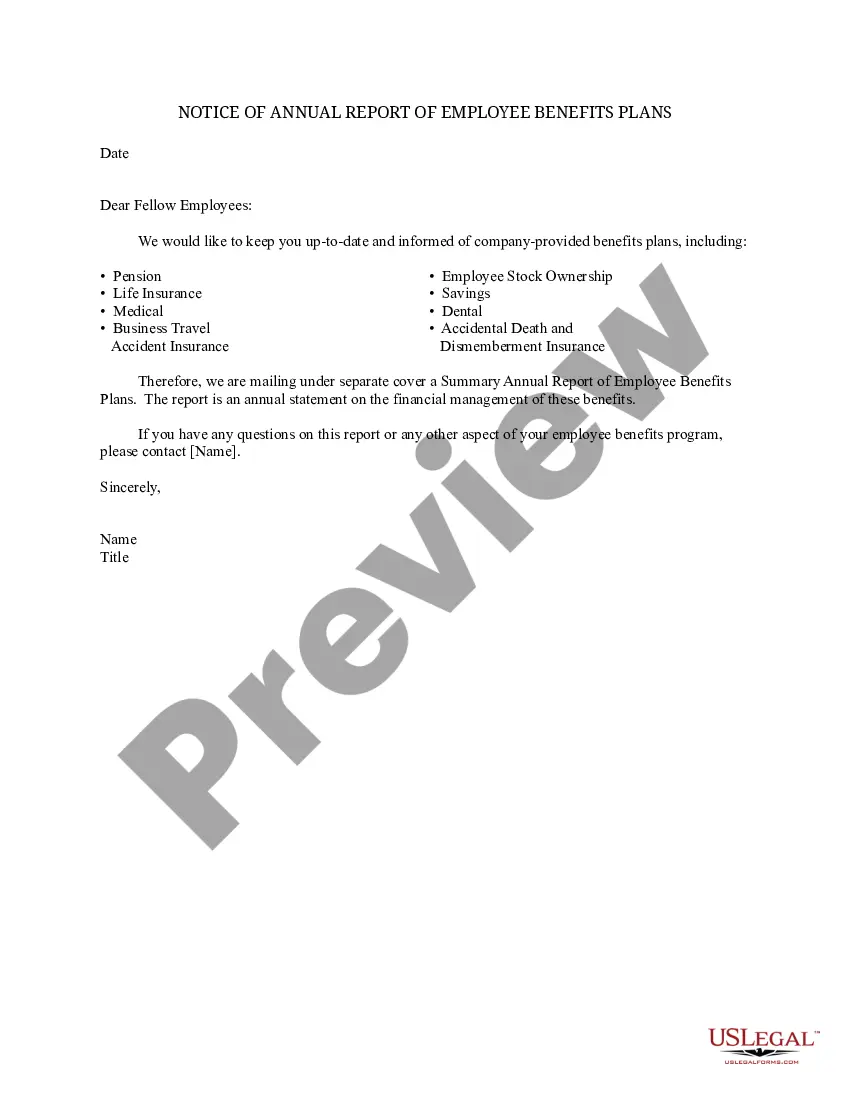



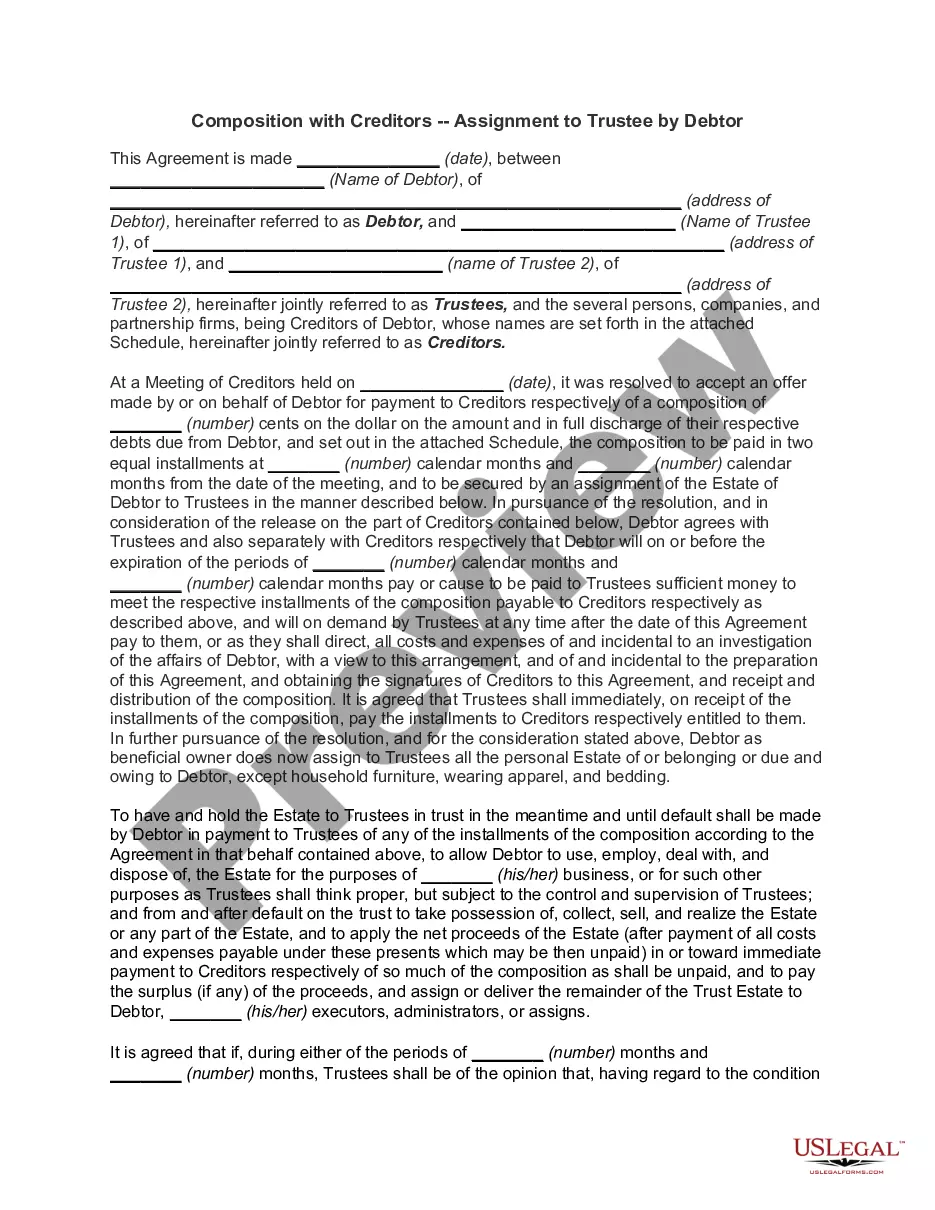
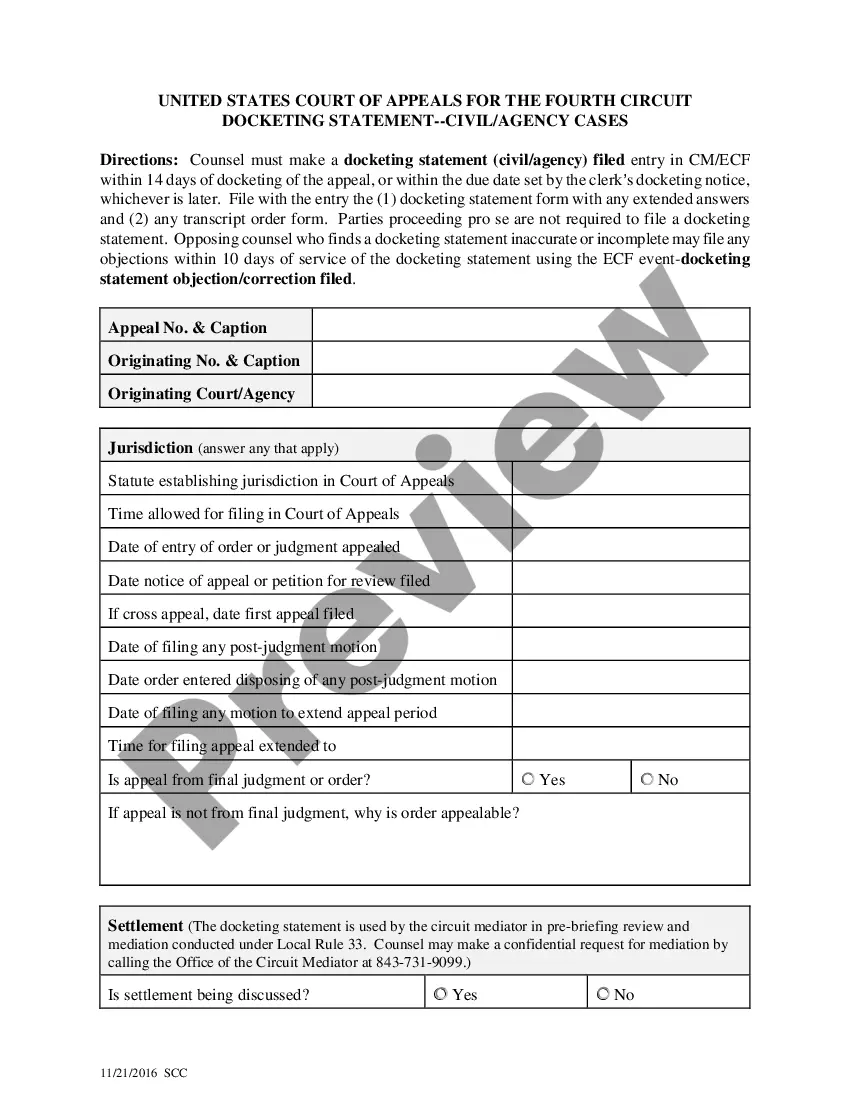
How to fill out Qualifying Event Notice Information For Employer To Plan Administrator?
The Qualifying Notice Employer Withdrawal you see on this page is a reusable formal template drafted by professional lawyers in accordance with federal and state laws and regulations.
For over 25 years, US Legal Forms has supplied individuals, organizations, and attorneys with over 85,000 authenticated, state-specific documents for any business and personal scenario. It’s the fastest, simplest, and most trustworthy method to acquire the forms you require, as the service ensures the utmost level of data security and anti-malware safeguards.
Register with US Legal Forms to have authenticated legal templates for all of life’s situations at your fingertips.
- Find the document you require and examine it.
- Browse through the sample you searched and preview it or review the form description to confirm it meets your needs. If it doesn't, use the search bar to locate the correct one. Click Buy Now when you have identified the template you need.
- Select and Log In.
- Pick the pricing plan that fits you and set up an account. Use PayPal or a credit card for a quick payment. If you already possess an account, Log In and review your subscription to proceed.
- Obtain the editable template.
- Choose the format you desire for your Qualifying Notice Employer Withdrawal (PDF, Word, RTF) and store the sample on your device.
- Fill out and sign the document.
- Print the template to complete it by hand. Alternatively, utilize an online multifunctional PDF editor to quickly and accurately fill out and sign your form with a valid signature.
- Re-download your documents when necessary.
- Utilize the same document again whenever required. Access the My documents tab in your profile to redownload any forms you have previously downloaded.
Form popularity
FAQ
The following steps are from the 2022 Form 5329: Line 52: Minimum required distribution. On this line, indicate the total amount of the RMD. ... Line 53: Amount actually distributed. List the amount that was taken. ... Line 54: Subtract line 53 from line 52. ... Line 55: Additional tax.
You may be able to get the penalty waived if you missed taking your RMD due to an illness, mental incapacity, or bank error. You'll calculate that penalty in Part 9 of Form 5329. To request a waiver, enter ?RC? (for reasonable cause) and the amount of shortfall you want waived on the dotted line next to Line 54.
For amounts below $5000, the employer can hold the funds for up to 60 days, after which the funds will be automatically rolled over to a new retirement account or cashed out. If you have accumulated a large amount of savings above $5000, your employer can hold the 401(k) for as long as you want.
To report a qualified charitable distribution on your Form 1040 tax return, you generally report the full amount of the charitable distribution on the line for IRA distributions. On the line for the taxable amount, enter zero if the full amount was a qualified charitable distribution. Enter "QCD" next to this line.
RMD shortfalls result in heavy penalties for the missed amount. Fortunately, Form 5329 allows you to appeal to the IRS for a penalty waiver. Sending a penalty waiver letter is an essential part of your request, as it outlines your situation and explains why you missed your RMD.