Employee Declaration Form V 2.0
Description
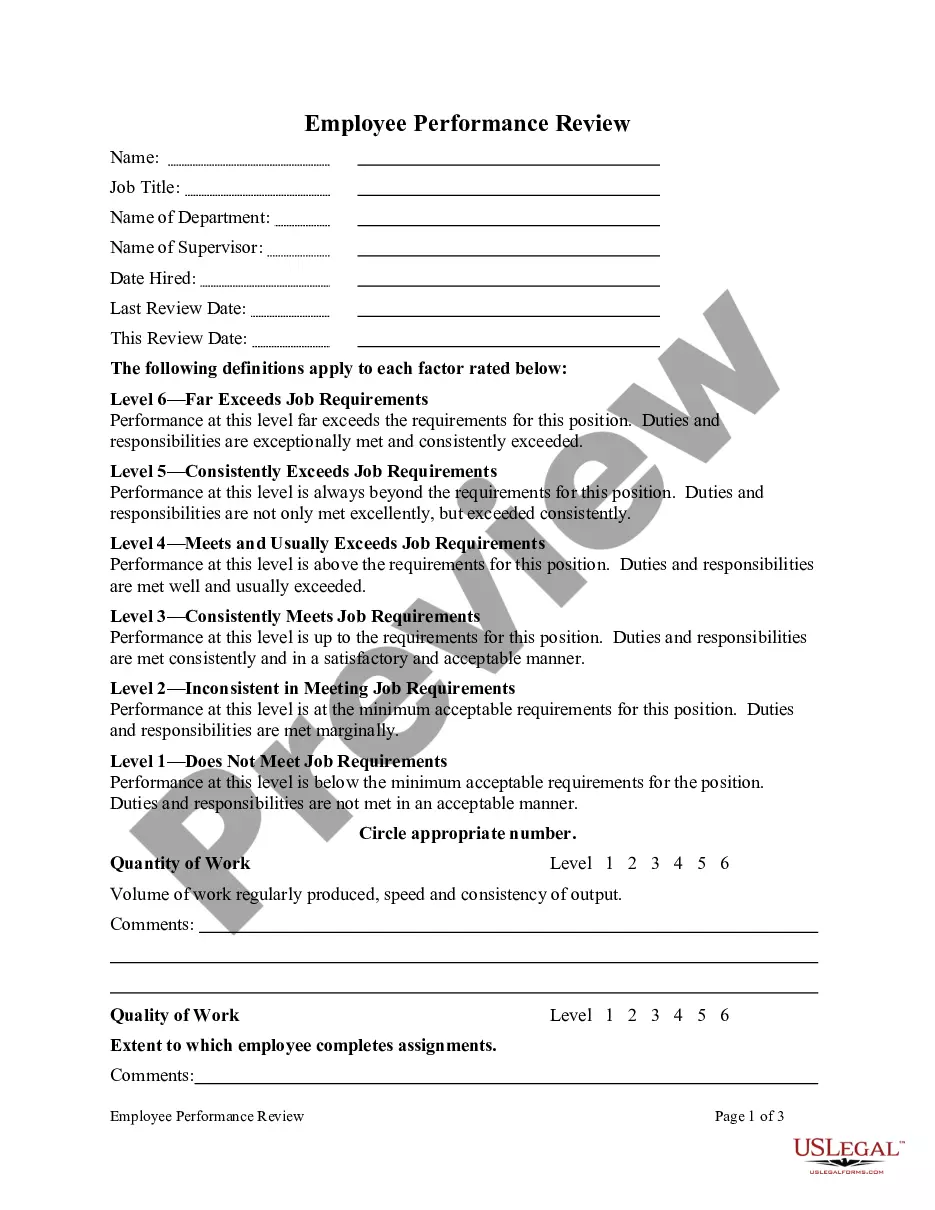
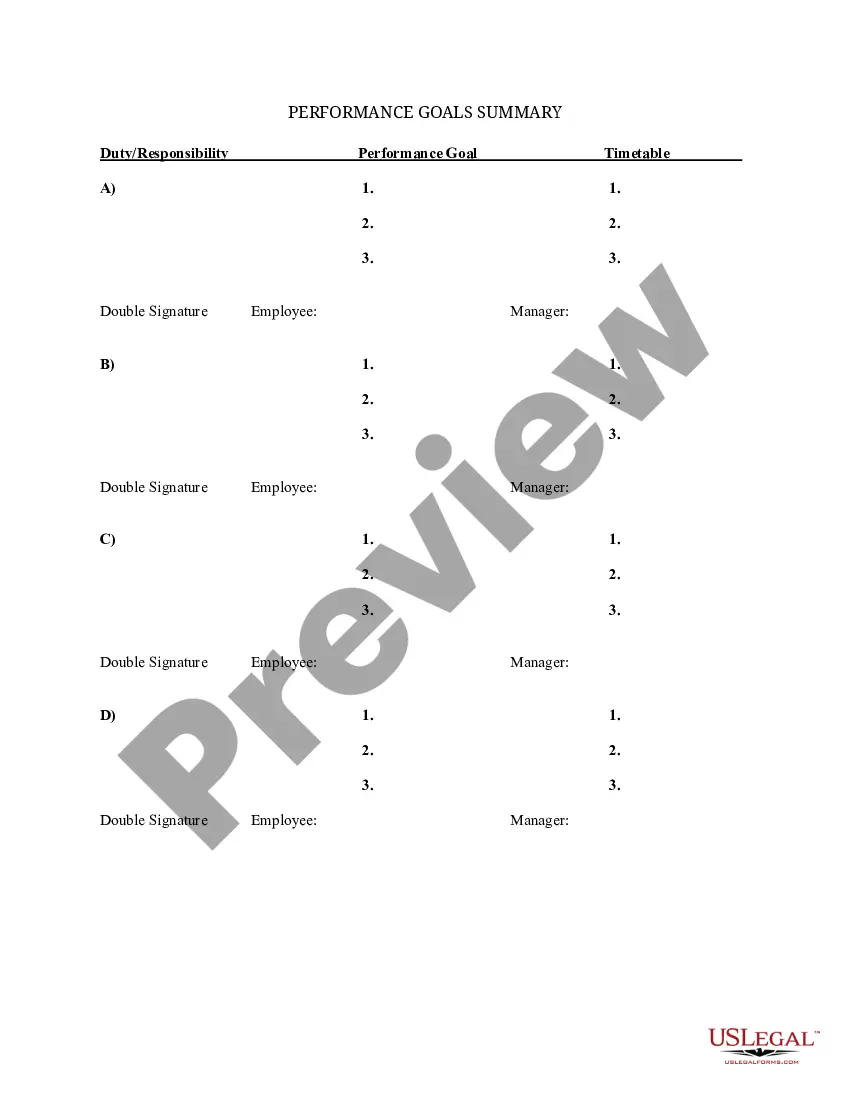
Get your form ready online
Our built-in tools help you complete, sign, share, and store your documents in one place.
Make edits, fill in missing information, and update formatting in US Legal Forms—just like you would in MS Word.
Download a copy, print it, send it by email, or mail it via USPS—whatever works best for your next step.
Sign and collect signatures with our SignNow integration. Send to multiple recipients, set reminders, and more. Go Premium to unlock E-Sign.
If this form requires notarization, complete it online through a secure video call—no need to meet a notary in person or wait for an appointment.
We protect your documents and personal data by following strict security and privacy standards.

Make edits, fill in missing information, and update formatting in US Legal Forms—just like you would in MS Word.

Download a copy, print it, send it by email, or mail it via USPS—whatever works best for your next step.

Sign and collect signatures with our SignNow integration. Send to multiple recipients, set reminders, and more. Go Premium to unlock E-Sign.

If this form requires notarization, complete it online through a secure video call—no need to meet a notary in person or wait for an appointment.

We protect your documents and personal data by following strict security and privacy standards.
Looking for another form?


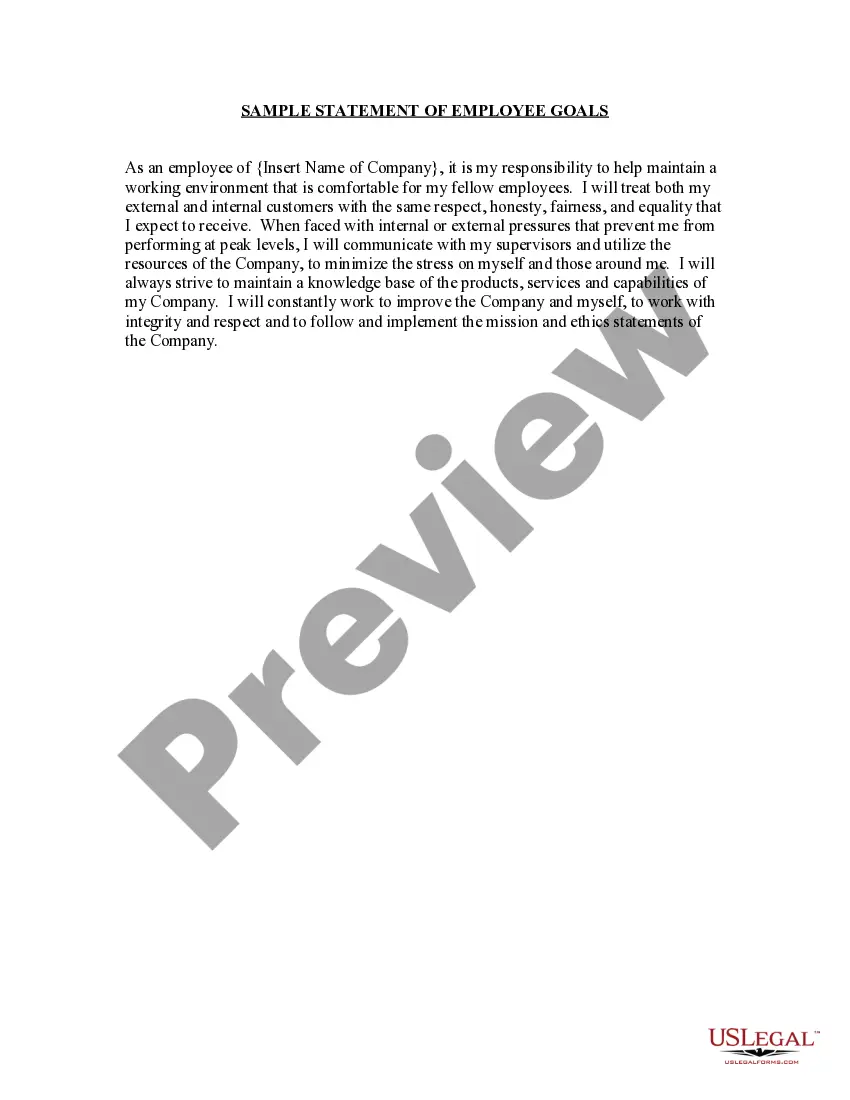
How to fill out Sample Statement Of Employee Goals?
Obtaining legal document samples that comply with federal and state laws is crucial, and there are many resources available online to select from.
However, why spend time searching for the suitable Employee Declaration Form V 2.0 sample on the internet when the US Legal Forms online repository already offers a collection of such templates in one location.
US Legal Forms is the largest digital legal library containing over 85,000 editable templates created by legal professionals for various personal and business situations.
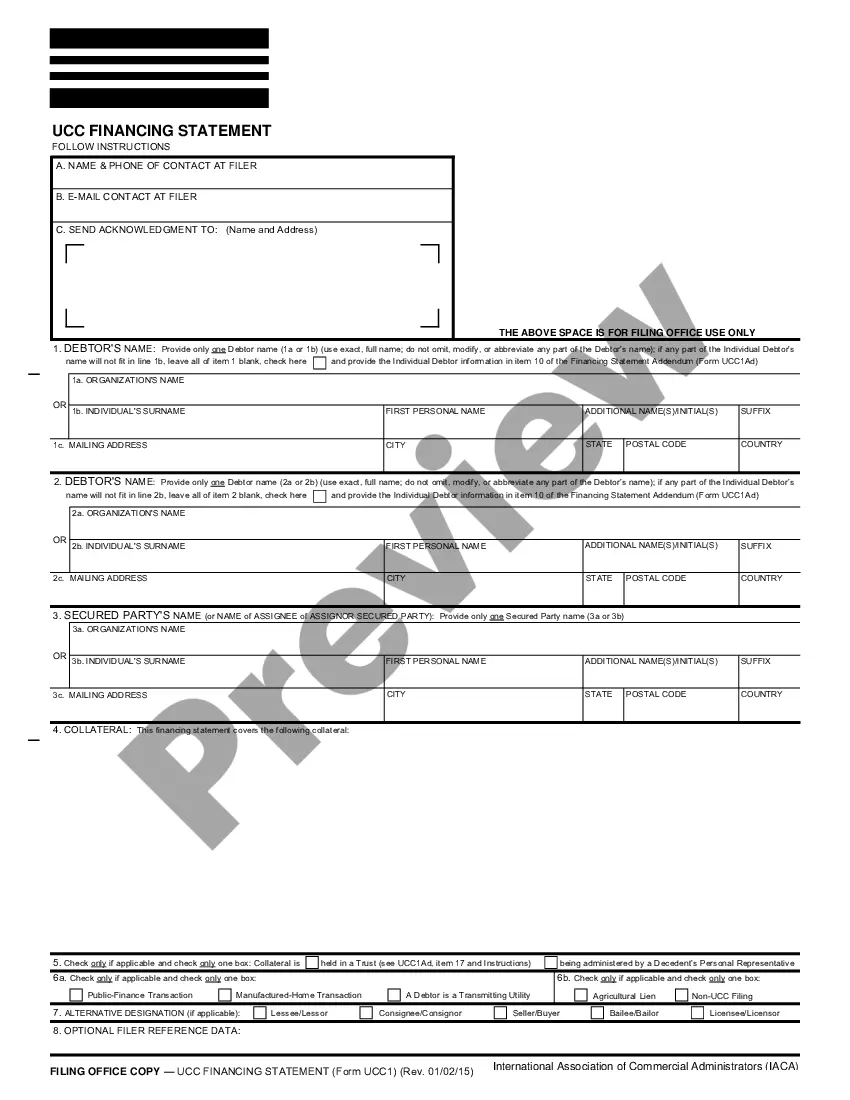
Access the template using the Preview option or through the text summary to ensure it aligns with your requirements.
- They are user-friendly, with all documents categorized by jurisdiction and intended use.
- Our specialists keep pace with legal updates, ensuring your form is current and compliant when you obtain an Employee Declaration Form V 2.0 from our site.
- Acquiring an Employee Declaration Form V 2.0 is quick and straightforward for both existing and new clients.
- If you possess an account with an active subscription, Log In and retrieve the document sample you need in the desired format.
- If you’re new to our platform, follow the steps detailed below.
Form popularity
FAQ
To complete a TFN declaration online, navigate to the relevant section on the ATO's website. Enter your personal details, including your TFN and residency status. The Employee Declaration Form v 2.0 serves as a guide during this process, ensuring you don't miss any crucial components.
1. The employee hereby confirms his consent to be employed on the terms set out in this agreement and undertakes to invest all his efforts and skills in carrying out the job that he has been given in order to promote the interests of ATL.
I solemnly declare the information mentioned herein is true and correct to the best of my beliefs. All the details provided above are genuine to the best of my belief and knowledge. I hereby declare that the above particulars of facts and information stated are correct to the best of my belief and knowledge.
I hereby declare that all the information given above is true and correct to the best of my knowledge. All the information shared in the resume is correct, and I take full responsibility for its correctness. I solemnly declare that the information in this resume is true to the best of my knowledge and belief.
I confirm that I have been self-employed since (date) and operating under the business name of (business name or personal name). This business is a (sole proprietorship or partnership), and I own XX% of it.
I hereby declare that the information given by me in the Application is true, complete and correct to the best of my knowledge and belief and that nothing has been concealed or distorted.