Record Absence Form Template For Employees
Description
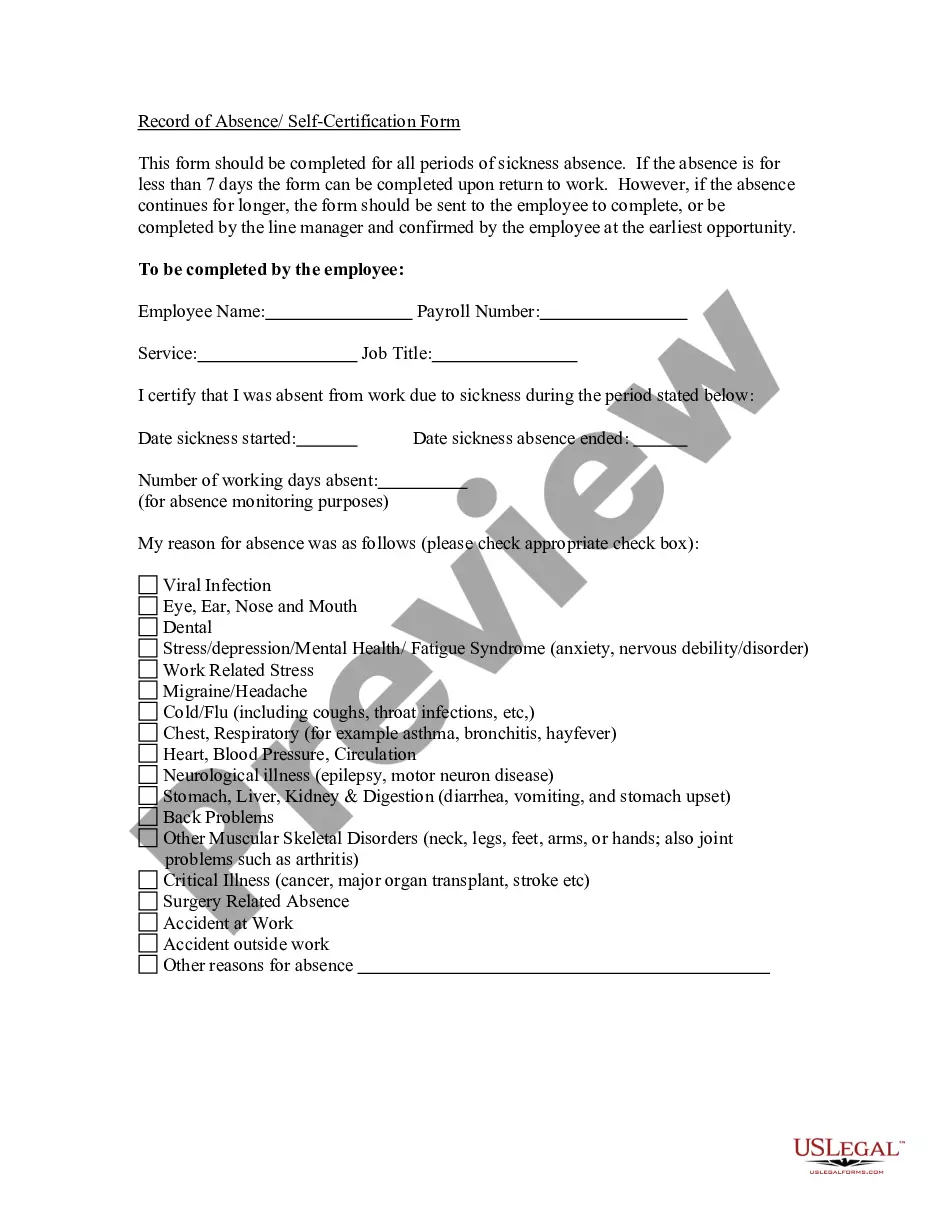
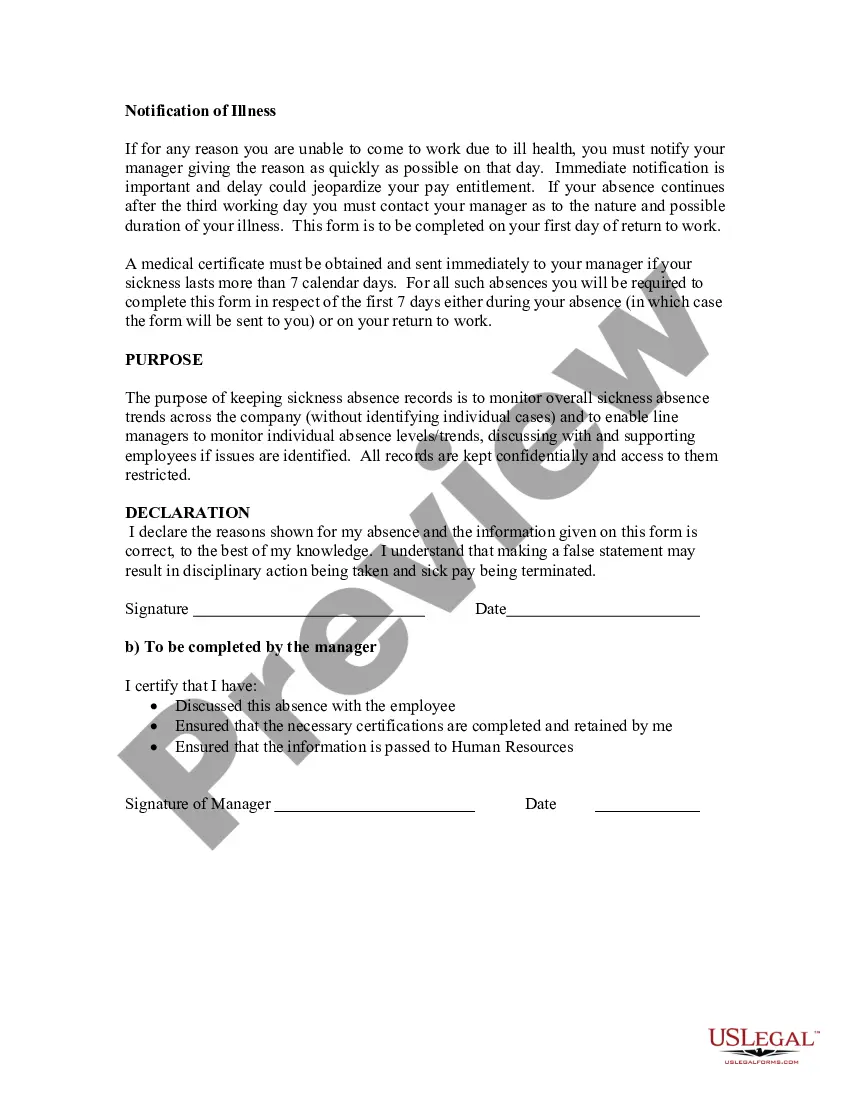
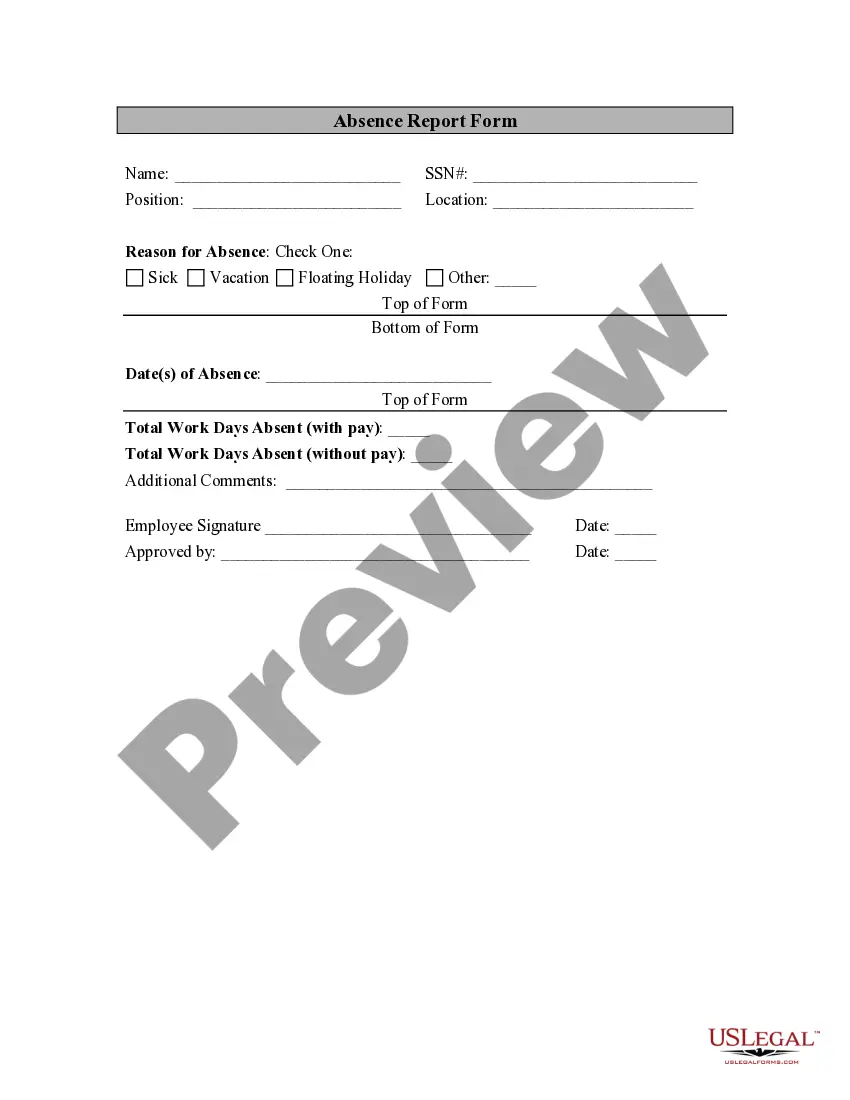
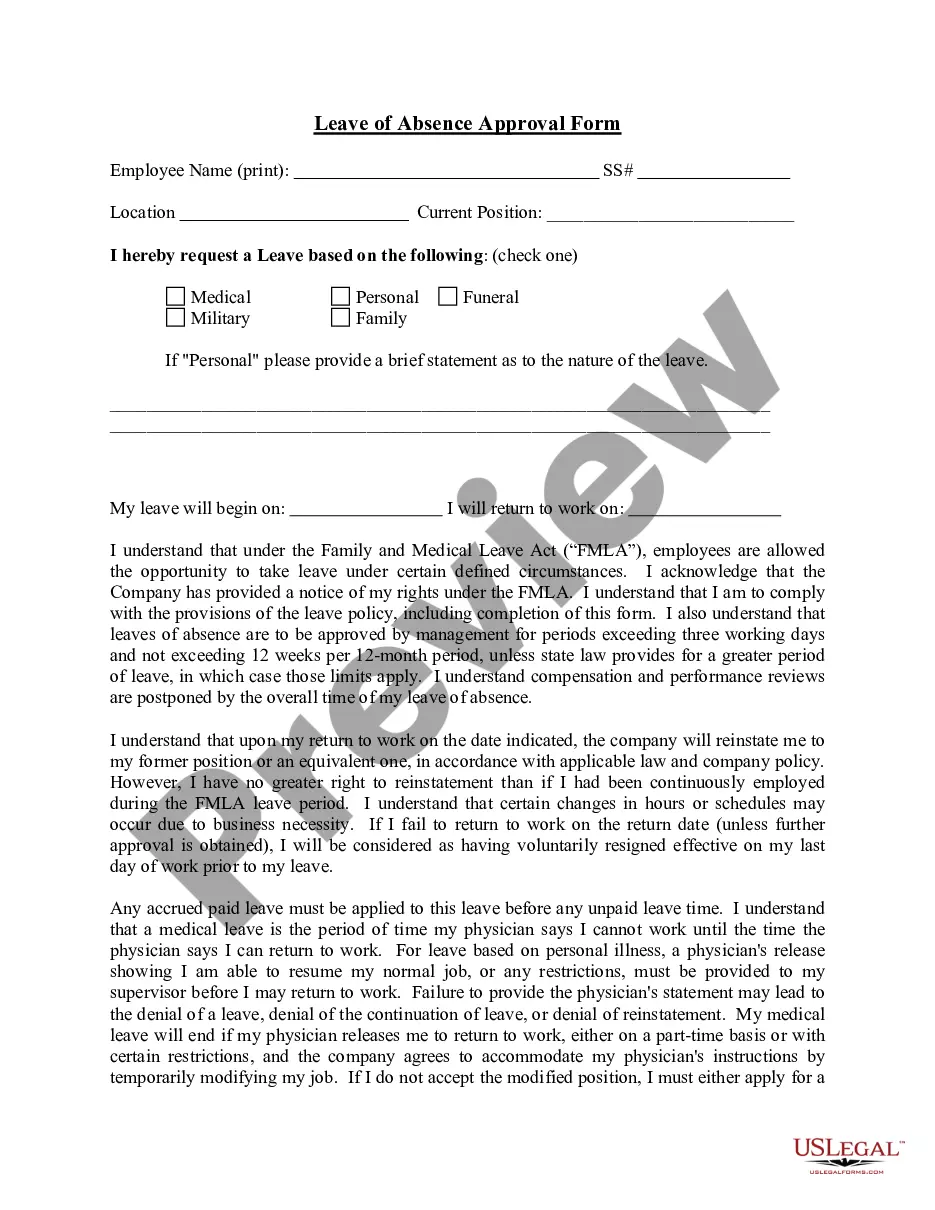


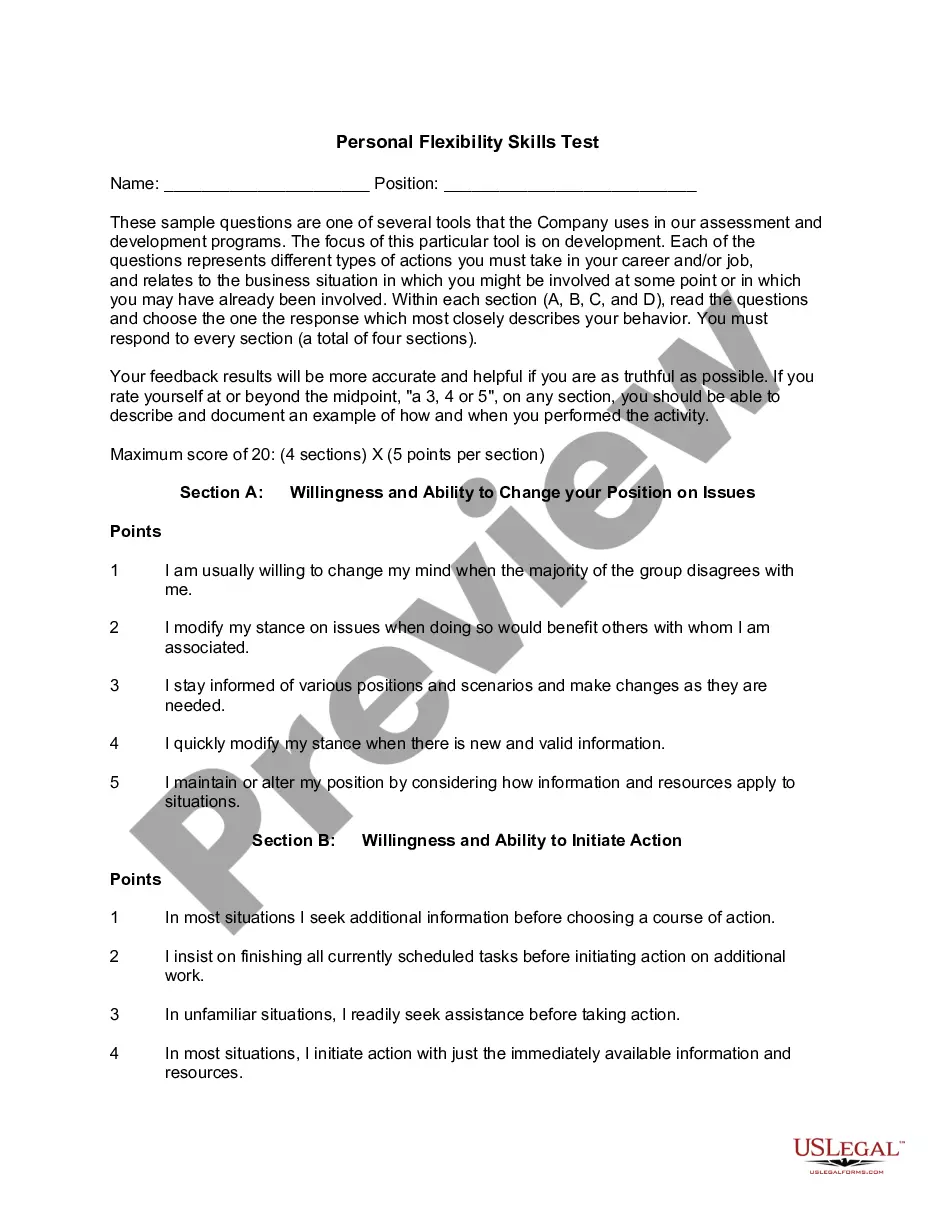
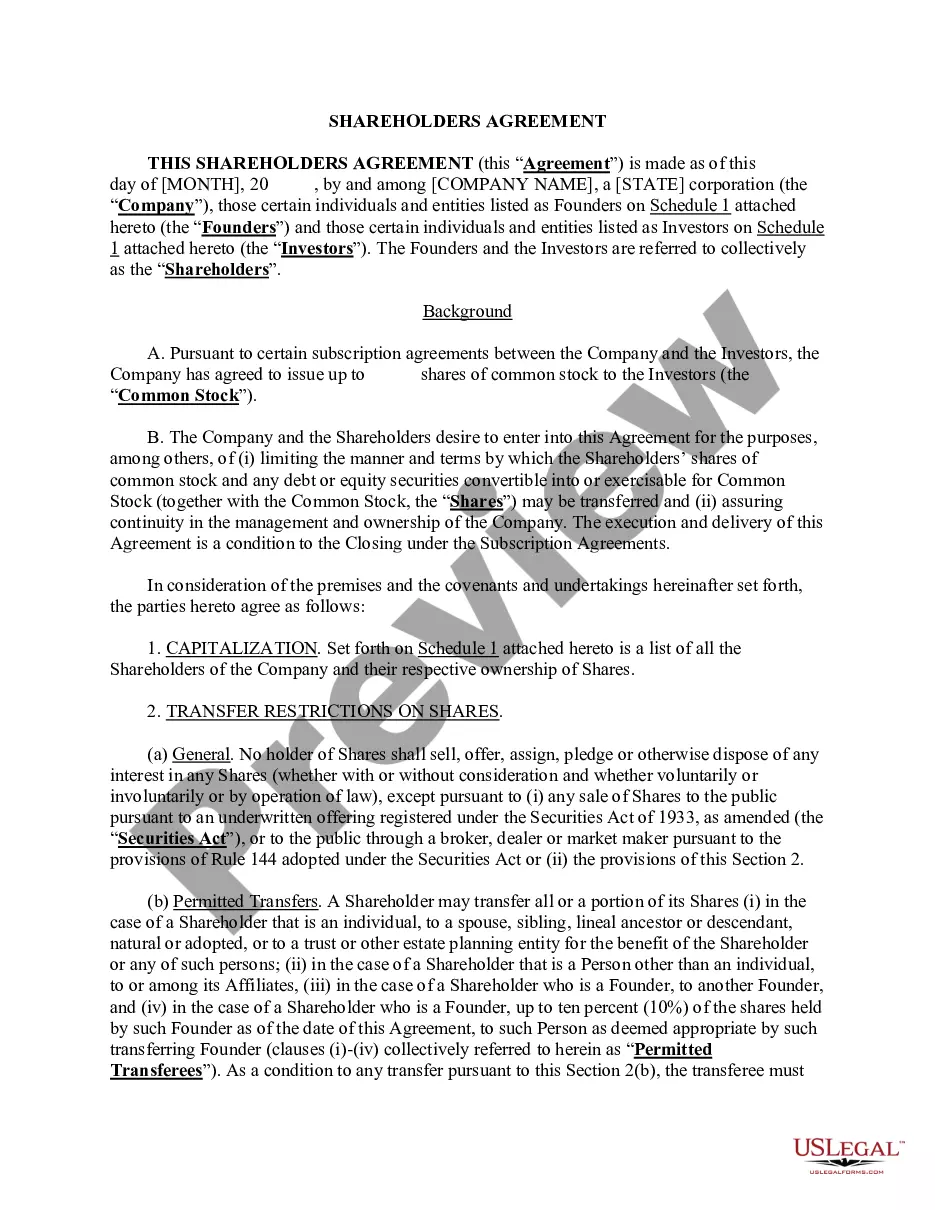
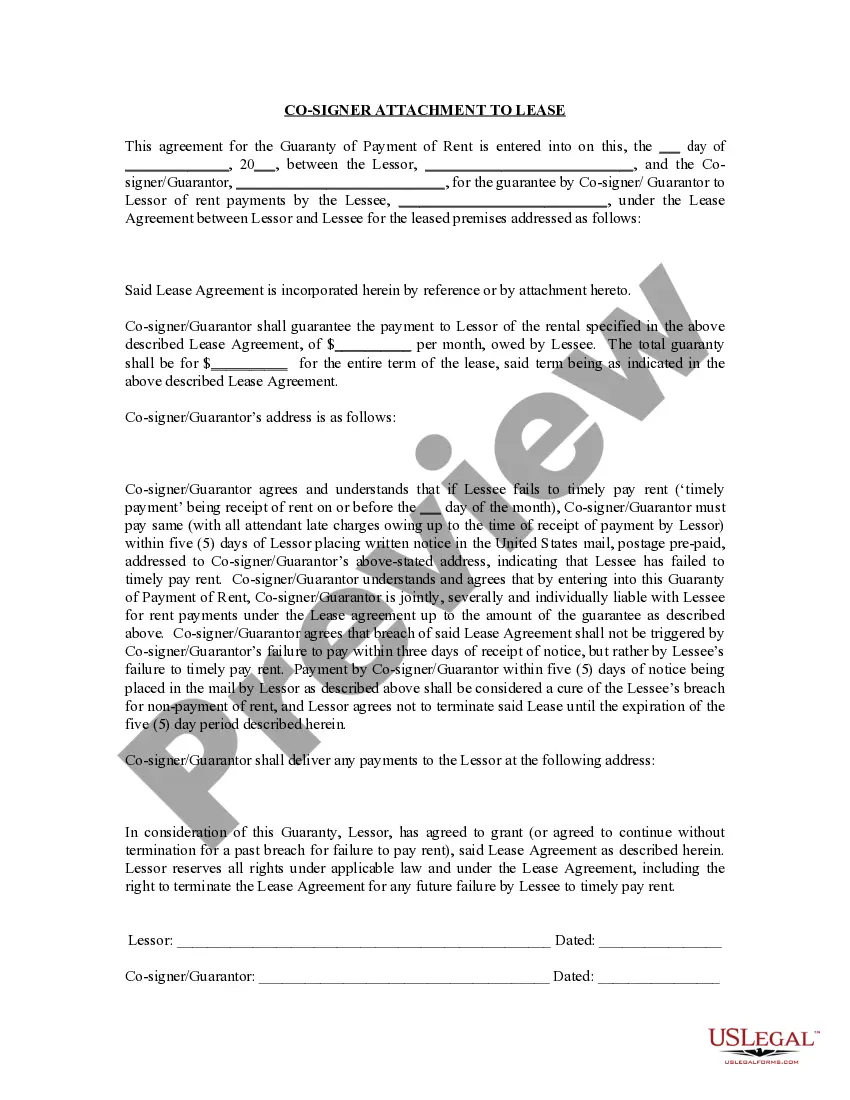

How to fill out Record Of Absence - Self-Certification Form?
Securing a trusted resource for obtaining the most up-to-date and pertinent legal samples is a significant part of dealing with bureaucracy. Locating the correct legal documents demands precision and meticulousness, which highlights the importance of acquiring the Record Absence Form Template For Employees solely from trustworthy sources, such as US Legal Forms. An incorrect template will squander your time and postpone your situation. With US Legal Forms, you’ll have minimal concerns. You can view and examine all the information related to the document’s applicability and significance for your circumstances and in your particular area.
Take into account the following steps to finalize your Record Absence Form Template For Employees.
Eliminate the frustration associated with your legal paperwork. Explore the broad US Legal Forms library to discover legal samples, assess their relevance to your situation, and download them swiftly.
- Use the library directory or search function to find your template.
- Check the description of the form to verify if it meets the standards of your state and locality.
- If available, preview the form to ensure it is indeed the document you are seeking.
- If the Record Absence Form Template For Employees does not meet your needs, return to the search to find the correct document.
- Once you are confident about the form’s applicability, download it.
- If you are an existing customer, click Log in to verify your identity and access your chosen forms in My documents.
- If you do not possess an account yet, click Buy now to obtain the template.
- Select the payment plan that aligns with your needs.
- Complete the registration to carry out your purchase.
- Conclude your transaction by choosing a payment method (credit card or PayPal).
- Select the format for downloading the Record Absence Form Template For Employees.
- Once you have the form on your device, you can edit it using the editor or print it out and complete it by hand.
Form popularity
FAQ
If the signers only require a statement indicating that they have signed the document and nothing more, then the acknowledgement is most likely the appropriate choice. On the other hand, if the document indicates ?swearing? or an affirmation of truthfulness, then a jurat may be necessary.
05910 $20. $20 Item #05910. Add to Cart. If no other format is prescribed, this form may be used when an individual is signing and swearing (or affirming) that certain written statements are true.
How to Complete an Acknowledgment - YouTube YouTube Start of suggested clip End of suggested clip Now what do you fill in fill in the venue or county where you are notarizing the date you notarized.MoreNow what do you fill in fill in the venue or county where you are notarizing the date you notarized. Your name and title of office notary. Public next you fill in the name of your signer appearing.
When it comes to Jurats, it is more than a certificate authenticating the identification of the individual signing the document. Unlike an acknowledgement, a Jurat is used when the individual signing the document has to take an oath that the stated content in the document is based on complete honesty.
The purpose of an acknowledgment is for a signer to declare to a notary that he/she willingly signed the document. This acknowledgment wording is required for all acknowledgments taken in California, whether the signer is signing as an individual or a representative.
A notary public may complete a certificate of acknowledgment required in another state or jurisdiction of the United States on documents to be filed in that other state or jurisdiction, provided the form does not require the notary public to determine or certify that the signer holds a particular representative ...
An employee acknowledgement or policy acknowledgement form is a simple form employees are asked to sign to acknowledge that they have reviewed and understood the company's policies as expressed in onboarding material, the employee handbook, or documentation announcing policy changes.