Separation Form For Employees
Description
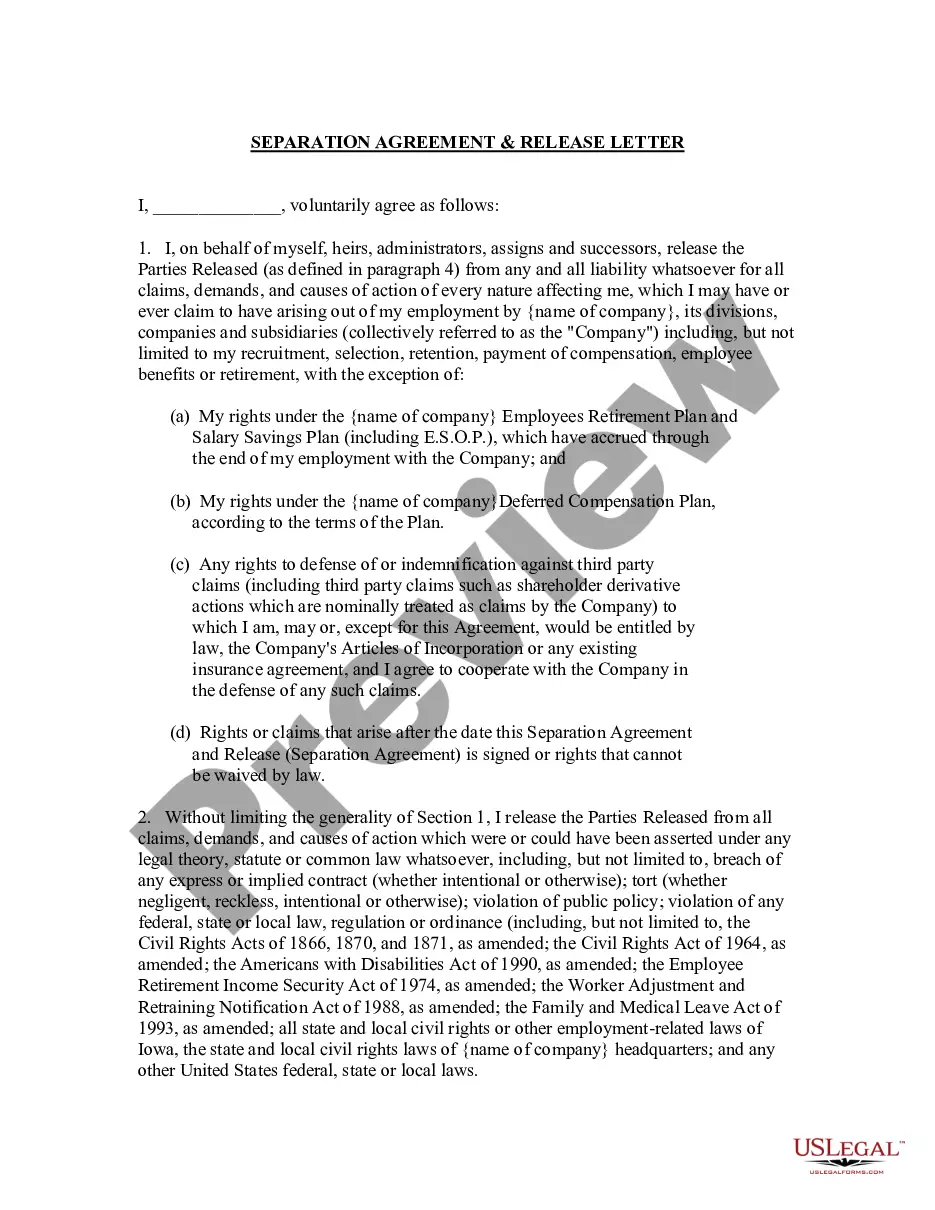
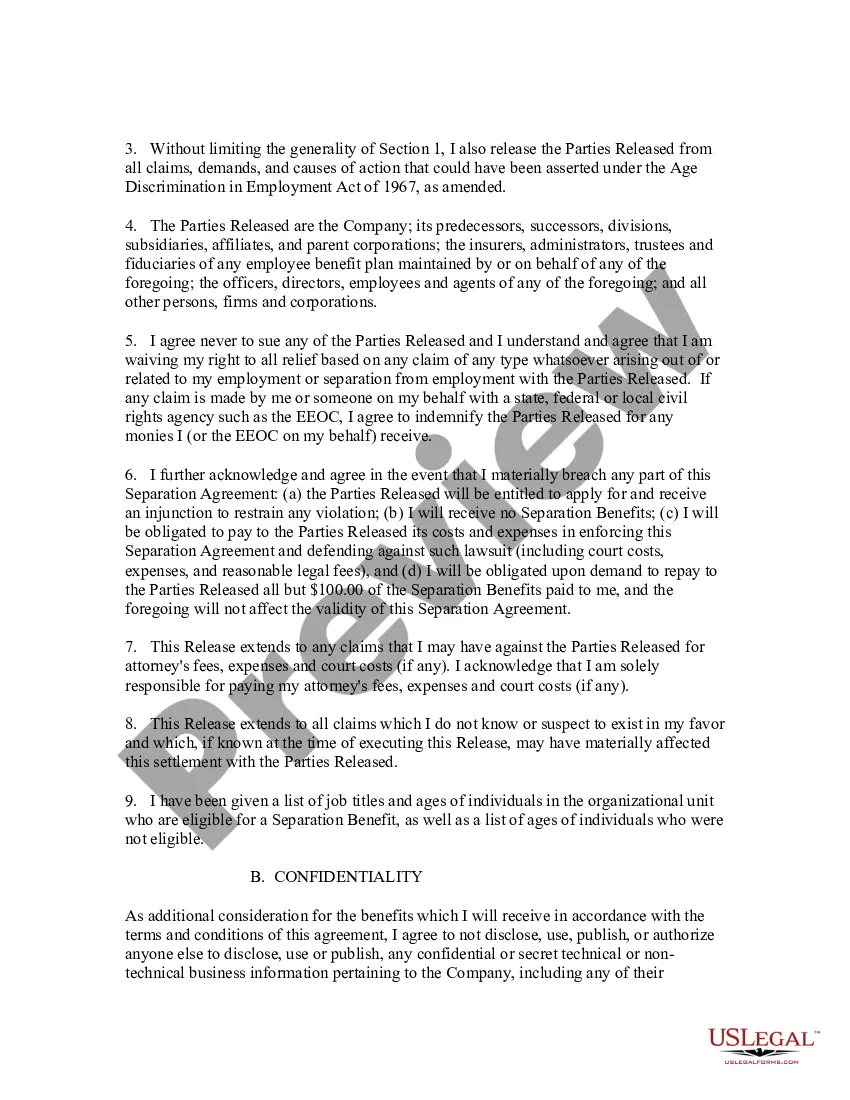
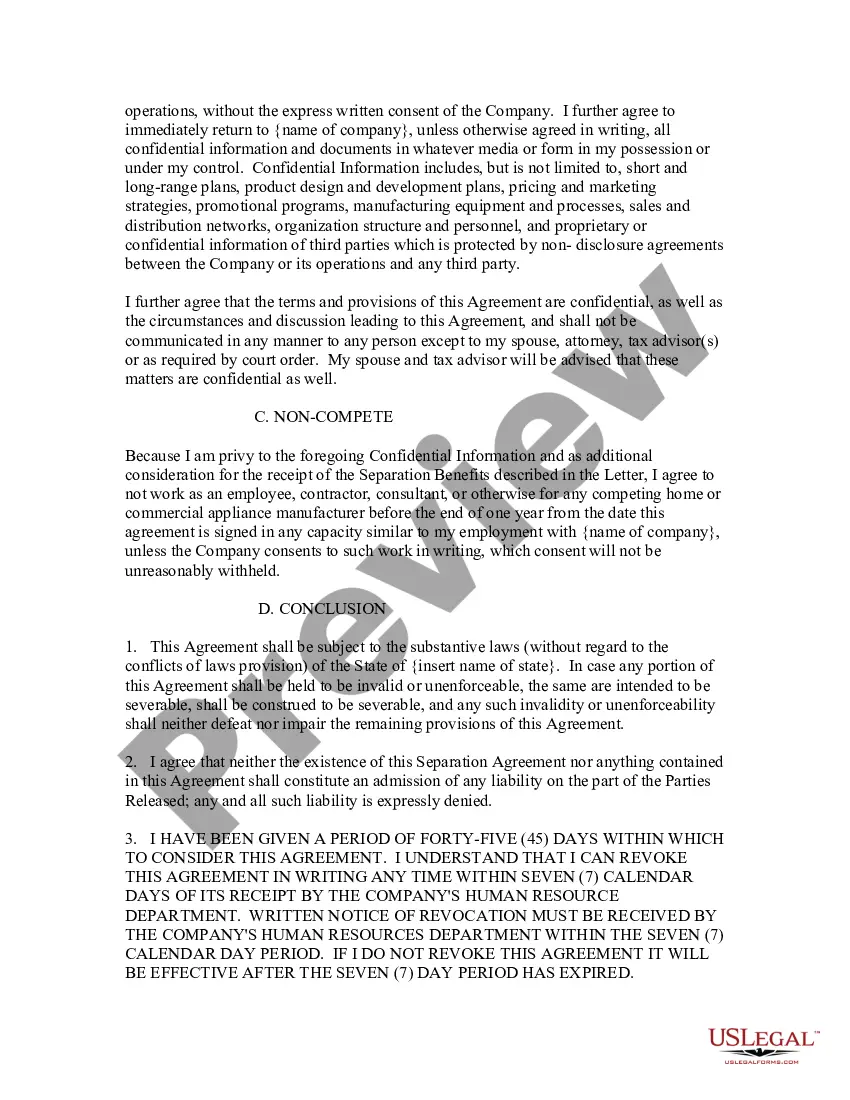
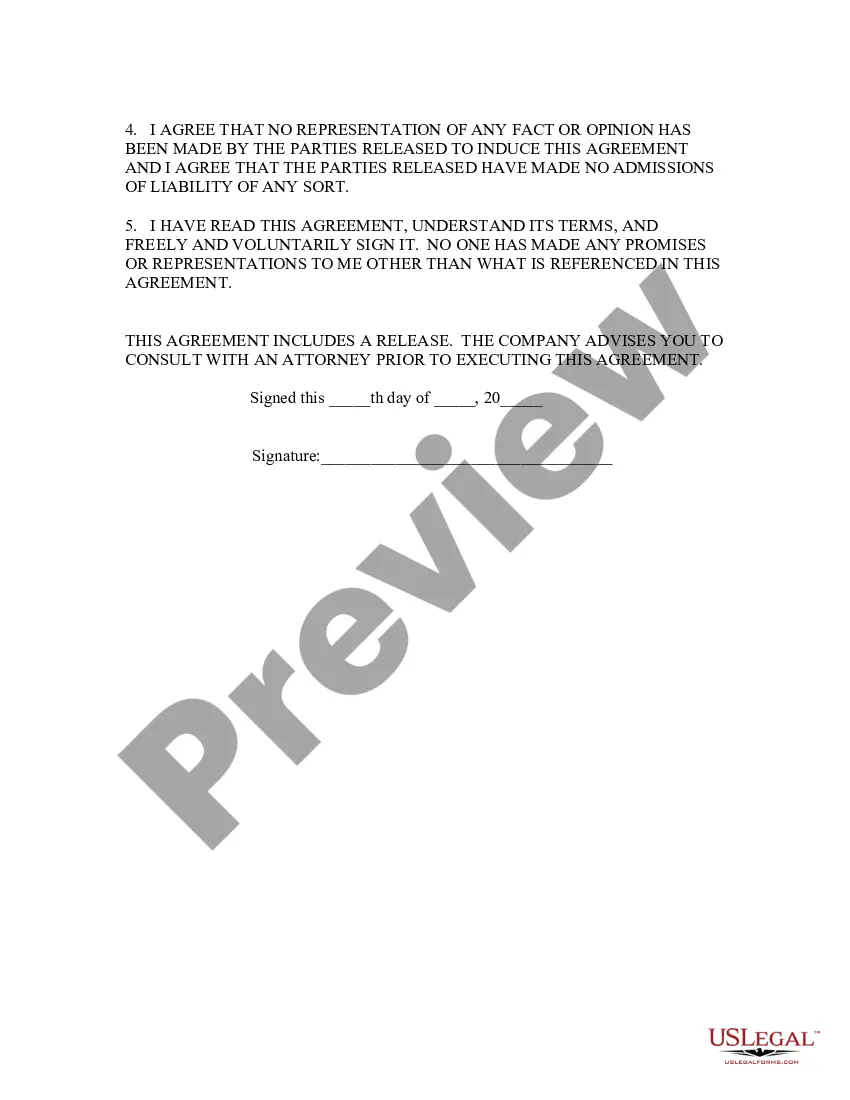
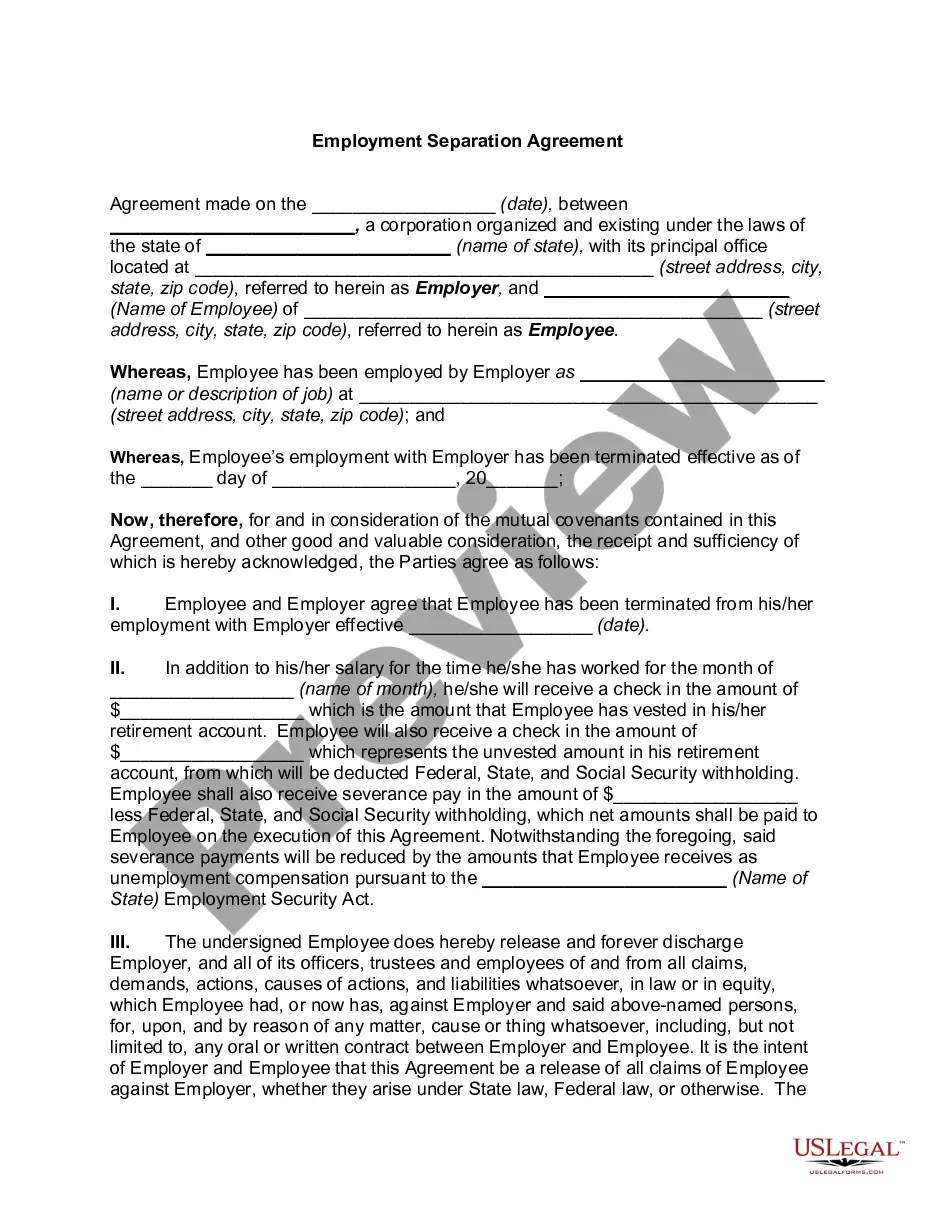
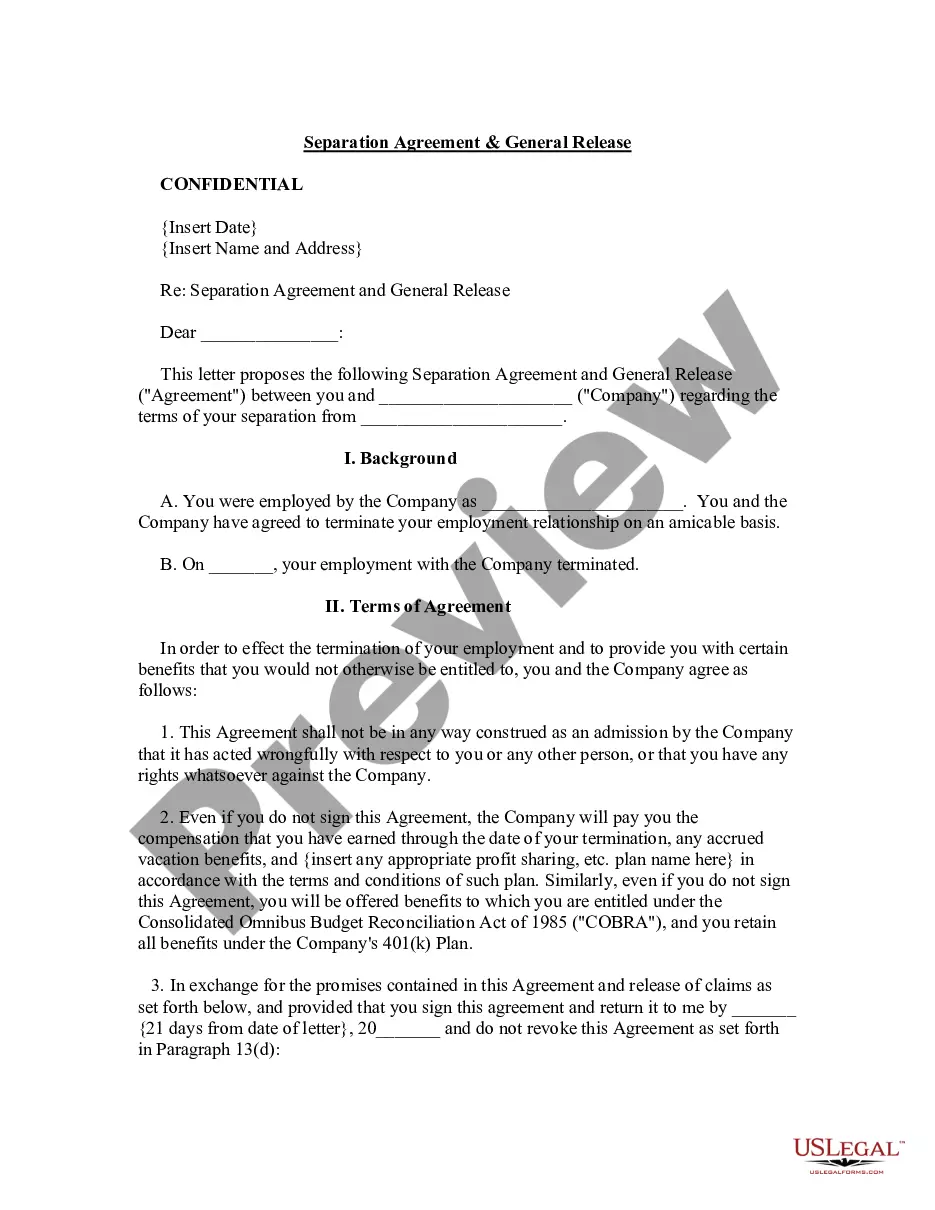
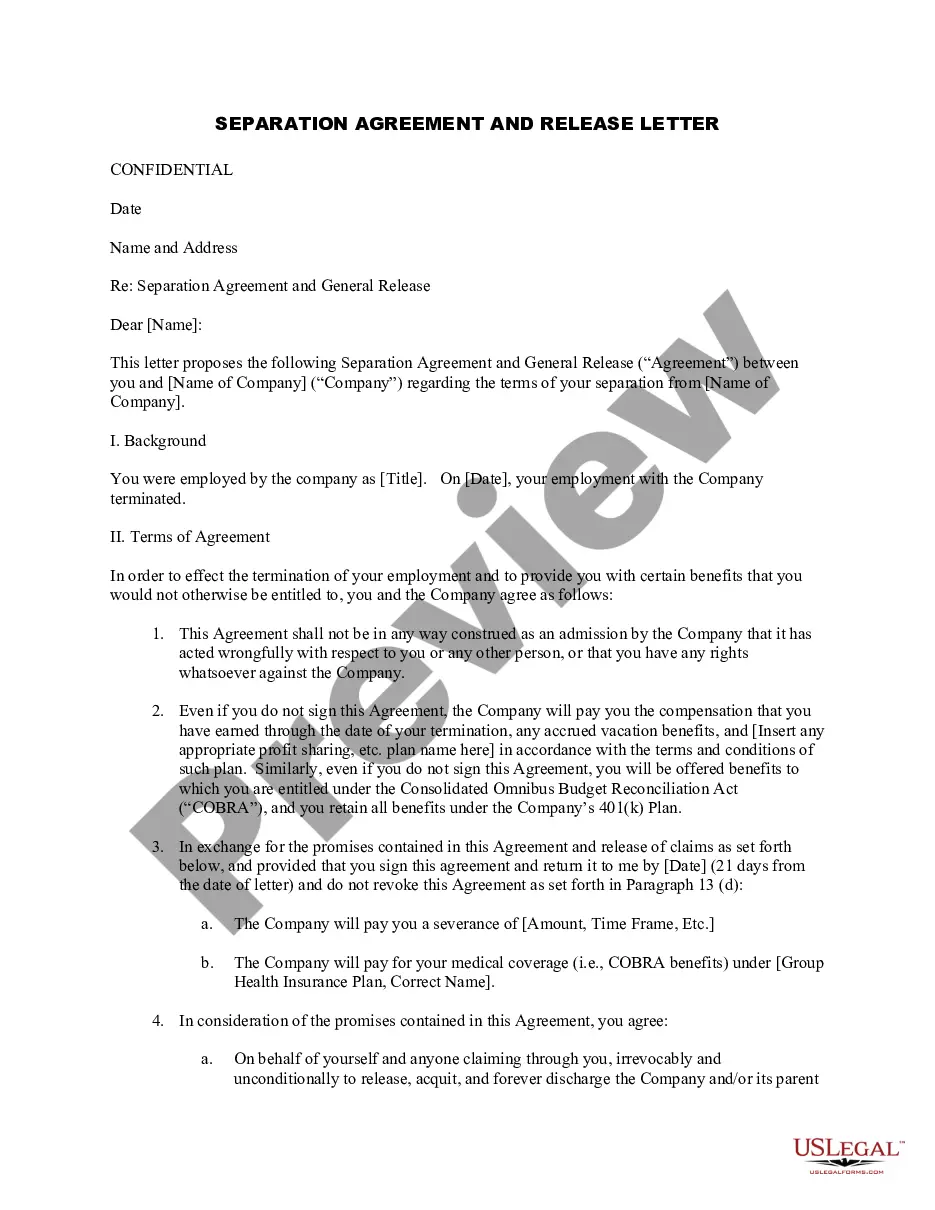
How to fill out Separation, Confidentiality, And Noncompetition Agreement And Release Letter For Exiting Employee?
Finding a reliable source for the latest and pertinent legal templates is a significant part of navigating bureaucracy.
Identifying the appropriate legal documents requires accuracy and carefulness, which is why it’s essential to obtain samples of the Employee Separation Form exclusively from reputable providers, such as US Legal Forms. An incorrect template will squander your time and delay the matter at hand.
Eliminate the hassle associated with your legal paperwork. Explore the extensive US Legal Forms catalog to locate legal templates, verify their suitability for your circumstances, and download them instantly.
- Utilize the library navigation or search bar to locate your template.
- Review the form’s information to confirm if it fulfills the criteria of your state and county.
- Check the form preview, if available, to ensure it is the template you need.
- If the Employee Separation Form does not meet your specifications, return to the search to find the correct document.
- Once you are certain about the form’s applicability, download it.
- If you are a registered user, click Log in to verify your identity and access your chosen documents in My documents.
- If you haven’t set up an account yet, click Buy now to purchase the form.
- Select the pricing plan that suits your needs.
- Proceed to register to complete your acquisition.
- Finalize your transaction by choosing a payment option (credit card or PayPal).
- Select the file format for downloading the Employee Separation Form.
- After obtaining the form on your device, you can modify it using the editor or print it out to fill it manually.
Form popularity
FAQ
To effectively fill out an exit form for employees, you should accurately state your last working day and your reasons for leaving. Include feedback on your experience and any recommendations you have for the company. This exit form is vital in maintaining a clear record of your departure and allows the organization to learn from your insights. Engaging with platforms like uslegalforms can simplify this process by providing user-friendly templates.
If you know the county of marriage, you can request a search for a fee from the Michigan Department of Health and Human Services. If you don't know the date or county of marriage, you can also try searching for marriage information in other records.
Apply for a marriage license online. After submitting your application online, you can make an appointment to come in to the Clerk's Office for notarization of the affidavit, fee payment, and receipt of the license. Payment is done in the office upon receipt of the application.
Divorce records are not restricted documents in Michigan. Anyone can request that a search be conducted if the application is completed, signed, and submitted with the required fee paid.
The marriage laws in the State of Michigan are: Both applicants must be at least 18 years of age at the time of application for the marriage license and must provide either a valid Driver's License or State Identification with a current address, Birth Certificate, and a Social Security Number.
To perform a marriage in Michigan you need to be ordained and may be required to provide proof of ordination such as an ordination credential, wallet credential, or a letter of good standing from the church on the church letterhead.
If you know the county of marriage, you can request a search for a fee from the Michigan Department of Health and Human Services. If you don't know the date or county of marriage, you can also try searching for marriage information in other records.
Those who are ordained/certified through religious organizations such as the Humanist Society (founded in the Quaker Tradition), the Society for Humanistic Judaism (Jewish), or the Universal Life Church Monastery (Non-denominational) also qualify as a ?minister of the gospel? under Michigan law.
Marriage records are public, anyone may purchase a copy of a marriage license.