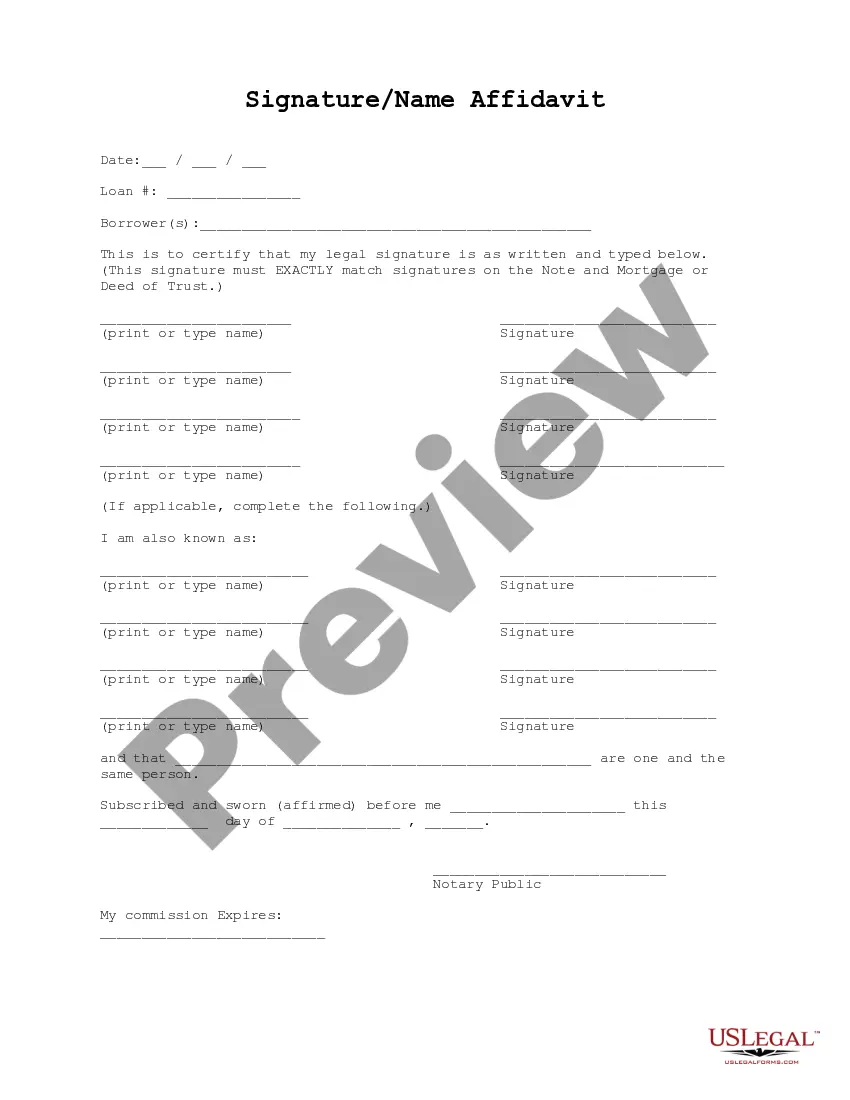
Signature Name Form For Marriage
Description
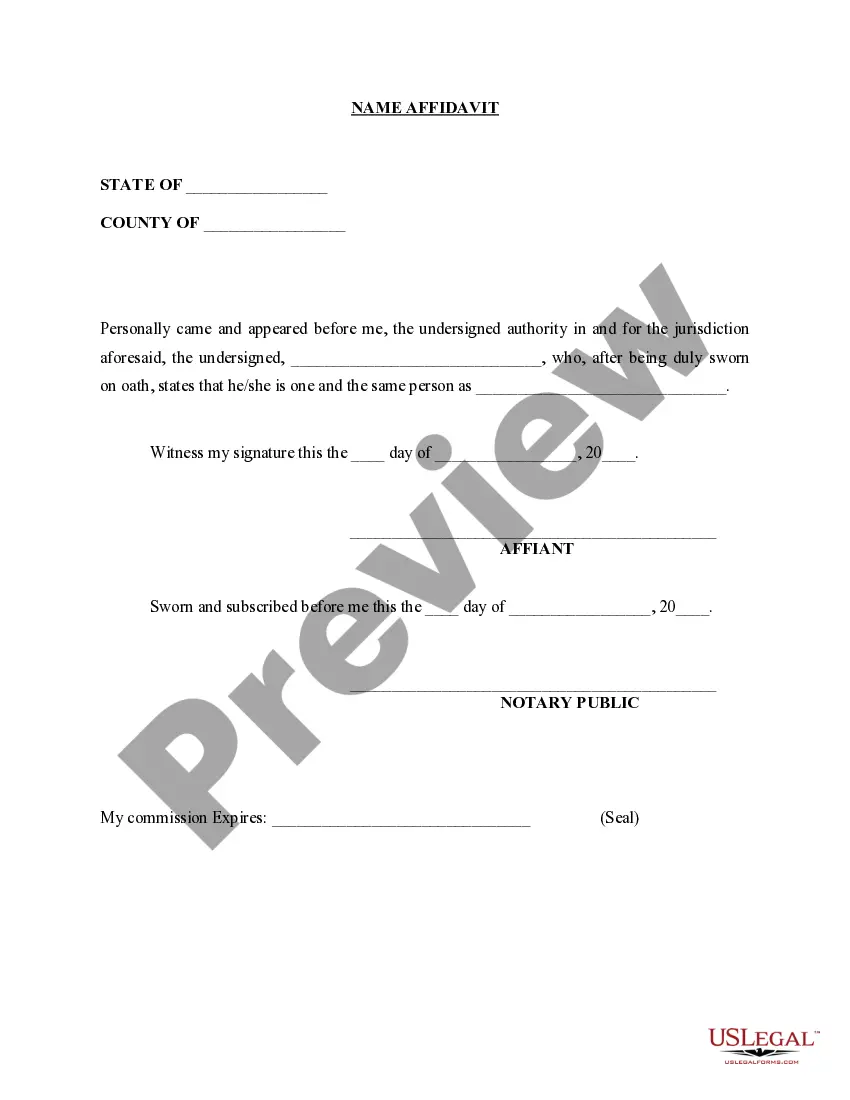
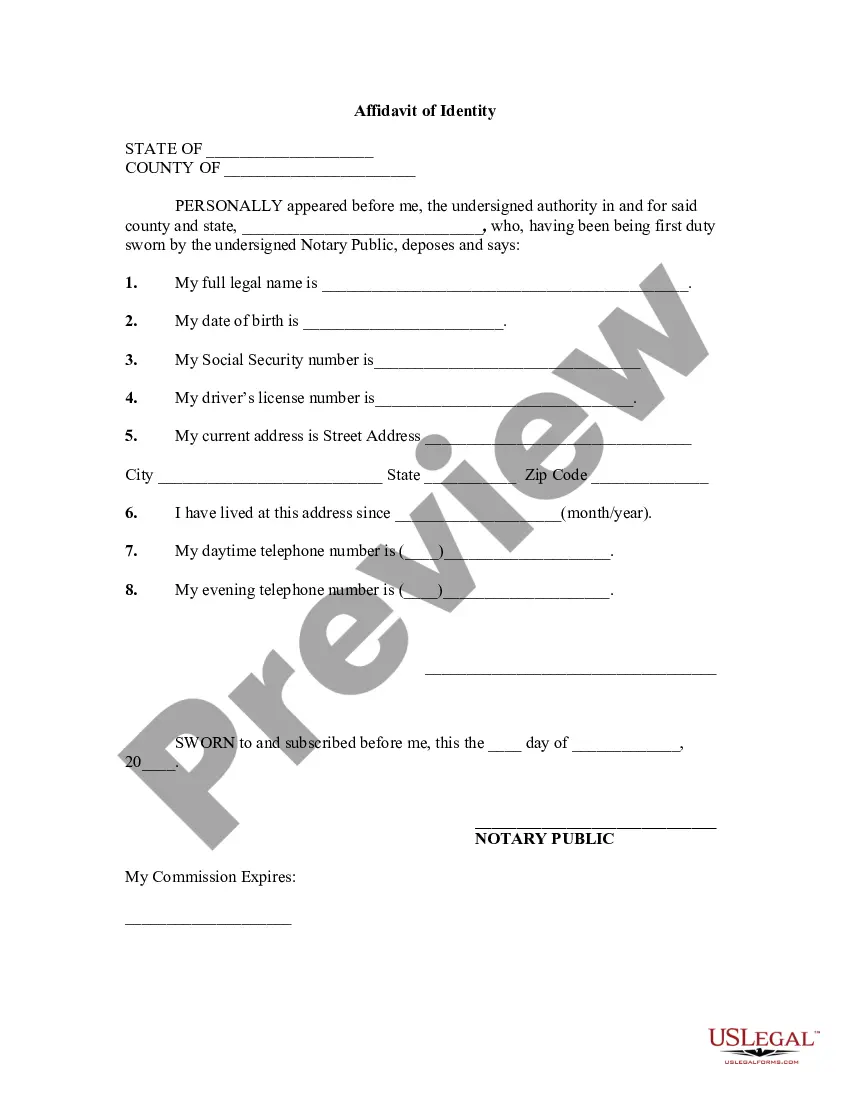
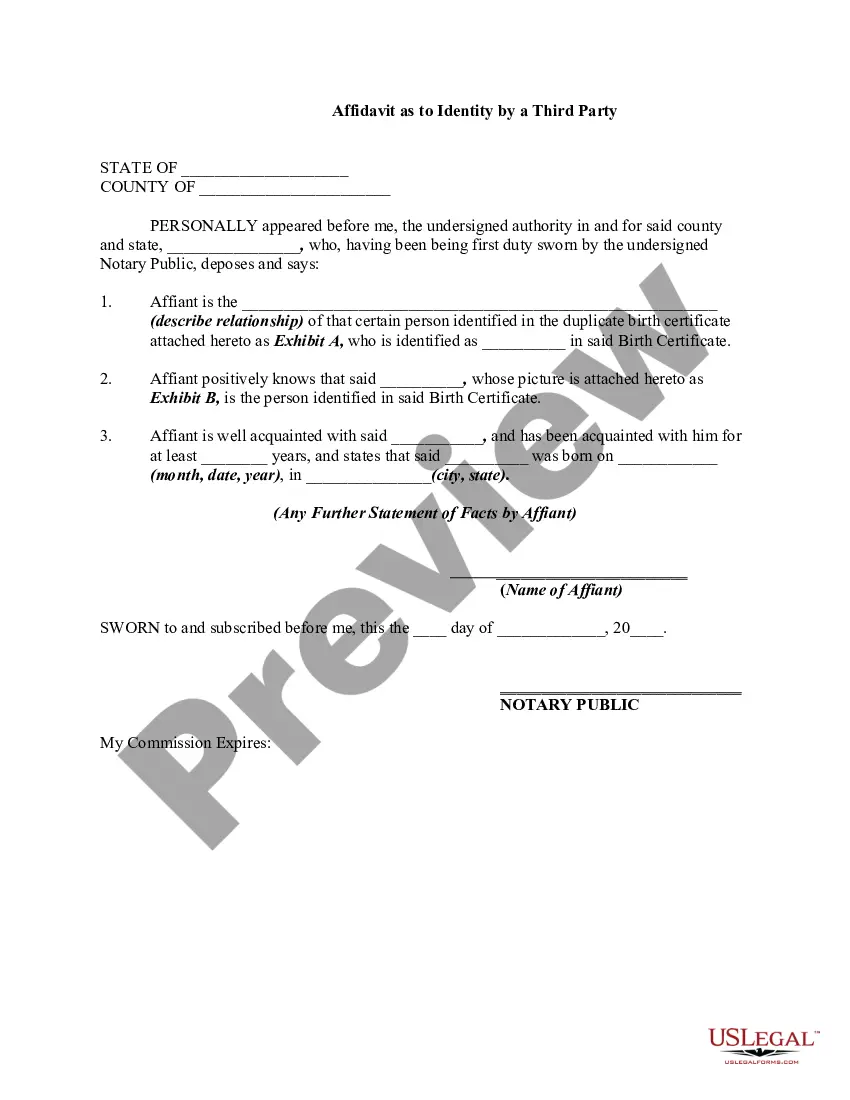
Get your form ready online
Our built-in tools help you complete, sign, share, and store your documents in one place.
Make edits, fill in missing information, and update formatting in US Legal Forms—just like you would in MS Word.
Download a copy, print it, send it by email, or mail it via USPS—whatever works best for your next step.
Sign and collect signatures with our SignNow integration. Send to multiple recipients, set reminders, and more. Go Premium to unlock E-Sign.
If this form requires notarization, complete it online through a secure video call—no need to meet a notary in person or wait for an appointment.
We protect your documents and personal data by following strict security and privacy standards.

Make edits, fill in missing information, and update formatting in US Legal Forms—just like you would in MS Word.

Download a copy, print it, send it by email, or mail it via USPS—whatever works best for your next step.

Sign and collect signatures with our SignNow integration. Send to multiple recipients, set reminders, and more. Go Premium to unlock E-Sign.

If this form requires notarization, complete it online through a secure video call—no need to meet a notary in person or wait for an appointment.

We protect your documents and personal data by following strict security and privacy standards.
Looking for another form?





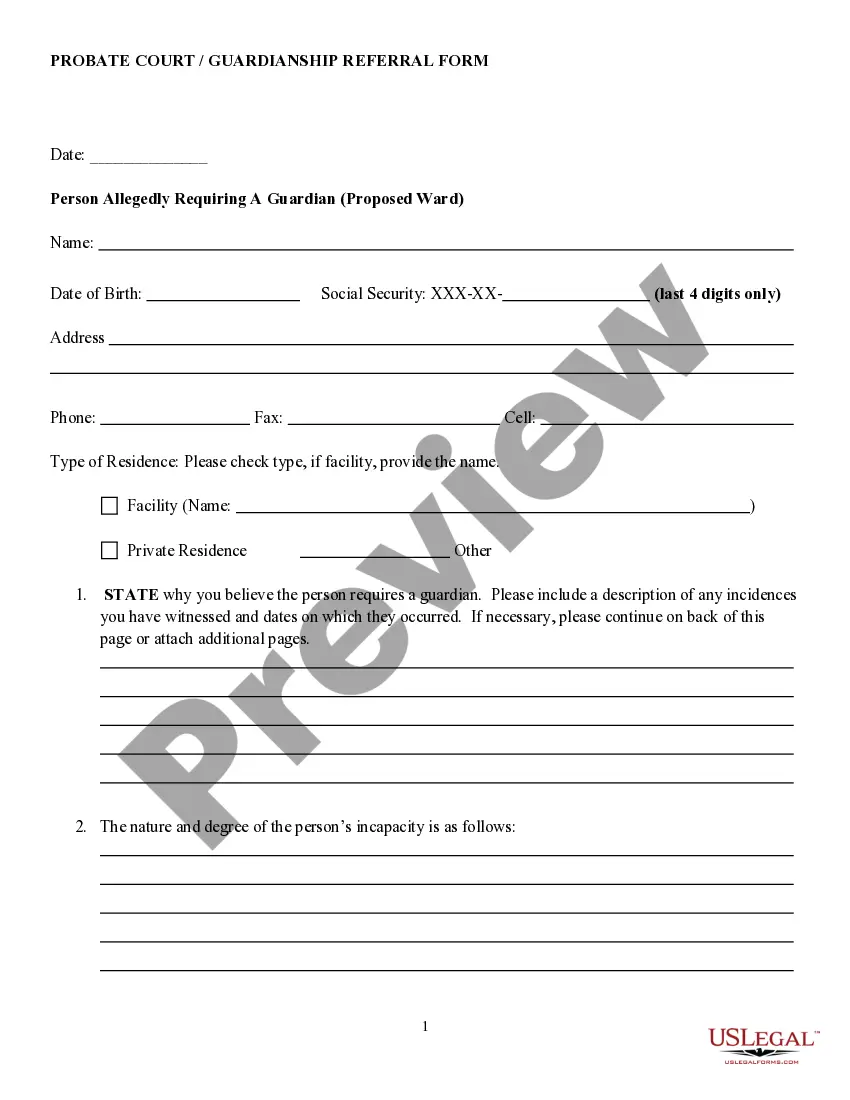
How to fill out Signature And Name Affidavit?
The Signature Name Form For Marriage displayed on this page is a reusable formal template created by experienced attorneys in accordance with federal and local regulations.
For over 25 years, US Legal Forms has supplied individuals, businesses, and legal experts with more than 85,000 verified, state-specific documents for any commercial and personal situation. It’s the quickest, easiest, and most dependable method to acquire the paperwork you require, as the service ensures the utmost level of data protection and anti-virus safeguards.
Select the format you prefer for your Signature Name Form For Marriage (PDF, Word, RTF) and store the sample on your device.
- Search for the document you require and review it.
- Browse the file you searched and preview it or examine the form description to verify it meets your requirements. If it does not, use the search option to find the correct one. Click Buy Now when you have found the template you need.
- Subscribe and Log In.
- Select the pricing plan that fits you and create an account. Use PayPal or a credit card to complete a swift payment. If you already possess an account, Log In and verify your subscription to proceed.
- Obtain the editable template.
Form popularity
FAQ
Filling out marital status in a form is straightforward. When you reach the section for marital status, simply indicate whether you are single, married, divorced, or widowed. If you are preparing a Signature name form for marriage, you would select 'single' prior to your ceremony. Always ensure that the information you provide is accurate, as it can impact legal documents down the line.
To get married in Arkansas, you need to obtain a marriage license from your local county clerk. You and your partner must provide valid identification and fill out a Signature name form for marriage. Additionally, there may be a waiting period before the license is issued, so plan accordingly. It is essential to check local requirements, as they may vary slightly by county.
When you fill out the Signature name form for marriage, ensure that both names appear clearly and correctly. Typically, the full legal names, including first, middle, and last names, should be used. It's crucial to match the names with those on identification documents to avoid any discrepancies. This attention to detail helps ensure that your marriage certificate is valid and recognized.
When issuing the license, make sure all signatures in Items 25, 26, and 28 are complete. Upon return of the license from the marriage officiant, review all entries about the marriage ceremony and register the marriage. Be sure to sign and date the marriage form (Items 34 and 35).
Who can perform the marriage? The marriage may be performed by an Oregon judicial officer, county clerk or a clergyperson of any religious organization or congregation. Use of a judicial officer may include an additional fee.
You must sign using your usual signature, as it appears on your official documents. If you want to change your name after marriage, you can do so by using a deed poll or by taking your spouse's name, but this will not change the name on your marriage certificate.
It's time to officially change your last name! File for Your Marriage Certificate. ... Obtain Certified Copies. ... Update Your Social Security Card. ... Get a New Driver's License or I.D. ... Update Your Passport. ... Update Global Entry and TSA PreCheck. ... Change Your Name on Your Bank Account. ... Change Your Name on Your Credit Cards.
Once you have your marriage license, you'll sign and fill out the details like date, location, etc. The officiant is usually responsible for filling this out. But again, Colorado does not require you to have the signature of an officiant?or witnesses!