Hipaa Form Print For Student Shadowing
Description










Get your form ready online
Our built-in tools help you complete, sign, share, and store your documents in one place.
Make edits, fill in missing information, and update formatting in US Legal Forms—just like you would in MS Word.
Download a copy, print it, send it by email, or mail it via USPS—whatever works best for your next step.
Sign and collect signatures with our SignNow integration. Send to multiple recipients, set reminders, and more. Go Premium to unlock E-Sign.
If this form requires notarization, complete it online through a secure video call—no need to meet a notary in person or wait for an appointment.
We protect your documents and personal data by following strict security and privacy standards.

Make edits, fill in missing information, and update formatting in US Legal Forms—just like you would in MS Word.

Download a copy, print it, send it by email, or mail it via USPS—whatever works best for your next step.

Sign and collect signatures with our SignNow integration. Send to multiple recipients, set reminders, and more. Go Premium to unlock E-Sign.

If this form requires notarization, complete it online through a secure video call—no need to meet a notary in person or wait for an appointment.

We protect your documents and personal data by following strict security and privacy standards.
Looking for another form?
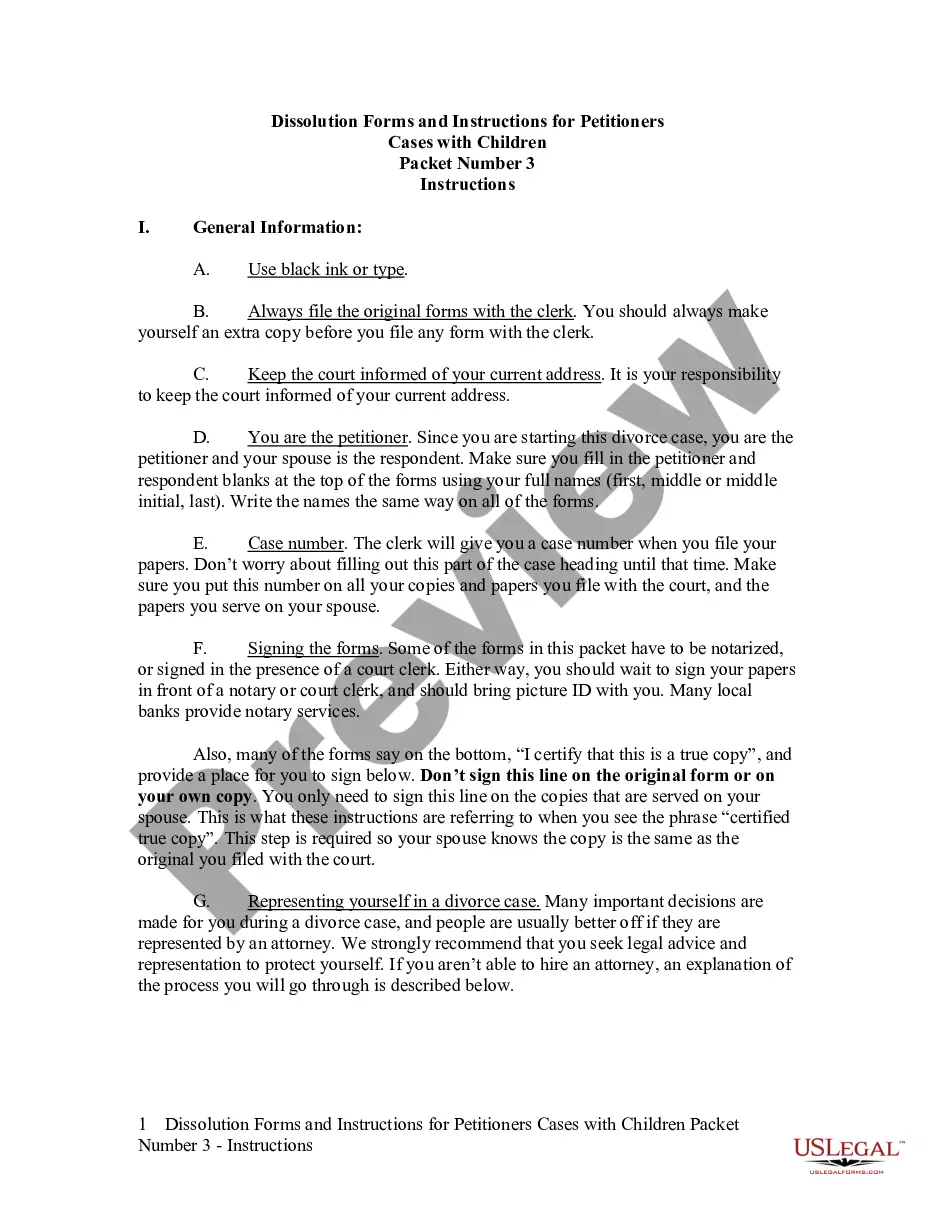

How to fill out HIPAA Notice Of Privacy Practices?
Whether for commercial reasons or personal concerns, everyone must confront legal issues eventually in their lives.
Filling out legal forms requires meticulous care, starting with selecting the correct form template.
Complete the profile registration form. Choose your payment method: you can utilize a credit card or PayPal account. Select the file format you desire and download the HIPAA Form Print For Student Shadowing. After it is saved, you can either fill out the form using editing software or print it and complete it manually. With a vast catalog at US Legal Forms, you do not need to waste time searching for the correct template online. Utilize the library’s easy navigation to find the right form for any situation.
- For instance, if you choose an incorrect version of a HIPAA Form Print For Student Shadowing, it will be rejected upon submission.
- Thus, it is crucial to find a reliable source of legal documents like US Legal Forms.
- If you wish to acquire a HIPAA Form Print For Student Shadowing template, follow these straightforward steps.
- Locate the template you require by using the search bar or catalog navigation.
- Review the form’s description to confirm it aligns with your situation, state, and county.
- Click on the form’s preview to examine it.
- If it is the incorrect form, return to the search feature to find the HIPAA Form Print For Student Shadowing sample you need.
- Obtain the document when it fulfills your requirements.
- If you possess a US Legal Forms account, click Log in to retrieve previously stored files in My documents.
- If you don’t have an account yet, you can download the form by clicking Buy now.
- Select the appropriate pricing option.
Form popularity
FAQ
Forms must be clearly labeled as HIPAA compliant, must include a statement that the PHI will be used and disclosed only in ance with HIPAA rules, and must obtain the patient's written authorization to use and disclose PHI.
HIPAA-compliant forms are user-completed digital documents that contain fields, text, and other inputs taken from patients to complete some sort of data-driven task. For example, you may need to collect health information from a patient during intake, and you've decided to collect that information digitally.
A HIPAA authorization form, also known as a HIPAA release form, is a document that individual signs for their health provider before the entity may use or disclose their protected health information (PHI). HIPAA authorizes the sharing of PHI for the following purposes: Treatment. Payment.
HIPAA compliance means covered entities and business associates adhere to the physical, administrative, and technical safeguards outlined in HIPAA. You can best think of HIPAA as three kinds of patient rights with PHI: the right to privacy, security, and notification when compromised in a breach.
I hereby authorize use or disclosure of protected health information about me as described below. I understand that the information used or disclosed may be subject to re-disclosure by the person or class of persons or facility receiving it, and would then no longer be protected by federal privacy regulations.