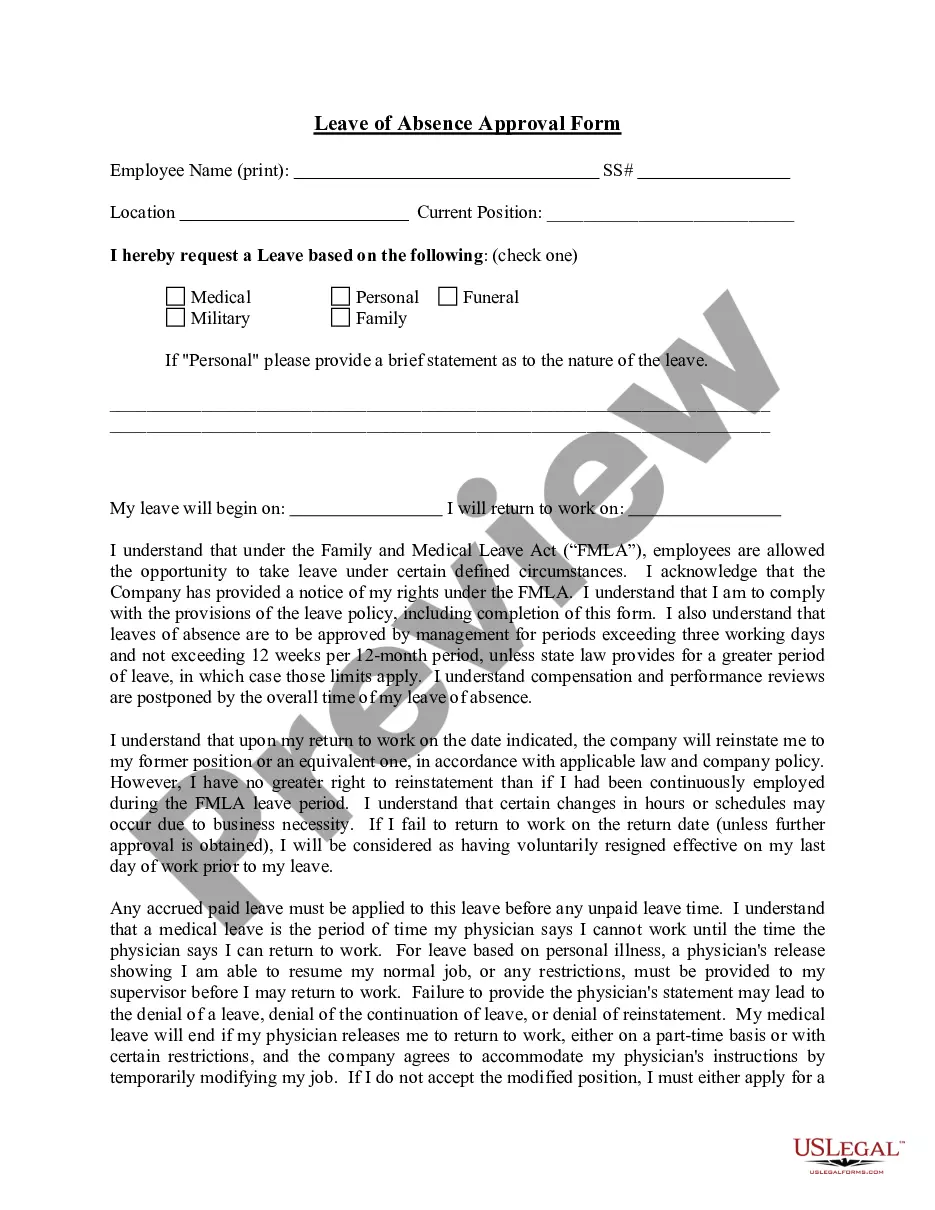
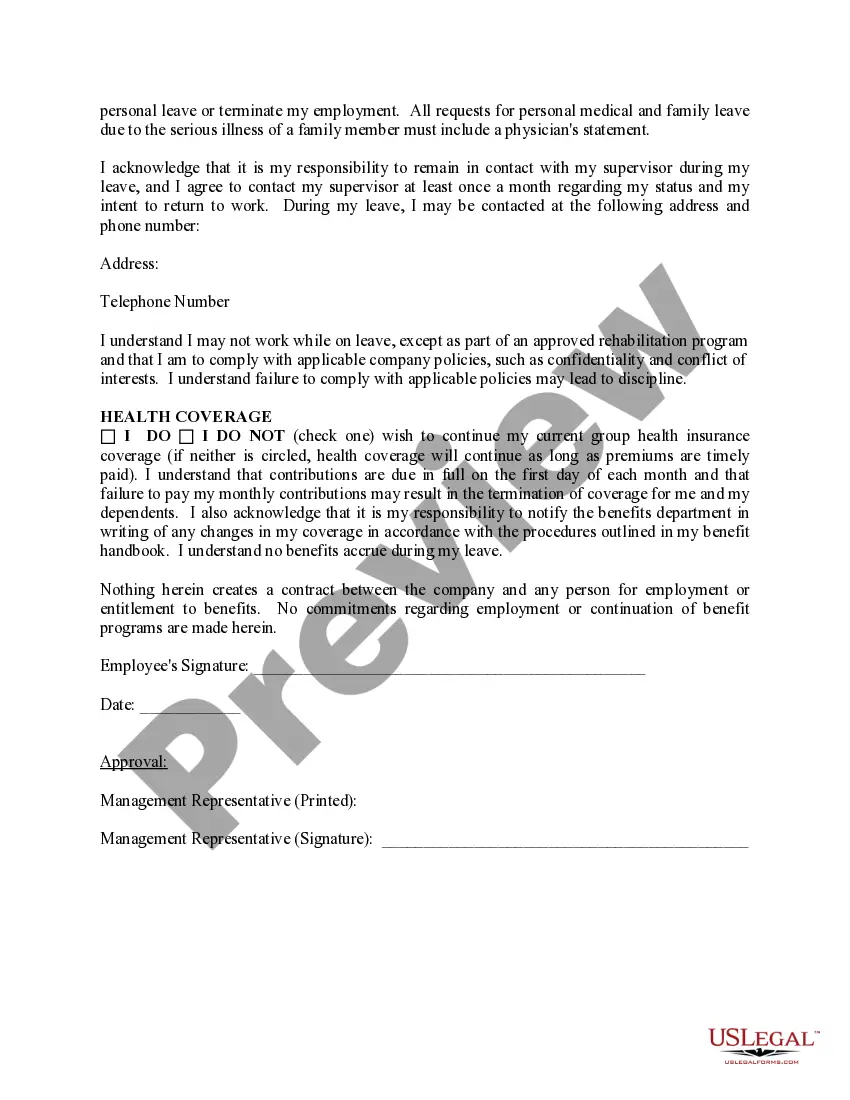
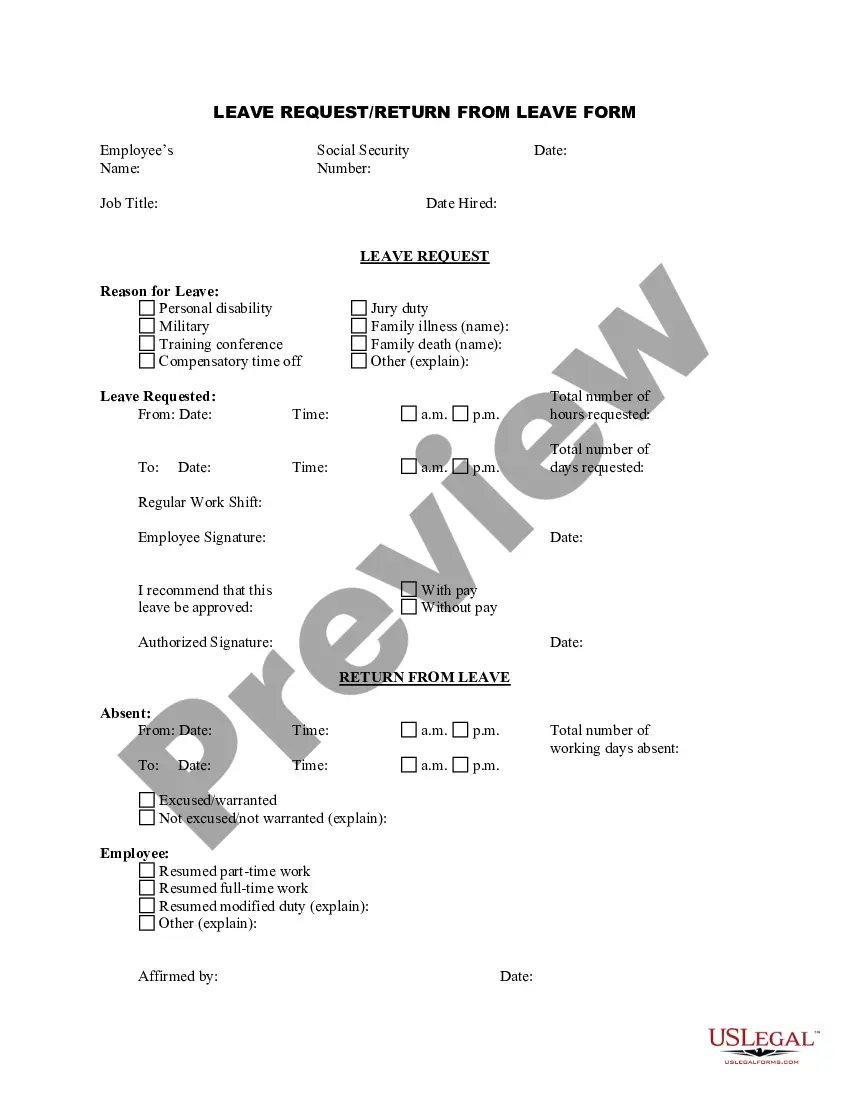
Leave Absence Approval Without Notice
Description


Get your form ready online
Our built-in tools help you complete, sign, share, and store your documents in one place.
Make edits, fill in missing information, and update formatting in US Legal Forms—just like you would in MS Word.
Download a copy, print it, send it by email, or mail it via USPS—whatever works best for your next step.
Sign and collect signatures with our SignNow integration. Send to multiple recipients, set reminders, and more. Go Premium to unlock E-Sign.
If this form requires notarization, complete it online through a secure video call—no need to meet a notary in person or wait for an appointment.
We protect your documents and personal data by following strict security and privacy standards.

Make edits, fill in missing information, and update formatting in US Legal Forms—just like you would in MS Word.

Download a copy, print it, send it by email, or mail it via USPS—whatever works best for your next step.

Sign and collect signatures with our SignNow integration. Send to multiple recipients, set reminders, and more. Go Premium to unlock E-Sign.

If this form requires notarization, complete it online through a secure video call—no need to meet a notary in person or wait for an appointment.

We protect your documents and personal data by following strict security and privacy standards.
Looking for another form?
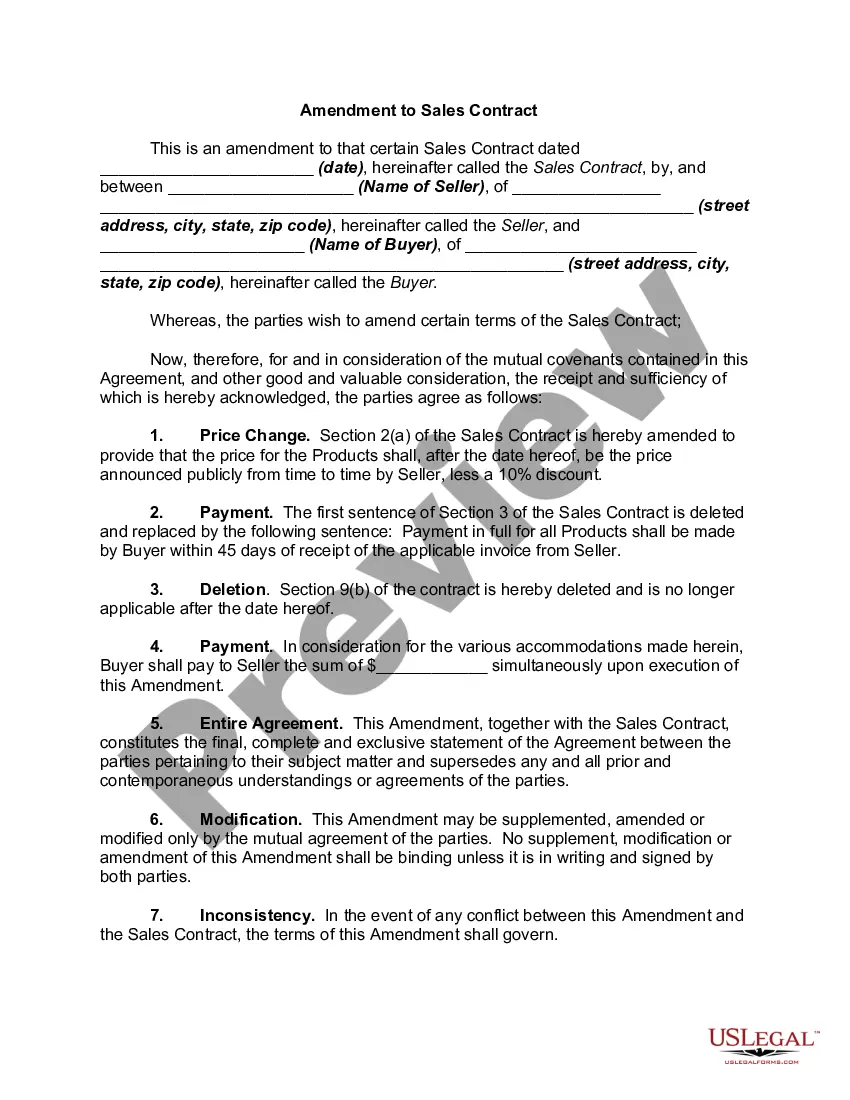
How to fill out Leave Absence Approval Form?
Handling legal documents and processes can often be an exhausting addition to your daily routine.
Leave Absence Approval Without Notice and similar forms frequently require you to locate them and figure out how to fill them out properly.
Therefore, if you are managing financial, legal, or personal issues, leveraging a thorough and straightforward online directory of forms when necessary will be extremely beneficial.
US Legal Forms is the leading online platform for legal documents, boasting over 85,000 state-specific forms and a range of tools to assist you in completing your paperwork with ease.
Are you using US Legal Forms for the first time? Register and create a free account in just a few minutes to gain entry to the document catalog and Leave Absence Approval Without Notice. Then, follow these steps to fill out your document.
- Browse the directory of pertinent documents available with a single click.
- US Legal Forms offers state- and county-specific documents available for download at any time.
- Protect your document management procedures with a premium service that enables you to prepare any document in moments without any extra or hidden charges.
- Simply Log In to your account, search for Leave Absence Approval Without Notice and download it instantly from the My documents section.
- You can also access previously stored documents.
Form popularity
FAQ
A Release of Liability, also known as a Liability Waiver or Hold Harmless Agreement, is a legal document between two parties ? Party A (the Releasor) signs to acknowledge the risks involved in a particular activity or process, thereby agreeing not to hold Party B ( the Releasee ) responsible for any harm or damage that ...
I acknowledge that I am signing this agreement freely and voluntarily and intend my signature to be a complete and unconditional release of liability to the greatest extent allowed by law.
A liability waiver form is a legal contract that educates one party about the risks associated with an activity. Once signed, it prevents the participant from opening a lawsuit against the company in the event of damage or loss, effectively shifting responsibility for injuries from the company to the customer.
The liability release form, also known as the waiver form, contains a legally binding agreement between two parties, stating that one of them (the releasor) promises not to sue the other side (the releasee) for past, current, or future damages, losses, or injuries.
To build a waiver of liability: Choose a waiver template. Determine the type of activity or service. State the purpose of the waiver. Identify the risks. Include a title. Include customer information. Include waiver terms. Include a statement of understanding.
A liability waiver form is a legal contract that educates one party about the risks associated with an activity. Once signed, it prevents the participant from opening a lawsuit against the company in the event of damage or loss, effectively shifting responsibility for injuries from the company to the customer.
?If I need medical treatment as a result of my participation in this Activity, travel to and from the Activity (including air travel), or any events incidental to this Activity, I agree to be financially responsible for any costs incurred as a result of such treatment.
Key Takeaways On How To Write A Waiver Choose a waiver template. Determine the type of activity or service. State the purpose of the waiver. Identify the risks. Include a title. Include customer information. Include waiver terms. Include a statement of understanding.