Fmla Calendar With Withdrawal
Description
Get your form ready online
Our built-in tools help you complete, sign, share, and store your documents in one place.
Make edits, fill in missing information, and update formatting in US Legal Forms—just like you would in MS Word.
Download a copy, print it, send it by email, or mail it via USPS—whatever works best for your next step.
Sign and collect signatures with our SignNow integration. Send to multiple recipients, set reminders, and more. Go Premium to unlock E-Sign.
If this form requires notarization, complete it online through a secure video call—no need to meet a notary in person or wait for an appointment.
We protect your documents and personal data by following strict security and privacy standards.

Make edits, fill in missing information, and update formatting in US Legal Forms—just like you would in MS Word.

Download a copy, print it, send it by email, or mail it via USPS—whatever works best for your next step.

Sign and collect signatures with our SignNow integration. Send to multiple recipients, set reminders, and more. Go Premium to unlock E-Sign.

If this form requires notarization, complete it online through a secure video call—no need to meet a notary in person or wait for an appointment.

We protect your documents and personal data by following strict security and privacy standards.
Looking for another form?
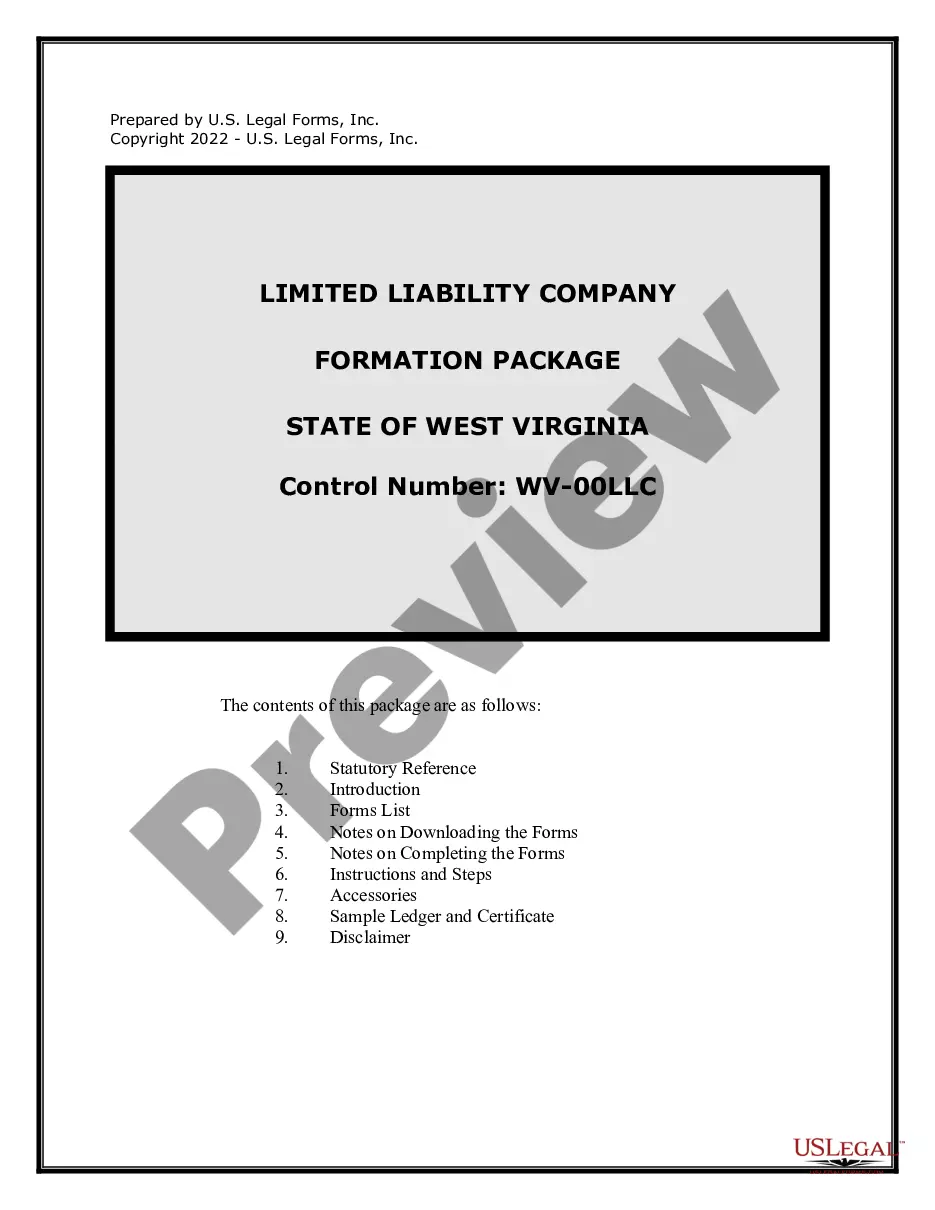
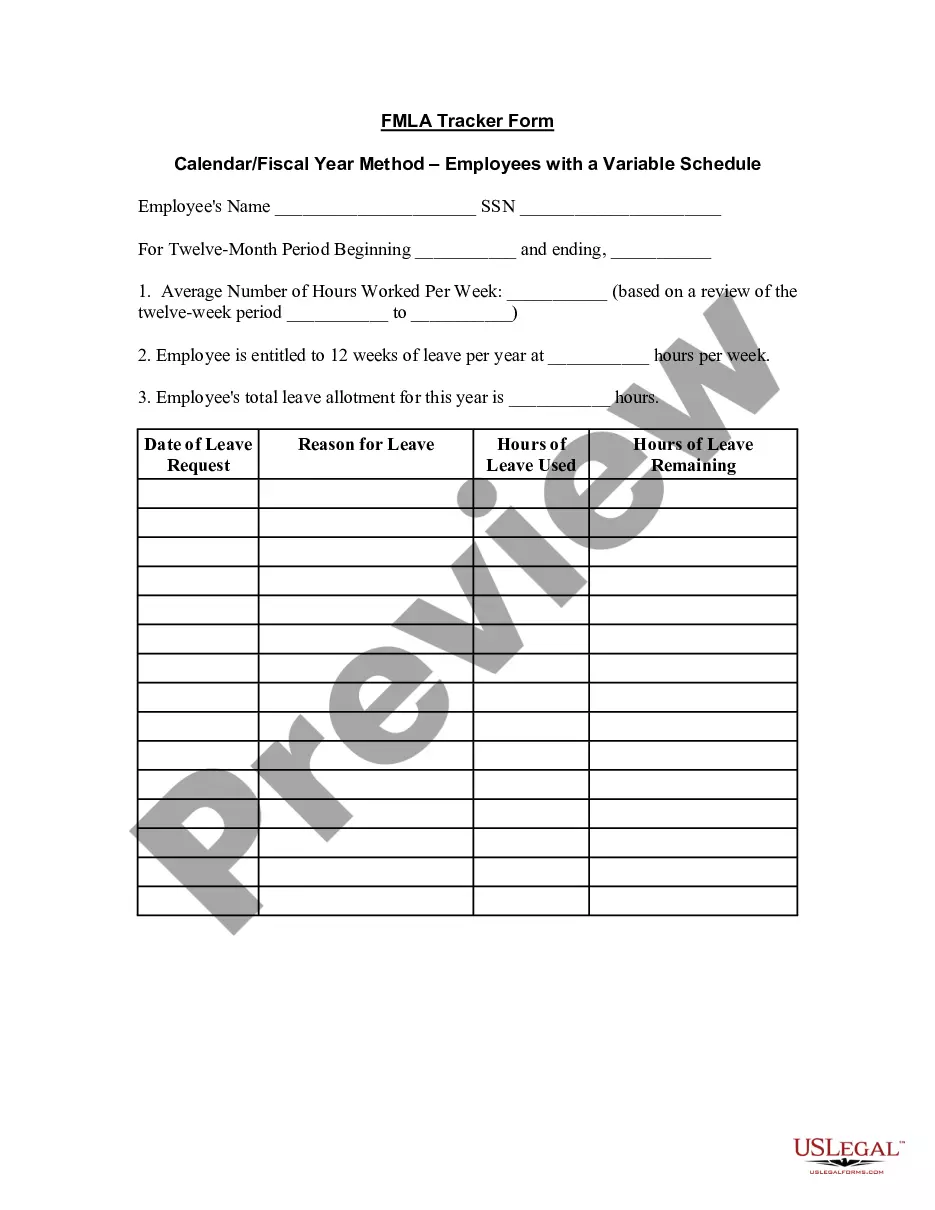
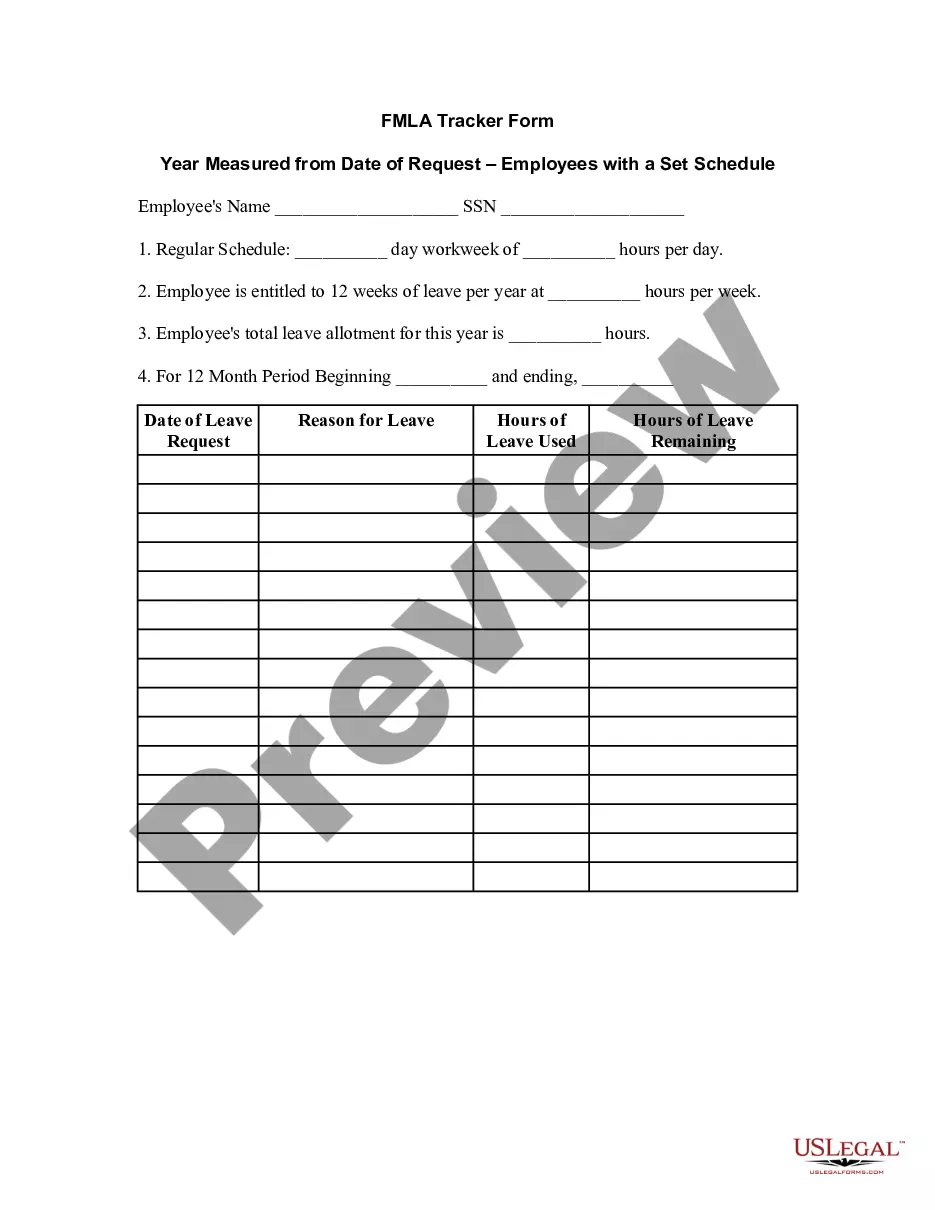
How to fill out FMLA Tracker Form - Calendar - Fiscal Year Method - Employees With Variable Schedule?
Legal management can be daunting, even for seasoned experts.
When you are seeking a Fmla Calendar With Withdrawal and lack the time to search for the correct and current version, the processes can be stressful.
US Legal Forms addresses any needs you may have, ranging from personal to business documentation, all in one location.
Employ advanced tools to create and manage your Fmla Calendar With Withdrawal.
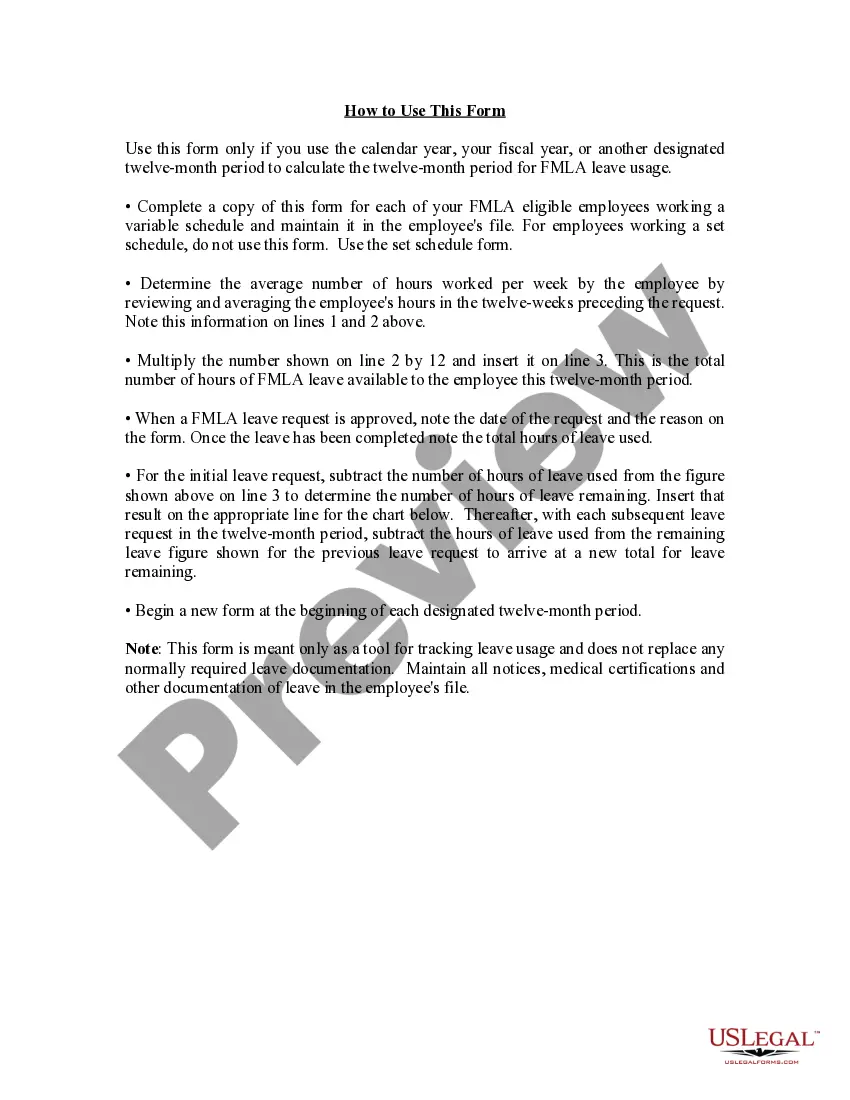
Here are the steps to follow after obtaining the form you need: Verify it is the correct form by previewing it and reviewing its details. Ensure that the sample is valid in your state or county. Click Buy Now when you are ready. Choose a subscription plan. Select the format you desire, and Download, complete, sign, print, and send your document. Take advantage of the US Legal Forms online catalog, bolstered by 25 years of experience and reliability. Streamline your daily document management into a smooth and user-friendly process today.
- Access a valuable resource base of articles, tutorials, and guides related to your situation and requirements.
- Save effort and time searching for the documents you require, and utilize US Legal Forms’ advanced search and Review feature to find Fmla Calendar With Withdrawal and obtain it.
- If you have a monthly subscription, Log In to your US Legal Forms account, search for the form, and retrieve it.
- Check your My documents tab to view the documents you have previously saved and organize your folders as needed.
- If it's your first experience with US Legal Forms, create a free account and gain unlimited access to all the benefits of the library.
- A robust online form catalog can transform the experience for anyone looking to navigate these circumstances efficiently.
- US Legal Forms is a leader in the online legal form industry, boasting over 85,000 state-specific legal documents accessible at any time.
- With US Legal Forms, you can access state or county-specific legal and organizational documents.
Form popularity
FAQ
Using this method, the employer will look back over the last 12 months from the date of the request, add all FMLA time the employee has used during the previous 12 months and subtract that total from the employee's 12-week leave allotment.
Your employer may have additional questions if they are not sure whether FMLA applies to your situation. What you could say: If you need leave to care for your parent after surgery: ?My father will have surgery next month, and I will need leave to care for him after he is released.?
You may take FMLA leave to care for your spouse, child or parent who has a serious health condition, or when you are unable to work because of your own serious health condition. 4) pregnancy (including prenatal medical appointments, incapacity due to morning sickness, and medically required bed rest).
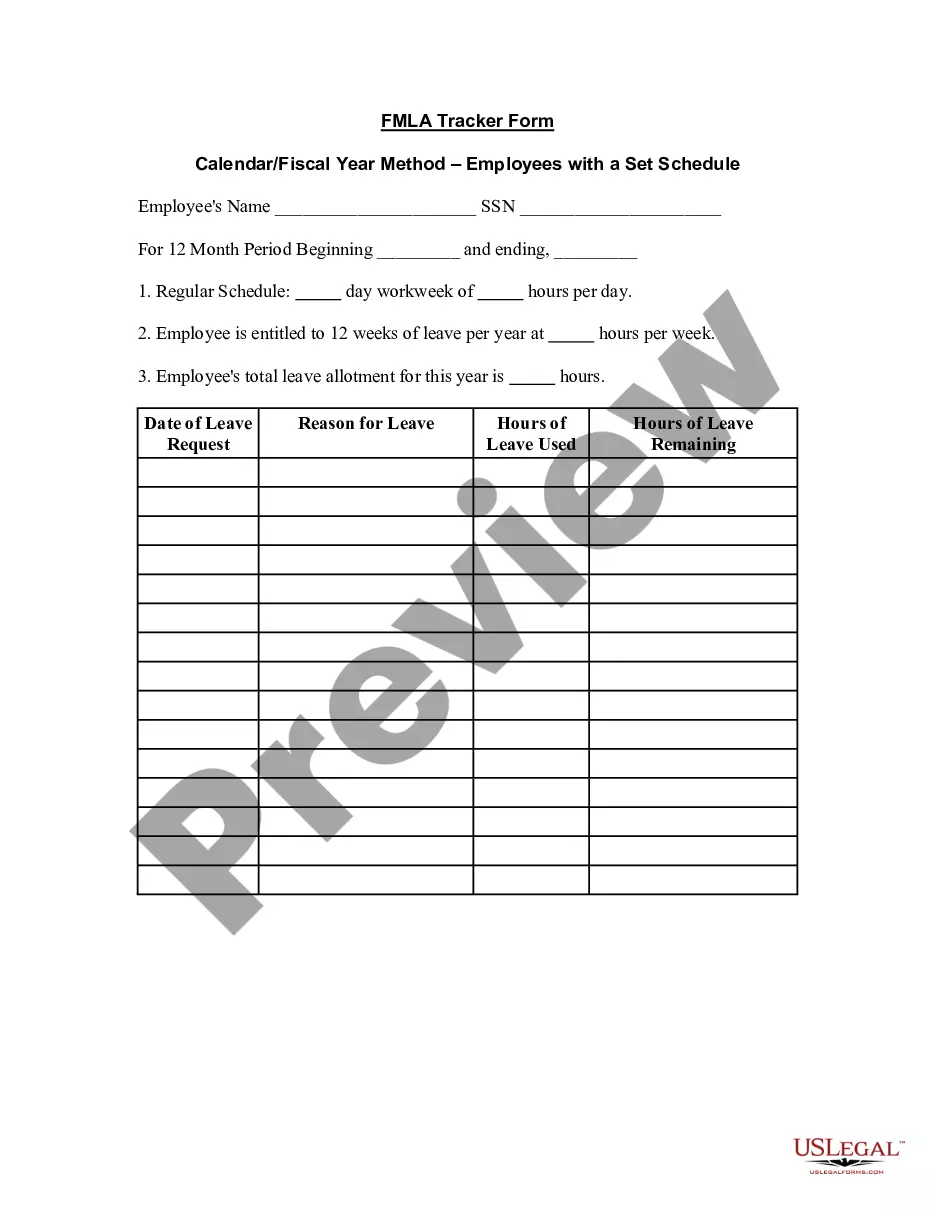
The calendar year; Any fixed 12-month "leave year" The 12-month period measured forward from the date any employee's first FMLA leave begins; or. A "rolling" 12-month period measured backward from the date an employee uses any FMLA leave.
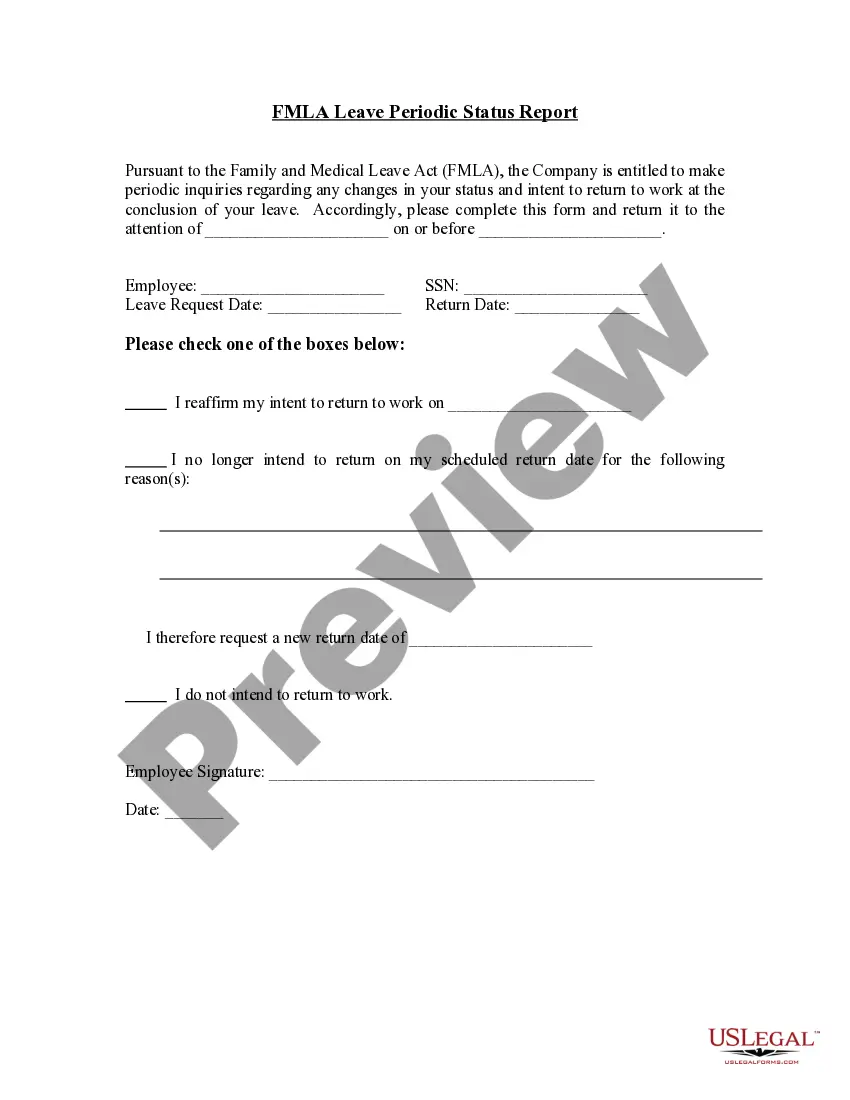
Do I have to return to work to quit? FMLA does not require that you must return to your employment at the end of your leave of absence, or provide two weeks notice of not returning to the company. Unfortunately, you may be immediately terminated if you provide two weeks notice.