Holiday Policy For Global Teams
Description


Get your form ready online
Our built-in tools help you complete, sign, share, and store your documents in one place.
Make edits, fill in missing information, and update formatting in US Legal Forms—just like you would in MS Word.
Download a copy, print it, send it by email, or mail it via USPS—whatever works best for your next step.
Sign and collect signatures with our SignNow integration. Send to multiple recipients, set reminders, and more. Go Premium to unlock E-Sign.
If this form requires notarization, complete it online through a secure video call—no need to meet a notary in person or wait for an appointment.
We protect your documents and personal data by following strict security and privacy standards.

Make edits, fill in missing information, and update formatting in US Legal Forms—just like you would in MS Word.

Download a copy, print it, send it by email, or mail it via USPS—whatever works best for your next step.

Sign and collect signatures with our SignNow integration. Send to multiple recipients, set reminders, and more. Go Premium to unlock E-Sign.

If this form requires notarization, complete it online through a secure video call—no need to meet a notary in person or wait for an appointment.

We protect your documents and personal data by following strict security and privacy standards.
Looking for another form?

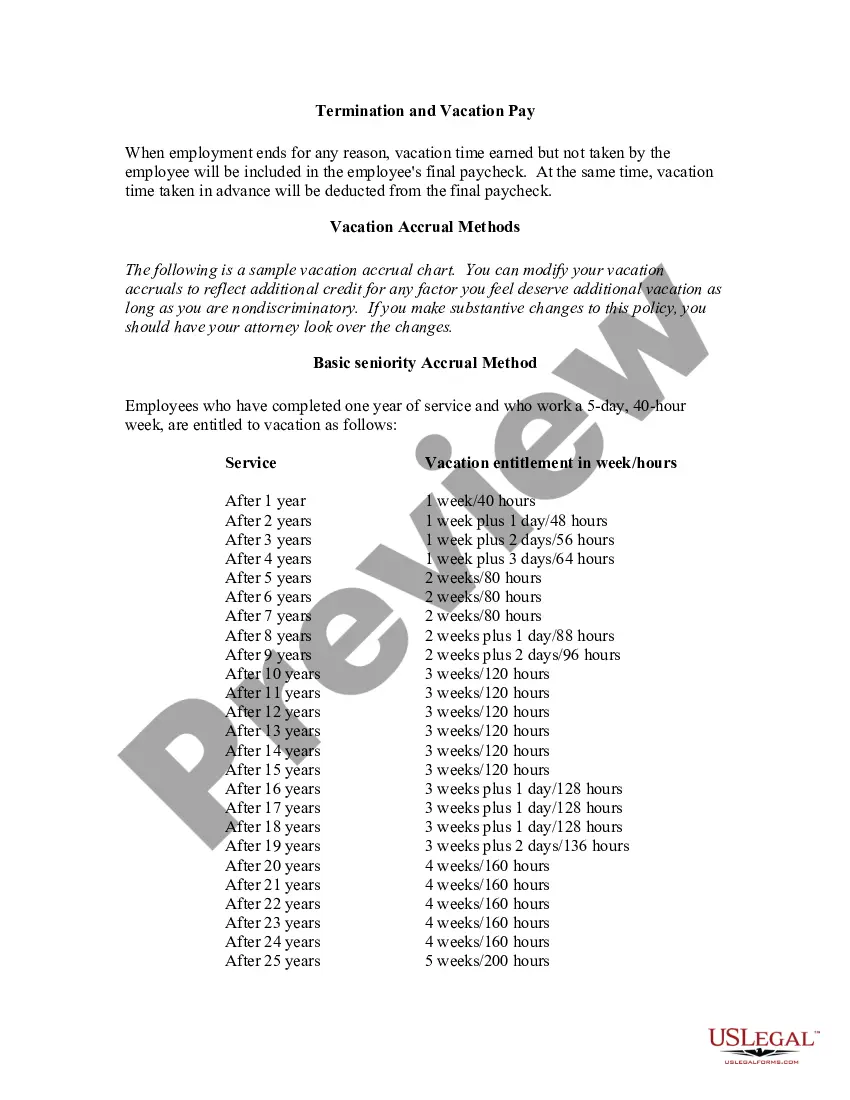
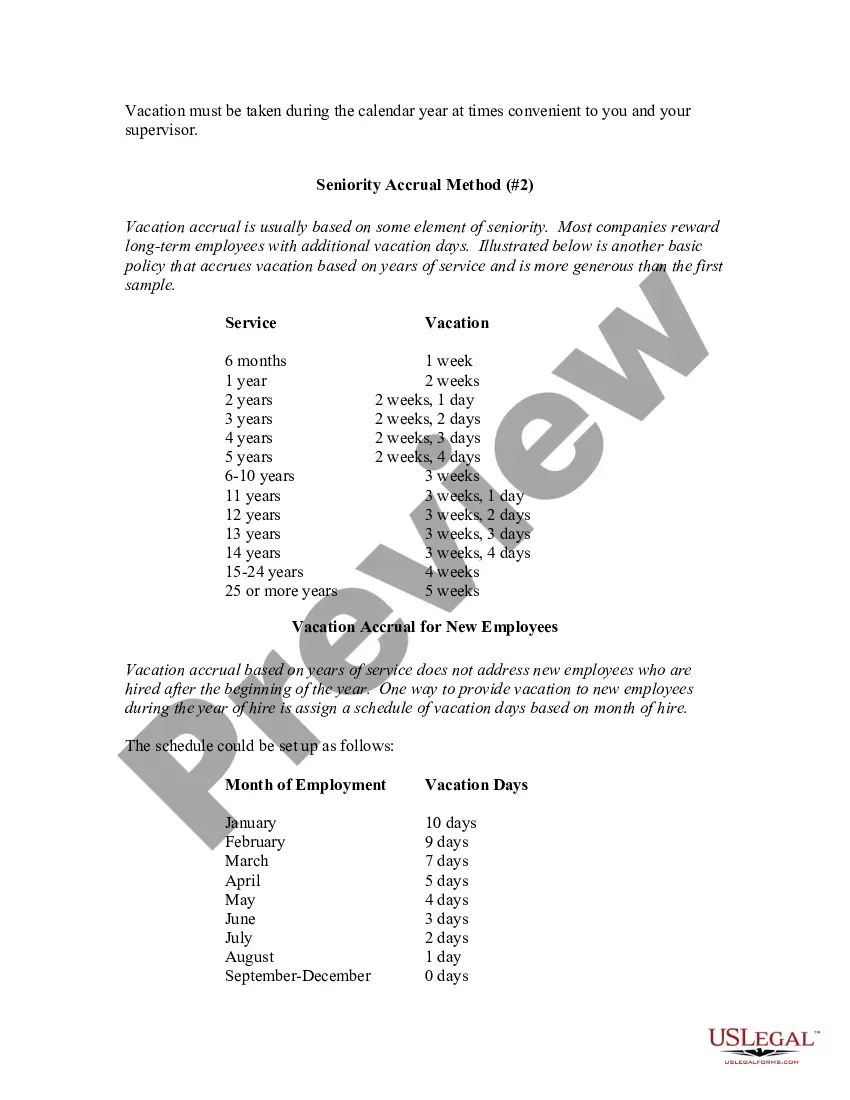
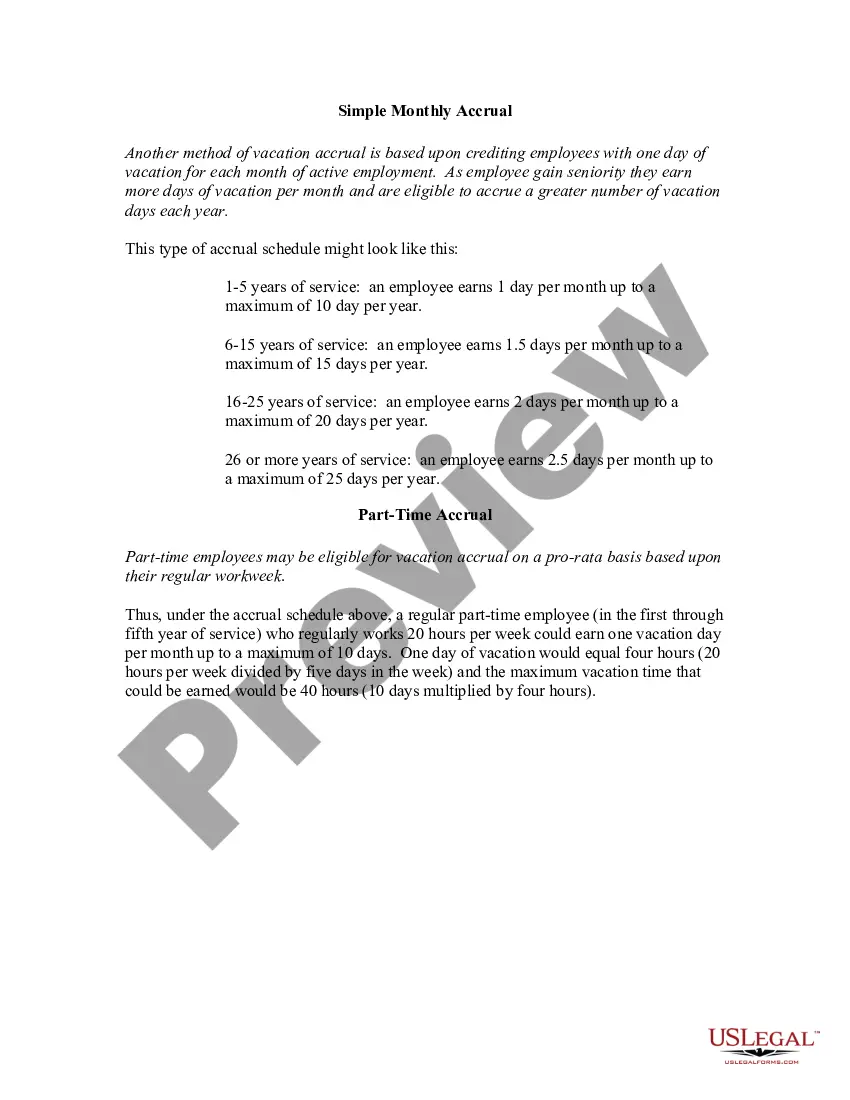
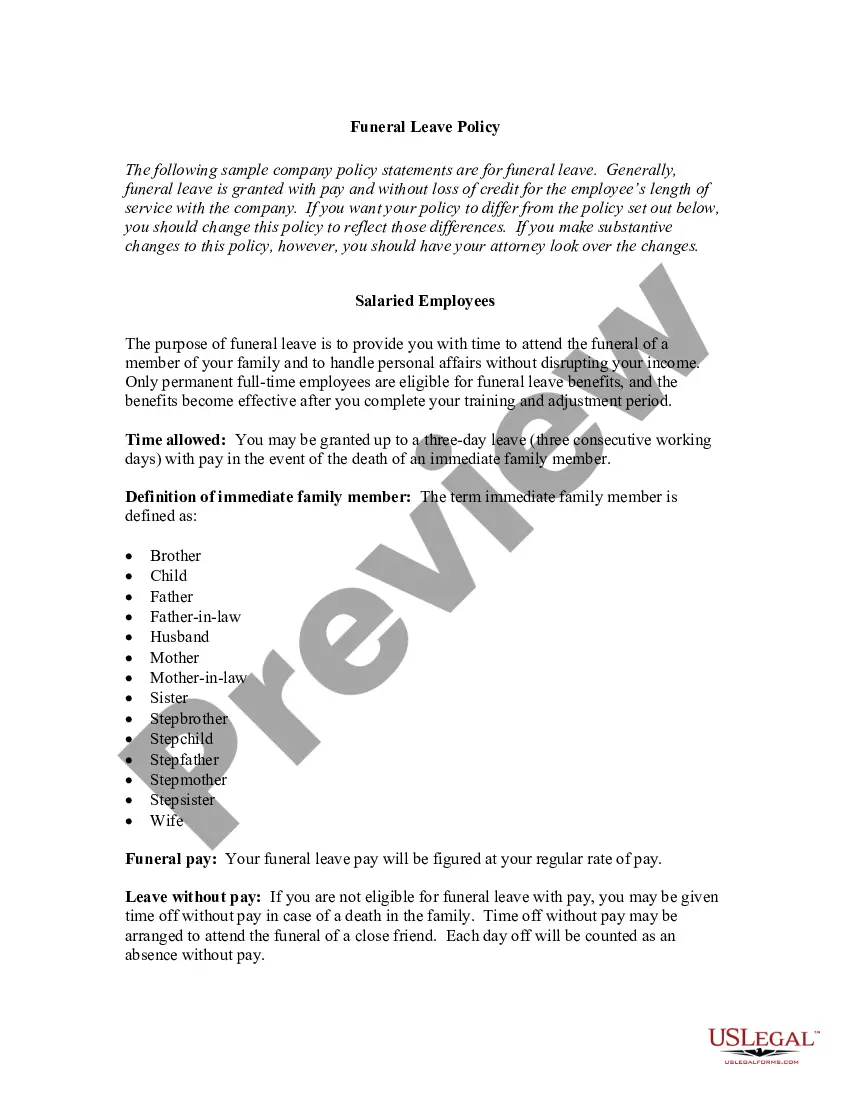
How to fill out Holiday Vacation Policy?
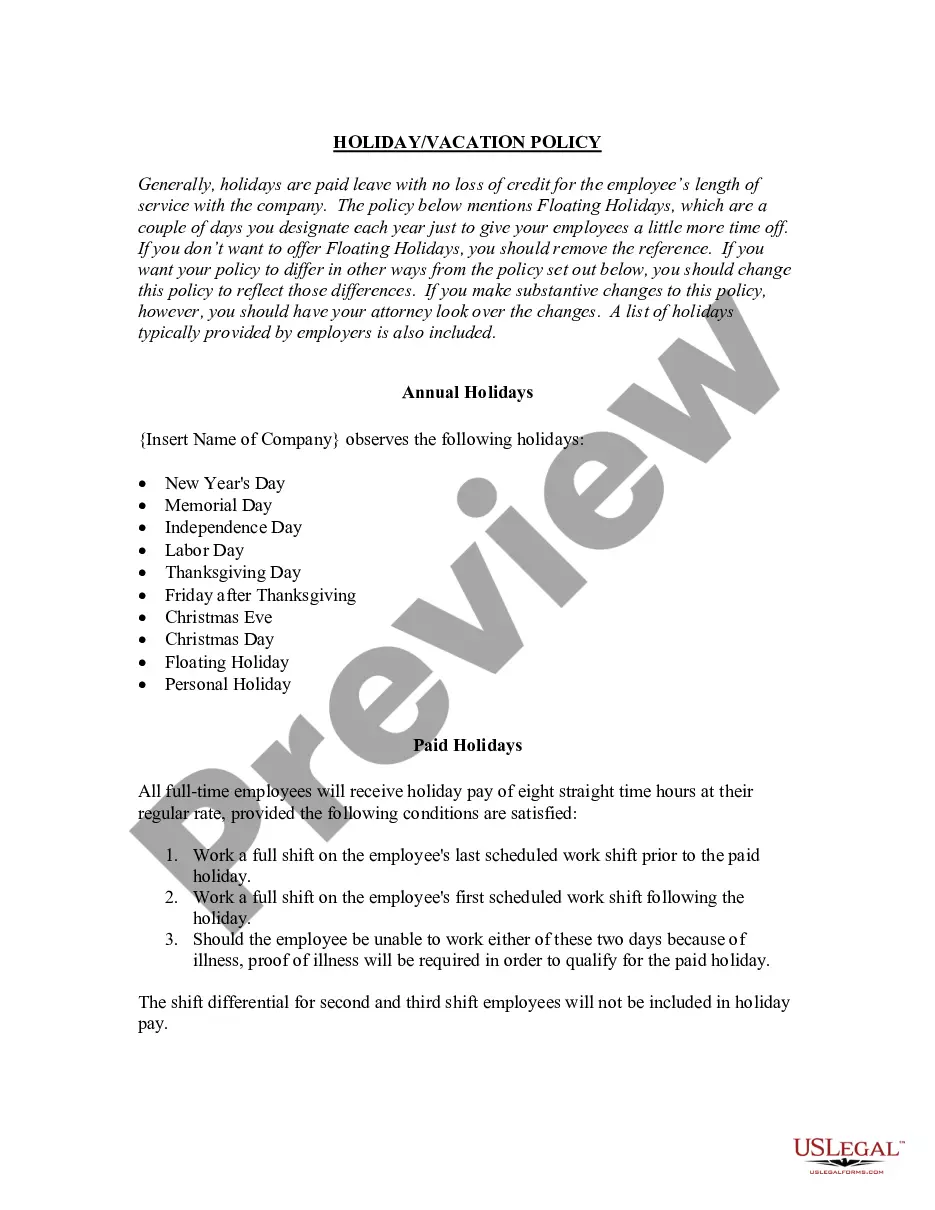
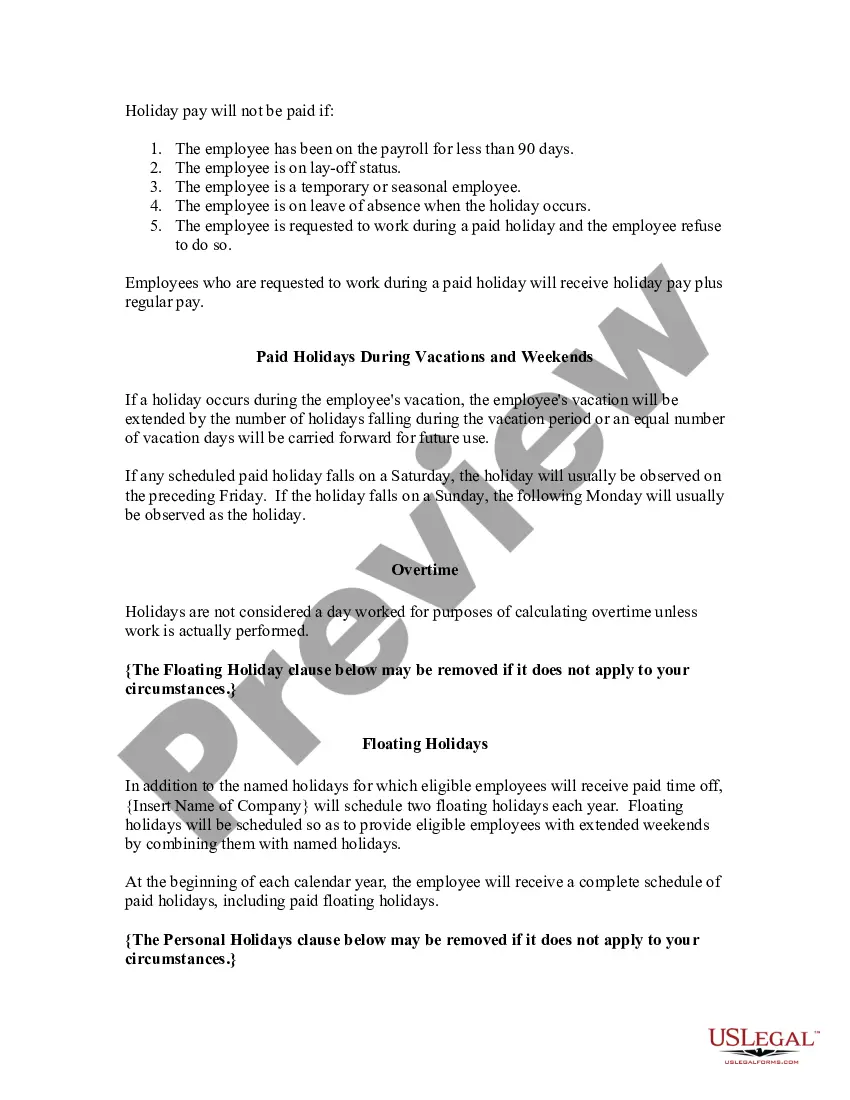
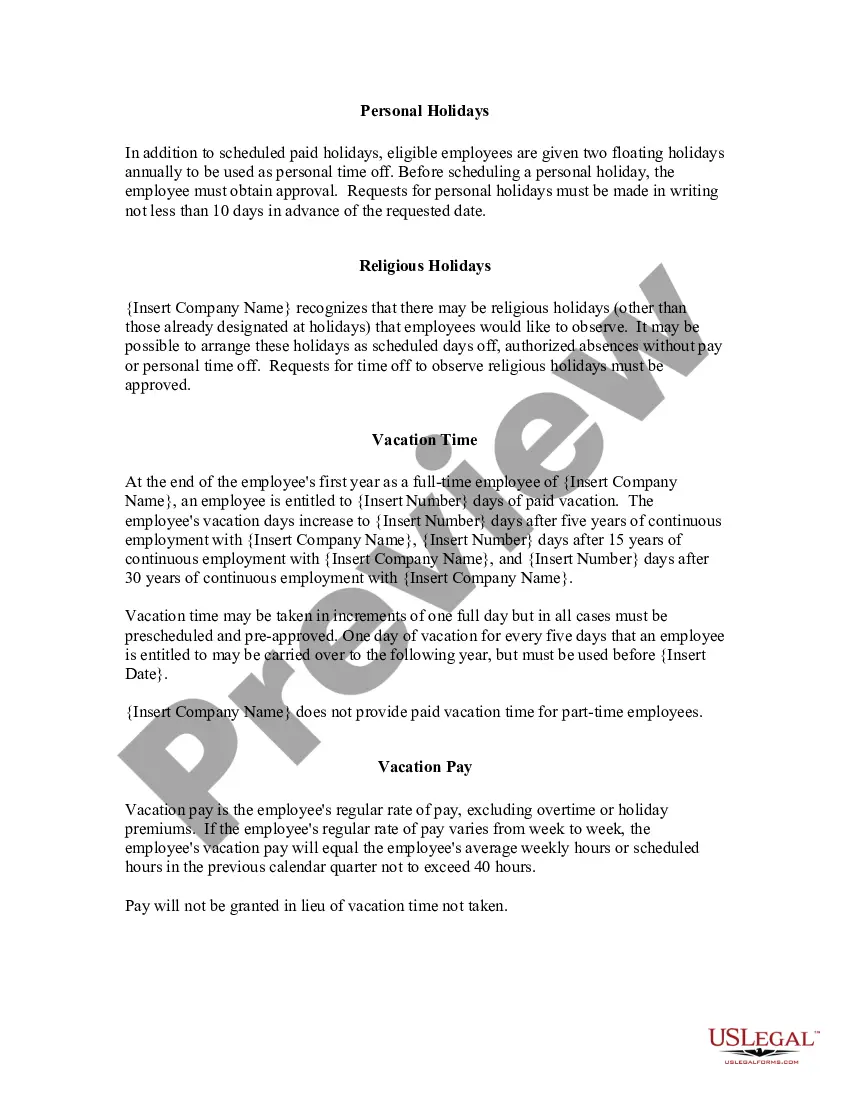
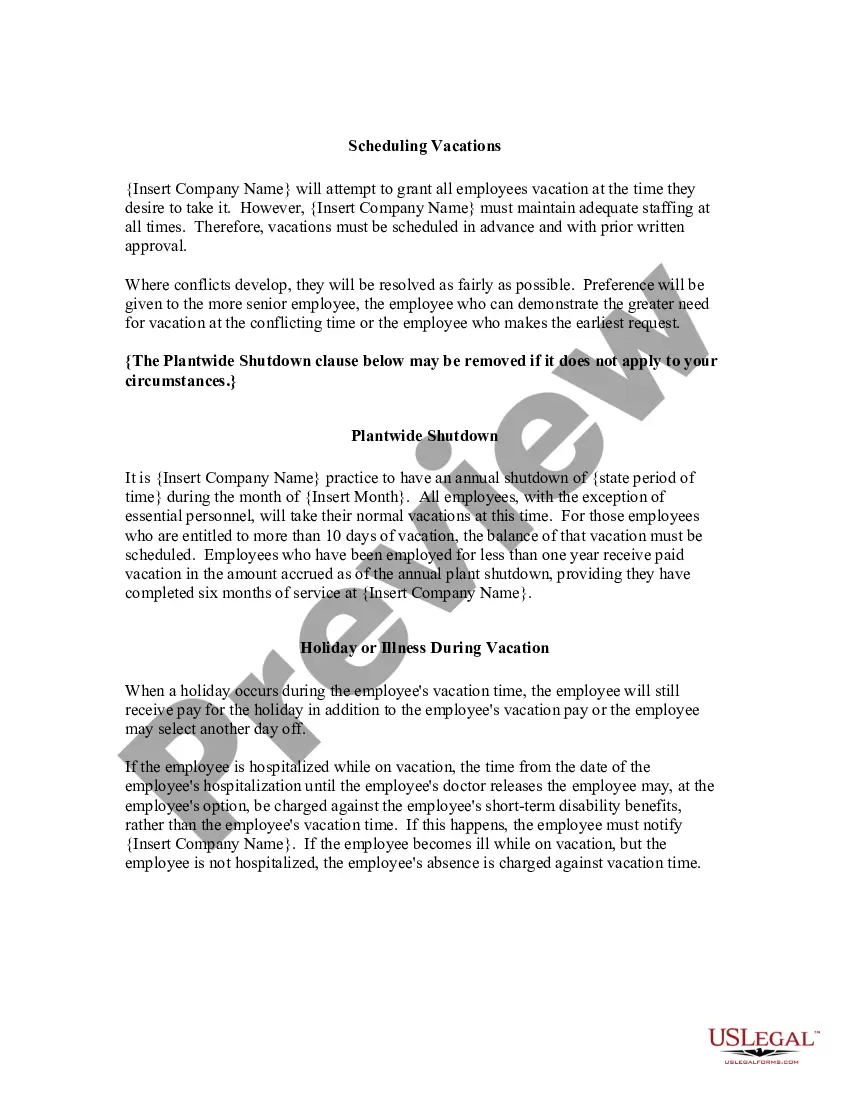
The Holiday Policy For Global Teams you see on this page is a reusable legal framework created by experienced attorneys in accordance with federal and local regulations.
For more than 25 years, US Legal Forms has offered individuals, corporations, and lawyers over 85,000 verified, state-specific documents suitable for any business and personal needs.
Utilize the same document again whenever necessary. Access the My documents section in your account to redownload any previously downloaded templates.
- Search for the document you require and examine it.
- Look through the sample you searched and preview it or read the form description to ensure it meets your criteria. If it does not, use the search bar to find the right one. Click Buy Now when you locate the template you desire.
- Choose and Log Into your account.
- Select the pricing option that fits you and register an account. Use PayPal or a credit card for a swift transaction. If you already have an account, Log In and check your subscription to proceed.
- Acquire the customizable template.
Form popularity
FAQ
Encourage and Even Require People to Take Time Off. Offer Flexible Hours and the Choice of Remote Work Around Holidays. Celebrate Local Holidays and Employee Successes. Encourage Time Off to Improve Workplace Wellness.
Create a holiday In the Microsoft Teams admin center, go to Voice > Holidays. Select New holiday. Enter a name for the holiday. Select Add new date. Under Start time, select the calendar icon and choose the date when you'd like the holiday to begin. Use the drop-down list to select a start time for the holiday.
Here are 10 suggestions that can help in bridging the gaps that come with working on a team that is geographically and culturally diverse. Increase communication. ... Make use of common platforms. ... Establish a schedule to talk with the entire team. ... Build connections. ... Make resources available to all members.
How to Work Effectively with Global Teams Clearly Communicate Goals and Expectations. Embrace Asynchronous Work. Establish a Schedule to Talk With the Entire Team. Meet in Person When Possible (But Don't Neglect Your Virtual Culture) Build Trust and Create Connections. Make Resources Available To All Members.
How to Manage Time-off and Public Holidays for Your Remote Team Types of holidays or leave days. ... Discuss expectations around holidays with your remote team. ... Create attendance schedules and vacation trackers. ... Celebrate diversity of cultural and religious holidays in your team. ... Encourage staff to take holidays.