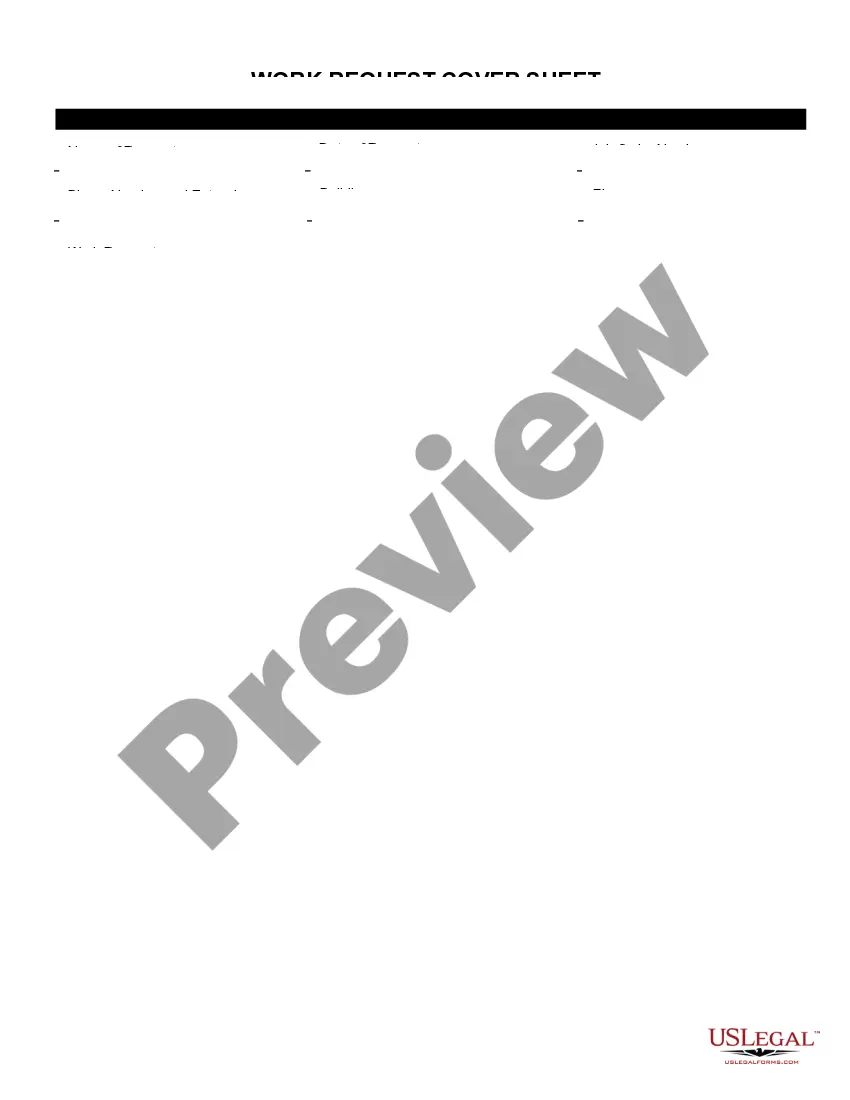
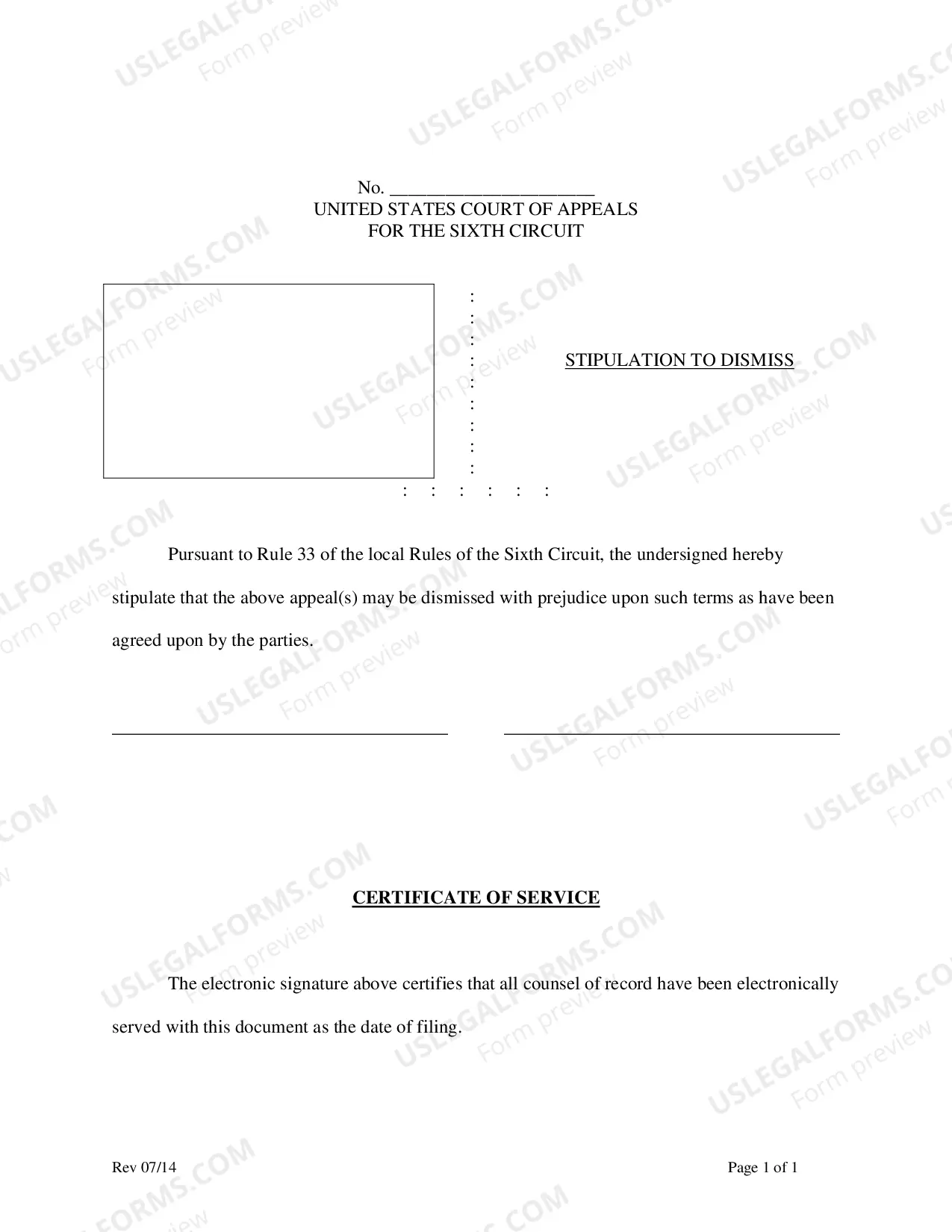
Cover Sheet Order With Confidentiality Statement
Description
Get your form ready online
Our built-in tools help you complete, sign, share, and store your documents in one place.
Make edits, fill in missing information, and update formatting in US Legal Forms—just like you would in MS Word.
Download a copy, print it, send it by email, or mail it via USPS—whatever works best for your next step.
Sign and collect signatures with our SignNow integration. Send to multiple recipients, set reminders, and more. Go Premium to unlock E-Sign.
If this form requires notarization, complete it online through a secure video call—no need to meet a notary in person or wait for an appointment.
We protect your documents and personal data by following strict security and privacy standards.

Make edits, fill in missing information, and update formatting in US Legal Forms—just like you would in MS Word.

Download a copy, print it, send it by email, or mail it via USPS—whatever works best for your next step.

Sign and collect signatures with our SignNow integration. Send to multiple recipients, set reminders, and more. Go Premium to unlock E-Sign.

If this form requires notarization, complete it online through a secure video call—no need to meet a notary in person or wait for an appointment.

We protect your documents and personal data by following strict security and privacy standards.
Looking for another form?
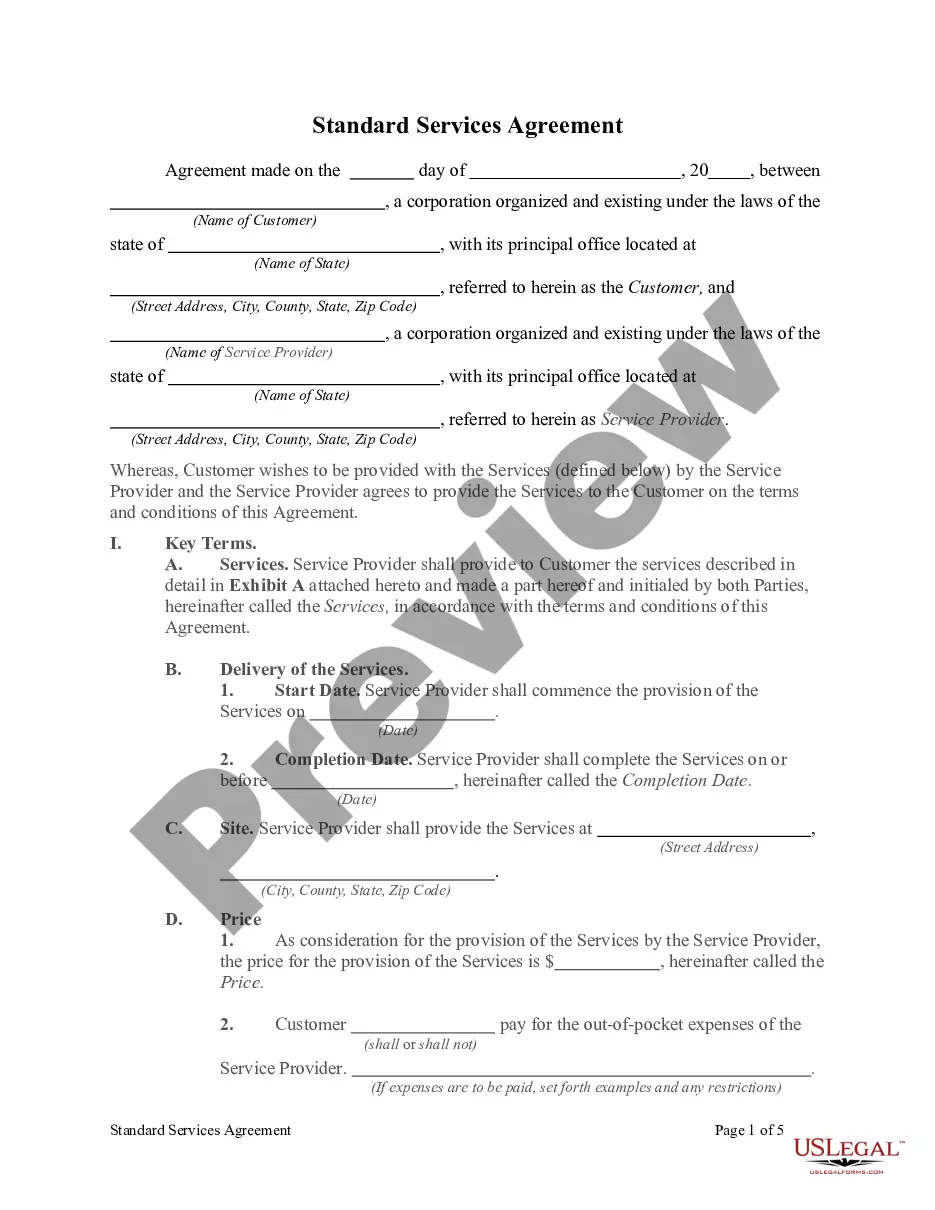
How to fill out Work Request Cover Sheet?
There is no longer any need to squander time searching for legal documents to fulfill your local state obligations.
US Legal Forms has gathered all of them in a single location and made them easily available.
Our platform provides more than 85k templates for various business and personal legal matters organized by state and area of utilization.
To search for a different template if the one currently viewed does not meet your needs, employ the search bar above.
- All forms are expertly prepared and verified for validity, ensuring you can confidently acquire a current Cover Sheet Order With Confidentiality Statement.
- If you are acquainted with our service and already possess an account, ensure your subscription is active before accessing any templates.
- Log In to your account, select the document, and click Download.
- You may also revisit all stored documents anytime by accessing the My documents section in your profile.
- For those who have not utilized our service previously, the procedure will require a few more steps to finalize.
- Here’s how new users can locate the Cover Sheet Order With Confidentiality Statement in our catalog.
- Carefully review the page content to confirm it contains the sample you need.
- To assist with this, use the form description and preview options if available.
Form popularity
FAQ
I hereby declare that all the information provided above is true to the best of my knowledge. I hereby declare that the information furnished above is true to the best of my knowledge. I take full liability for the correctness of the information.
A declaration form is a document that outlines all the information that is relevant and obtainable in a particular situation. In a declaration form, the person filling the form is expected to provide truthful and accurate information as is required.
Form MC-030 instructions are as follows:Write down your name, address, and telephone number at the top of the page.Identify the California Superior Court you will submit the declaration to - state the county, street and mailing addresses, and branch name.Name the plaintiff/petitioner and the defendant/respondent.More items...
What is a Declaration? It is a written statement you swear under penalty of perjury is the truth. You make this statement if you have direct knowledge about the issues in a court case. What is it for? You usually use Declarations when filing or responding to motions in court.
Tips to Write a Declaration for Family Court in CA#1: Follow the California Rules of Court DECLARATIONS HAVE A 10 PAGE LIMIT#2: Use Your Own Words, Write Clearly, and Get to the Point.#3: Avoid Inflammatory Language and Don't Bash the Other Party.More items...?