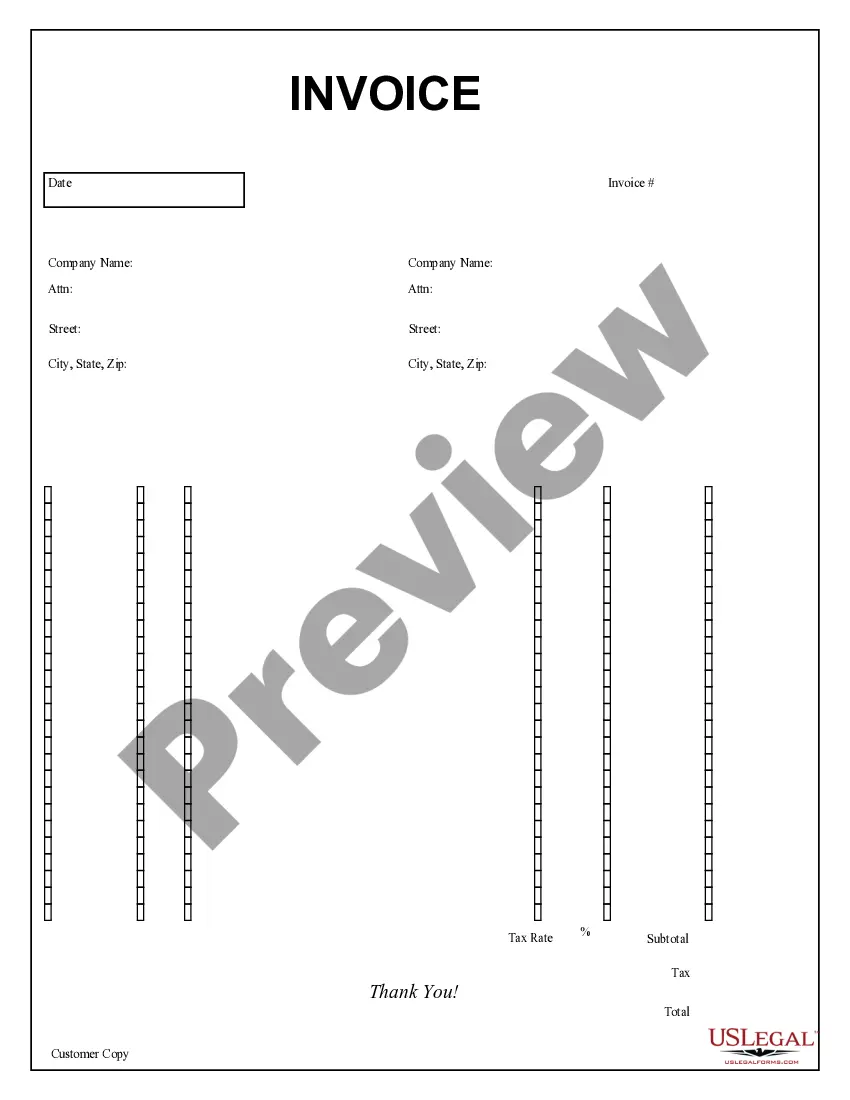
Simple Invoice Template For Freelancers
Description

Get your form ready online
Our built-in tools help you complete, sign, share, and store your documents in one place.
Make edits, fill in missing information, and update formatting in US Legal Forms—just like you would in MS Word.
Download a copy, print it, send it by email, or mail it via USPS—whatever works best for your next step.
Sign and collect signatures with our SignNow integration. Send to multiple recipients, set reminders, and more. Go Premium to unlock E-Sign.
If this form requires notarization, complete it online through a secure video call—no need to meet a notary in person or wait for an appointment.
We protect your documents and personal data by following strict security and privacy standards.

Make edits, fill in missing information, and update formatting in US Legal Forms—just like you would in MS Word.

Download a copy, print it, send it by email, or mail it via USPS—whatever works best for your next step.

Sign and collect signatures with our SignNow integration. Send to multiple recipients, set reminders, and more. Go Premium to unlock E-Sign.

If this form requires notarization, complete it online through a secure video call—no need to meet a notary in person or wait for an appointment.

We protect your documents and personal data by following strict security and privacy standards.
Looking for another form?




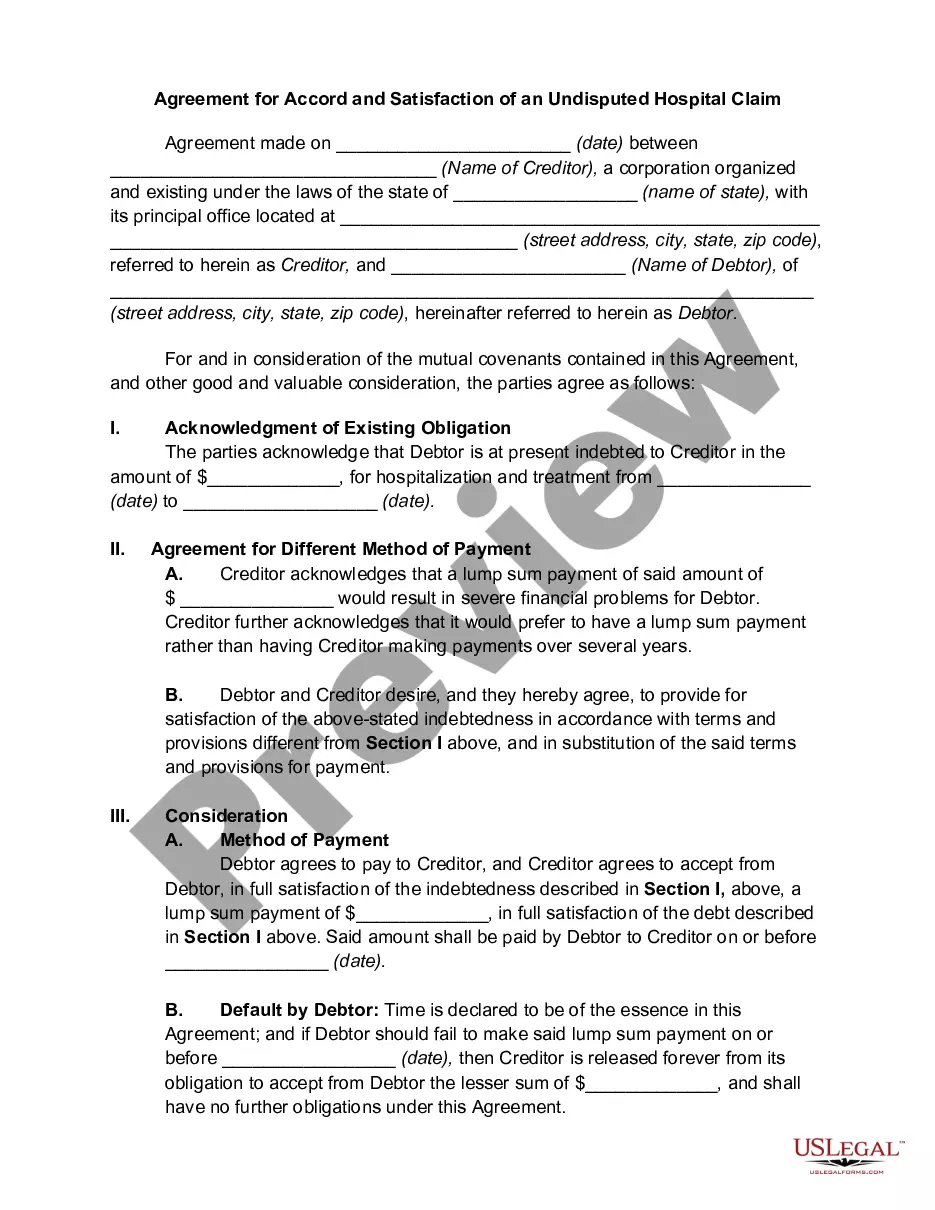




How to fill out Purchase Invoice?
Whether for corporate reasons or personal issues, everyone eventually must confront legal matters at some point in their lives.
Filling out legal paperwork demands meticulous attention, starting with choosing the right form template.
With an extensive collection from US Legal Forms available, you won't have to waste time hunting for the appropriate template online. Utilize the library's straightforward navigation to find the correct form for any situation.
- Obtain the necessary template by utilizing the search bar or browsing through the catalog.
- Review the form's description to ensure it suits your situation, state, and locality.
- Click on the form's preview to inspect it.
- If it is the incorrect form, return to the search function to find the Simple Invoice Template For Freelancers sample you need.
- Download the template if it satisfies your requirements.
- If you already hold a US Legal Forms account, click Log in to access previously saved documents in My documents.
- In case you do not have an account yet, you can acquire the form by clicking Buy now.
- Choose the appropriate pricing option.
- Complete the profile registration form.
- Select your payment option: use a credit card or PayPal account.
- Choose the desired file format and download the Simple Invoice Template For Freelancers.
- Once downloaded, you can either fill out the form using editing software or print it and complete it manually.
Form popularity
FAQ
How to fill out an invoice. The name and contact information of the vendor and customer. An invoice number for payment tracking. The date of the transaction and date of invoice. The payment due date. A list of sold products or services with prices. Any pre-payments or discounts.
As a freelancer, the information you need to include is the same as any other self-employed person (or company, even). This is your company name, address, the name and address of your client, VAT rate, an itemised list of what you're charging for, the amount payable and an invoice number.
How to fill out an invoice for your service biz - YouTube YouTube Start of suggested clip End of suggested clip Ahead you got your two copies here. Give them the Topkapi. You hang on to the yellow copy for yourMoreAhead you got your two copies here. Give them the Topkapi. You hang on to the yellow copy for your records.
Add Important Details At minimum, freelancers should include their name or company name, their address, the client's name and address, and sales tax number, if your state requires you to collect sales tax. Other important details include: Invoice number. Client's PO number, if applicable.
How to structure and format your invoice Include branding in the header. ... List your contact details and company. ... Add all relevant dates. ... Include a breakdown of costs and totals. ... Set out how you want to be paid. ... Send your invoice with an accompanying email.