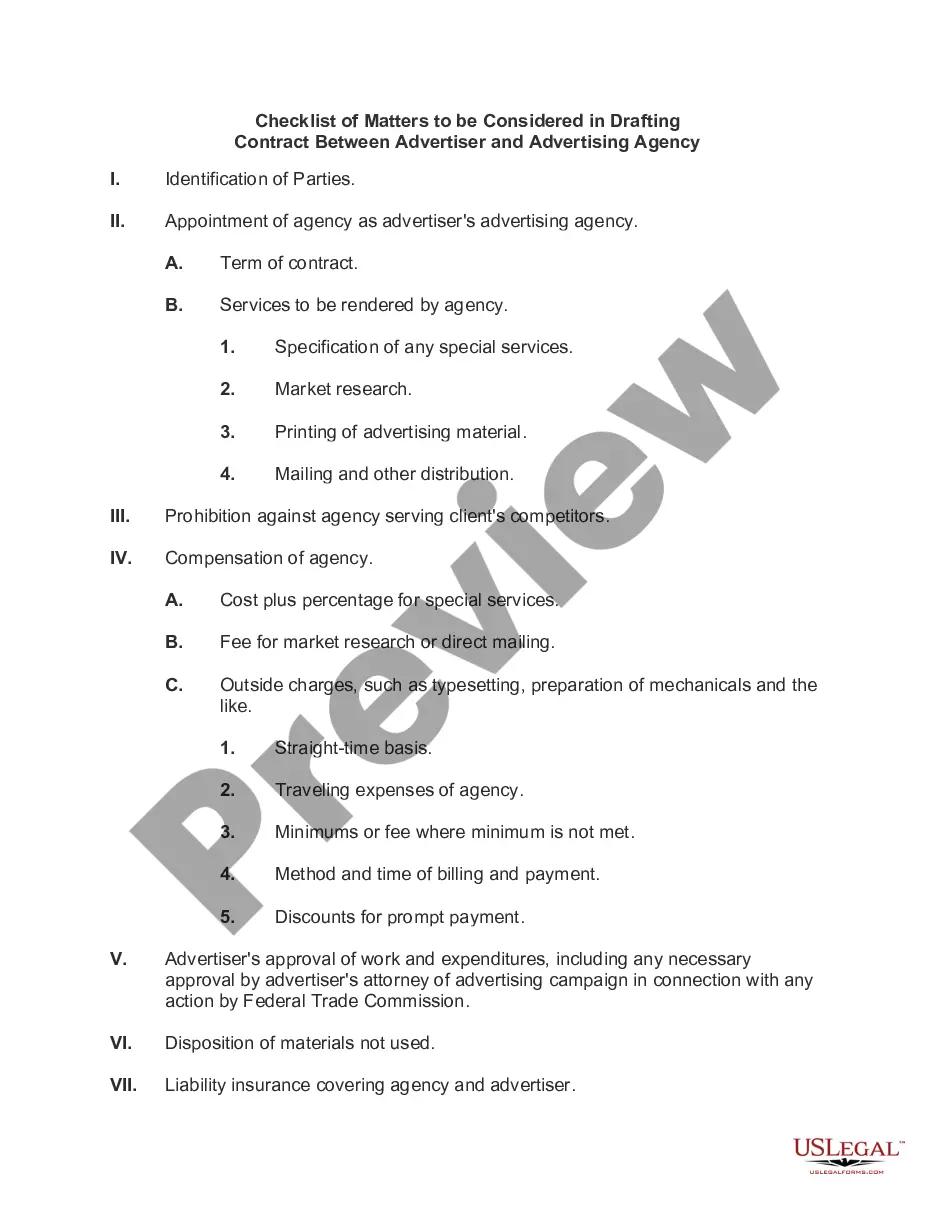
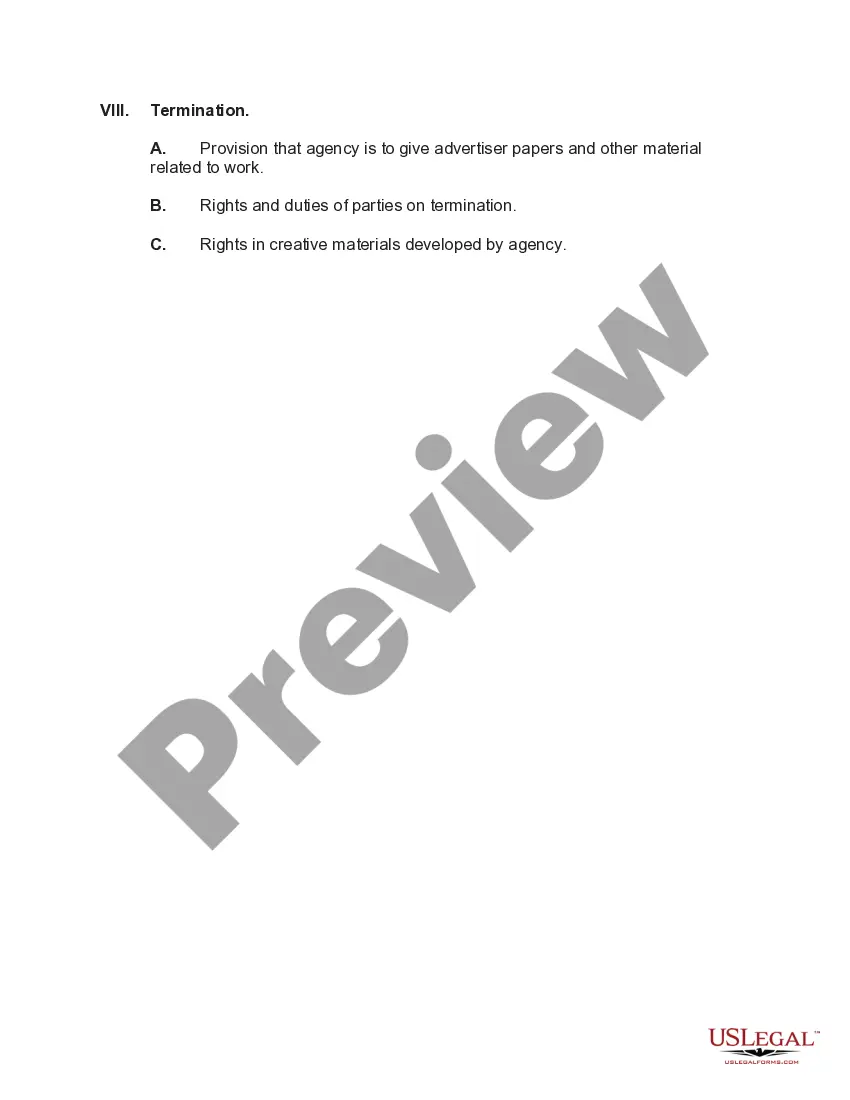
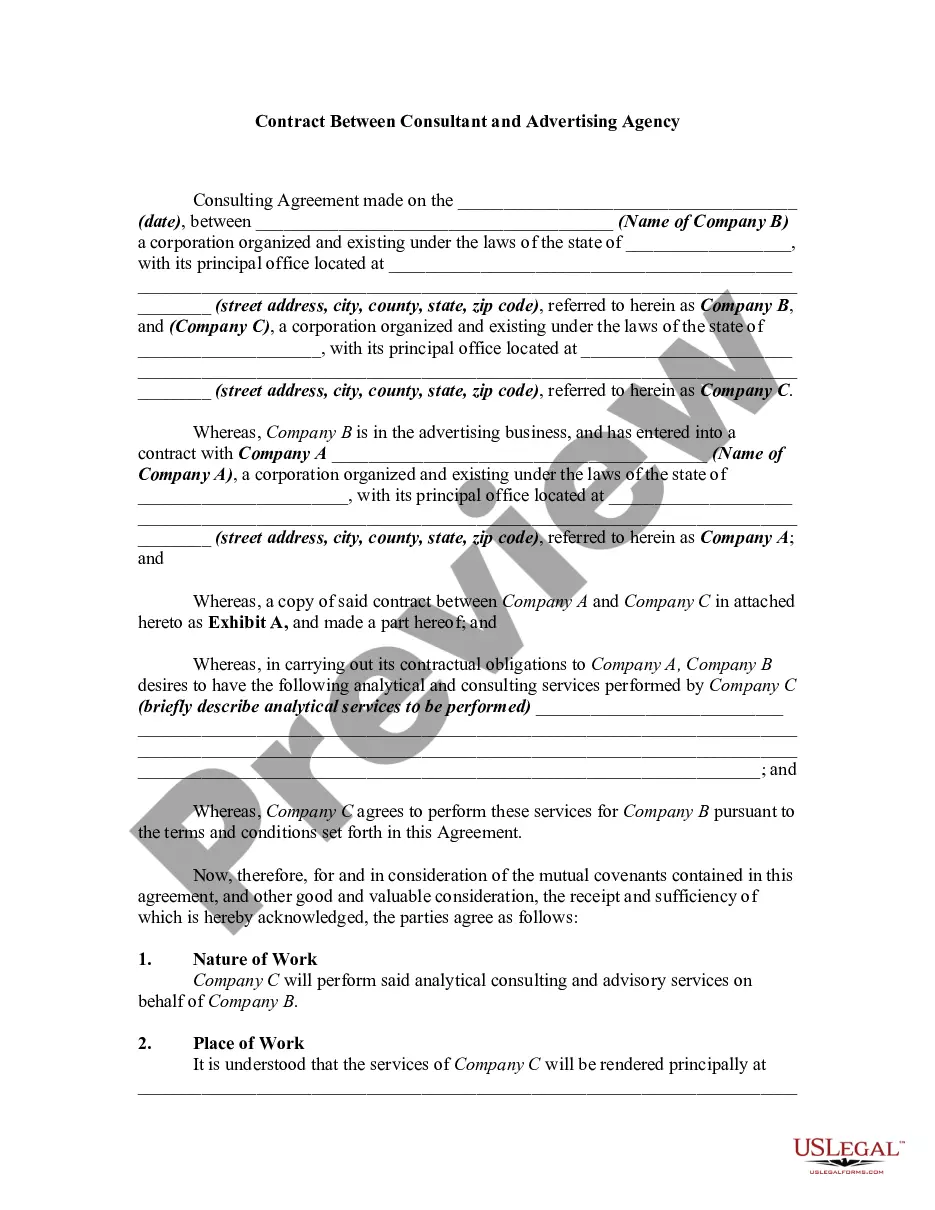
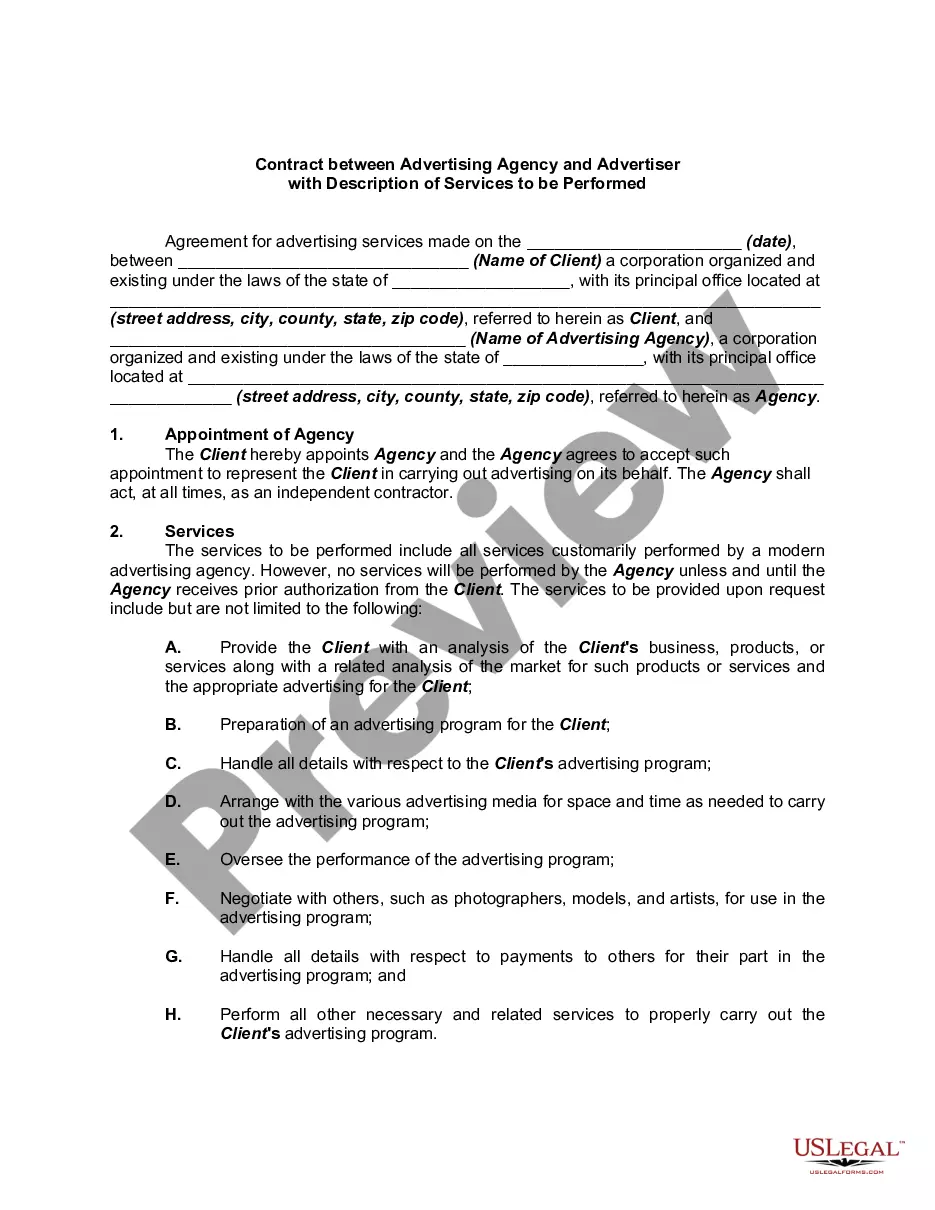
Drafting Contract Pdf Form
Description
Get your form ready online
Our built-in tools help you complete, sign, share, and store your documents in one place.
Make edits, fill in missing information, and update formatting in US Legal Forms—just like you would in MS Word.
Download a copy, print it, send it by email, or mail it via USPS—whatever works best for your next step.
Sign and collect signatures with our SignNow integration. Send to multiple recipients, set reminders, and more. Go Premium to unlock E-Sign.
If this form requires notarization, complete it online through a secure video call—no need to meet a notary in person or wait for an appointment.
We protect your documents and personal data by following strict security and privacy standards.

Make edits, fill in missing information, and update formatting in US Legal Forms—just like you would in MS Word.

Download a copy, print it, send it by email, or mail it via USPS—whatever works best for your next step.

Sign and collect signatures with our SignNow integration. Send to multiple recipients, set reminders, and more. Go Premium to unlock E-Sign.

If this form requires notarization, complete it online through a secure video call—no need to meet a notary in person or wait for an appointment.

We protect your documents and personal data by following strict security and privacy standards.
Looking for another form?

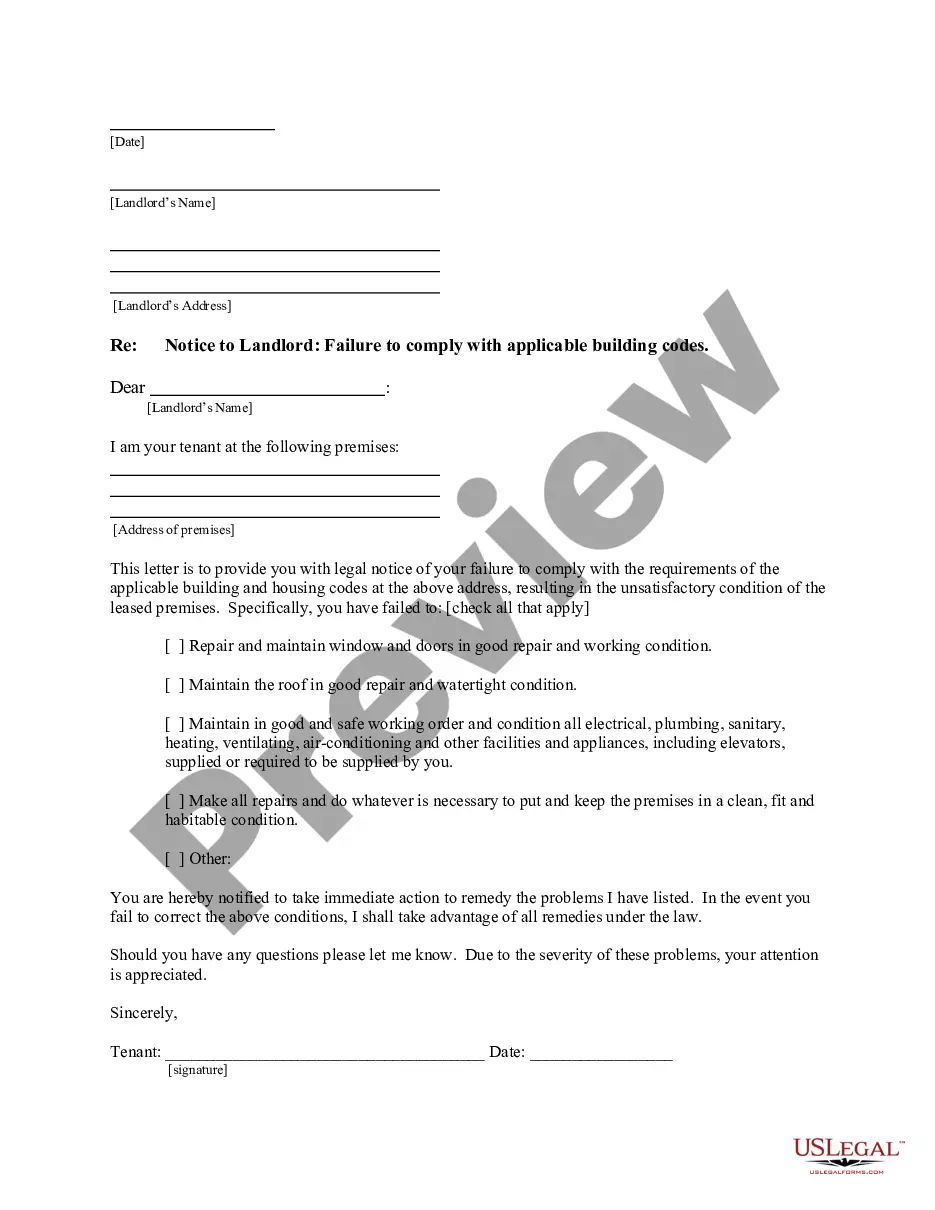
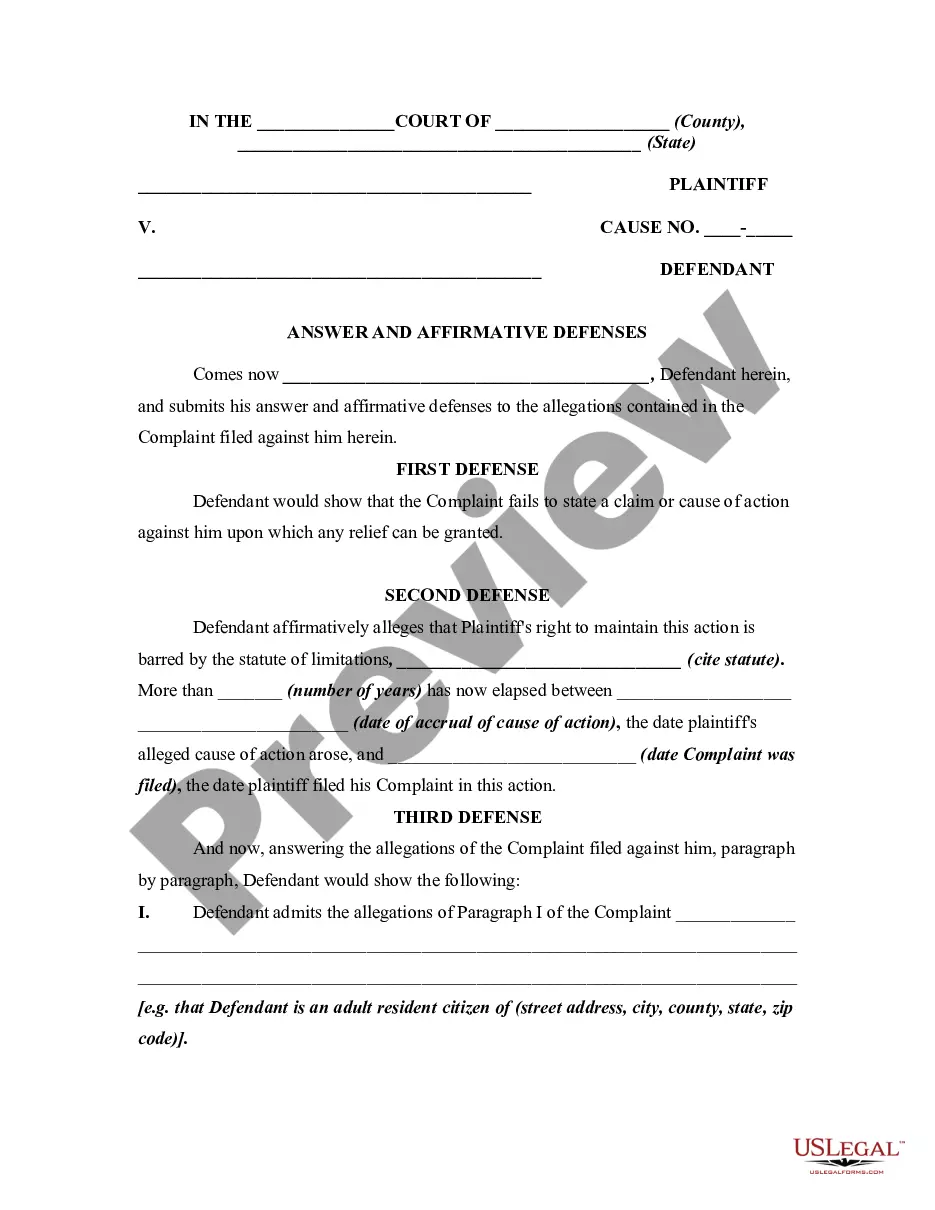
How to fill out Checklist Of Matters To Be Considered In Drafting Contract Between Advertiser And Advertising Agency?
Bureaucracy necessitates exactness and meticulousness.
Unless you handle paperwork such as Drafting Contract Pdf Form on a daily basis, it may result in some perplexity.
Choosing the right sample from the outset will guarantee that your document submission proceeds seamlessly and avoid any hassles of resending a file or repeating the same task from scratch.
If you’re not a subscribed user, locating the template will involve a few extra steps.
- Acquire the suitable sample for your documentation at US Legal Forms.
- US Legal Forms is the largest online repository of forms housing over 85,000 samples across various domains.
- You can find the latest and most applicable version of the Drafting Contract Pdf Form by searching it on the site.
- Find, save, and download templates in your account or review the description to ensure you have the correct one available.
- With a US Legal Forms account, it is straightforward to compile, store centrally, and navigate through the templates you save for quick access.
- When on the site, click the Log In button for authentication.
- Next, go to the My documents page, where your document history is kept.
- Review the form descriptions and download the ones you require at any time.
Form popularity
FAQ
How to create fillable PDF files:Open Acrobat: Click on the Tools tab and select Prepare Form.Select a file or scan a document: Acrobat will automatically analyze your document and add form fields.Add new form fields: Use the top toolbar and adjust the layout using tools in the right pane.Save your fillable PDF:
How To Draft a Contract Step by StepInformation Gathering.List Your Services or Products.Determine Term Length.Lay Out the Consequences.Determine Dispute Resolution Terms.Create Signature and Date Lines.Asset Purchase Agreement.Commercial Lease.More items...?
The simple answer is YES. You can write your own contracts. There is no requirement that they must be written by a lawyer. There is no requirement that they have to be a certain form or font.
Here's a look at the basic steps you'll need to take to create a simple and effective client contract:Include Contact Information of Both Parties.Specify Project Terms and Scope.Establish Payment Terms.Set the Schedule.Decide What Happens If a Contract Is Terminated.Determine Who Owns Final Copyrights.More items...
All business contracts must contain the essential elements of an agreement. The essential elements include consideration, offer and acceptance, a legal purpose, capable parties and mutual assent. Consideration means something of value must be exchanged.
