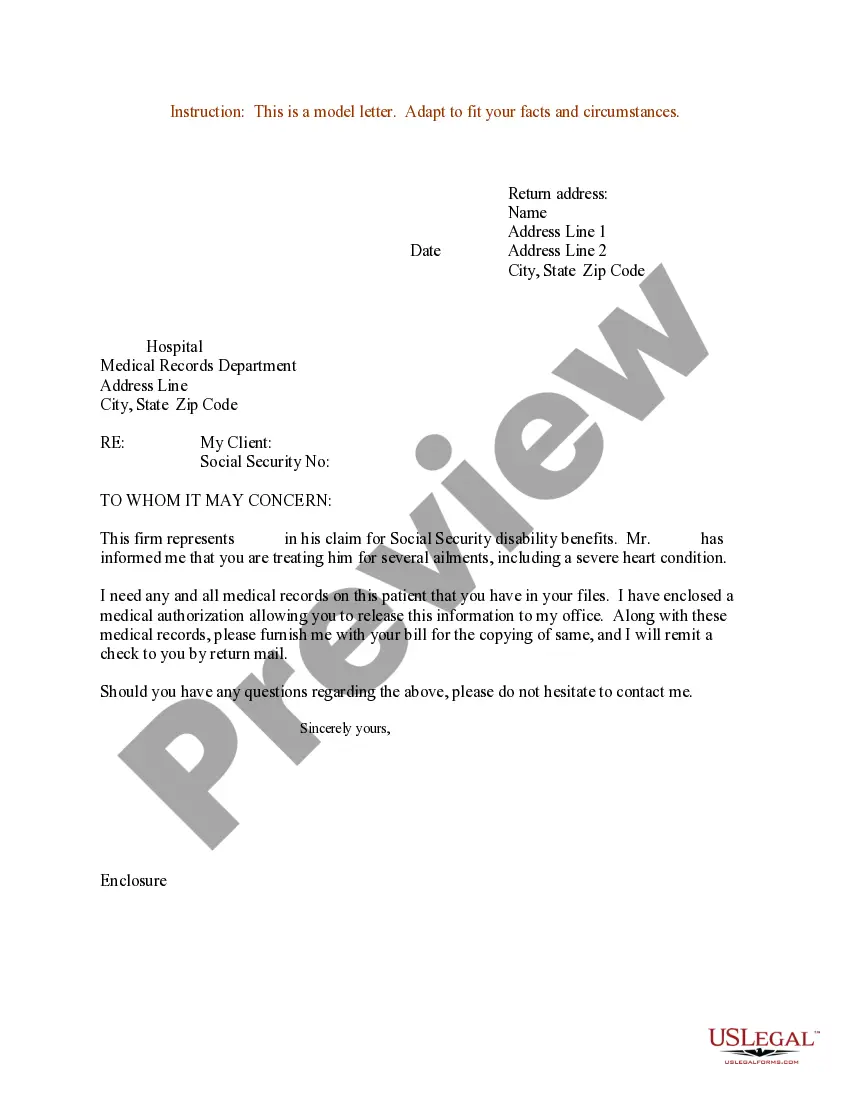
Sample Disability Letter To Employer
Description
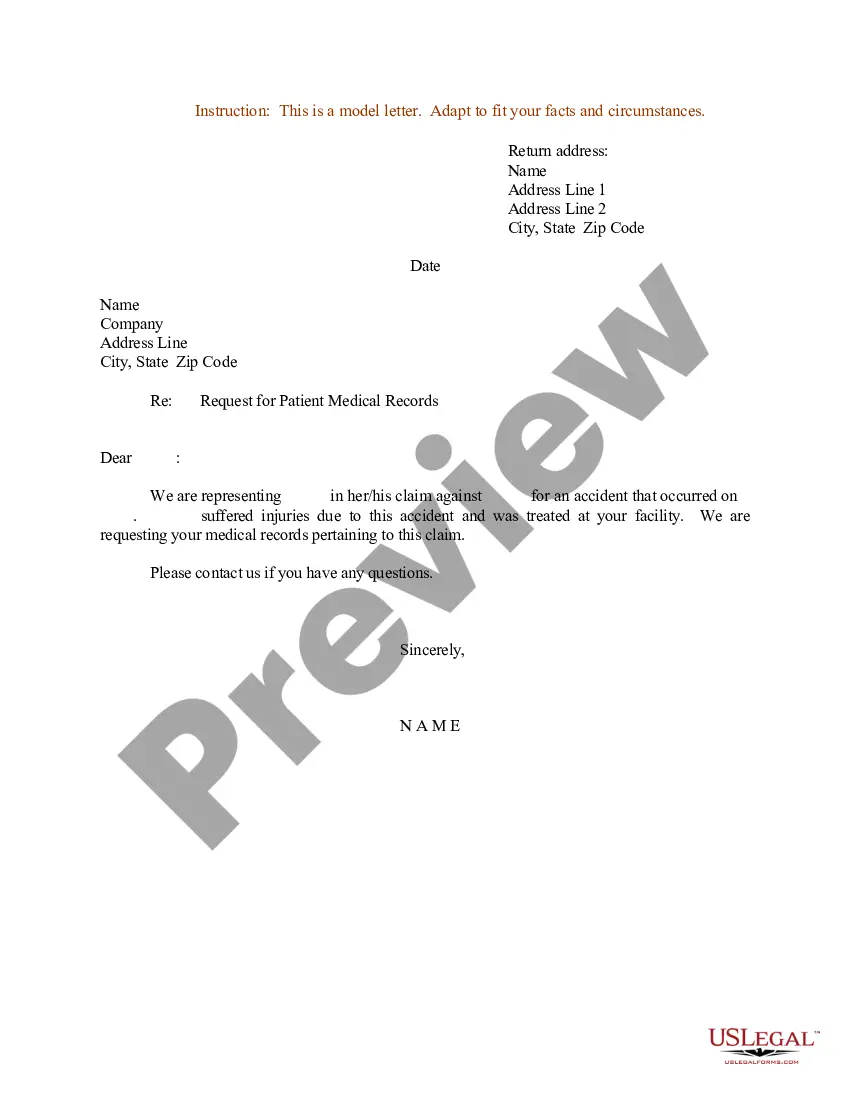
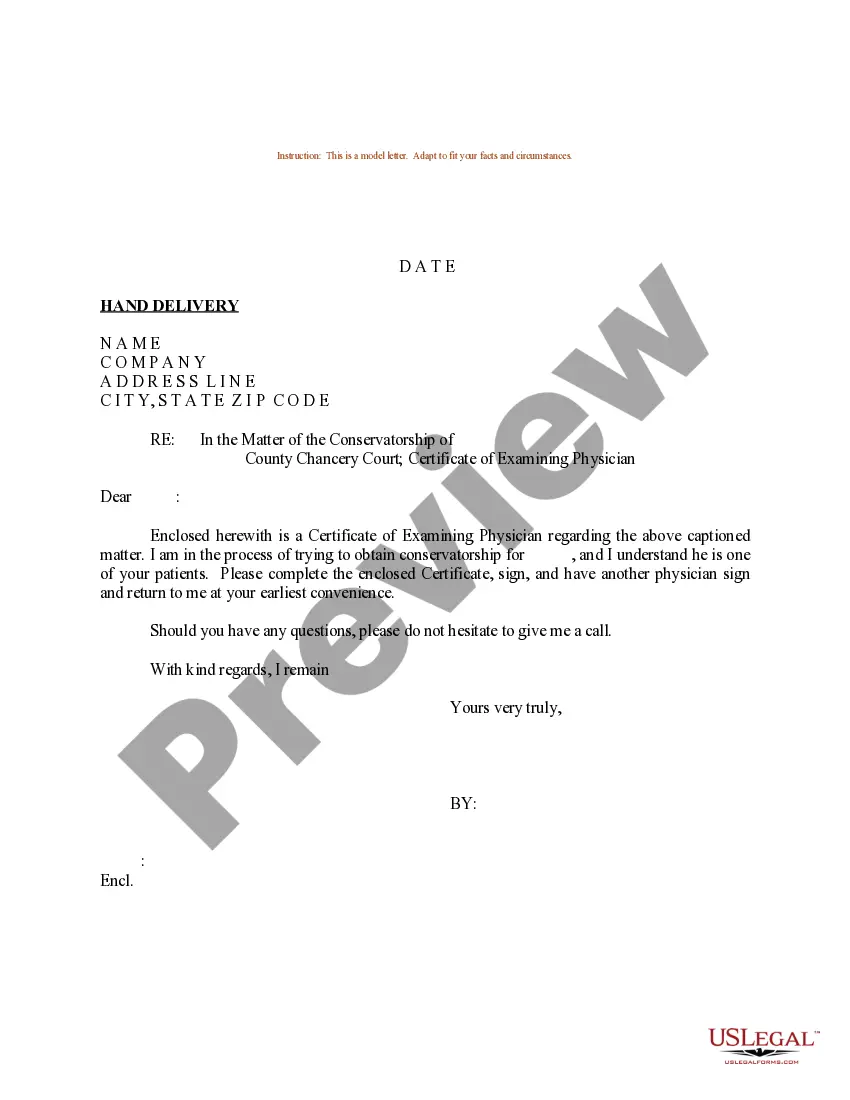
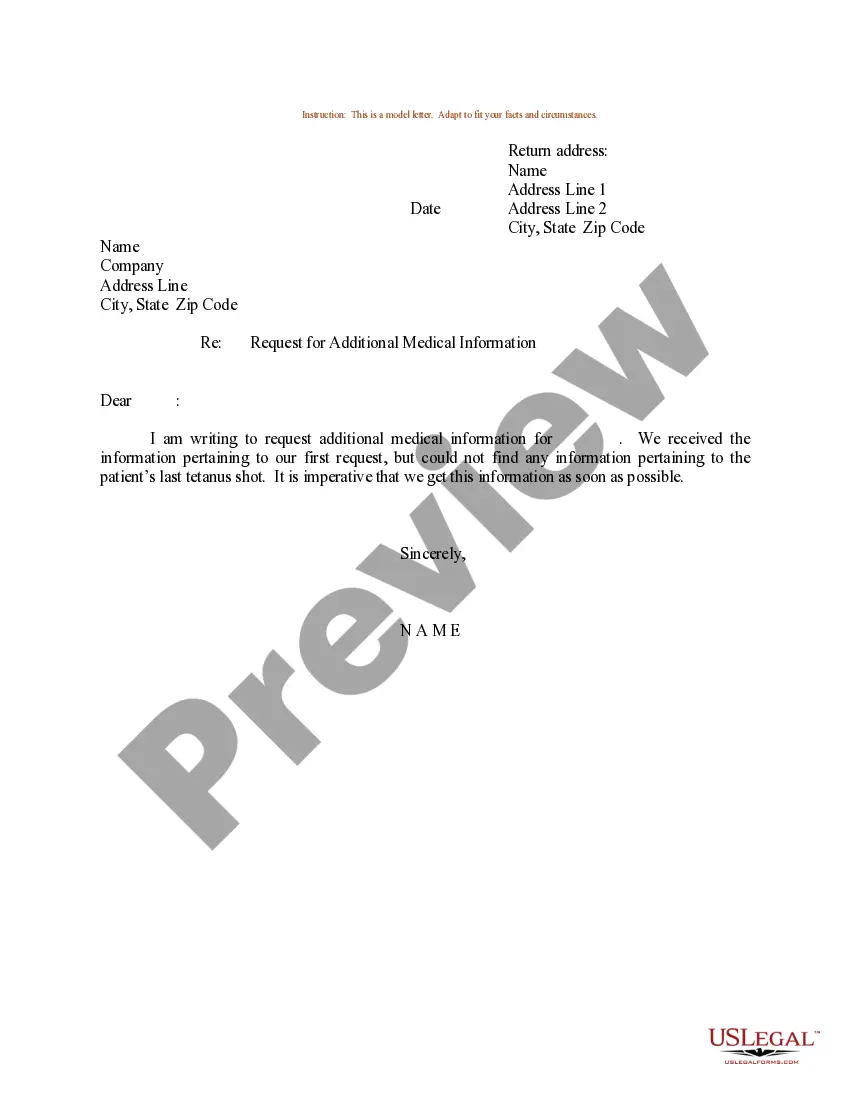
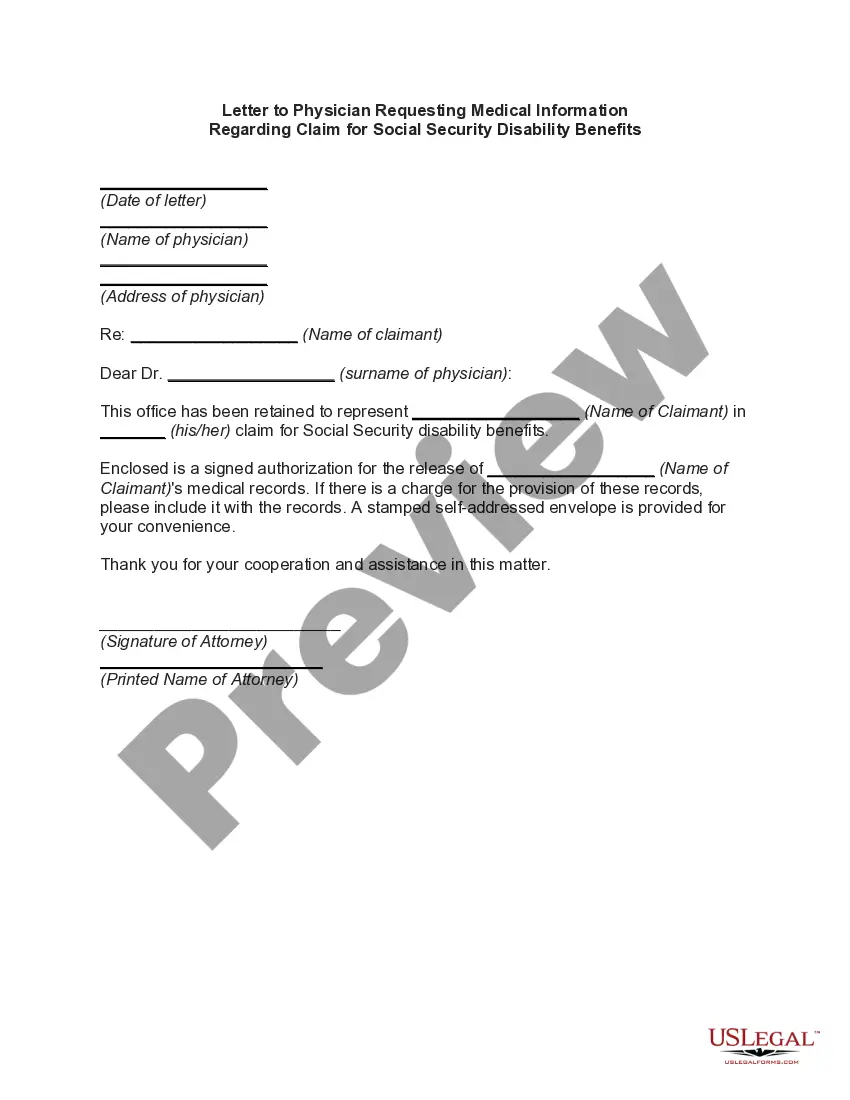
Get your form ready online
Our built-in tools help you complete, sign, share, and store your documents in one place.
Make edits, fill in missing information, and update formatting in US Legal Forms—just like you would in MS Word.
Download a copy, print it, send it by email, or mail it via USPS—whatever works best for your next step.
Sign and collect signatures with our SignNow integration. Send to multiple recipients, set reminders, and more. Go Premium to unlock E-Sign.
If this form requires notarization, complete it online through a secure video call—no need to meet a notary in person or wait for an appointment.
We protect your documents and personal data by following strict security and privacy standards.

Make edits, fill in missing information, and update formatting in US Legal Forms—just like you would in MS Word.

Download a copy, print it, send it by email, or mail it via USPS—whatever works best for your next step.

Sign and collect signatures with our SignNow integration. Send to multiple recipients, set reminders, and more. Go Premium to unlock E-Sign.

If this form requires notarization, complete it online through a secure video call—no need to meet a notary in person or wait for an appointment.

We protect your documents and personal data by following strict security and privacy standards.
Looking for another form?

How to fill out Sample Letter For Medical Records Release In Social Security Disability Action?
Accessing legal documents that meet federal and state laws is essential, and the web provides numerous choices to select from.
However, what's the purpose of spending time searching for the precisely crafted Sample Disability Letter To Employer template online when the US Legal Forms online library already has such documents gathered in one location.
US Legal Forms is the largest digital legal library with more than 85,000 fillable templates created by lawyers for any professional and personal scenario. They are easy to navigate with all files categorized by state and intended use. Our specialists keep abreast of legal updates, so you can always be assured that your form is current and compliant when obtaining a Sample Disability Letter To Employer from our platform.
All templates you discover through US Legal Forms are reusable. To re-download and complete previously obtained forms, access the My documents section in your profile. Experience the most comprehensive and user-friendly legal documentation service!
- Obtaining a Sample Disability Letter To Employer is quick and easy for both existing and new users.
- If you already possess an account with a current subscription, Log In and download the document sample you require in your preferred format.
- If you're new to our site, follow these steps.
- Review the template using the Preview option or via the text description to ensure it satisfies your needs.
- Utilize the search tool at the top of the page to look for an alternative sample if needed.
- Click Buy Now when you find the correct form and select a subscription plan.
- Create an account or sign in and complete the payment using PayPal or a credit card.
- Select the appropriate format for your Sample Disability Letter To Employer and download it.
Form popularity
FAQ
Creating a will in South Carolina can range from roughly $250 to $1,000. A South Carolina trust typically costs anywhere between $900 and $3,450. At Snug, any member can create a Power of Attorney and Health Care Directive for free. A Will costs $195 and a Trust costs $500.
Witnesses: A South Carolina will must be signed by at least two individuals, each of whom witnessed the signing of the will or the testator's acknowledgment of the signature or of the will. Writing: A South Carolina will must be in writing. Beneficiaries: A testator can leave property to anyone.
What this means in a nutshell is that South Carolina does not allow a holographic will, which is when a testator handwrites and then signs his or her own will. There must be witnesses, and those witnesses must not be anyone who would benefit from the will. Otherwise, they could be stripped of their beneficiary status.
If the will meets the statutory requirements for a will in South Carolina, it is valid whether it is made online or not.
Wills in South Carolina don't need to be notarized to be valid, but notarization can make the probate process smoother. That's because, when a will is notarized, it means the probate court doesn't have to summon the witnesses to make sure the will is legally binding.
No, in South Carolina, you do not need to notarize your will to make it legal. However, South Carolina allows you to make your will "self-proving" and you'll need to go to a notary if you want to do that.
You can either create your own will customized to your needs or hire an estate planning attorney. People who want to make their own will conforming to South Carolina law often use online estate planning providers such as FindLaw Legal Forms and Services.