Letter Enclosure Format
Description

Get your form ready online
Our built-in tools help you complete, sign, share, and store your documents in one place.
Make edits, fill in missing information, and update formatting in US Legal Forms—just like you would in MS Word.
Download a copy, print it, send it by email, or mail it via USPS—whatever works best for your next step.
Sign and collect signatures with our SignNow integration. Send to multiple recipients, set reminders, and more. Go Premium to unlock E-Sign.
If this form requires notarization, complete it online through a secure video call—no need to meet a notary in person or wait for an appointment.
We protect your documents and personal data by following strict security and privacy standards.

Make edits, fill in missing information, and update formatting in US Legal Forms—just like you would in MS Word.

Download a copy, print it, send it by email, or mail it via USPS—whatever works best for your next step.

Sign and collect signatures with our SignNow integration. Send to multiple recipients, set reminders, and more. Go Premium to unlock E-Sign.

If this form requires notarization, complete it online through a secure video call—no need to meet a notary in person or wait for an appointment.

We protect your documents and personal data by following strict security and privacy standards.
Looking for another form?

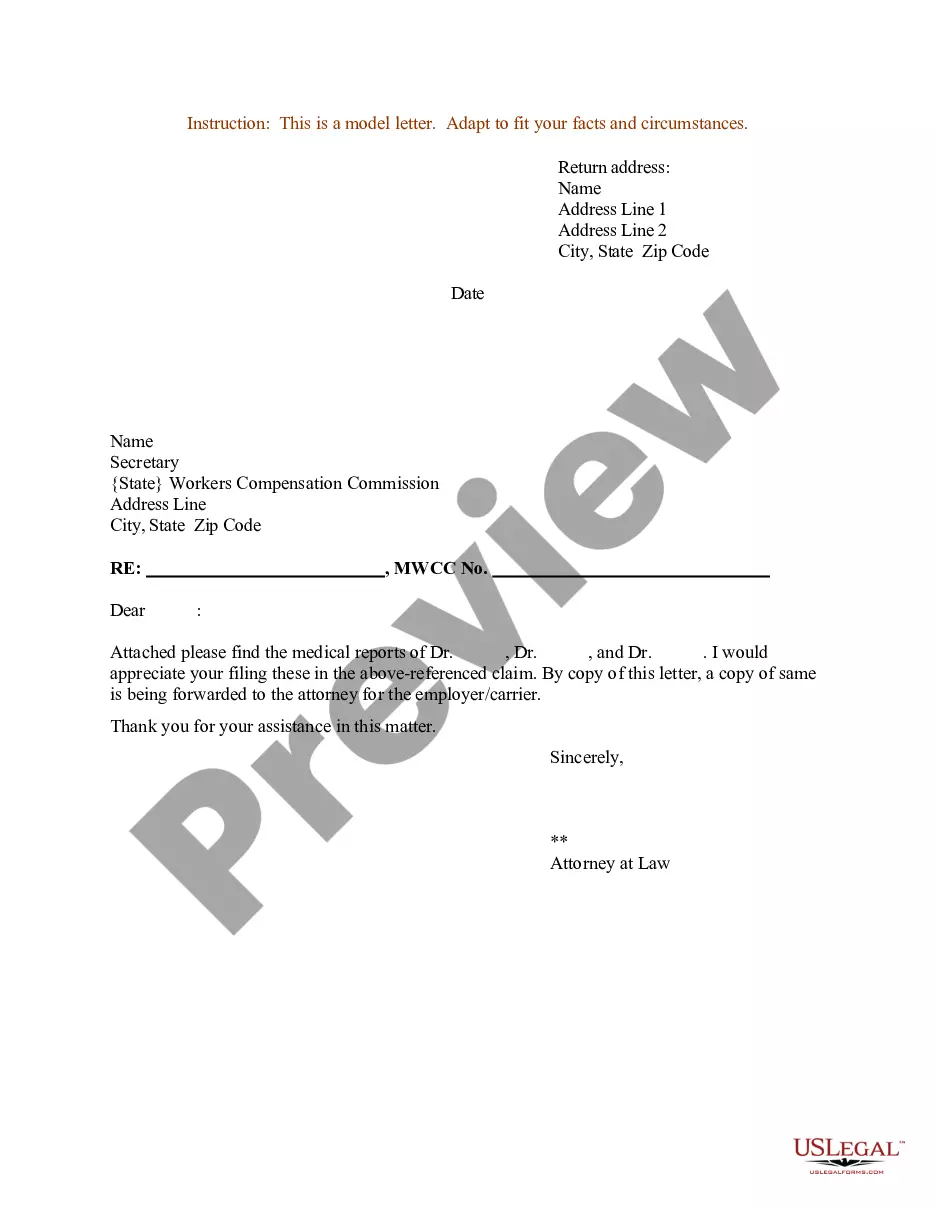
How to fill out Sample Letter For Enclosure Of Medical Reports?
Locating a reliable source for the latest and pertinent legal templates is a significant part of navigating through bureaucratic processes. Identifying the appropriate legal documents requires accuracy and meticulousness, which is why it is essential to obtain Letter Enclosure Format samples exclusively from trustworthy providers, like US Legal Forms. A faulty template can squander your time and impede your current situation. With US Legal Forms, you have minimal concerns. You can access and review all the information regarding the document's application and significance for your situation and in your jurisdiction.
Consider the following steps to complete your Letter Enclosure Format.
Once you have the form on your device, you can edit it using the editor or print it out to fill it out by hand. Eliminate the hassles associated with your legal documents. Explore the extensive US Legal Forms library to discover legal templates, assess their relevance to your situation, and download them instantly.
- Utilize the catalog navigation or search function to find your sample.
- Examine the form's description to determine if it meets the requirements of your state and locality.
- View the form preview, if available, to confirm that it is the document you need.
- Return to the search and find the appropriate document if the Letter Enclosure Format does not meet your requirements.
- Once you are confident in the form's applicability, download it.
- If you are a registered user, click Log in to verify your identity and access your chosen forms in My documents.
- If you do not possess an account yet, click Buy now to acquire the template.
- Choose the pricing option that aligns with your needs.
- Proceed with the registration to complete your purchase.
- Finalize your transaction by selecting a payment method (credit card or PayPal).
- Choose the document format for downloading the Letter Enclosure Format.
Form popularity
FAQ
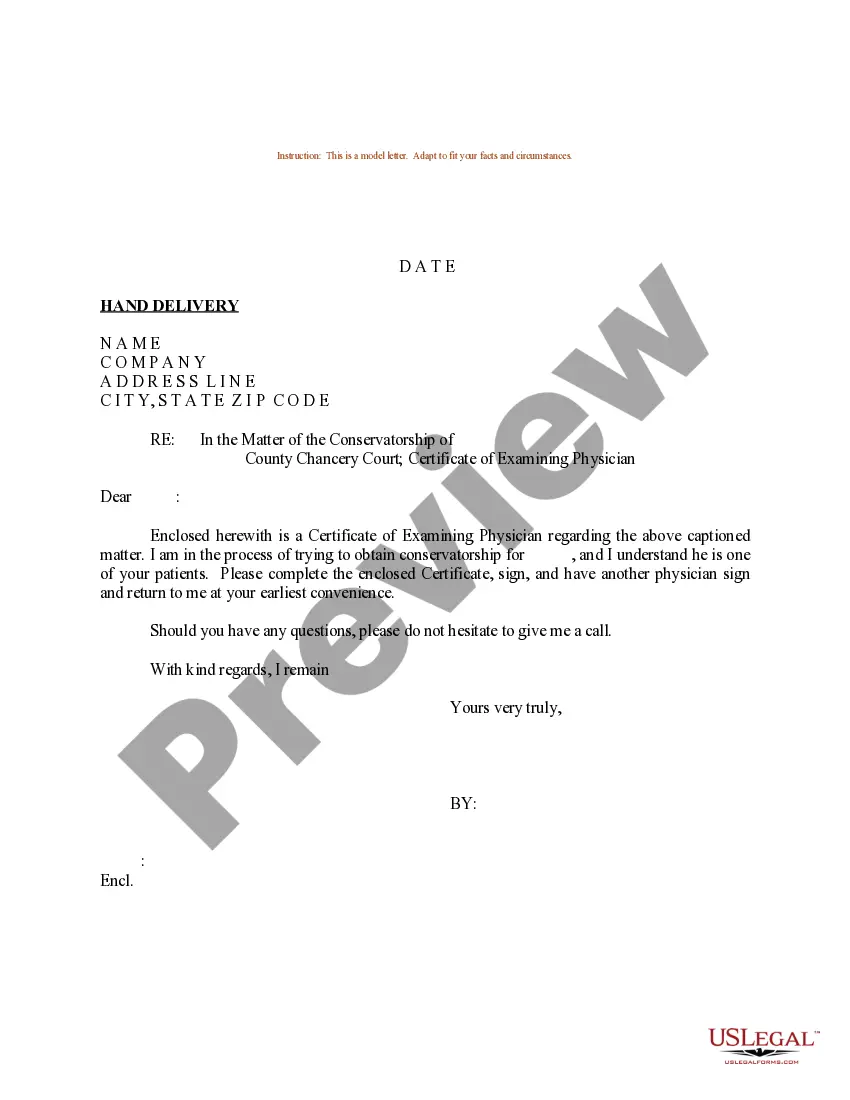
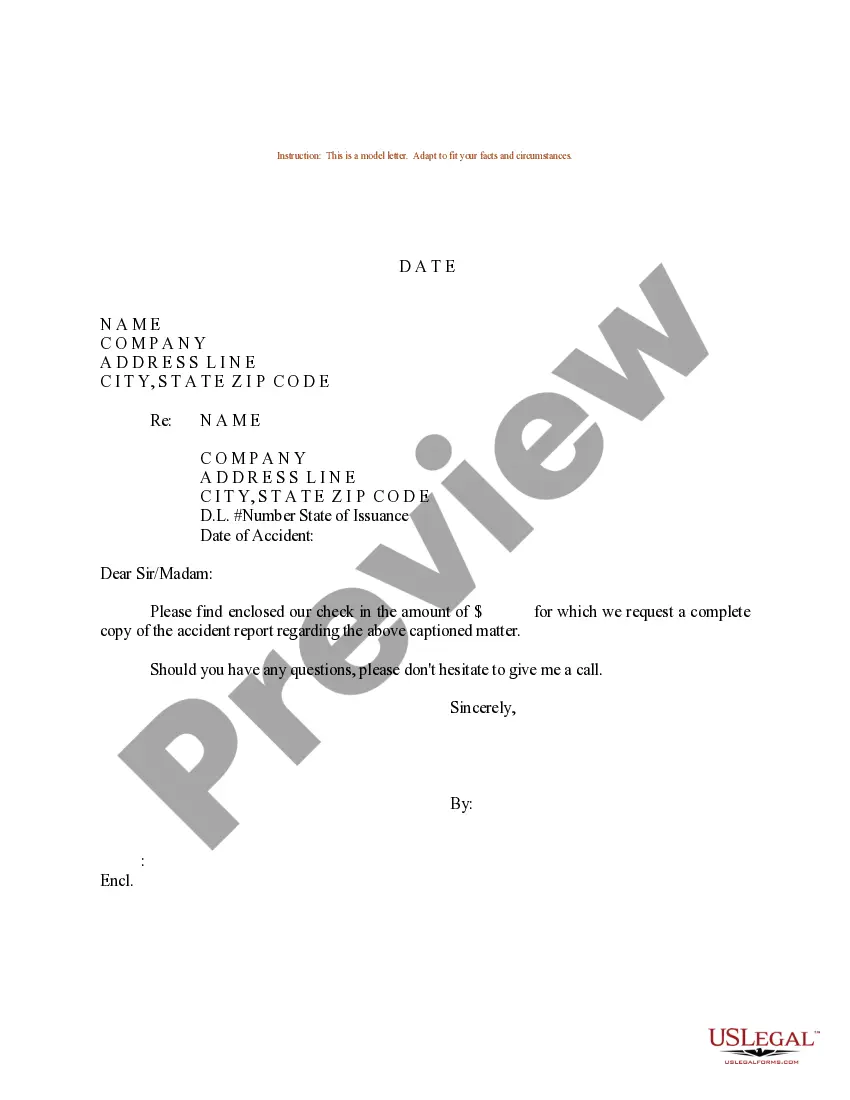
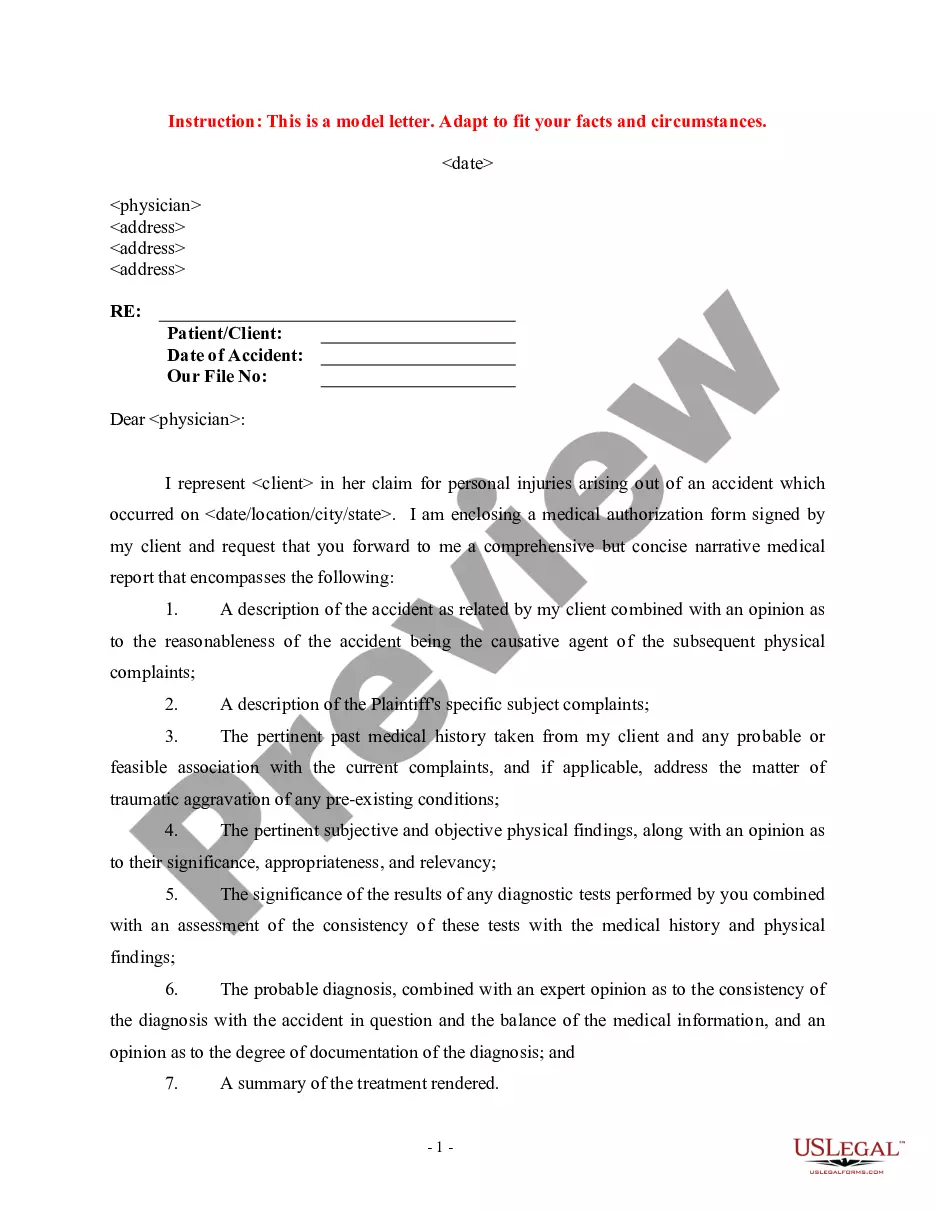
When formatting a letter with enclosures, start with the standard letter format including your address and date. After your closing, leave space for your signature and then type 'Enclosure' followed by a list of the enclosed documents. Adhering to the letter enclosure format enhances clarity and professionalism in your communication. Consider utilizing USLegalForms for templates that ensure your letters meet these formatting standards seamlessly.
To indicate an enclosure in your letter, first, write 'Enclosure' or 'Encls' at the bottom of your letter. Then, list the names of the enclosed documents in a clear and concise manner. This organization within the letter enclosure format helps your recipient quickly identify the included materials. Additionally, using a platform like USLegalForms can simplify this process by providing templates that guide you through proper formatting.
An enclosure typically refers to any document that accompanies a letter. For instance, if you send a job application, the resume can be considered an enclosure. Understanding the letter enclosure format helps ensure that your accompanying documents are properly referenced and presented. By clearly indicating enclosures, you enhance the professionalism of your correspondence.
To create an enclosure in Word, simply type your letter as usual and then add a note at the bottom indicating any enclosed documents. Use terms like 'Enclosure' or 'Encl.' followed by a list of documents. Make sure to format this section clearly to maintain a professional appearance. This way, you ensure that the letter enclosure format is both clear and effective for your recipients.
To get the letter format in Microsoft Word, start by opening a new document. Navigate to the 'Layout' tab, then select 'Margins' to choose the appropriate margin settings for your letter. You can also use built-in templates by clicking on 'File', selecting 'New', and searching for 'letter' in the template search bar. This will help you easily create a professional letter enclosure format.
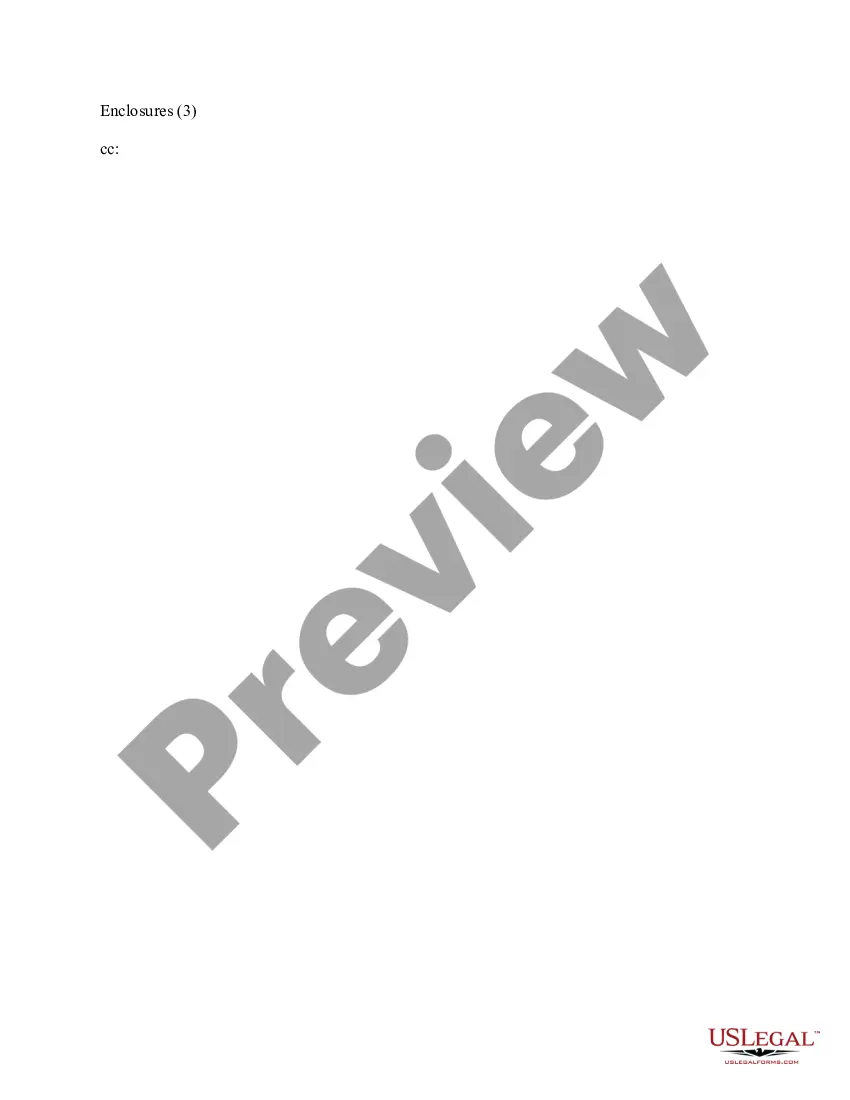
Under your name at the end of the letter, skip two lines. On the third line, write "Enclosure:" or "Enclosures:" if there are multiple documents. Skip a line after "Enclosures:" and then begin your list of enclosures. Put each enclosed document title on its own line.
Simply list the title of the document and then include the description in parentheses. For example, you might write "Enclosures: Birth certificate (original plus two copies)." If you've enclosed original documents that you're going to need returned to you, make sure you mention that in the body of the letter.
The notations Enclosure(s), Encl. , Attachment(s) and Att. indicate that the envelope contains one or more documents in addition to the letter or attached to the letter. The number of such documents, if there are more than one, should appear after the notation.
On a paper business letter, you often include the CC line underneath your signature, either above or below any enclosures line.