Enclosures Letters
Description

Get your form ready online
Our built-in tools help you complete, sign, share, and store your documents in one place.
Make edits, fill in missing information, and update formatting in US Legal Forms—just like you would in MS Word.
Download a copy, print it, send it by email, or mail it via USPS—whatever works best for your next step.
Sign and collect signatures with our SignNow integration. Send to multiple recipients, set reminders, and more. Go Premium to unlock E-Sign.
If this form requires notarization, complete it online through a secure video call—no need to meet a notary in person or wait for an appointment.
We protect your documents and personal data by following strict security and privacy standards.

Make edits, fill in missing information, and update formatting in US Legal Forms—just like you would in MS Word.

Download a copy, print it, send it by email, or mail it via USPS—whatever works best for your next step.

Sign and collect signatures with our SignNow integration. Send to multiple recipients, set reminders, and more. Go Premium to unlock E-Sign.

If this form requires notarization, complete it online through a secure video call—no need to meet a notary in person or wait for an appointment.

We protect your documents and personal data by following strict security and privacy standards.
Looking for another form?
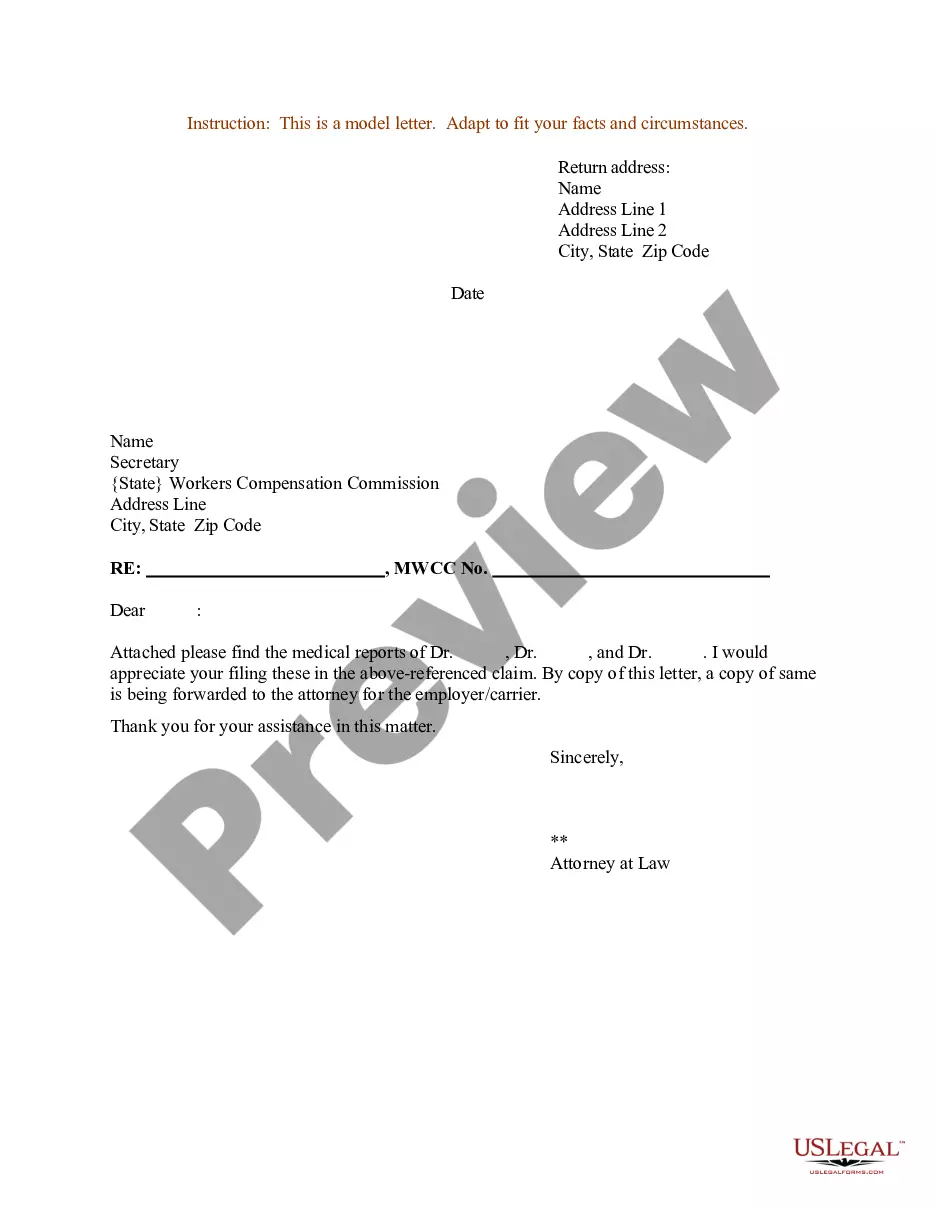
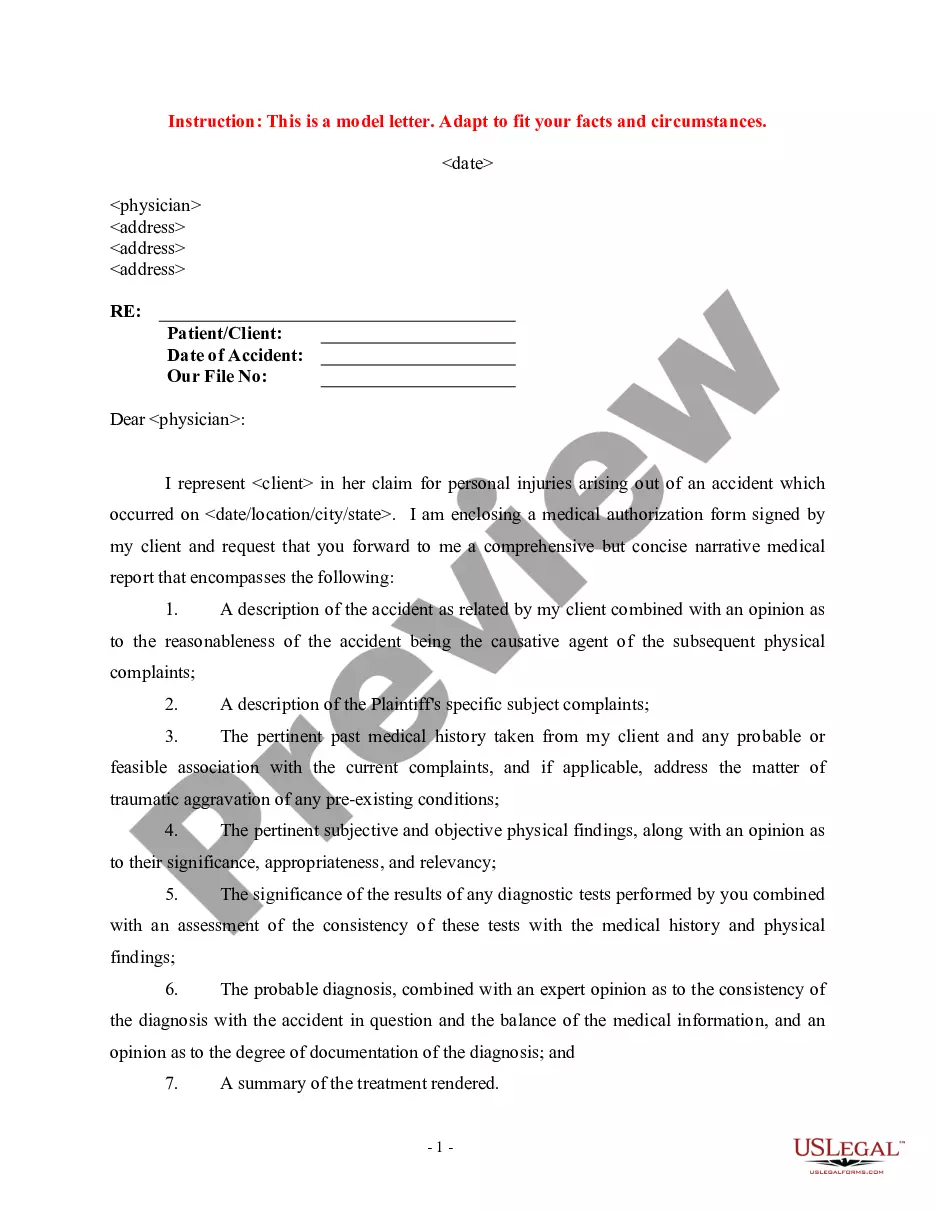
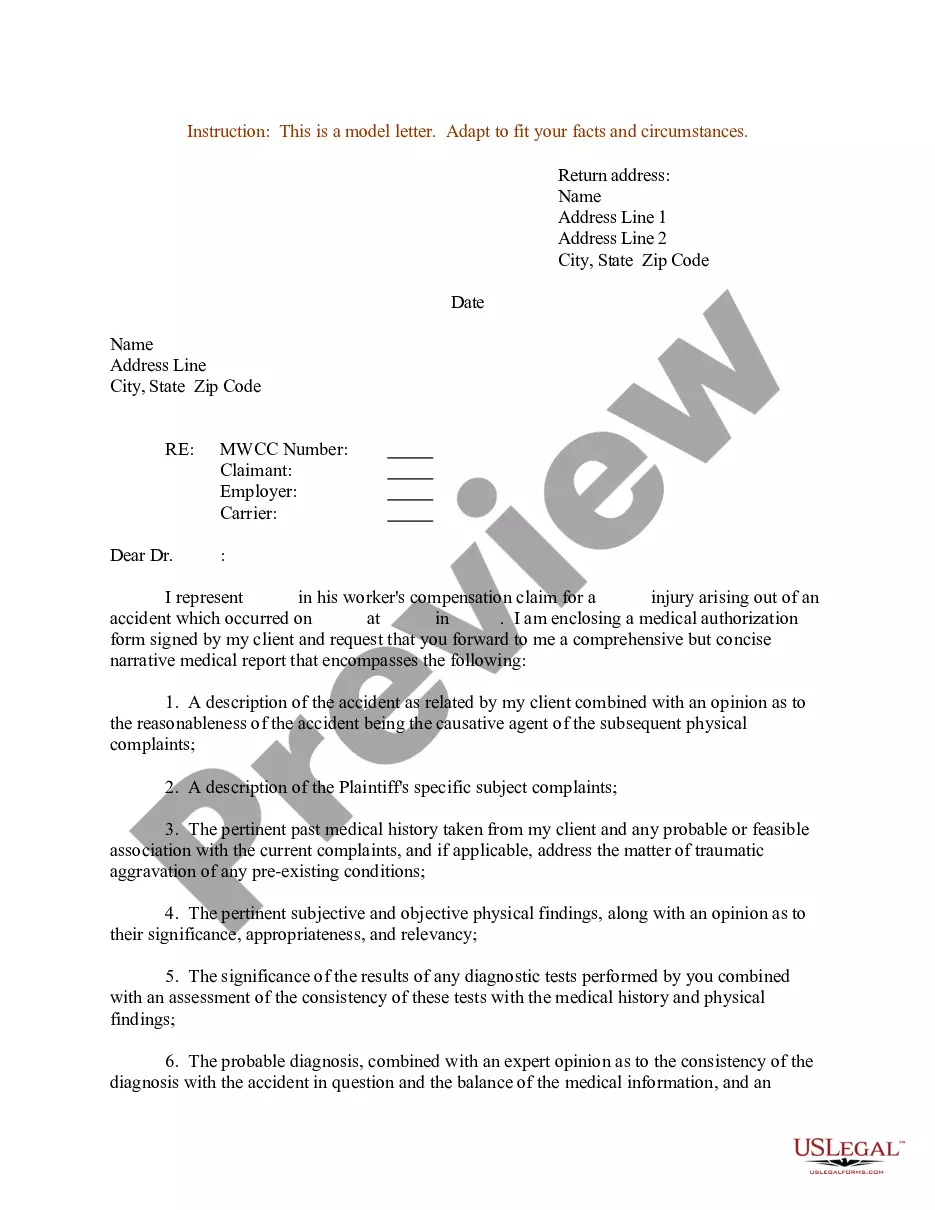
How to fill out Sample Letter For Enclosure Of Medical Reports?
- Log in to your US Legal Forms account if you are a returning user. Click the Download button to obtain the needed form, ensuring your subscription is current. If your plan has expired, renew it before proceeding.
- For first-time users, begin by checking the form preview and description. Verify that it meets your specific needs and complies with local legal requirements.
- If necessary, use the Search tab to find a different template. Make sure to choose one that aligns with your needs.
- Once you find the appropriate document, click the Buy Now button and select your preferred subscription plan. You will need to create an account to gain full access.
- Complete your purchase by entering your credit card information or using a PayPal account to pay for the subscription.
- After making the payment, download your form to your device. You can also access your document anytime in the My Forms section of your profile.
Following these steps ensures you have the necessary legal documents prepared accurately and efficiently. US Legal Forms provides invaluable resources, including expert assistance to ensure your forms are both precise and legally sound.
Start using US Legal Forms today to simplify your legal documentation process. Visit the website now and take the first step toward hassle-free form completion!
Form popularity
FAQ
Indicating that a letter was written by someone else is simple. You can add a notation such as 'Prepared by Name' at the bottom of the letter, which clarifies the authorship. This practice is particularly useful when sharing enclosures letters, as it gives credit to the original author while maintaining transparency in communication.
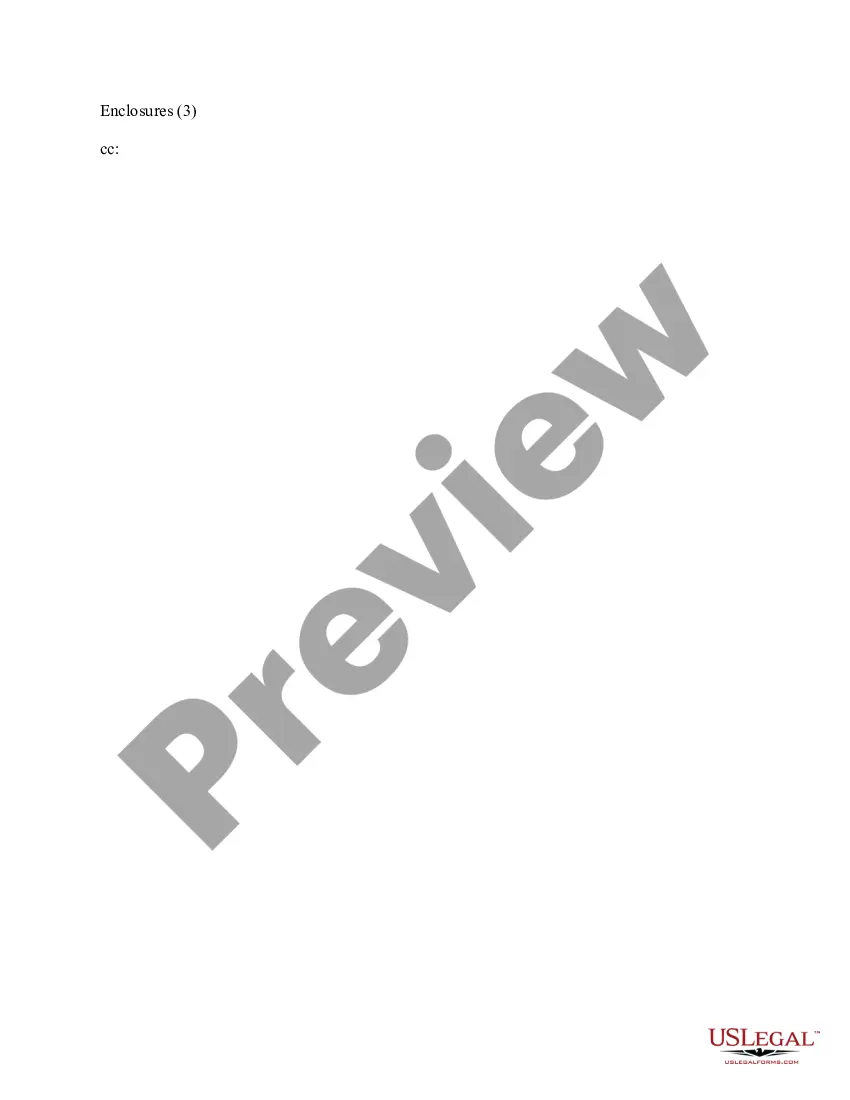
To list enclosures in a letter, include 'Enclosures:' followed by a bullet list or a simple comma-separated list of the documents after your signature. This method provides clarity for the recipient, allowing them to see at a glance what supplementary materials accompany the letter. Utilizing this format promotes organization and professionalism.
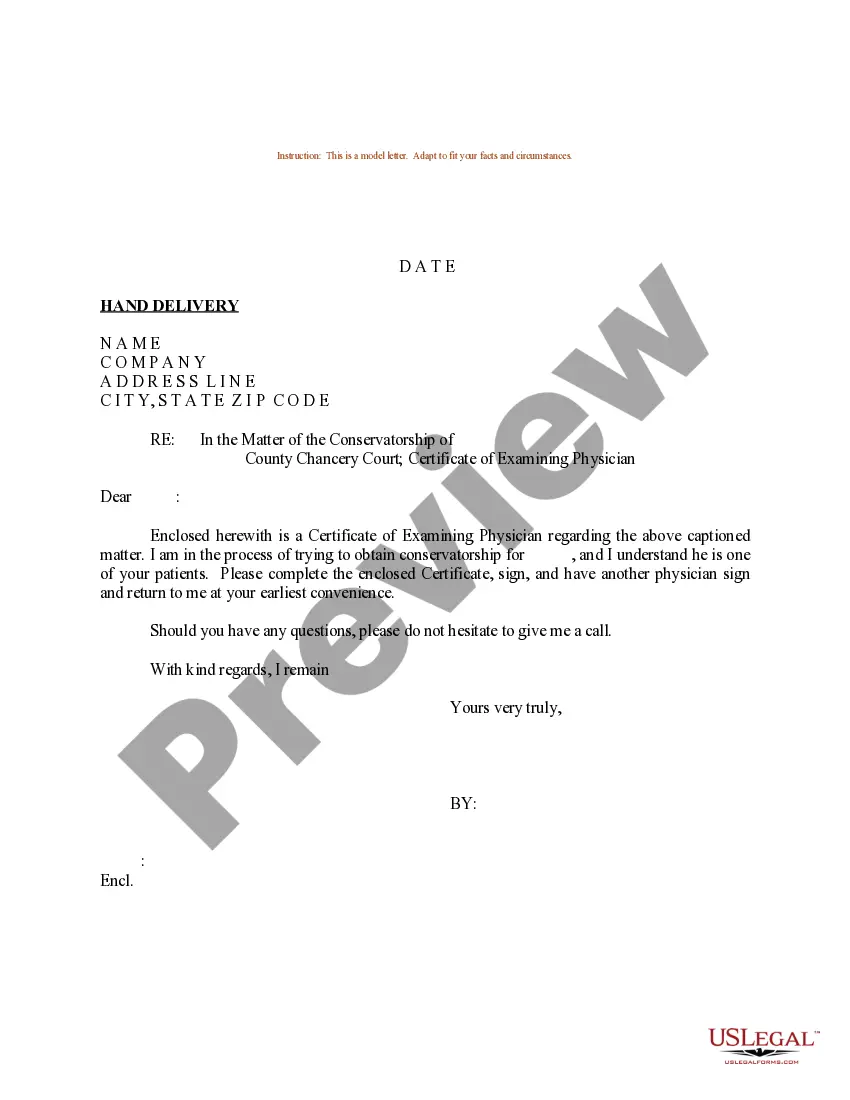
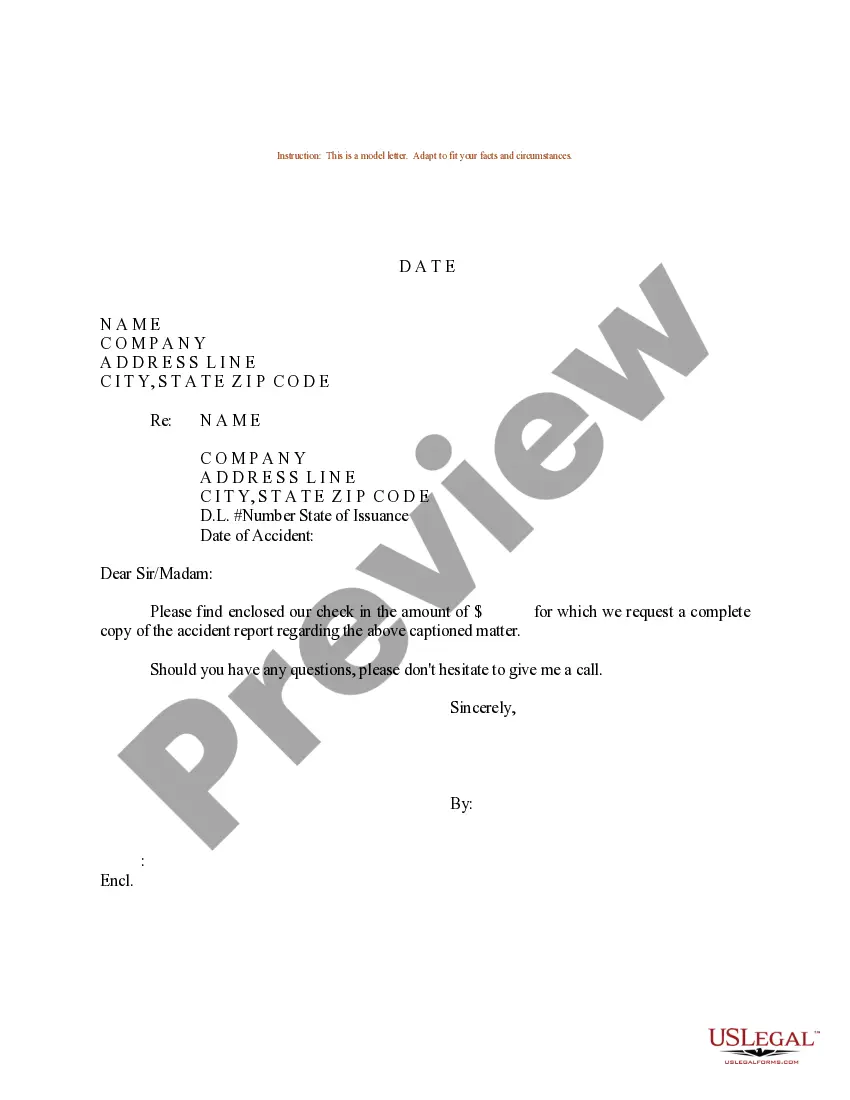
Enclosures in a letter refer to additional documents sent along with the main letter. These may include reports, forms, or any relevant items that support the letter’s content. Properly noting enclosures helps recipients easily locate and reference the additional materials, enhancing the effectiveness of your communication.
To indicate that you composed a letter for another person, you can include 'On behalf of Name' near the closing or signature. This informs the recipient that you are the intermediary and reinforces the message conveyed in the letter. It’s a helpful practice, especially when sending enclosures letters, allowing clear communication across parties.
To convey that a letter was typed by someone other than the signer, include 'Typed by' followed by the typist's name beneath the signature line. This notation maintains professionalism and enhances clarity, especially in cases where enclosures letters are involved. By using this method, you ensure transparency in communication.
In an enclosure, specify the documents included with the letter, providing clarity for the recipient. Include a brief description of the enclosures, like 'Enclosures: Resume, References' directly after the closing. This approach ensures that the recipient understands what to expect, making it easier to reference additional documents.
To indicate that a letter has been copied to another recipient, use the notation 'cc' followed by the names of the additional recipients. Place this notation at the end of the letter after the signature, ensuring everyone knows who else received the enclosures letters. This transparency enhances communication and clarity in professional correspondence.
Using 'pp' in a letter indicates that a person other than the signer has prepared the document. You typically place 'pp' before the person's name, followed by a signature line for the signer. This format clarifies who the document originated from and maintains professionalism, especially when the letter includes enclosures. For detailed templates, you can explore options on the US Legal Forms platform.
An example of an enclosure might be a detailed project proposal included with a cover letter. This setup allows the recipient to see the full context of your proposal while considering your main correspondence. Identifying enclosures properly demonstrates professionalism and clarity in your communication.
In a list of enclosures, begin with the term 'Enclosures:', followed by a clear list of the documents included. For instance, you can write: '1. Resume, 2. Reference Letters, 3. Portfolio.' This straightforward presentation helps the recipient quickly understand what additional documents they have received.