Enclosured Letter
Description
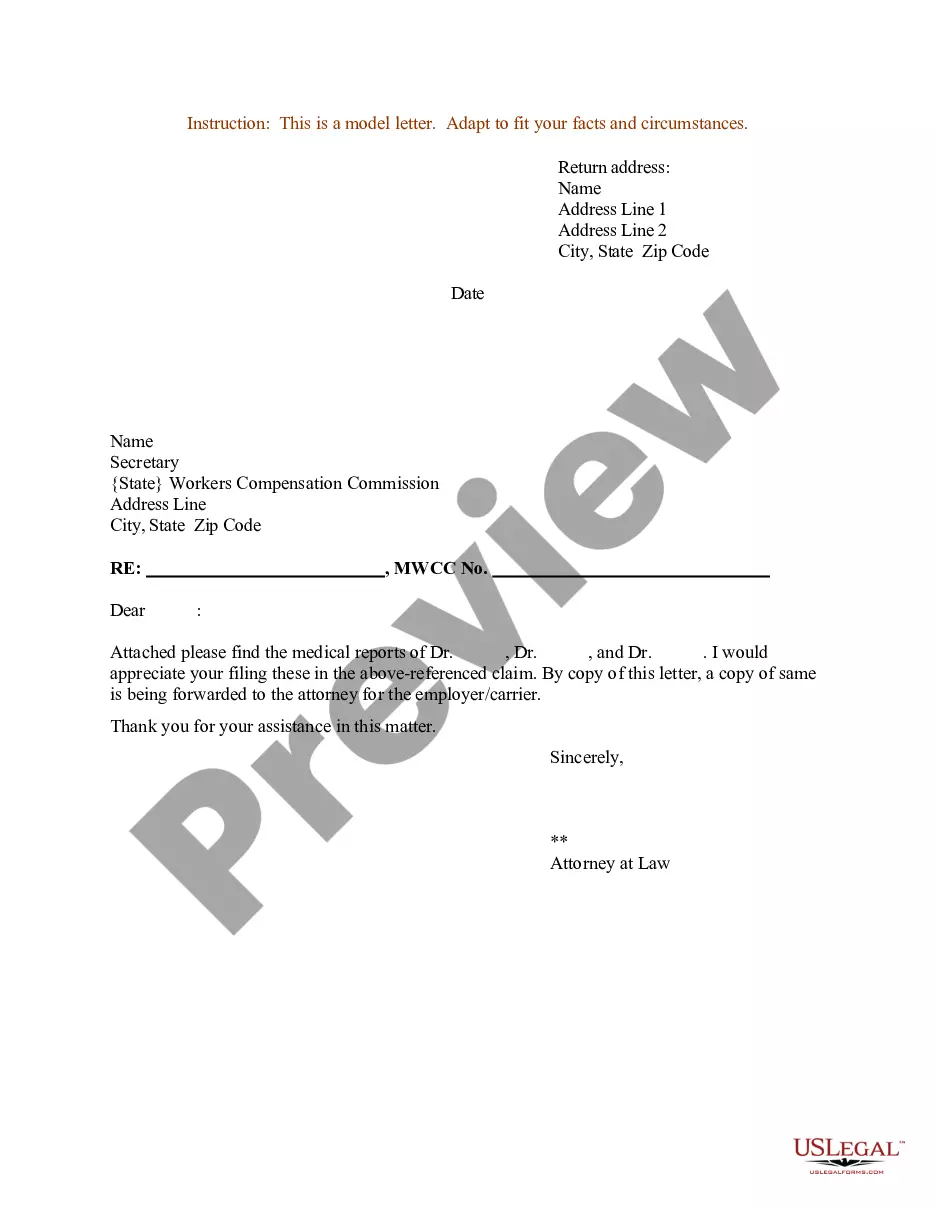
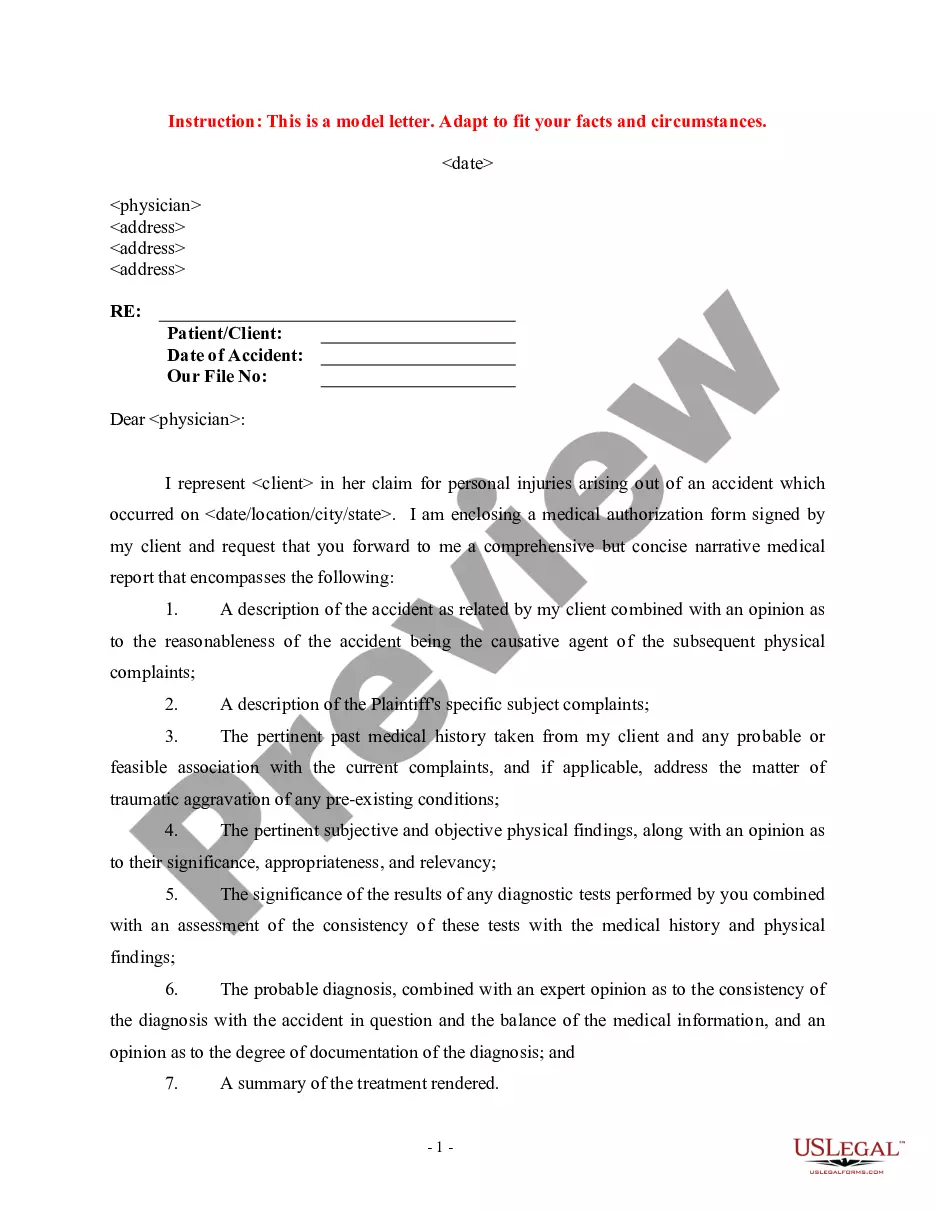
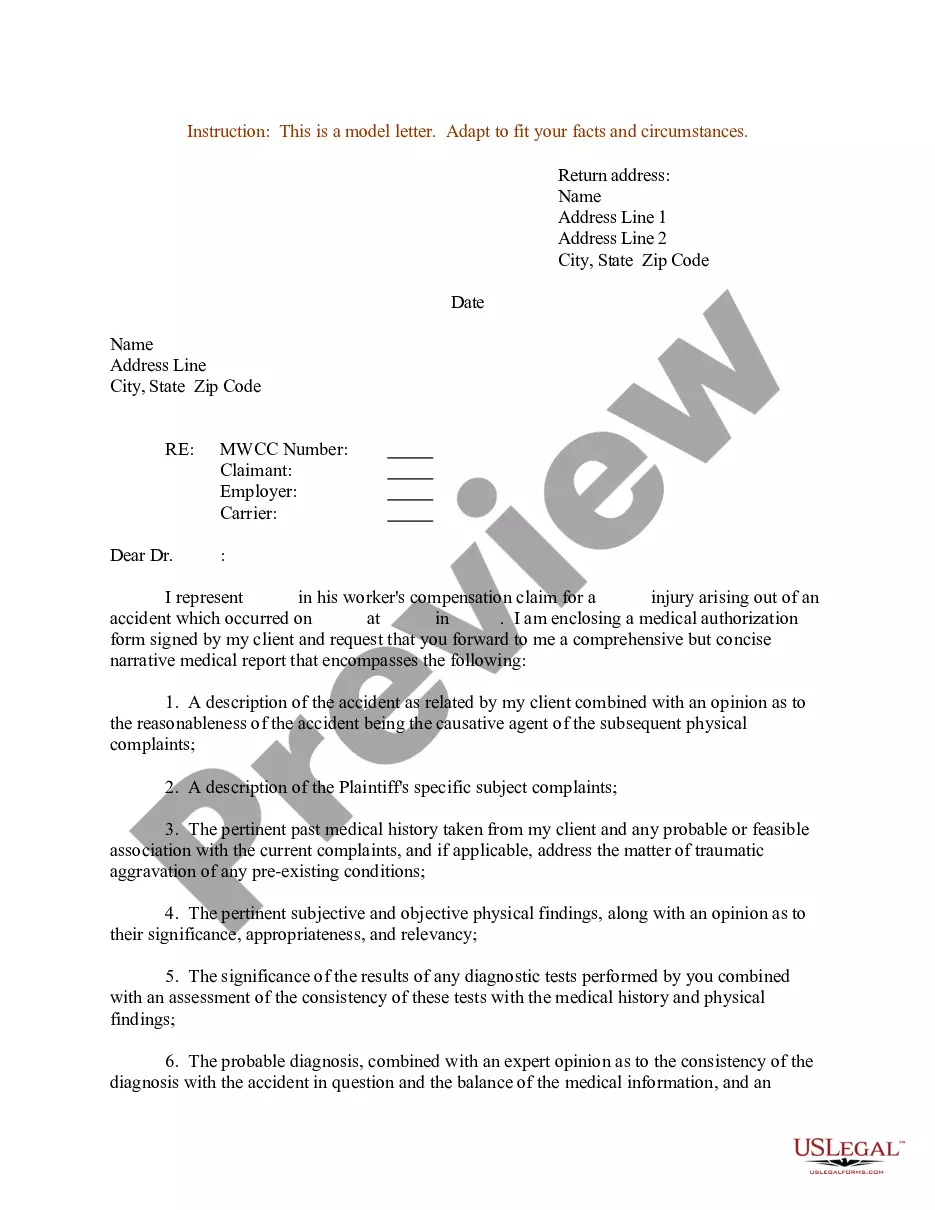

Get your form ready online
Our built-in tools help you complete, sign, share, and store your documents in one place.
Make edits, fill in missing information, and update formatting in US Legal Forms—just like you would in MS Word.
Download a copy, print it, send it by email, or mail it via USPS—whatever works best for your next step.
Sign and collect signatures with our SignNow integration. Send to multiple recipients, set reminders, and more. Go Premium to unlock E-Sign.
If this form requires notarization, complete it online through a secure video call—no need to meet a notary in person or wait for an appointment.
We protect your documents and personal data by following strict security and privacy standards.

Make edits, fill in missing information, and update formatting in US Legal Forms—just like you would in MS Word.

Download a copy, print it, send it by email, or mail it via USPS—whatever works best for your next step.

Sign and collect signatures with our SignNow integration. Send to multiple recipients, set reminders, and more. Go Premium to unlock E-Sign.

If this form requires notarization, complete it online through a secure video call—no need to meet a notary in person or wait for an appointment.

We protect your documents and personal data by following strict security and privacy standards.
Looking for another form?
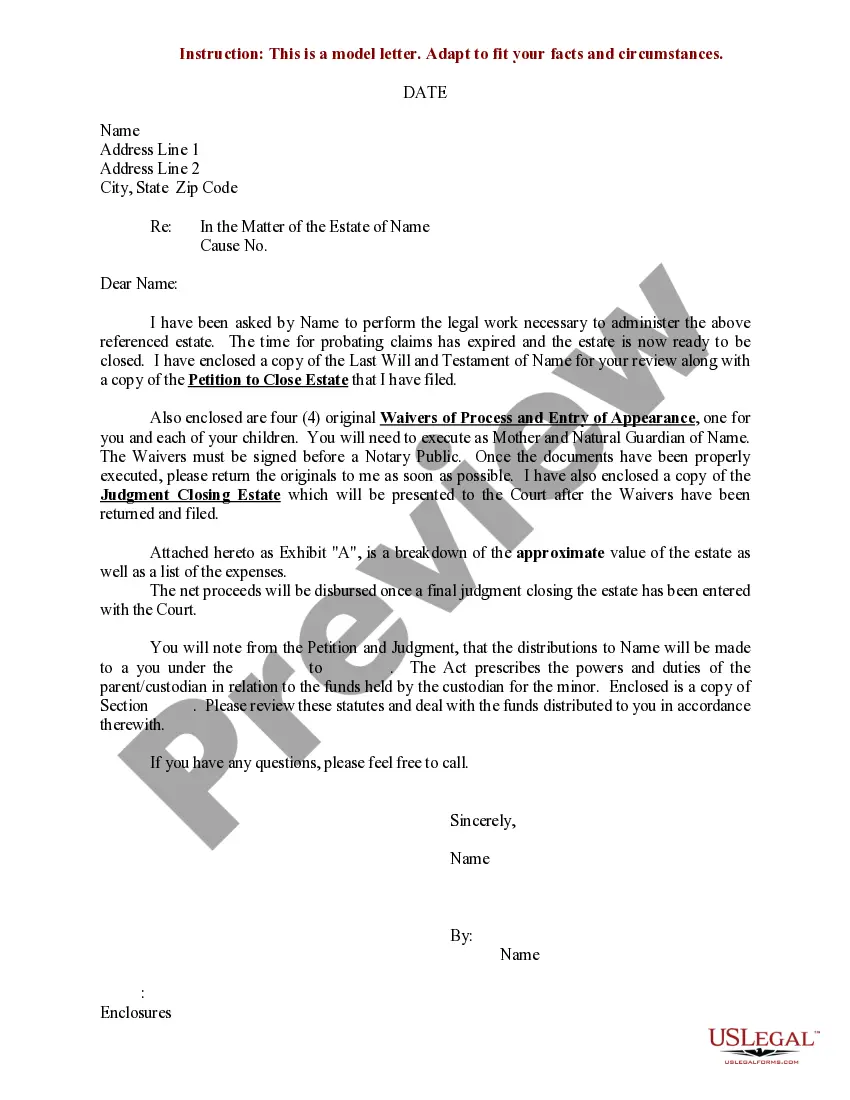
How to fill out Sample Letter For Enclosure Of Medical Reports?
- Begin by logging into your account at US Legal Forms. If you haven’t used the service before, you will need to create an account.
- Navigate to the library and use the Preview mode to review form descriptions. Ensure you select a form that meets your specific needs and complies with local jurisdiction.
- If you do not find the right document, utilize the Search feature to locate an appropriate template. This ensures all inconsistencies are addressed.
- Once you’ve identified the correct form, click on the Buy Now button and select your preferred subscription plan, creating an account if you haven’t already.
- Complete your purchase by entering your payment information, either through credit card or via PayPal.
- Download the enclosured letter template to your device. You can access it anytime from the My Forms section of your profile.
By following these steps, you can easily navigate the US Legal Forms platform to access the needed enclosured letter templates. With over 85,000 legal forms available, you’ll have a vast array of options at your fingertips.
Start streamlining your legal documentation process today by visiting US Legal Forms. Access the resources you need for accurate and effective legal letters!
Form popularity
FAQ
To add enclosures to a letter, simply mention them towards the end of your letter. Use a line that indicates what is included, such as 'Enclosures: Resume, Cover Letter.' This ensures that the recipient is aware of the additional documents accompanying your main communication.
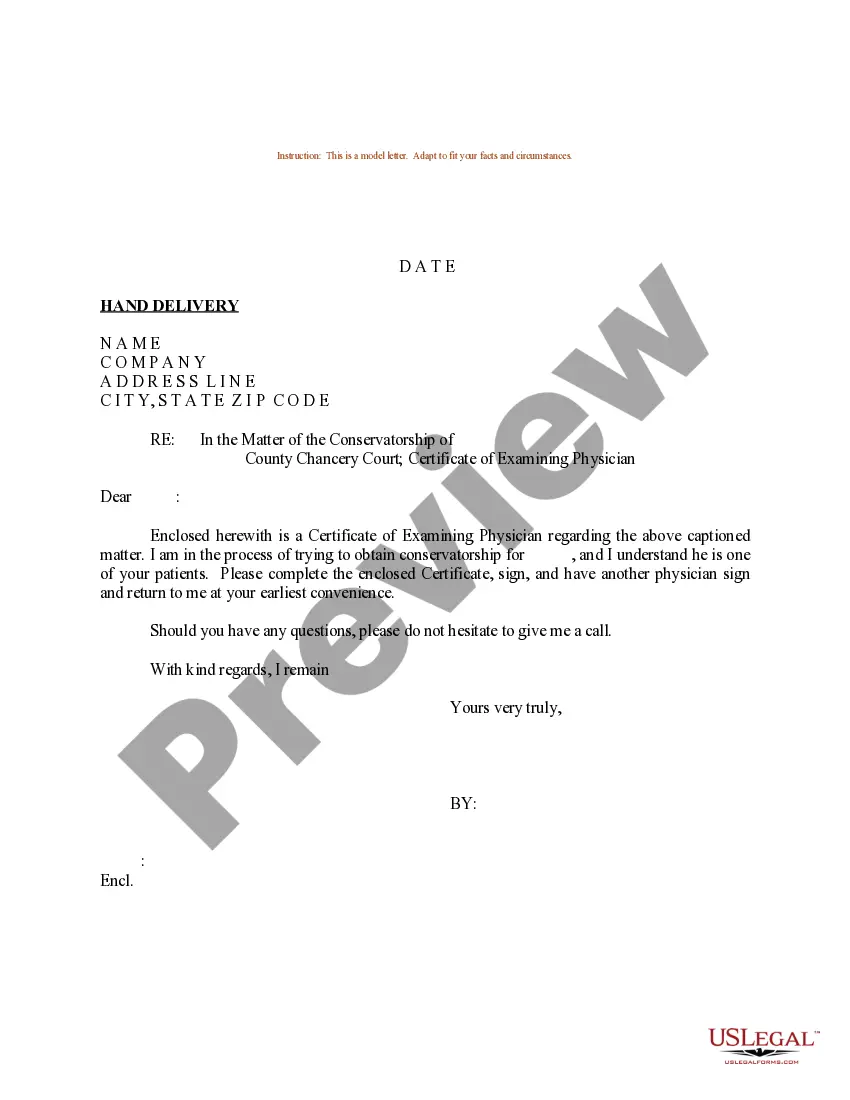
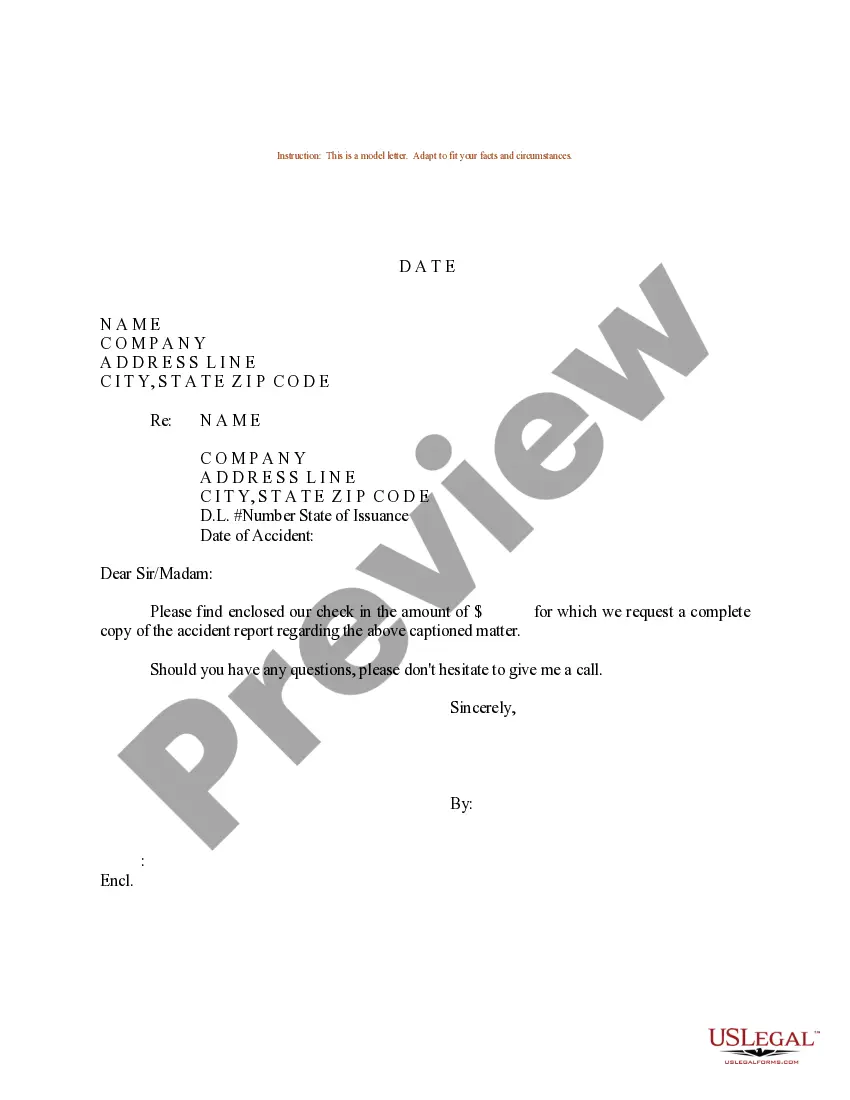
Examples of enclosures include documents such as reports, brochures, photographs, and application forms. Any additional information that enhances your main letter can be considered an enclosure. It's important to list these documents clearly so the recipient understands what to look for.
A good enclosure for a cover letter typically includes your resume, as this provides a comprehensive view of your qualifications. You might also consider enclosing references or a portfolio if they add value. By specifying the enclosures, you make it easier for the recipient to find relevant information.
To enclose an application letter, start by drafting your main letter and clearly stating that an enclosure is included. Include a note at the end of your letter indicating 'Enclosure: Application Letter.' This method not only indicates what is included but also adds professionalism to your correspondence.
In the enclosure section of a letter, it is common to briefly note what documents you have included. You might write 'Enclosure: Resume' beneath your signature or at the bottom of the letter. This clarity ensures that the recipient knows what to expect and helps them locate the important documents easily.
An enclosure in a letter often includes a document that supports the main content of your message. For instance, when sending a cover letter, you might enclose a resume. By referring to this enclosure, you provide additional context and information that enhances the recipient's understanding.
To enclose means to include something within a letter or package. For example, when you enclose a brochure in your enclosured letter, you are including that brochure as part of the correspondence. This action provides more context and information to the recipient, enhancing the overall message. Consider using uslegalforms for assistance in effectively drafting your enclosured letters.
An example of an enclosure could be an invitation card sent along with a letter. This type of enclosure enhances the communication by providing details about an event or occasion. In your enclosured letter, make sure to indicate that the invitation is included so the reader isn't surprised. Platforms like uslegalforms can assist you in organizing enclosures clearly.
An enclosure is any additional material that you attach to a letter. This can include printed documents, photographs, or even physical items, as long as they complement the main message. In your enclosured letter, it is crucial to reference the enclosures so the recipient knows to look for them. Using uslegalforms, you can manage enclosures easily and efficiently.
A common example of an enclosure is a tax form sent with a financial letter. In this case, the letter might outline important details and clearly state that the tax form is enclosed. This helps the recipient understand what to expect along with the main message. uslegalforms provides templates to help you structure your enclosured letter correctly.