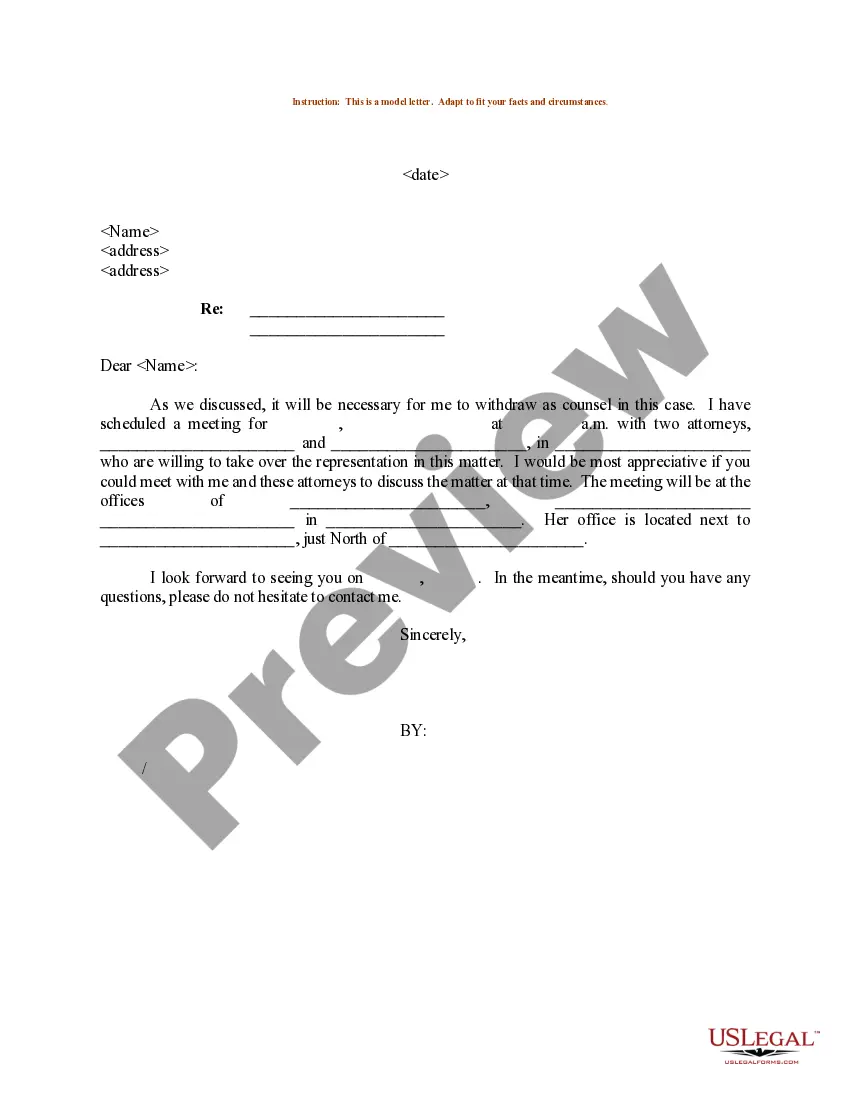
Withdrawal For Personal Use
Description

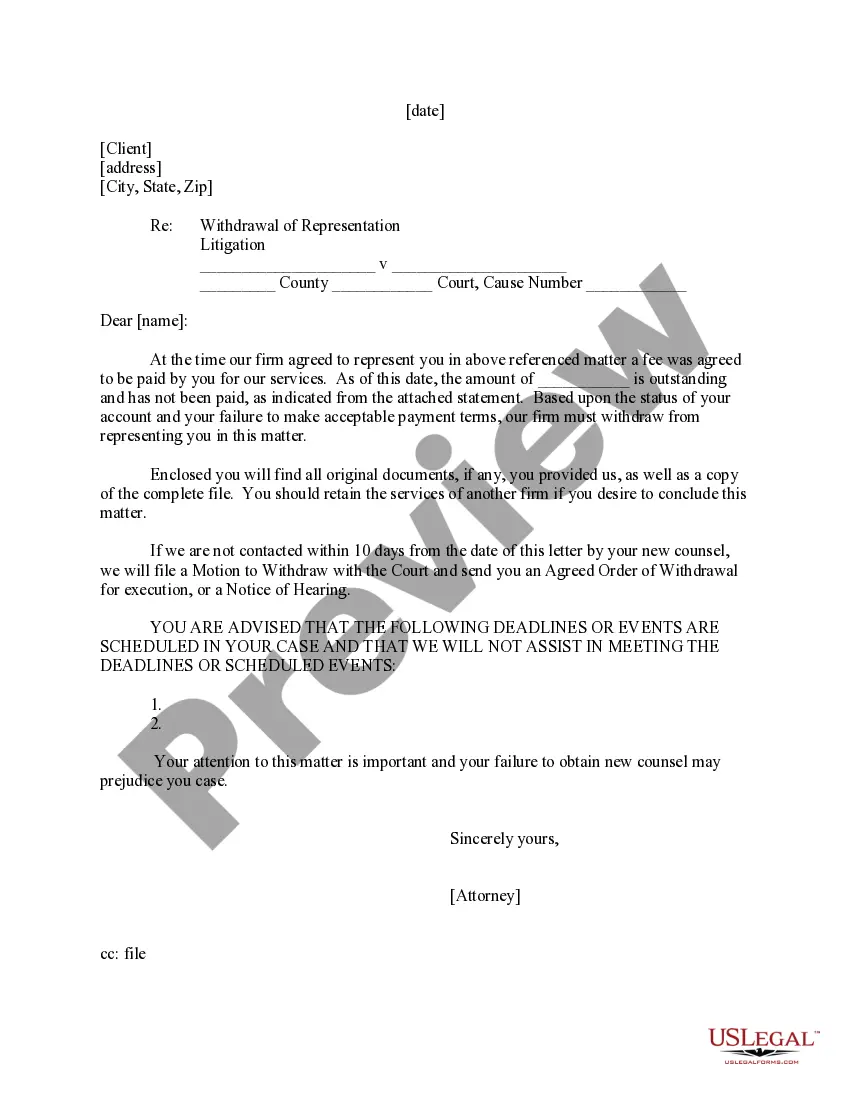
Get your form ready online
Our built-in tools help you complete, sign, share, and store your documents in one place.
Make edits, fill in missing information, and update formatting in US Legal Forms—just like you would in MS Word.
Download a copy, print it, send it by email, or mail it via USPS—whatever works best for your next step.
Sign and collect signatures with our SignNow integration. Send to multiple recipients, set reminders, and more. Go Premium to unlock E-Sign.
If this form requires notarization, complete it online through a secure video call—no need to meet a notary in person or wait for an appointment.
We protect your documents and personal data by following strict security and privacy standards.

Make edits, fill in missing information, and update formatting in US Legal Forms—just like you would in MS Word.

Download a copy, print it, send it by email, or mail it via USPS—whatever works best for your next step.

Sign and collect signatures with our SignNow integration. Send to multiple recipients, set reminders, and more. Go Premium to unlock E-Sign.

If this form requires notarization, complete it online through a secure video call—no need to meet a notary in person or wait for an appointment.

We protect your documents and personal data by following strict security and privacy standards.
Looking for another form?


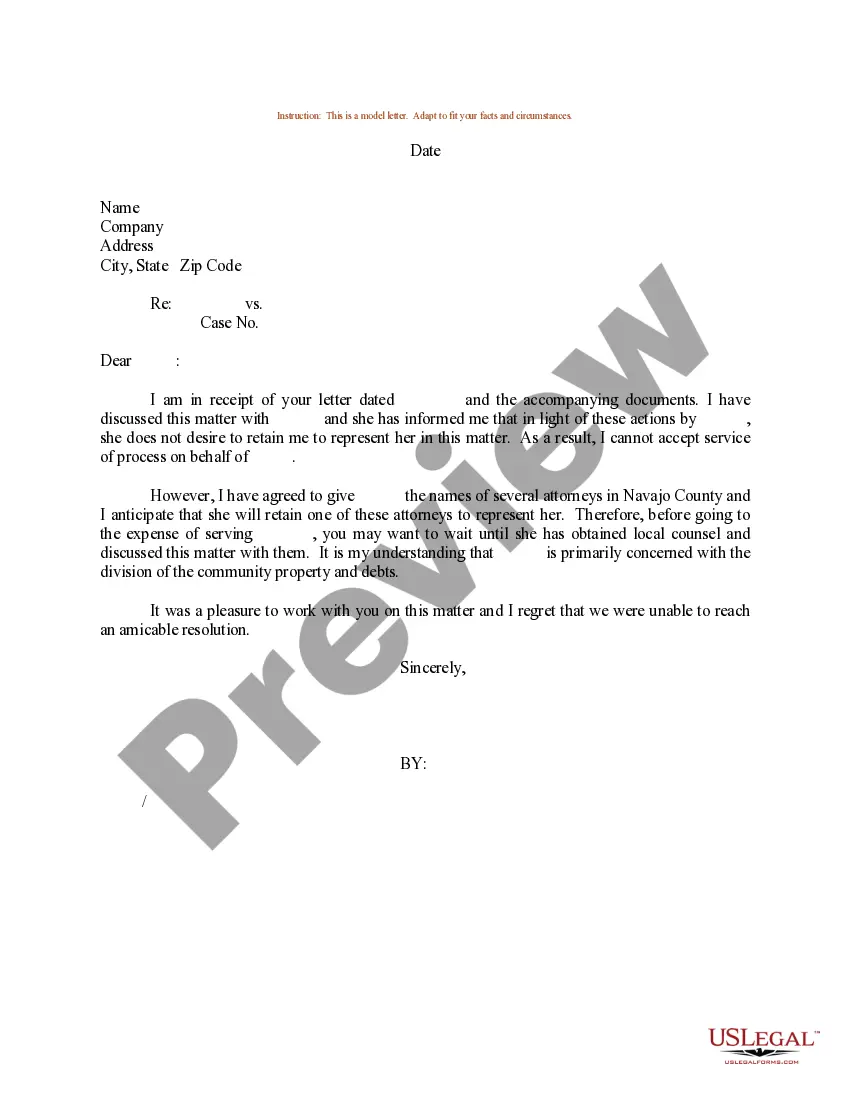
How to fill out Sample Letter For Withdrawal Of Counsel?
Managing legal documents and tasks can be a lengthy addition to your day.
Withdrawal For Personal Use and similar forms typically require you to locate them and grasp how to fill them out correctly.
Thus, whether you are addressing financial, legal, or personal issues, utilizing a thorough and user-friendly online collection of forms when necessary will be beneficial.
US Legal Forms is the leading website for legal templates, providing over 85,000 state-specific documents and various resources to assist you in completing your paperwork effortlessly.
Easily Log In to your account, search for Withdrawal For Personal Use and obtain it instantly in the My documents section. You can also revisit previously downloaded documents.
- Find the assortment of pertinent documents available with just a single click.
- US Legal Forms offers you state- and county-specific documents accessible at any time for download.
- Protect your document management processes with a premium service that enables you to create any form in minutes without additional or concealed charges.
Form popularity
FAQ
Withdrawal of any amount in cash or kind from the enterprise for personal use by the proprietor is termed as Drawings. The Drawings account will be debited and the cash or goods withdrawn will be debited.
Use an ATM Every ATM is slightly different but you simply insert your debit card, enter your PIN (personal identification number), select the account you wish to withdraw money from (if you have more than one), enter the amount and then wait for the ATM to give you your cash and a receipt.
Bank Account is a real account which represents the amount of cash balance available in the bank. By crediting the Bank Account, we reduce the cash balance available in the bank. Hence, the journal entry for cash withdrawn from bank for personal use is Drawings A/C debit, Bank A/C credit.
Business Owner's Removing Money for Personal Use If an owner withdraws $1,000 for personal use, you need to create a debit entry for $1,000 in the drawings account for the owner, such as "John Smith, Drawings" or "John Smith, Drawing Cash." A corresponding credit entry is made in the "Cash" account.
Withdrawal of any amount in cash or kind from the enterprise for personal use by the proprietor is termed as Drawings. The Drawings account will be debited and the cash or goods withdrawn will be debited.